Customer Ratings & Reviews
- Model:
- JCA366
- SKU:
- 6381214
Rating by feature
- Value
Rating 4.2 out of 5 stars
- Quality
Rating 4.3 out of 5 stars
- Ease of Use
Rating 4.3 out of 5 stars
Customers are saying
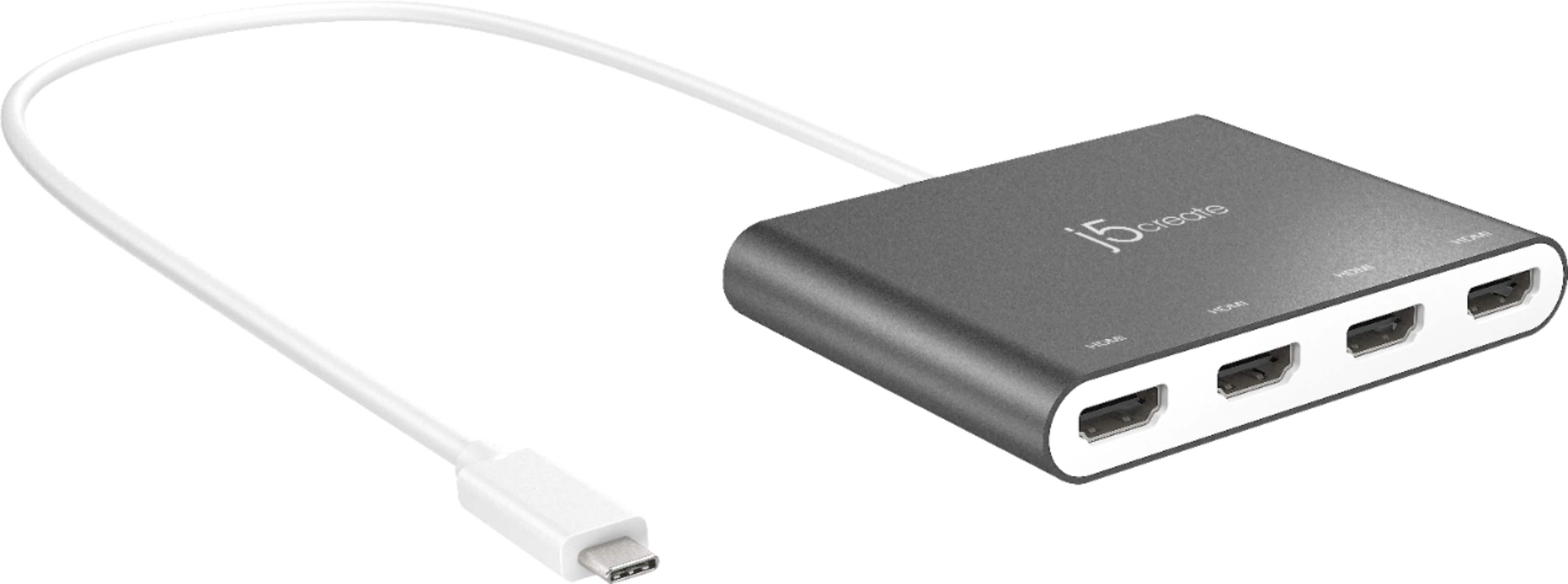
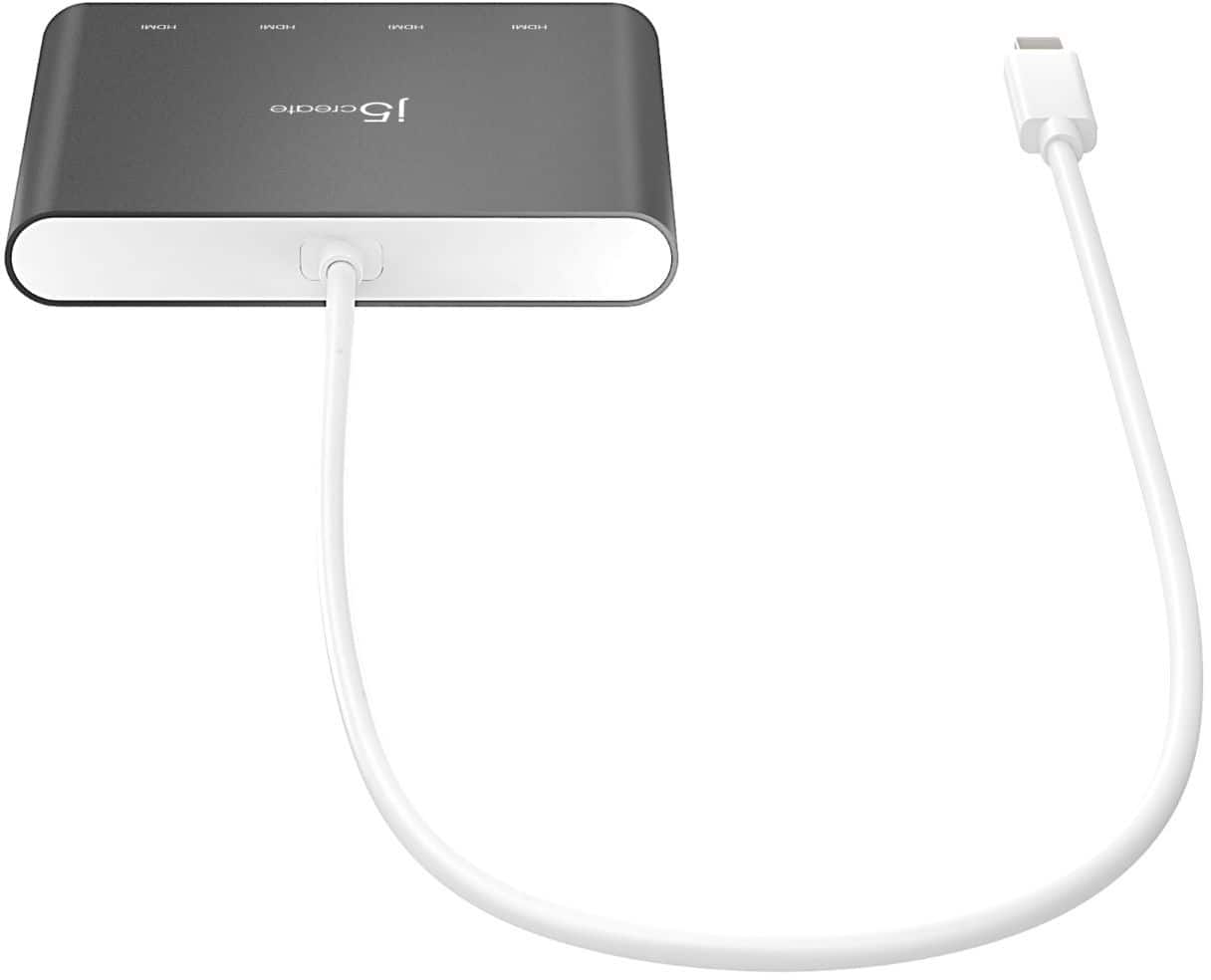
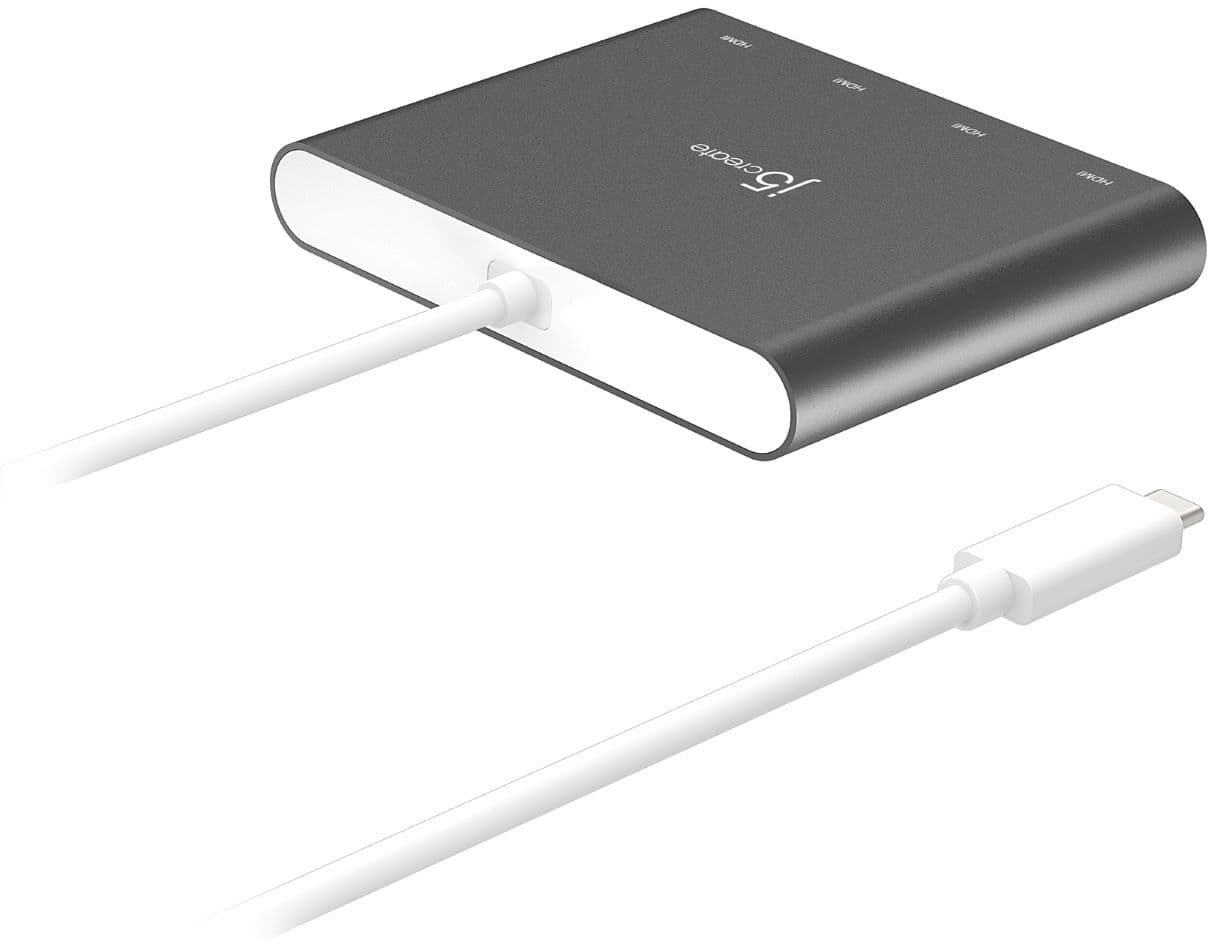
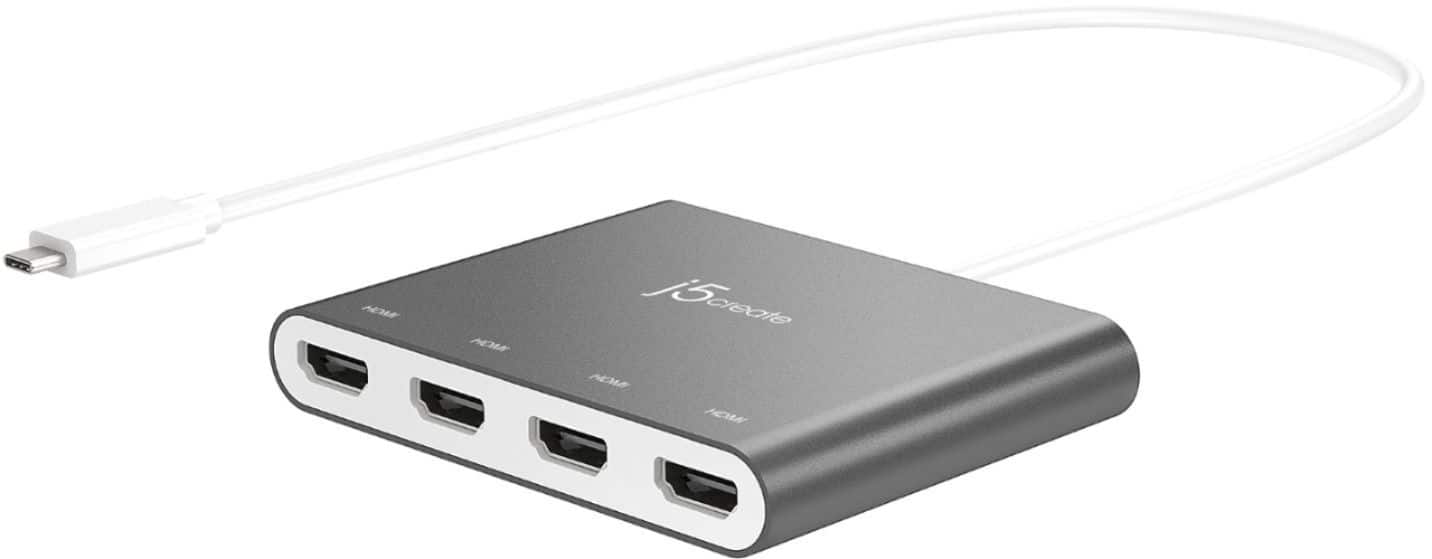
Customers value the overall performance and ease of use of the USB-C to 4-Port HDMI Multi-Monitor Adapter, as well as its HDMI capabilities and connectivity options. Some users have reported issues with heat, compatibility, driver installation, and lag. While some have noted compatibility issues with certain systems, others appreciate the adapter's compact size and reasonable price.
This summary was generated by AI based on customer reviews.
- Cons mentioned:Heat, Lag
OK but lags, gets hot, and degrades resolution.
||Posted . Owned for less than 1 week when reviewed.This reviewer received promo considerations or sweepstakes entry for writing a review.Works OK. Do not recommend. I just set up 3 monitors and used this to make it easier to hook and unhook my laptop. When my screens were hooked up to this product, there was a perceivable lag, and i don't mean for gaming, i mean just maximizing the windows. Additionally the resolution was bad. It was just barely perceivable overall when watching movies/shows and it was annoyingly obvious in certain items. For example, not sure why it happened on just this one, but the little icon on the web browser for the target website was rendering super pixelated. additionally, the adapter was really war/hot the whole time, and I wasn't really comfortable with that. I did re-install the drivers and tried trouble shooting, but nothing worked. All of these problems went away when I plugged in all three monitors (at the same time) directly to my laptop. I have a pretty robust laptop (need it for work) and it wasn't a laptop issue. I have pictures to show how the target icon was pixelated. If you are OK with a noticeable albeit tolerable lag, a hot adapter, and noticeable resolution degradation, then this might be for you - otherwise i don't recommend it.
No, I would not recommend this to a friend computer
||Posted . Owned for 1 month when reviewed.This reviewer received promo considerations or sweepstakes entry for writing a review.excellent product very useful! it helps for what I need it for!
I would recommend this to a friend- Pros mentioned:Overall performance
Multi monitor
||Posted . Owned for 1 year when reviewed.This reviewer received promo considerations or sweepstakes entry for writing a review.such a great product. now i have a desk full of screens, feel like i work for the CIA
I would recommend this to a friend - Pros mentioned:Hdmi
J5 create
||Posted . Owned for 7 months when reviewed.This reviewer received promo considerations or sweepstakes entry for writing a review.Works great for work. I am able to hook alll my mo itors up to it.
I would recommend this to a friend - Pros mentioned:Size
wonderful to connect to up to 4
||Posted . Owned for 1 year when reviewed.This reviewer received promo considerations or sweepstakes entry for writing a review.This is good to connect two to 4 screens. its is small but nice to have and travel with as well. It is good, actually great a buy.
I would recommend this to a friend - Pros mentioned:Overall performance
J5 create
||Posted . Owned for 1 month when reviewed.This reviewer received promo considerations or sweepstakes entry for writing a review.It is awesome and nice to using it. Make advanced my job
I would recommend this to a friend - Pros mentioned:Overall performance
Works better than anticipated
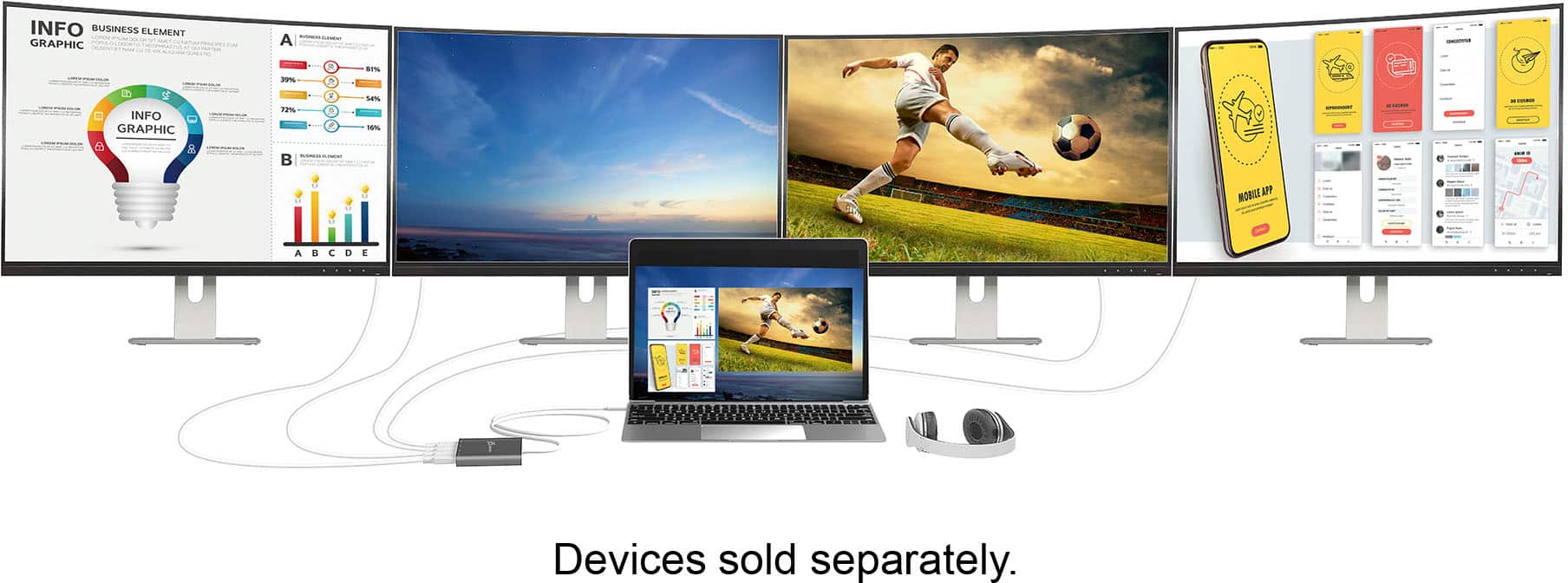
||Posted . Owned for 1 month when reviewed.This reviewer received promo considerations or sweepstakes entry for writing a review.Running four 24” Spectre monitors off an Inspiron laptop for office functions. Works great!!
I would recommend this to a friendBrand response from J5create Team
Posted .1920 x 1080 @ 60 Hz, with 1080p Video Playback.

- Pros mentioned:Ease of use
Great value and quality product
||Posted . Owned for 3 weeks when reviewed.This reviewer received promo considerations or sweepstakes entry for writing a review.I’m able to use it with my Microsoft Surface Pro and 2 other screens. It works great.
I would recommend this to a friend - Cons mentioned:Compatibility
Not compatible to M1 Mac
||Posted .This reviewer received promo considerations or sweepstakes entry for writing a review.Not compatible to M1 chip. In fact after spending an hour with j5 team they told me M1 is cap to two displays only. Now i either have to buy another splitter and figure it out or takes their words for it. Recap if you own an M1 mac this wont work.
No, I would not recommend this to a friendBrand response from J5create Team
Posted .Due to the different hardware in M1 Macs, we currently do not have compatible software. Our research and development team is endlessly working towards a work around and as soon as the drivers are available, customers on the "On-Hold" list will be notified. We sincerely apologize for the inconvenience this has caused. If you wish to be placed on the wait list, please feel free to contact the support team printed on the casing to speak with a specialist and they will be ready to help.
Thank you,
j5create
Almost perfect
||Posted . Owned for 3 weeks when reviewed.This reviewer received promo considerations or sweepstakes entry for writing a review.Since we are all working from home now, I decided to redo my workstation. I got a triple monitor mount and added an extra monitor to my work flow. I wanted to dock my Mac and just have it closed in the side. Initially this worked perfectly, until I closed my Mac to doc it. However, if you for any reason need to open the Mac, everything locks up. All in all this works, but I can’t just close my Mac and forget about it. Said computer is a MacBook Pro 2019 edition.
I would recommend this to a friendBrand response from J5create Team
Posted .Hello,
Thank you for sharing your feedback on the adapter. I was able to find several articles online regarding this issue you are encountering when opening and closing your MacBook lid. If you would like some assistance troubleshooting the j5create customer support team would be happy to assist. Our contact information is printed on the product packaging and can also be found on our website under the ‘Support’ drop down.
Cheers,
j5create
Awesome!
||Posted . Owned for 1 week when reviewed.This reviewer received promo considerations or sweepstakes entry for writing a review.They helped me a lot when I needed to check how to set it up
I would recommend this to a friendMulti Video plug
||Posted . Owned for 1 month when reviewed.This reviewer received promo considerations or sweepstakes entry for writing a review.Reliable sometimes it stop but on and off at reset.
I would recommend this to a friendStops working when it gets warm
||Posted . Owned for less than 1 week when reviewed.This reviewer received promo considerations or sweepstakes entry for writing a review.I only have two monitors plugged in and once it get warm, it stops working or freezes up the screens. I expect more for $110. I had to set it on an ice pack to get through my work day.
No, I would not recommend this to a friendBrand response from J5create Team
Posted .Hi!
It sounds like you might have a defective device. If you would contact us at the contact page on our website, we'd be more than happy to work with you on this issue and get you a unit that is functioning correctly.
Thanks,
j5create
- Cons mentioned:Compatibility, Heat
Work well but not for my initial intention
||Posted . Owned for 2 weeks when reviewed.This reviewer received promo considerations or sweepstakes entry for writing a review.I purchased this on hopes of splitting my C-type port into an additional two monitors to use with surround viewing while playing american truck simulator. It did not work. However it does work well with displaying additional monitors. I am a Twitch stream and this comes in handy. When playing my pc games I run 3 pc monitors, the laptop screen itself, and the game plays on the 65" tv which is used as a monitor. I have an additional hdmi port on the laptop itself so I could add an additional monitor if I really needed to. 6 screens may be overkill... Maybe. Oh this thing does get hot. I haven't experienced and outside from the heat yet. And lastly I had issueswith my C-type to hdmi cord in the laptop port when the pc would not recognize the monitor when it start or lose connection after the pc enters the screensaver. With this adapter I don't have those issues at all.
I would recommend this to a friendBrand response from J5create Team
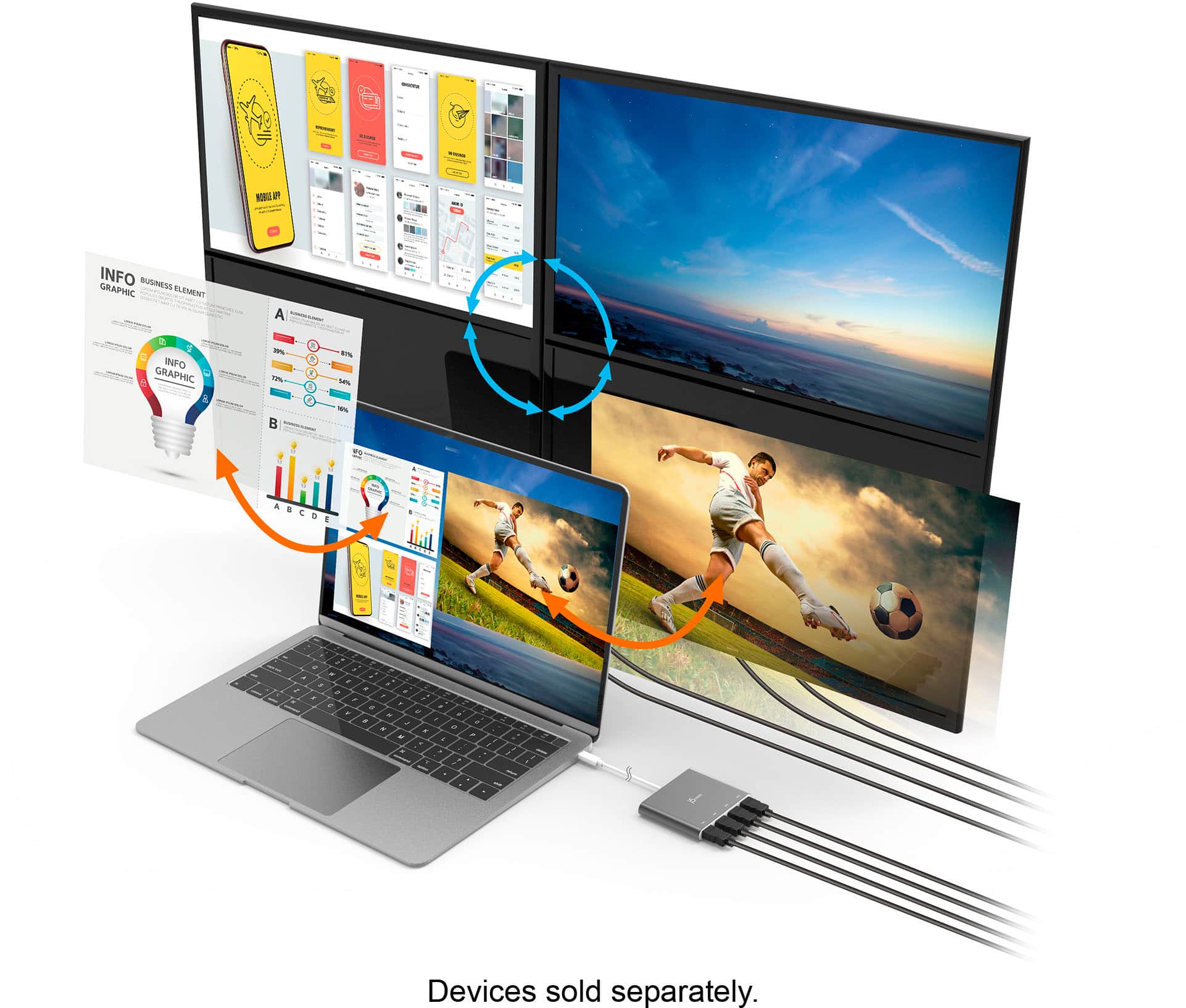
Posted .The HDMI Adapter functions as an external video card for your computer. It allows you to add four additional monitors/displays through your USB-C port. We're glad the adapter works when you are playing your PC games. Thank you for your review.
- Pros mentioned:Ease of use, Hdmi
Expand your digital horizons
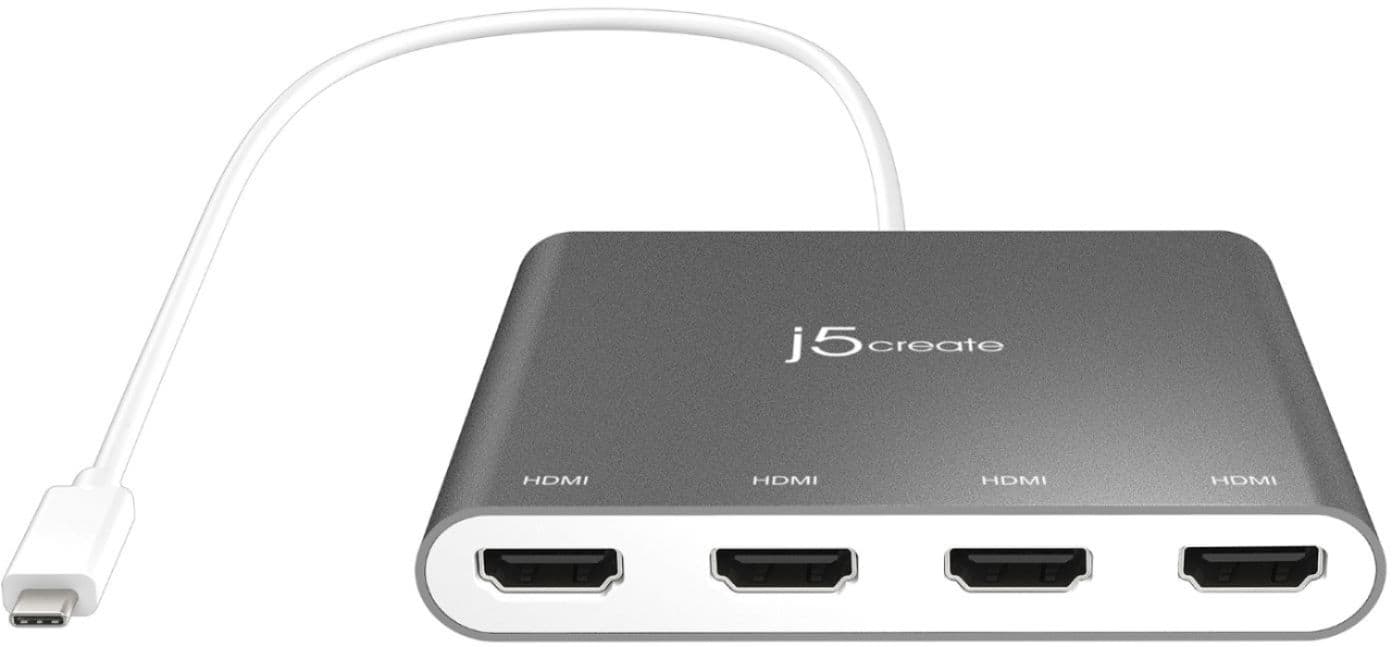
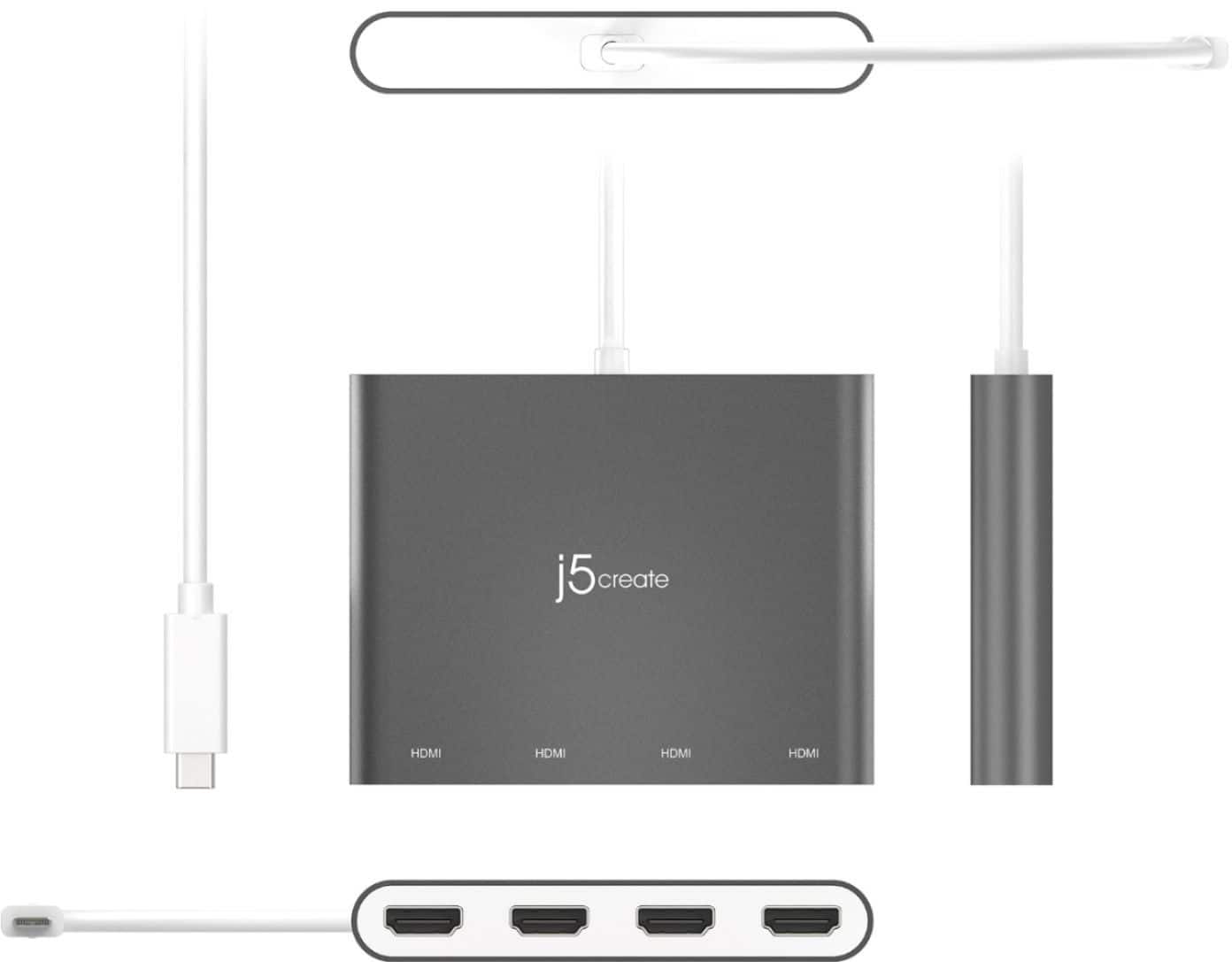
||Posted . Owned for 2 weeks when reviewed.This reviewer received promo considerations or sweepstakes entry for writing a review.Easy Setup: Setting up this adapter is a breeze. Simply plug it into your USB-C port and connect your HDMI cables. It's essentially a plug-and-play solution, making it accessible for users with varying levels of technical expertise. Multiple Displays: The ability to connect four HDMI monitors simultaneously is the standout feature of this adapter. It's a game-changer for professionals, gamers, and creatives who require an extended workspace or multiple displays for multitasking. The adapter efficiently mirrors or extends your screen across multiple monitors. 4K Resolution: The adapter supports 4K UHD resolution, ensuring that your visuals are sharp and vibrant. Whether you're streaming content, working on graphic design projects, or playing video games, the image quality is excellent. Compact Design: The adapter's sleek and compact design makes it highly portable. It doesn't take up much space on your desk, and you can easily carry it in your laptop bag.
I would recommend this to a friend - Pros mentioned:Connectivity, Ease of use, Overall performance
Fantastic quad HDMI
||Posted . Owned for 9 months when reviewed.This reviewer received promo considerations or sweepstakes entry for writing a review.I use the j5create USB-C to 4 Port HDMI Adapter Hub to add monitors to my Win 10 desktop. Super easy to install-just plug and play. The HDMI monitors were plugged in and instantly appeared in Windows. No problem getting the screens adjusted and moved to the proper places. All in all, this product is great.
I would recommend this to a friendBrand response from J5create Team
Posted .Hello Bunny, the JCA366 is great for adding multiple monitors for multi-tasking at home or work. Thank you for your positive review. Take care, j5create.
- Pros mentioned:Overall performanceCons mentioned:Heat
Great for my 4 monitor set up.
||Posted . Owned for 1 month when reviewed.This reviewer received promo considerations or sweepstakes entry for writing a review.Not gonna lie. I was skeptical on this to run my 4 monitors to my laptop but was pretty much plug and play and plugs into my computers usb-c port. As my computer does not need this port to charge this is great. It does get a little warm but have not experienced performance issues so far.
I would recommend this to a friend - Cons mentioned:Heat
I'd give it a 2nd try
||Posted . Owned for 1 year when reviewed.This reviewer received promo considerations or sweepstakes entry for writing a review.I found that this item would get hot even when my computer was shut off. Odd. I have the Jcreate with 2 hdmi ports and it works perfectly. Maybe what was delivered to me was just defective..
I would recommend this to a friend - Pros mentioned:Ease of use
Saved My Day
||Posted .This reviewer received promo considerations or sweepstakes entry for writing a review.Need a 4-monitor hub for my computer set up and was reviewing items that costed at minimum 150.00 to 350.00. Found this gem at less than 70 bucks, plug and play no extra downloads, no power source needed
I would recommend this to a friend - Pros mentioned:Connectivity, Overall performance
Pretty good for multiple monitors
||Posted .This reviewer received promo considerations or sweepstakes entry for writing a review.It is really device to connect multiple monitors. I use it daily for more than a year. It works completely fine.
I would recommend this to a friend