Customer Ratings & Reviews
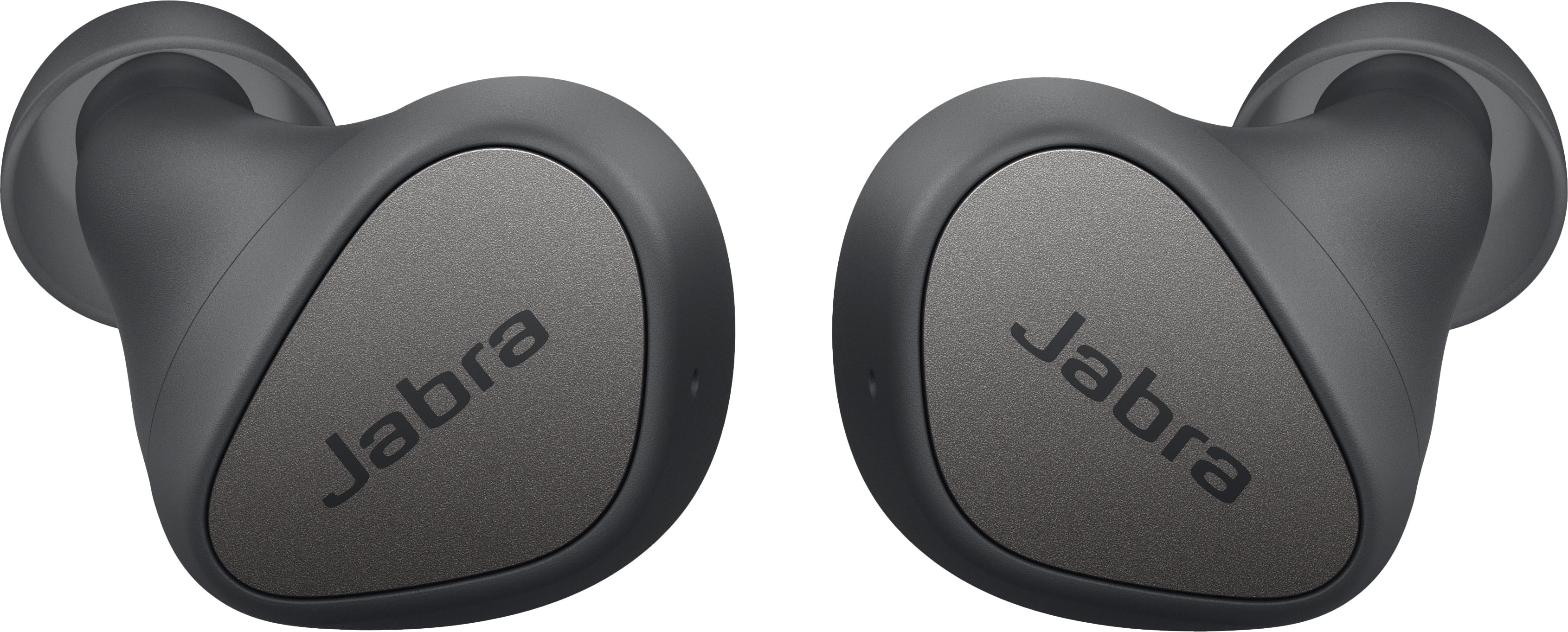
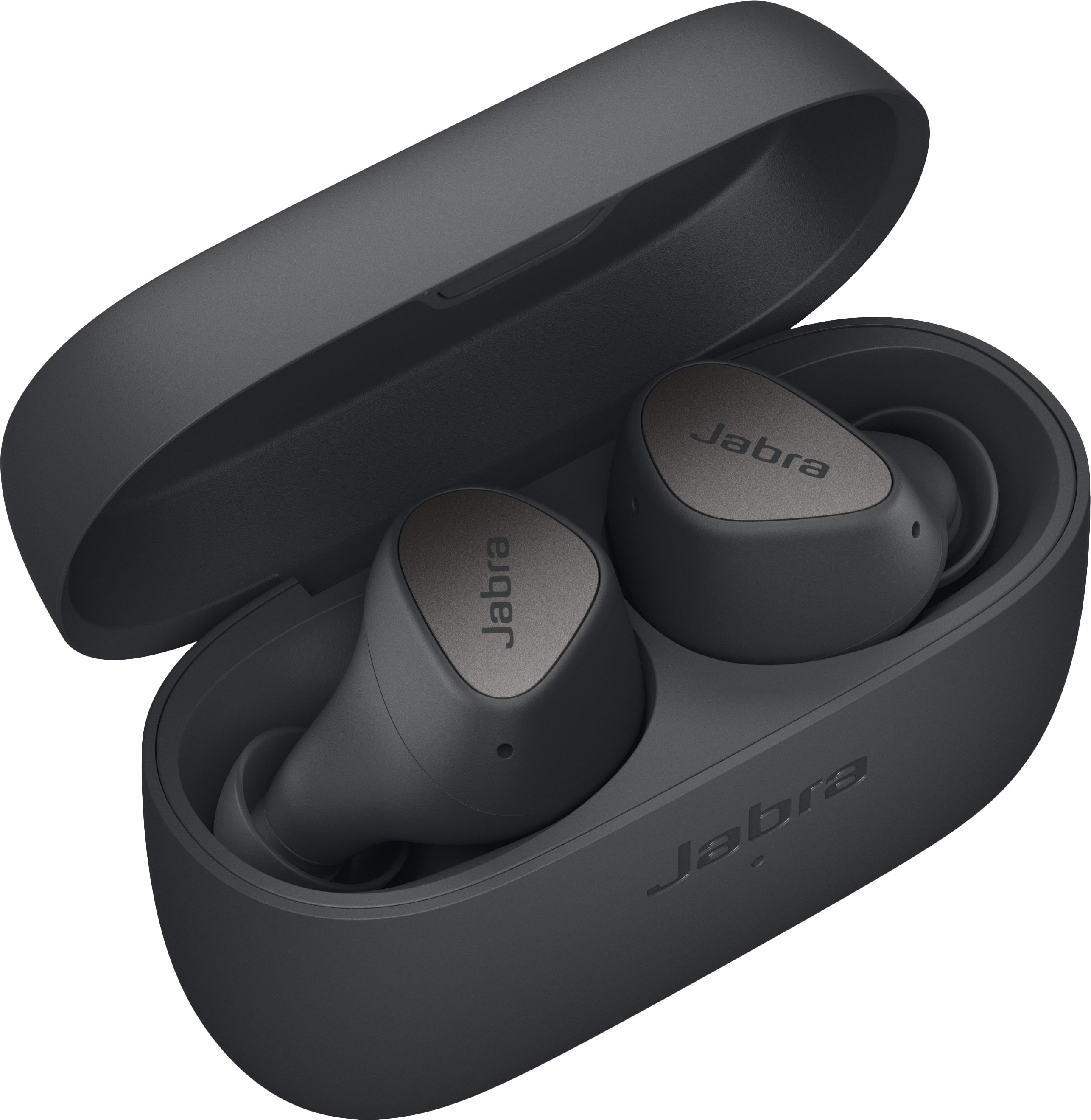
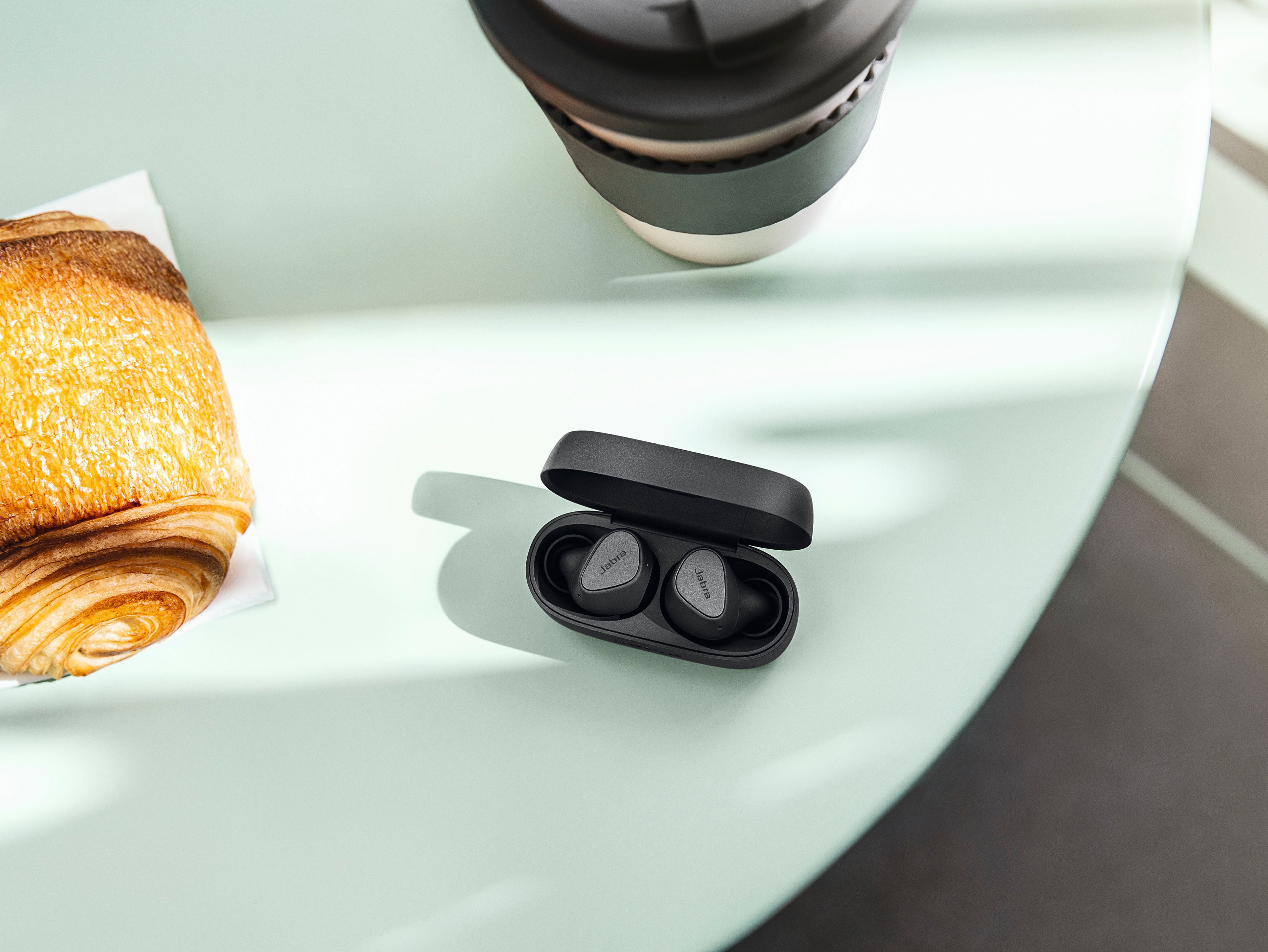


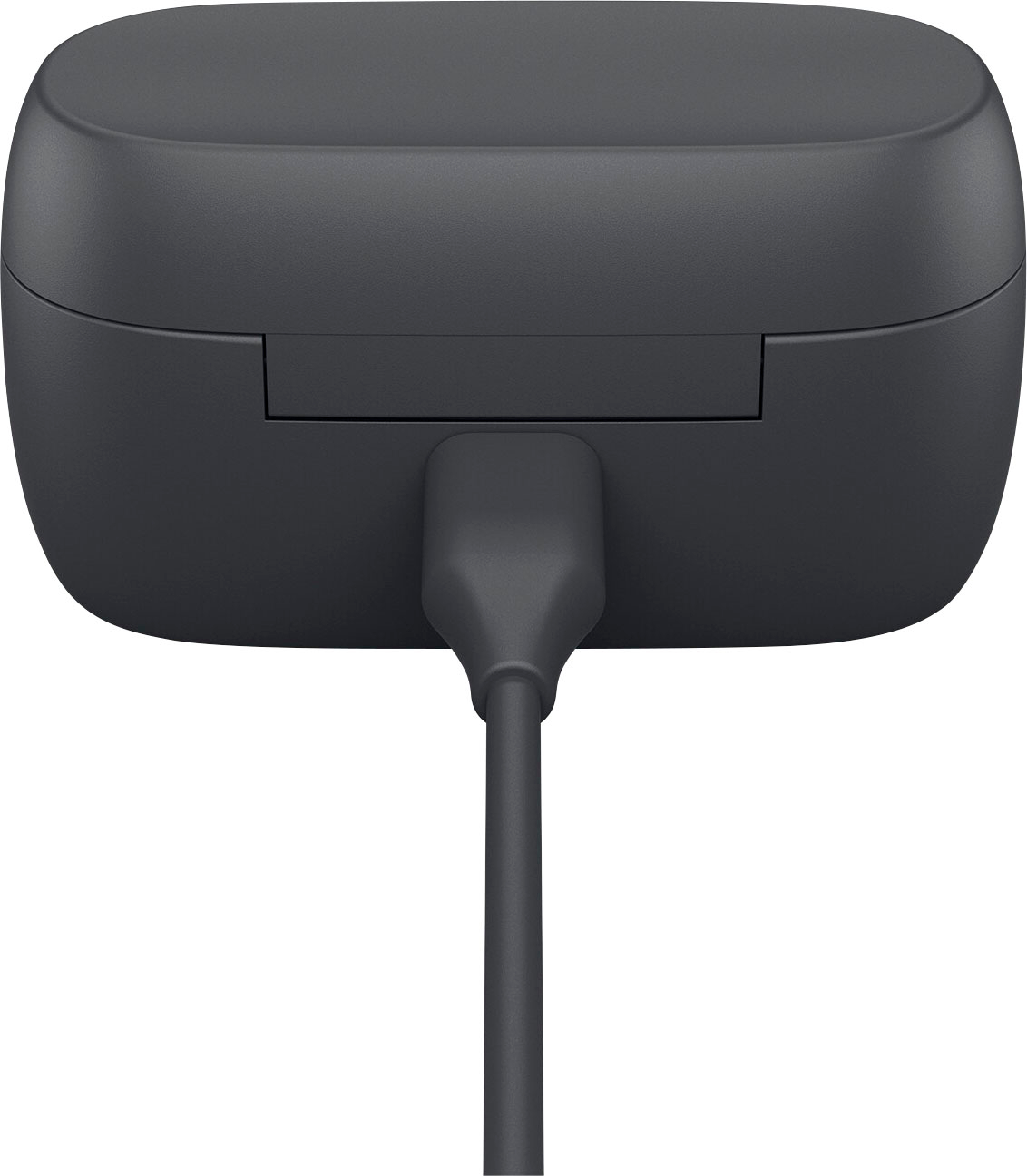

- Model:
- 100-91410000-02
- SKU:
- 6474901
Rating by feature
- Sound Quality
Rating 4.3 out of 5 stars
- Battery Life
Rating 4.4 out of 5 stars
- Connectivity
Rating 4.3 out of 5 stars
Customers are saying
Customers enjoy the Elite 3 True Wireless In-Ear Headphones for their exceptional sound quality, long battery life, and comfortable fit. Many users appreciate the great sound and noise cancellation, while others find the earbuds comfortable to wear for extended periods. The affordable price point is also a positive factor for many customers. However, some users have experienced connectivity issues, such as only one ear connecting at times, and a few have found the volume to be lacking at its highest setting.
This summary was generated by AI based on customer reviews.
- Pros mentioned:Sound quality
Too much static noise!!!
||Posted . Owned for less than 1 week when reviewed.This reviewer received promo considerations or sweepstakes entry for writing a review.This was my worst experience with jabra. Sounds is good on elite 3; however, too much static noise. If jabra can make the elite 75 works separately, I will buy a new pair. There is nothing better than the elite 75.
No, I would not recommend this to a friendBrand response from Jabra
Posted .Hello Will- Thank you for writing a review of the Jabra Elite 3. We regret to read about the challenges you are experiencing with your Jabra device. This static you are describing is certainly not expected. We hope you will contact the Jabra Support Team: https://bit.ly/3miCBtZ so that we can provide you with further possible solutions. We are also happy to hear that you are truly satisfied with your previous purchase of the Jabra Elite 75t. Your feedback is greatly appreciated and we will pass this information along to the appropriate team. Thanks again.

- Pros mentioned:Sound quality

Great fit & sound. My current choice for listening
|Posted .This reviewer received promo considerations or sweepstakes entry for writing a review.Right to it. I really like the Jabra Elite 3 earbuds. I have several other wireless headphones and earbuds, and these are either the best or right up there with the best sound of all my collection. That said, I’ll start with opening the box. The box is nice and well designed. It’s got a folding cover with a tab to lock it in place when storing the buds. Opening it up, I find the fast-charging case, the earbuds, a USBc charging cable, and the small and large cushions packaged separately. The buds have the medium ones installed. There’s plenty of information printed on the box as well as the insert. So why do I like the buds? Simply they sound great and buy design or luck, they fit my ears great right out of the box. They fit so well that I don’t constantly feel the need to touch or adjust them. They also sit so great that the noise blocking just works. I’m guessing that the great fit is why I get such good bass out of them. I did download the app from the Google Play store and set the music preset to bass boost. You can also choose to set it at neutral, speech, and treble boost. If you want, there is a hear-through option right above the presets and it is just a slide on/off switch. Also, through the app, there is a find my Jabra in case you misplace them. You can view the online manual through the same page on the app as use the Jabra Sound+ as a remote for a Jabra video conference device. For listening, I first chose Spotify and it played without issue. Sounded great and then I tried YouTube. Again, no problem. As I’m typing this, I’m listening to Iheartradio. I’ve had a few hiccups while listening to KLOS, but I believe that’s the station. I switched to KGB, and they are broadcasting a football game. The spoken word sounds great and didn’t have any hesitation. I’ve had Iheartradio give me the same problem on my home receiver and Roku, so I believe it’s the source, not the earbuds or Iheartradio. Not to beat a dead horse, the one thing I noticed is that the Jabra Elite 3 has no problem getting back to streaming when an issue occurs. Now I’m giving Pandora a try and Long Day by Matchbox 20 sounds really good through the Jabra Elite 3. I still haven’t touched them since putting them in. Oh, and I needed to walk to the kitchen from my office to grab the Jabra box and with the phone in the office, I didn’t have any issues. It streamed a good 15 feet through two sheetrock walls. Just tried calling my cell and it works great…as it should. I have the music playing at full volume on my phone and a pleasant ring played and the music stopped. I pressed the right button once (you can use either left or right) and it picked right up. You click either button twice to hang up, but I chose to end my call with my landline to see what the earbuds would do. The call ended and seamlessly fired the music back up. Really a smooth transition from listening to call to listening again. I didn’t find anything wrong with the Jabra Elite 3. The issue I ran into was in my opinion a source issue and had nothing to do with the earbuds. If someone asked me which one of my many listening devices I’d recommend, I have no problem saying the Jabra. They pair better together as well as to the Bluetooth device I’m using as well as fit my ears and sound awesome.
I would recommend this to a friend - Cons mentioned:Connection
WORTHLESS BLUETOOTH EARBUDS
||Posted . Owned for 1 month when reviewed.This reviewer received promo considerations or sweepstakes entry for writing a review.These ear buds started shutting off frequently recently. Now i cant get either one to connect. I just got them on 4/11/22 and it is now 5/15/22 and cat use them. DO NOT PURCHASE THESE
No, I would not recommend this to a friendBrand response from Jabra
Posted .We appreciate your review of the Jabra Elite 3, and we will be happy to pass your feedback on to the appropriate teams. In the meantime, if there is anything we can do, please do not hesitate to contact our Online Support Team by sending them a direct message on Facebook or Twitter. They will be more than happy to assist you. Thanks!
Jabra Beige Ear buds
||Posted . Owned for 3 weeks when reviewed.This reviewer received promo considerations or sweepstakes entry for writing a review.I purchased these because I've heard the Jabra brand is good. Unfortunately that was not the case with this item.Pros Nice look Great style and color. Cons the number of dropped calls and the sound quality was poor. It had a great price though.
No, I would not recommend this to a friendBrand response from Jabra
Posted .Hello Margot- Thank you for writing a review of the Jabra Elite 3. The challenges you are experiencing with the call and audio quality is not expected. It is nice to read that you are enjoying the nice look and overall design. We kindly suggest contacting the Jabra Support Team: https://bit.ly/3miCBtZ. We are here to provide you with the best possible solutions. Thanks again for sharing your feedback. This information is truly valuable to us.
- Cons mentioned:Connection
Bad product
||Posted . Owned for 1 month when reviewed.This reviewer received promo considerations or sweepstakes entry for writing a review.The fit is really bad, it took hours for ne to get it to connect to my phone and the sound is horrible
No, I would not recommend this to a friendBrand response from Jabra
Posted .Hello TanyaS- Thank you for reviewing your experience with the Jabra Elite 3. We are sorry you are dissatisfied with the device's fit, audio quality, and connectivity. Concerning the Jabra Elite 3 connectivity, we expect the Elite 3 to go into pairing mode the first time you take the earbuds out of the charging case. For future reference, you can use these instructions to pair your Jabra Elite 3 to your iOS or Android smartphone or tablet: https://www.jabra.com/supportpages/jabra-elite-3/100-91410700-98/faq/How-do-I-pair-my-Jabra-Elite-3-with-my-mobile-device. We believe the Jabra Elite 3 maintains a nice balance between the audio's highs, mids, and lows. To get the best possible audio quality with your Elite 3, we recommend making sure your earbuds are placed correctly in your ears. Check our support page to make the proper adjustment: https://www.jabra.com/supportpages/jabra-elite-3/100-91410700-98/faq/How-do-I-get-the-best-fit-with-my-Jabra-true-wireless-earbuds. Ensuring you have the best fit with the eargels on your Jabra Elite 3 earbuds is also vital for making the most out of your earbuds' Passive Noise Cancellation function. A snug fit will create a seal around the outside of your ear canal, preventing ambient noise from getting into your audio stream. Furthermore, we strongly encourage you to check out our support article, which details our helpful tips and tricks on how to get the best possible audio quality with your Jabra Elite 3: https://www.jabra.com/supportpages/jabra-elite-3/100-91410700-98/faq/How-do-I-achieve-the-best-sound-with-my-Jabra-true-wireless-earbuds. Please do not hesitate to contact us if you have any other questions or concerns about your earbuds: https://www.jabra.com/supportpages/jabra-elite-3/100-91410700-98/contact-support. We are always here for you!
No
||Posted .This reviewer received promo considerations or sweepstakes entry for writing a review.The audio quality is fine but when you have them in your ears but aren't listening to anything, the ambient noise is very tinny, as though you were listening to everything through a funnel or tin can pressed against a wall. Also these won't pair with my laptop. That's a deal-breaker. These will be returned. I don't like the way volume is controlled either (by pressing and holding the button, as opposed to a simple press and release), but the weird tinny sound & refusal to pair with my laptop are enough for me to return these.
No, I would not recommend this to a friendBrand response from Jabra
Posted .Hello Brian7- Thank you for taking the time to write a review on this platform. We are sorry to learn that you are unsatisfied with the HearThrough feature of your Jabra Elite 3. Regardless, we are happy to hear that you enjoy the audio quality and we appreciate your feedback regarding the multifunction buttons. We will certainly pass this information along internally. We apologize for any inconvenience but the Jabra Elite 3 is designed to pair with smartphones and tablets. These details can be found online at the Official Jabra Elite 3 support page: https://bit.ly/3AQxRVl. If you have any questions or concerns, please contact Jabra Support: https://bit.ly/3miCBtZ. We are always here to help you.
bad mic
||Posted . Owned for 1 month when reviewed.This reviewer received promo considerations or sweepstakes entry for writing a review.I was buying these cuz of the mic, but unless you're holding the earbud right next to your mouth, noone can hear you. I do not recommend.
No, I would not recommend this to a friendBrand response from Jabra
Posted .Hello Tanya - Thank you for taking the time to review the Jabra Elite 3. We regret to hear your experience with the mic while on phone calls. True wireless earbuds perform well for music and calls in many different environments. However, the design and wearing style of the earbuds, with the microphones located in your ears rather than next to your mouth, may in some situations present a challenge picking up your voice or filtering out background noise, compared with Jabra products that have a different design and wearing style. Other Jabra products may offer higher levels of noise reduction on the receiving end of a call because the microphones are placed closer to the mouth, for example in a boom arm or on a cord. For best results, please make sure that the firmware of your Jabra Elite 3 is up to date. Once again we thank you for taking the time to review the Jabra Elite 3.
- Pros mentioned:Sound quality
Rich Bass, Great Noise Isolation
|Posted .This reviewer received promo considerations or sweepstakes entry for writing a review.I have been using the Jabra Elites all day. I really like these earphones. The matte black color makes them look premium (and gives you a color that the fruit company doesn't support). The compact case is nice, and the earphones connect magnetically so they stay secure. The Jabra Elites paired easily with my iPhone. The audio quality is great. The bass is very rich but what really jumped out is that the noise isolation is super impressive. I think it's because the Jabra design is better, not just in your ear canals but the outer ear canal? Jabra does ship the Elites with extra ear tips (small, medium, large). The default worked for me. Also in the box is a USB C cable - love that these charge over USB C, it's the way of the future! Voice call quality is great, making test calls, no one could fault the audio. Overall, a great set of earphones that will serve me well.
I would recommend this to a friend - Cons mentioned:Connection
Did not work
||Posted . Owned for 4 months when reviewed.This reviewer received promo considerations or sweepstakes entry for writing a review.Could not connect to anything. Too back to Best Buy, they had the same issue. They were replaced. The new pair works wonderfully.
I would recommend this to a friendBrand response from Jabra
Posted .Hello - Thank you for taking the time to write this review. We are sorry to hear that you experienced challenges with your Jabra Elite 3. We are happy to learn that the new device is working wonderfully. If you need further assistance, please contact our Product Support Team: https://bit.ly/2XzY09p.
- Pros mentioned:Sound quality
Excellent earbuds that won't break the bank
|Posted .This reviewer received promo considerations or sweepstakes entry for writing a review.Jabra makes my favorite earbuds so far, the Elite 85T, and while I love them, I also recognize that a price tag north of $200 doesn’t exactly put them in the budget category. Jabra has addressed this with the new Elite 3 earbuds. These don’t offer active noise cancellation and have less customization available in the app, but they are a very solid offering, and for some people, may be all they need. Speaking of noise cancellation, Jabra markets their “passive” noise cancellation, which is just what you get when you stick something in your ears. Getting a good seal does block out a good deal of noise, but there’s no comparison to ANC, so if that’s what you need, these won’t do the trick. I compared these to my 85Ts while mowing the yard, and there’s just no substitute for ANC. Surprisingly, I was able to hear my podcast over the engine of the mower, so it actually does a pretty good job, but it wasn’t nearly as enjoyable as having ANC. At this price point, that’s not really a criticism, as the Elite 3 earbuds are good in so many ways. Setting up the Elite 3 is easy, just like most wireless earbuds these days. Since I already have the 85Ts, I just needed to update my Jabra Sound+ app to recognize the new Elite 3 earbuds. I had hoped that most of my settings would just carry over to the new buds, but that is not the case. Obviously, ANC settings do not apply, but I really wanted to use my custom EQ settings. Unfortunately, we’ll just have to make do with a few presets. The good news is that the Elite 3 earbuds sound very good. Jabra introduced an oval ear gel shape with the 85T and I really liked it. The Elite 3 goes back to a more traditional round shape, but that’s partly because there is no active noise cancellation, so you have to rely on passive noise reduction, which is achieved by a good seal in the ear canal. These buds are quite comfortable, and I was able to use the tips right out of the box. These are quite a bit smaller than previous offerings (probably because they don’t have ANC), and that means they don’t stick out of your ears as much. This is a good thing, and helps to keep them in place. I never felt like they were ever in any danger of falling out. They’re smaller and lighter than most others, and that is a very welcome change. Jabra continues to go with physical buttons, and these are better than ever. They’re easier to push than those on the 85T, and I like them much better than touch controls, which just end up being frustrating and annoying. The Jabra Elite 3 focuses on no-frills sound, and they’ve done a great job with that. In my experience, true wireless earbuds less than $80 tend to have a muddy sound signature. Not bad, just not clean. The Jabra Elite 3 has as very clean and clear sound that is a little bright, which I personally prefer. Together with their bass boost preset, this provides a very good-sounding set of earbuds. Just like in previous models, Jabra included their “hear through feature, which uses microphones to let you hear the sounds around you. I like Jabra’s implementation of this technology, as it provides you with awareness of your surroundings without being annoying. I’m disappointed that more options aren’t available in the app, but maybe those will be added later. Currently, you can set the behavior of the buttons, turn on/off the “hear through” feature, and choose an EQ preset. Calls sound surprisingly good, even at this low of a price point. In a direct comparison with my 85Ts, I couldn’t discern a difference. With an IP55 moisture rating (up from the IPX4 rating of the 85T), you don’t have to worry about getting caught in the rain when you’re out for a walk. Together with the lower price, I felt less concerned about running into inclement weather. Perhaps it’s a cost-cutting measure, but the Elite 3 does not include the AAC codec that is used by Apple. Unlike the 85T, which has AAC, these feature AptX, which should make them sound even better on an Android phone. Even without AAC, these sounded really good with my iPhone, but I wish they had support for AAC. If you’re looking for a solid pair of earbuds that won’t break the bank but still deliver excellent performance, do yourself a favor and check these out. In some of my other reviews, I’ve lauded JLab for the myriad of features they pack into their low-cost buds. That is true, but for pure sound quality, the Jabra Elite 3 can’t be beat at this price.
I would recommend this to a friend - Pros mentioned:Battery life, Sound quality
Jabra Elite 3 earbuds
|Posted .This reviewer received promo considerations or sweepstakes entry for writing a review.The new Jabra Elite 3 earbuds are controlled by the Sound+ app. The sound quality on the phone is quite good. Playing music is excellent, the sounds are clear and crisp. The total adjustability of the Jabra Elite 3 is the same as past models all done through the app. The standard Jabra signals are used to raise and lower the volume and control playback and answer the phone. I like the Hear Through feature, it allows you to also hear what’s going on around you or not. You can also use just 1 earbud at a time. leaving the other one in the charger turns it off. Battery life is good and the case acts as a charger when the buds are inserted. All in all, I find this version superior to the older version I was currently using. The audible beep confirms a button was pushed. The app After updating the app to the newest release, upon energizing the earbuds the app located and began installing the earbuds. Installation was quick and easy. You can control the music playback easily with preset buttons. You turn Hear Through on or off in the app also. There is also access to the user’s manual. The find my Jabra button is new to me. After setting it up it records the location of the headset. While no exact it did show address at which the earbuds were disconnected from the app. The app also supports Voice assistant for Spotify. If you are looking for an excellent wireless headset, I suggest the Jabra Elite 3. I would recommend the Jabra Elite 3 headset to family and friends.
I would recommend this to a friend Great but defective. Best buy not cooperative
||Posted . Owned for 2 weeks when reviewed.This reviewer received promo considerations or sweepstakes entry for writing a review.Ear buds worked good for 14 days. There is a crease down the side that causes a sore inside the ears, if you have small ears. Day 15, end of return period, one stopped working. Can't make it to local store and beer buy will not extend return period by one day. Can't recommend best buy or these ear buds!
No, I would not recommend this to a friendBrand response from Jabra
Posted .Hello Kimbertos, thank you for writing a review. This is not expected of the Jabra Elite 3. We apologize for any inconvenience this has caused. We kindly suggest contacting the Jabra Support Team: https://bit.ly/2xbNtEb. We will gather more information and provide you with further possible solutions. We are here to help!
Not so great
||Posted . Owned for 2 weeks when reviewed.This reviewer received promo considerations or sweepstakes entry for writing a review.This is not so great for the price. The sound is like an am radio.
No, I would not recommend this to a friendBrand response from Jabra
Posted .Hello Samsungrange- Thank you for reviewing the Jabra Elite 3. We are sorry you are dissatisfied with the Elite 3's audio quality. To get the best possible audio quality with your Jabra Elite 3, we encourage you to ensure you have the proper fit with your earbuds. Having the right fit will ensure the eargels create a seal around the outside of your ear canal to prevent any of your audio from leaving your ears. Please check out our Jabra Elite 3 fit guide here: https://www.jabra.com/supportpages/jabra-elite-3/100-91410700-98/faq/How-do-I-get-the-best-fit-with-my-Jabra-true-wireless-earbuds. You are more than welcome to contact us for more help if needed: https://www.jabra.com/supportpages/jabra-elite-3/100-91410700-98/contact-support.
- Pros mentioned:Sound quality
Disappointed
||Posted . Owned for 1 month when reviewed.This reviewer received promo considerations or sweepstakes entry for writing a review.Not a good buy at all ..The sound was great for music but to talk no one could hear me
No, I would not recommend this to a friendBrand response from Jabra
Posted .Hello, thank you for taking the time to share this information. We are truly sorry to hear about the trouble with your Jabra Elite 3. We suggest reaching out to the Jabra Support Team: https://bit.ly/2xbNtEb. We would like to gather details and provide you with the best assistance. We want to make sure that you are having a great experience with your Jabra device. Thanks again!
- Cons mentioned:Connection
Not for me.
||Posted . Owned for 1 week when reviewed.This reviewer received promo considerations or sweepstakes entry for writing a review.The right ear didnt work. The one that does work kept getting disconnected. I have returned this item.
No, I would not recommend this to a friendBrand response from Jabra
Posted .Hello Sandy- Thank you for taking the time to purchase the newly released Jabra Elite 3 and sharing a review regarding your experience. It is unfortunate that you had some trouble with your Right Earbud. This is certainly not what you should expect and we apologize for any inconvenience this has caused. In the future, we recommend contacting the Jabra Technical Support Team: https://bit.ly/3miCBtZ. We are here to help and provide you with a solution. Regardless, this information is greatly appreciated. Thanks, again!
Bad Product
||Posted . Owned for 1 month when reviewed.This reviewer received promo considerations or sweepstakes entry for writing a review.These earbuds stopped working on the left side after 45 days. The time period to return was just 15 days. I am very disappointed about this. My son really like them at first. He is meticulous about taking care of them, so it was the product that was defective.
No, I would not recommend this to a friendBrand response from Jabra
Posted .Hello PatriciaM - We are very sorry to learn about your experience with your Jabra Elite 3 and invite you to contact our Product Support Team for further assistance. You can call us at 800-327-2230 or complete the webform found on our site at:
https://www.jabra.com/supportpages/jabra-elite-3/100-91410700-98/contact-support
Thank you.
Left earbud stopped working
||Posted . Owned for 7 months when reviewed.This reviewer received promo considerations or sweepstakes entry for writing a review.These are the third pair of Jabra wireless earbuds I've bought (Jabra 65t and 75t) and all three of them have had the exact same issue, the left earbud eventually stops working. Will not buy any other Jabra headphones.
No, I would not recommend this to a friendBrand response from Jabra
Posted .Hello Chuck - We are sorry to learn that you are having this experience with your Jabra Elite 3 and invite you to contact our Product Support Team for assistance. Contact details can be found on our website at:
https://www.jabra.com/supportpages/jabra-elite-3/100-91410700-98/contact-support
Thank you.
- Cons mentioned:Pairing
Boo
||Posted . Owned for 1 month when reviewed.This reviewer received promo considerations or sweepstakes entry for writing a review.Couldn’t pair my phone at all with these headphones
No, I would not recommend this to a friendBrand response from Jabra
Posted .Hello, thank you for taking the time to share this information. We are truly sorry to hear about the challenge with your Jabra Elite 3. We suggest reaching out to the Jabra Support Team: https://bit.ly/2xbNtEb. We would like to gather details and provide you with the best assistance. We want to make sure that you are having a great experience with your Jabra device. Thanks again!
quit working
||Posted . Owned for 2 months when reviewed.This reviewer received promo considerations or sweepstakes entry for writing a review.they worked well for about a month then one of the buds quit working
No, I would not recommend this to a friendBrand response from Jabra
Posted .Hello DanielleS - Thank you for writing a review. We are sorry to learn about the trouble with your Jabra Elite 3. This is certainly not expected. We kindly suggest reaching out to our Product Support Team: http://www.jabra.com/support. We are here to help!
bluetooth earbuds-Jabra
||Posted . Owned for 2 weeks when reviewed.This reviewer received promo considerations or sweepstakes entry for writing a review.These were uncomfortable in my ears and bigger than I thought. I returned them.
No, I would not recommend this to a friendBrand response from Jabra
Posted .Hi there- We are sorry to read that you have returned your Jabra Elite 3. It is also unfortunate that you experienced trouble finding a comfortable fit. In the future, we recommend mixing and matching the included accessories. You may also contact the Jabra Support Team: https://bit.ly/3miCBtZ. We are here to provide you with the best possible solutions. Regardless, your feedback is truly appreciated. Thank you for taking the time to write a review. We will pass this information along to the appropriate team.