Customer Ratings & Reviews

- Model:
- SB250
- SKU:
- 5141201
to a friend
Customers are saying
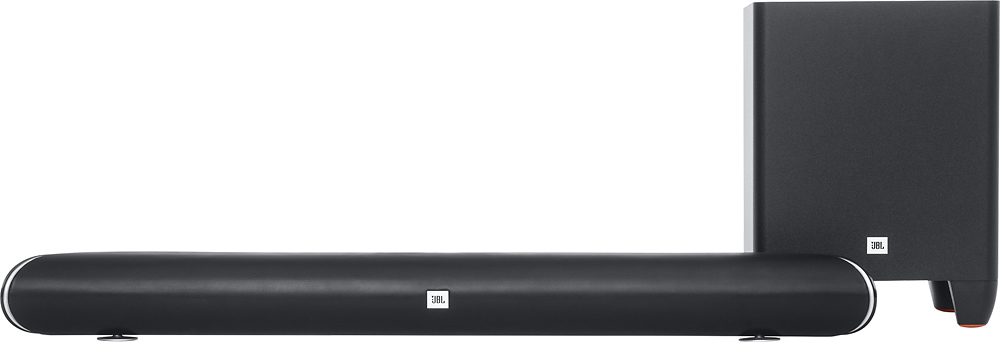
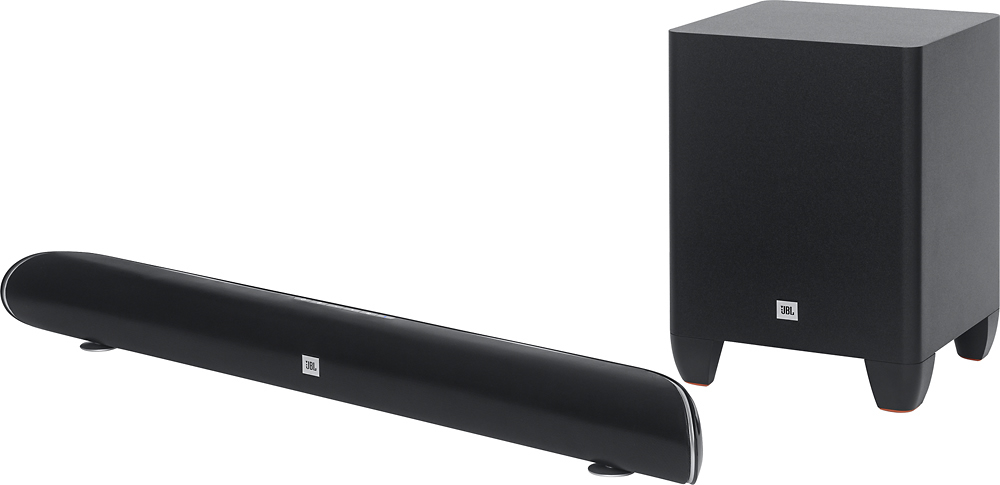
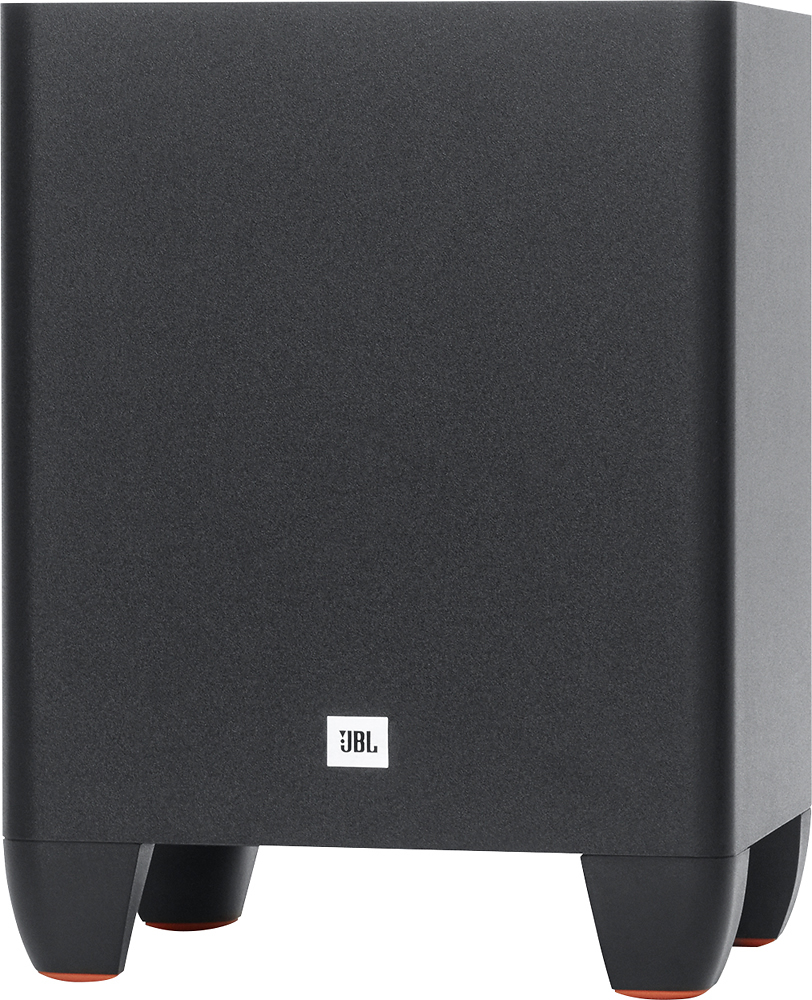
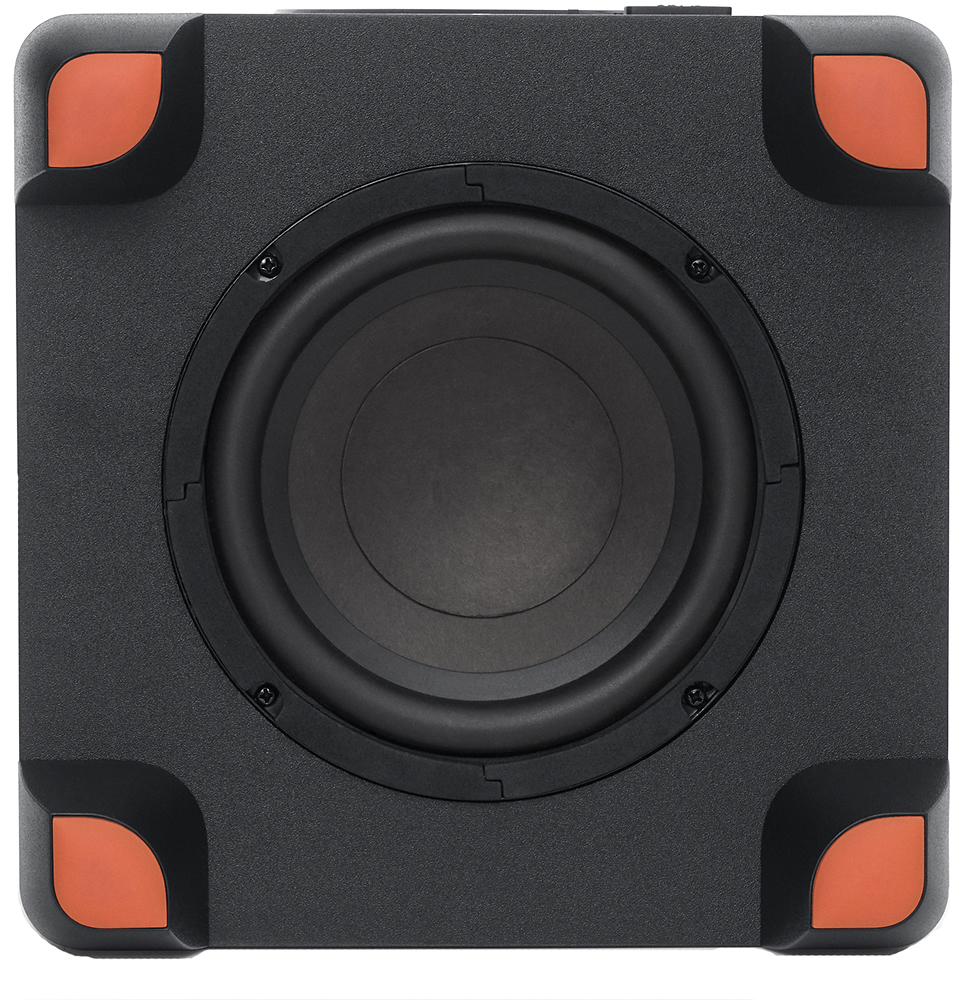
Customers are satisfied with the sound quality, easy setup, Bluetooth connectivity, and compact size of the Cinema Soundbar System with 6-1/2" Wireless Subwoofer. They appreciate the deep bass it produces and the convenience of its wireless subwoofer. However, some customers have expressed concerns about the remote control and pairing issues.
This summary was generated by AI based on customer reviews.
- Pros mentioned:Sound quality
So far so good
Posted .This reviewer received promo considerations or sweepstakes entry for writing a review.Ive had this for 2 days now. Bought this for $170 as an open box item in the store. Took me some time to connect it to my TV, but this is great. The sound is amazing and the subwoofer gives you great bass. The soundbar is much louder and clearer than my TVs speakers. Would recommend this to anyone.
I would recommend this to a friend - Cons mentioned:Remote control
Jbl 250 sound bar very weak remote
Posted .This reviewer received promo considerations or sweepstakes entry for writing a review.I got the jbl250 SOUND bar, the remote hardly works from any angle, changed the cr25w5 battteries many times with new in hope it would've been the batteries, but it's not... Move about 15 ft away from sound bar, the remote becomes useless... Dont buy this system, waste of money.
No, I would not recommend this to a friend - Cons mentioned:Remote control
I'm very disappointed with JBL
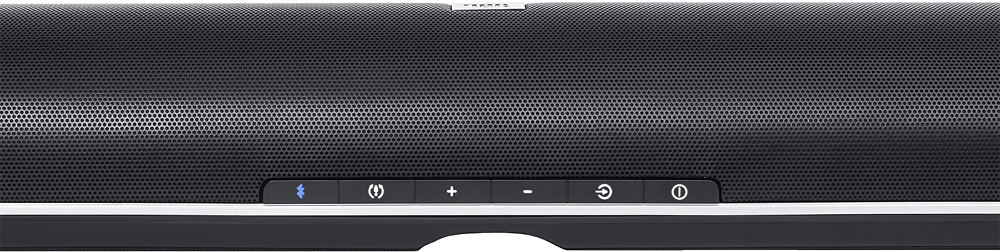
Posted .This reviewer received promo considerations or sweepstakes entry for writing a review.I have a small JBL speaker which I always take with me when I leave the house. I'm very pleased with it so I decided to buy a sound system of the same company. The sound system has a beautiful appearance and high-quality design. Very good packaging that can protect the system from bumps. On this dignity ended. The first thing I did not like was the instruction. I could not pair the system and the sab when I did everything according to the instructions. I managed to do this when I pressed the Bluetooth button. But the instruction did not say anything about it. The second is a horrible and disgusting remote. It is very small and the buttons are also small and located unsuccessfully. When you need to adjust the volume, you get a finger on the bass adjustment and versa. Separately, I will tell you about the quality of sound and bass. If you want to watch just TV, then the sound quality is suitable, but for listening to music the sound quality is satisfactory. The system can not reproduce a wide tone range. I was impressed by the poor quality of the bass. Many people in their reviews simply admire the bass, but they probably never had a good sound system. Bass are audible only at high volume and still poor. I live in apartments and I have a small room so I always use a low volume. Bass is almost not audible at all. When I connect the phone and listen to music, then the bass slightly more, but still poor. I have a sound system for my computer (I will not name the company) from which I never turn on the bass for a maximum, because the bass is so strong that they beat on my ears. I'm very disappointed with JBL and I'm going to return the system back to the store.
No, I would not recommend this to a friend Amazing Product
Posted .This reviewer received promo considerations or sweepstakes entry for writing a review.I bought mine yesterday been sunday the 12/18/2016. I was so much happy with the sound and also the faster connection of the bluetooth. So far i have no regret or concern. It works perfect to for me and i will highly recommend it to anyone. The price is okay to. I save $50 from the regular price.
I would recommend this to a friend- Pros mentioned:Sound quality
Two bad units
Posted .This reviewer received promo considerations or sweepstakes entry for writing a review.Went through two units where both had probables with the sub not working properly. There was constant popping and times where the audio signal was dropped. The unit sounded great when it worked and I can't believe that this is a constant problem with all units which is why I give it two stars. If it worked properly it would be 5 stars.
No, I would not recommend this to a friendBrand response from JBL Support
Posted .Thank you for taking the time to provide us with your feedback. Please change the settings in your source unit to PCM digital audio output. This should eliminate the popping noise. If this doesn't help, please reset the SB250. Switch the soundbar ON, then press the volume - ( minus ) and surround buttons at the same time for 5 seconds. Now the device is reset.
If the issue still persists, please submit a case request at www.jbl.com/support-contact.html and the Customer Service team will be more than happy to further assist you.
Cant Beat JBL
Posted .This reviewer received promo considerations or sweepstakes entry for writing a review.Cant beat JBL quality in a soundbar for the price.
I would recommend this to a friendGOOD SOUND BUT CUTS OUR
Posted .This reviewer received promo considerations or sweepstakes entry for writing a review.Bought this open box online missing mounting bracket!! Unit has great sound good bass, however unit randomly cuts out while watching tv or movie and while listening to music pandora etc.... this occurs when the sound is low not the volume. when sound increases it's fine.
I would recommend this to a friendBrand response from JBL Support
Posted .Thank you for taking the time to provide us with your feedback. What you are experiencing is not normal. It is possible that what you are experiencing is due to the SB250’s power saving feature. It is auto sensing and will turn off if no audio signal is detected for approximately 10 minutes. So, if you have the volume on the SB250 cranked up, and the volume on your source device set really low, it is very possible that the SB250 is not seeing enough of an audio signal to know to stay on. Please try turning the volume on the SB250 down a bit, and then crank up the volume on your source device to get to the level you desire. This will send a signal to the SB250 and it should stay on without any issues.
If this doesn't help, please submit a case at www.jbl.com/support-contact.html and the Customer Service team will be more than happy to further assist you.
Good for a small to medium room
Posted .This reviewer received promo considerations or sweepstakes entry for writing a review.For the sub to be so small it hit some pretty low frequencies.
I would recommend this to a friendBroke after about 1 year
Posted .This reviewer received promo considerations or sweepstakes entry for writing a review.HDMI output died making it useless.... when it worked wasn't nearly as good as some of the ones out there. Have a Bose downstairs in the house now that blows it away.
No, I would not recommend this to a friendSounds hollow and under powered
Posted .This reviewer received promo considerations or sweepstakes entry for writing a review.This Bluetooth system doesn't pair well. When I got it to pair, which took all day it sounded hollow and under-powered. Don't waste your time or money with this system.
No, I would not recommend this to a friendBrand response from JBL Support
Posted .Sorry to hear if you were not satisfied with our product. Please perform one these steps to possibly fix the issue:
-Move the sub closer to the SOUNDBAR for testing and see if the signal picks up.
-Turn off any wireless routers or devices that run on 2.4ghz signals, such baby monitors, cordless phones, etc. and test to see if the subwoofer connects.
-Test with a movie or music with a lot of action scenes or bass. If it's just dialogue, you may not hear the subwoofer.
- Reset the SB250. Switch the soundbar ON, then press the volume - ( minus ) and surround buttons at the same time for 5 seconds. Now the device is reset.
If none of these things work, please submit a case at www.jbl.com/support-contact.html and the Customer Service team will be more than happy to further assist you.