Customer Ratings & Reviews

- Model:
- JBLQUANTUM400BLKAM
- SKU:
- 6408569
Rating by feature
- Value
Rating 4.2 out of 5 stars
- Quality
Rating 4.1 out of 5 stars
- Ease of Use
Rating 4.6 out of 5 stars
Customers are saying
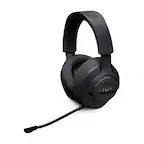
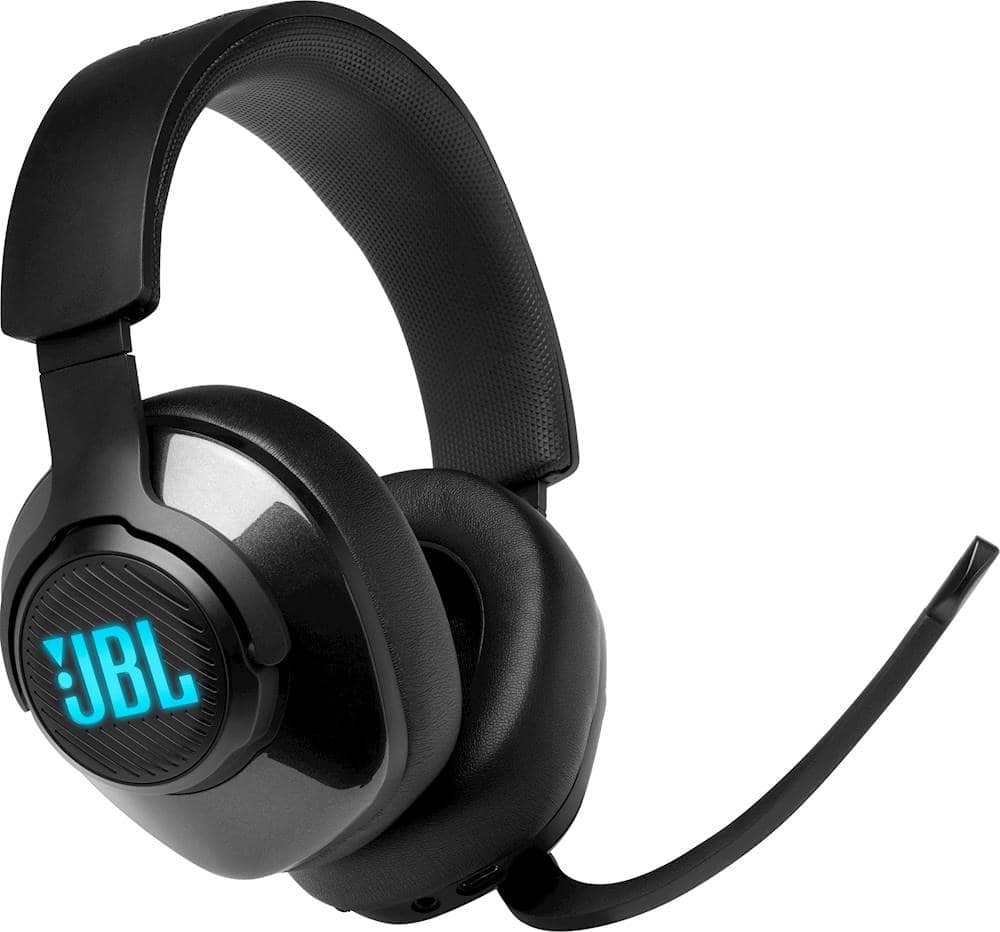
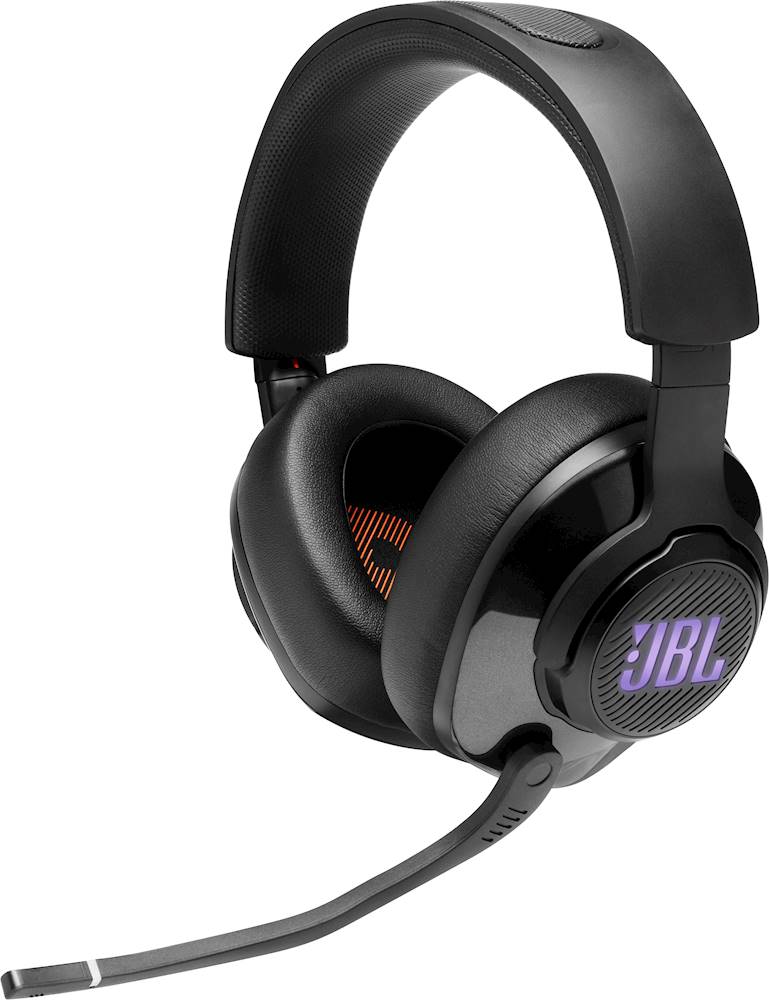
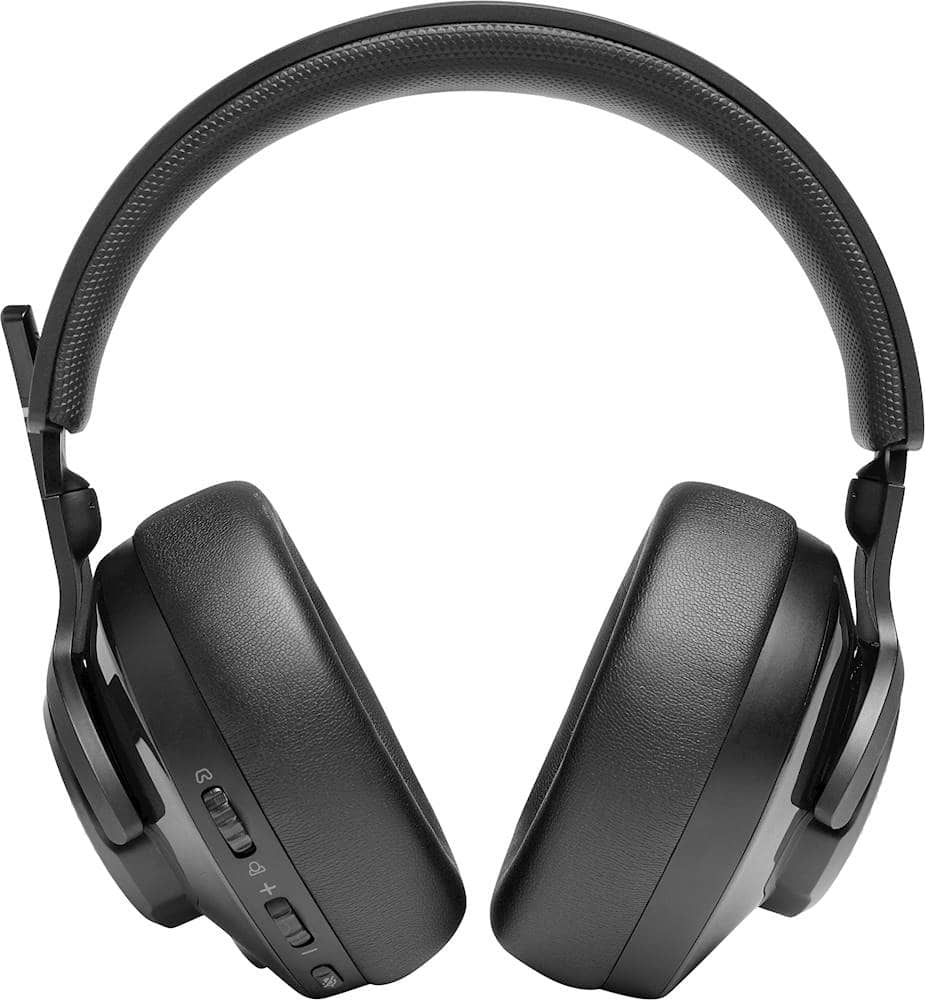
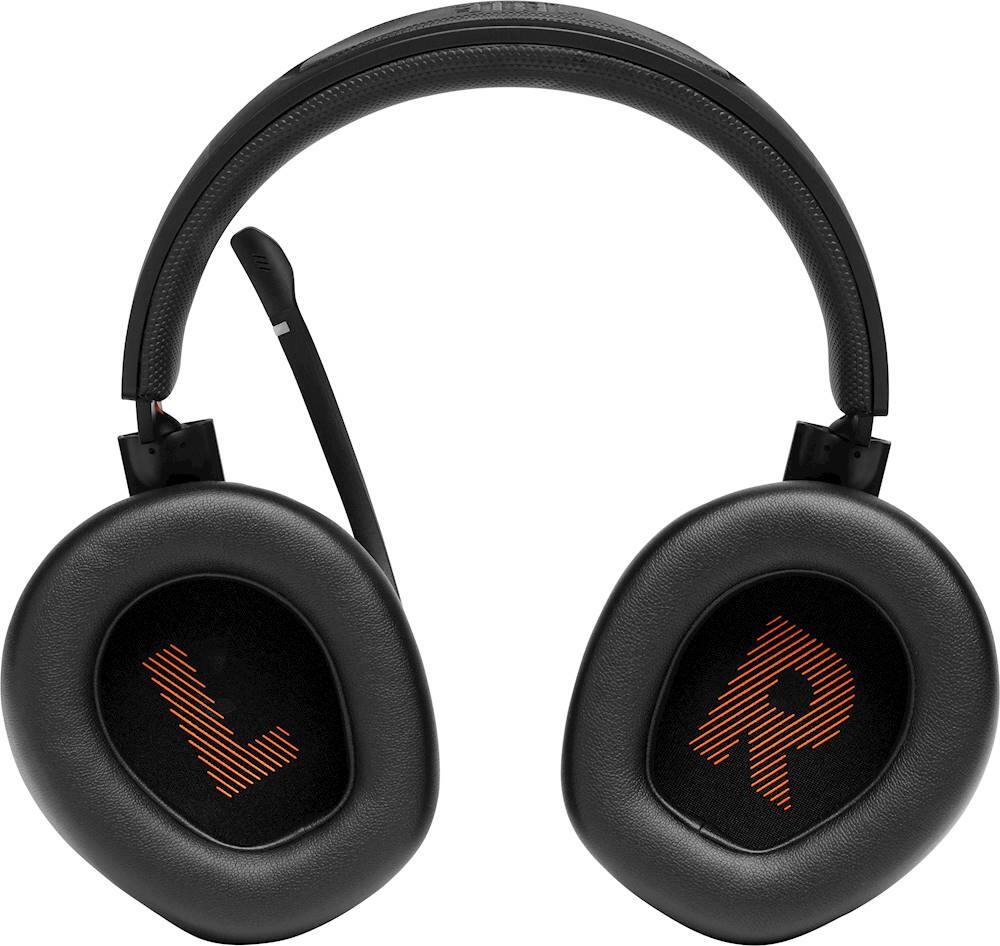
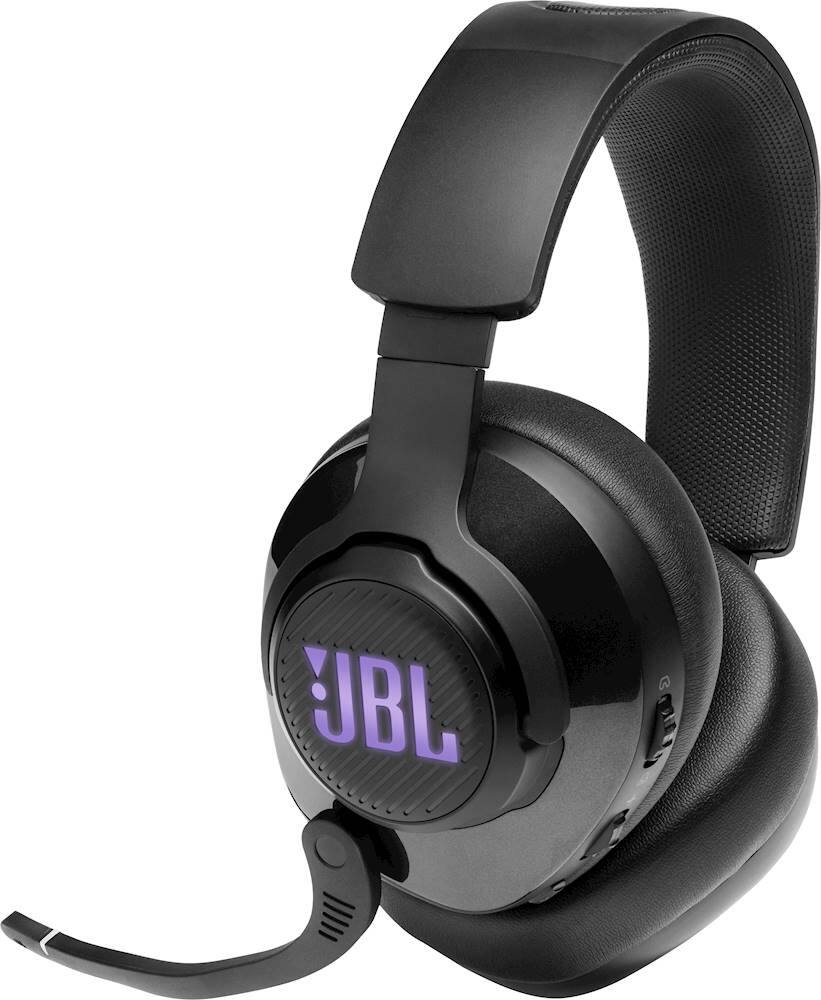
Customers commend the Quantum 400 RGB Wired Gaming Headset for its excellent sound quality and comfortable design. Users appreciate the dedicated mute button and attractive RGB lighting features. However, some customers expressed a desire for Bluetooth pairing functionality, as the headset is connection only. Overall, the headset is well-received for its audio and comfort.
This summary was generated by AI based on customer reviews.
- Pros mentioned:Mute functionality, Sound quality

An Awesome Headphone for the Dedicated Gamer
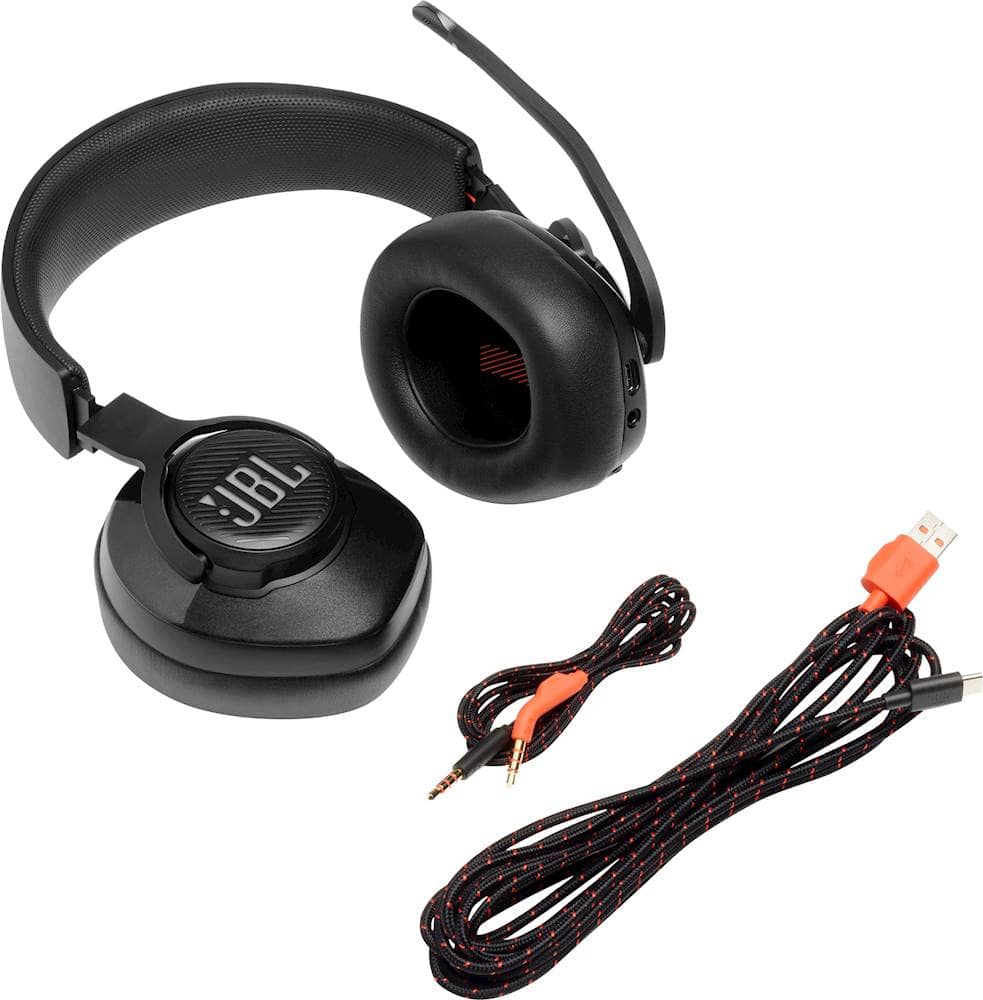
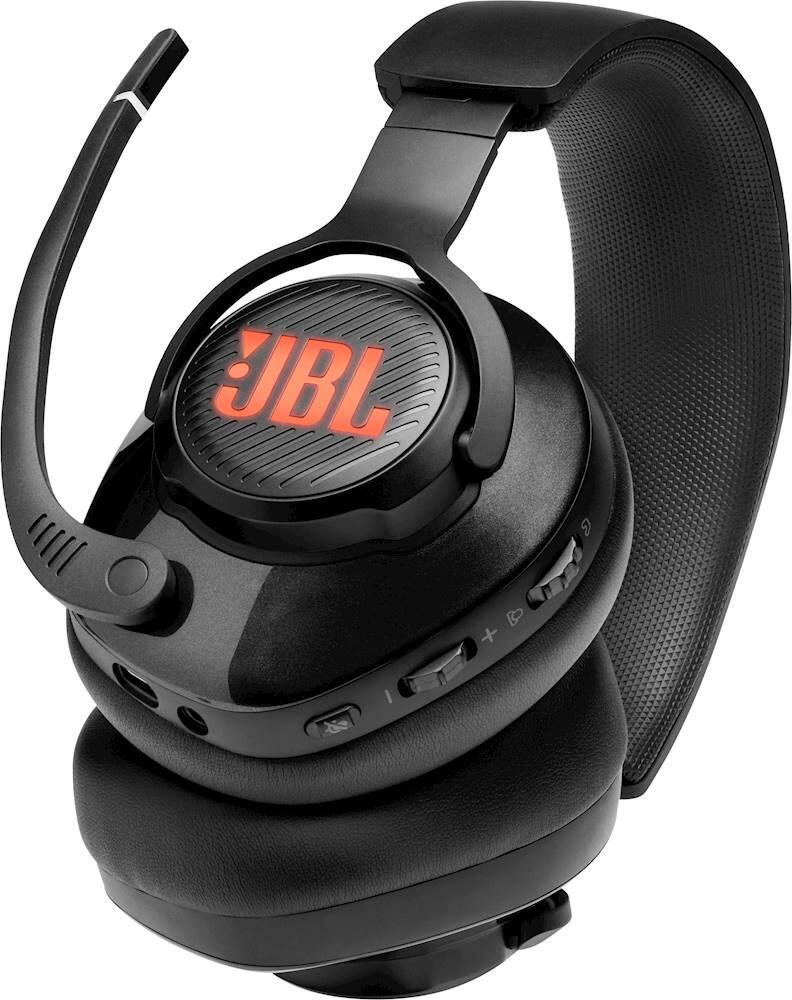
|Posted .This reviewer received promo considerations or sweepstakes entry for writing a review.When I received these headphones, I was excited but cautious. I am quite picky when it comes to sound reproduction and quality, however, at this price point I had certain expectations. I opened the box which was well packaged, and downloaded the configuration software as directed. I updated the firmware on the headphone, and then I was off to the races. The first day I was seriously disappointed in the quality as I heard ZERO lows or bass and for a headphone at this cost I knew I had to be doing something wrong. So I looked at my audio devices in Windows. What I found was a surprise and a gift in the same hand. There are 2 Audio output devices CHAT, and GAME. 1 Input which is the mic. I had my output for my system and games set to CHAT. I Switched it to GAME, and boy was that NIGHT vs DAY. The surrounding sound boomed into my ears with power and fidelity that I had never noticed before. There is also a mix slider on the headphone that can be set to be even distribution of CHAT vs GAME. If you move it from even distribution to just GAME output you get a slight DB boost but nothing severe, if anything it reduced the CHAT output. I have longed for a headset that I could set Discord or Teamspeak to one audio output and the main game to its own channel that I could quickly adjust while in game when my friends are being way too loud or boisterous. The USB C to USB A cable is quite long and of a very good quality. The microphone pickup sounds great for a small headphone mic as well, even when using it as a stream microphone source, my viewers say it sounded crisp, and I could not agree more. If you move the microphone into the stowed position it'll automatically mute which is handy when needed. Overall, I am not a huge fan of wired headsets as I am restricted in my movement, HOWEVER, this Quantum 400 broke my gripe with it and with the quality I am receiving using this device, it is well worth being tied down.
I would recommend this to a friend - Pros mentioned:Comfort, Sound quality
Good Headphones
|Posted .This reviewer received promo considerations or sweepstakes entry for writing a review.Opening these up, the packaging is basic but the phones are nice and snug. The JBL are mostly plastic and lightweight. The detachable cables are premium. I used these to play online with a XBOX. Initial feel took a little to get used to as they are slightly canted forward. Once I found the perfect spot, they fit well. They are comfortable, not the best I have worn as I have another set of headphones, which I prefer still. The RBG lighting and mute light only work with PC but I really liked the flip up mic mute. I had to adjust the mic monitoring down to almost the lowest setting as there is sound bleed from the headphones. This caused some echo at times. I turned on muting all other sounds, ticked the volume down a notch and it was good to go. I found them to be good sounding and not lacking for direction. Im not sure I would buy these if I was in the market for gaming headphones but, overall, I really enjoy them. For the moeny, I feel there are better options out there.
I would recommend this to a friend - Pros mentioned:Comfort, Sound quality
Quality Headphones with Comfort and Style
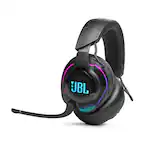
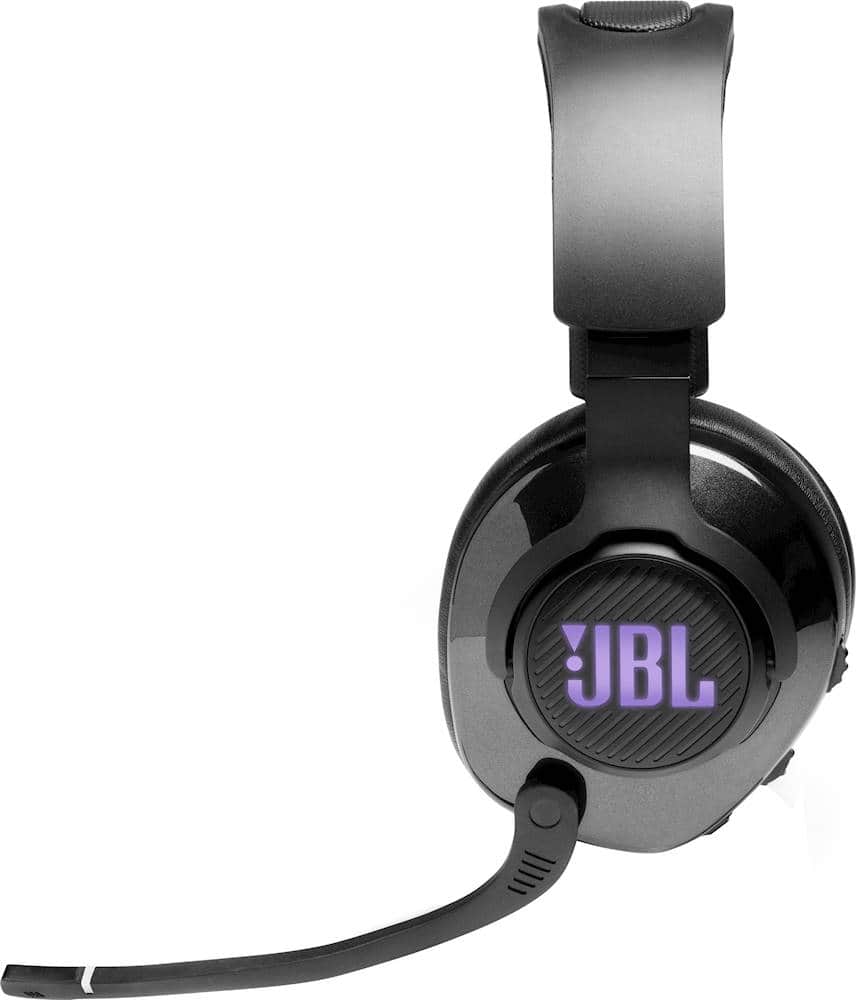
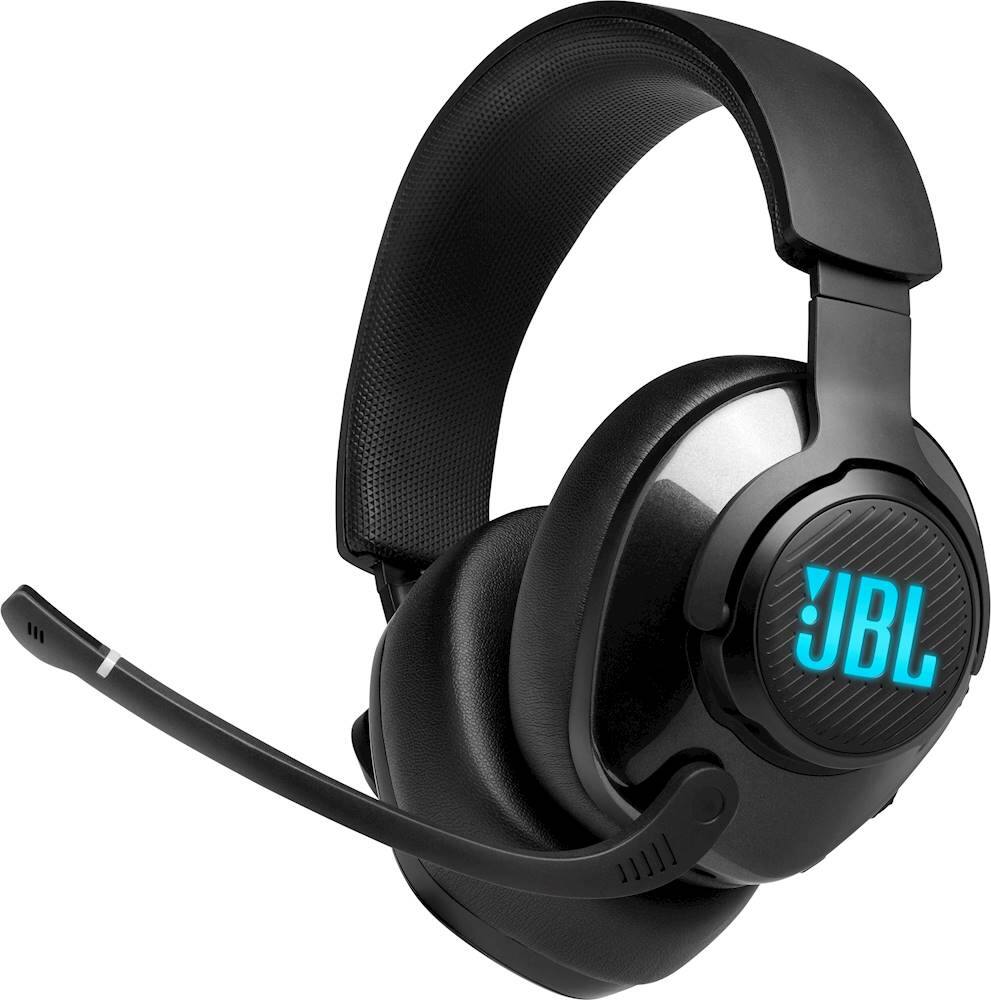
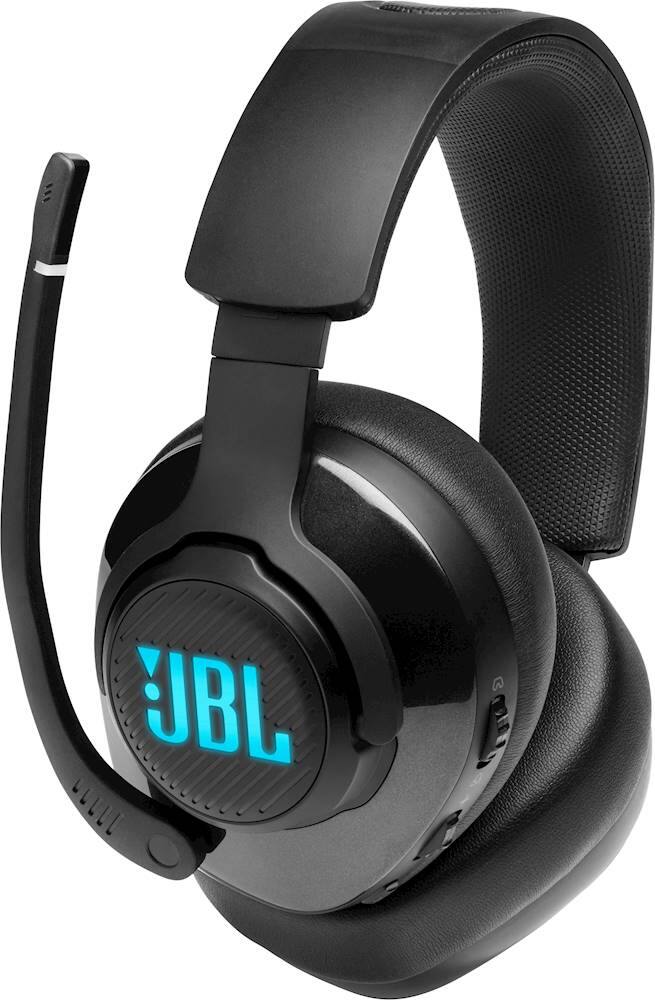
|Posted .This reviewer received promo considerations or sweepstakes entry for writing a review.There is a lot to say about these headphones, none of which is bad. They offer good quality sound, comfortable fit, good technology, and nice style. Out of the box the headphones can be plugged in with either a headphone jack or a USB cable. If you use the headphone jack then the headphones act like normal headphones with good sound, but you don't get the bells and whistles of plugging them in with a USB cable. When plugged in with the USB cable you are prompted to download the Quantum app where you can customize the sound, microphone and color schemes on the sides of the headset. Yes, the JBL letters on the sides of the headset switch colors! You can switch from stereo to DTS or surround sound. Also, the microphone sound is then passed into the headset so that you can hear yourself talking and don't get tempted to yell while talking through the headset. The sound quality is good, the volume can get very loud, and the tight but comfortable fit keeps the sound from getting in or out of the headsets. Even after wearing the headset for over an hour there was no discomfort. Overall, these headphones are high quality and very versatile. They can also be customized with the app and controlled with buttons on the side of the headset. They have everything I was looking for.
I would recommend this to a friend - Pros mentioned:Comfort, Sound quality
Great value!
|Posted .This reviewer received promo considerations or sweepstakes entry for writing a review.This JBL quantom 400 is a great value for an entry level headset. The first thing you do when you open a box with a new headset is to place it on your ears and you will not be disappointed with these JBLs. The ear cushions are really nice and comfortable for a $99 headset. Second, you want to access the software to calibrate and customize the headset to your liking. You will enjoy going through the different options to get it all set up through your PC. Of course another advantage to this headset is that you can also use it on other platforms. Once you have it all set up, you are going to be blown away by the sound quality of this headset, again keeping in mind that it they only cost $99. Next, you want to gauge the mic and that won't disappoint either. My friends could hear me very clearly as we were playing. The headset has controls on the side and I love that you can mute yourself easily by flipping the mic up. I would highly recommend this headset if you are looking to buy a headset for a new gamer or if you are on a budget. The value that you get for this JBL headset is amazing!
I would recommend this to a friend - Pros mentioned:Comfort, Sound quality
gaming headphones
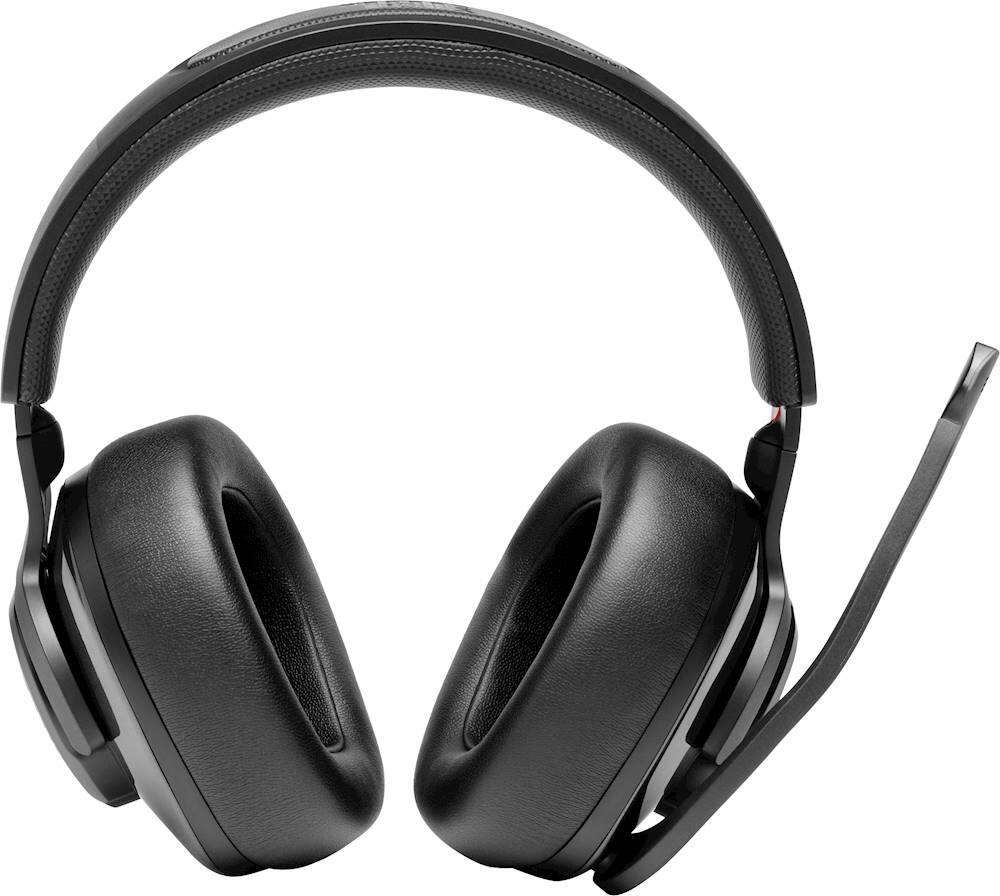
|Posted .This reviewer received promo considerations or sweepstakes entry for writing a review.These headphones are quite comfortable, and the notches for adjusting the headphones are firm so they don't accidentally change. The sound quality is good for FPS because it is bass heavy to hear footsteps in the game. The mic quality is clear, and it does not get in the way. It has a visible red light when it is muted, and has a good button location to mute/unmute. The cord for the headphones is strong but does carry sound if it moves around too much, and the ear cuffs turn in so they rest comfortably on your chest if you are taking them off. The software that comes with is a standard mixer. The dial on the side of the headphones does not scroll infinitely, and it is a separate volume bar than my PC volume bar which is different from other PC headphones I have used. In general these are a solid choice and I would definitely recommend them.
I would recommend this to a friend - Pros mentioned:Sound qualityCons mentioned:Connectivity
Great on the PC, Just OK on the Xbox
|Posted .This reviewer received promo considerations or sweepstakes entry for writing a review.The JBL Quantum 400 has pretty good sound quality. The product works all right on the Xbox. The bass and the treble are present but aren’t very loud on the Xbox. The surround sound is okay and the position accuracy is fairly good, but the volume is not very loud. On the Xbox there were problems with the mic echoing at times. If you turn down the party chat volume the echo would go away, though it makes it harder to hear your team. When using the headset on the PC, the sound and experience were outstanding. The program that is compatible with the headset gives you some good customization options. The RGB on the headset has some customization, but it isn't very easy to choose the colors you would like. The sound options are fairly good and give you some good choices. You can listen in either surround sound or stereo. The surround sound really does improve the position accuracy for different types of games and you can really tell the difference. The microphone overall isn’t anything special. On the PC, the echo isn’t there now that you have a little more control over the volume of the headset. One of the few downsides is that the headset adapter is USB only instead of audio and mic connections. This is good for computers that don't have those ports, but it would be more convenient to have options for both. Overall the product works really great and gives you plenty of options as long as you use it on a PC. It is an okay headset if you are using it on an Xbox.
I would recommend this to a friend - Pros mentioned:Comfort, Sound quality
Immersive Gaming Experience
|Posted .This reviewer received promo considerations or sweepstakes entry for writing a review.I use this headset with an XBOX ONE S 'Gears of War 4' console. This is by far, the best wired headset I've ever used. I actually think it is comparable to a few brands of wireless headsets at the same price point. I play a lot of different games; when I play, the sound is immersive. The high's and low's are exactly where they need to be. The headset is comfortable to wear for extended periods. The headband is thick but lightweight; overall, feels like great workmanship & materials. Even the cord to connect it to the controller is breaded, so it doesn't get kinked easily. The microphone boom is clear, and works well in group 'missions'. It's JBL, so it's hard to go wrong in general. They did an excellent job on the Quantum 400.
I would recommend this to a friend - Pros mentioned:Sound quality
Decent but heavy!
|Posted .This reviewer received promo considerations or sweepstakes entry for writing a review.Needed a headset for Zoom because my colleagues were complaining about echo coming through when using just my iPad Pro. I would also use when playing Xbox because I was still chatting on my old school Xbox One headset that was included back in the day. First impression is that the build quality on these are amazing. The hinges don't creak, the plastic looks nice! Rubber inserts are a nice touch and the lights are of course awesome. All that build quality comes at a price though...it's heavy! I'm used to AirPods or other lighter headphones and these definitely feel heavy when wearing. For quick calls or games that's not a problem, but it's not something I envision wearing for hours at a time. Use was pretty great! I literally opened the box and plugged in my headphones to USB-C port on my iPad Pro and it just started working. The volume control on the left headphone is nice. I wish the mic would toggle the mute in the Zoom app, but it appears that the mute is separate. Sound quality was excellent and the Mic sounded good. Similar experience with Xbox One - I had to use 3.5mm jack on the bottom of the controller. I still prefer using surround sound speakers so that I can hear players sneaking up on me in COD, but I can see these being useful if I'm playing late at night. In all, if you are a body builder and have a strong neck - these are 5 stars! If you're a normal human being just know that these sounds great but they're not light.
I would recommend this to a friend - Pros mentioned:Sound quality
Great Jack-of-all-trades for gaming systems
|Posted .This reviewer received promo considerations or sweepstakes entry for writing a review.(Note: If you can't hear anything, make sure you check your volume controls on the left earpiece.) Overall this headset got bumped to a four because of the multiple systems that it easily works with. Testing was primarily on a PC which allowed me to use the QuantumENGINE setup. Making changes to levels and other customizations were easy once installed. Sound response was fairly mid-level taking it above budget headphones aka I got better response on highs and lows than I would have guessed starting this review. Things to take note of: 1. The braided cable means it'll be long lasting but the microphonics (sound when the cable brushes against your shirt) is LOUD. Definitely would have appreciated a shirt clip with this cable. 2. The boom microphone auto-mutes when you raise it which is something I've come to expect in headsets I enjoy. 3. Ear cushions are memory foam but they're on the firmer side. If you have a larger head, these will probably fit pretty firmly against it. 4. From my initial note, you have separate volume controls for chat and sound. This is super slick and should be implemented on all gaming headsets but make sure you check it as soon as you're done installing so you don't spend time trying to figure out why there's no sound.
I would recommend this to a friend - Pros mentioned:Comfort, Sound quality
Perfect Companion for your PS4
|Posted .This reviewer received promo considerations or sweepstakes entry for writing a review.I've been using this headset while playing on my ps4. The headset fits comfortably on my head and over my ears. I play for several hours each time I play and notice no discomfort during or after playing. The controls for adjusting in game music volume and chat volumes are within easy reach on the left side. Voice chat and in game sound comes through crystal clear. The whole headset seems sturdy and well made. I dont game on pc or my mobile phone, so I haven't been able to use the lighting effects.
I would recommend this to a friend - Pros mentioned:Rgb lighting
Good value
Posted .This reviewer received promo considerations or sweepstakes entry for writing a review.My son is enjoying it! The RGB lightning is good and attractive.
I would recommend this to a friend - Pros mentioned:Sound qualityCons mentioned:Connectivity
Meh
Posted .This reviewer received promo considerations or sweepstakes entry for writing a review.Was hoping for them to pair via Bluetooth but they are connection only, fair sound quality, but still overpriced. Was hoping to find something better at this price point.
No, I would not recommend this to a friendBrand response from JBL Support
Posted .Thank you for your feedback. We're sorry to hear that our Quantum 400 did not meet your expectations. If you're looking for a headphone that does support Bluetooth connection, you might want to check our JBL Quantum 800 and later versions of our JBL Quantum series of Headphones.

- Pros mentioned:Sound quality
Average
Posted .This reviewer received promo considerations or sweepstakes entry for writing a review.I like them. I think the quality is pretty good and it's reliable. I just wish the features would be the same if you connected it to your controller using the 3.5 mm rather than the USB C. Like the cool lights and the mic quality. Overall it's a good headset.
I would recommend this to a friendBrand response from JBL Support
Posted .Thanks for providing us your feedback on our JBL Quantum 400. RGB will not light up when connecting with a 3.5mm cable to any device (PC, Console, Mobile, etc.) because the cable doesn't have power enough for the RBG lighting.
- Pros mentioned:Sound quality
Avoid
|Posted .This reviewer received promo considerations or sweepstakes entry for writing a review.The packaging and headset itself is pretty nice looking. I'm not impressed by the chat function on the headset, it sounded very tinny. The sound itself, not that great. I would expect better drivers for a headset that is over $150. The unit is not comfortable to wear over my head. Being able to mute yourself by putting the mic up is a nice feature but it's not enough to warrant a purchase on this particular headset. If you're going to spend a decent amount of money on a headset, go with the Astros.
No, I would not recommend this to a friendBrand response from JBL Support
Posted .Thank you for taking the time to provide us with your feedback. We are sorry to hear about the comfort issues you are experiencing with the Quantum 400. The chat dial is designed to remove the lower frequencies so you can focus on the vocals when needed. The chat dial is adjustable. You can change it at anytime to your preference. As for the sound, you can also adjust the equalizer and settings on the Quantum Engine software. Please reach out to us directly if you have any other questions.
Nothing to write home about
|Posted .This reviewer received promo considerations or sweepstakes entry for writing a review.I was excited to try out these headphones because of the boom feature. I found that the sound was greatly distorted from the microphone. It sounds muffled to the other person. From JBL i expected a much better sound experience as well. While it does connect pretty seamlessly between different devices. There is a lighted indicator when the mute is on which is helpful. Rotary dials control the sound level. While it will be adequate for its primary function of multi person gaming there are much better alternatives available.
No, I would not recommend this to a friendBrand response from JBL Support
Posted .Thanks for your feedback. We're always looking for ways to improve. We recommend positioning the boom mic just an inch below your lips. Also, please use the included windshield foam as this also helps to cancel out unnecessary background noise.
gaming headphones
Posted .This reviewer received promo considerations or sweepstakes entry for writing a review.bought this as a xmas gift for our grandson. he really likes it and indicated everything is working well
I would recommend this to a friend