Customer Ratings & Reviews
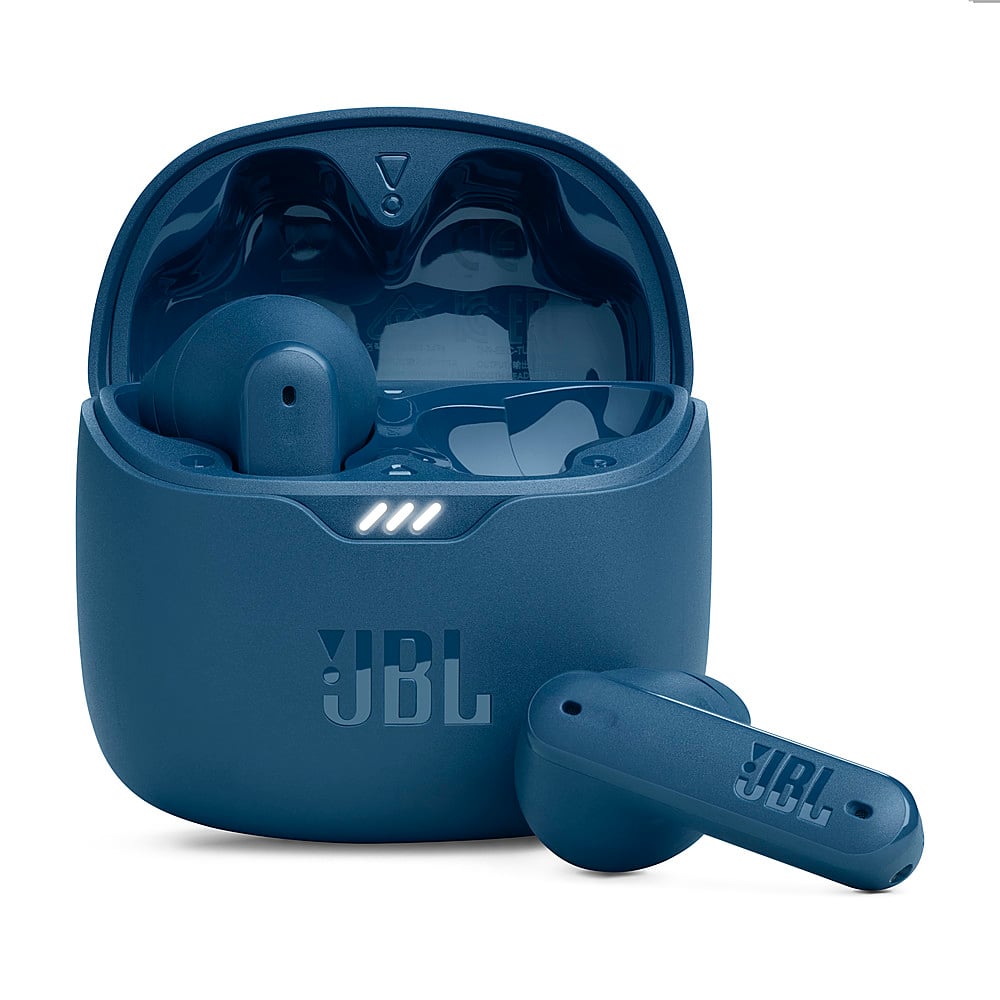
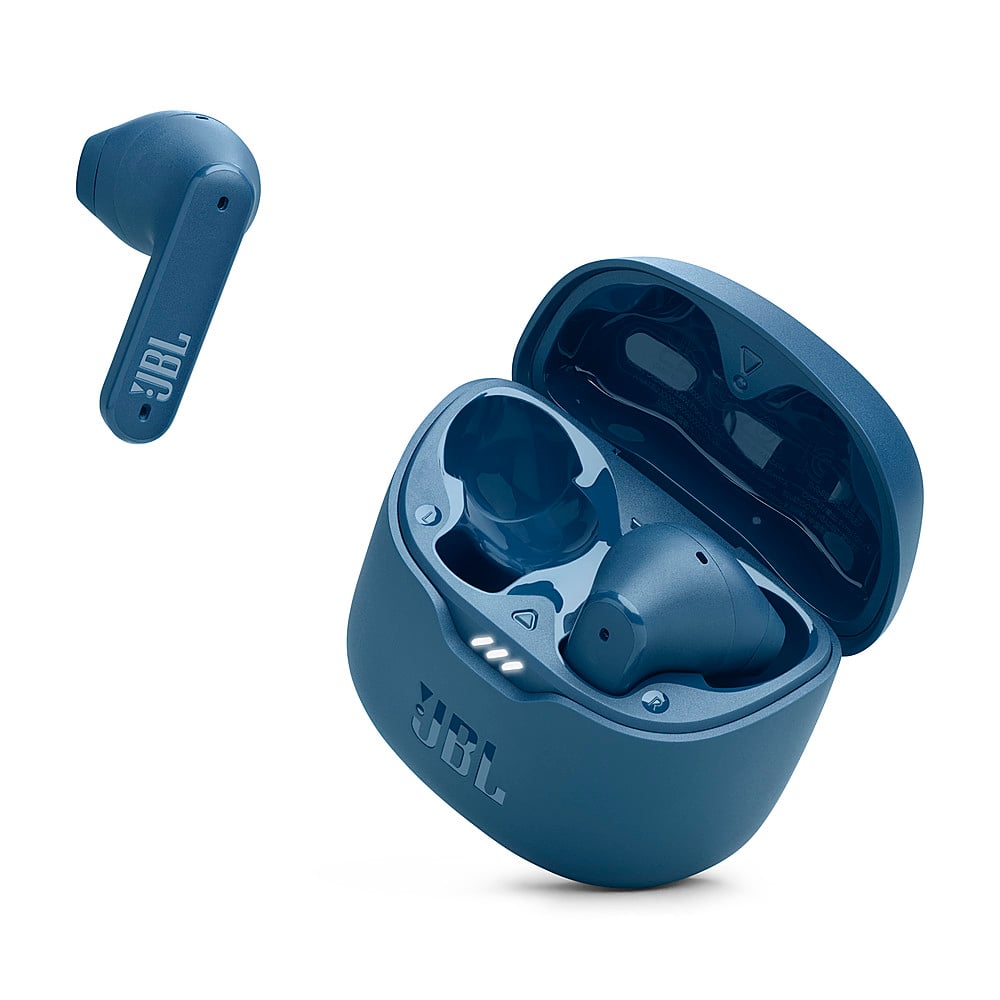
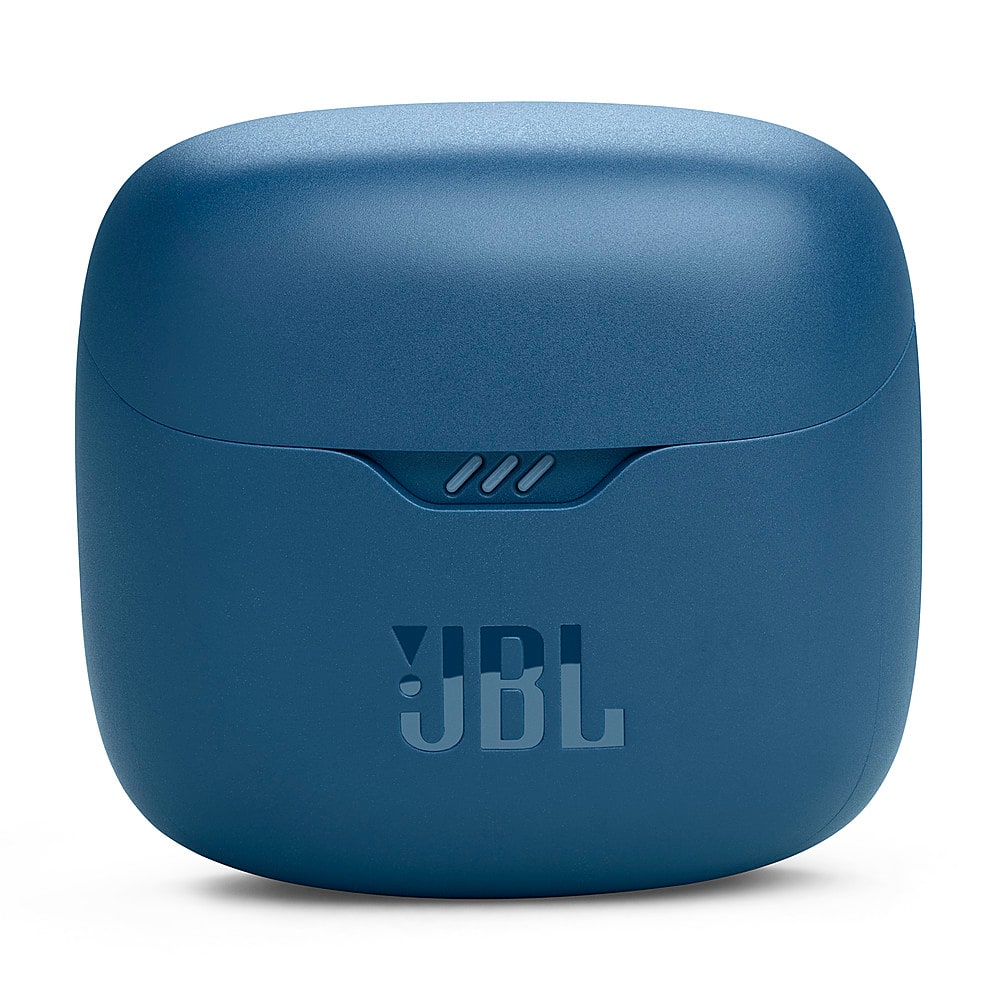
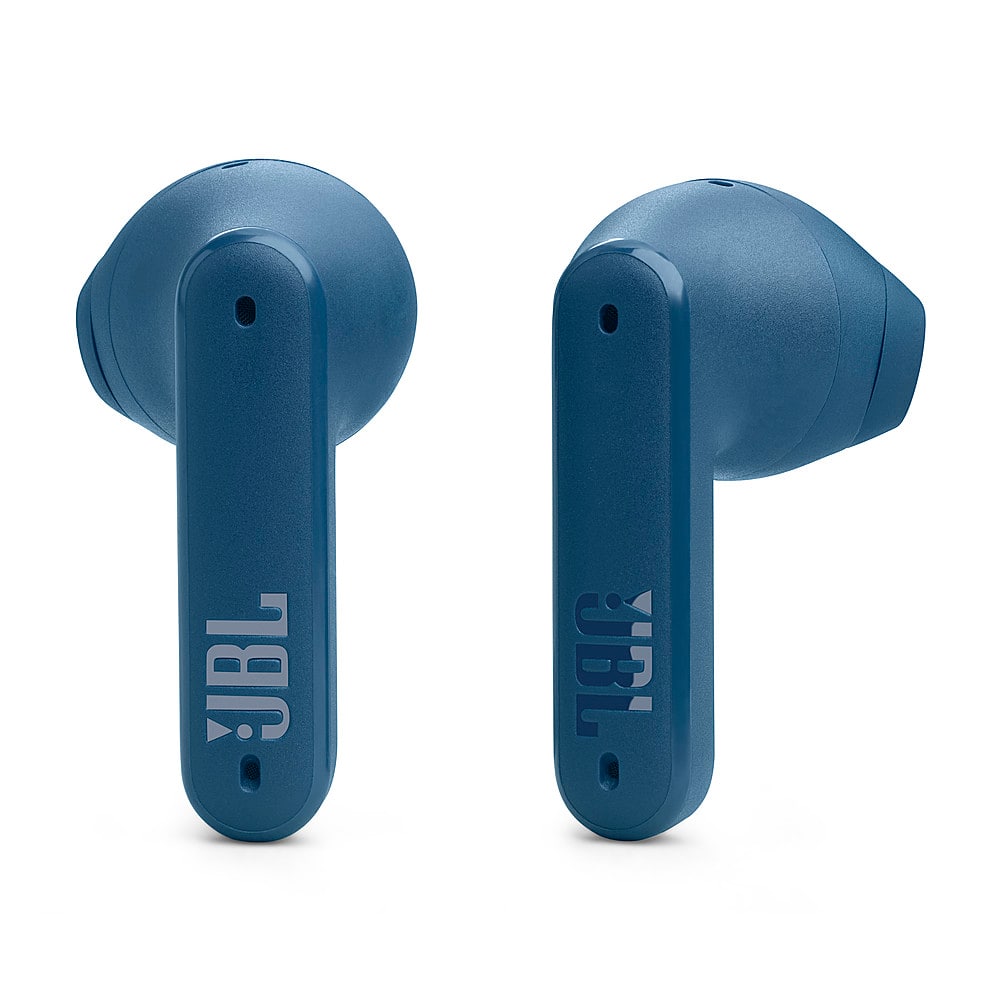
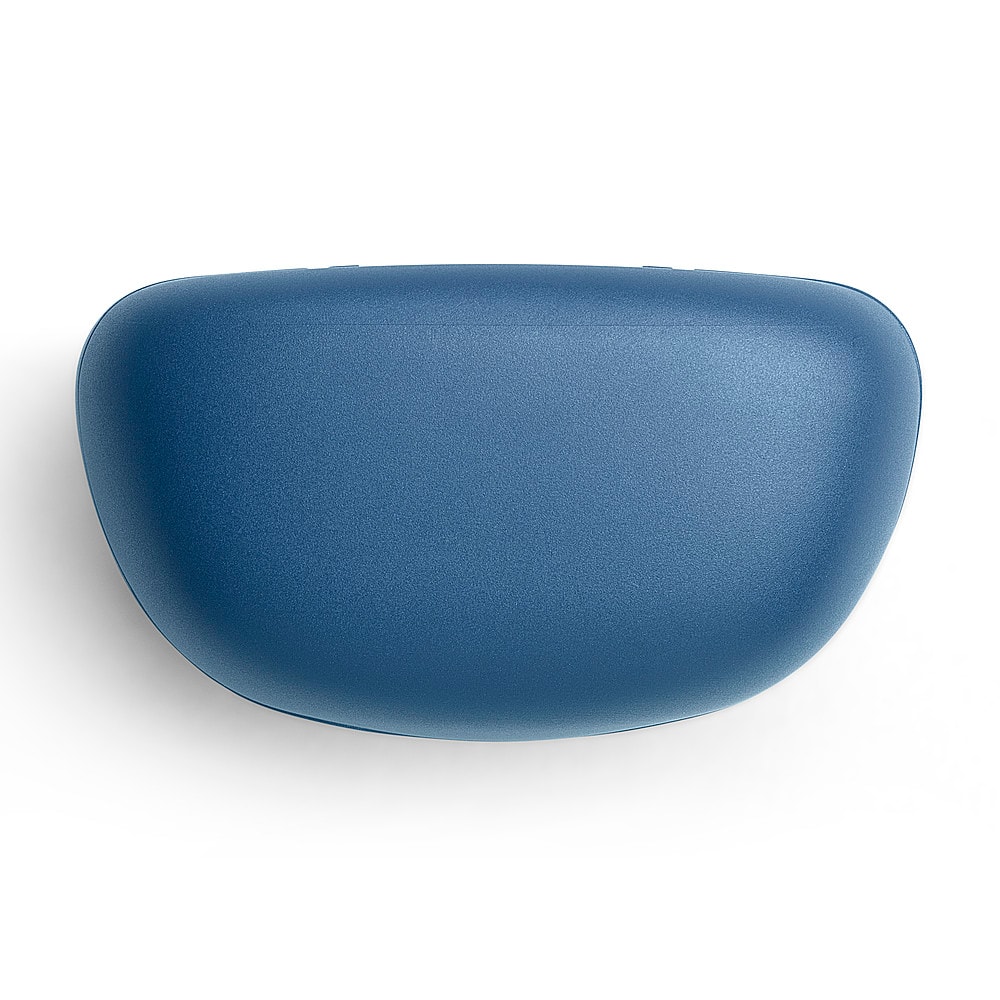
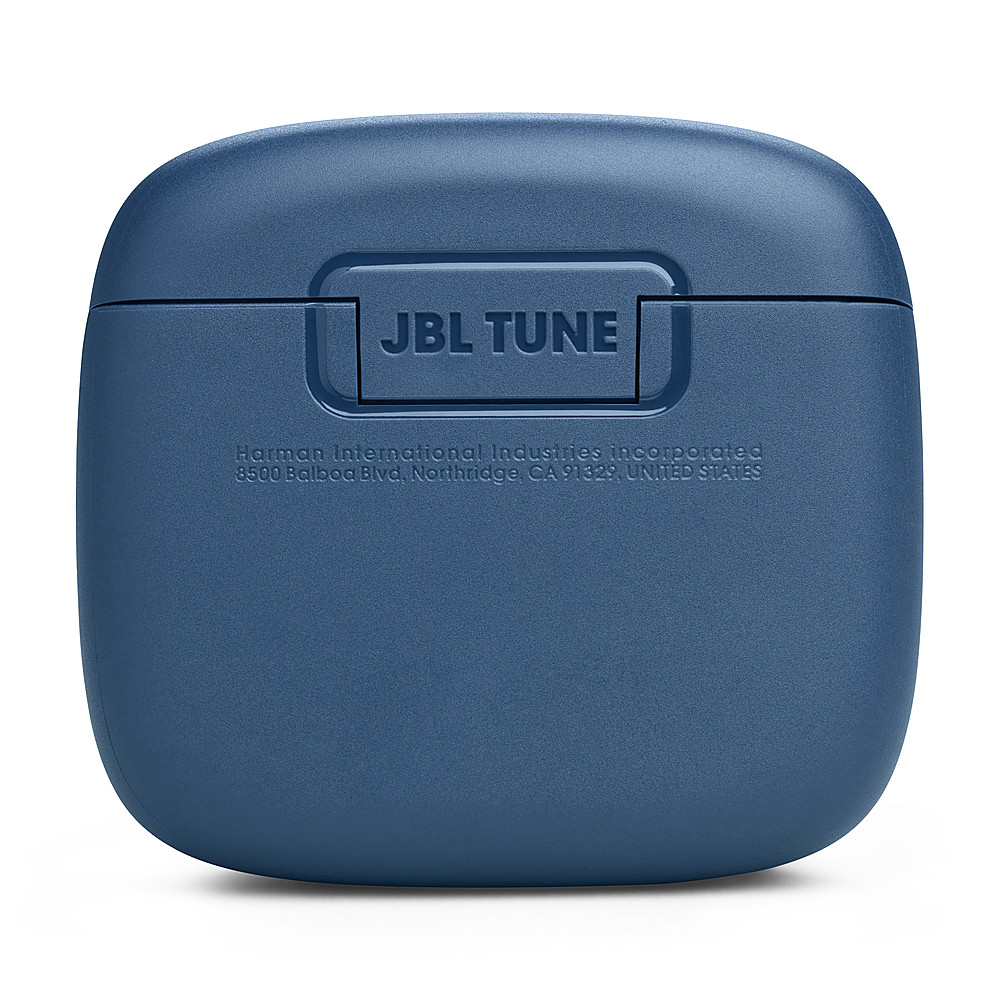





- Model:
- JBLTFLEXBLUAM
- SKU:
- 10736308
Rating by feature
- Sound Quality
Rating 4.5 out of 5 stars
- Battery Life
Rating 4.6 out of 5 stars
- Connectivity
Rating 4.5 out of 5 stars
<WARNING> jbl is cheap, low quality garbage
Posted .This reviewer received promo considerations or sweepstakes entry for writing a review.DO NOT BUY JBL!!!! JBL Brand is cheap garbage you have been warned do not buy they will break shortly and Warranty will downgrade your replacement. my JBL's broke on me just over a year and I've had a case open for over a year and a half since then And they were unable to replace with same model they refuse to upgrade To repair that is cheaper than the model I bought they want to give me a downgraded cheapest model and have been giving me the runaround for over a year and a half. DO NOT BUY JBL!!!
No, I would not recommend this to a friendBrand response from JBL Support
Posted .Thanks for bringing this to our attention. This is not the experience that we want you to have with our products and services. We'd like to work with you directly to address the issues. If needed, we'd also like to get more information so we can check your options. Please contact our customer support service.

False advertising
Posted .This reviewer received promo considerations or sweepstakes entry for writing a review.These are not noise cancelling at all. Even after switching out the default fittings for the discs to actually cover the ear, and installing the app, they do NOTHING for ambient noise, at all. There's 6 settings on the app, and only #2 changed anything which just made a dull humming.
No, I would not recommend this to a friendIt falls off on my ear
Posted .This reviewer received promo considerations or sweepstakes entry for writing a review.I just bought it yesterday so i tried it today but its falling off on my ears im dissapointed because it looks like the iphone earbud but seems like i was wrong i dont dont know how to return it because the box is destroy .
No, I would not recommend this to a friendBrand response from JBL Support
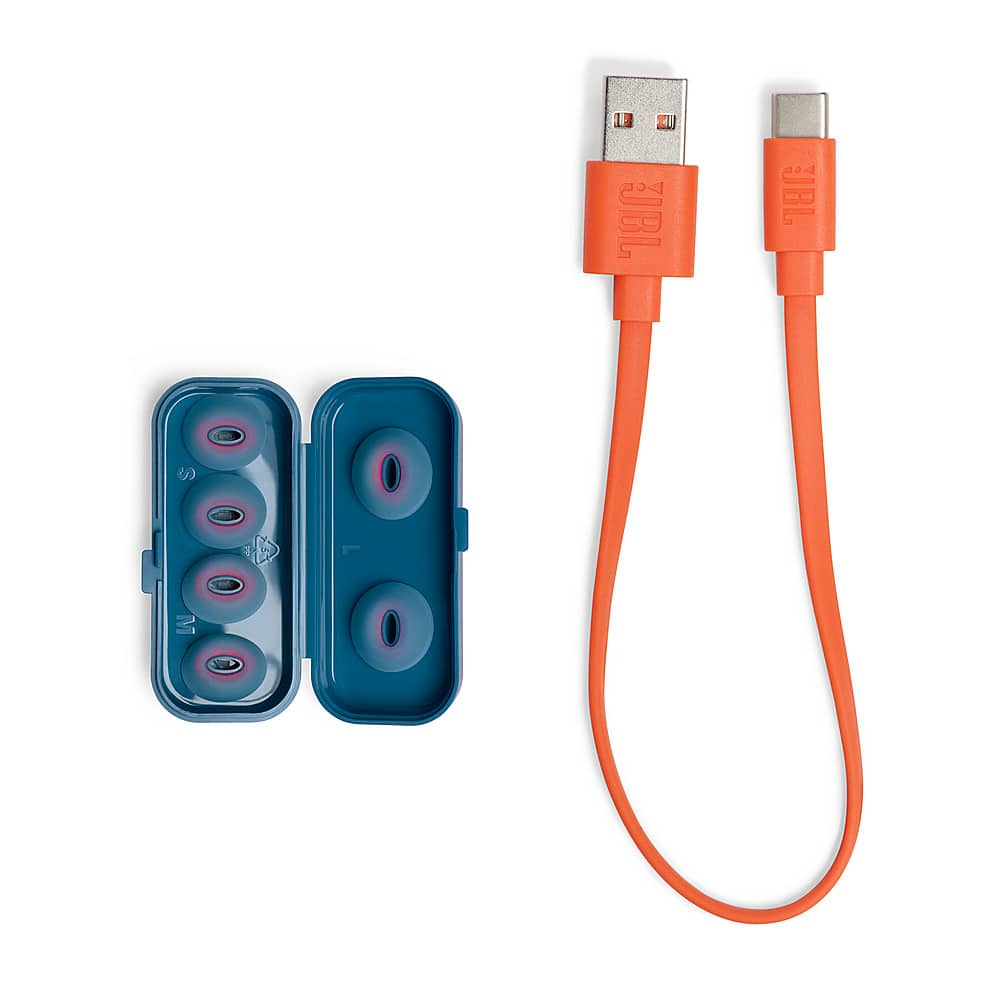
Posted .We appreciate your feedback. Our JBL Tune Flex comes with S/M/L ear tips. Make sure to try all the available sizes that best fit your ears. You can try the "Check My Best Fit" banner in JBL Headphones App to walk you through getting the best fit and will let you know when you've accomplished it. No worries, you can still return them even without the original box. If you need further assistance, please contact us.
high pitch beeping noise
Posted .This reviewer received promo considerations or sweepstakes entry for writing a review.Quickly broke within several weeks. Left earbud stopped properly connecting to the "base" and was constantly making high pitch beeping noise. I asked for a replacement and the replacement had the same issue
No, I would not recommend this to a friendBad
Posted .This reviewer received promo considerations or sweepstakes entry for writing a review.Already one not working and the sound it’s very low
No, I would not recommend this to a friendBrand response from JBL Support
Posted .Thanks for your feedback. We're always looking for ways to improve. With our JBL Tune Flex, we recommend cleaning the contact pins on the case and earbuds using a cotton swab with alcohol. These pins are sensitive to dust. Please ensure the pins are dried before placing them back on the case. On the other hand if you're experiencing low sound we recommend trying different sealing eartip sizes if this does not resolve the issue. Our JBL tune flex is compatible with the JBL Headphones App, you can use the app to modify the sound to your preference. If this does not resolve the issue please contact our customer support.
Jbl
Posted .This reviewer received promo considerations or sweepstakes entry for writing a review.Would not but again. Noise canceling doesn’t work.
No, I would not recommend this to a friendVery bad quality DO NOT BUY
Posted .This reviewer received promo considerations or sweepstakes entry for writing a review.Only had mine a week & the left one stopped working
No, I would not recommend this to a friendBrand response from JBL Support
Posted .We're here to assist with your JBL Tune Flex . Foreign objects on the metal charging connections of TWS earphones are often the source of charging problems. This can involve ear wax, grease, perspiration, etc. Cleaning the earphones' and charging case's contact points will fix these problems. For further assistance, please get in touch with customer service.