Customer Ratings & Reviews
- Model:
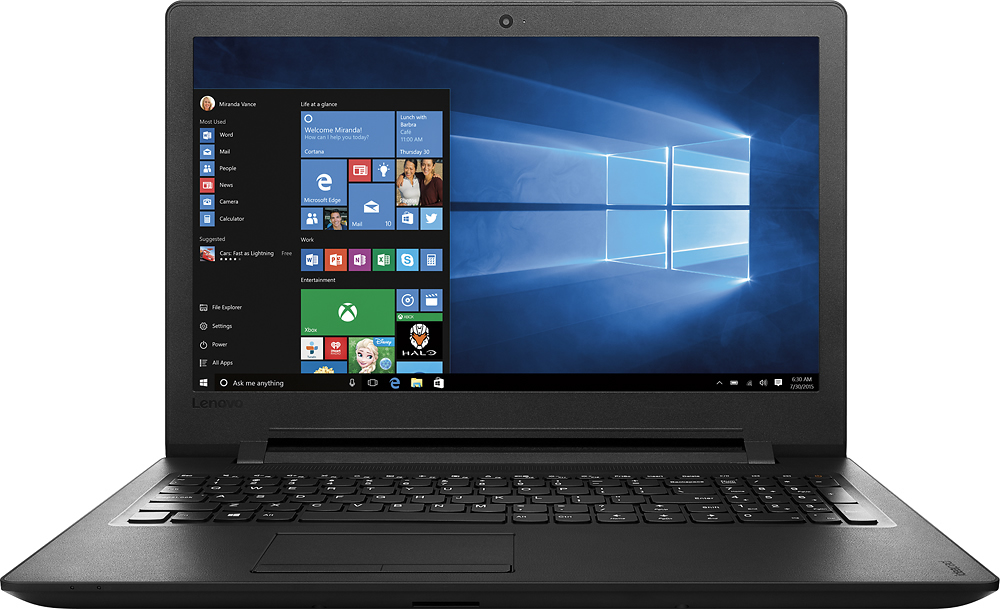
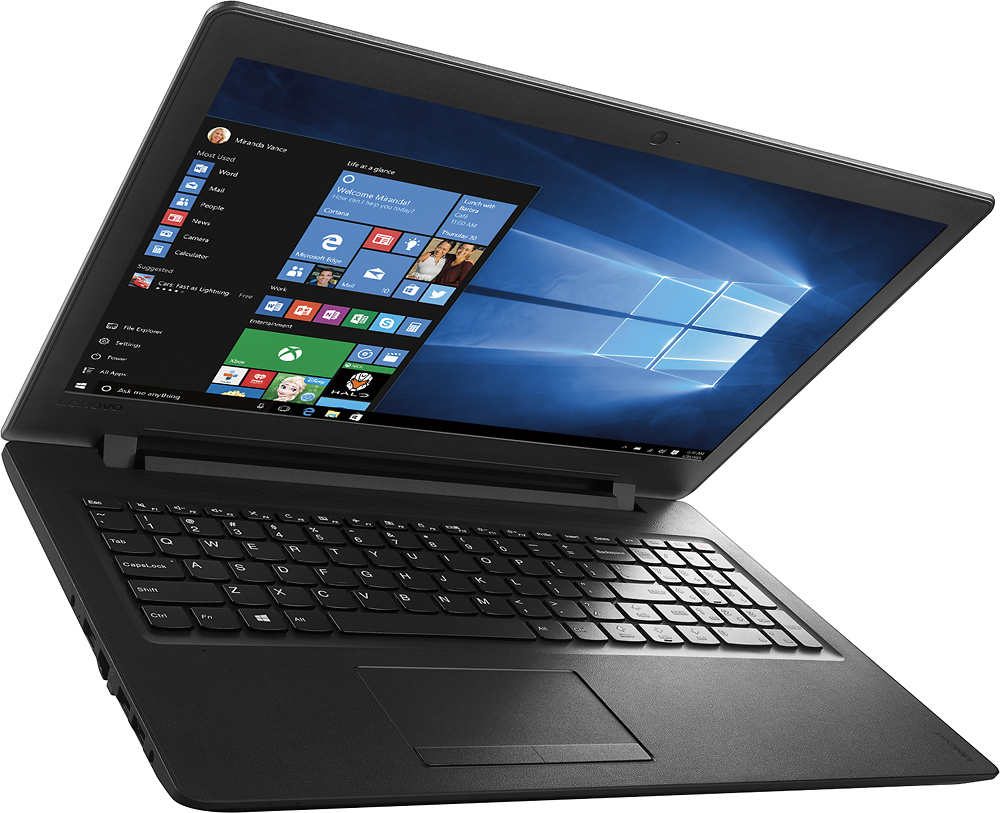
- IDEAPAD 110 - 80T7000HUS
- SKU:
- 5091163
to a friend
Customers are saying
Customers are delighted by the affordable price, user-friendly interface, and adequate storage space of the 15.6" Laptop. However, they have concerns about its slow performance, short battery life, and subpar keyboard and speakers.
This summary was generated by AI based on customer reviews.
POOR SUPPORT
||Posted .This reviewer received promo considerations or sweepstakes entry for writing a review.I GOT FREE SOFTWARE WITH THE LAPTOP THAT IS JUNK, I CONTACTED THE GEEK SQUAD FOR HELP REMOVING IT A I DID NOT GET A ANSWER.
No, I would not recommend this to a friendBad computer
||Posted .This reviewer received promo considerations or sweepstakes entry for writing a review.The hard drive failed in less than a month. To get it fixed you have to pay to shop it to company. Terrible service.
No, I would not recommend this to a friendHorrible!!
||Posted .This reviewer received promo considerations or sweepstakes entry for writing a review.This laptop, which I have had for approximately 3 and a half months, is worthless, and I will be returning it as soon as I can. It randomly goes completely black, without closing out any program running, and nothing fixes it. It crashes more often than any computer I have ever owned, and that's with ample security and maintenance to it. This is a horrible computer and just do not buy it.
No, I would not recommend this to a friendBrand response from Lenovo Product Expert
Posted .This system is equipped with OneKey Recovery System. There is a very small pin hole on the left side of the device, right near the power plug port on the device. You will need a pin to push this reset button. Plug the device in. Let the battery charge for about 15 minutes. Push the reset button. The system should boot to a choice screen where you can choose "Restore To Factory Default". Select this. It will delete everything from the hard drive except the original factory install of the operating system. You will need to reinstall all programs and files after the reset. Be sure you only install programs that are compatible with Windows 10 Home 64-bit operating system. You problem sound like an incompatible program issue. If you don't have copies of the files, try to make one before you restore by selecting "Boot to desktop" and trying to back up your files.

Poor sound using skype.
||Posted .This reviewer received promo considerations or sweepstakes entry for writing a review.Was on sale for a really great price. Poor sound using skype. Also, the function keys didn't work. I returned it.
No, I would not recommend this to a friendhorrible laptop
||Posted .This reviewer received promo considerations or sweepstakes entry for writing a review.I purchased 2 of these computers for my children that are homeschooled and 2 weeks into using them they both broke. The customer service rep I spoke to about the quality of these computers told me that they are great for what I was using them for. He obviously didn't know the brand/product he was selling. I would rate zero stars but the system required that I enter a number.
No, I would not recommend this to a friendBrand response from Lenovo Product Expert
Posted .Thank you for choosing the Lenovo IdeaPad 110-15 laptops for your children. We apologize for the issues you are having with these systems. This system is equipped with OneKey Recovery System. There is a very small pin hole on the left side of the device, right near that power plug port on the device. You will need a pin to push this reset button. Plug the device in. Push the reset button. The system should boot to a choice screen where you can choose "Restore To Factory Default". Select this. It will delete everything from the hard drive except the original factory install of the operating system. You will need to reinstall all programs and files after the reset. If you don't have copies of the files, try to make one before you restore by selecting "Boot to desktop" and trying to back up your files.
It doesn't work.
||Posted .This reviewer received promo considerations or sweepstakes entry for writing a review.We received the laptop and after 1 week we were unable to access any programs or even restart the machine.
No, I would not recommend this to a friendBrand response from Lenovo Product Expert
Posted .This system is equipped with OneKey Recovery System. There is a very small pin hole on the left side of the device, right near that power plug port on the device. You will need a pin to push this reset button. Plug the device in. Push the reset button. The system should boot to a choice screen where you can choose "Restore To Factory Default". Select this. It will delete everything from the hard drive except the original factory install of the operating system. You will need to reinstall all programs and files after the reset. If you don't have copies of the files, try to make one before you restore by selecting "Boot to desktop" and trying to back up your files.
screen died
||Posted .This reviewer received promo considerations or sweepstakes entry for writing a review.The screen has died up until then not a fan of windows 10 so not sure about how the computer itself is.
No, I would not recommend this to a friendBrand response from Lenovo Product Expert
Posted .Thank you for choosing the Lenovo IdeaPad 110-15 laptop. The dead screen issue may be software based rather than hardware, i.e., the screen itself. This system is equipped with OneKey Recovery System. There is a very small pin hole on the left side of the device, right near the HDMI port on the device. You will need a pin to push this reset button. Plug the device in. Push the reset button. The system should boot to a choice screen where you can choose "Restore To Factory Default". Select this. It will delete everything from the hard drive except the original factory install of the operating system. You will need to reinstall all programs and files after the reset. If you don't have copies of the files, try to make one before you restore by selecting "Boot to desktop" and trying to back up your files.
- Pros mentioned:Screen sizeCons mentioned:Slow, Speakers
Good for the Basics
Posted .This reviewer received promo considerations or sweepstakes entry for writing a review.I read the specs and reviews on another similar machine for about 2 weeks before I decided to go with this, the cheaper of the two. I felt if I lost something it wouldn't be much. I needed a machine with more hard drive space to run Chessbase. To run Chessbase to the max it would take an i7 with 8 gig of ram and a quad core processor with 4 way processing. The machine I am replacing is one of those 2 mb. RAM with a 16 gig HD. So I was looking for something to get Chessbase on the screen where I could use it and go on the internet. This is about my 10th or 12th computer. I have had expensive to cheap. The one thing I have learned is that if you don't need a top of the line then don't get one. This is a perfect example of that. It does everything I want it to do and then some. I read one complaint about the speakers, but once I put head phones on I needed to turn the sound down. The machine is not blazing fast but it brings programs and pages up fast enough for me. One thing surprised me is the size. If you are like me and have been using those 11 inch laptop for years this will be a surprise. The screen is more than large enough. The machine is sort of heavy. And it is also large compared. But I like it. And that is all that matters to me. For the money, I did good. For those looking to expand and can't find the product number, you can google br110 or something, which will get you to the web site where the ID is 80t7 or something like that. The reason it's not important is because it is a dead end after that. So I am still lost about upgrading the RAM, although the directions show you how to replace the CD drive.
I would recommend this to a friendBrand response from Lenovo Product Expert
Posted .Thank you for choosing the Lenovo IdeaPad 110-15 laptop. We are pleased to hear that the value and performance of the IdeaPad 110-15 meets your computing needs so well.
Inadequate directions
||Posted .This reviewer received promo considerations or sweepstakes entry for writing a review.On tthe advice of a Best Buy associate, I purchased an InSIGNIA Universal File Transfer Cable to move my photos and files from my old laptop to the new laptop. The directions were very confusing. I called the Geek Squad and the employee had no idea how to do it. Since it was longer than 15 days, I was not able to return it.
No, I would not recommend this to a friendBrand response from Lenovo Product Expert
Posted .Thank you for choosing the Lenovo IdeaPad 110-15 laptop. With regard to transferring your files from the old computer to the new computer: Turn on the old computer first, let it boot up. Plug one end of the cable in to the old machine via a USB port. Turn on the new machine, let it boot up. Plug the other end of the cable in to one of the USB ports on the new machine. Give the new machine a minute or two to recognize the old computer. I pop up message should tell you the new machine has found a new device, then it should tell you that the new device is ready to read. Then you should be able to go to "My PC" on the new machine and "see" the old machine as a separate drive maybe called "external Drive E" it could be called something else. Double click on this drive and you should be able to find the files you want to transfer. COPY the files from the old machine to the new machine. It may take some time to copy all the files, depending on how many you have.
- Cons mentioned:Slow
slowest laptop
||Posted .This reviewer received promo considerations or sweepstakes entry for writing a review.computer is horrible. VERY VERY slow not worth $$$
No, I would not recommend this to a friend Very slow
||Posted .This reviewer received promo considerations or sweepstakes entry for writing a review.It works. It was cheap. It takes 10 minutes to boot up. Start it and walk away.
No, I would not recommend this to a friendNot thrilled with my purchase
||Posted .This reviewer received promo considerations or sweepstakes entry for writing a review.Not thrilled with my purchase. I would not buy again or recommend to anyone.
No, I would not recommend this to a friendPretty good for backup computer.
||Posted .This reviewer received promo considerations or sweepstakes entry for writing a review.This computer is pretty good for a beginner or as a back up computer.
No, I would not recommend this to a friendBrand response from Lenovo Product Expert
Posted .Thank you for choosing the Lenovo IdeaPad 110-15 laptop. We are pleased to hear that the IdeaPad 110-15 is working out for you.
This is not a good computer. Lenovo
||Posted .This reviewer received promo considerations or sweepstakes entry for writing a review.I have a lot of trouble turning this computer on and off. It will come on , but will not go to the internet. I try to shut it down and it will not shut down. I have never had this much trouble with a computer before. It seems to just freeze. I have to hold the off button for it to go offI
I would recommend this to a friendBrand response from Lenovo Product Expert
Posted .We are sorry to hear of the issues you are having with your new Lenovo IdeaPad 110-15. There may be driver updates for your specific system. Follow the link below to look for new driver updates for your specific system. You can also run diagnostics from the Lenovo site as well. As always, be sure to create a restore point on your system before you make any changes. Here is the link:
http://support.lenovo.com/us/en/products/Laptops-and-netbooks/100-series/110-15IBR/80T7/000HUS?tabName=Downloads&linkTrack=Mast:SubNav:Support:Drivers and Software|Drivers and Software
Price was good
||Posted .This reviewer received promo considerations or sweepstakes entry for writing a review.Size and weight was good, price was good, but processor is slow.
No, I would not recommend this to a friendlaptop without power adapter
||Posted .This reviewer received promo considerations or sweepstakes entry for writing a review.placed this order, then it came without a power adapter
No, I would not recommend this to a friendBrand response from Lenovo Product Expert
Posted .We recommend you contact Best Buy online ordering customer service for next steps.
Not impressed at all....
||Posted .This reviewer received promo considerations or sweepstakes entry for writing a review.It was a return and I saved a lot of money that way.
No, I would not recommend this to a friendLag, lag, lag!
||Posted .This reviewer received promo considerations or sweepstakes entry for writing a review.The comp was so slow it took forever to get online, and it had nothing to do with my WIFI. My other computers didn't have this problem. I return the comp within 3 days.
No, I would not recommend this to a frienddo not buy
||Posted .This reviewer received promo considerations or sweepstakes entry for writing a review.this is my second attempt to get a properly functioning laptop. The display flickers and jumps sometimes and at times will go right out. Hooking to to another monitor enables you to use the laptop
No, I would not recommend this to a friendBrand response from Lenovo Product Expert
Posted .We are sorry to hear about the flickering screen issues you are experiencing with your Lenovo IdeaPad 110-15. There may be video display driver updates for your specific system. Follow the link below to look for new driver updates for your specific system. You can also run diagnostics from the Lenovo site as well. As always, be sure to create a restore point on your system before you make any changes. Here is the link:
http://support.lenovo.com/us/en/products/Laptops-and-netbooks/100-series/110-15IBR/80T7/000HUS?linkTrack=Caps%253ABody_SearchProduct&tabName=downloads&beta=false
do not buy
||Posted .This reviewer received promo considerations or sweepstakes entry for writing a review.Recieved the first laptop and the display quit working in about 10 days Got another one and it has display problems as well.
No, I would not recommend this to a friendBrand response from Lenovo Product Expert
Posted .Thank you for choosing the Lenovo IdeaPad 110-15 laptop. Since the laptops were working before the failure, this sounds like an automatic Windows 10 update that is conflicting with older drivers on the system. Follow the link below to look for new video and graphic driver updates for your specific system. You can also run diagnostics from the Lenovo site as well. As always, be sure to create a restore point on your system before you make any changes. Here is the link:
http://support.lenovo.com/us/en/products/Laptops-and-netbooks/100-series/110-15IBR/80T7/000HUS?query=&Shallow=1&Type=&OperatingSystems=&Component=&Symptom=&linkTrack=Caps%253ABody_SearchProduct&tabName=downloads&beta=false