Customer Ratings & Reviews
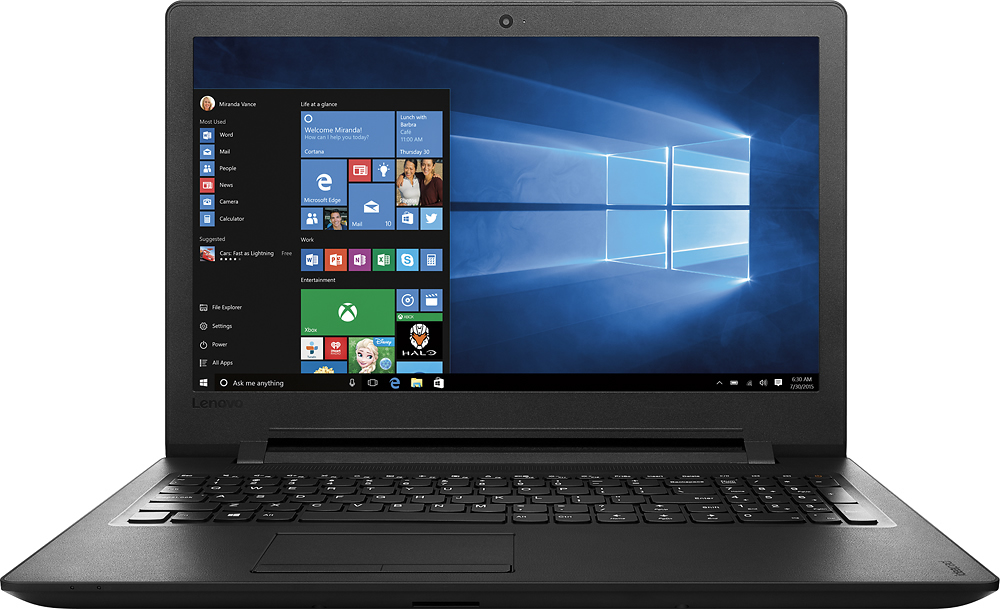
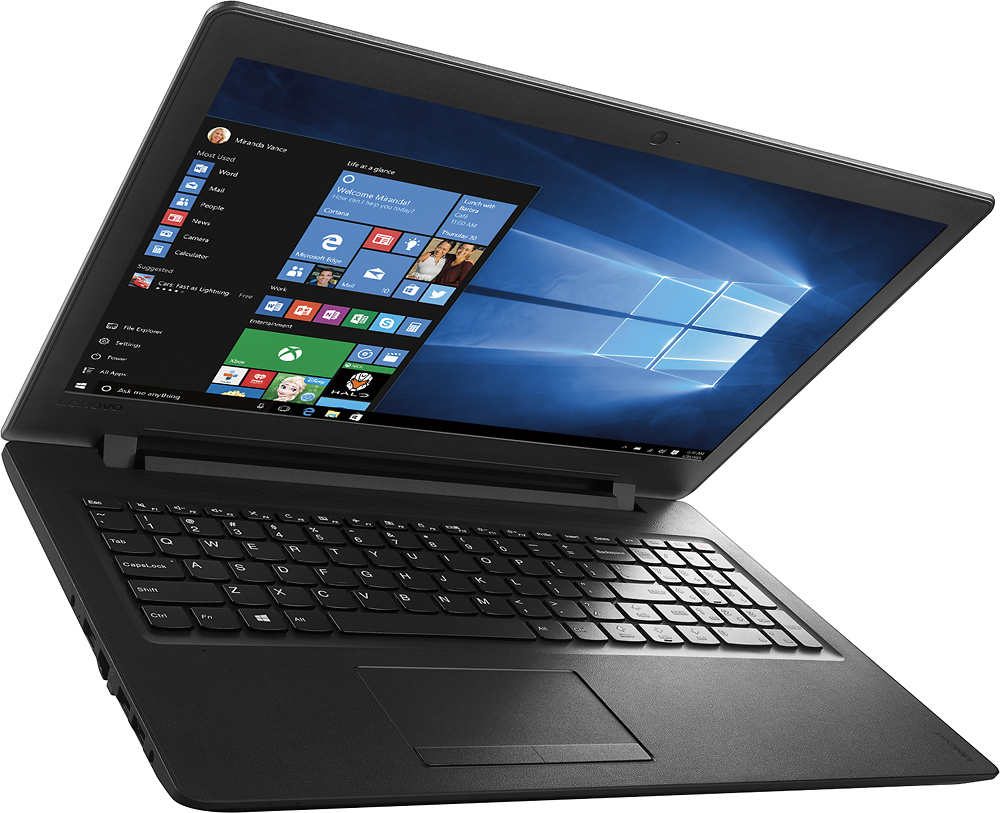
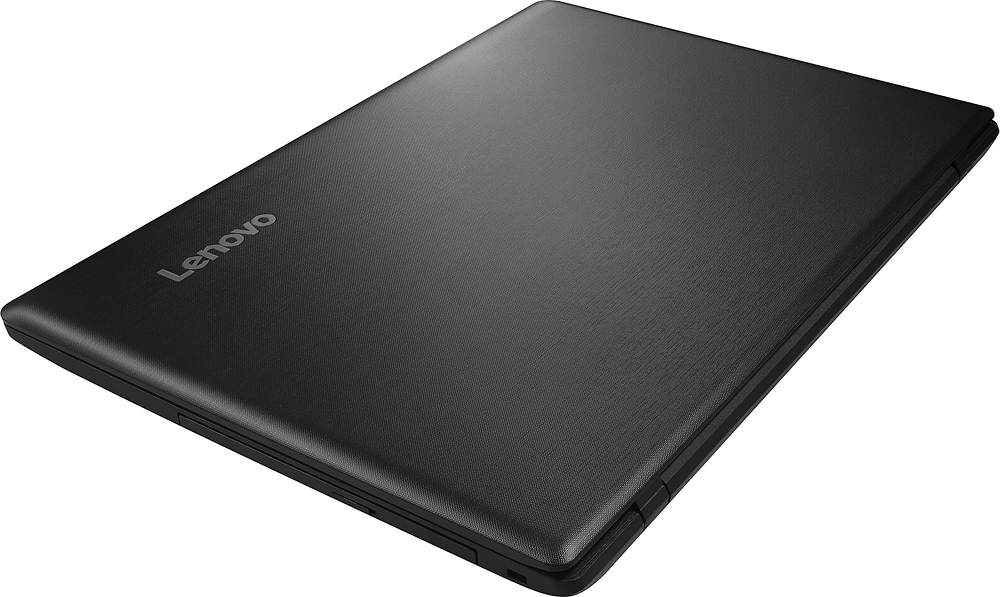
- Model:
- IDEAPAD 110 - 80T7000HUS
- SKU:
- 5091163
to a friend
Customers are saying
Customers are delighted by the affordable price, user-friendly interface, and adequate storage space of the 15.6" Laptop. However, they have concerns about its slow performance, short battery life, and subpar keyboard and speakers.
This summary was generated by AI based on customer reviews.
Don't buy
||Posted .This reviewer received promo considerations or sweepstakes entry for writing a review.This is garbage. You get what you pay for. It worked for less than a week than it died during an update and never came back on.
No, I would not recommend this to a friendBrand response from Lenovo Product Expert
Posted .Thank you for choosing the Lenovo IdeaPad 110-15 laptop. This system is equipped with OneKey Recovery System. There is a very small pin hole on the left side of the device, right near the HDMI port on the device. You will need a pin to push this reset button. Plug the device in. Push the reset button. The system should boot to a choice screen where you can choose "Restore To Factory Default". Select this. It will delete everything from the hard drive except the original factory install of the operating system. You will need to reinstall all programs and files after the reset. If you don't have copies of the files, try to make one before you restore by selecting "Boot to desktop" and trying to back up your files.

Bad
||Posted .This reviewer received promo considerations or sweepstakes entry for writing a review.Just got the computer about a month already broke.very dussapointec
No, I would not recommend this to a friendforget about it
||Posted .This reviewer received promo considerations or sweepstakes entry for writing a review.so response, cursor very unresponsive at times. do not buy takes at least 60 seconds to start up.
No, I would not recommend this to a friendBrand response from Lenovo Product Expert
Posted .With regard to the cursor issues you mention with your device, there may be driver updates for your specific system. Follow the link below to look for new driver updates for your specific system. You can also run diagnostics from the Lenovo site as well. As always, be sure to create a restore point on your system before you make any changes. Here is the link:
http://support.lenovo.com/us/en/products/Laptops-and-netbooks/100-series/110-15IBR/80T7/000HUS?query=&Shallow=1&Type=&OperatingSystems=&Component=&Symptom=&linkTrack=Caps%253ABody_SearchProduct&tabName=downloads&beta=false
Really cheap material
||Posted .This reviewer received promo considerations or sweepstakes entry for writing a review.good for the price, but the material is really cheap, the buttons of the mouse pad do make good connection and feel like they are broke.
No, I would not recommend this to a friendDon't buy
||Posted .This reviewer received promo considerations or sweepstakes entry for writing a review.It's cheap for a reason. The mouse barely works, after having the laptop for 6 months. Spend an extra $100 and get something better.
No, I would not recommend this to a friendrun
||Posted .This reviewer received promo considerations or sweepstakes entry for writing a review.this broke down not even 2 mths sent it back for repair what a run round as of this date of writing this no computer and no refund
No, I would not recommend this to a friendnot happy
||Posted .This reviewer received promo considerations or sweepstakes entry for writing a review.This was purchased as a gift and after opening and getting turned on had problems from the start. Had to return.
No, I would not recommend this to a friendP.O.S.
||Posted .This reviewer received promo considerations or sweepstakes entry for writing a review.Not even worth half of what I paid for it. Do not buy this even if you just need a word processor.
No, I would not recommend this to a friendI have not been able to down load Quicken
||Posted .This reviewer received promo considerations or sweepstakes entry for writing a review.I'm very frustrated. I'm still trying. CD-ROM seems to be working. I'm don't know what to do !
No, I would not recommend this to a friendBrand response from Lenovo Product Expert
Posted .The version of Quicken you have may not be compatible with Widows 10. We recommend you check with Quicken software publisher for your version's compatibility with Windows 10 Home 64-bit and the minimum/recommended hardware requirements to run their software, then compare those requirements to this system's configuration.
dependence of internet connection for everything.
||Posted .This reviewer received promo considerations or sweepstakes entry for writing a review.The computer was like a wart that could not function without being connected to the internet.
No, I would not recommend this to a friendSlow computer
||Posted .This reviewer received promo considerations or sweepstakes entry for writing a review.Very slow running computer, wasn't expecting it to run so slow, became aggravated by it.
No, I would not recommend this to a friendThe volume control is horrible.
||Posted .This reviewer received promo considerations or sweepstakes entry for writing a review.Volume control is horrible. I have to use ear plugs.
No, I would not recommend this to a friendBrand response from Lenovo Product Expert
Posted .Thank you for choosing the Lenovo IdeaPad 110-15 laptop. With regard to the audio, volume issues you mention with your device, there may be driver updates for your specific realtek audio system. Follow the link below to look for new driver updates for your specific system. As always, be sure to create a restore point on your system before you make any changes. Here is the link:
http://support.lenovo.com/us/en/products/Laptops-and-netbooks/100-series/110-15IBR/80T7/000HUS?query=&Shallow=1&Type=&OperatingSystems=&Component=&Symptom=&linkTrack=Caps%253ABody_SearchProduct&tabName=downloads&beta=false
Not worth the money even was inexpensive
||Posted .This reviewer received promo considerations or sweepstakes entry for writing a review.I tired to use but processor was too slow. I had to return it to the store.
No, I would not recommend this to a friendPretty great!
Posted .This reviewer received promo considerations or sweepstakes entry for writing a review.This has been my first real laptop purchase, I've only ever had a really horrible Toshiba mini netbook in the past which died instantly. I've been looking several through online reviews and different laptop brands for a very long time and came across this new Lenovo one. I have to say I love it so far! I've only been using it for a few days so far and it's been fun. The speed is decently fast and it usually runs tasks smoothly. I also love the big screen and the vivid, crisp HD display and loud, clear speakers. Great for basic everyday use. The only cons I can say would be that the trackpad is a bit hard to use at times, luckily I already had a wireless mouse. I also disliked how the tiny shift key was on the right side but I got used to it. It's also a bit tough to take a USB out at times (it's a bit tight). I also wish the laptop was made of a different material on the outside but it's totally okay. Other than that this is a pretty great first laptop, would recommend.
I would recommend this to a friendBrand response from Lenovo Product Expert
Posted .Thank you for choosing the Lenovo IdeaPad 110-15 laptop. We have taken note of the recommendations you have made with regard to the keyboard, touchpad and USB ports. We will lokk in to these for future improvements.
Terrible equipment
||Posted .This reviewer received promo considerations or sweepstakes entry for writing a review.I've had nothing but problems with this laptop from day one
No, I would not recommend this to a friendNot good for college
||Posted .This reviewer received promo considerations or sweepstakes entry for writing a review.Did not work at college,could not connect to school wifi
No, I would not recommend this to a friendBrand response from Lenovo Product Expert
Posted .This may be a driver update issue. There is an ethernet port on this device so you can hardwire on to the internet. Once you are connected to the internet, there may be driver updates for your specific system. Follow the link below to look for new driver updates for your specific system. As always, be sure to create a restore point on your system before you make any changes. Here is the link:
http://support.lenovo.com/us/en/products/Laptops-and-netbooks/100-series/110-15IBR/80T7/000HUS?tabName=Downloads&linkTrack=Mast:SubNav:Support:Drivers and Software|Drivers and Software
The worst product I ever bought
||Posted .This reviewer received promo considerations or sweepstakes entry for writing a review.So dissatisfied and disappointed with this product!
No, I would not recommend this to a friendgreat price for additional computer
||Posted .This reviewer received promo considerations or sweepstakes entry for writing a review.I purchased this computer because it had a cd port
I would recommend this to a friendGreat for my small business, browsing and shoppin
Posted .This reviewer received promo considerations or sweepstakes entry for writing a review.I purchased this about a month again and been very please with the performance. It was very easy to set up and connect to my Wi-Fi (just follow the start up guide and have your Wi-Fi password handy). I have a small business and I used this for my Etsy shop and spreadsheets mostly. It is fast enough and easy to use. I like the Windows 10 on here that is similar to a tablet and you can change to a tablet mode if you like. The downsides: The right "shift" button is at an uncomfortable spot. The arrow keys are not needed where the shift button location is since you have a number key pad to use for arrow key functionality. Plus I use a wireless mouse with this laptop so it would be nice to just turn off the mouse touch pad on the keyboard so you do not accidentally hit it. Otherwise, this was a good buy for the money and does great. Nice battery life, clear screen and easy to use.
I would recommend this to a friendBrand response from Lenovo Product Expert
Posted .Thank you for choosing the Lenovo Idea{ad 110-15 laptop. With regard to the right shift key issue you mention, there is a free software APP called KeyTweak that may help you. You can switch the key functions of specific keys on your keyboard with this software, so you could change the right shift key with the key you hit in its place. Just Google search "KeyTweak" and you will find articles about what the software does and you will find the download location for this free APP.
Also concerning turning off the touchpad while you use your mouse, you can do that by hitting the F6 key on this system.
- Cons mentioned:Keyboard
Excellent overall - full keyboard is deceiving
Posted .This reviewer received promo considerations or sweepstakes entry for writing a review.With only two reviews to base this purchase on, we brought this laptop home and were 99% happy with it. However, my only issue with the laptop is with the keyboard. Any touch typist that is accustomed to using their right pinky to drop down from the " key and land on the right shift key will be quickly frustrated (you hit the up arrow key). This affects my ability to quickly compose programming code (cursor moving up instead of holding the shift). Otherwise, this laptop is excellent all away around and I am sad that this minor fault is actually making it difficult for me to do what I purchased the laptop for.
I would recommend this to a friend