Customer Ratings & Reviews
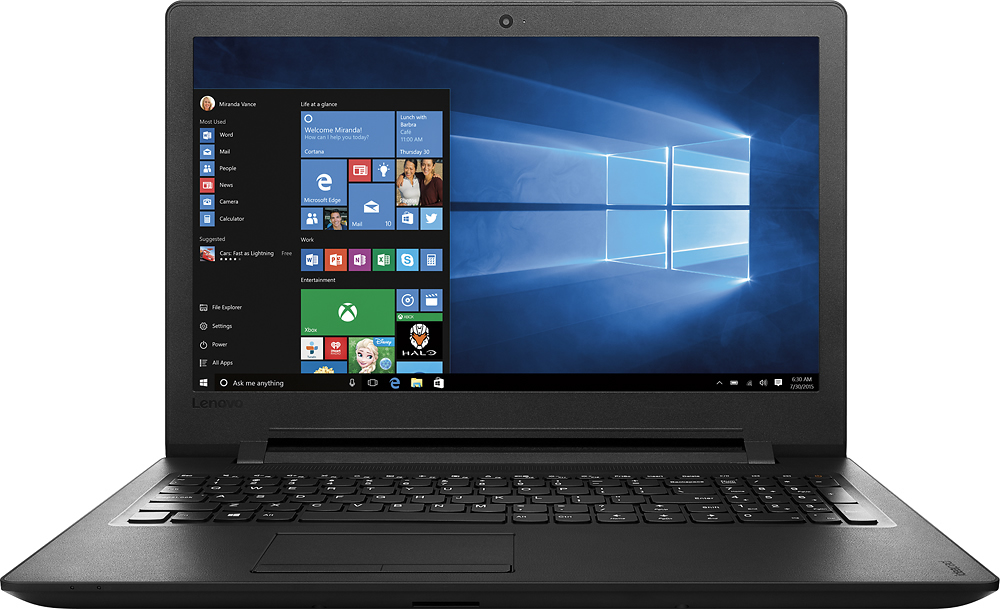
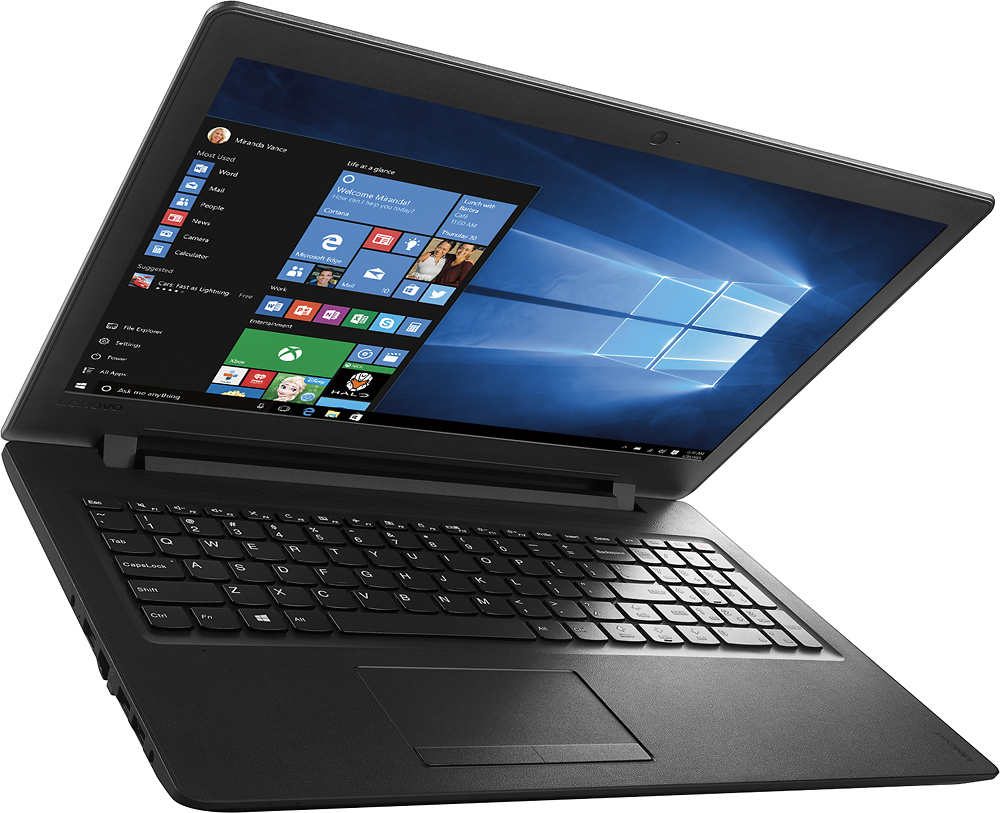
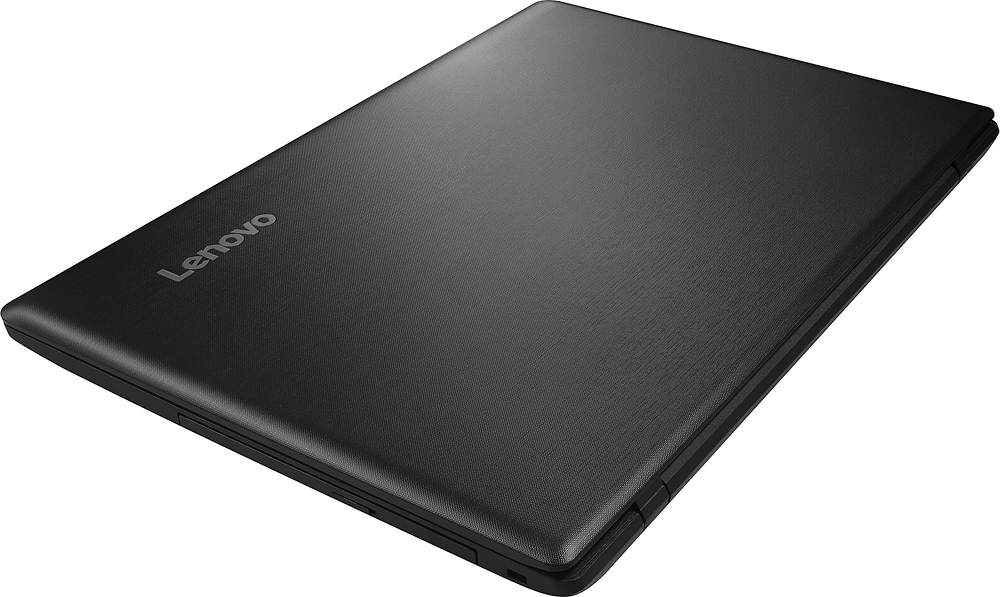
- Model:
- IDEAPAD 110 - 80T7000HUS
- SKU:
- 5091163
to a friend
Customers are saying
Customers are delighted by the affordable price, user-friendly interface, and adequate storage space of the 15.6" Laptop. However, they have concerns about its slow performance, short battery life, and subpar keyboard and speakers.
This summary was generated by AI based on customer reviews.
Great Laptop but it will not burn CD
Posted .This reviewer received promo considerations or sweepstakes entry for writing a review.I cannot burn CD. I will have to send it back soon.
No, I would not recommend this to a friendBrand response from Lenovo Product Expert
Posted .Thank you for choosing the Lenovo IdeaPad 110-15 laptop. There is a CD/DVD reader-writer on this system. You should be able to write either a CD or DVD. With regard to the optical drive issues you mention with your device, there may be driver updates for your specific system. Follow the link below to look for new driver updates for your specific system. You can also run diagnostics from the Lenovo site as well. As always, be sure to create a restore point on your system before you make any changes. Here is the link:
http://support.lenovo.com/us/en/products/Laptops-and-netbooks/100-series/110-15IBR/80T7/000HUS?query=&Shallow=1&Type=&OperatingSystems=&Component=&Symptom=&linkTrack=Caps%253ABody_SearchProduct&tabName=downloads&beta=false
Horrible Best Buy experience
Posted .This reviewer received promo considerations or sweepstakes entry for writing a review.Ordered hp expected it today but got a email saying ran out,so I bought the Lenovo and It was ready for pick up.Then I received a email saying that the hp had been shipped after I called first thing in the morning cancelling it.Later I called and asked they could cancel they said no ship it back or take it to the store when you get it.I thought okay maybe I can compare the two when I get them.My sister had the hp so I knew I'd like it but wanted to try out the Lenovo still picked up and it's horrible.The camera quality is herendous,the computer is way too bulky for me.I seen reviews and wanted to get it but regret my decision so much
No, I would not recommend this to a friend- Cons mentioned:Slow
Too slow
Posted .This reviewer received promo considerations or sweepstakes entry for writing a review.I bought this computer and it is too slow, the trackpad is inaccurate and the webcam has a low resolution. I will return it.
No, I would not recommend this to a friend Pitiful Mike and Video Camera
Posted .This reviewer received promo considerations or sweepstakes entry for writing a review.Purchased this through open box sale. Not sure why it was returned but the microphone and camera are sorely inadequate. The rest of the system is functional, I'm returning it tomorrow for a Dell.
No, I would not recommend this to a frienddon't buy
Posted .This reviewer received promo considerations or sweepstakes entry for writing a review.i thought this will be a good one for its price. after reading mixed reviews, i finally decided to purchase it. very frustrating! my internet service is really fast, but, this laptop is way too slow to start up, it is not very responsive at all. i was only planning to use it for online purposes, but, nope... it didnt take a week to know this is not a good one. will return.
No, I would not recommend this to a friendslow
Posted .This reviewer received promo considerations or sweepstakes entry for writing a review.I was not happy with the response time of this computer.
No, I would not recommend this to a friendPurchased for my 13 year old.
Posted .This reviewer received promo considerations or sweepstakes entry for writing a review.So far no complaints..purchased for my daughter. She wanted something for homework.
I would recommend this to a friendBrand response from Lenovo Product Expert
Posted .Thank you for choosing the Lenovo IdeaPad 110-15 laptop for your children. We are pleased to hear that the IdeaPad 110-15 is working for your children.
Do not buy
Posted .This reviewer received promo considerations or sweepstakes entry for writing a review.This computer sucks, had it less than a month but after the 15 return period and it freezes and i have to keep rebooting it which then takes 20 to reboot back up and it's not even a month old yet
No, I would not recommend this to a friendBrand response from Lenovo Product Expert
Posted .This system is equipped with OneKey Recovery System. There is a very small pin hole on the left side of the device, right near the headphone jack on the device. You will need a pin to push this reset button. Plug the device in. Let the battery charge for about 15 minutes. Push the reset button. The system should boot to a choice screen where you can choose "Restore To Factory Default". Select this. It will delete everything from the hard drive except the original factory install of the operating system. You will need to reinstall all programs and files after the reset. If you don't have copies of the files, try to make one before you restore by selecting "Boot to desktop" and trying to back up your files. Be sure any programs you install on the device are compatible with Windows 10.
Very slow
Posted .This reviewer received promo considerations or sweepstakes entry for writing a review.I am returning this as soon as I can. Brand new! I haven't added even 1 picture or program and it takes forever to load a webpage. It's going back!
No, I would not recommend this to a friendThis model is not functional if you're a typist.
Posted .This reviewer received promo considerations or sweepstakes entry for writing a review.Shift key in wrong place Mouse malfunctions Slow
No, I would not recommend this to a friendBrand response from Lenovo Product Expert
Posted .With regard to the right shift key issue you mention, there is a free software APP called KeyTweak that may help you. You can switch the key functions of specific keys on your keyboard with this software, so you could change the right shift key with the key you hit in its place. Just Google search "KeyTweak" and you will find articles about what the software does and you will find the download location for this free APP.
You can adjust the touchpad within system settings. There may also be touchpad driver updates for your specific system. Follow the link below to look for new driver updates for your specific system. You can also run diagnostics from the Lenovo site as well. As always, be sure to create a restore point on your system before you make any changes. Here is the link:
http://support.lenovo.com/us/en/products/Laptops-and-netbooks/100-series/110-15IBR/80T7/000HUS?linkTrack=Caps%253ABody_SearchProduct&tabName=downloads&beta=false