Customer Ratings & Reviews
- Model:
- 61F5GAR1US
- SKU:
- 6420638
to a friend
Lenovo screen upgrade
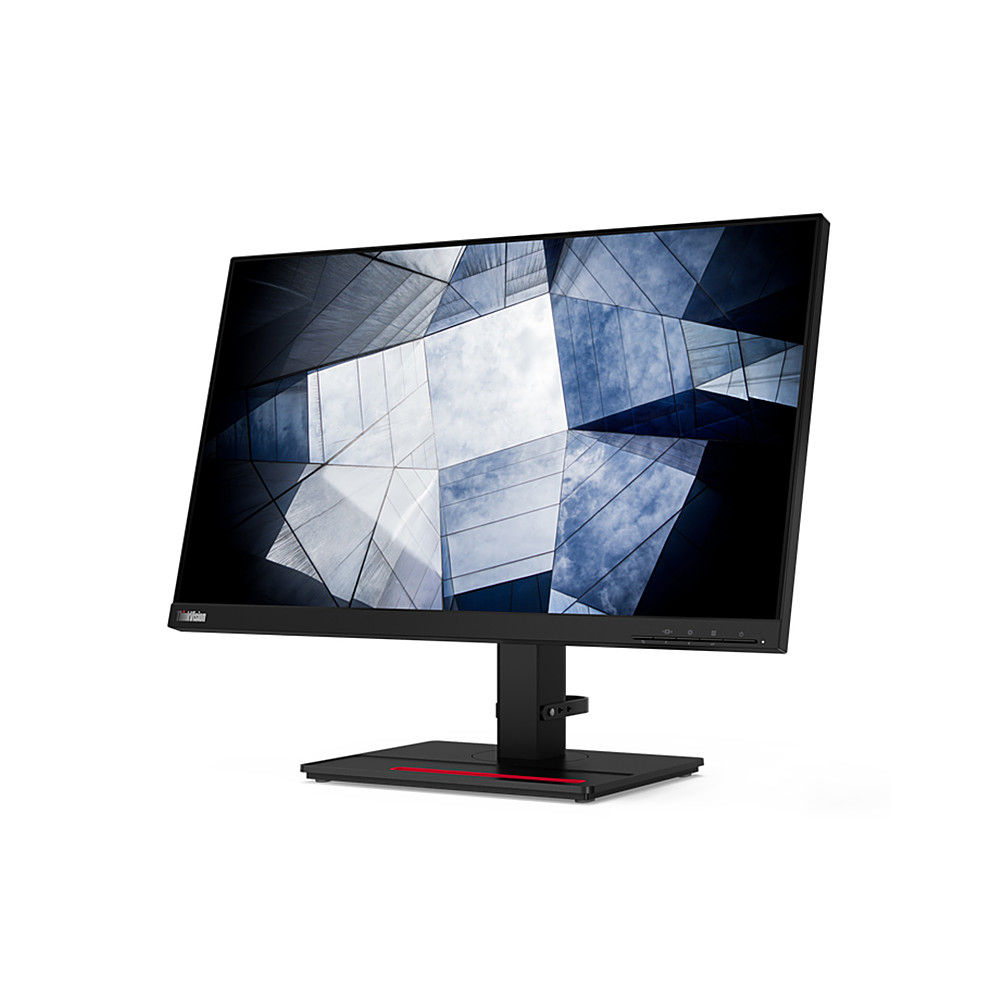
||Posted . Owned for 1 month when reviewed.This reviewer received promo considerations or sweepstakes entry for writing a review.Very crisp screen with good color resolution. It was plug and Play for my latest laptop, but because of the screen resolution would not work on my (10 year) old pc running Windows 10 (HP did not have an updated drive!). Screen adjustment (physical up/down and angled) very flexible. Hope it will ease the strain on my eyes
I would recommend this to a friendBrand response from Lenovo Product Expert
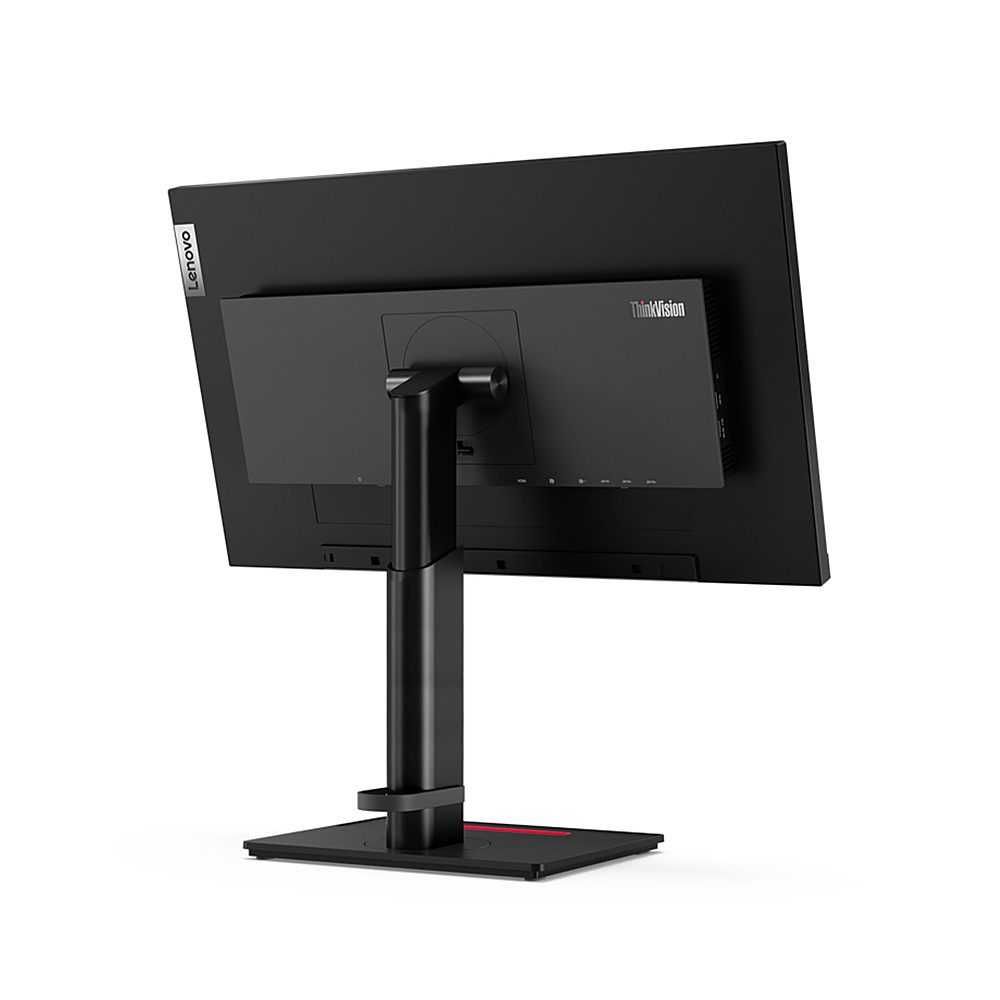
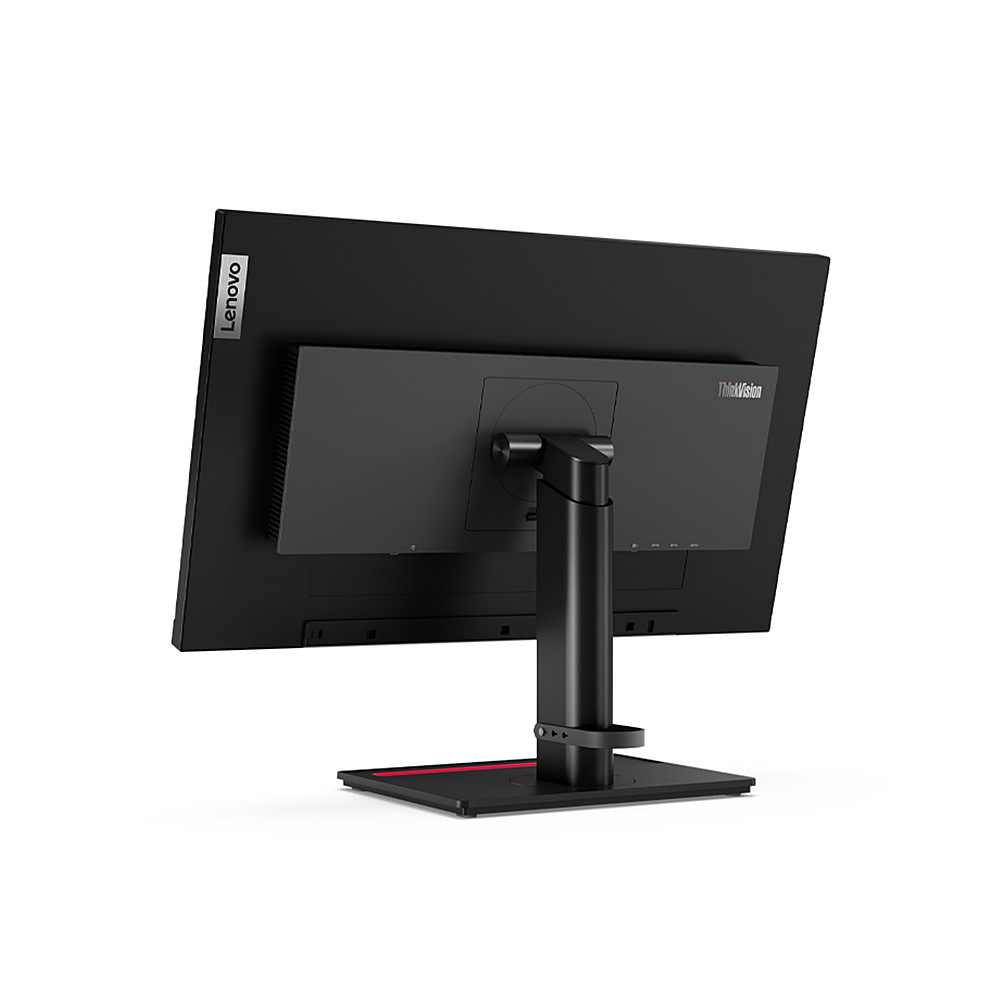
Posted .Thank you for choosing the Lenovo ThinkVision P24q-20 Monitor, model number 61F5GAR1US. This model is compatible with and will Support Windows 7, Windows 10 and Windows 11. It will connect to a compatible computer by either: 1 x HDMI 1.4 or 1 x DisplayPort 1.2 connection. This ThinkVision P24q-20 has a screen resolution of: 2560 x 1440 (Max). If your old computer does not support 2560 x 1440 resolution, try selecting a lower screen resolution within your computer's Windows 10 Settings Menu. Here is a link to instructions for changing the display resolution of your computer within Windows 10: https://support.microsoft.com/en-us/windows/view-display-settings-in-windows-37f0e05e-98a9-474c-317a-e85422daa8bb#WindowsVersion=Windows_10. Additionally, here is the User Guide for this ThinkVision P24q-20 Monitor, it lists the available screen resolutions this monitor can support on page 2-9: https://download.lenovo.com/consumer/monitor/thinkvision_p24q_20_ug_en.pdf. If you have questions about your Lenovo ThinkVision P24q-20 Monitor, we recommend you contact Lenovo Tech Support for Think Products at: 877-453-6686.
