Customer Ratings & Reviews




- Model:
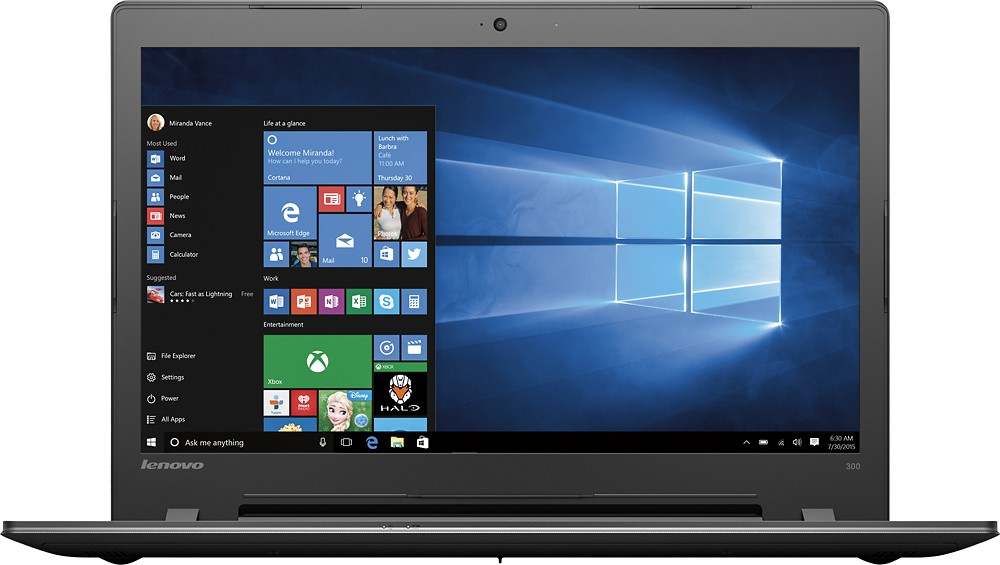
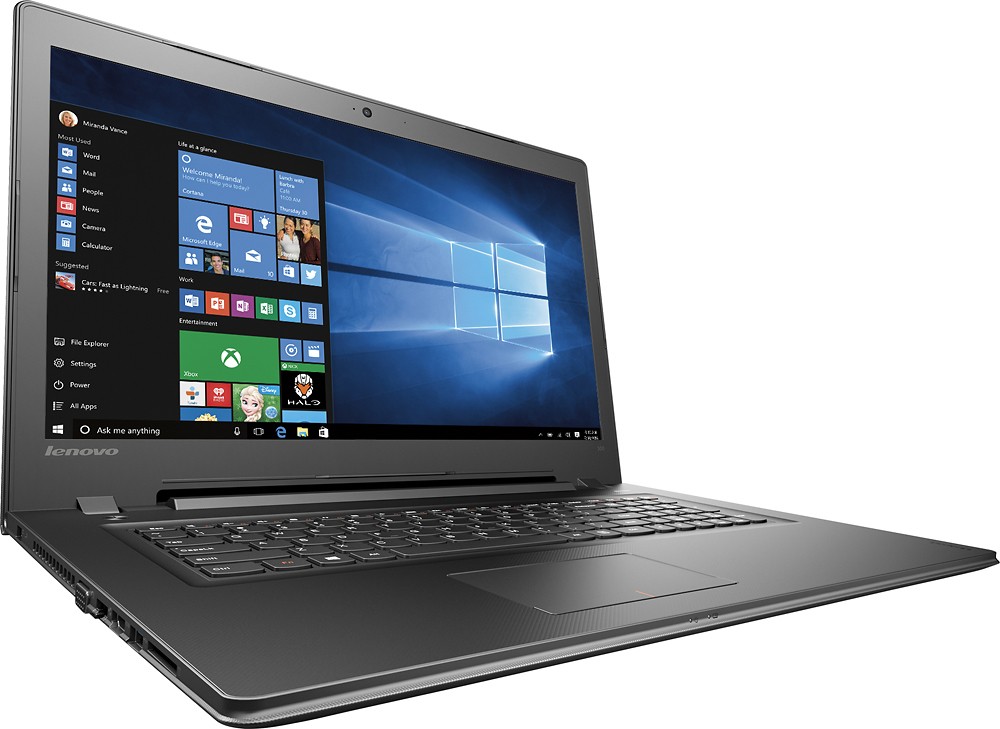
- IDEAPAD 300 - 80QH00BCUS
- SKU:
- 5450868
to a friend
Customers are saying
Customers regard the 300-17ISK 17.3" Laptop's large screen size and relatively good performance as significant advantages. Many appreciate its ease of use and consider it a good value for the price. While some users upgraded the RAM, others noted that the battery life could be improved and the hard drive's speed is a point of concern for some.
This summary was generated by AI based on customer reviews.
Love my Lenova Laptop
||Posted .This reviewer received promo considerations or sweepstakes entry for writing a review.I am really enjoying my lap top. Thank You Lenova.
I would recommend this to a friendBrand response from Lenovo Product Expert
Posted .Thank you for choosing the Lenovo IdeaPad 300-17 laptop. We are pleased to hear that the IdeaPad 300-17 meets your computing needs so well.

Great for 86 year old!
||Posted .This reviewer received promo considerations or sweepstakes entry for writing a review.Bought it for my 86 year old Mom. She loves it !!!
I would recommend this to a friendJust an average laptop
||Posted .This reviewer received promo considerations or sweepstakes entry for writing a review.Nothing special about this laptop. It is functional but a bit slow. I only use it for basic browsing, so it is good enough for me.
I would recommend this to a friendGood Value Laptop
||Posted .This reviewer received promo considerations or sweepstakes entry for writing a review.Not the fastest or most powerful laptop but gets the job done for the price! If you want a simple cheap work laptop then this is it.
I would recommend this to a friendBrand response from Lenovo Product Expert
Posted .Thank you for choosing the Lenovo IdeaPad 300-17 laptop. We are pleased to hear that the value and performance of the IdeaPad 300-17 meets your computing needs.
Good for family use
||Posted .This reviewer received promo considerations or sweepstakes entry for writing a review.Bought for my family mostly for middle school related homework. We also use it for music downloads, picture and video edits.
I would recommend this to a friendBrand response from Lenovo Product Expert
Posted .Thank you for choosing the Lenovo IdeaPad 300-17 laptop for your family. We are pleased to hear that the IdeaPad 300-17 is meeting your family's computing needs so well.
- Pros mentioned:Screen size
Love the screen size
||Posted .This reviewer received promo considerations or sweepstakes entry for writing a review.Screen size is great but is slow...from start up to use...
No, I would not recommend this to a friend Takes getting used to.
||Posted .This reviewer received promo considerations or sweepstakes entry for writing a review.It is hard to figure out how to download pictures off of cell phones to the computer.
I would recommend this to a friendBrand response from Lenovo Product Expert
Posted .Thank you for choosing the Lenovo IdeaPad 300-17 laptop. Here is a link to an article on how to transfer pictures from your phone to your computer:
http://www.pcmag.com/article/241440/how-to-get-photos-off-your-iphone-or-any-smartphone
inexpensive product for students
||Posted .This reviewer received promo considerations or sweepstakes entry for writing a review.the product is fine, but navigating the store and the salesforce was a nightmare.
I would recommend this to a friendVery good
||Posted .This reviewer received promo considerations or sweepstakes entry for writing a review.Very good I would recommend this this time Mid grade quality but goid
I would recommend this to a friendIt is okay
||Posted .This reviewer received promo considerations or sweepstakes entry for writing a review.I have purchased two Lenovos in a row. not sure I will buy another.
No, I would not recommend this to a friendClunker
||Posted .This reviewer received promo considerations or sweepstakes entry for writing a review.I replaced my 2002 Dell laptop with this, & this is so slow. Nice graphics, sound quality is fair but my $10 yard sale radio sounds better. Pass this one by, the larger screen is not worth the slow clunky speed or slow downs when more than one window is open. Dial up, fast.....ugh!!!
No, I would not recommend this to a friendBrand response from Lenovo Product Expert
Posted .Thank you for choosing the Lenovo IdeaPad 300-17 laptop. With an Intel I-3 processor, this should not be a slow system. There may be driver updates for your specific system. Follow the link below to look for new driver updates for your specific system. You can also run diagnostics from the Lenovo site as well. As always, be sure to create a restore point on your system before you make any changes. Here is the link:
http://support.lenovo.com/us/en/products/Laptops-and-netbooks/300-Series/300-17isk/80QH/00BCUS?linkTrack=Caps%253ABody_SearchProduct&tabName=downloads&beta=false
Great starter
||Posted .This reviewer received promo considerations or sweepstakes entry for writing a review.Great starter laptop. Somewhat heavy but great for a student
I would recommend this to a friendBrand response from Lenovo Product Expert
Posted .Thank you for choosing the Lenovo IdeaPad 300-17 laptop. We are pleased to hear that the IdeaPad 300-17 is working out so well for you.
Cost effective
||Posted .This reviewer received promo considerations or sweepstakes entry for writing a review.Basic and functional. The power plug is so last century ...
I would recommend this to a friendCheaply made
||Posted .This reviewer received promo considerations or sweepstakes entry for writing a review.My first laptop- a disappointment. Poor screen quality
No, I would not recommend this to a friendstill learning
||Posted .This reviewer received promo considerations or sweepstakes entry for writing a review.Still learning but it seems slower than my old desk top
I would recommend this to a friendBrand response from Lenovo Product Expert
Posted .Thank you for choosing the Lenovo IdeaPad 300-17 laptop. With regard to learning your way around Windows 10, you may want to try YouTube.com (just type that address in your browser address window). There are hundreds for free instructional videos there about Windows 10. Just type Windows 10 Introduction in to the YouTube search window. You can watch free videos there that will show you the basics all the way up to tips and tricks videos and they're all free.
- Cons mentioned:Hard drive
WARNING! DON'T BUY!!
||Posted .This reviewer received promo considerations or sweepstakes entry for writing a review.This thing needs yet ANOTHER hard drive. THIRD TIME in 8 months!! It's now my mission to spread the word and warn others not to waste their time, energy, and money. Don't walk away, RUN!!!!
No, I would not recommend this to a friend Not so good
||Posted .This reviewer received promo considerations or sweepstakes entry for writing a review.I bought this computer in September, 2016 and used it for less than a week, then returned it for a different name brand computer with a better processor. This Lenovo kept freezing on me when I was using the internet. It would load very slow, and be as slow as molasses in the middle of winter when I wanted to browse different websites. I ran out of patience, and returned it. I haven't had any problems with the different name brand computer at all. I'm very glad I returned this slow dinosaur.
No, I would not recommend this to a friendBrand response from Lenovo Product Expert
Posted .This system should provide good speed with its Core I-3 processor and 4GB of RAM. Be sure any software you installed is compatible with Windows 10. There is no need to install Microsoft Office software. The software is already part of the operating system, you just need to activate the software with a purchased product key. If you have installed a copy of Microsoft Office, this is conflicting with the existing copy on the system and this will slow your system down. If you have installed a 3rd party anti-virus program, be sure that Windows Defender is turned off and that the trial version of McAfee Anti-Virus software is uninstalled. There can only be one anti-virus program on the system. You may need to restore your system to original factory default settings if any of the programing errors have occurred. You can do that by typing "restore" in the Cortana search window. Just click on the magnifying glass icon at the bottom left of your Windows 10 Desktop. Click on "Reset This PC" Then click on "Get Started" and follow the on screen directions to restore to factory defaults.
- Cons mentioned:Battery life
Horrible!!!!!
||Posted .This reviewer received promo considerations or sweepstakes entry for writing a review.I had to take it back the next month because it was no good. It kept shutting off and would only stay on if the cord was in.
No, I would not recommend this to a friend Product QA is poor
||Posted .This reviewer received promo considerations or sweepstakes entry for writing a review.The product is OK, but it came with an virus that locks MS Edge, and referred a phone number to be called. I called the number and found out it's a company by the name of LB Solutions. They claimed that I have a virus on my network, and asked me to buy their anti-virus software. I called Best Buy Support and they said that I don't have a contract with them so they wouldn't help. I finally fixed the product myself but did not feel happy and returned the product.
No, I would not recommend this to a friendHORRIBLE or Defective, not sure
||Posted .This reviewer received promo considerations or sweepstakes entry for writing a review.This has to be the worst computer I have ever used or it was defective. Even after uninstalling the pre-loaded McAfee, it was STILL extremely slow. It would take 30 - 40 seconds to open Chrome. I even did a fresh install of Windows 10 (not a restore, a FRESH install with my OEM Windows 10) and it was STILL slow. My Pentium II was faster than this thing. For Lenovo's sake, I hope it was defective but i am not going to buy another one.
No, I would not recommend this to a friend