Customer Ratings & Reviews
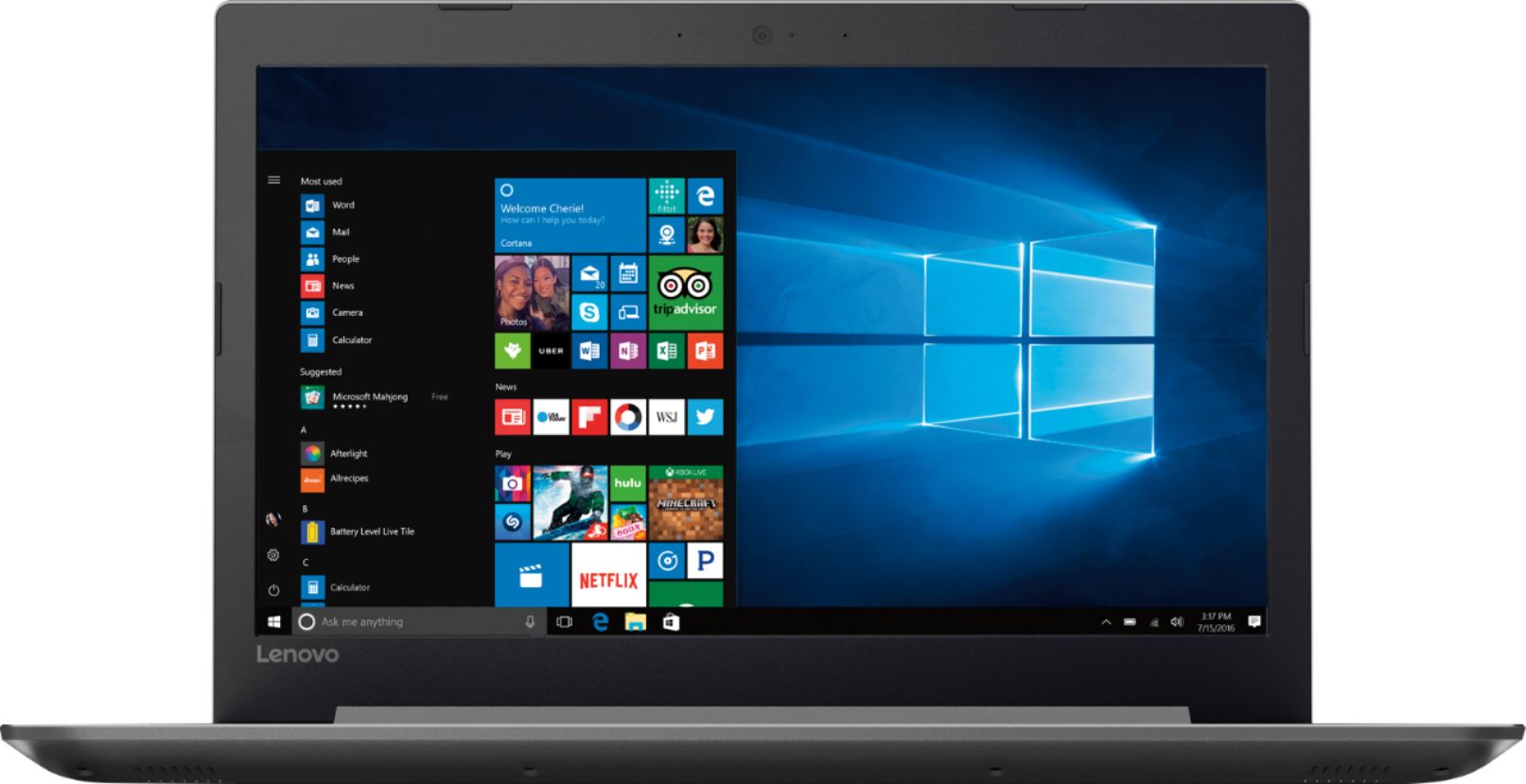
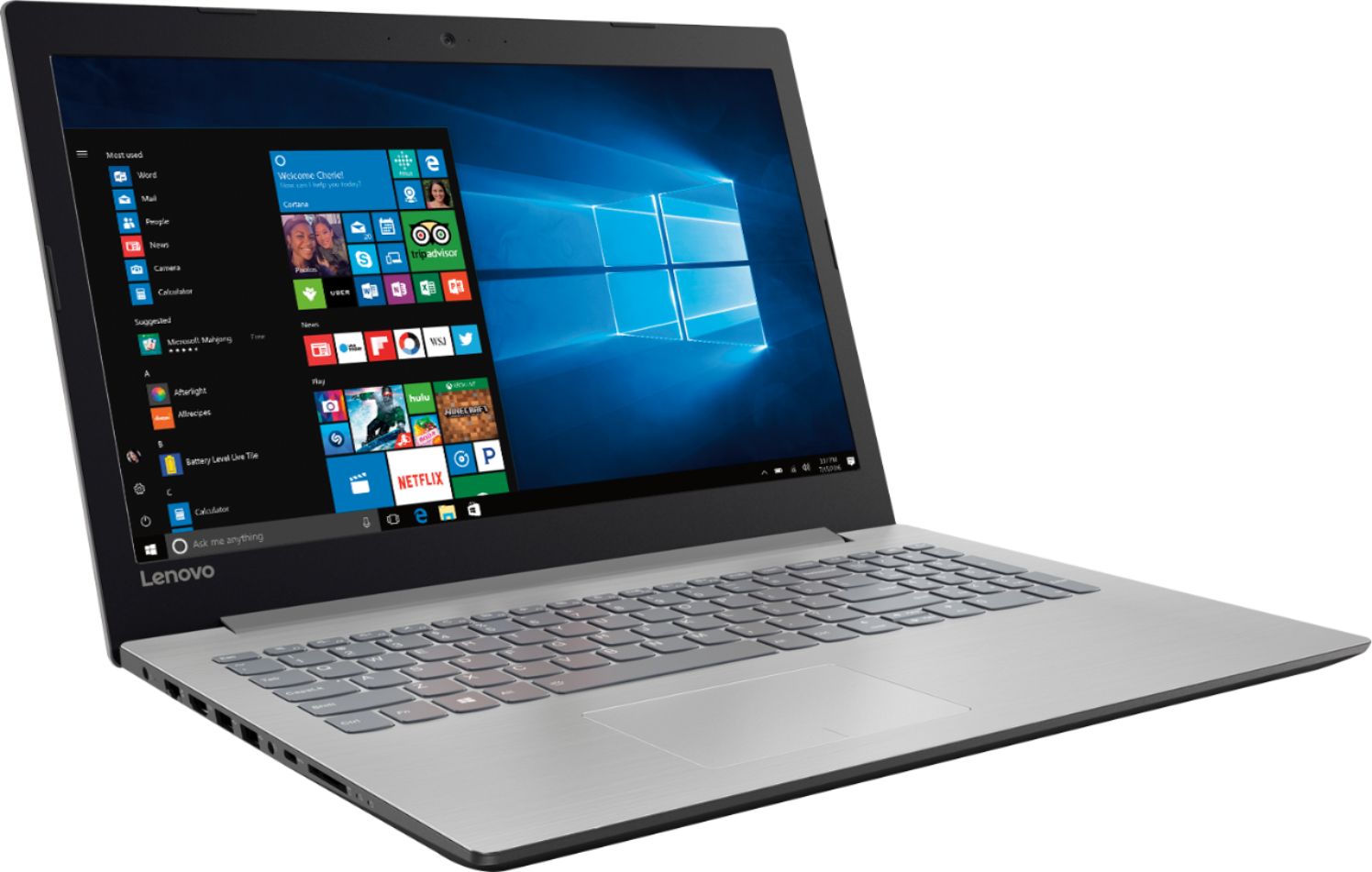
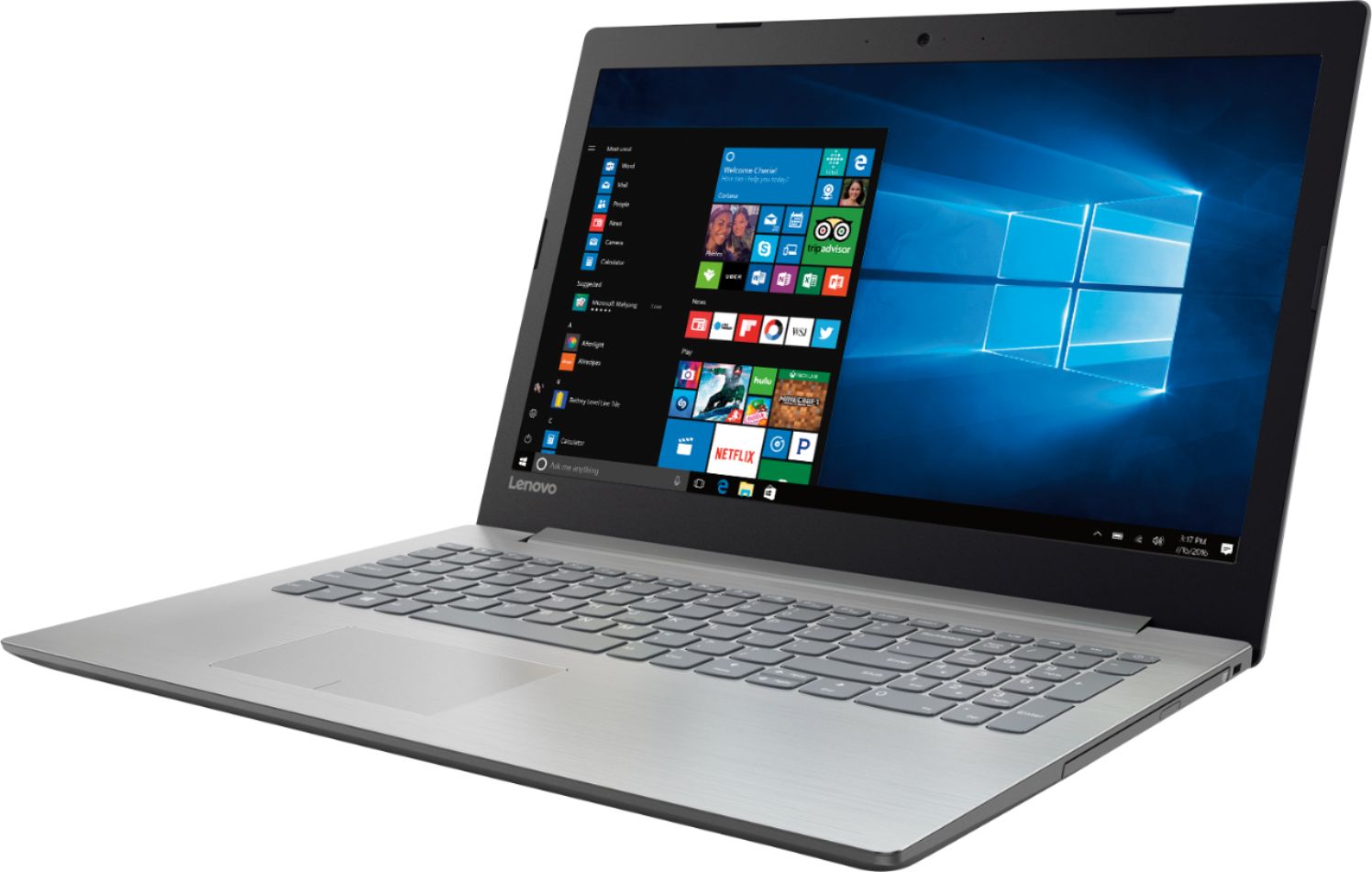
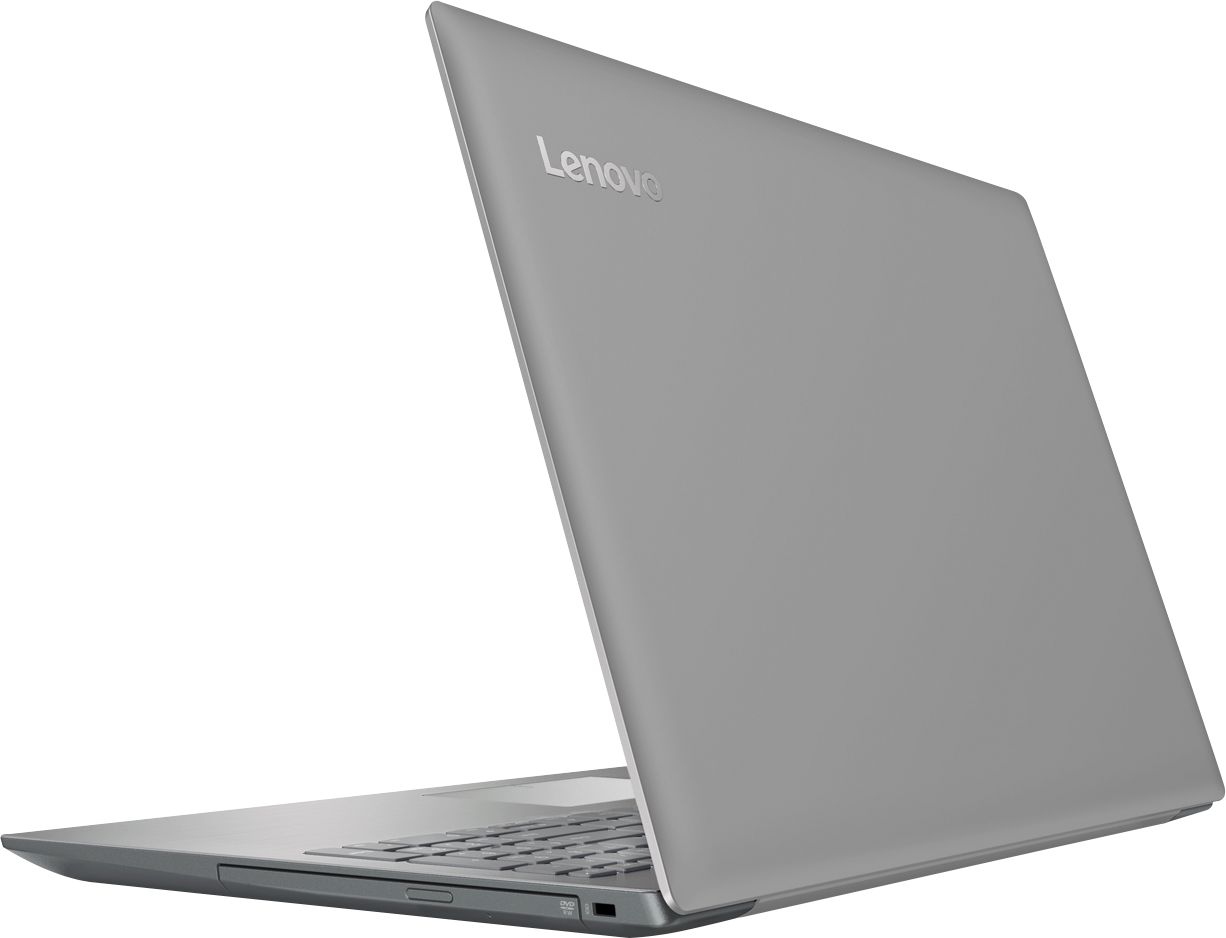
- Model:
- 80XS00DJUS
- SKU:
- 6175415
Rating by feature
- Value
Rating 4.4 out of 5 stars
- Quality
Rating 4.2 out of 5 stars
- Ease of Use
Rating 4.5 out of 5 stars
Customers are saying
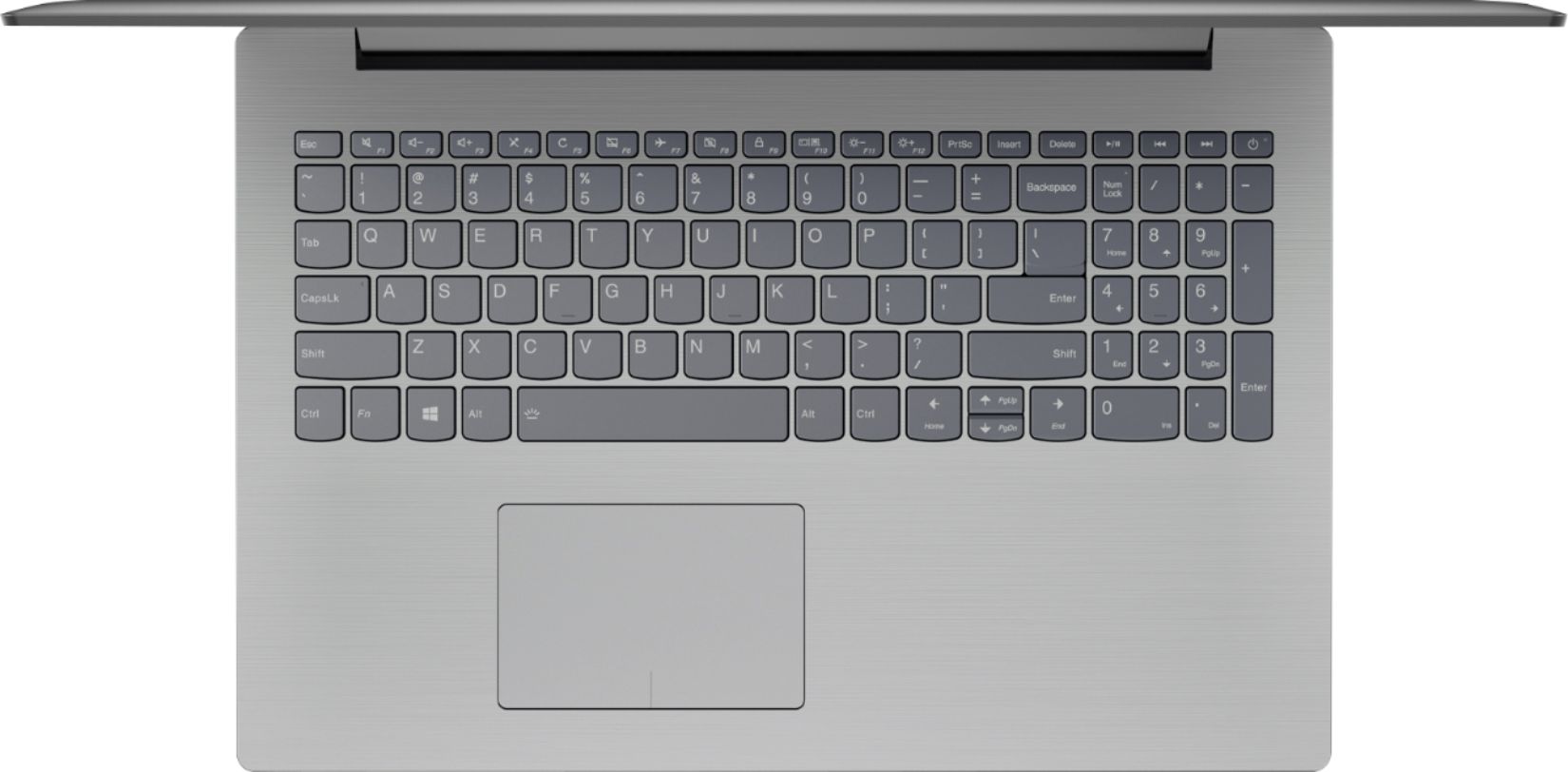
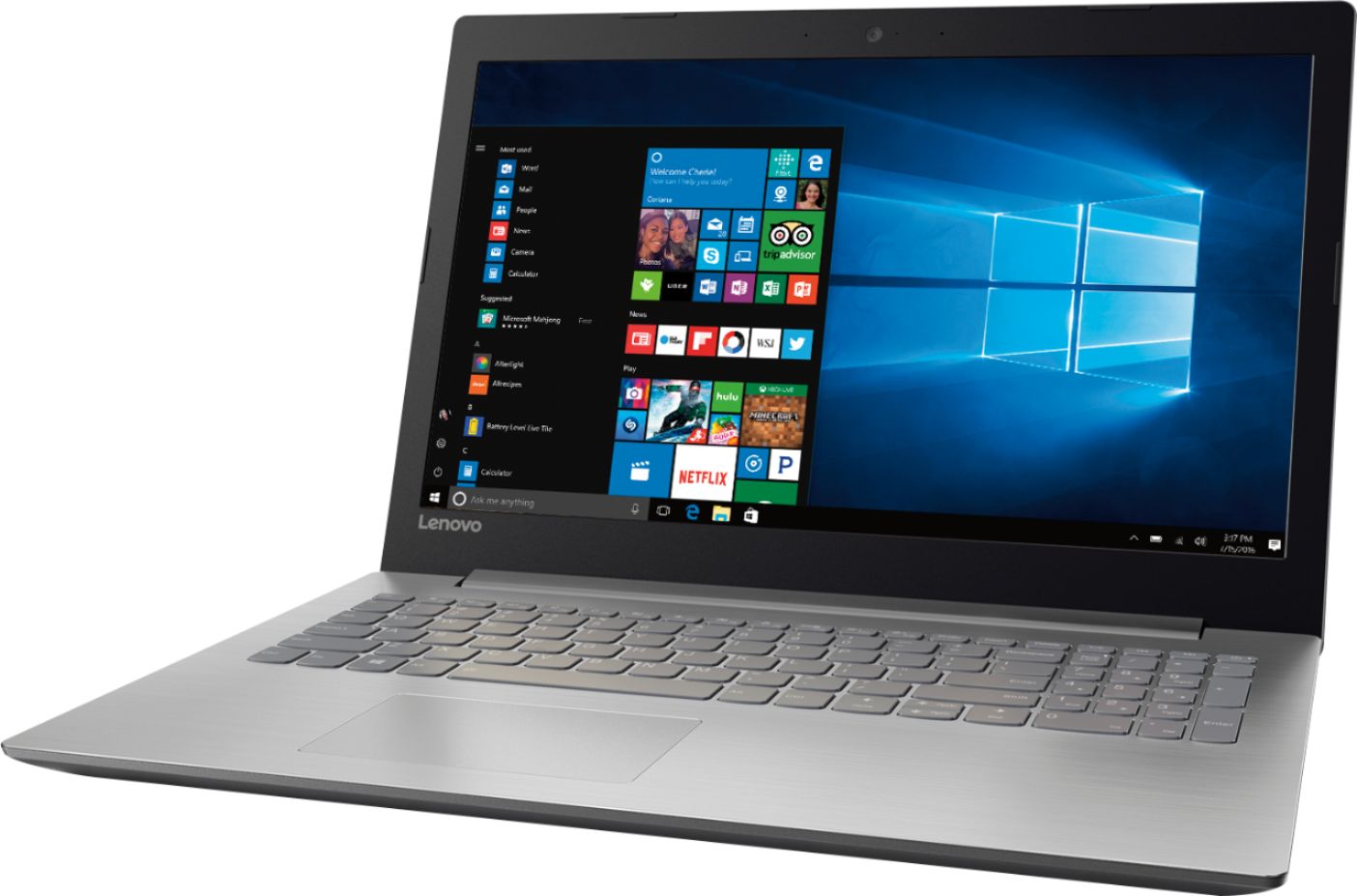
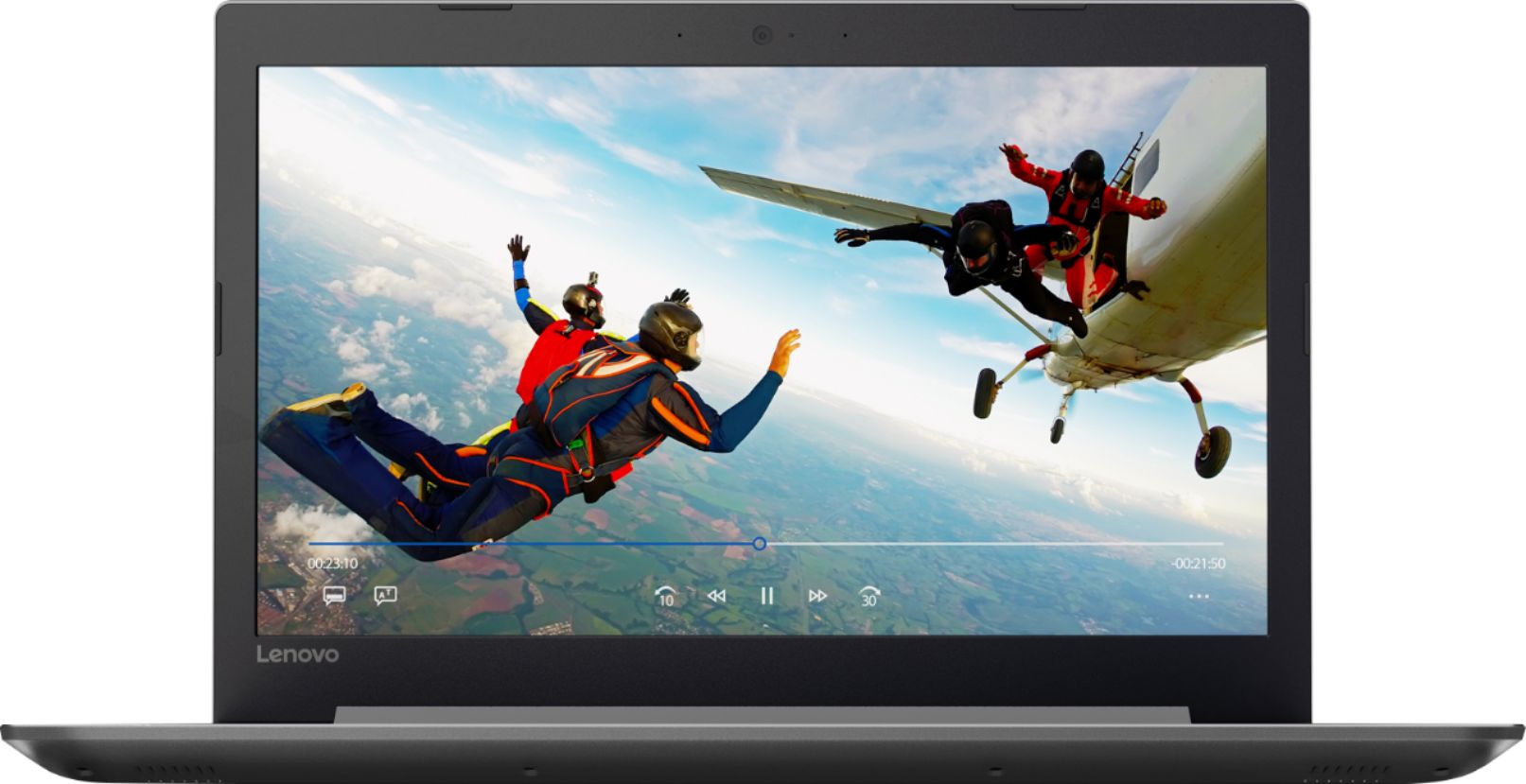
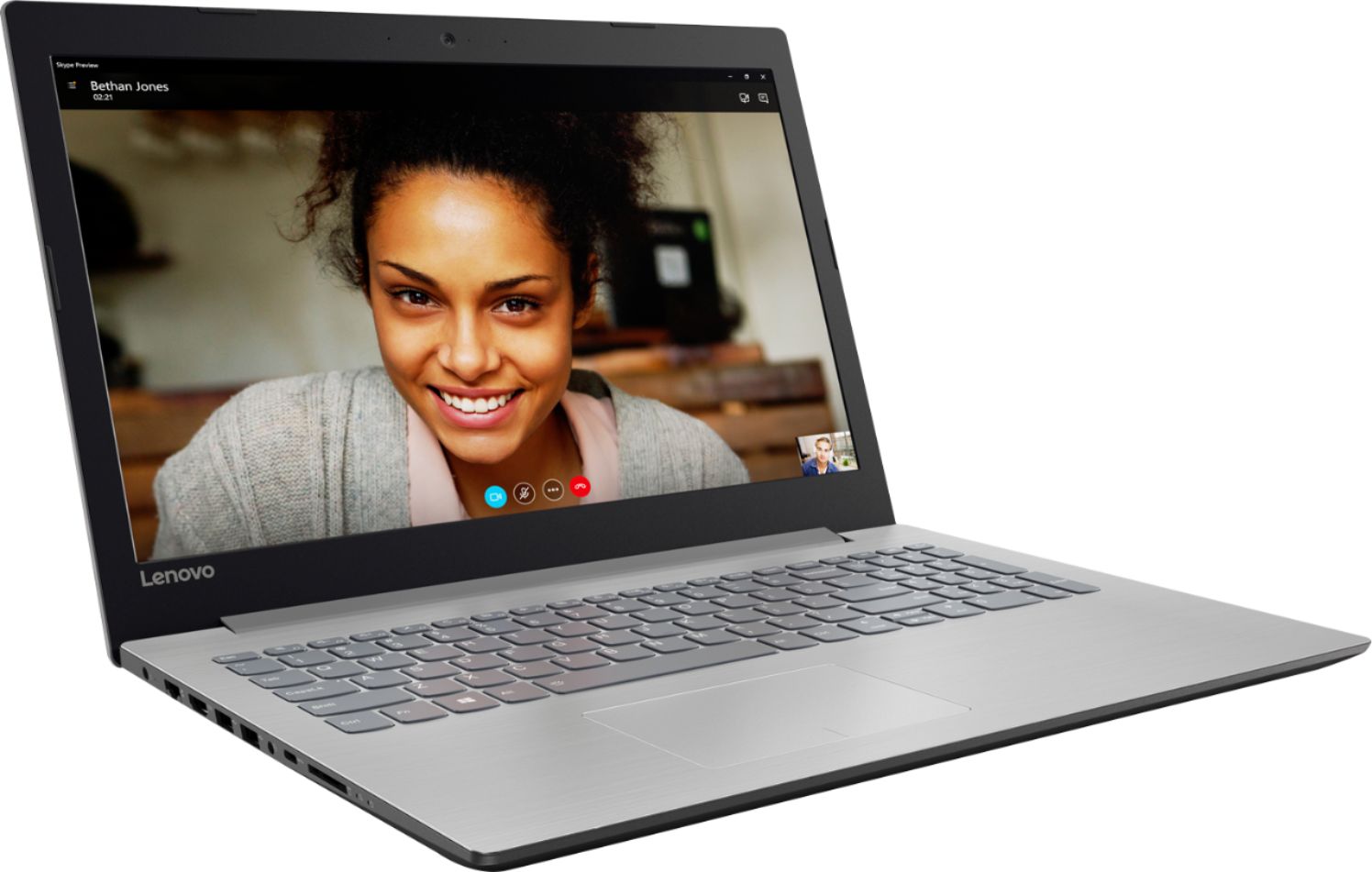
Customers praise the 320-15ABR 15.6" Laptop for its budget-friendly price, user-friendly interface, and ample storage capacity. It is also noted to be lightweight and suitable for gaming. However, customers have concerns about its short battery life, noisy fan, and poor build quality.
This summary was generated by AI based on customer reviews.
- Pros mentioned:Price
great buy for the money
||Posted .This reviewer received promo considerations or sweepstakes entry for writing a review.easy to use, has a lot of features for the money !!.
I would recommend this to a friendBrand response from Lenovo Product Expert
Posted .Thank you for choosing the Lenovo IdeaPad 320-15 laptop. We are pleased to hear that the value, features and performance of the IdeaPad 320-15 meets your computing needs so well.

- Pros mentioned:Price
Great Laptop!!!
||Posted .This reviewer received promo considerations or sweepstakes entry for writing a review.Awesome Price and Great for everything I need to do
I would recommend this to a friendBrand response from Lenovo Product Expert
Posted .Thank you for choosing the Lenovo IdeaPad 320-15 laptop. We are pleased to hear that the value and performance of the IdeaPad 320-15 meets your computing needs so well.
- Pros mentioned:Price
Amazing!
||Posted .This reviewer received promo considerations or sweepstakes entry for writing a review.This is an amazing product for an amazing price!!!
I would recommend this to a friendBrand response from Lenovo Product Expert
Posted .Thank you for choosing the Lenovo IdeaPad 320-15 laptop. We are pleased to hear that the value and performance of the IdeaPad 320-15 meets your computing needs so well.
- Cons mentioned:Battery life
OK product
||Posted . Owned for more than 2 years when reviewed.This reviewer received promo considerations or sweepstakes entry for writing a review.Laptop works good but battery life is very short. Will last about 45 minutes on full charge but less if you're watching videos.
No, I would not recommend this to a friend Levnovo Laptop
||Posted .This reviewer received promo considerations or sweepstakes entry for writing a review.It has all the bells and whistles. I’m going to have to learn everything over on the laptop since I was. Mac user until it was stolen. Liking the keyboard and the images on the screen are very clear.
I would recommend this to a friendBrand response from Lenovo Product Expert
Posted .Thank you for choosing the Lenovo IdeaPad 320-15 laptop. With regard to learning your way around Windows 10, you may want to try YouTube.com (just type that address in your browser address window). There are hundreds for free instructional videos there about Windows 10. Just type Windows 10 Introduction in to the YouTube search window. You can watch free videos there that will show you the basics all the way up to tips and tricks videos and they're all free.
Great computer but starts to lag
||Posted .This reviewer received promo considerations or sweepstakes entry for writing a review.It was amazing for a while but started to lag after a few months. I’m most likely due to capacity or memory. Everything else works great, I connected it to my Dropbox and edited videos.
I would recommend this to a friendGreat option but more than what I needed
||Posted . Owned for 1 year when reviewed.This reviewer received promo considerations or sweepstakes entry for writing a review.This is a great laptop in its price point for all the features it has. I ended up needing way less power and way less functionality, so I returned it for a less expensive and nowhere near as powerful or functional one. This would make a great daily driver if I needed it though. Matthew 7:12
I would recommend this to a friendGood Value
||Posted .This reviewer received promo considerations or sweepstakes entry for writing a review.For the price it’s tough to beat. Easy set up. Bought for my wife after her laptop died during her last semester of school. Didn’t need anything fancy. Just needed to get online and write papers.
I would recommend this to a friendLenovo 320-15ABR Laptop
||Posted .This reviewer received promo considerations or sweepstakes entry for writing a review.Having owned a Lenevo laptop, I knew when I walked through the door, I would be purchasing another Lenevo. It is so sleek and lightweight. The keyboard is comfortable and easy to use. I love how quickly the computer opens after I turn it on. I am very happy with my purchase and highly recommend this laptop.
I would recommend this to a friendBrand response from Lenovo Product Expert
Posted .Thank you for choosing the Lenovo IdeaPad 320-15 laptop. We are pleased to hear that the features and performance of the IdeaPad 320-15 meets your computing needs so well.
Great Starter Laptop
||Posted .This reviewer received promo considerations or sweepstakes entry for writing a review.This is a great laptop to surf the net, write papers and play basic games. So yes, it is good for 80% of people out there. Do not try to get this to play Fortnite or games like that.
I would recommend this to a friendNice basic laptop
||Posted .This reviewer received promo considerations or sweepstakes entry for writing a review.Had this laptop for about a month and love it so far. It fits well with my existing systems (one more USB port would have been nice since I plug a lot of things into it) and easily unplugs to become mobile. I only use it for basic office work and internet, but it handles all of that without any glitches.
I would recommend this to a friendBrand response from Lenovo Product Expert
Posted .Thank you for choosing the Lenovo IdeaPad 320-15 laptop. If you need more USB ports for this device, you may want to consider using a USB Hub with this device.
what's to love about lenovo
||Posted .This reviewer received promo considerations or sweepstakes entry for writing a review.Lenovo Ideapad 320--new laptop product for myself--Lenovo quality and response is certainly there.. Keyboard is soothing to the touch. Yes I enjoy a set of keys that softly "depresses" into the board as I type. Device is lighter in weight. Silky silver-toned finish to the island board. Quality product.
I would recommend this to a friendBrand response from Lenovo Product Expert
Posted .Thank you for choosing the Lenovo IdeaPad 320-15 laptop. We are pleased to hear that the value, features and performance of the Ideapad 320-15 meets your computing needs so well.
Fits my needs almost perfectly
||Posted .This reviewer received promo considerations or sweepstakes entry for writing a review.My motherboard died on my old laptop, as I was told by Best Buy Geek Squad Agent. I went from there to the sales floor to see what was available. The Lenovo was on sale so I chose that one and took it to the Geek Squad to get my Hard Drive info transferred over. I am very happy with this purchase.
I would recommend this to a friendSolid business laptop for office use
||Posted . Owned for more than 2 years when reviewed.This reviewer received promo considerations or sweepstakes entry for writing a review.We've had this as a business laptop a few years now and it is still up and running. It is starting to show its age but was well worth the initial cost and has lived up to our expectations
I would recommend this to a friend- Pros mentioned:Price
Great for Home Use...
||Posted .This reviewer received promo considerations or sweepstakes entry for writing a review.This is an excellent laptop for those who are looking for an affordable home option that provides key features perfect for household usage.
I would recommend this to a friendBrand response from Lenovo Product Expert
Posted .This is a high performance system with its Quad-Core AMD A12-9720P processor and 8GB of RAM. The base processor speed is 2.7GHz with a boost speed of up to 3.6GHz. This system configuration includes a built in CD/DVD-RW drive. This system can handle most of today's modern programs.
Not to shabby
||Posted .This reviewer received promo considerations or sweepstakes entry for writing a review.I bought this laptop for my little side business because my tablet was just not effective for what I needed to accomplish. This laptop does a great job and I'm happy with my purchase.
I would recommend this to a friendBrand response from Lenovo Product Expert
Posted .Thank you for choosing the Lenovo IdeaPad 320-15 laptop for your business. We are pleased to hear that the performance of the Ideapad 320-15 meets your business computing needs so well.
- Cons mentioned:Battery life
Battery doesn’t last as long as I hoped
||Posted .This reviewer received promo considerations or sweepstakes entry for writing a review.I wish The battery lasted longer and I would Have given it 5 stars!
I would recommend this to a friendBrand response from Lenovo Product Expert
Posted .The battery life on this model is up to 4.5 hours, depending on the work that the device is performing. To maximize battery life, try changing your power management setting to a more conservative one. You can do this in the control panel, in the power management category on your system. Select a more conservative power management setting to extend battery life.
The best for our need
||Posted .This reviewer received promo considerations or sweepstakes entry for writing a review.We needed a reliable computer to work on school papers, check email and have a reliable name. This is the first Lenovo we have owned and its been great. Lived up to the expectations.
I would recommend this to a friendBrand response from Lenovo Product Expert
Posted .Thank you for choosing the Lenovo IdeaPad 320-15 laptop. We are pleased to hear that the IdeaPad 320-15 meets your computing needs so well.
The right config of disk, RAM, & CPU for the $$
||Posted .This reviewer received promo considerations or sweepstakes entry for writing a review.This computer more than adequately replaced a work ThinkPad that got water damaged. I'll likely upgrade the HDD to an SSD soon but that's just to eek out a little more speed.
I would recommend this to a friendBrand response from Lenovo Product Expert
Posted .Thank you for choosing the Lenovo IdeaPad 320-15 laptop. Please keep in mind, this model is not user upgradable. A certified technician must do all of the work, so as to not void the warranty.
A good beginner laptop
||Posted .This reviewer received promo considerations or sweepstakes entry for writing a review.The laptop has plenty going for it. The wireless network was fast with my wireless router. The only problem the AMD processor was very slow and the screen could be brighter.
I would recommend this to a friendBrand response from Lenovo Product Expert
Posted .Thank you for choosing the Lenovo IdeaPad 320-15 laptop. This system has a 1366 X 768 (HD) resolution screen with 200 nits brightness. This system has the Quad-Core AMD A12-9720P processor, with a base speed of 2.7GHz and a boost speed of up to 3.6GHz. Be sure any software you have installed is compatible with Windows 10 and this system's specific configuration. There are Lenovo utilities installed on this device to help maintain the health of the device. Type "Lenovo Vantage" in the Cortana Search window. Select Lenovo Vantage from the list. In the window that opens, click on "Health and Support". In the expanded menu, select "Hardware Scan" In the window that opens, select "Run Quick Tests". This will scan your entire system for errors. Follow any directions that may pop up. If the problem continues after this scan, now click on "System Update". First select Windows update from the menu. Scan your system to be sure you have the latest version of Windows 10. Once that scan is complete, select "Additional Updates". This will scan your device to be sure there are no new BIOS/Driver updates needed. Follow any instructions that may pop up.