Customer Ratings & Reviews
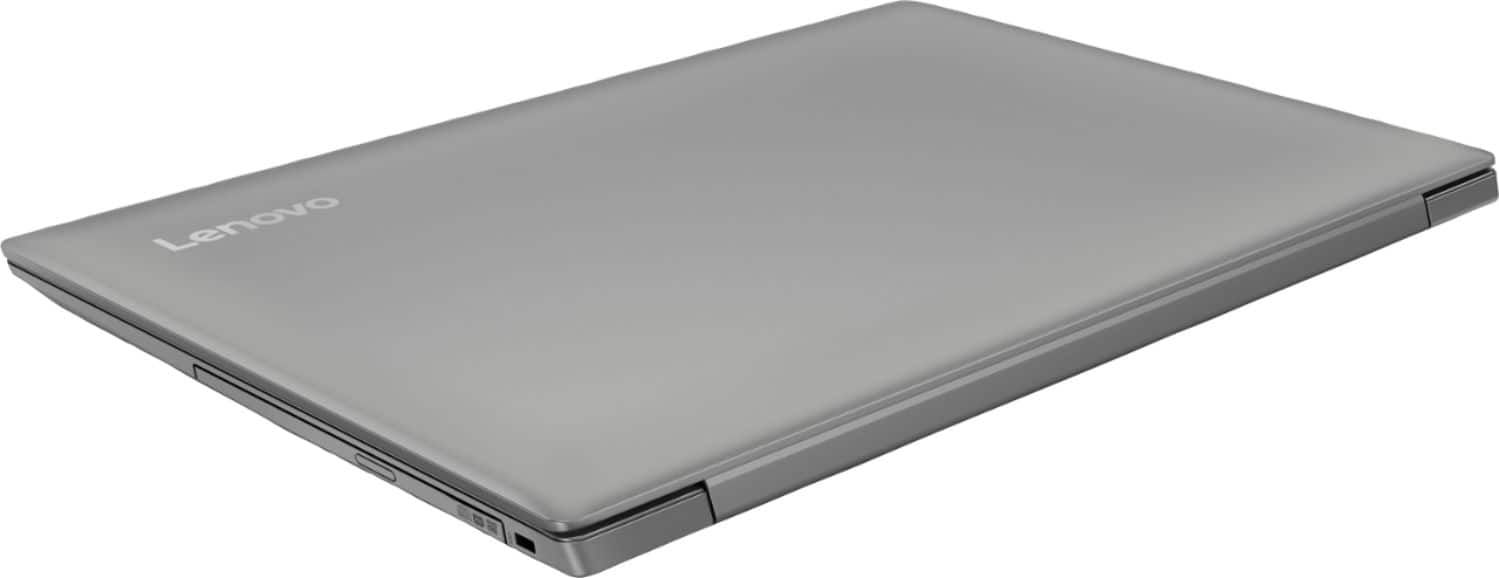
- Model:
- 81D1003TUS
- SKU:
- 6221788
Rating by feature
- Value
Rating 4.2 out of 5 stars
- Quality
Rating 3.9 out of 5 stars
- Ease of Use
Rating 4.1 out of 5 stars
Customers are saying
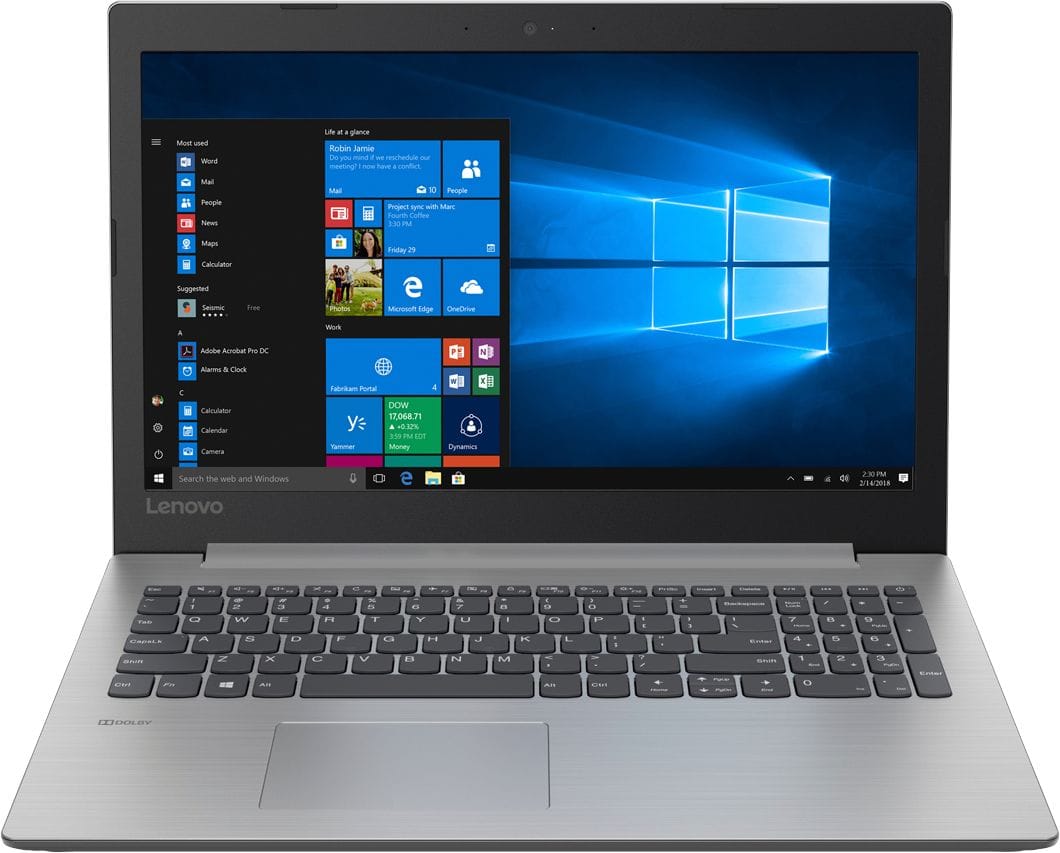
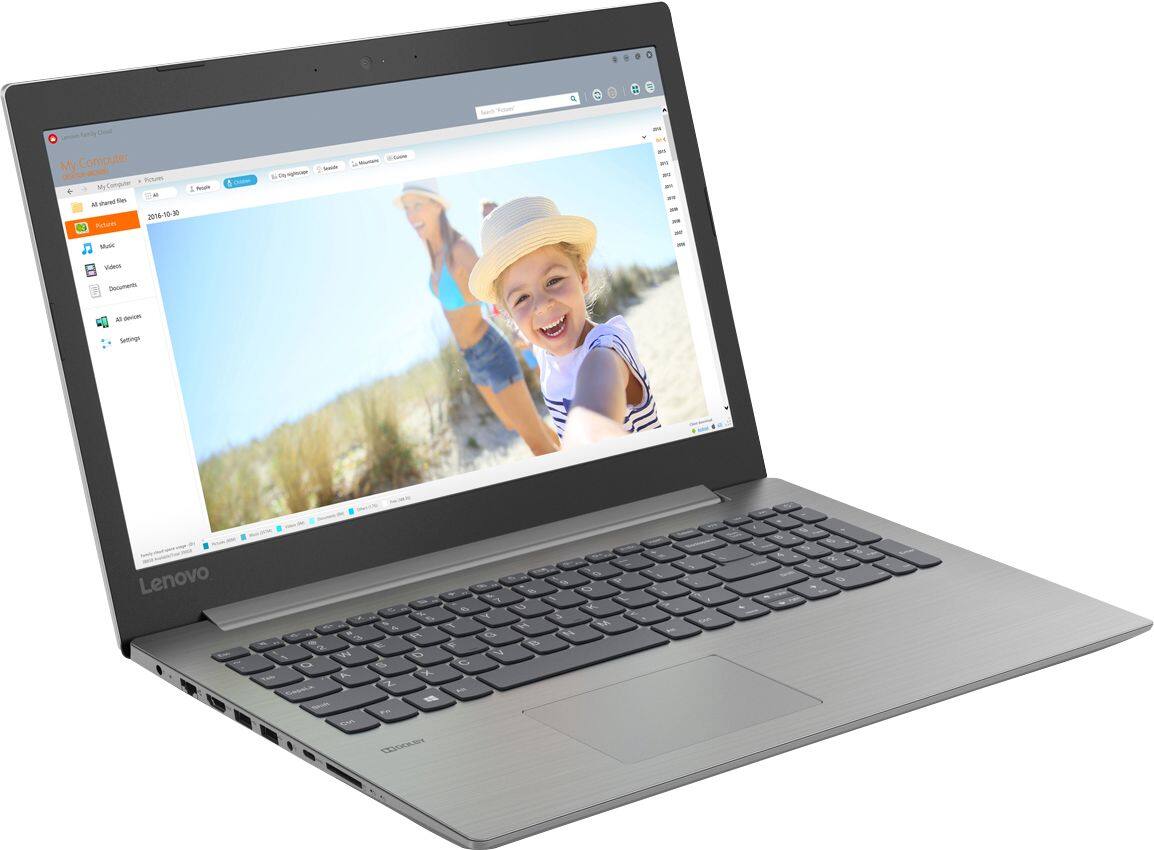
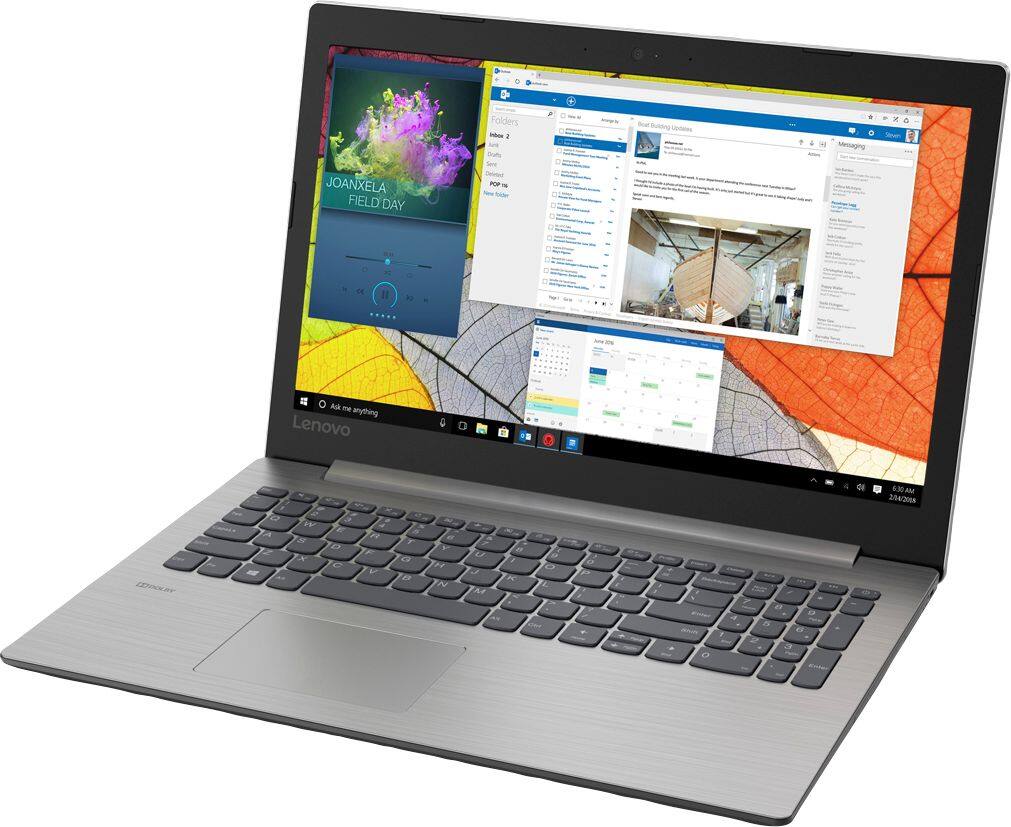
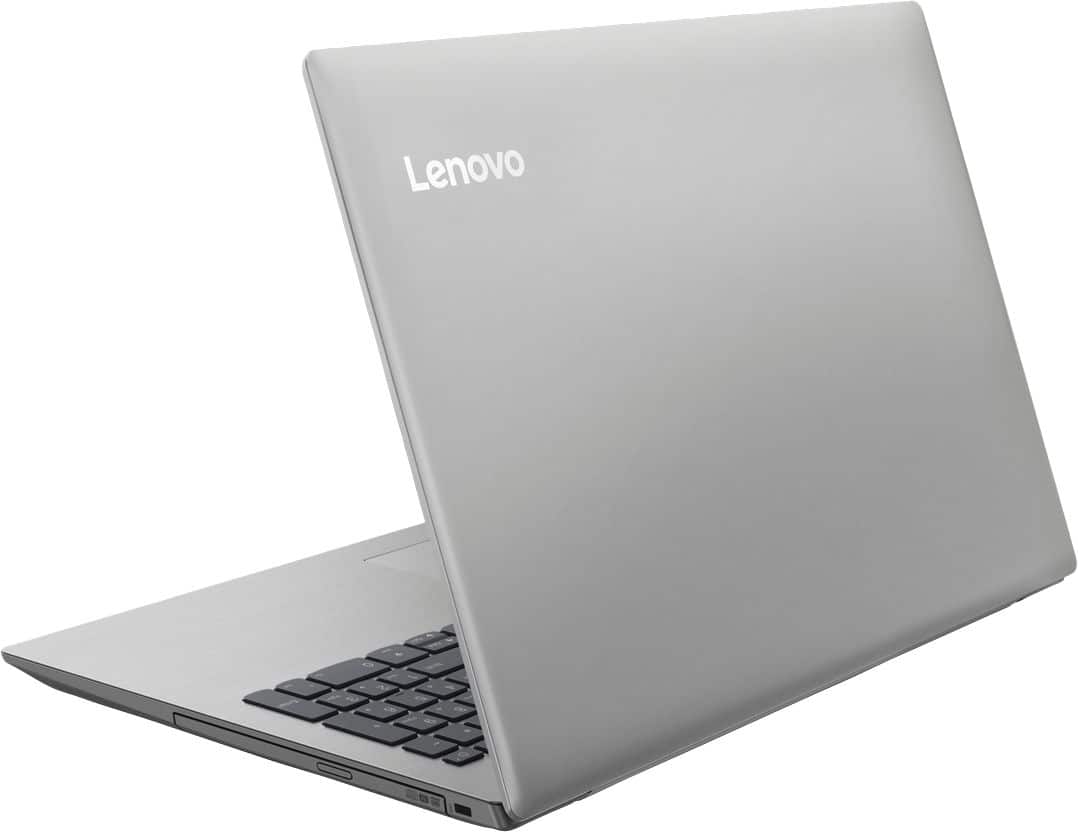
Customers consistently note the affordability and user-friendly nature of the 330-15IGM 15.6" Laptop. Many appreciate its lightweight design and adequate performance for basic tasks. However, some users express concerns about its slow processing speed and limited RAM, suggesting the need for upgrades.
This summary was generated by AI based on customer reviews.
- Pros mentioned:Easy to use
Great lap top
||Posted .This reviewer received promo considerations or sweepstakes entry for writing a review.Easy to use and I recommend to other people. Internet here I come
I would recommend this to a friendBrand response from Lenovo Product Expert
Posted .Thank you for choosing the Lenovo IdeaPad 330-15 laptop. We are pleased to hear that the IdeaPad 330-15 is working out so well for you. This is an entry level, light use system with its Intel Celeron processor. It is not meant for multi-tasking or demanding programs. It is good for Microsoft Office and light internet browsing. If this describes your computing needs, the IdeaPad 330-15 would be a good choice.

Great computer for surfing the net
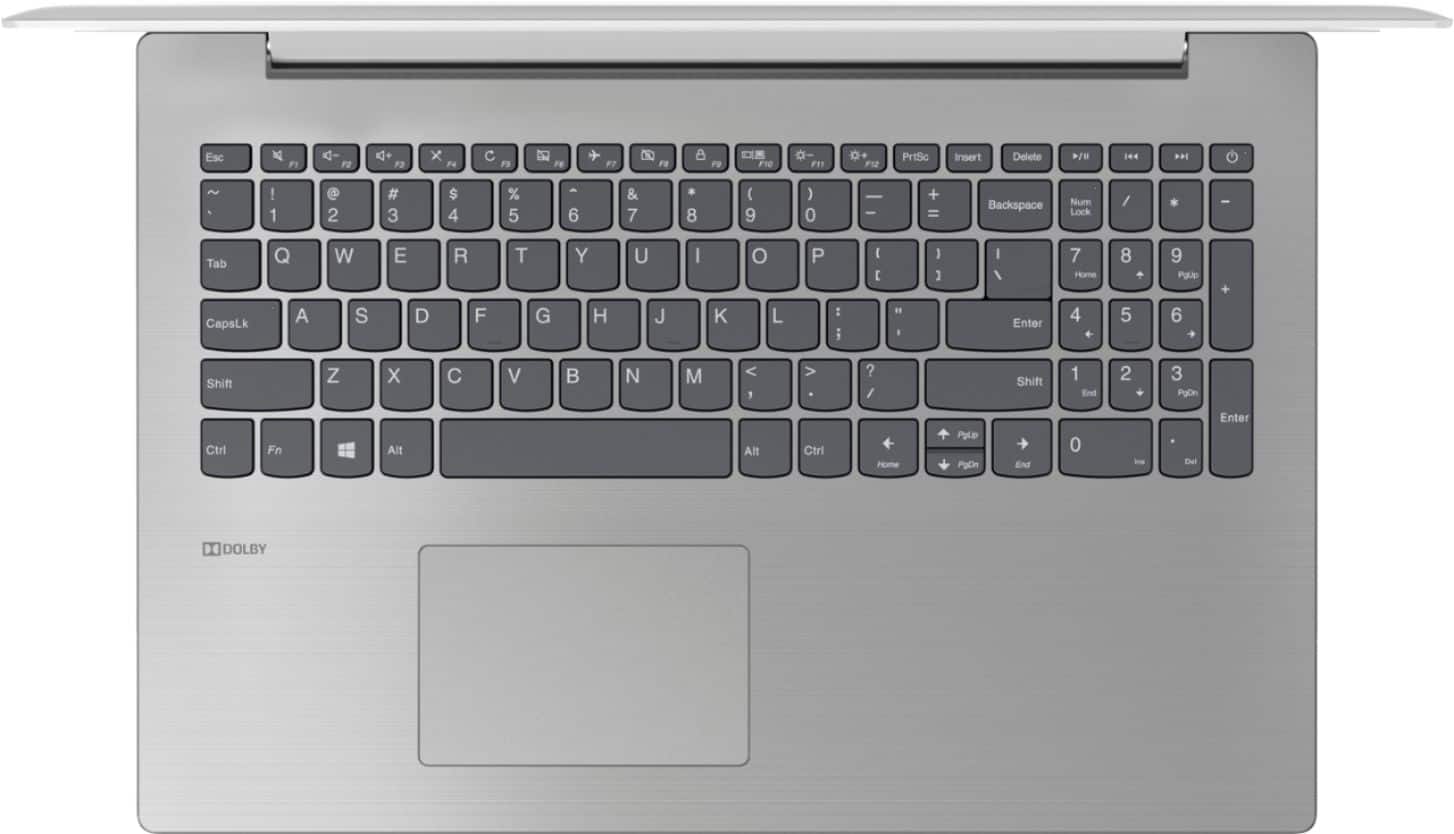
||Posted .This reviewer received promo considerations or sweepstakes entry for writing a review.Just needed a computer to get on the internet, do some paperwork, and play some games. It's so perfect I bought another to do banking on! The keyboard is PERFECT - keys are far enough apart & the right hand space bar is in the correct spot. The only downside is I can't turn off the mouse pad.... so I occasionally will move the cursor without meaning to -
I would recommend this to a friendBrand response from Lenovo Product Expert
Posted .Thank you for choosing the Lenovo IdeaPad 330-15 laptop. To turn off the touchpad, use the HotKey in the F6 position to toggle the touchpad on/off. You can also make adjustments to the touchpad in your system settings. You can get there by clicking on the magnifying glass at the bottom left of your Windows 10 screen. Type "touchpad" in the search window. Select "Mouse & touchpad settings" from the list of choices. You can make general adjustments to the touchpad there. You can also select "Additional mouse options" for more detailed adjustments to the touchpad sensitivity by increasing the delay of the touchpad.
- Pros mentioned:Price
Easy set up, good for my needs
||Posted .This reviewer received promo considerations or sweepstakes entry for writing a review.Great price, CD/DVD, fast response, light enough to carry with me
I would recommend this to a friendBrand response from Lenovo Product Expert
Posted .Thank you for choosing the Lenovo IdeaPad 330-15 laptop. We are pleased to hear that the value, features and performance of the IdeaPad 330-15 meets your computing needs so well. This is an entry level, light use system with its Intel Celeron processor. It is not meant for multi-tasking or demanding programs. It is good for Microsoft Office and light internet browsing. If this describes your computing needs, the IdeaPad 330-15 would be a good choice.
Good for starters ...
||Posted .This reviewer received promo considerations or sweepstakes entry for writing a review.I only needed a laptop for basic stuff. It is very good for this!
I would recommend this to a friendBrand response from Lenovo Product Expert
Posted .Thank you for choosing the Lenovo IdeaPad 330-15 laptop. This is an entry level, light use system with its Intel Celeron processor. It is not meant for multi-tasking or demanding programs. It is good for Microsoft Office and light internet browsing. If this describes your computing needs, the IdeaPad 330-15 would be a good choice.
Nice machine for internet use
||Posted .This reviewer received promo considerations or sweepstakes entry for writing a review.This is a great computer for internet use. If you want processor speed for gaming or heavy app use, then not so great. We purchased them for strictly a low-cost Windows 10 platform for internet use. Met our ex[ectations for that.
I would recommend this to a friendBrand response from Lenovo Product Expert
Posted .Thank you for choosing the Lenovo IdeaPad 330-15 laptop. We are pleased to hear that the performance of the IdeaPad 330-15 meets your computing needs so well.
- Pros mentioned:Weight
Great for student
||Posted .This reviewer received promo considerations or sweepstakes entry for writing a review.Light and easy to use. Great for kids or for a starter laptop.
I would recommend this to a friendBrand response from Lenovo Product Expert
Posted .Thank you for choosing the lenovo IdeaPad 330-15 laptop. This is an entry level, light use system with its Intel Celeron processor. It is not meant for multi-tasking or demanding programs. It is good for Microsoft Office and light internet browsing. If this describes your computing needs, the IdeaPad 330-15 would be a good choice.
- Pros mentioned:Price
Good product
||Posted . Owned for 1.5 years when reviewed.This reviewer received promo considerations or sweepstakes entry for writing a review.Bought 4 of these laptops for my dad's business in Africa, and they are still using. The prices were affordable and the battery has longevity.
I would recommend this to a friend - Pros mentioned:Price
Good buy
||Posted .This reviewer received promo considerations or sweepstakes entry for writing a review.Great for the price. I needed a laptop and this did the trick
I would recommend this to a friendBrand response from Lenovo Product Expert
Posted .Thank you for choosing the Lenovo IdeaPad 330-15 laptop. We are pleased to hear that the value and performance of the IdeaPad 330-15 meets your computing needs so well.
- Pros mentioned:Price
Good product, great price.
||Posted .This reviewer received promo considerations or sweepstakes entry for writing a review.Good product at a great price. Prefect product for the home.
I would recommend this to a friendBrand response from Lenovo Product Expert
Posted .Thank you for choosing the Lenovo IdeaPad 330-15 laptop. This is an entry level, light use system with its Intel Celeron processor. It is not meant for multi-tasking or demanding programs. It is good for Microsoft Office and light internet browsing. If this describes your computing needs, the IdeaPad 330-15 would be a good choice.
- Pros mentioned:Price
Good computer for school.
||Posted . Owned for 1 year when reviewed.This reviewer received promo considerations or sweepstakes entry for writing a review.It's a good computer for the price to attend school.
I would recommend this to a friend - Pros mentioned:Easy to use
Easy to use
||Posted .This reviewer received promo considerations or sweepstakes entry for writing a review.This Lenovo laptop is easy to navigate through everything.
I would recommend this to a friendBrand response from Lenovo Product Expert
Posted .Thank you for choosing the Lenovo IdeaPad 330-15 laptop. This is an entry level, light use system with its Intel Celeron processor. It is not meant for multi-tasking or demanding programs. It is good for Microsoft Office and light internet browsing. If this describes your computing needs, the IdeaPad 330-15 would be a good choice.
Great buy, jumpy cursor
||Posted .This reviewer received promo considerations or sweepstakes entry for writing a review.This is a great looking laptop. I don't play games, but it works well for emails and checking Facebook. Typing documents isn't pleasant on this because I find the cursor jumps around a lot and starts words in other parts of the paper. My older computer was not so touchy and I didn't have to constantly reposition the cursor as I worked.
No, I would not recommend this to a friendBrand response from Lenovo Product Expert
Posted .Thank you for choosing the Lenovo IdeaPad 3301-5 laptop. With regard to the touchpad, you can make adjustments to the touchpad in your system settings. You can get there by clicking on the magnifying glass at the bottom left of your Windows 10 screen. Type "touchpad" in the search window. Select "Mouse & touchpad settings" from the list of choices. You can make general adjustments to the touchpad there. You can also select "Additional mouse options" for more detailed adjustments to the touchpad sensitivity by increasing the delay of the touchpad.
- Pros mentioned:Easy to use
Great inexpensive laptop.
||Posted .This reviewer received promo considerations or sweepstakes entry for writing a review.Bought this Lenovo laptop for my grandson to use for school. Easy to setup and navigate. The Best Buy experience was great as usual and the price was awesome!
I would recommend this to a friendBrand response from Lenovo Product Expert
Posted .Thank you for choosing the Lenovo IdeaPad 330-15 laptop for your grandson. We are pleased to hear that the value and performance of the IdeaPad 330-15 meets your grandson's computing needs so well.
- Pros mentioned:Price
Perfect for non tech savvy
||Posted .This reviewer received promo considerations or sweepstakes entry for writing a review.I went to get a laptop that was easy to use and not overly expensive, the sales associate was so nice, friendly and knowledgeable. I appreciate the assistance
I would recommend this to a friend - Pros mentioned:Lightweight
Great laptop for a youngster
||Posted .This reviewer received promo considerations or sweepstakes entry for writing a review.This laptop, is lightweight, and fast, my son loves it.
I would recommend this to a friendBrand response from Lenovo Product Expert
Posted .Thank you for choosing the lenovo IdeaPad 330-15 laptop for your son. This is an entry level, light use system with its Intel Celeron processor. It is not meant for multi-tasking or demanding programs. It is good for Microsoft Office and light internet browsing. If this describes your computing needs, the IdeaPad 330-15 would be a good choice.
- Pros mentioned:Easy to use
computer
||Posted .This reviewer received promo considerations or sweepstakes entry for writing a review.Was easy to set up. The graphics are great. easy to use
I would recommend this to a friendBrand response from Lenovo Product Expert
Posted .Thank you for choosing the Lenovo IdeaPad 330-15 laptop. We are pleased to hear that the ease of use and performance of the IdeaPad 330-15 meets your computing needs so well. This is an entry level, light use system with its Intel Celeron processor. It is not meant for multi-tasking or demanding programs. It is good for Microsoft Office and light internet browsing. If this describes your computing needs, the IdeaPad 330-15 would be a good choice.
Works for what I need
||Posted .This reviewer received promo considerations or sweepstakes entry for writing a review.Great laptop. I use it for basic stuff like pay bills and look stuff up and I love it. If you steam movies and games I'm sure you would need faster processor
I would recommend this to a friend- Pros mentioned:Easy to use
Does a good job
||Posted .This reviewer received promo considerations or sweepstakes entry for writing a review.Easy to use and works good. Flash drive transfers files
I would recommend this to a friendBrand response from Lenovo Product Expert
Posted .Thank you for choosing the Lenovo IdeaPad 330-15 laptop. This configuration has a 500GB hard drive.
- Pros mentioned:Easy to use
Best Laptop for the Price
||Posted .This reviewer received promo considerations or sweepstakes entry for writing a review.Love it!! Easy to use, fast enough for games and regular at home use. Was skeptical when purchased because it was so cheap but it exceeded my expectations
I would recommend this to a friend - Pros mentioned:Easy to use
Nice computer
||Posted .This reviewer received promo considerations or sweepstakes entry for writing a review.It works nice.is very useful and easy to use. Thanks
I would recommend this to a friendBrand response from Lenovo Product Expert
Posted .Thank you for choosing the Lenovo IdeaPad 330-15 laptop. We are pleased to hear that the ease of use and performance of the IdeaPad 330-15 meets your computing needs so well.