Customer Ratings & Reviews
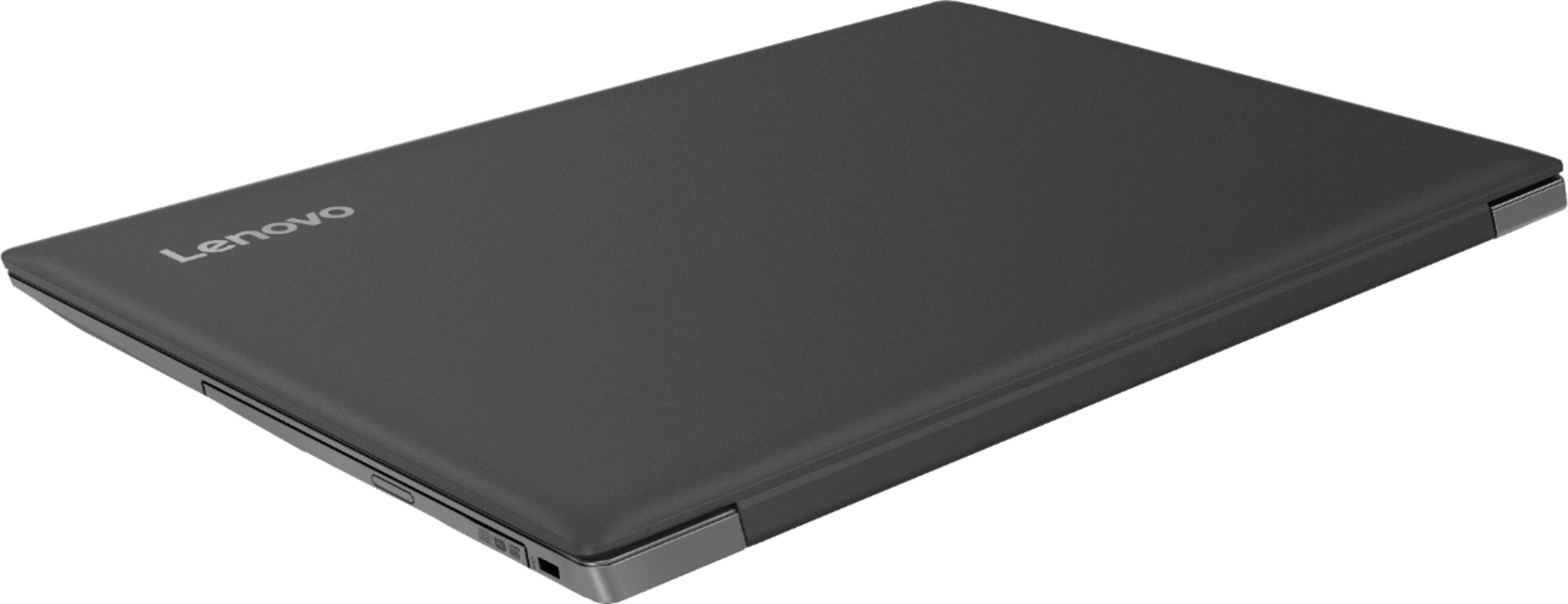
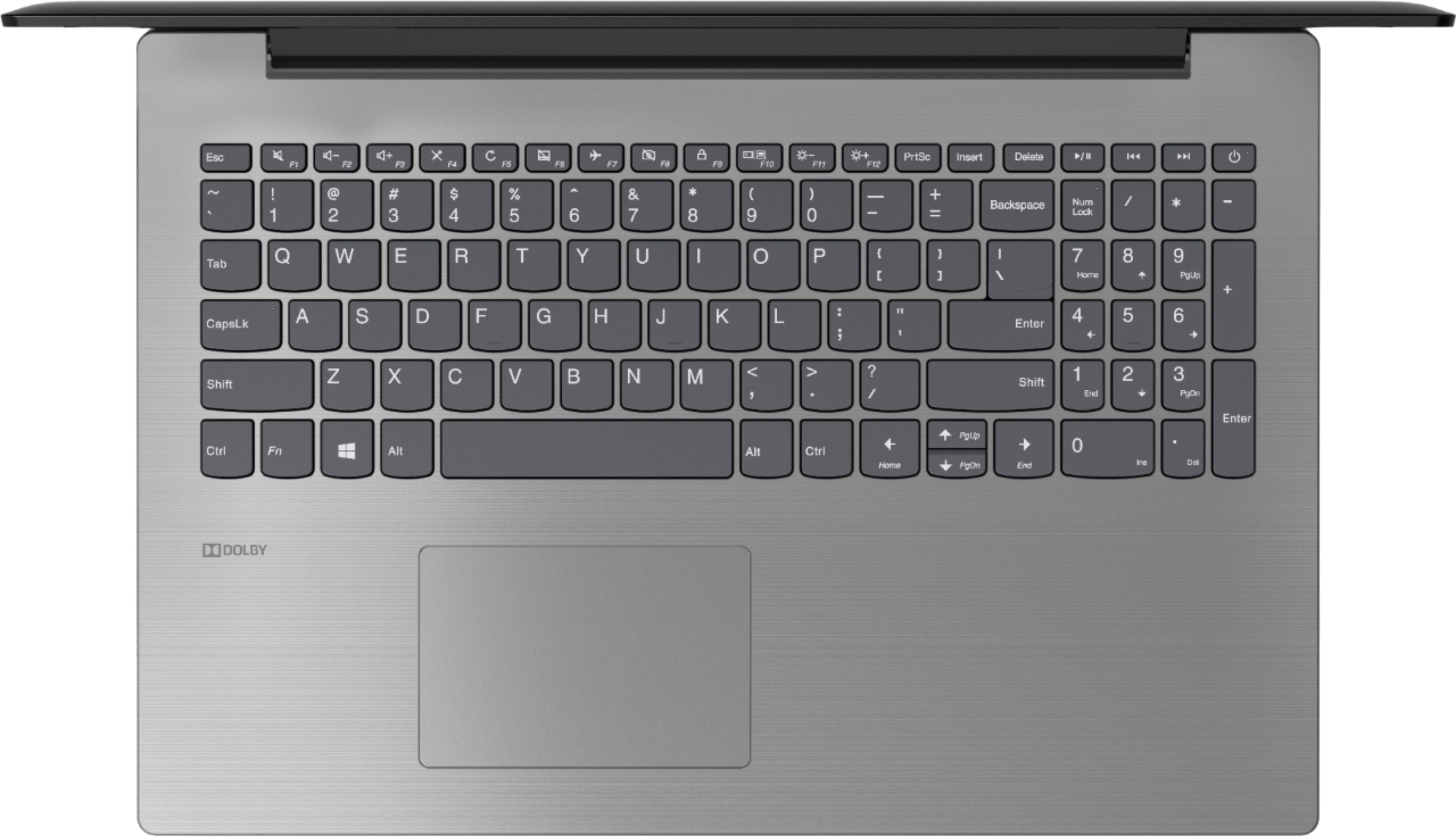


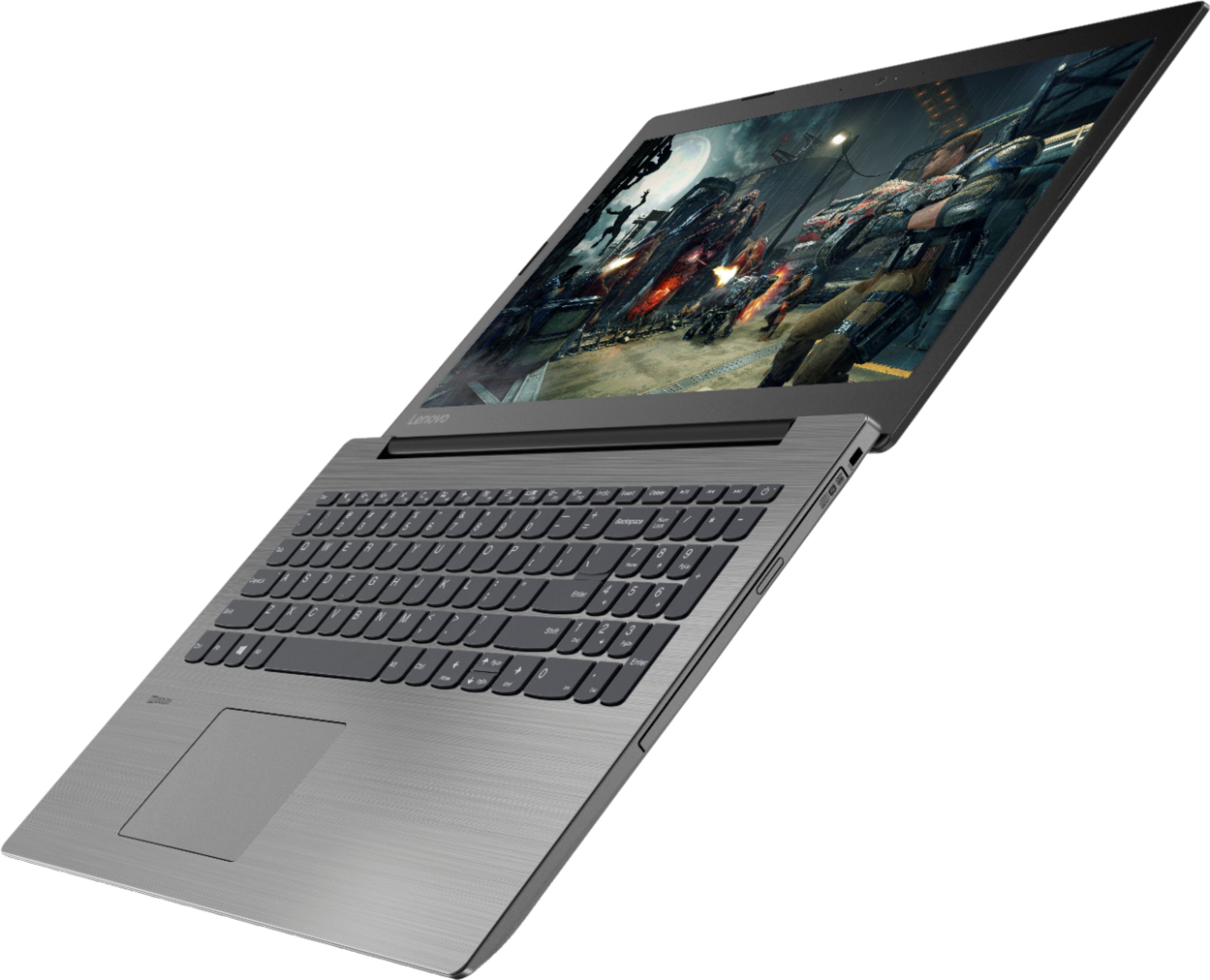
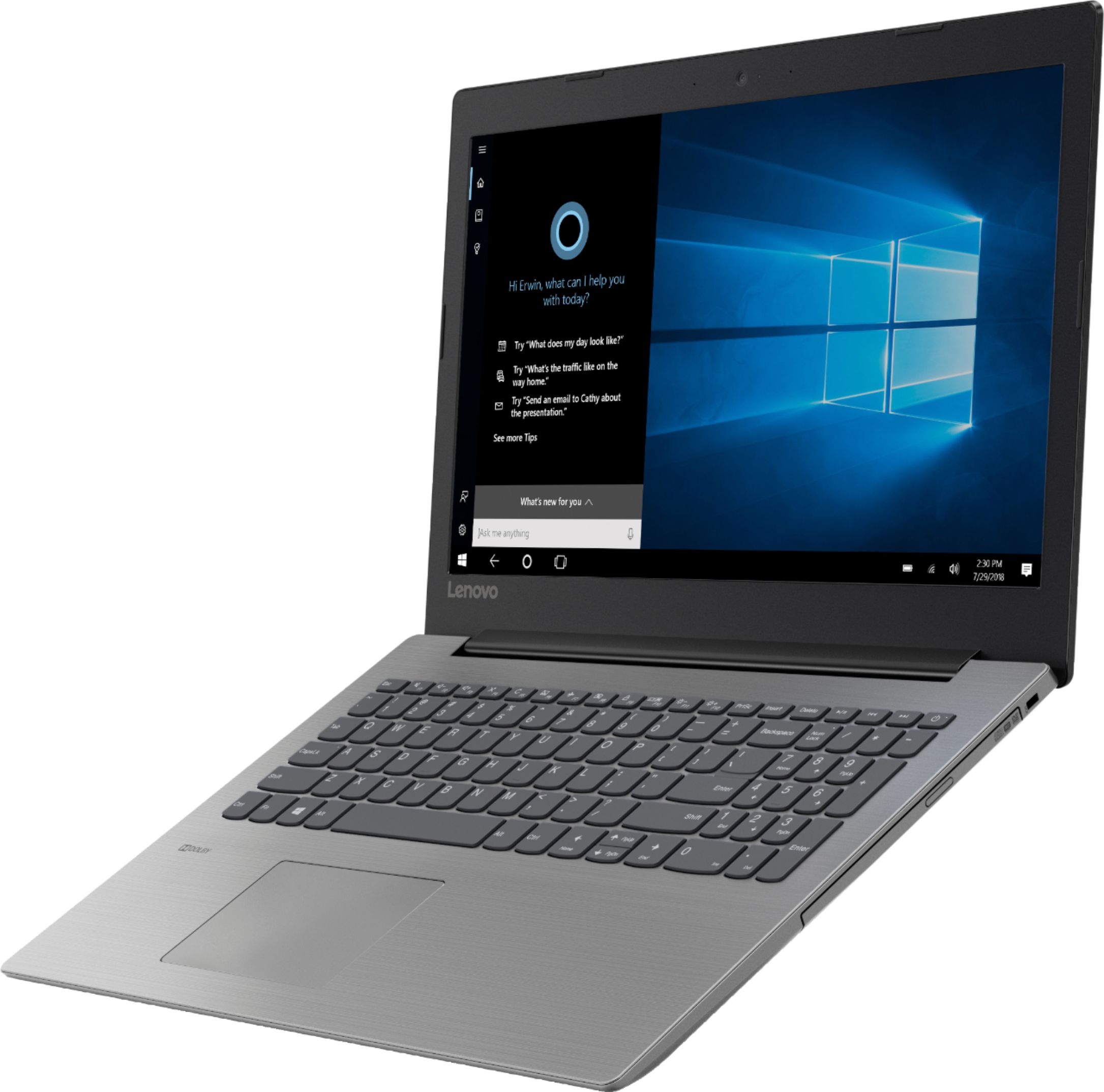

- Model:
- 81DE017BUS
- SKU:
- 6291892
Rating by feature
- Battery Life
Rating 3.9 out of 5 stars
- Speed
Rating 3.5 out of 5 stars
- Display
Rating 3.8 out of 5 stars
Customers are saying
Customers often highlight the affordability, user-friendly interface, and ample storage space of the 330-15IKBR laptop. It is considered a great value for the price, making it suitable for various tasks including work, school, and gaming. However, some users have concerns about the battery life, touchpad sensitivity, and boot time, suggesting areas where improvements could be made.
This summary was generated by AI based on customer reviews.
- Cons mentioned:Battery life
All good except battery life
||Posted .This reviewer received promo considerations or sweepstakes entry for writing a review.I like the computer and the applications. My only negative observation is the battery life. It runs out of battery quickly and doesn't seem to charge up to 100% over night.
I would recommend this to a friendBrand response from Lenovo Product Expert
Posted .Thank you for choosing the Lenovo IdeaPad 330-15 laptop. This model ships with a 2CELL 30WH, Lithium Polymer battery, with a battery life of up to 5 hours, depending on the work that the device is performing. Regarding your device not charging to 100%, check your Battery Saver Software settings. Here is a link to instructions for doing this within Windows 10: https://www.thewindowsclub.com/battery-saver-mode-windows-10

- Cons mentioned:Learning curve
Good, but lots of features, I need to learn how to
||Posted .This reviewer received promo considerations or sweepstakes entry for writing a review.I am a novice and I am learning, I really wish I had a hard copy of a how to Manuel. For what it's worth I would say the product is pretty good, but again I am a novice.
I would recommend this to a friendBrand response from Lenovo Product Expert
Posted .Thank you for choosing the Lenovo IdeaPad 330-15 laptop. The heart of the IdeaPad 330-15 is the Windows 10 Operating System. With regard to learning your way around Windows 10, you may want to try YouTube.com (just type that address in your browser address window). There are hundreds for free instructional videos there about Windows 10. Just type Windows 10 Introduction in to the YouTube search window. You can watch free videos there that will show you the basics all the way up to tips and tricks videos and they're all free. All documentation for Lenovo Computers is available online. Here is a link to the manual for this model: https://download.lenovo.com/consumer/mobiles_pub/330-14ikb_81da_g2_330-15ikb_81dc_de_330touch-15ikb_81dh_81dj_hmm_201803.pdf
- Pros mentioned:Price
Good for medium use
||Posted .This reviewer received promo considerations or sweepstakes entry for writing a review.Laptop is slower then I accepted. I use it for school work, doesn't load pages as fast as I would like. I bought an open box, so for the price I can't really complain.
No, I would not recommend this to a friendBrand response from Lenovo Product Expert
Posted .The Lenovo IdeaPad 330-15 laptop is a mid-level, moderate use configuration, with its Intel Core i3-8130U processor. This Dual-Core processor has a base speed of 2.2GHz and a boost speed of up to 3.4GHz. This configuration has 8GB of DDR4-2133MHz RAM. It is good with Microsoft Office type programs, internet browsing and other moderate work. If your performance is slower, be sure any software you installed is compatible with Windows 10. There is no need to install Microsoft Office software. The software is already part of the operating system, you just need to activate the software with a purchased product key. If you have installed a copy of Microsoft Office, this is conflicting with the existing copy on the system and this will slow your system down. If you have installed a 3rd party anti-virus program, be sure that Windows Defender is turned off and that the trial version of McAfee Anti-Virus software is uninstalled. There can only be one anti-virus program on the system. You may need to restore your system to original factory default settings if any of the programing errors have occurred. You can do that by typing "restore" in the Cortana search window. Just click on the magnifying glass icon at the bottom left of your Windows 10 Desktop. Click on "Reset This PC" Then click on "Get Started" and follow the on screen directions to restore to factory defaults. If the problem persists, we recommend you contact Lenovo Tech Support at: 877-453-6686. For 2018, Lenovo retained its place for a second year as the best laptop vendor:
https://www.laptopmag.com/articles/laptop-brand-ratings
Very slim !
||Posted .This reviewer received promo considerations or sweepstakes entry for writing a review.I love the layout and slim feel of this laptop. Very nice number key and mouse area. Wish the sound was a little better. Absolutely love how lightweight it is as well.
I would recommend this to a friendBrand response from Lenovo Product Expert
Posted .The Lenovo IdeaPad 330-15 laptop ships with stereo 1.5W speakers and Dolby Audio sound enhancement software. For the best audio experience when using the device speakers, be sure Dolby Audio is turned on and adjusted to your personal preferences.
- Pros mentioned:Gaming
Great computer for remote work
||Posted .This reviewer received promo considerations or sweepstakes entry for writing a review.This laptop has been excellent for business purposes. It has allowed me to work remote and meets all my needs in regards to functionality. I was pleasantly surprised that on my down time I was even able to play Guild Wars 2, an older RPG game.
I would recommend this to a friendBrand response from Lenovo Product Expert
Posted .Thank you for choosing the lenovo IdeaPad 330-15 laptop. We are pleased to hear that the IdeaPad 330-15 meets your computing needs so well. This is a mid-level, moderate use configuration, with its Intel Core i3-8130U processor. This Dual-Core processor has a base speed of 2.2GHz and a boost speed of up to 3.4GHz. This configuration has 8GB of DDR4-2133MHz RAM. It is good with Microsoft Office type programs, internet browsing and other moderate work. If this describes your computing needs, the IdeaPad 330-15 would be a good choice for you.
- Cons mentioned:Boot time
Great camera
||Posted .This reviewer received promo considerations or sweepstakes entry for writing a review.Computer overall is great. Sometimes it takes long cutting on but over computer is great. It does everything I need it to do and is great for multimedia ventures
I would recommend this to a friendBrand response from Lenovo Product Expert
Posted .The Lenovo IdeaPad 330-15 laptop is a mid-level, moderate use configuration, with its Intel Core i3-8130U processor. This Dual-Core processor has a base speed of 2.2GHz and a boost speed of up to 3.4GHz. This configuration has 8GB of DDR4-2133MHz RAM. It is good with Microsoft Office type programs, internet browsing and other moderate work. If this describes your computing needs, the IdeaPad 330-15 would be a good choice for you. For 2018, Lenovo retained its place for a second year as the best laptop vendor:
https://www.laptopmag.com/articles/laptop-brand-ratings
- Cons mentioned:Battery life
Decent computer
||Posted .This reviewer received promo considerations or sweepstakes entry for writing a review.Overall this is a decent laptop. In general I like its features but a downfall which was not discovered when researching is the battery life. When I am using it I have to charge it roughly every 3 hours before it dies. In store we were told battery life would last up to 9 hours. Now all sites I see state up to 5.5 hours. If I would have known this I would have went with a different laptop.
I would recommend this to a friendBrand response from Lenovo Product Expert
Posted .The Lenovo IdeaPad 330-15 laptop ships with a 2CELL 30WH, Lithium Polymer battery, with a battery life of up to 5 hours, depending on the work that the device is performing. To maximize battery life, first adjust your battery saver settings. Here is a link to instruction for doing this in Windows 10: https://www.digitalcitizen.life/how-use-configure-battery-saver-windows-10. Next, to maximize battery life, be sure there are no unwanted programs running in the background, draining the battery. Here is a link to some tips for finding out what is draining your battery:
https://www.laptopmag.com/articles/battery-saver-windows-10. Also, to maximize battery life, try changing your power management setting to a more conservative one. You can do this in the control panel, in the power management category on your system. Select a more conservative power management setting to extend battery life. Finally, if the battery life does not improve, a battery reset may help. Here is a link to instructions for reconditioning a non-removable battery, using the Battery Management Software installed on the computer. If you need further assistance, we recommend you call Lenovo Tech Support at: 877-453-6686. Here is the link: https://help.business.uconn.edu/index.php?pg=kb.page&id=169
- Pros mentioned:Price
Perfect
||Posted . Owned for 11 months when reviewed.This reviewer received promo considerations or sweepstakes entry for writing a review.Great computer. Bought it to save software for BMW diagnostics and it’s perfect amount of memory. Did not need to spend thousands for a computer.
I would recommend this to a friend Good value
||Posted .This reviewer received promo considerations or sweepstakes entry for writing a review.Worth the money to upgrade from the lower model lenova to this one. 8GB ram vs 4GB, upgrade to I3 processor vs celeron, and I think double the internal memory.
I would recommend this to a friendBrand response from Lenovo Product Expert
Posted .The Lenovo IdeaPad 330-15 laptop is a mid-level, moderate use configuration, with its Intel Core i3-8130U processor. This Dual-Core processor has a base speed of 2.2GHz and a boost speed of up to 3.4GHz. This configuration has 8GB of DDR4-2133MHz RAM. It is good with Microsoft Office type programs, internet browsing and other moderate work. If this describes your computing needs, the IdeaPad 330-15 would be a good choice for you.
Fast, efficient, easy start up
||Posted .This reviewer received promo considerations or sweepstakes entry for writing a review.Let's start with letting you know I'm a Mac user. I needed a PC for my remote computer work and for Quickbooks for my nonprofit volunteer work. I'm grateful for the sales rep (different store) who told me to look for an "i" processor (i3, i5, i7,...) vs an A or N processor. This laptop is so much faster than the 2015 HP that gave me a week notice on my hard drive and went kaput. It starts up fast, it was easy to set up with the same Microsoft profile, and I've actually been enjoying using it. Could use one more USB port - I've got both of them filled with my auxiliary items. Glad it has a number keypad and a CD drive, although I could plug in an external CD drive easily (if I unplugged something from the full USB drives -- XD ). I should've splurged a little and gotten the touch screen, but I like this PC!
I would recommend this to a friendBrand response from Lenovo Product Expert
Posted .Thank you for choosing the Lenovo IdeaPad 330-15 laptop. Concerning more standard USB ports for this device, if you need more standard USB ports, you might consider using a USB Hub with this device. This is a mid-level, moderate use configuration, with its Intel Core i3-8130U processor. This Dual-Core processor has a base speed of 2.2GHz and a boost speed of up to 3.4GHz. This configuration has 8GB of DDR4-2133MHz RAM. It is good with Microsoft Office type programs, internet browsing and other moderate work. If this describes your computing needs, the IdeaPad 330-15 would be a good choice for you.
- Pros mentioned:Price
Great computer for the money
||Posted .This reviewer received promo considerations or sweepstakes entry for writing a review.I needed a new laptop to replace my old HP, that is slowly dying. Though it is not "top of the line", for the price it's a great computer and fits my needs perfectly. The only problem I have found is that the lid picks up fingerprints.
I would recommend this to a friendBrand response from Lenovo Product Expert
Posted .Thank you for choosing the Lenovo IdeaPad 330-15 laptop. This is a mid-level, moderate use configuration, with its Intel Core i3-8130U processor. This Dual-Core processor has a base speed of 2.2GHz and a boost speed of up to 3.4GHz. This configuration has 8GB of DDR4-2133MHz RAM. It is good with Microsoft Office type programs, internet browsing and other moderate work. If this describes your computing needs, the IdeaPad 330-15 would be a good choice for you. For 2018, Lenovo retained its place for a second year as the best laptop vendor:
https://www.laptopmag.com/articles/laptop-brand-ratings
- Pros mentioned:Price
great computer at reasonable price
||Posted .This reviewer received promo considerations or sweepstakes entry for writing a review.After about 1 month of use I am happy to have purchased this computer. It provides all the functions I am used to and use regularly without breaking the bank. I am hoping that it lasts at least as long as my previous computer, 4 years.
I would recommend this to a friendBrand response from Lenovo Product Expert
Posted .Thank you for choosing the Lenovo IdeaPad 330-15 laptop. We are pleased to hear that the value, features and performance of the IdeaPad 330-15 meets your computing needs so well. This is a mid-level, moderate use configuration, with its Intel Core i3-8130U processor. This Dual-Core processor has a base speed of 2.2GHz and a boost speed of up to 3.4GHz. This configuration has 8GB of DDR4-2133MHz RAM. It is good with Microsoft Office type programs, internet browsing and other moderate work. If this describes your computing needs, the IdeaPad 330-15 would be a good choice for you.
- Pros mentioned:Price
Bought to use while repairing other
||Posted . Owned for 7 months when reviewed.This reviewer received promo considerations or sweepstakes entry for writing a review.Ended up not getting the high end laptop repaired! It was too expensive and this does what I need it to do! Have been more than satisfied with it.
I would recommend this to a friend - Pros mentioned:Storage
Love it
||Posted .This reviewer received promo considerations or sweepstakes entry for writing a review.I love the speaker on my laptop. I’m able to do my class assignments and download all my books I need. I am still learning a few things about it, but I am very happy that I made my purchase and would recommend it to people I know.
I would recommend this to a friendBrand response from Lenovo Product Expert
Posted .Thank you for choosing the Lenovo IdeaPad 330-15 laptop. The heart of the IdeaPad 330-15 is the Windows 10 operating system. With regard to learning your way around Windows 10, you may want to try YouTube.com (just type that address in your browser address window). There are hundreds for free instructional videos there about Windows 10. Just type Windows 10 Introduction in to the YouTube search window. You can watch free videos there that will show you the basics all the way up to tips and tricks videos and they're all free. The Lenovo IdeaPad 330-15 laptop is a mid-level, moderate use configuration, with its Intel Core i3-8130U processor. This Dual-Core processor has a base speed of 2.2GHz and a boost speed of up to 3.4GHz. This configuration has 8GB of DDR4-2133MHz RAM. It is good with Microsoft Office type programs, internet browsing and other moderate work. If this describes your computing needs, the IdeaPad 330-15 would be a good choice for you. For 2018, Lenovo retained its place for a second year as the best laptop vendor:
https://www.laptopmag.com/articles/laptop-brand-ratings
- Pros mentioned:Price
Good student laptop
||Posted .This reviewer received promo considerations or sweepstakes entry for writing a review.This is a good laptop for a student in high school. I bought it for my son and he likes it. It does the job and the price is good. Overall good laptop.
I would recommend this to a friend - Pros mentioned:Speed
Awesome laptop, really fast
||Posted .This reviewer received promo considerations or sweepstakes entry for writing a review.I've had trouble finding a decent laptop for awhile now. This laptop is awesome. It's so fast,the battery lasts longer than expected. It's sleek,the screen is really great too.
I would recommend this to a friendBrand response from Lenovo Product Expert
Posted .Thank you for choosing the Lenovo IdeaPad 330-15 laptop. We are pleased to hear that the features and performance of the IdeaPad 330-15 meets your computing needs so well. This is a mid-level, moderate use configuration, with its Intel Core i3-8130U processor. This Dual-Core processor has a base speed of 2.2GHz and a boost speed of up to 3.4GHz. This configuration has 8GB of DDR4-2133MHz RAM. It is good with Microsoft Office type programs, internet browsing and other moderate work. If this describes your computing needs, the IdeaPad 330-15 would be a good choice for you.
Excellent laptop for home computing
||Posted .This reviewer received promo considerations or sweepstakes entry for writing a review.I bought this computer to replace my previous laptop. I use it for home and work and it works great. No complaints thus far. I'm not a gamer, so I don't need anything extremely powerful. Have had no issues with freezing or lagging.
I would recommend this to a friendBrand response from Lenovo Product Expert
Posted .Thank you for choosing the Lenovo IdeaPad 330-15 laptop. We are pleased to hear that the performance of the IdeaPad 330-15 meets your computing needs so well. This is a mid-level, moderate use configuration, with its Intel Core i3-8130U processor. This Dual-Core processor has a base speed of 2.2GHz and a boost speed of up to 3.4GHz. This configuration has 8GB of DDR4-2133MHz RAM. It is good with Microsoft Office type programs, internet browsing and other moderate work. If this describes your computing needs, the IdeaPad 330-15 would be a good choice for you.
Nice little I3 laptop
||Posted .This reviewer received promo considerations or sweepstakes entry for writing a review.I'm usually not too keen on I3 systems but I was pleasantly surprised when I set this one up for a client. System was light and performant. I was expecting to recommend an SSD upgrade but it wasn't necessary, Client is pleased.
I would recommend this to a friendBrand response from Lenovo Product Expert
Posted .Thank you for choosing the lenovo IdeaPad 330-15 laptop with the Intel I-3 processor configuration, for you client. This is a mid-level, moderate use configuration, with its Intel Core i3-8130U processor. This Dual-Core processor has a base speed of 2.2GHz and a boost speed of up to 3.4GHz. This configuration has 8GB of DDR4-2133MHz RAM. It is good with Microsoft Office type programs, internet browsing and other moderate work. If this describes your computing needs, the IdeaPad 330-15 would be a good choice for you.
- Cons mentioned:Touchpad
Good middle ground PC
||Posted .This reviewer received promo considerations or sweepstakes entry for writing a review.The only complaint I have is the touchpad - if you use the wrong area it zooms in the screen and it is difficult to put it back to regular size
I would recommend this to a friendBrand response from Lenovo Product Expert
Posted .Thank you for choosing the Lenovo IdeaPad 330-15 laptop. With regard to the touchpad, you can make adjustments to the touchpad in your system settings. You can get there by clicking on the magnifying glass at the bottom left of your Windows 10 screen. Type "touchpad" in the search window. Select "Mouse & touchpad settings" from the list of choices. You can make general adjustments to the touchpad there. You can also select "Additional mouse options" for more detailed adjustments to the touchpad sensitivity by increasing the delay of the touchpad. The Lenovo IdeaPad 330-15 laptop is a mid-level, moderate use configuration, with its Intel Core i3-8130U processor. This Dual-Core processor has a base speed of 2.2GHz and a boost speed of up to 3.4GHz. This configuration has 8GB of DDR4-2133MHz RAM. It is good with Microsoft Office type programs, internet browsing and other moderate work. If this describes your computing needs, the IdeaPad 330-15 would be a good choice for you.
- Pros mentioned:Storage
Great laptop for beginners
||Posted .This reviewer received promo considerations or sweepstakes entry for writing a review.It has enough storage space that I can edit videos for my YouTube channel. The screen seems alittle thin so don't set anything on top of it.
I would recommend this to a friendBrand response from Lenovo Product Expert
Posted .Thank you for choosing the Lenovo IdeaPad 330-15 laptop. This is a mid-level, moderate use configuration, with its Intel Core i3-8130U processor. This Dual-Core processor has a base speed of 2.2GHz and a boost speed of up to 3.4GHz. This configuration has 8GB of DDR4-2133MHz RAM. It is good with Microsoft Office type programs, internet browsing and other moderate work. If this describes your computing needs, the IdeaPad 330-15 would be a good choice for you. For 2018, Lenovo retained its place for a second year as the best laptop vendor:
https://www.laptopmag.com/articles/laptop-brand-ratings