Customer Ratings & Reviews




- Model:
- 80SA0000US
- SKU:
- 5206701
Rating by feature
- Value
Rating 4.1 out of 5 stars
- Quality
Rating 3.9 out of 5 stars
- Ease of Use
Rating 4.4 out of 5 stars
Customers are saying
Customers highly value the Flex 4 14 2-in-1 laptop for its touchscreen capabilities, affordable price, lightweight design, and extended battery life. While some users have expressed concerns about its slow performance, limited RAM expandability, and occasional keyboard issues, the overall positive feedback suggests that this laptop meets the needs of many users.
This summary was generated by AI based on customer reviews.
- Pros mentioned:Light, Touch screen
Good laptop for families or trips
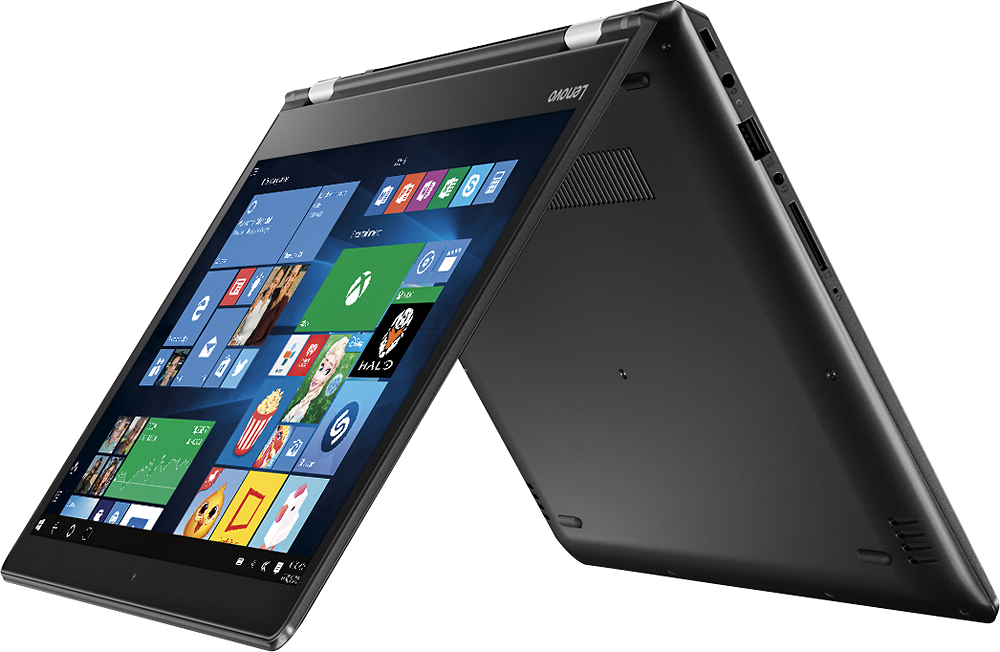
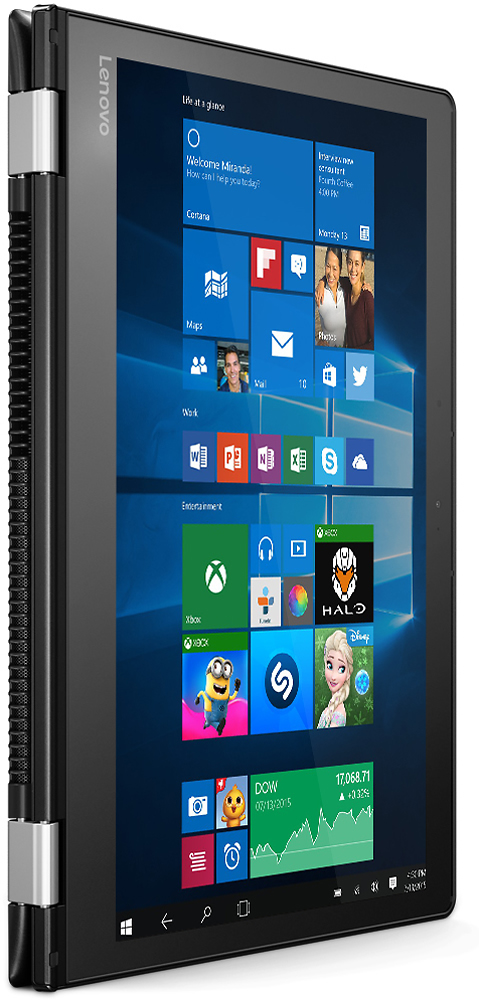
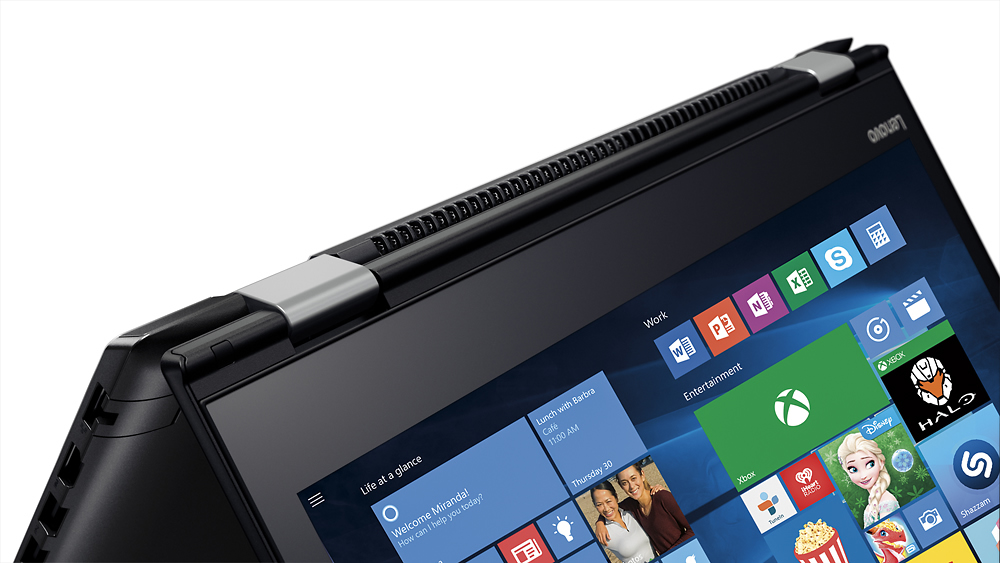
||Posted .This reviewer received promo considerations or sweepstakes entry for writing a review.The quality is nice and the laptop is very light. Windows 10 is still Windows and this machine isn't exactly a beast (so heavy gaming probably won't work all that well), but it's a good machine at a good price. Tablet mode is cool, though I worry about the buttons being exposed behind the screen when folded. The touch screen can be used in laptop mode though, so that's a cool feature. The kids love it for their educational games and schoolwork.
I would recommend this to a friendBrand response from Lenovo Product Expert
Posted .Thank you for choosing the Lenovo Flex 4-14. We are pleased to hear that the Flex 4-14 is working out for you.

GREAT COMPUTER FOR UPGRADES
||Posted .This reviewer received promo considerations or sweepstakes entry for writing a review.This computer is a very basic computer that will meet the needs of doing basic tasks, such as using Microsoft Word, PowerPoint, Excel, browsing the internet, watching movies, etc. Nothing fancy. It has good speed, not great speed. Now once I swapped out the 4gb memory stick for an 8gb memory stick, then my computer speeded up. The big difference came when I swapped out the SATA drive for an Samsung EVO 500gb SSD drive. The boot time is superfast, using basic functions is now very very fast and the shut down time is much faster My Lenovo Flex 4 is now faster than many I5 operating systems that I have used. I got more bang for my buck then paying for some I3, I5 or I7 labtop with 256GB of SSD memory. That's a great feeling. This computer is worth the money if you spend the money and time upgrading the hard drive and RAM.
I would recommend this to a friend- Pros mentioned:Lightweight
Great product for the price
||Posted .This reviewer received promo considerations or sweepstakes entry for writing a review.We have purchased several of these over the past year for field travelers. They are extremely functional and usable in a portable situation, and they have been very reliable.
I would recommend this to a friendBrand response from Lenovo Product Expert
Posted .Thank you for choosing the Lenovo Flex 4-14 for your business. We are pleased to hear that the Flex 4-14 meets you business computing needs so well.
- Cons mentioned:Slow
love the versatility
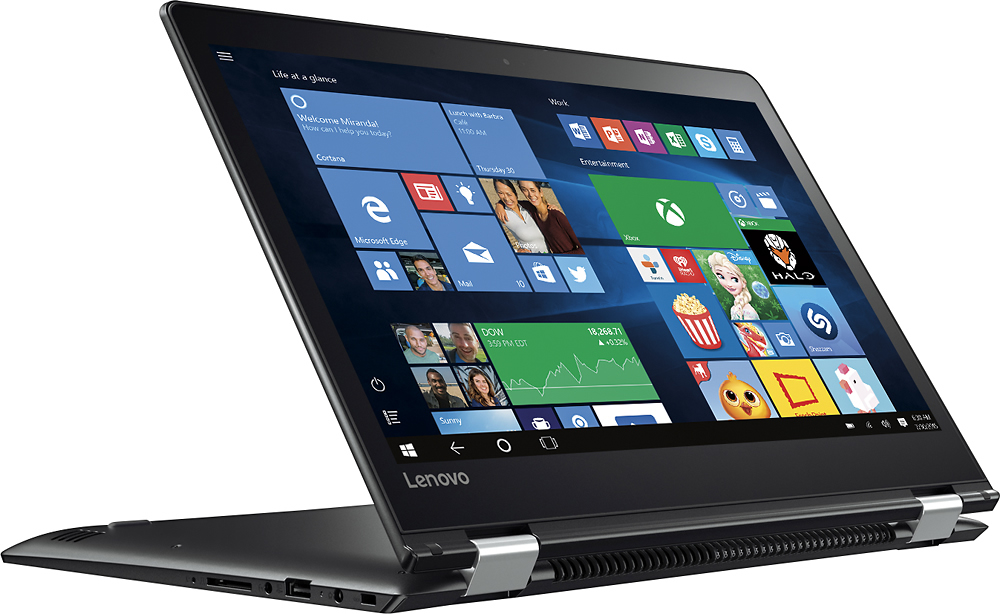
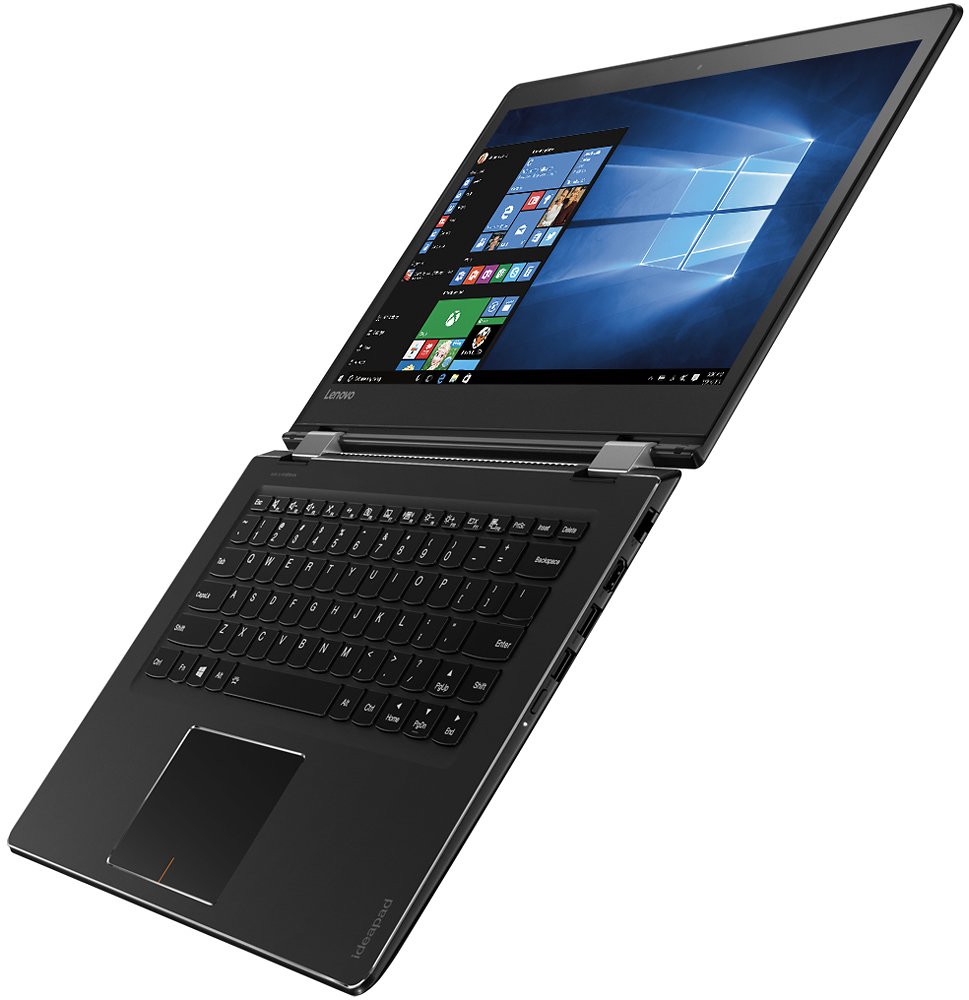
||Posted .This reviewer received promo considerations or sweepstakes entry for writing a review.I love the versatile positions I can use this laptop in. During the day, it's in the typical laptop position, using the normal keyboard. But, if I'm on the couch, watching tv, I can easily flip it to the tent position, and use the onboard keyboard. I love pulling the lower screen from the right to the center and finding convenient controls including screen brightness right there. In tablet mode, I had to search for the option that left the task bar on all the time at the bottom - I didn't like swiping to get a specific app. I'm having a few issues - I'm used to swype on my tablet - I want the same online typing experience. I often lose the spell corrector when it's in tablet mode, and three times now, it tells me my control key is in the locked position which basically lets me do no typing on the physical keyboard or the virtual. I have to close the computer screen down, and reopen and somehow magically it disables the locked control key. I need to research that. I do find that it's on the slow side - all I'm doing is email and web browsing, but I have lots of windows open and sometimes it just seems slow for not much running. I may look into putting more RAM in it. The kindle app is a bit of disappointment, I can't find a way to highlight text and then send it to me like on my phone or my tablet. Many of my browers windows are mis-sized - and I can't get the Next button if it's way at the bottom unless I turn the resizeable window on. Frustrating. I like the size - I can do all my work on it, consume media, read my books and feel like it's just about the right size for that kind of portability.
I would recommend this to a friend - Pros mentioned:Price, Touch screen
A lesser spec'd Yoga but easily upgradeable
||Posted .This reviewer received promo considerations or sweepstakes entry for writing a review.Touch screen, 360 degree hinge, lightweight and thin, solid port choices. Bought it while it was on sale for $299, popped an SSD in and also bought an 8GB stick of RAM. Now it flies with Windows 10 on it and it's pretty much a YOGA now. All I wish for would be a backlit keyboard.
I would recommend this to a friendBrand response from Lenovo Product Expert
Posted .Thank you for choosing the Lenovo Flex 4-11. With regard to the backlit keyboard on this system, hold down the Fn key then hit the spacebar to turn on/off the keyboard backlight.
- Pros mentioned:Lightweight
Versatile Beauty
||Posted .This reviewer received promo considerations or sweepstakes entry for writing a review.You can write on it like a notepad, use the keyboard, and the weight makes it easier to travel with. As a doctoral student, full time professional, and on plenty of boards - this laptop has made life a lot easier.
I would recommend this to a friendBrand response from Lenovo Product Expert
Posted .Thank you for choosing the Lenovo Flex 4-14. The Flex 4Series is not compatible with any active/digital pen. You can use a conventional, non-digital stylus with this device.
- Pros mentioned:Lightweight
Great versatility
||Posted .This reviewer received promo considerations or sweepstakes entry for writing a review.This product is great if your looking for a good laptop and a good tablet but can’t decide which one to get. The speakers sound good and there’s no lag.
I would recommend this to a friend - Pros mentioned:Light, Price
Very nice laptop for email and web browsing
||Posted .This reviewer received promo considerations or sweepstakes entry for writing a review.I bought this for my wife to use in her Craft workshop. After researching I selected this Lenovo product based on its functionality and price. The computer is exactly what my wife needed to do internet searches and check email. It has a small footprint is light and was very easy to setup. This is my first experience with Lenovo products, i usually purchase Dell, but based on my experience with this laptop it will not be my last. I will certainly consider Lenovo products when I replace my desktop unit in the future. For my needs this was an excellent product and the price for functionality was very good.
I would recommend this to a friendBrand response from Lenovo Product Expert
Posted .Thank you for choosing the Flex 4-14 for your wife. We are pleased to hear that the performance of the Flex 4-14 meets your wife's computing needs so well.
- Pros mentioned:Lightweight
Good Enough laptop
||Posted .This reviewer received promo considerations or sweepstakes entry for writing a review.Was a gift for my dad. I know hes just on the internet and typing documents. Good lightweight, like the flip design. Just wish it had more memory!
I would recommend this to a friend - Pros mentioned:Touch screen
Good Starter Laptop
||Posted .This reviewer received promo considerations or sweepstakes entry for writing a review.Got for a relative who is a beginner at computers. Very simple and touch screen adds intuitive features. Good for a beginner.
I would recommend this to a friend - Pros mentioned:Price, Touch screen
Great value for entry level
||Posted .This reviewer received promo considerations or sweepstakes entry for writing a review.I bought this for my wife who uses the laptop primarily for basic things like browsing and Netflix. Touch screen worked great, was good size. Disappointed in low quality of screen for things such as Netflix. It's 720p. Ended up returning for full HD, but spend almost double. If it wasn't for that it is a great budget buy for the right people
I would recommend this to a friend - Pros mentioned:Touch screen
Really Nice convertible LAPTOP
||Posted .This reviewer received promo considerations or sweepstakes entry for writing a review.Too many windows 10 updates needed before being able to use it. Otherwise a superb device, nice touch screen. Nice size.
I would recommend this to a friend - Pros mentioned:Light
Good everyday use
||Posted .This reviewer received promo considerations or sweepstakes entry for writing a review.The pc is great for traveling. It is light weight and I love the flip design for airline travel since it is tight space.
I would recommend this to a friend - Pros mentioned:Touch screenCons mentioned:Slow
Good Computer
||Posted .This reviewer received promo considerations or sweepstakes entry for writing a review.I love the touch screen and the tablet option for this computer. It's nice when reading long article or just browsing through Pinterest. Overall the computer works fine, it's just much slower than I thought a brand new computer would be. I don't know much about computers, so maybe an 8GB would have been a better option.
I would recommend this to a friend - Pros mentioned:Battery life, Light
Very pleased with my purchase
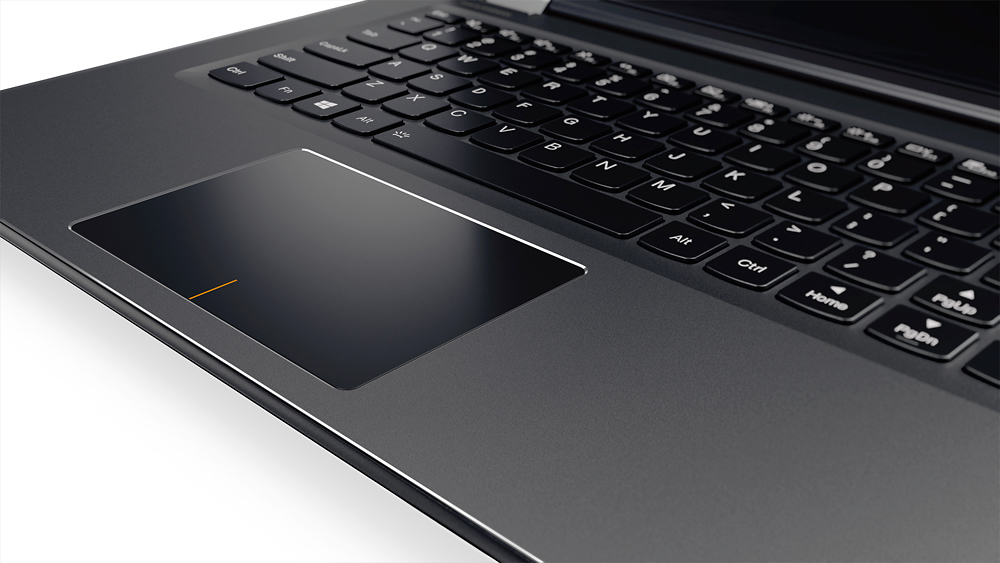
||Posted .This reviewer received promo considerations or sweepstakes entry for writing a review.The Lenovo is a very sturdy and light weight laptop with good performance and loooooong battery life. Only complaint is with the keyboard layout, the right shift key is not in the normal spot and is half the size it normally is. It was moved to make room for dedicated arrow buttons (which can easily be handled as function buttons).
I would recommend this to a friendBrand response from Lenovo Product Expert
Posted .Thank you for choosing the Lenovo Flex 4-14. With regard to the right shift key issue you mention, there is a free software APP called KeyTweak that may help you. You can switch the key functions of specific keys on your keyboard with this soft ware, so you could change the right shift key with the key you hit in its place. Just Google search "KeyTweak" and you will find articles about what the software does and you will find the download location for this free APP.
- Cons mentioned:Ram
Nice laptop for the price
||Posted .This reviewer received promo considerations or sweepstakes entry for writing a review.Picked it up on clearance seems like a decent laptop, upgraded the RAM to 8 GB though. 4 GB not enough anymore.
I would recommend this to a friend - Pros mentioned:PriceCons mentioned:Shift key
Decent Laptop
||Posted .This reviewer received promo considerations or sweepstakes entry for writing a review.The laptop is decent for the price. I was disappointed that it didn't come with a backlit keyboard. Also, the right 'shift' key is poorly placed and I am still having a difficult time adjusting to it. Other than these things, the laptop isn't bad.
I would recommend this to a friendBrand response from Lenovo Product Expert
Posted .With regard to the right shift key issue you mention, there is a free software APP called KeyTweak that may help you. You can switch the key functions of specific keys on your keyboard with this software, so you could change the right shift key with the key you hit in its place. Just Google search "KeyTweak" and you will find articles about what the software does and you will find the download location for this free APP.
- Cons mentioned:Ram
Overall is good value
||Posted .This reviewer received promo considerations or sweepstakes entry for writing a review.The computer is really good for the money but should upgrade ram memory for faster user experience.
I would recommend this to a friend - Pros mentioned:Lightweight, Touch screen
Great laptop to carry between home, school, work!
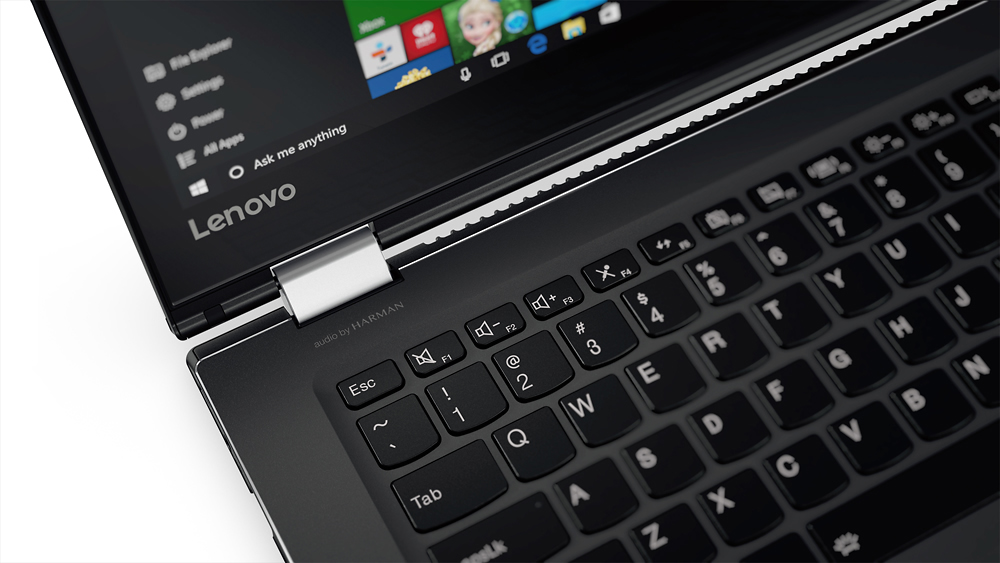
||Posted .This reviewer received promo considerations or sweepstakes entry for writing a review.This laptop carries easily when traveling on plane or car! A nice size w/ a good size screen! Can use as a touch screen; type letters; can voice activate when desired. Lots of good features!The only negative is @ times the curser arrow disappears, & blue dots or lines are activated on the screen.
I would recommend this to a friendBrand response from Lenovo Product Expert
Posted .Thank you for choosing the Lenovo Flex 4-14. With regard to the issue you mention with your cursor and the dots on your screen, there may be driver updates for your specific system. Follow the link below to look for new driver updates for your specific system. You can also run diagnostics from the Lenovo site as well. As always, be sure to create a restore point on your system before you make any changes. Here is the link:
http://support.lenovo.com/us/en/products/Laptops-and-netbooks/Flex-Series/flex-4-1470/80SA/0000US?linkTrack=Caps%253ABody_SearchProduct&tabName=downloads&beta=false
- Pros mentioned:Lightweight, Touch screen
Great laptop
||Posted .This reviewer received promo considerations or sweepstakes entry for writing a review.I absolutely love this laptop. I use it for personal use and for work. It's lightweight, so very easy to transport. The touchscreen is very user friendly. I love that I can flip it and enter tablet mode. Only reason for 4 out of 5 stars is that it can sometimes get a bit slow starting up.
I would recommend this to a friend