Customer Ratings & Reviews



- Model:
- 82M70000US
- SKU:
- 6454254
Rating by feature
- Battery Life
Rating 4.5 out of 5 stars
- Speed
Rating 4.4 out of 5 stars
- Display
Rating 4.5 out of 5 stars
Customers are saying
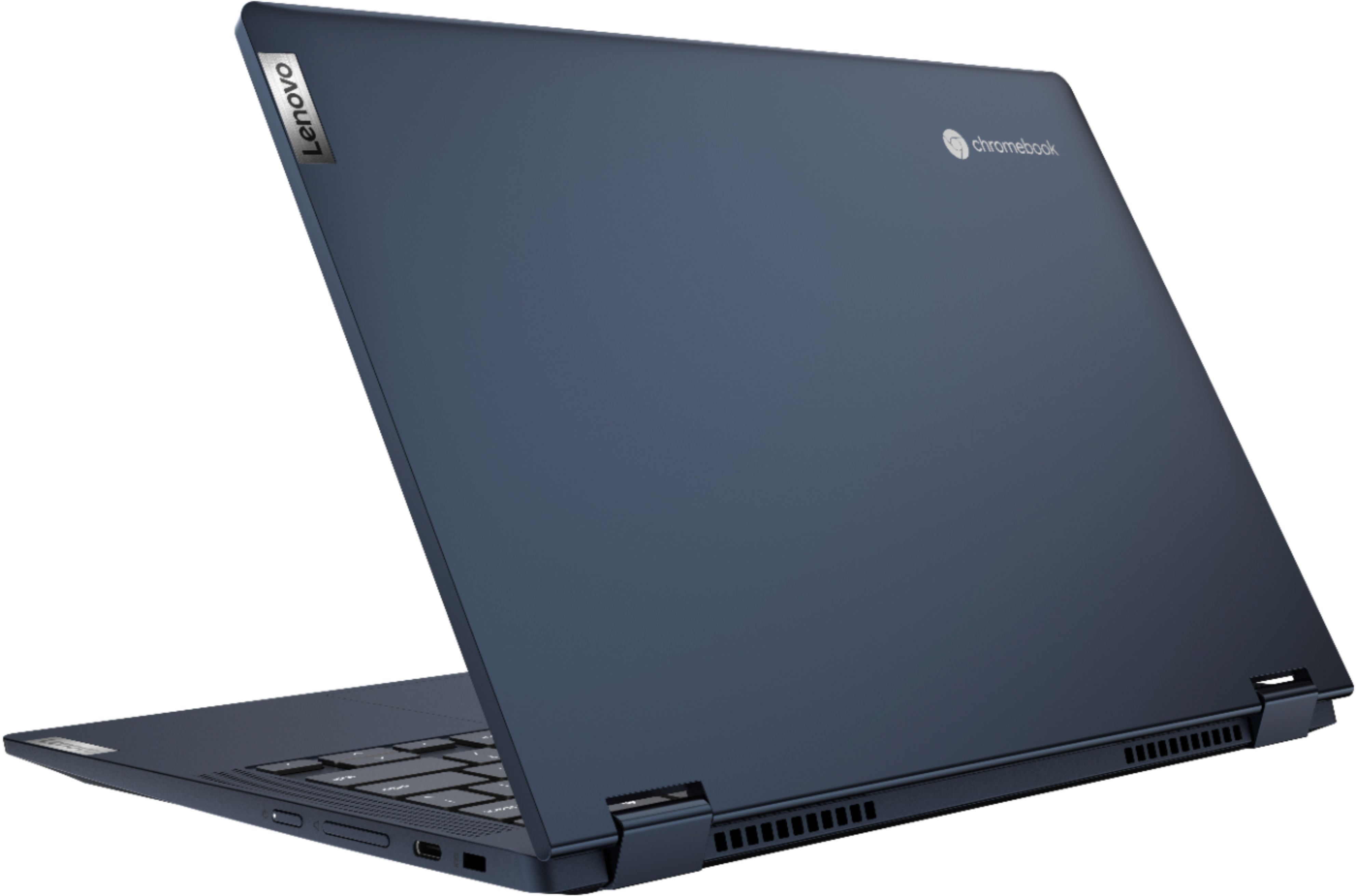
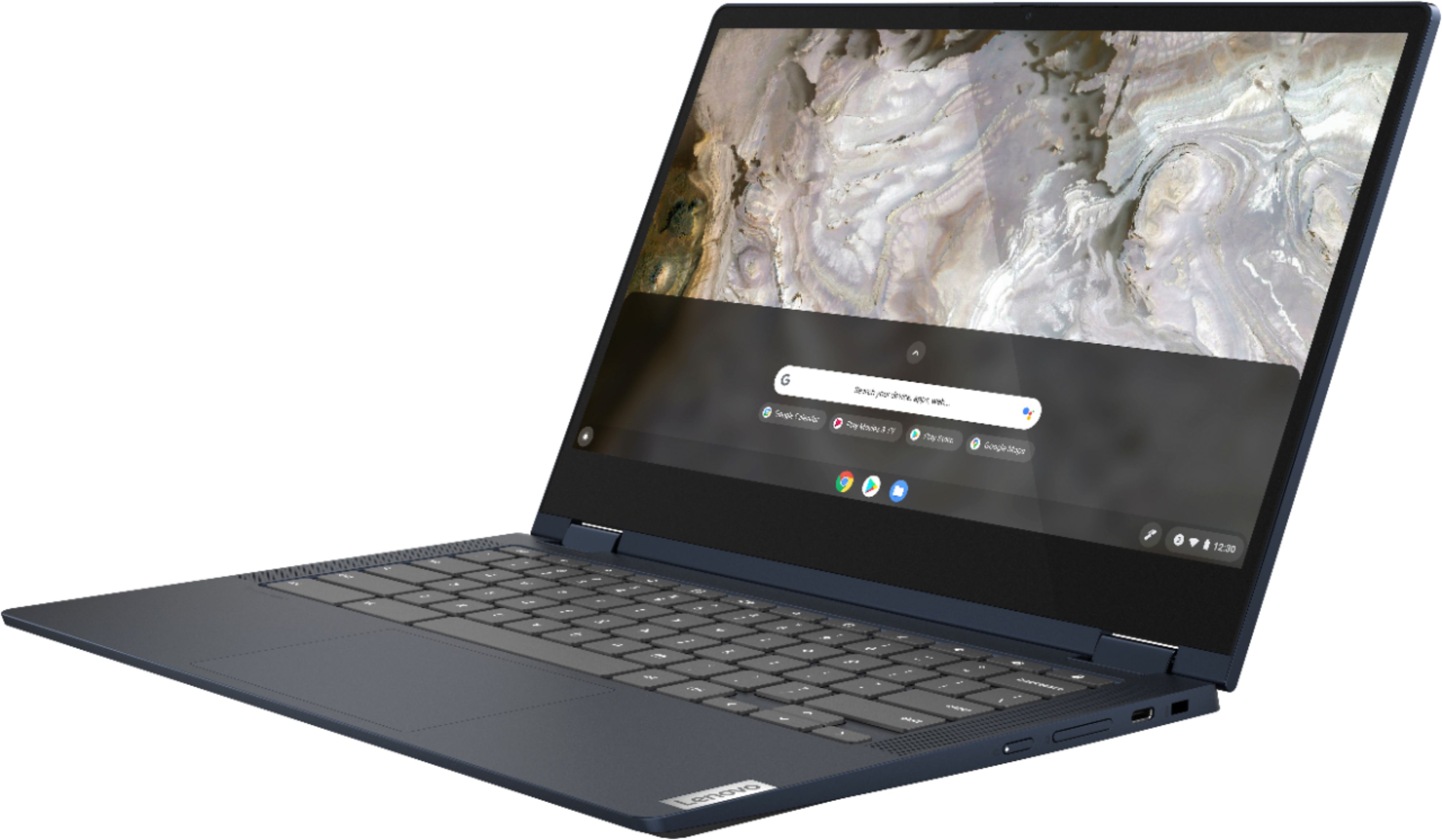
Customers commend the Flex 5 13" 2-in-1 Chromebook for its ease of use, touchscreen functionality, and affordable price. Positive feedback also highlights its performance, compact size, and lightweight design, making it suitable for portability. However, some users express concerns regarding the battery life and limited RAM. The storage capacity is also mentioned as an area needing improvement by some users.
This summary was generated by AI based on customer reviews.
Barely 2 months
||Posted . Owned for 2 months when reviewed.This reviewer received promo considerations or sweepstakes entry for writing a review.Barely 2 months of use (worked great) and now I have a black screen even though the power is on. Ordered this May 5, its July 13, and it suddenly went to black screen. I have spent countless hours trying to get this thing working again WHAT A WASTE! Return window ended May 21. I researched Chromebooks and this was rated in the top 3 of my favorite Consumer database.
No, I would not recommend this to a friendBrand response from Lenovo Product Expert
Posted .We are sorry to hear that you are having issues with your Lenovo Flex 5 13 Chromebook, model number 82M70000US. Restetting your Chromebook back to original factory settings may correct the issue you are having. Here is a link to instructions for resetting your Chromebook: https://support.google.com/chromebook/answer/183084?hl=en. If the issue continues after this reset, we recommend you contact lenovo Tech Support for Chromebooks for additional help at: 800-426-7378.

Keyboard problems
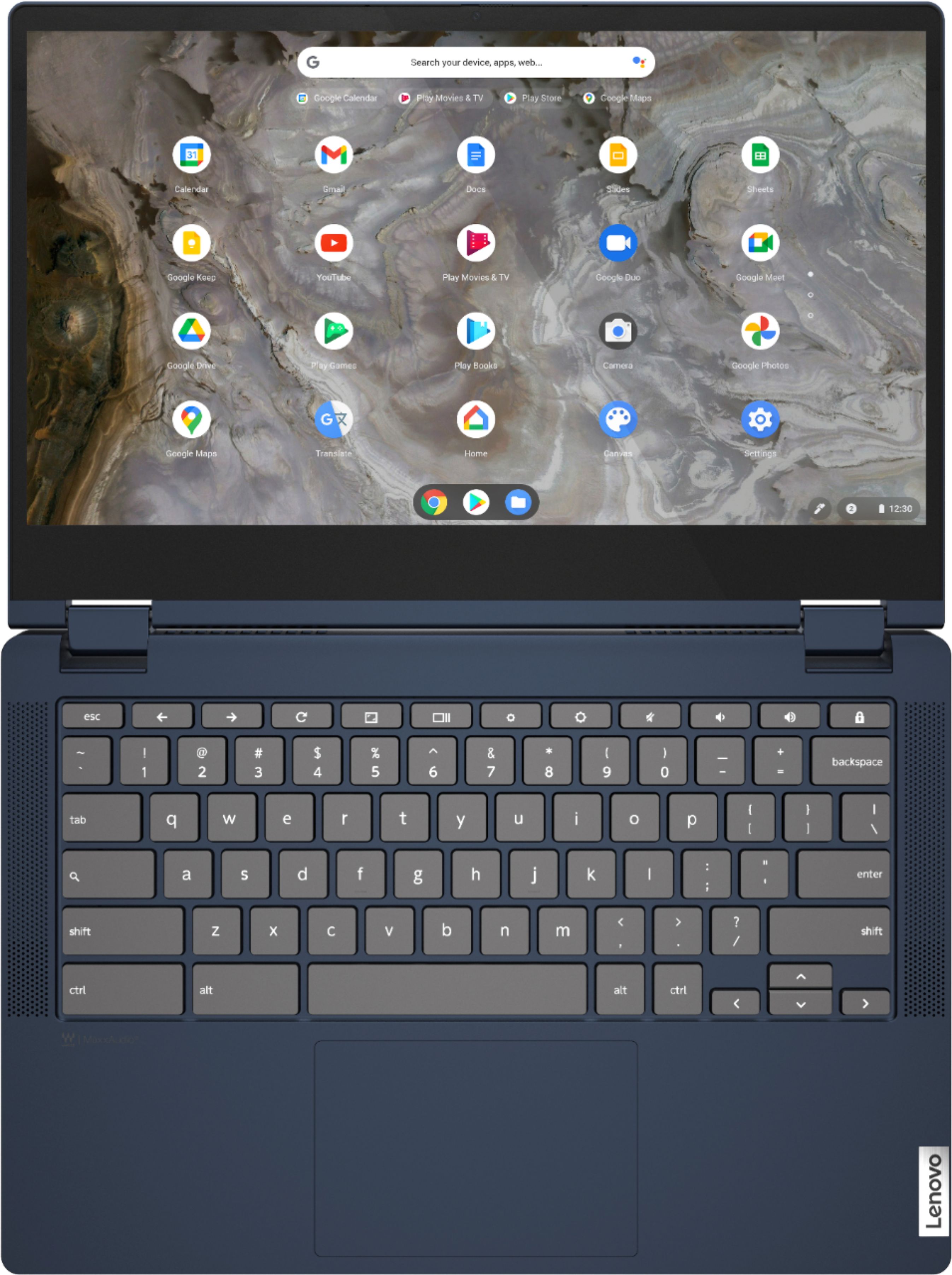
||Posted . Owned for 9 months when reviewed.This reviewer received promo considerations or sweepstakes entry for writing a review.This review has no animosity towards Best Buy....but I would not buy another Levono laptop again. The keyboard has a mind of its own. It seems like the hot keys are stuck on and so far have not figured out how to turn off.... and yes it seems like I can temporary fix this problem but chromebook will not save change in setting.
No, I would not recommend this to a friendBrand response from Lenovo Product Expert
Posted .We are sorry to hear that you are having issues with the keyboard shortcuts on your Lenovo Flex 5 15 Chromebook. First, check here to see what Chromebook Keyboard shortcuts are available: https://support.google.com/chromebook/answer/183101?hl=en. If the issue continues, resetting your Chromebook back to original factory settings may correct keyboard errors. Here is a link to instructions for resetting a Chromebook: https://support.google.com/chromebook/answer/183084?hl=en. If the issue continues after this reset, we recommend you contact lenovo Tech Support for Chromebooks for additional help at: 800-426-7378.
laptop...sorta
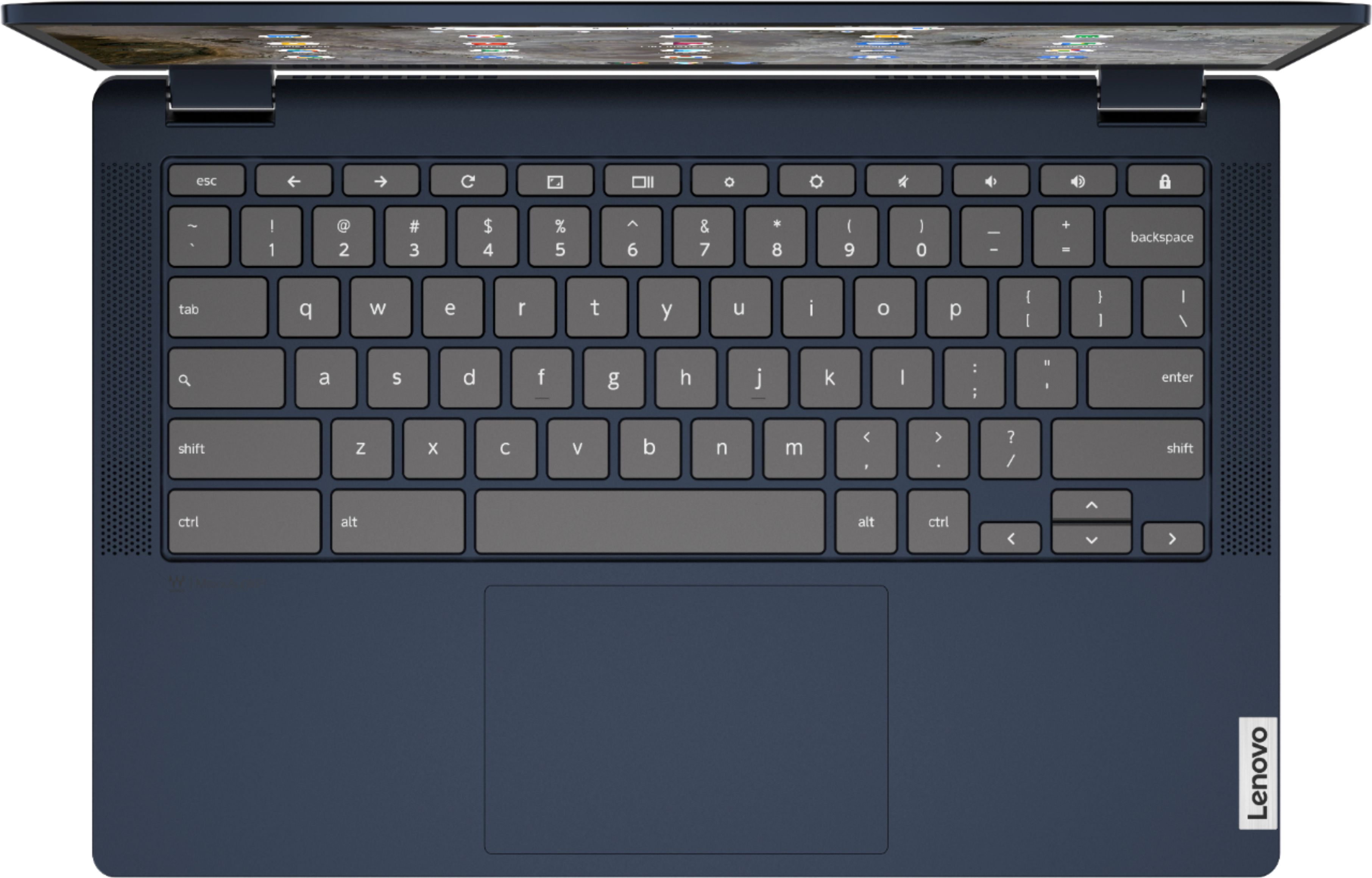
||Posted . Owned for 1 month when reviewed.This reviewer received promo considerations or sweepstakes entry for writing a review.missing a lot of keys that I'm used to with Windows
No, I would not recommend this to a friendBrand response from Lenovo Product Expert
Posted .The Lenovo Flex 5 13 Chromebook, ships with a standard Chromebook version of the QWERTY Keyboard. All Chromebooks have unique special keyboard keys, different from Windows-based keyboards. Here is a link to tips for using the special keys that are found on all Chromebooks: https://support.google.com/chromebook/answer/1047364?hl=en. We always recommend you check the requirements and compatibility of any software/games you will be installing on your new Chromebook, before you invest in any Chromebook. Be sure your new Chromebook can support the software you will need to use and your workload.
Damaged computer with only 3 months of the purchas
||Posted . Owned for 3 months when reviewed.This reviewer received promo considerations or sweepstakes entry for writing a review.The computer is new, I only have 3 months almost 4 with the computer, and I have not dropped it or anything like that and the computer does not want to turn me on, that means that the computer is not good
No, I would not recommend this to a friendDo not buy Lenovo
||Posted . Owned for 1 month when reviewed.This reviewer received promo considerations or sweepstakes entry for writing a review.What a waste of money! I’m never buying any Lenovo products ever again. This Chromebook isn’t even 2 months old and it already stopped working. It froze on a video, then screen went white, and now it just shut off.
No, I would not recommend this to a friendBrand response from Lenovo Product Expert
Posted .We are very sorry to hear that you are experiencing issues with your Lenovo Flex 13 2-in-1 Chromebook Laptop. If your Chromebook is crashing or freezing: turn off your Chromebook, then turn it back on. Close all your apps and browser windows. If a specific tab in your browser causes your Chromebook to crash or freeze, hard refresh the page: Ctrl + Shift + r. If you've installed any new apps or extensions recently, uninstall them. Reset your Chromebook. Recover your Chromebook. To reset your Chromebook, please visit this link for instructions - https://support.google.com/chromebook/answer/183084. To recover the Chromebook - please visit this link - https://support.google.com/chromebook/answer/1080595. If the issues persist, please contact Lenovo Chromebooks Tech Support: 800-426-7378.
Junk
||Posted . Owned for 8 months when reviewed.This reviewer received promo considerations or sweepstakes entry for writing a review.I purchased this less than 9 months ago and it's crashed and will not start. Never really was satisfied with it but now it's nothing but a paperweight.
No, I would not recommend this to a friendBrand response from Lenovo Product Expert
Posted .We are sorry to hear that you are having issues with your Lenovo Flex 5 13 Chromebook. Resetting the Chromebook back to original factory settings may correct the issue you are having. Here is a link to instructions for resetting a Chromebook: https://support.google.com/chromebook/answer/183084?hl=en. If the issue continues after this reset, we recommend you contact Lenovo Tech Support for Chromebooks for additional help at: 800-426-7378.
First purchase regret
||Posted . Owned for 1 month when reviewed.This reviewer received promo considerations or sweepstakes entry for writing a review.Was an open box excellent condition rated. Didn't work. Had to return it and i lost $30 of my reward. I was not happy.
No, I would not recommend this to a friendBrand response from Lenovo Product Expert
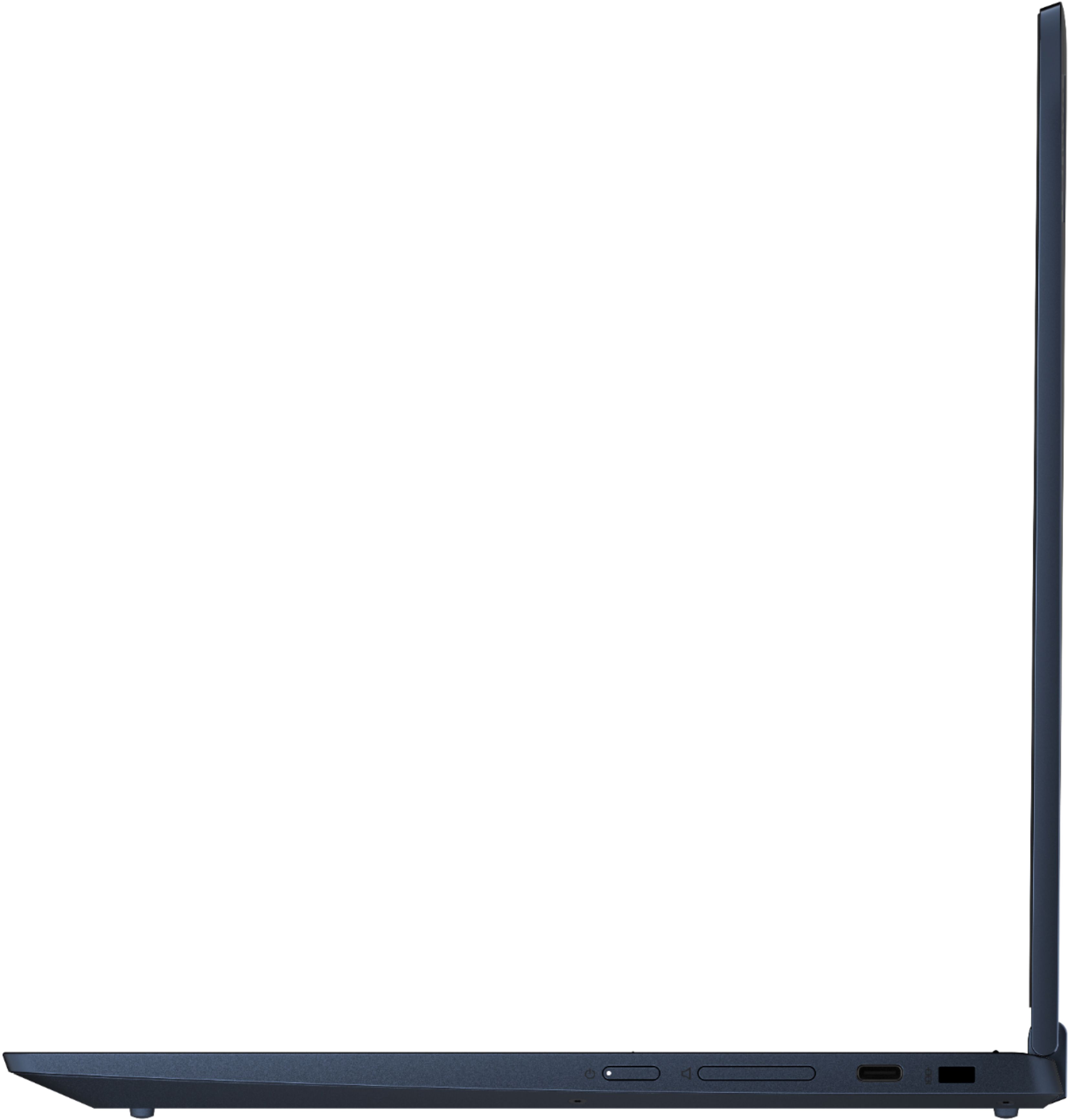
Posted .We are sorry to hear that your Lenovo Flex 5 13 Chromebook is not working. Resetting your Chromebook back to original factory settings may correct the issue you are having. Plug in the included 45W USB-C, device side (3-pin, wall side, USA compatible) AC adapter/charger, supports PD 3.0, 100-240V, 50-60Hz, first into the wall then plug in the USB-c side into the Flex 5 13 Chromebook, on the left side of the Chromebook. There is an electric plug icon next to the proper USB-c charging port. There is also an LED light next to this charging port that will light up when the charger is plugged in and properly charging the battery. If the LED light is not on, the issue is most likely with the AC adapter/charger. Here is a link to a compatible 45W USB-c AC adapter/charger for this Chromebook: https://www.bestbuy.com/site/lenovo-power-adapter-for-tablet-10-thinkpad-11-11e-chromebook-thinkpad-13-13-chromebook-thinkpad-a275-a285-and-a475-black/5969701.p?skuId=5969701. If the LED light is on, let the Lenovo Flex 5 13 Chromebook charge for 15-minutes. Now try the power button again. If the Chromebook still does not turn on, here is a link to instructions for resetting a Chromebook: https://support.google.com/chromebook/answer/183084?hl=en. If the issue continues after this reset, we recommend you contact lenovo Tech Support for Chromebooks for additional help at: 800-426-7378.
Keyboard stopped working
||Posted . Owned for 1 month when reviewed.This reviewer received promo considerations or sweepstakes entry for writing a review.Keyboard stopped working after a month. My Yoga c930 and T490s are great! Surprised this Chromebook would last just days.
No, I would not recommend this to a friendBrand response from Lenovo Product Expert
Posted .We are sorry to hear that you are having issues with the keyboard of your Lenovo Flex 5 13 Chromebook. Resetting the hardware of your Chromebook may correct the issue. Here is a link to instructions for resetting the hardware of a Chromebook: https://support.google.com/chromebook/answer/3227606?hl=en. If the issue continues, now reset the Chromebook back to original factory settings: https://support.google.com/chromebook/answer/183084?hl=en&ref_topic=3417251. If the issue still continues, we recommend you contact Lenovo Tech Support for Chromebooks for additional help at: 800-426-7378.
Poor Quality Don't Waist Money!
||Posted . Owned for 2 months when reviewed.This reviewer received promo considerations or sweepstakes entry for writing a review.Poor Quality, Within 2 months, 2 machines, sound died on first one, the plastic cracked by hinges on second.
No, I would not recommend this to a friendBrand response from Lenovo Product Expert
Posted .We are sorry to hear that you are having issue with your Lenovo Flex 5 13 Chromebook, model number 82M70000US. Regarding the audio issue you are having, resetting the hardware of the Flex 5 13 Chromebook may correct the product you are having. Here is a link to instructions for resetting the hardware of your Chromebook: https://support.google.com/chromebook/answer/3227606?hl=en. This Flex 5 13 Chromebook ships with two 360-degree hinges that have been been tested through 25,000 cycles without a failure (the equivalent of 8 to 10 years of normal use). This Flex 5 13 Chromebook ships with a limited, 1-year manufacturer's warranty, covering OEM hardware issues. If you have an OEM hardware issue, we recommend you call Lenovo Tech Support for Chromebooks at: 800-426-7378.
Disappointed
||Posted . Owned for 1 month when reviewed.This reviewer received promo considerations or sweepstakes entry for writing a review.Very unhappy. Used for 2 days and it shut off and wouldn’t turn back on. Returned it. Loved it while it worked...
No, I would not recommend this to a friendBrand response from Lenovo Product Expert
Posted .We are sorry to hear that you are having issues with your Lenovo Flex 5 13 Chromebook. Resetting the hardware of your Chromebook may fix the issue you are having. Here is a link to instructions for resetting the hardware of a Chromebook: https://support.google.com/chromebook/answer/3227606?hl=en. If the issue continues after this hardware reset, now reset the Chromebook back to original factory settings: https://support.google.com/chromebook/answer/183084?hl=en&ref_topic=3417251. If the issue continues after these resets, we recommend you contact Lenovo Tech Support for Chromebooks for additional help at: 800-426-7378.
false information
||Posted . Owned for 1 month when reviewed.This reviewer received promo considerations or sweepstakes entry for writing a review.Wouldn't allow any downloads like I was told in the store prior to purchase
No, I would not recommend this to a friendBrand response from Lenovo Product Expert
Posted .This Lenovo Flex 5 13 Chromebook ships with the Chrome Operating System and is compatible with Google Play Store APPs. We recommend you check with the Apps software publisher's web sites, of the specific APPs you are trying to install, for their compatibility with the Chrome operating system and the minimum/recommended hardware requirements (Is a Graphics card required, the processor speed and the minimum required system RAM and the minimum available hard drive space) to run their program, then compare those requirements to this system's configuration. If you are trying to download/install APPs to this Flex 5 13 Chromebook from the Google Play Store and those APPs will not download/install, we recommend you contact lenovo Tech Support for Chromebooks for additional help at: 800-426-7378.
Not Good
||Posted . Owned for 1 month when reviewed.This reviewer received promo considerations or sweepstakes entry for writing a review.Stopped working after 5 uses. Best Buy was good about returning.
No, I would not recommend this to a friendBrand response from Lenovo Product Expert
Posted .We are sorry to hear that you are having issues with your Lenovo Flex 5 13 Chromebook. First reset the hardware of your Chromebook. Here is a link to instructions for doing this: https://support.google.com/chromebook/answer/3227606?hl=en. If resetting the Chromebook hardware does not fix the issue, now reset the Chromebook back to original factory settings: https://support.google.com/chromebook/answer/183084?hl=en&ref_topic=3417251. If the issue continues, we recommend you contact Lenovo Tech Support for Chromebooks at: 800-426-7378.
Returned
||Posted . Owned for 3 weeks when reviewed.This reviewer received promo considerations or sweepstakes entry for writing a review.It failed within one hour. Top third of screen went wonky.
No, I would not recommend this to a friendBrand response from Lenovo Product Expert
Posted .We are sorry to hear that you had issues with your Lenovo Flex 5 13 Chromebook. Resetting the chromebook back to original factory settings may correct the issue you are having: https://support.google.com/chromebook/answer/183084?hl=en. If the issue continues, we recommend you contact Lenovo Tech Support for Chromebooks at: 800-426-7378.
Great product for great price
Posted .This reviewer received promo considerations or sweepstakes entry for writing a review.This is a very functional and convenient office supply.
I would recommend this to a friendLenovo
Posted .This reviewer received promo considerations or sweepstakes entry for writing a review.Great product I got for my daughter for Christmas, came in handy for college, covered all the basic needs for a laptop.
I would recommend this to a friendcant play games on it
Posted .This reviewer received promo considerations or sweepstakes entry for writing a review.it is good but my dad got it for my birthday. he got it for me to game on, but it dissapoints me that i can barely get on roblox. but it is still good. games are just a bad suit for chromebooks. it is bad on their part, but overall good chromebook
I would recommend this to a friendLove it!
Posted .This reviewer received promo considerations or sweepstakes entry for writing a review.So far I love my new laptop! I was a bit hesitant because of how good the price was for this computer, but so far using it for school and to write my essays I love it!
I would recommend this to a friendBrand response from Lenovo Product Expert
Posted .Thank you for choosing the Lenovo Flex 5 13 Chromebook. We are pleased to hear that the value and performance of the Flex 5 13 Chromebook meets your computing needs so well.
- Pros mentioned:Price
Ironic Junk
Posted .This reviewer received promo considerations or sweepstakes entry for writing a review.I recently bought this on Sunday 11/8 and It was terrible. sure the display was good, the price was alright. but when you can't even open up youtube and watch a simple video all that doesn't matter. the video wouldn't even load, like at all which is kind of ironic. wouldn't recommend to get a Chromebook. your probably better off getting a tad bit more expensive laptop.
No, I would not recommend this to a friendBrand response from Lenovo Product Expert
Posted .We are sorry to hear that you are having issues playing videos through your Lenovo Flex 5 13 Chromebook. First be sure you have the latest update of the Chrome Operating System installed on this Chromebook, then here is a link to instructions for playing videos on a Chromebook: https://support.google.com/googleplay/answer/6049044?hl=en. If the issue continues, we recommend you contact Lenovo Tech Support for Chromebooks at: 800-426-7378.
Don't waste your time or money
Posted .This reviewer received promo considerations or sweepstakes entry for writing a review.Was super excited with this when I got it. Loved the design and how sleek it is. Setup was easy and fast. After a few days of normal use it started to slow down. It would take longer for apps to open or close, or switch between apps/windows. And then on day 4 the screen went black suddenly. It appeared to be in sleep mode, but after charging it and attempting several times to force restart it with no luck, I took it to Geek squad. They couldn't help and suggested exchanging it, which I did. The second one lasted a full 7 days this time before doing the exact same thing. I've never had such a bad experience with a laptop before. And it can't be blamed on the hinge that switches between laptop mode and tablet mode, I only used that 2 or 3 times in that short time it was working.
No, I would not recommend this to a friendBrand response from Lenovo Product Expert
Posted .We are sorry to hear that you are having issues with your Lenovo Chromebook Flex 5 13 model number 82M70000US. Try resetting your Chromebook back to original factory settings. Here is a link to instructions for doing this: https://support.google.com/chromebook/answer/183084?hl=en. If the issue continues, we recommend you contact lenovo Tech Support for Chromebooks at: 800-426-7378.
- Cons mentioned:Ram
Lenovo Chromebook Flex 5
Posted .This reviewer received promo considerations or sweepstakes entry for writing a review.Generally, I have had good luck with all Lenovo laptops, but for this one...Don't waste your money. 4GB Memory! Ha! Much better choices out there. Would not recommend this one at all.
No, I would not recommend this to a friendBrand response from Lenovo Product Expert
Posted .This Lenovo Flex 5 13 Chromebook ships with the Chrome Operating System and is compatible with Google Play Store APPs. We always recommend you check the requirements and compatibility of any software you will be installing on your new computer, before you invest in any computer. Be sure your new computer can support the software you will need to use.