Customer Ratings & Reviews

- Model:
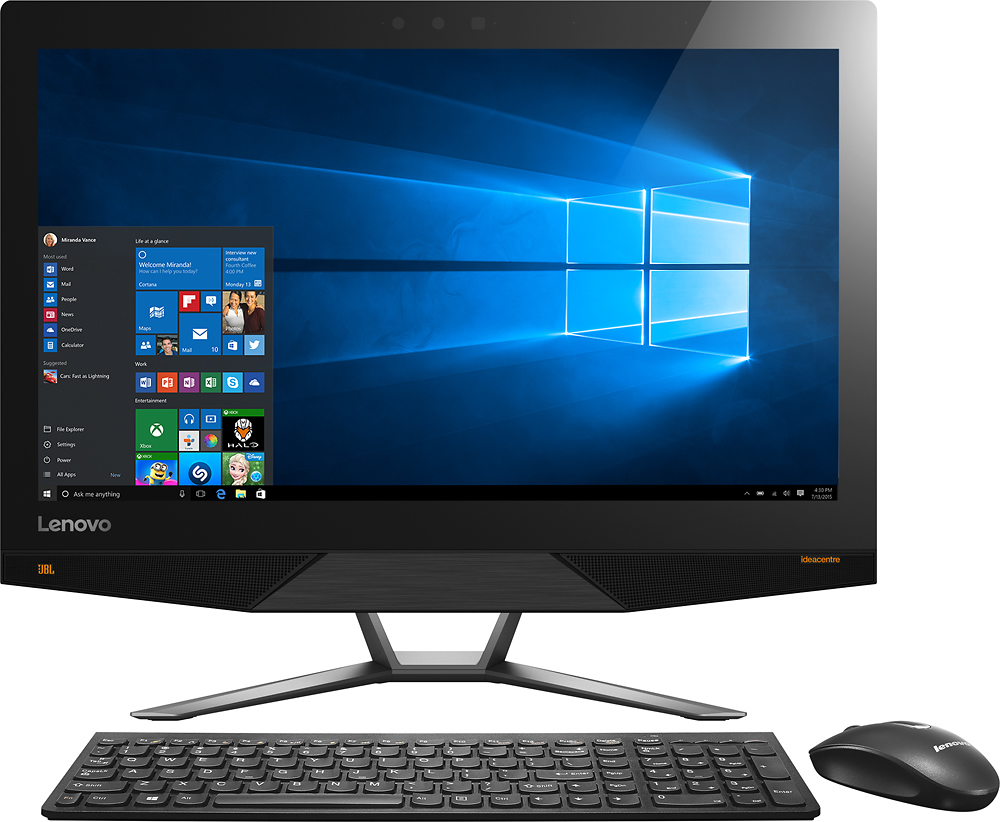
- AIO 700 - F0BE0000US
- SKU:
- 4362106
to a friend
Customers are saying
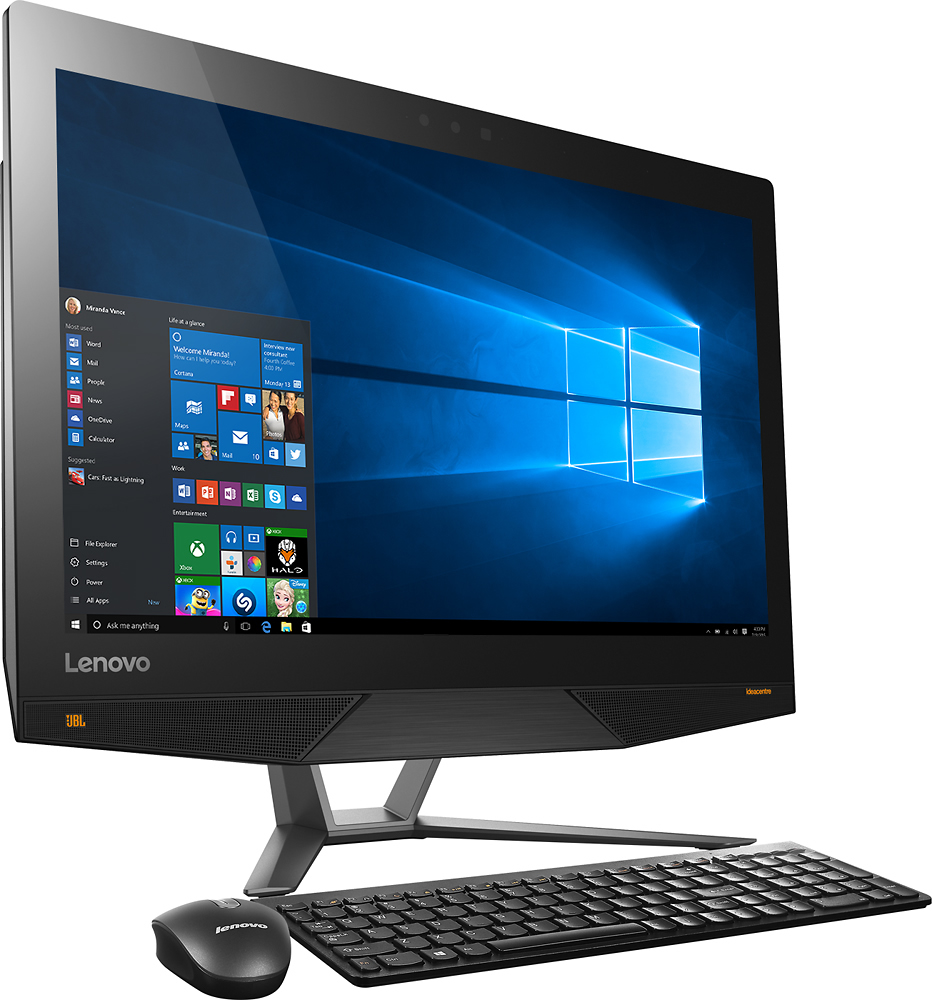
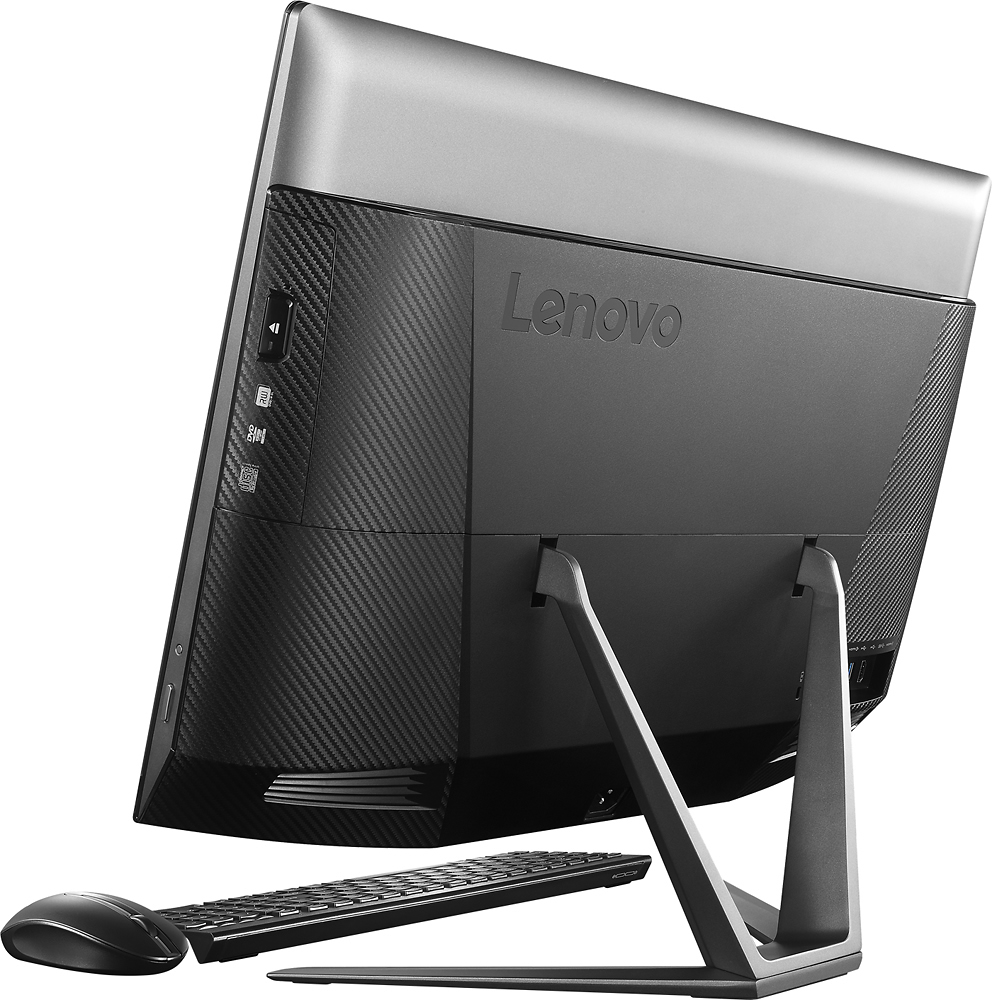
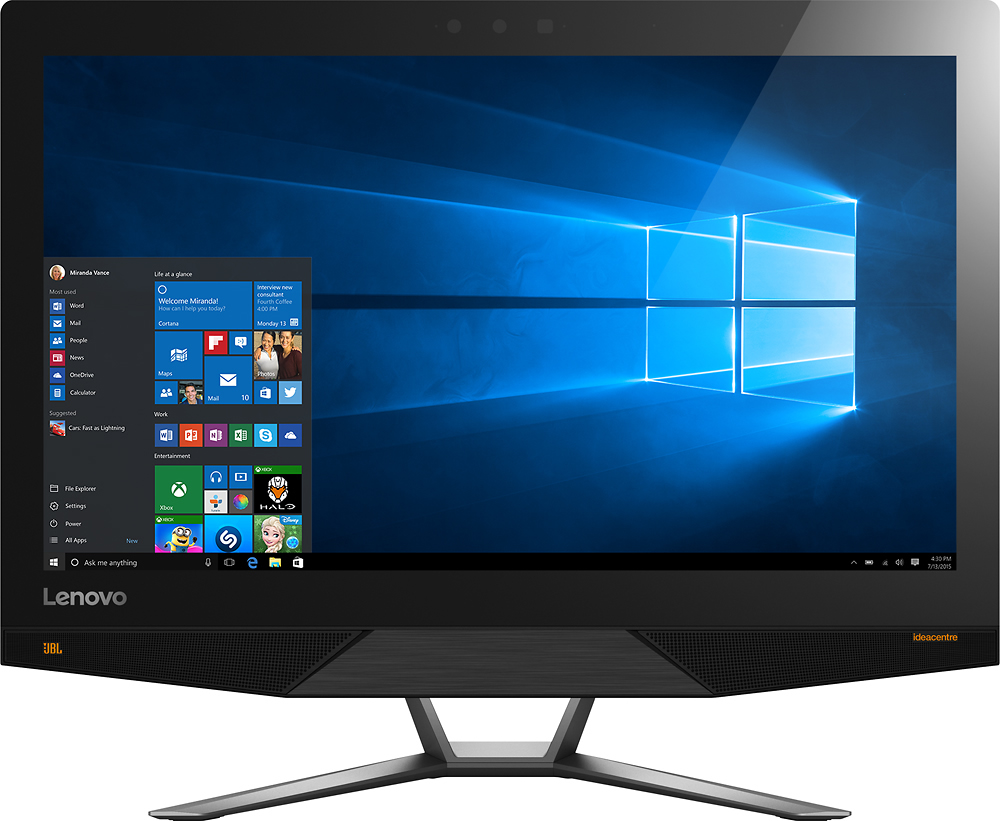
Customers find value in the IdeaCentre's touch screen, ease of use, and performance. Many appreciate the high resolution display, although some experienced issues with the graphics card, Wi-Fi connectivity, and speakers. A few users also reported problems with the display driver and pre-installed software. Overall, the positive feedback on the user experience is notable.
This summary was generated by AI based on customer reviews.
- Pros mentioned:Performance
Spouse loves no wires
||Posted .This reviewer received promo considerations or sweepstakes entry for writing a review.Set up was quick and easy, wife loves not having wires all the place. Performs very well for our needs.
I would recommend this to a friend - Pros mentioned:Touch screen
two word documents side by side
||Posted .This reviewer received promo considerations or sweepstakes entry for writing a review.I love that I can put two word document side by side. the color is very good. love the touch screen
I would recommend this to a friendBrand response from Lenovo Product Expert
Posted .Thank you for choosing the Lenovo IdeaCentre 700-24 All-In-One system. We are pleased to hear that the functionality and performance of the IdeaCentre 700-24 AIO meets your computing needs so well.

- Pros mentioned:Speed
fast and works well
||Posted .This reviewer received promo considerations or sweepstakes entry for writing a review.fast, reliable, works well, no complaints. highly recommended
I would recommend this to a friend - Pros mentioned:Ease of use
Fun computer
||Posted .This reviewer received promo considerations or sweepstakes entry for writing a review.This was so easy to set up and is so fun to use. I would recommend this computer to anyone!
I would recommend this to a friend - Pros mentioned:Touch screen
Great computer great printer love it all
||Posted .This reviewer received promo considerations or sweepstakes entry for writing a review.Love my computer and my printer love the touch screen
I would recommend this to a friend - Pros mentioned:Performance
Great
||Posted .This reviewer received promo considerations or sweepstakes entry for writing a review.Very good! So far I feel satisfied on this computer.
I would recommend this to a friend It is much better than I am an user.
||Posted .This reviewer received promo considerations or sweepstakes entry for writing a review.I am very pleased with my Lenovo all in one. Picture quality is very good. Still learning things it will do.
I would recommend this to a friendGreat All in One
||Posted .This reviewer received promo considerations or sweepstakes entry for writing a review.First Lenovo desktop and first All-in-one style. Easy set up. Keyboard is a little smaller than my previous computer so it takes some getting used to, but it works well. Factory screen brightness was much too bright, so I adjusted it. However, once in a while, when we turn the machine on, it reverts back to the original brightness. Don't know why this happens, but since this is the only problem, we can always adjust it back when it happens.
I would recommend this to a friend- Pros mentioned:Speed, Touch screen
Compact and fast!
||Posted .This reviewer received promo considerations or sweepstakes entry for writing a review.Amazing picture, 3D Camera, facial recognition logon, touchscreen, 4K graphics, wireless mouse/keyboard......This thing is PACKED with amazing features! Fast processor and graphics card! A++ rating and would recommend this computer to Anyone!!!
I would recommend this to a friend - Cons mentioned:Software
Took it back
||Posted .This reviewer received promo considerations or sweepstakes entry for writing a review.After setup was complete, the computer suffered many glitches, both in hardware and software. E.g. the computer kept disconnecting from my Wi-Fi and I had to go in and retype the password. Computer locked up several times and I had to unplug it to shut it down so I could reboot it. Much of my software apps displays were incredibly small and I could find no way to change them. These were just a few of the most glaring examples.
No, I would not recommend this to a friend Great All in One computer
||Posted .This reviewer received promo considerations or sweepstakes entry for writing a review.I am pleased with this computer, i got a great price and best buy did everything right.
I would recommend this to a friend- Pros mentioned:Touch screen
Great Machine
||Posted .This reviewer received promo considerations or sweepstakes entry for writing a review.This Lenova does everything I needed and more. State of the art PC.
I would recommend this to a friend Best All-in-one I have tried!
||Posted .This reviewer received promo considerations or sweepstakes entry for writing a review.I looked for over 1.5 years for a great all-in -one computer ....I am so glad that I waited for this Lenovo. The screen resolution, brightness,color correctness, and sensitive , responsive touch screen are fanastic. I also prefer that it has Windows 10 loaded onto it, instead of the Windows 8 that the prior options I viewed had. I have had this computer for almost a month, and am so far totally satisfied. I intend to use it for our business to show customers product, and create on-line -ads, etc. So...hoping it continues to prove easy to adjust to. I am used to using XP and Windows 7...10 is a little different, but so far ok!
I would recommend this to a friendBrand response from Lenovo Product Expert
Posted .Thank you for choosing Lenovo. We are pleased that the IdeaCentre is working so well for you.
What a machine!
||Posted .This reviewer received promo considerations or sweepstakes entry for writing a review.This is definitely a workhorse. It lets me do actual "computing" then whatever "fun" I want to do. When playing DVDs or listening to on-line radio (classical music) the sound is excellent! It is several functions in one machine.
I would recommend this to a friend- Pros mentioned:Speed, Touch screen
This computer has it all
||Posted .This reviewer received promo considerations or sweepstakes entry for writing a review.Bought this computer to get rid of clutter on my desk. Not only is it an all in one but it has 4K resolution, the processor is great, the computer is fast and so far has been reliable. Love Lenovo and the products they make
I would recommend this to a friend - Pros mentioned:Touch screen
Thought it would be faster
||Posted .This reviewer received promo considerations or sweepstakes entry for writing a review.Monitor stand can not be lowered to fit into p/c desk where last 23.5 monitor fit, not as fast as I was lead to believe an I-5, 12gb, 1tb drive would be, however the 4k screen, which seems to be reason for higher cost, is impressive. I still believe p/cs should come with instruction manuals as o/s systems and desk top options, etc, are so time consuming to figure out upon each "upgrade"
No, I would not recommend this to a friendBrand response from Lenovo Product Expert
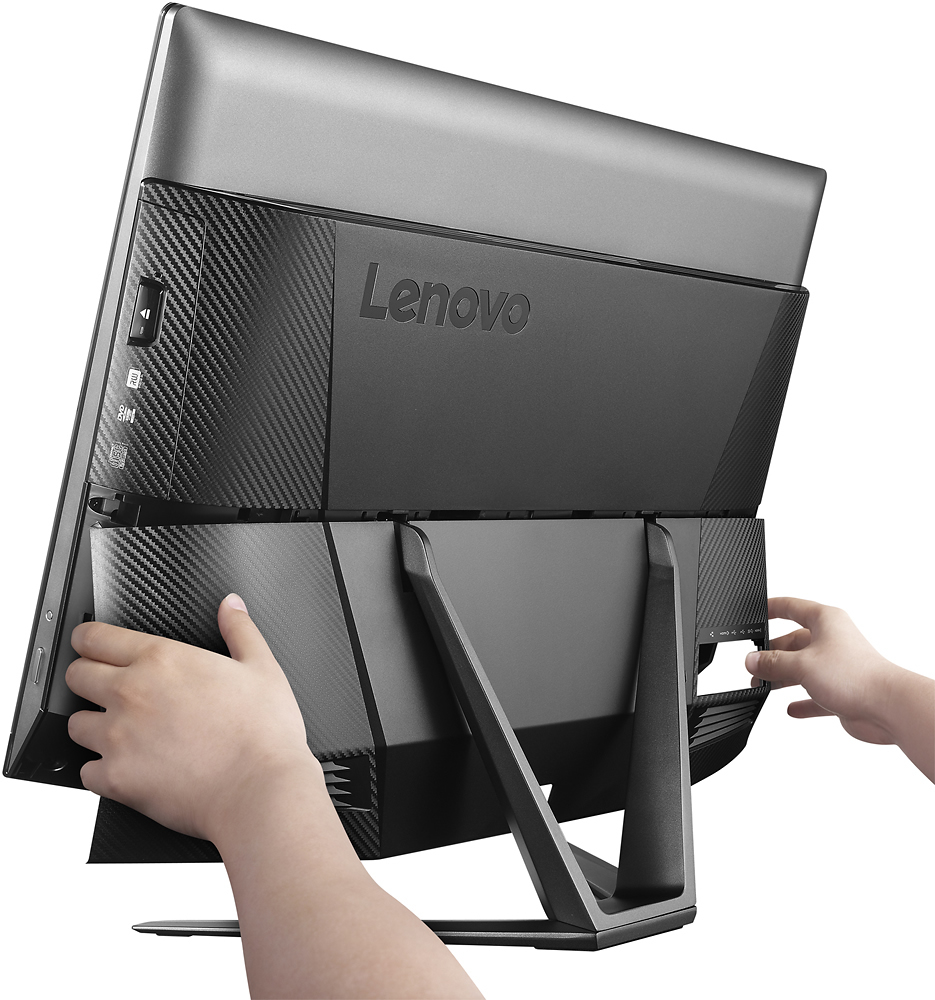
Posted .Thank you for choosing the Lenovo IdeaCentre 700-24 All-In-One system. You mentioned wanting copies of the User Guide and Maintenance Manual, they are now available on line at Lenovo.com here are the links, User Guide:
https://download.lenovo.com/consumer/desktop_pub/idea_ipig_en_20160509.pdf
Maintenance Guide:
https://download.lenovo.com/consumer/desktop_pub/ic_aio-700-24&27_hmm_201601.pdf
- Pros mentioned:Speed
Amazing
||Posted .This reviewer received promo considerations or sweepstakes entry for writing a review.Super fast pc plays most games great graphics love it
I would recommend this to a friend - Cons mentioned:Wifi
Open box purchase
||Posted .This reviewer received promo considerations or sweepstakes entry for writing a review.Love the computer now, purchased as an open box and received a great deal however when I set it up the optical drive was not working properly on the cd/DVD player. Also I had several issues with connections through wifi. After taking it in and having sent out for service it is working great now.
I would recommend this to a friend - Pros mentioned:Ease of use, Speed
Fast, reliable, great screen and touch is nice.
||Posted .This reviewer received promo considerations or sweepstakes entry for writing a review.Excellent machine, fast and reliable. Very simple to operate. It replaced my iMAC which was slow, completely unreliable and difficult to operate. I only wish the Lenevo came with a backlit keyboard.
I would recommend this to a friendBrand response from Lenovo Product Expert
Posted .Thank you for choosing the Lenovo IdeaCentre 700-24 All-In-One system. We are pleased to hear that the performance of the IdeaCentre 700-24 AIO is meeting your computing needs so well. With regard to a backlit keyboard, you can use any keyboard with this system that is compatible with Windows 10, so if you want to use a 3rd-party keyboard that better suits your needs you can.
- Pros mentioned:Performance
Nice Computer
||Posted .This reviewer received promo considerations or sweepstakes entry for writing a review.So I am just a "normal" person who doesn't know a lot about computers. I bought this one because it was on sale and the BB employee said it was a good computer. It works great but I downloaded something on it for my kids that did not work...was hoping it would be easy. Will prob have to pay the Geek Squad to help me with something "easy" lol.
I would recommend this to a friendBrand response from Lenovo Product Expert
Posted .Thank you for choosing the Lenovo IdeaCentre 700-24 All-In-One system. With regard to downloading programs, before you download the program, be sure that the program is compatible with Windows 10. This information should be right on the web page where you download the program. Also, for more complicated programs, you should not only check for Windows 10 compatibility but also check for the minimum/recommended computer hardware needed to run the program. It sounds more complicated than it really is. Just Google the "system requirements" for the program you want to download, then match those requirements to the configuration of your IdeaCentre 700-24 AIO.