Customer Ratings & Reviews


- Model:
- F0DY001XUS
- SKU:
- 6325576
to a friend
Customers are saying
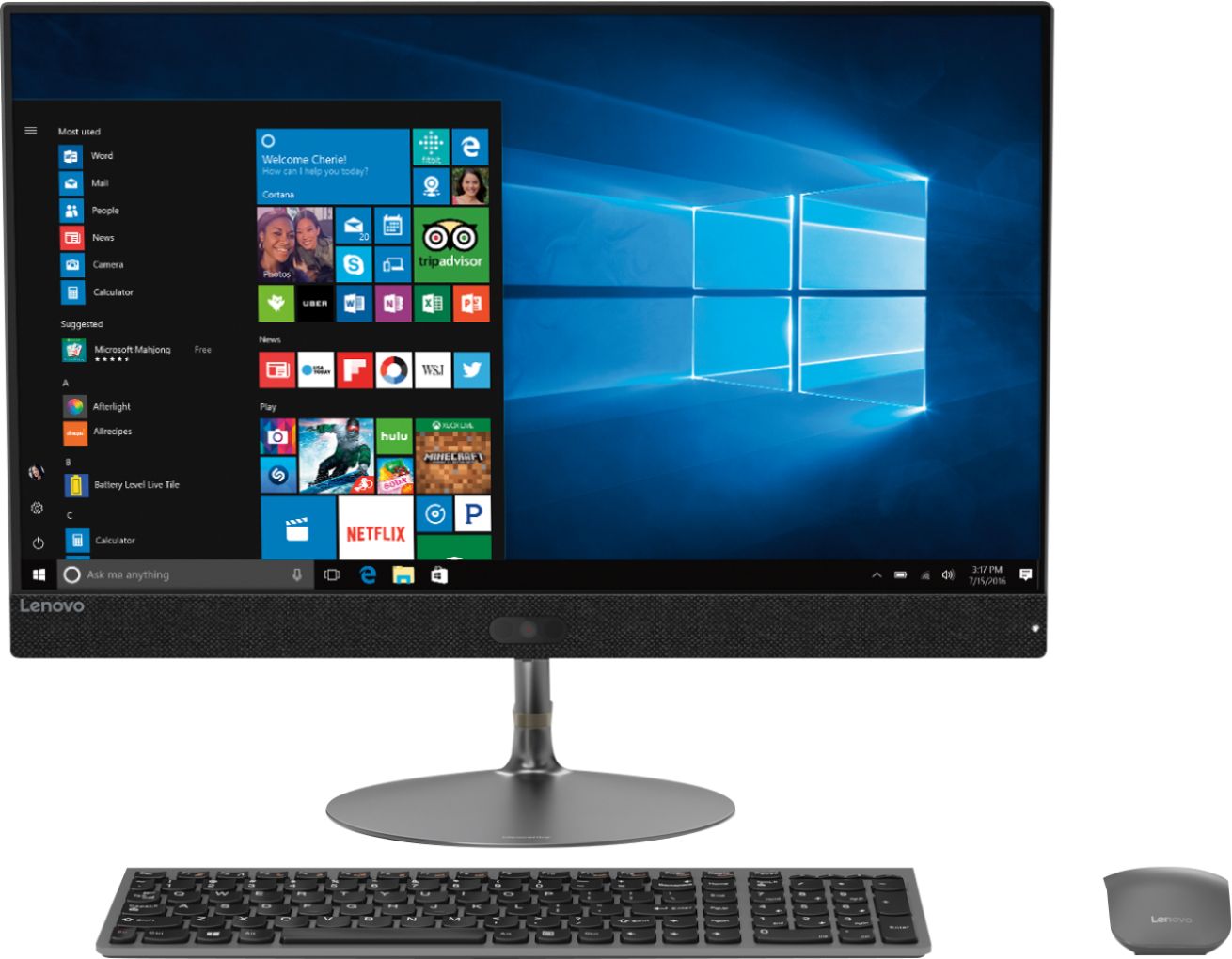
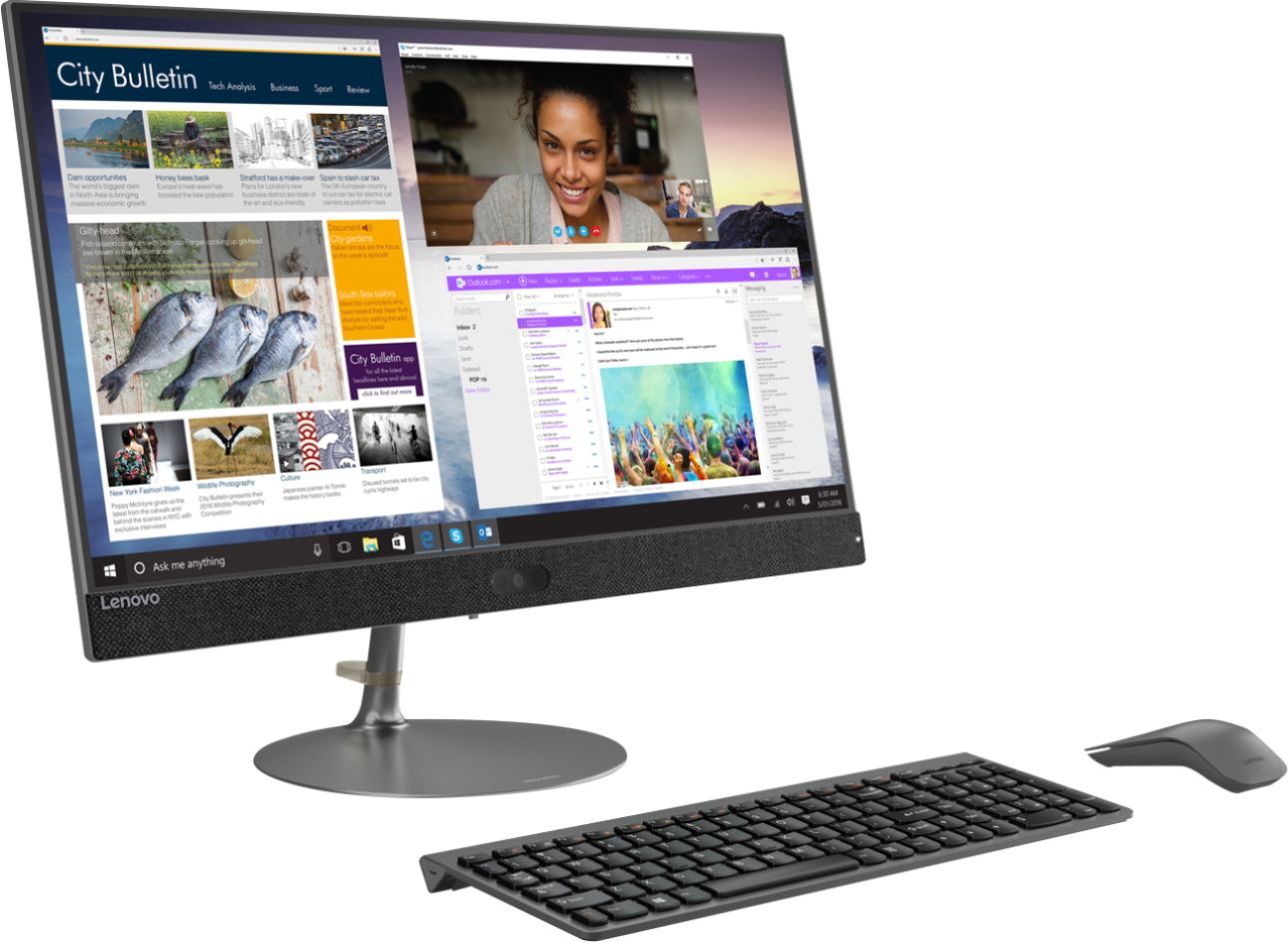
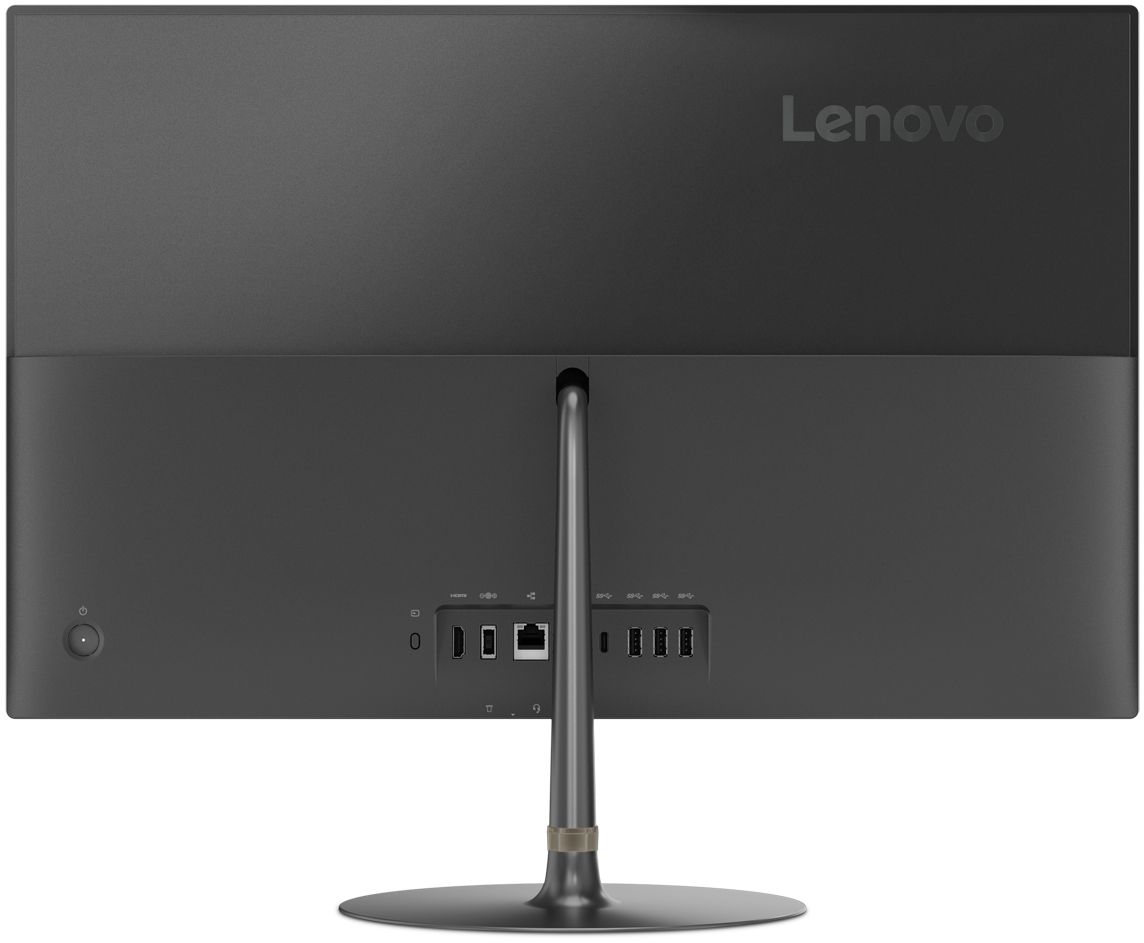
Customers praise the IdeaCentre 730S for its ease of use, large screen size, and strong performance. Many appreciate its sleek design and consider it a good value for the price. A few users mentioned a limited number of USB ports as a drawback. The lack of a CD/DVD drive was also noted by some customers.
This summary was generated by AI based on customer reviews.
- Pros mentioned:Performance
Good PC!
||Posted . Owned for 1 month when reviewed.This reviewer received promo considerations or sweepstakes entry for writing a review.This Lenovo All-in-One computer has good performance but it is little expensive.
I would recommend this to a friendBrand response from Lenovo Product Expert
Posted .Once again, thank you for choosing the Lenovo IdeaCentre 730s-24 All-In-One system. You can keep your computer running at its best by keeping the Windows 10 Operating System and all supporting BIOS files and drivers up to date. You can easily accomplish this by scanning the computer with the Lenovo Utility software available on this computer. This system has Lenovo utilities installed to help maintain the health of the device and keep the operating system software up to date. Type "Lenovo Vantage" in the Cortana Search window (if Lenovo Vantage is not installed on your device, you can download the APP and install it now). Select Lenovo Vantage from the list. In the window that opens, click on "Health and Support". In the expanded menu, select "Hardware Scan" In the window that opens, select "Run Quick Tests". This will scan your entire system for errors. Follow any directions that may pop up. If the problem continues after this scan, now click on "System Update". First select Windows update from the menu. Scan your system to be sure you have the latest version of Windows 10. Once that scan is complete, select "Additional Updates". This will scan your device to be sure there are no new BIOS/Driver updates needed. Follow any instructions that may pop up. If you ever need additional help with your Lenovo computer, we recommend you call Lenovo Tech Support at: 877-453-6686 for additional help.

Stopped working after 6 days.
||Posted . Owned for 3 weeks when reviewed.This reviewer received promo considerations or sweepstakes entry for writing a review.2 weeks later I am still waiting to hear from Lenovo on when a replacement will ship. This is the worst experience with Lenovo I've had since I switched from another brand. Typically they are quick. I am dumbfounded as to how slow they are this time. Has something at Lenovo changed? And this is the second review I've posted for this product. Is Best Buy filtering reviews?
No, I would not recommend this to a friendBrand response from Lenovo Product Expert
Posted .We are sorry to hear that you are having issues with your Lenovo IdeaCentre 730s-24 All-In-One system. Recommend you check the status of your case at Lenovo Tech Support: 877-453-6686.
It’s great for my work
||Posted . Owned for 3 weeks when reviewed.This reviewer received promo considerations or sweepstakes entry for writing a review.I love lenova easy to use , I wil recommend for this computer
I would recommend this to a friendGreat pc
||Posted . Owned for 9 months when reviewed.This reviewer received promo considerations or sweepstakes entry for writing a review.Love my Lenovo great deal happy customer use every day
I would recommend this to a friendBrand response from Lenovo Product Expert
Posted .Thank you for choosing the Lenovo IdeaCentre 730s24 All-In-One system, model number F0DY001XUS. We are pleased to hear that the performance of the IdeaCentre 730s-24 AIO meets your computing needs so well.
Great Product
||Posted . Owned for less than 1 week when reviewed.This reviewer received promo considerations or sweepstakes entry for writing a review.Great product, one of the best product in lenovo desktop models
I would recommend this to a friendBrand response from Lenovo Product Expert
Posted .Once again, thank you for choosing the Lenovo IdeaCentre 730s-24 All-In-One system. You can keep your computer running at its best by keeping the Windows 10 Operating System and all supporting BIOS files and drivers up to date. You can easily accomplish this by scanning the computer with the Lenovo Utility software available on this computer. This system has Lenovo utilities installed to help maintain the health of the device and keep the operating system software up to date. Type "Lenovo Vantage" in the Cortana Search window (if Lenovo Vantage is not installed on your device, you can download the APP and install it now). Select Lenovo Vantage from the list. In the window that opens, click on "Health and Support". In the expanded menu, select "Hardware Scan" In the window that opens, select "Run Quick Tests". This will scan your entire system for errors. Follow any directions that may pop up. If the problem continues after this scan, now click on "System Update". First select Windows update from the menu. Scan your system to be sure you have the latest version of Windows 10. Once that scan is complete, select "Additional Updates". This will scan your device to be sure there are no new BIOS/Driver updates needed. Follow any instructions that may pop up. If you ever need additional help with your Lenovo computer, we recommend you call Lenovo Tech Support at: 877-453-6686 for additional help.
Great all in one but
||Posted . Owned for 1 month when reviewed.This reviewer received promo considerations or sweepstakes entry for writing a review.Sometimes you can’t wake it from sleep. Had to do some research on how to fix
I would recommend this to a friendBrand response from Lenovo Product Expert
Posted .You can easily wake the Lenovo IdeaCentre 730s-24 All-In-One system from sleep by pressing the power button for 1-second.
A great gift
||Posted .This reviewer received promo considerations or sweepstakes entry for writing a review.This computer is the right setup for the office!!!!!
I would recommend this to a friendBrand response from Lenovo Product Expert
Posted .Thank you for choosing the Lenovo IdeaCentre 730s-24 All-in-One system. We are pleased to hear that the IdeaCentre 730s-24 AIO meets your business computing needs so well. The Ideacentre AIO 730s delivers premium 8th Generation Intel Core i7 processing, for intelligent, ultra-fast responsiveness. You can multi-task easily and load programs instantaneously. You'll have more than enough room to build your collection of photos, movies, and files on this robust AIO.
Fast simple
||Posted . Owned for 1 month when reviewed.This reviewer received promo considerations or sweepstakes entry for writing a review.So far our new all in one is doing exactly as needed.
I would recommend this to a friendBrand response from Lenovo Product Expert
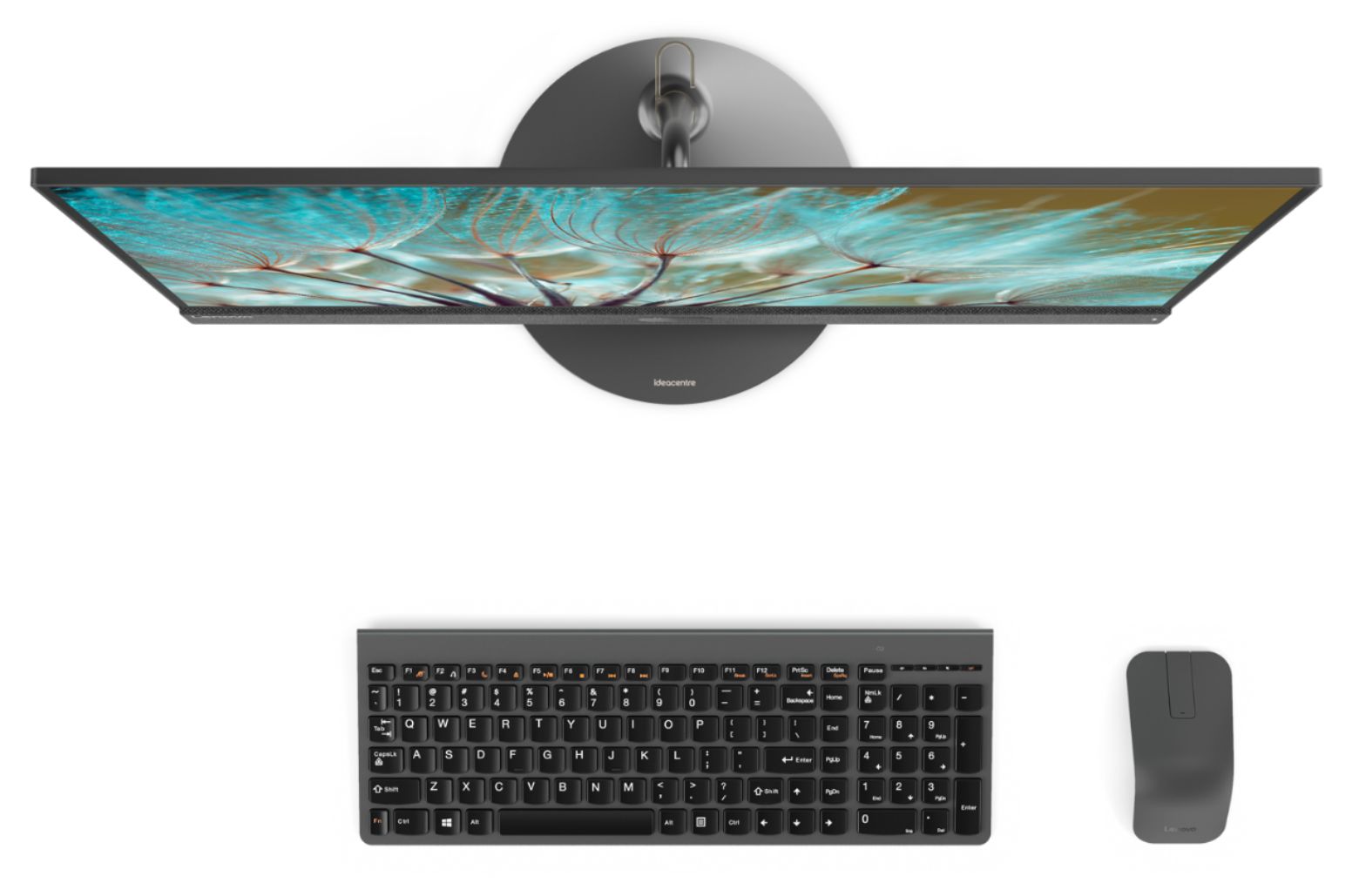
Posted .Thank you for choosing the Lenovo IdeaCentre 730s-24 All-In-One system. With Intel Core i7 processing, this super slim all-in-one PC can handle almost any task. Maximize your entertainment with a nearly edgeless 23.8" display. Best of all, the stylish Ideacentre AIO 730s will look great on your desk — without crowding it.
Great computer
||Posted . Owned for 1 month when reviewed.This reviewer received promo considerations or sweepstakes entry for writing a review.Nice computer for office use. No complaints so far.
I would recommend this to a friendBrand response from Lenovo Product Expert
Posted .Thank you for choosing the Lenovo IdeaCentre 730s-24 All-In-One system for your office. We are pleased to hear that the IdeaCentre 730s-24 AIO is working out so well. With Intel Core i7 processing, this super slim all-in-one PC can handle almost any task. Maximize your entertainment with a nearly edgeless 23.8" display. Best of all, the stylish Ideacentre AIO 730s will look great on your desk — without crowding it.
Good for the office
||Posted . Owned for 4 months when reviewed.This reviewer received promo considerations or sweepstakes entry for writing a review.Been very happy with computer however keys on keyboard have started falling off
I would recommend this to a friendGood all in one computer
||Posted . Owned for 1 month when reviewed.This reviewer received promo considerations or sweepstakes entry for writing a review.I needed something simple for at home work station and it met my expectations.
I would recommend this to a friendBrand response from Lenovo Product Expert
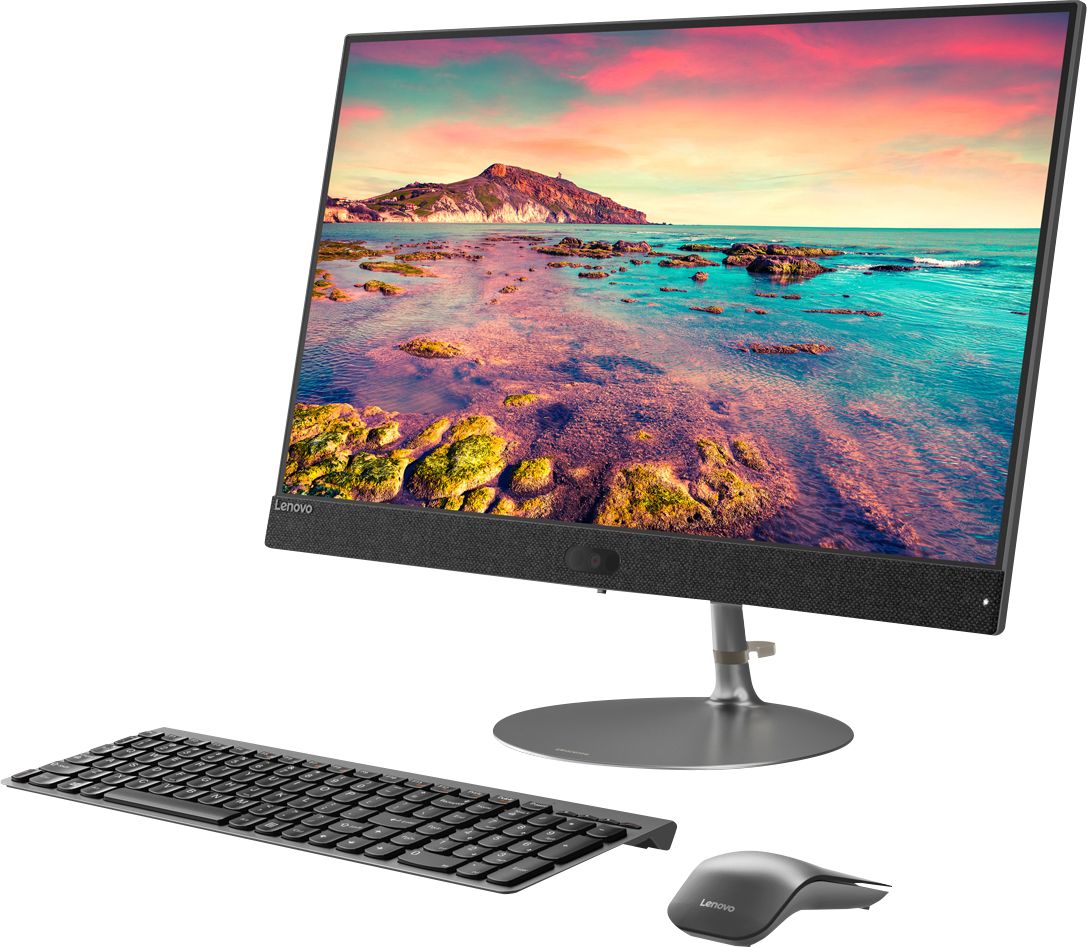
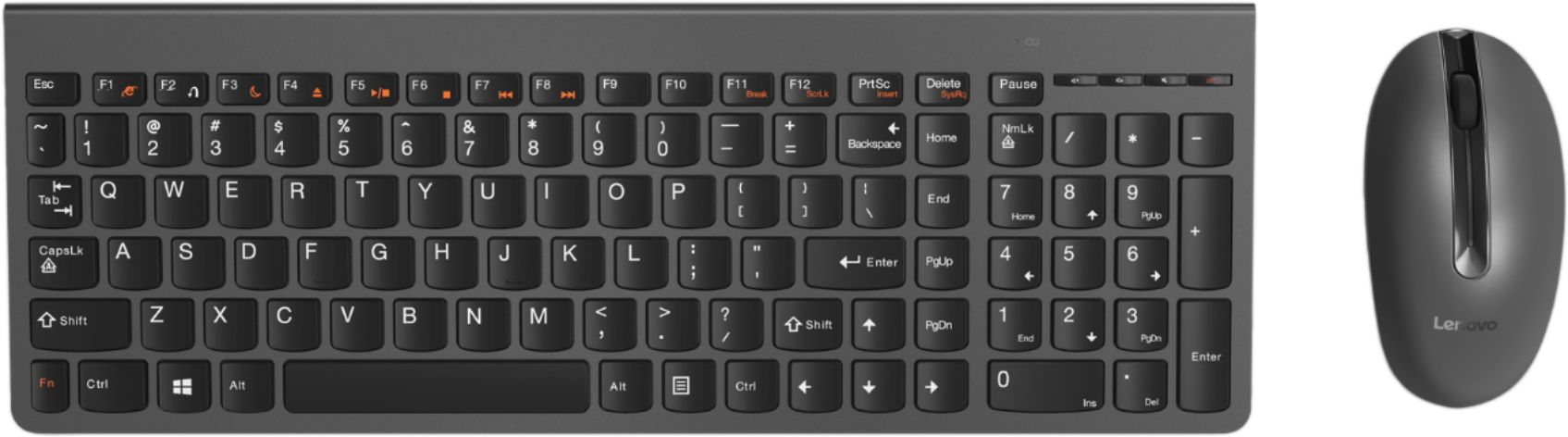
Posted .Thank you for choosing the Lenovo IdeaCentre 730s-24 All-In-One system. Open the box to everything you need! With just one cord, setup couldn't be easier—just plug it in and your PC is ready. No fuss, no muss and reduce the cable clutter. The all-in-one Ideacentre 730s even includes a wireless network card, keyboard, and mouse for all the tools you need in one simple package.
Good but Expensive
||Posted . Owned for 1 year when reviewed.This reviewer received promo considerations or sweepstakes entry for writing a review.Great computer for minimalists. Horribly overpriced like many other Lenovo products. Cheaper than Apple though.
No, I would not recommend this to a friendComputer is defected
||Posted . Owned for 1 week when reviewed.This reviewer received promo considerations or sweepstakes entry for writing a review.Can't start the computer even Geek Squad couldn't do anything about it. It's defected.
No, I would not recommend this to a friendBrand response from Lenovo Product Expert
Posted .We are sorry to hear that you are having issues with your Lenovo IdeaCentre 730s-24 All-In-One system. We recommend you call Lenovo Tech Support for help with your specific issue at: 877-453-6686.
- Pros mentioned:Speed
Great computer
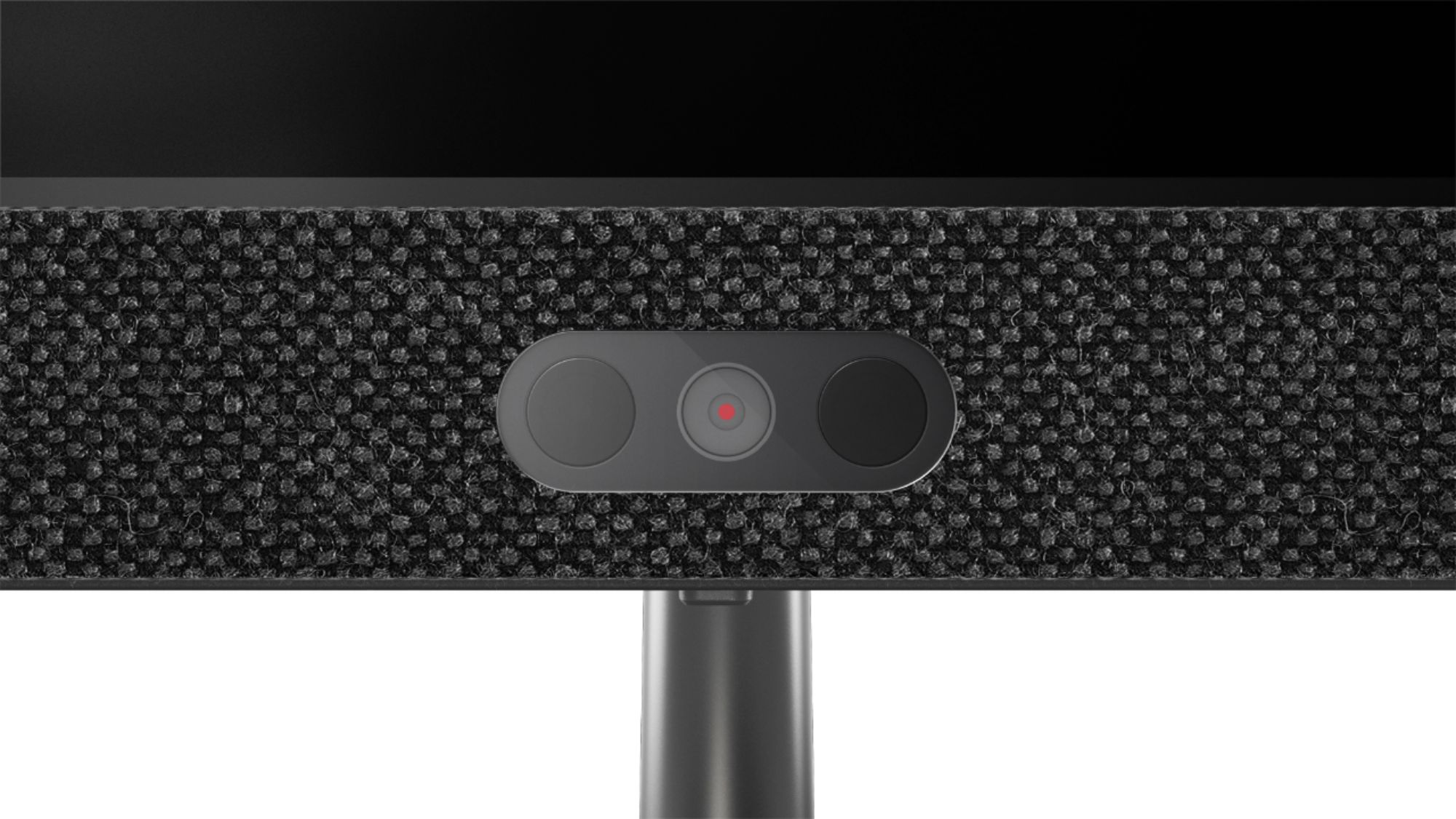
Posted .This reviewer received promo considerations or sweepstakes entry for writing a review.We bought this computer after being tired of having so much trouble with another big name brand and buying a new one every couple years. So far the computer has been great. We’ve owned it for about six months now it’s been the best computer we’ve owned. I love the camera for using Zoom and other video conferencing services. Fast and lots of storage. Great computer at a great price. Highly recommend.
I would recommend this to a friend Considering
Posted .This reviewer received promo considerations or sweepstakes entry for writing a review.Considering buying this but Lenovo manuals are the WORST ! What, 5 or 6 pages ?! Really
I would recommend this to a friendBrand response from Lenovo Product Expert
Posted .Sounds like you have the Quick Start Guide. Here's a link to the IdeaCentre All-In-One 730S-24 AIO Computer Hardware Maintenance Manual, it's 65 pages long: https://download.lenovo.com/consumer/desktop_pub/aio_730s_hmm_20180329.pdf
Do not wake up from sleep
Posted .This reviewer received promo considerations or sweepstakes entry for writing a review.Don't buy - the computer will never wakeup from sleep.
No, I would not recommend this to a friendBrand response from Lenovo Product Expert
Posted .Hello we are sorry to hear you are experiencing this issue with your Lenovo IdeaCentre 730S AIO model# F0DY001XUS. Please ensure you are running the latest version of Windows 10. To do this if your device is stuck in sleep mode hold down the power button until the device powers off and then power it back on. Once Windows starts login and type "Update" intro the Windows 10 search bar at the bottom of the left hand screen. Then select "Check for Updates" and install any new updates from Windows. If you are still experiencing this issue it is possible updating the Bios/System Device Drivers will fix issue. You can easily accomplish this by scanning the computer with the Lenovo Utility software available on this computer. This system has Lenovo utilities installed to help maintain the health of the device and keep the operating system software up to date. Type "Lenovo Vantage" in the Cortana Search window (if Lenovo Vantage is not installed on your device, you can download the APP and install it now). Select Lenovo Vantage from the list. In the window that opens, click on "Health and Support". In the expanded menu, select "Hardware Scan” In the window that opens, select "Run Quick Tests". This will scan your entire system for errors. Follow any directions that may pop up. If the problem continues after this scan, now click on "System Update". First select Windows update from the menu. Scan your system to be sure you have the latest version of Windows 10. Once that scan is complete, select "Additional Updates". This will scan your device to be sure there are no new BIOS/Driver updates needed. Follow any instructions that may pop up. If the issue continues after these updates, we recommend you call Lenovo Tech Support at: 877-453-6686 for additional help.
not as advertised
Posted .This reviewer received promo considerations or sweepstakes entry for writing a review.dang,,,these folks...pictures advertise a wireless mouse and keyboard in the pictures...even says in the features wireless mouse and keyboard...down below in the fine print says only keyboard and mouse...NOT wireless...paid 1300 for this .... how deceptive can you be......batch of liars
No, I would not recommend this to a friendBrand response from Lenovo Product Expert
Posted .The Lenovo IdeaCentre 730s-24 All-In-One system ships with both a wireless keyboard and a wireless mouse. Be sure to install the batteries properly in both the keyboard and the mouse, then install the 2.4GHz WiFi receiver into a USB port on the computer. The 2.4GHz WiFi receiver is stored within the battery compartment of the mouse. Remove it and install into a USB port on the computer. There is an on/off switch on the bottom of the mouse. There is no on/off switch for the keyboard, it will start working once the batteries are in and the WiFi receiver is plugged in to a USB port on the computer. Both the keyboard and mouse connect to the same USB wireless receiver. If you have additional questions, please call Lenovo Tech Support at: 877-453-6686.