Customer Ratings & Reviews



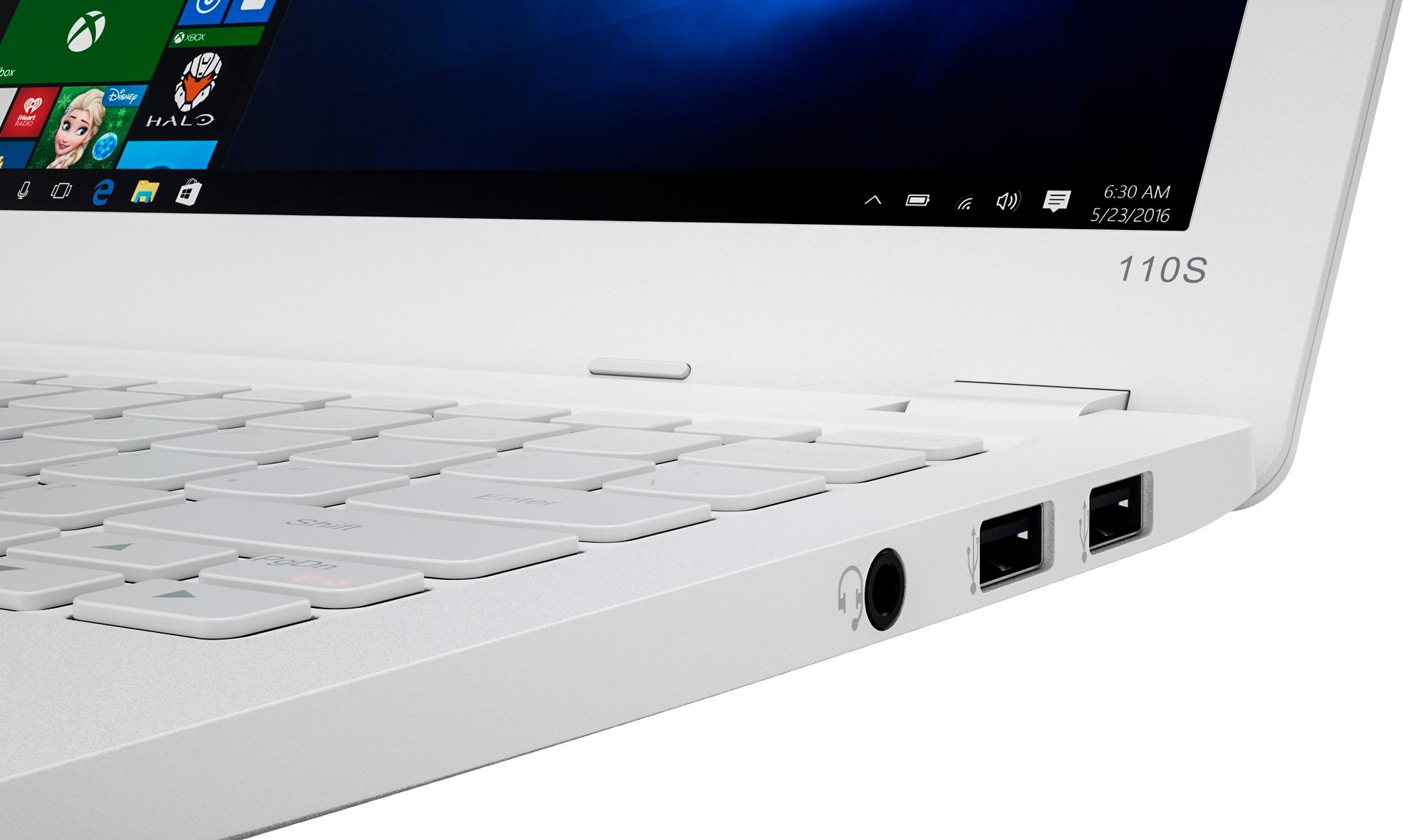
- Model:
- 80WG0001US
- SKU:
- 5580020
Rating by feature
- Value
Rating 3.7 out of 5 stars
- Quality
Rating 2.8 out of 5 stars
- Ease of Use
Rating 3.8 out of 5 stars
Customers are saying
Customers enjoy the Ideapad 110s' ease of use, compact size, and lightweight design, finding it to be a great value for the price. Positive feedback also highlights its satisfactory performance and decent battery life. However, some users point out limitations in storage and memory capacity as potential drawbacks.
This summary was generated by AI based on customer reviews.
- Pros mentioned:Ease of use, WeightCons mentioned:Speed
Good portable laptop
||Posted .This reviewer received promo considerations or sweepstakes entry for writing a review.Good portable laptop. Very lightweight. Only complaint is it can be a little slow at times but it's bearable. Good for basic stuff like word processing and some simple web navigation.
I would recommend this to a friendBrand response from Lenovo Product Expert
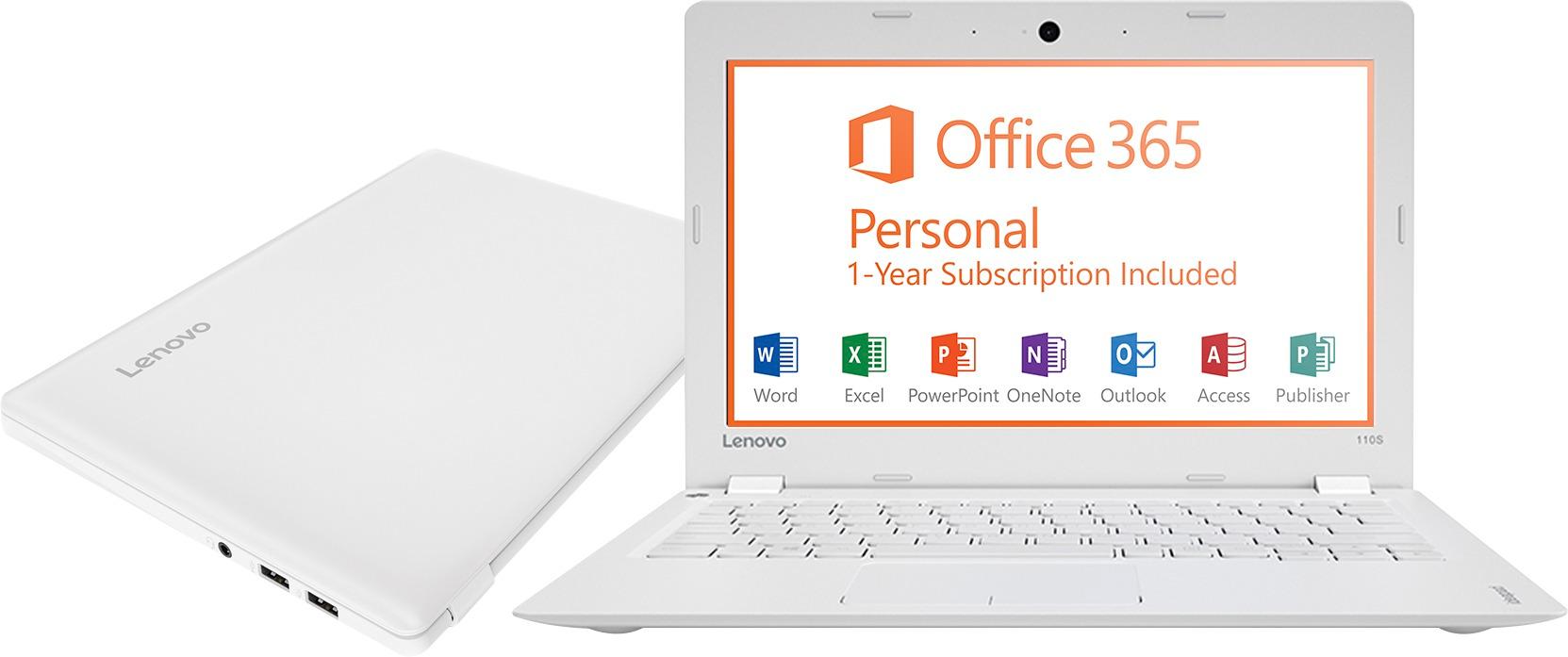
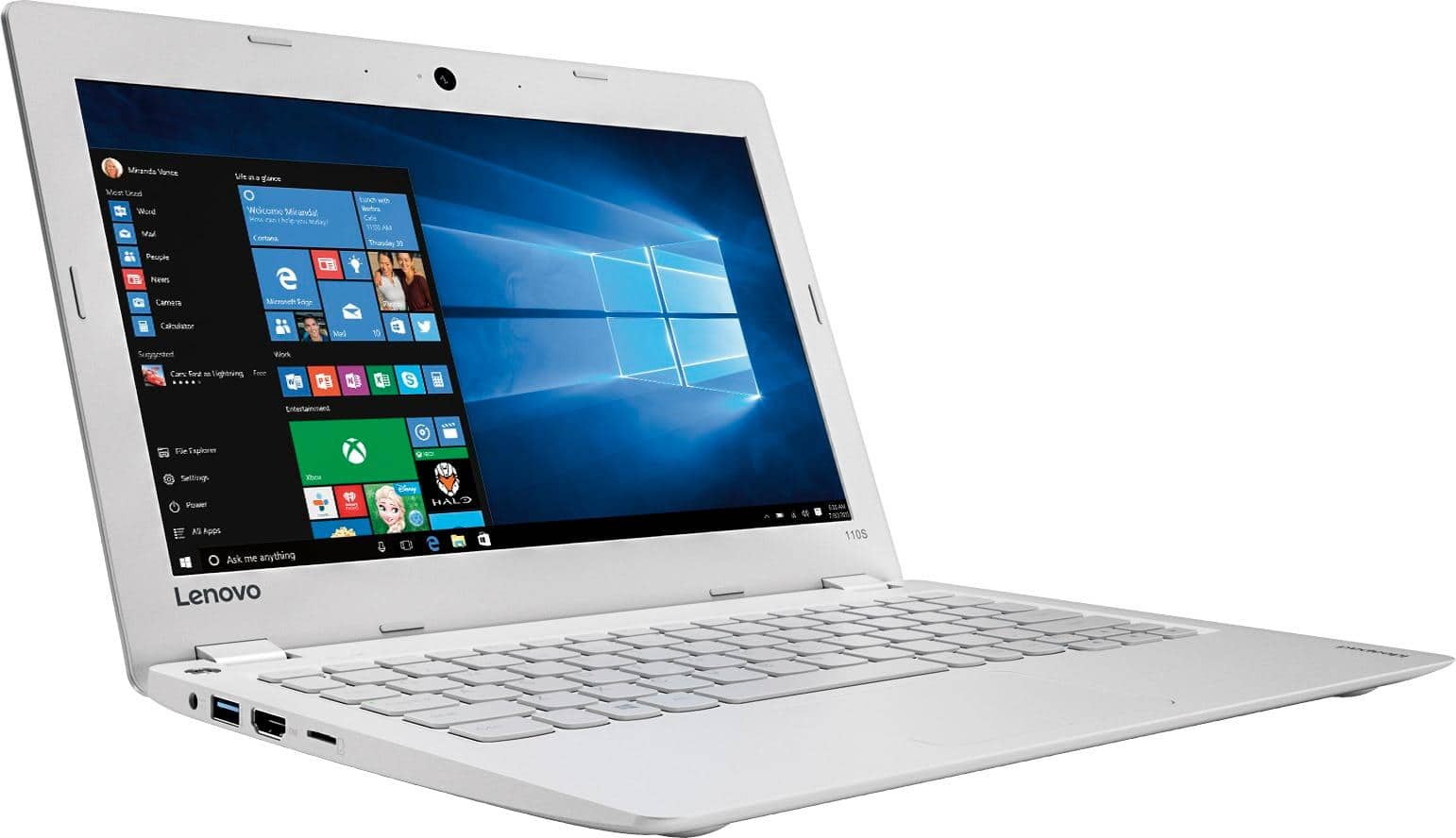
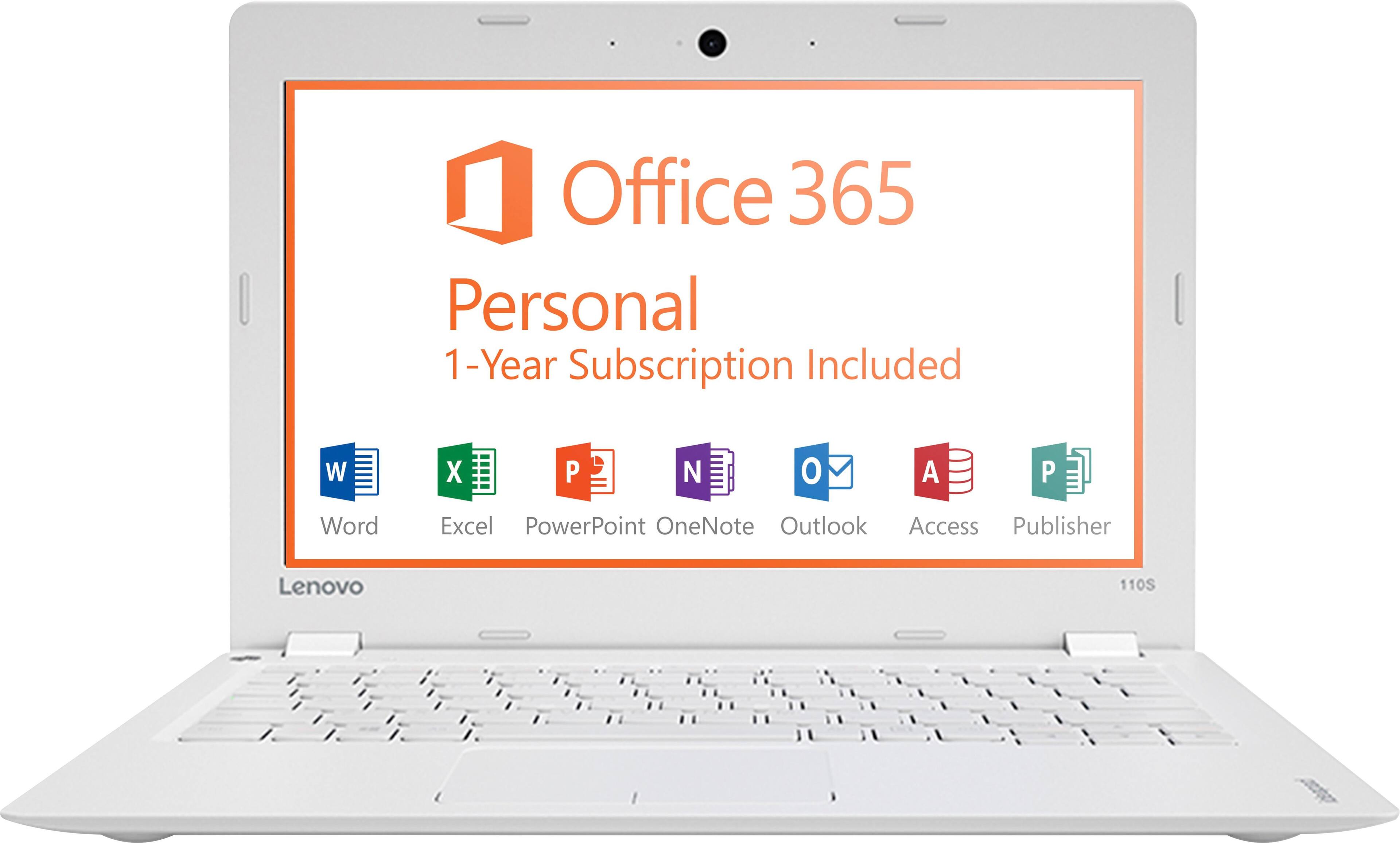
Posted .This is an entry level, light use system. It uses Windows 10 Home 32-Bit as its operating system, which requires less than 1GB of RAM to run. There is a 32GB solid state hard drive for quick boot up and quick loading of programs and files. This device has the latest WiFi capability, with 802.11AC connectivity. It comes with a free 1-year subscription to Microsoft Office 365, a $69.00 value. If your requirements fit this profile, this device is a good choice.

- Pros mentioned:SizeCons mentioned:Ram, Speed
Good computer for the price
||Posted .This reviewer received promo considerations or sweepstakes entry for writing a review.I got this because of its small size. Three disappointments keep me from giving it five stars. The memory is very small, so I've put in a 32g microSD cart but many items can't be directed to it. Its somewhat slow, and in wi-fi environments other than my apartment its painful how long anything takes to load. And finally, Best Buy didn't have any carrying cases that weren't much too big (and much too expensive)for its small size so I had to order direct from Lenovo. I like the small size and light weight, but don't carry it around like I'd thought I would due to the slow loading speed.
No, I would not recommend this to a friendBrand response from Lenovo Product Expert
Posted .This is an entry level, light use system. It uses Windows 10 Home 32-Bit as its operating system, which requires less than 1GB of RAM to run. There is a 32GB solid state hard drive for quick boot up and quick loading of programs and files. This device has the latest WiFi capability, with 802.11AC connectivity. It comes with a free 1-year subscription to Microsoft Office 365, a $69.00 value. If your requirements fit this profile, this device is a good choice.
- Pros mentioned:Ease of use, Performance, Size
Great laptop for a teenager
||Posted .This reviewer received promo considerations or sweepstakes entry for writing a review.Got this laptop for my teenage cousin. She loved it! It was a good size, easy for her to take places and she likes the color. The laptop runs smooth
I would recommend this to a friendBrand response from Lenovo Product Expert
Posted .Thank you for choosing the Lenovo IdeaPad 110s-11 laptop for your cousin. We are pleased to hear that the features and performance of the IdeaPad 110s-11 meets the user's computing needs so well.
- Pros mentioned:PerformanceCons mentioned:Storage
Great value for typical usage
||Posted .This reviewer received promo considerations or sweepstakes entry for writing a review.I've had a couple sub-$200 laptops now and believe they're great values for anyone looking for a cheap laptop that will well serve typical usage such as web browsing and Microsoft Office. It's light, has a long battery, looks nice, and the performance is fine. It's not instant on or load like more expensive laptops, but it boots within seconds and launches apps the same. Screen quality is fair also. The 32GB of space small, but there's enough space to load Microsoft Office and still have space for some other smaller apps. If you use cloud storage then you won't have a problem. A good buy for $200 or less.
I would recommend this to a friendBrand response from Lenovo Product Expert
Posted .Thank you for choosing the Lenovo IdeaPad 110-15 laptop. We are pleased to hear that the value and performance of the IdeaPad 110-15 meets your computing needs so well.
- Pros mentioned:WeightCons mentioned:Ram, Storage
Excellent Computer for the price
||Posted .This reviewer received promo considerations or sweepstakes entry for writing a review.This little, light Lenovo is really a great buy. You need to understand and work with it's limitations to use this tool to your best advantage.It's assets : very light, very long battery life, uses windows 10 (ie it is not a chromebook), it has the right slots, acceptable keyboard. Its liabilities : absolutely no memory and little storage. Solution : I installed a 128Gb micro sd card about $40. In addition I use the cloud and google docs. Everything I download I put on the card or the cloud. So far I have had no memory issues and it streams and surfs perfectly well. So job well done !
I would recommend this to a friendBrand response from Lenovo Product Expert
Posted .Thank you for choosing the Lenovo IdeaPad 110s-11 laptop. We are pleased to hear that the features and performance of the IdeaPad 110s-11 meets your computing needs so well.
- Pros mentioned:WeightCons mentioned:Ram, Storage
Great for Somethings Not So Great for Others
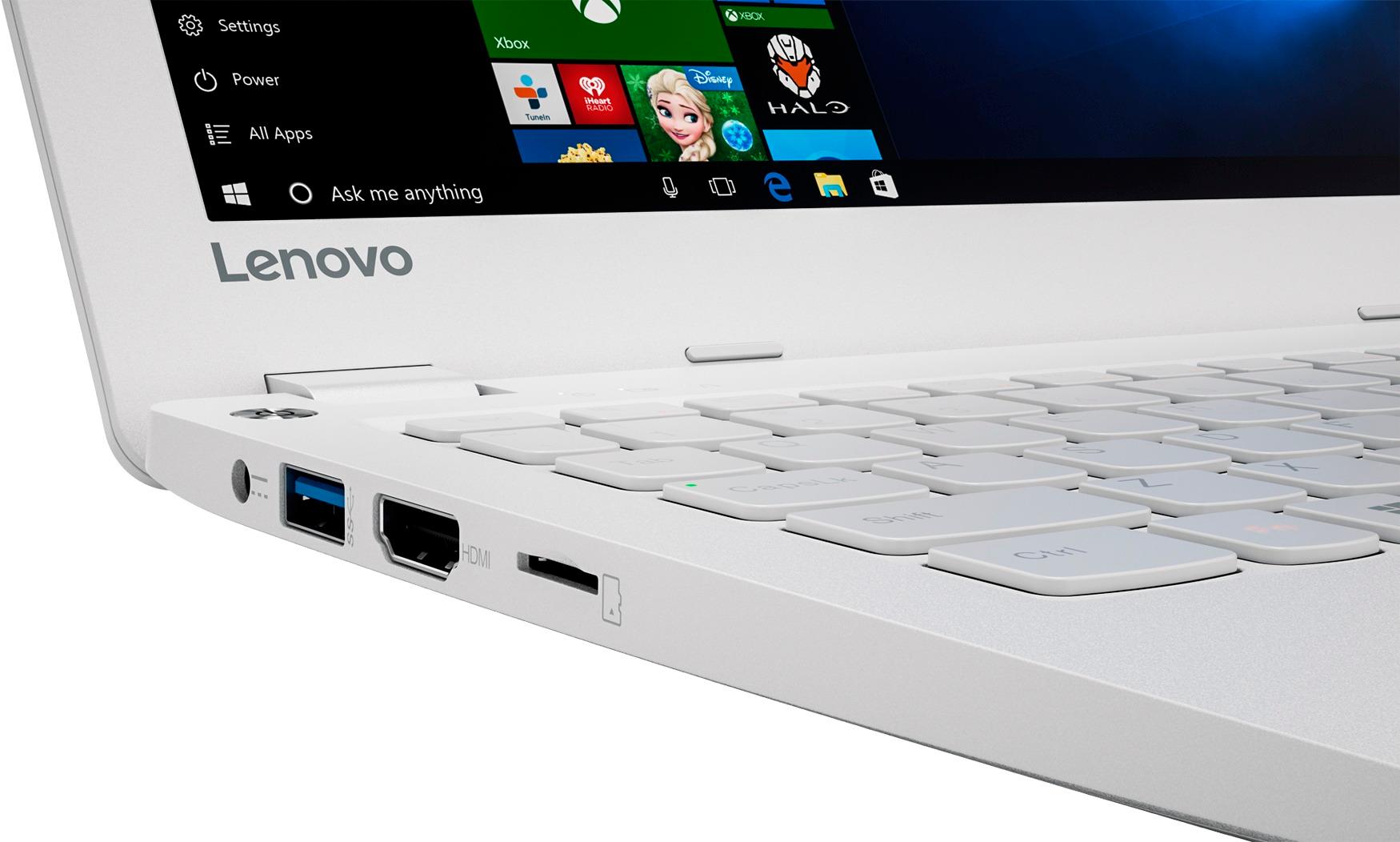
||Posted .This reviewer received promo considerations or sweepstakes entry for writing a review.This notebook (it's super light/ultra portable) works fine for getting online and mobile use with Microsoft Office 365. WARNING: No Product Key came with this notebook even though the stamp on the front of the box promises a year of free Microsoft Office 365 Personal. The great people at Best Buy rectified this issue for me. There is no SD card slot but there IS a microSD card slot-why? SD cards are more prevalent-in my opinion-and microSD cards have an adapter, but the manufacturer chose the microSD. I have less than seven gigabytes of storage space left on my system. It came with all Microsoft Office applications installed. I think I will delete those I am not using to retain space. Space is eaten because some portion of programs are saved both in Program Files and Program Files (x86). The screen bends 180 degrees. I may find use for this at some point. The battery life is not as great I expected, so carry the power adapter with you. It's a bulky power adapter that could have been better designed. I purchased the white version-expect to see every little mark placed on this notebook. The camera is almost non-existent in poor lighting; I suggest to be in a bright room or at least focus bright light on the subject being photographed or videoed. I appreciate the HDMI, USB 3.0 and 2 USB 2.0 slots. The headphone jack slot is a great add on-it could have been overlooked. The sale price is the reason I bought this notebook. Only 2GB of RAM and a 32 eMMC storage drive are no winners, but they work. I may upgrade RAM and storage, if possible. For now, I save everything externally.
I would recommend this to a friend - Cons mentioned:Ram, Speed
Not perfect.
||Posted .This reviewer received promo considerations or sweepstakes entry for writing a review.Got this on sale for $119 so I feel I got what I paid for. Had it been regular price I would have returned it. The laptop has a good sharp screen, but with a very narrow viewing angle. The keyboard has a great feel, and the battery life is quite good. The 32GB drive is too small for Windows 10, and 2GB of Ram is borderline. These limitations make initial setup difficult (Took me a couple resets due to my lack of patience). Couple this with the dual core Celeron and it is downright painful waiting for OneDrive and Windows to update. You pretty much HAVE to have an additional microSD card installed to store apps and files. Windows, especially if you keep Office 365, will need pretty much the entire main drive. Once everything is done updating then it runs pretty good. Netflix and YouTube run smoothly, The audio is very natural with decent stereo separation, but it could be louder. Programs open and run as expected and as long as you don't try to do too much at once and Windows isn't actively doing updates, the experience is actually pleasant. The only noticeable difference between this and my i5 laptop is that web pages take noticeably longer to load.I imagine this is due to the Celeron. Two cores and no hyperthreading limits it's multitasking. I suspect a quad core Atom might have been a better choice. I'm pretty sure that if I went ahead and loaded Linux this laptop would be a snappy performer, but for now, I'm going to continue to give Windows 10 a chance.
No, I would not recommend this to a friendBrand response from Lenovo Product Expert
Posted .This is an entry level, light use system. It uses Windows 10 Home 32-Bit as its operating system, which requires less than 1GB of RAM to run. There is a 32GB solid state hard drive for quick boot up and quick loading of programs and files. This device has the latest WiFi capability, with 802.11AC connectivity. It comes with a free 1-year subscription to Microsoft Office 365. If your requirements fit this profile, this device is a good choice.
- Pros mentioned:Performance, Weight
Great Product for the Price
||Posted .This reviewer received promo considerations or sweepstakes entry for writing a review.My Lenovo IdeaPad 110s Laptop is a great product for the price! The performance of the IdeaPad 110s meets my computer needs - email, surfing the net, and saving photos and graphics. The sales representative tried to talk me out of purchasing this unit because he said it lacked memory and speed. But I knew this is what I wanted because I was replacing a Lenovo I had purchased last year. The IdeaPad110s is light weight and easy to use. The only draw back is the speaker, it needs more volume. I also wish it had a touch screen. I would recommend this unit to anybody who wants a value-priced laptop.
I would recommend this to a friendBrand response from Lenovo Product Expert
Posted .This is an entry level, light use system. It uses Windows 10 Home 32-Bit as its operating system, which requires less than 1GB of RAM to run. There is a 32GB solid state hard drive for quick boot up and quick loading of programs and files. This device has the latest WiFi capability, with 802.11AC connectivity. It comes with a free 1-year subscription to Microsoft Office 365, a $69.00 value. If your requirements fit this profile, this device is a good choice. Concerning speaker volume, here is a link to an article with tips for increasing speaker volume within Windows 10:
https://quickfever.com/make-windows-10-sound-louder-tips
- Pros mentioned:WeightCons mentioned:Speed, Storage
Great for the money
||Posted .This reviewer received promo considerations or sweepstakes entry for writing a review.A little smaller then expected but it is very light and portable. It does run a little slow if too many windows are open, but for the price it’s still great quality. There’s not a lot of storage Soace on it so definitely need an external hard drive. It also Comes with a lot of unnessasry programs on it already that I have no use for. So its great for browsing the internet or checking email
I would recommend this to a friend - Pros mentioned:Size, Weight
Perfect basic needs laptop for the price
||Posted .This reviewer received promo considerations or sweepstakes entry for writing a review.CNET gave it a great rating for a budget friendly basic laptop with windows 10. Its not made to multitask, not the best screen or speakers and scrolling doesn’t always respond. But! If you want to surf the web, check email, watch YouTube and create some documents it is perfect. Love the size and weight but most importantly I love the keyboard (I do a lot of typing). One task at a time and you can’t go wrong. Love the color too.
I would recommend this to a friendBrand response from Lenovo Product Expert
Posted .Thank you for choosing the Lenovo IdeaPad 110s-11 laptop. We are pleased to hear that the value and performance of the IdeaPad 110s-11 meets your computing needs so well.
- Pros mentioned:Performance, Size, Weight
Great computer for everyday use
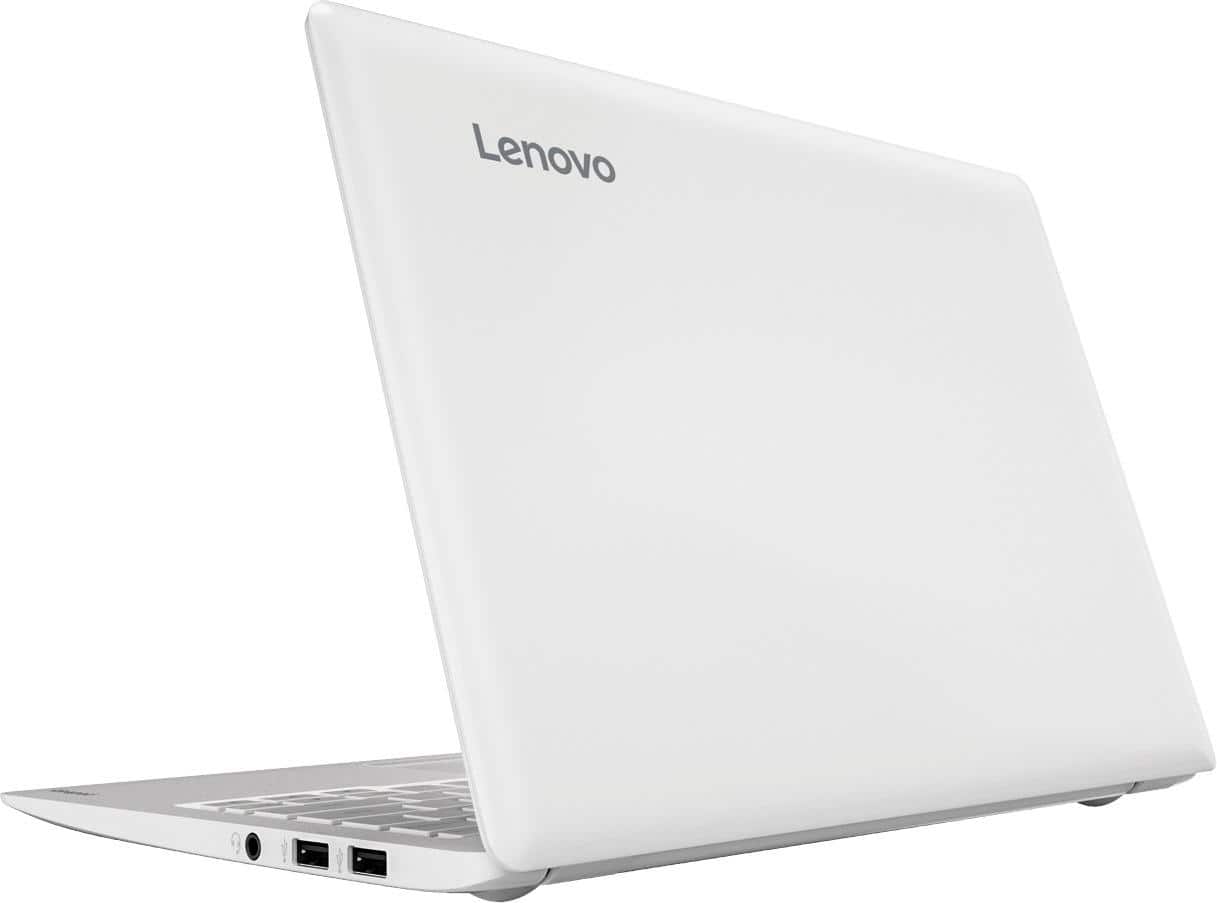
||Posted .This reviewer received promo considerations or sweepstakes entry for writing a review.I was very surprised at how well this computer could handle everyday tasks. It has 2 finger scrolling which is essential for me. It has 3 USB ports, an HDMI port, and a microphone in and out connection. it is very light and just the right size to carry around if you are someone that needs to take a computer with you when you leave the house. It is not meant to do any heavy duty computing such as heavy gaming, but if you just need something to surf the web and check your E-mails it is perfect. It handles power point very well and watching videos is no problem with this computer. I get around 8 hours of battery life which is ample for me. I believe this computer is much better than its predecessor the lenovo 100s. I have had no problems whatsoever with this computer and I would recommend it to anyone.
I would recommend this to a friendBrand response from Lenovo Product Expert
Posted .Thank you for choosing the Lenovo IdeaPad 110s-11 laptop. We are pleased to hear that the features and performance of the IdeaPad 110s-11 meets your computing needs so well.
- Pros mentioned:Ease of use, PriceCons mentioned:Speed
Excellent basic laptop for price
||Posted .This reviewer received promo considerations or sweepstakes entry for writing a review.The Lenovo is a slow basic machine, but for the price and the fact that Office is included for a year with this product it makes it an ideal starter laptop or a basic machine to word process and to do spreadsheets on. For what your getting for the price, it can't be faulted.
I would recommend this to a friend - Pros mentioned:Price, WeightCons mentioned:Ram
OK for VERY basic use
||Posted .This reviewer received promo considerations or sweepstakes entry for writing a review.With only 2GB RAM, Windows 10 64 bit version struggles a bit, even for basic email, web type activity. Good value for $150. Come with Office (one yr subscription). Let the windows updates go through, which will take time. Once all updates are done, clean up the drive to free up space (google it for instructions). Very lightweight.
I would recommend this to a friendBrand response from Lenovo Product Expert
Posted .This is an entry level, light use system. It uses Windows 10 Home 32-Bit as its operating system, which requires less than 1GB of RAM to run. There is a 32GB solid state hard drive for quick boot up and quick loading of programs and files. This device has the latest WiFi capability, with 802.11AC connectivity. It comes with a free 1-year subscription to Microsoft Office 365, a $69.00 value. If your requirements fit this profile, this device is a good choice.
- Pros mentioned:Ease of useCons mentioned:Ram, Speed, Storage
Great laptop for a kid!!
||Posted .This reviewer received promo considerations or sweepstakes entry for writing a review.I bought this laptop for my son and he absolutely loves it!!
I would recommend this to a friendBrand response from Lenovo Product Expert
Posted .Thank you for choosing the Lenovo IdeaPad 110s-11 for your son. We are pleased to hear that the IdeaPad 110s-11 is working out so well for your son.
- Pros mentioned:Ease of use
Adequate with a few caveats
||Posted .This reviewer received promo considerations or sweepstakes entry for writing a review.Bought this for my wife who loves the lightness and portability. It had some issues connecting to our network, which I solved, but can't tell you exactly how. It took a lot of restarts. I'd just say to be very careful with your input. The keyboard issue below may have thwarted the attempts to enter the passcode. The keyboad, like other notebooks, is a little touchy. Sometimes it jumps or types a random character. I've experienced the same behaviour on my $3,000 laptop and another $79 notebook, so it is not just this machine. We nearly took it back when it just would not boot. There is no way I saw to remove the battery (an old trick). But repeated hard and persistant pressing of the off/on key eventually rebooted it and it has stayed working. Overall, I'd say it does the job it was intended to do. It runs the Office suite that came with it and browses the Internet. Oh, one thing is if you can't read the Webroot installation key (ours got smeared when we revealed it), Webroot has a recovery feature. But the key is also on your receipt, so it is not the end of the world.
I would recommend this to a friendBrand response from Lenovo Product Expert
Posted .Thank you for choosing the Lenovo Ideapad 110s-11 laptop. You mention that you have installed Webroot Anti Virus software. This system comes with a 30-day trial of McAfee Anti-Virus software. Be sure you completely uninstall McAfee before installing any other anti virus software, there can only be one anti virus software active on the device. Here are instructions for uninstalling McAfee: https://service.mcafee.com/webcenter/portal/cp/home/articleview;jsessionid=sQ8nILxz8J8LCsAnQ4-napltGoe6sTQDQQGnxtlR7qAKmzMxjIaB!1843843069!-930056727?articleId=TS101331&_afrLoop=4245682327356364#!%40%40%3F_afrLoop%3D4245682327356364%26articleId%3DTS101331%26centerWidth%3D100%2525%26leftWidth%3D0%2525%26rightWidth%3D0%2525%26showFooter%3Dfalse%26showHeader%3Dfalse%26_adf.ctrl-state%3Dlxp0kb9b3_4
- Pros mentioned:SizeCons mentioned:Ram, Storage
A good ecconomy student laptop or as a netbook
||Posted .This reviewer received promo considerations or sweepstakes entry for writing a review.The Lenovo Ideapad 110S 11.6 is a small, light weight, economical laptop that seems a good candidate for a student PC, as a laptop for web browsing, email, internet shopping, and similar online activities or as a companion PC on the road for someone who has a full function Desktop or Laptop at the office. It is larger then the PCs sold as a netbooks a few years ago, but it costs about half what some of the Intel Atom based netbooks did and is much more powerful. That said the amount of RAM means it is limited in multi-tasking capability and the system hard drive is small and constrains the number and type of applications that can be installed. After moving Office to D: drive (micro SD card) and with an anti-virus program installed I only have about 10 GB of free space on the system drive. I gave it a 4 star rating because I thinks it is closer to 4 stars then 3 stars..
I would recommend this to a friend - Pros mentioned:Performance, Weight
Great Product Considering the Price
||Posted .This reviewer received promo considerations or sweepstakes entry for writing a review.This is a great device considering the low price. It's no MacBook Pro, but it can really hold its own, and it's about one tenth of the price. I've tried other netbook-type devices in the past and they always had such limitations. This device operates just like a laptop, and allows the full functionality of MS Office, plays videos just fine, and allows for general Internet activities with decent performance and reliability. The keyboard is easy to type on, the screen is decent, it's lightweight yet feels fairly sturdy, and it's a device that just grows on you. After I first fired it up, I wasn't super impressed, but after using it a while, I am starting to really love it, and would recommend it to anyone who wants something for email, web surfing, watching videos, or even the full functionality of Word and Excel if you're a student or want to keep track of your finances. FYI the Edge browser it comes with is supposed to be the best one for this device, but I find Opera to work better.
I would recommend this to a friendBrand response from Lenovo Product Expert
Posted .Thank you for choosing the Lenovo IdeaPad 110s-11. We are pleased to hear that the IdeaPad 110s-11 is meeting your computing needs so well.
- Cons mentioned:Screen, Storage
Don’t waste your money
Posted .This reviewer received promo considerations or sweepstakes entry for writing a review.I haven’t had this computer 3 months and it’s already giving me problems. It started acting up about a month ago. The screen just goes black randomly. I try ctrl, alt, del, esc, and the power button. Nothing works. There’s no battery for me to manually take out so I have to sit and wait until it decides to come back on. I don’t even use it everyday so I’m not sure what the issue could be. I have a final exam tomorrow and my fairly new computer is acting up. Convenient right? I was leery about this computer because I was unfamiliar with the brand Lenovo. But I’m on a budget and it was a cheap price. You get what you pay for. It’s a nice, convenient size but there is not a lot of storage space at all. Take my advice and pay a little more for a working, reliable computer.
No, I would not recommend this to a friendBrand response from Lenovo Product Expert
Posted .We are sorry to hear you are having issues with your Lenovo IdeaPad 110s-11 laptop. This system is equipped with OneKey Recovery System. There is a very small button on the top left side of the device, right near the power button on the device. You will need a pen to push this reset button. Plug the device in. Let the battery charge for about 15 minutes. Push the reset button. The system should boot to a choice screen where you can choose "Restore To Factory Default". Select this. It will delete everything from the hard drive except the original factory install of the operating system. You will need to reinstall all programs and files after the reset. If you don't have copies of the files, try to make one before you restore by selecting "Boot to desktop" and trying to back up your files. If you need more storage space for this device, there is a Micro-SD card slot on the device that can be used to add more storage space.
- Pros mentioned:Ease of use, Performance, Price
Very convenient due to size.
||Posted .This reviewer received promo considerations or sweepstakes entry for writing a review.Easy to use. Very quick operating for a low price item. Very affordable. Bought online for about $120. Great for a child or an adult who want something light. I prefer this to my laptop except CD burner. Good but. I would recommend it.
I would recommend this to a friendBrand response from Lenovo Product Expert
Posted .Thank you for choosing the Lenovo IdeaPad 110s-11 laptop. You can easily add an external CD/DVD drive to this system by just plugging in to a USB port on this device.
- Pros mentioned:Price, WeightCons mentioned:Memory, Speed
Good mini-laptop for the price
||Posted .This reviewer received promo considerations or sweepstakes entry for writing a review.My first mini-laptop, an HP Stream had died on me, so I needed a replacement. I hadn't been real happy with the Stream (slow processing speeds & small memory) but I didn't want to spend a lot for what was really a 2nd/backup laptop for me. Read reviews online & saw Best Buy had the Lenovo on sale. Picked one up & it beats the Stream in every way. Lightweight & with enough power to do the jobs I need. Couldn't beat the price, either. It's the size of a Chromebook (which I also have) but does so much more.
I would recommend this to a friendBrand response from Lenovo Product Expert
Posted .Thank you for choosing the Lenovo IdeaPad 110s-11 laptop. We are pleased to hear that the value and performance of the IdeaPad 110s-11 meets your computing needs so well.