Customer Ratings & Reviews



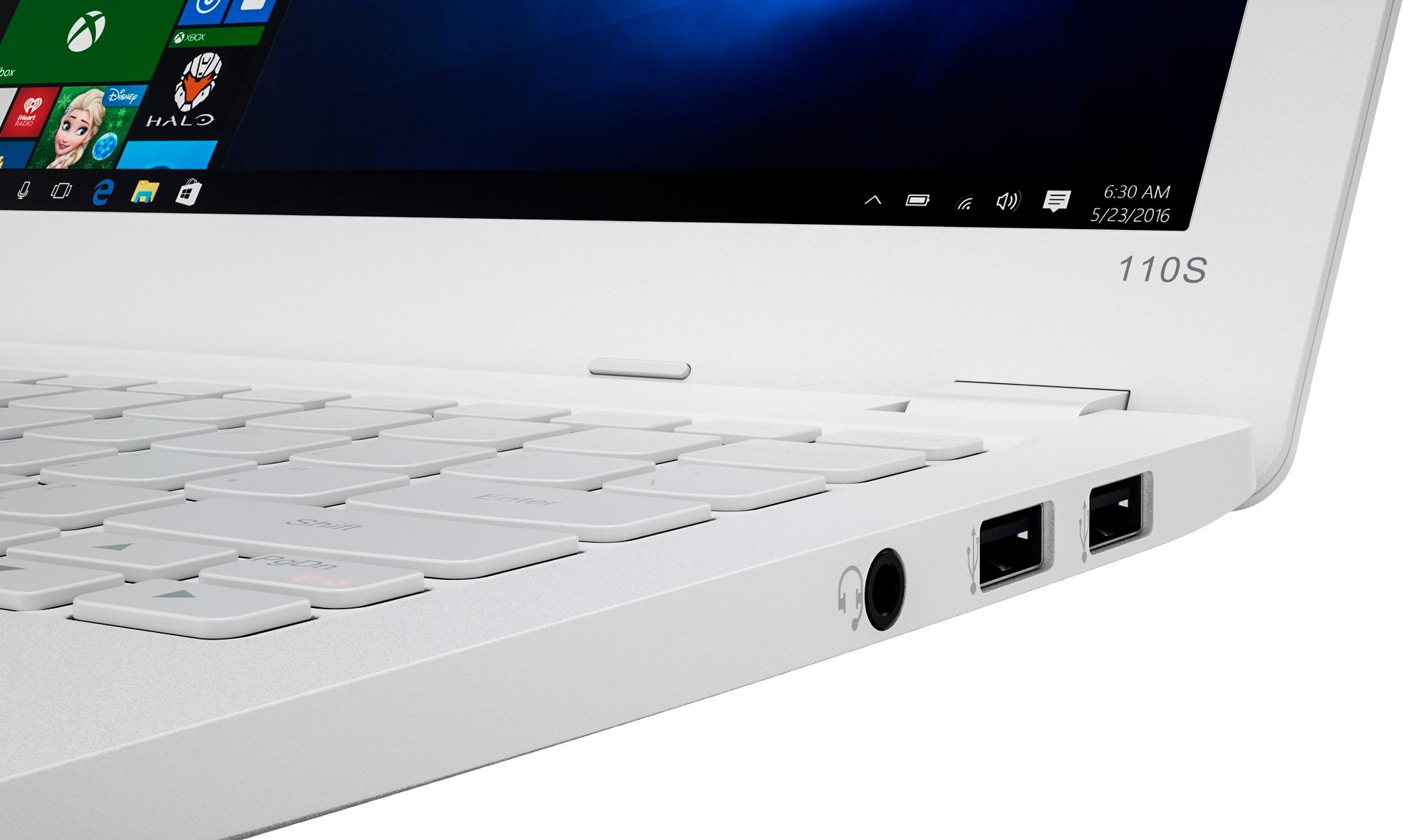
- Model:
- 80WG0001US
- SKU:
- 5580020
Rating by feature
- Value
Rating 3.7 out of 5 stars
- Quality
Rating 2.8 out of 5 stars
- Ease of Use
Rating 3.8 out of 5 stars
Customers are saying
Customers enjoy the Ideapad 110s' ease of use, compact size, and lightweight design, finding it to be a great value for the price. Positive feedback also highlights its satisfactory performance and decent battery life. However, some users point out limitations in storage and memory capacity as potential drawbacks.
This summary was generated by AI based on customer reviews.
- Pros mentioned:Ease of use
Lenovo stomped out Chromebook
||Posted .This reviewer received promo considerations or sweepstakes entry for writing a review.The title says it all. I had a different item (CB) that was to help the kids transition from a tablet to the next thing while in elementary school. Well the (CB) sucked and I replaced it with the Lenovo. I was extremely happy with this laptop and the kids are doing great with it. With some simple instructions from me they are doing everything with it, including their homework. When I went to get it setup with the wireless printer, it was a breeze and was done in less than 5 minutes. I would recommend this to anyone wishing to start out with or having their kids start with, it is great.
I would recommend this to a friendBrand response from Lenovo Product Expert
Posted .Thank you for choosing the Lenovo IdeaPad 110s-11 Windows 10 Laptop. We are pleased to hear that the ease of setup and performance of the Ideapad 110s-11 meets your children's computing needs so well.

- Pros mentioned:Ease of use, Size
Great mini laptop
||Posted .This reviewer received promo considerations or sweepstakes entry for writing a review.It's a great mini laptop I purchased it for school purposes and it meet my every need and it fits in my back or purse so it easy to carry every where. Love it.
I would recommend this to a friendBrand response from Lenovo Product Expert
Posted .Thank you for choosing the Lenovo IdeaPad 110s-11 laptop. We are pleased to hear that the features and performance of the Ideapad 110s-11 meets your computing needs so well.
- Pros mentioned:Ease of use, Price
Very Good
||Posted .This reviewer received promo considerations or sweepstakes entry for writing a review.Really cheap and eaay to use. Great laptop to buy!
I would recommend this to a friend - Pros mentioned:PerformanceCons mentioned:Storage
Best deal for kids
||Posted .This reviewer received promo considerations or sweepstakes entry for writing a review.I have this for over 6 months, it's great, but now storage space is running low and battery will not last. it's fast. That is why i gave it a 3 stars. If you want a good deal this is a good buy but you may have to buy micro storage card to upgrade more space.
I would recommend this to a friendBrand response from Lenovo Product Expert
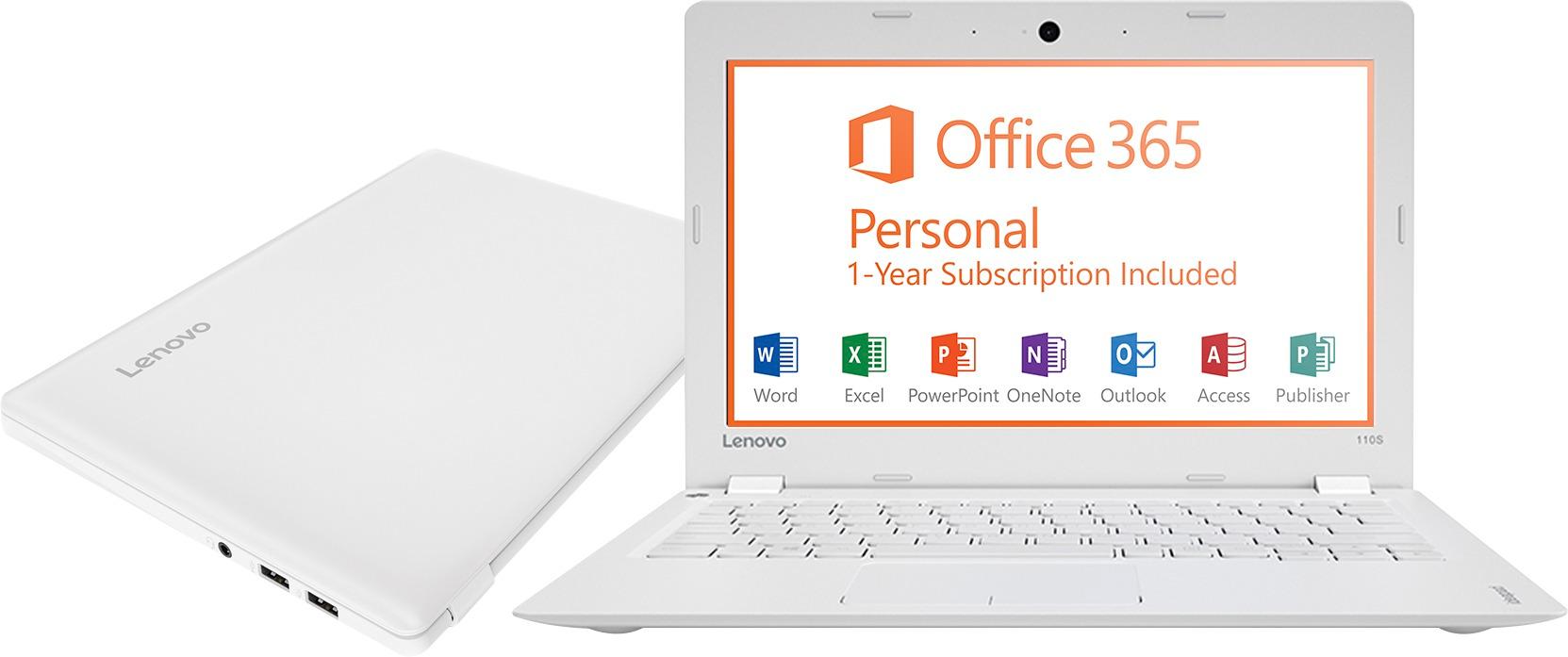
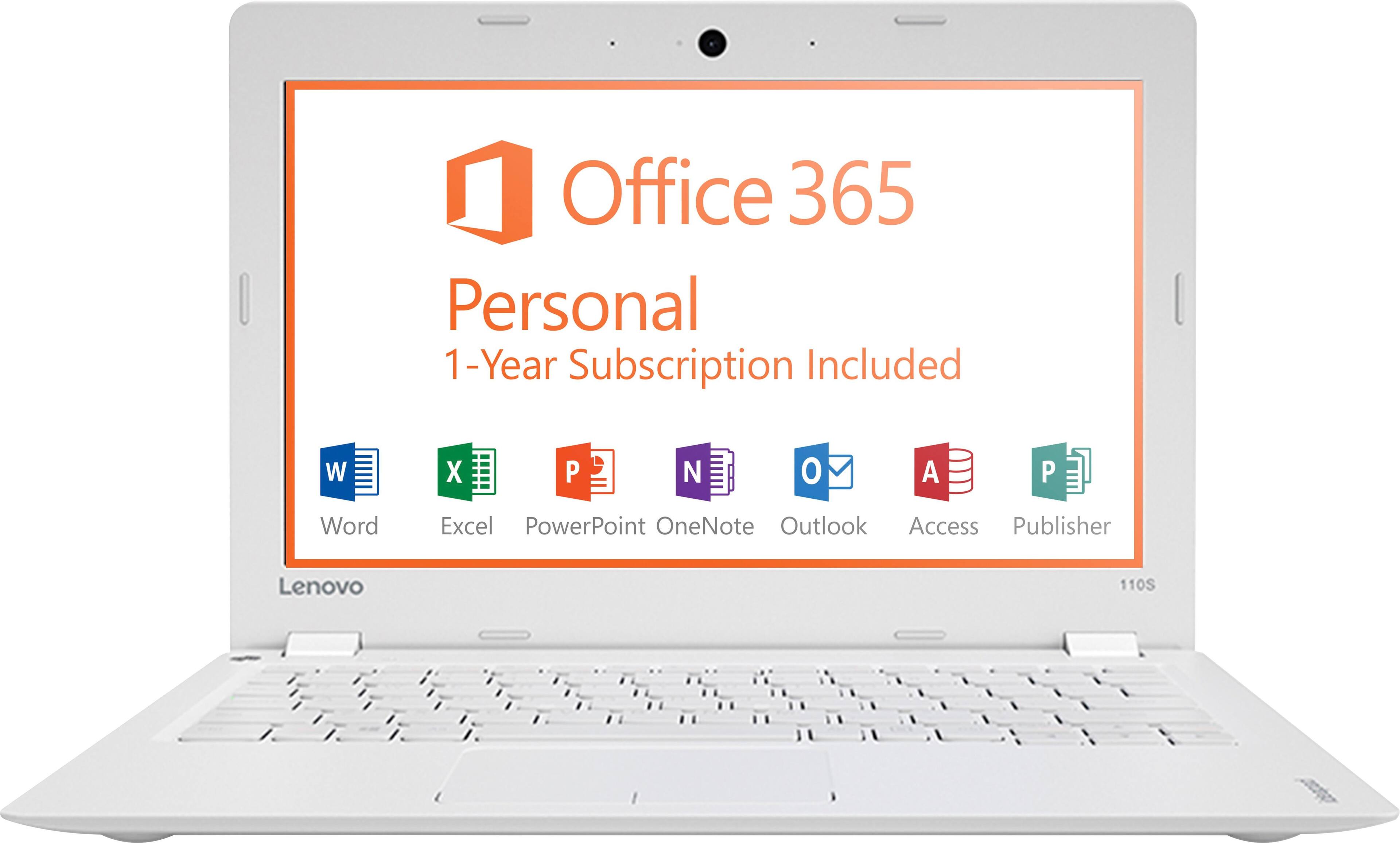
Posted .This is an entry level, light use system. It uses Windows 10 Home 32-Bit as its operating system, which requires less than 1GB of RAM to run. There is a 32GB solid state hard drive for quick boot up and quick loading of programs and files. This device has the latest WiFi capability, with 802.11AC connectivity. It comes with a free 1-year subscription to Microsoft Office 365, a $69.00 value. If your requirements fit this profile, this device is a good choice.
- Cons mentioned:Speed, Storage
As expected.
||Posted .This reviewer received promo considerations or sweepstakes entry for writing a review.I read many of the reviews of this product and they were pretty consistent and on point. The biggest drawback of the machine is its slow speed, but other than it's a great deal, especially on sale. My favorite part if the keyboard, it just feels very good to type on, which is important as the main function of this computer is word processing. It is also silent, which is great for audio recording. Obviously there is very little usable storage on board, but the machine isn't meant to store or process large or demanding programs. It definitely won't cut it as a workhorse, but for something portable that's fun to type on (with a pleasant enough screen for the money) and year's worth of Office, you can't go wrong.
I would recommend this to a friend - Pros mentioned:Weight
Great laptop for the price
||Posted .This reviewer received promo considerations or sweepstakes entry for writing a review.This is a fantastic laptop for the price. My laptop was being sent back to the manufacturer for some repairs, and I needed a cheap laptop to use in the interim. With a micro-USB to store some files (necessitated by the storage capacity of 32GB limitation), this laptop fulfills almost all of my daily school needs for taking notes, running analyses on some smaller datasets, etc. It's so light that it's easy to carry around everywhere, and I've basically switched to this laptop even after my former laptop was fixed and returned. I would highly recommend!
I would recommend this to a friendBrand response from Lenovo Product Expert
Posted .Thank you for choosing the Lenovo IdeaPad 110s-11 laptop. We are pleased to hear that the value, features and performance of the IdeaPad 110s-11 meets your computing needs so well.
Ideal for note taking
||Posted .This reviewer received promo considerations or sweepstakes entry for writing a review.Very nice building quality. Usable speed for 2-program multitasking. I use it exclusively for note taking on conferences. Lighter than iPad Pro, very good battery life, comfortable keyboard. Track pad should be better, too slow for usage beyond typing and emailing. Impossible to be used as main computer.
I would recommend this to a friendBrand response from Lenovo Product Expert
Posted .Thank you for choosing the Lenovo IdeaPad 110s-11 laptop. With regard to the touchpad, you can make adjustments to the touchpad in your system settings. You can get there by clicking on the magnifying glass at the bottom left of your Windows 10 screen. Type "touchpad" in the search window. Select "Mouse & touchpad settings" from the list of choices. You can make general adjustments to the touchpad there. You can also select "Additional mouse options" for more detailed adjustments to the touchpad sensitivity by increasing the delay of the touchpad.
- Pros mentioned:WeightCons mentioned:Speed, Storage
Basic Entry-Level Laptop
||Posted .This reviewer received promo considerations or sweepstakes entry for writing a review.Don't expect anything more than what you see when you take a look at this computer online or in-store. It is a basic, entry-level laptop that runs as expected. You get what you pay for. Don't expect this to run more than a few browser tabs at a time, or boot up quickly, or open programs relatively fast. It is S-L-O-W. My tablet runs faster than this thing, and it's not the greatest either. Be careful what you buy. Pros: Lightweight & Easy to carry to/from work/travel Cons: Slow Not a whole lot of HD Space after the OS is installed
I would recommend this to a friendBrand response from Lenovo Product Expert
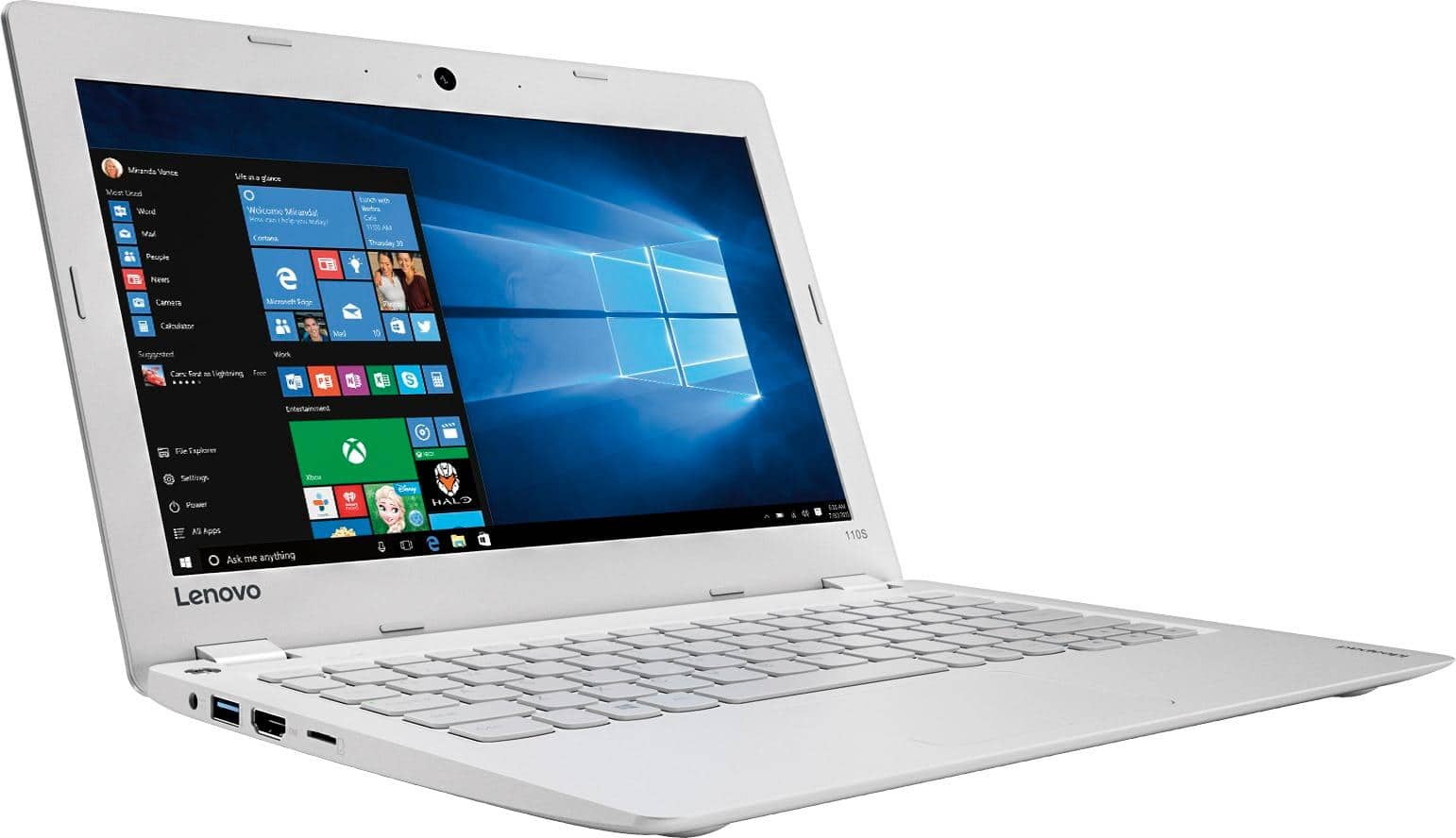
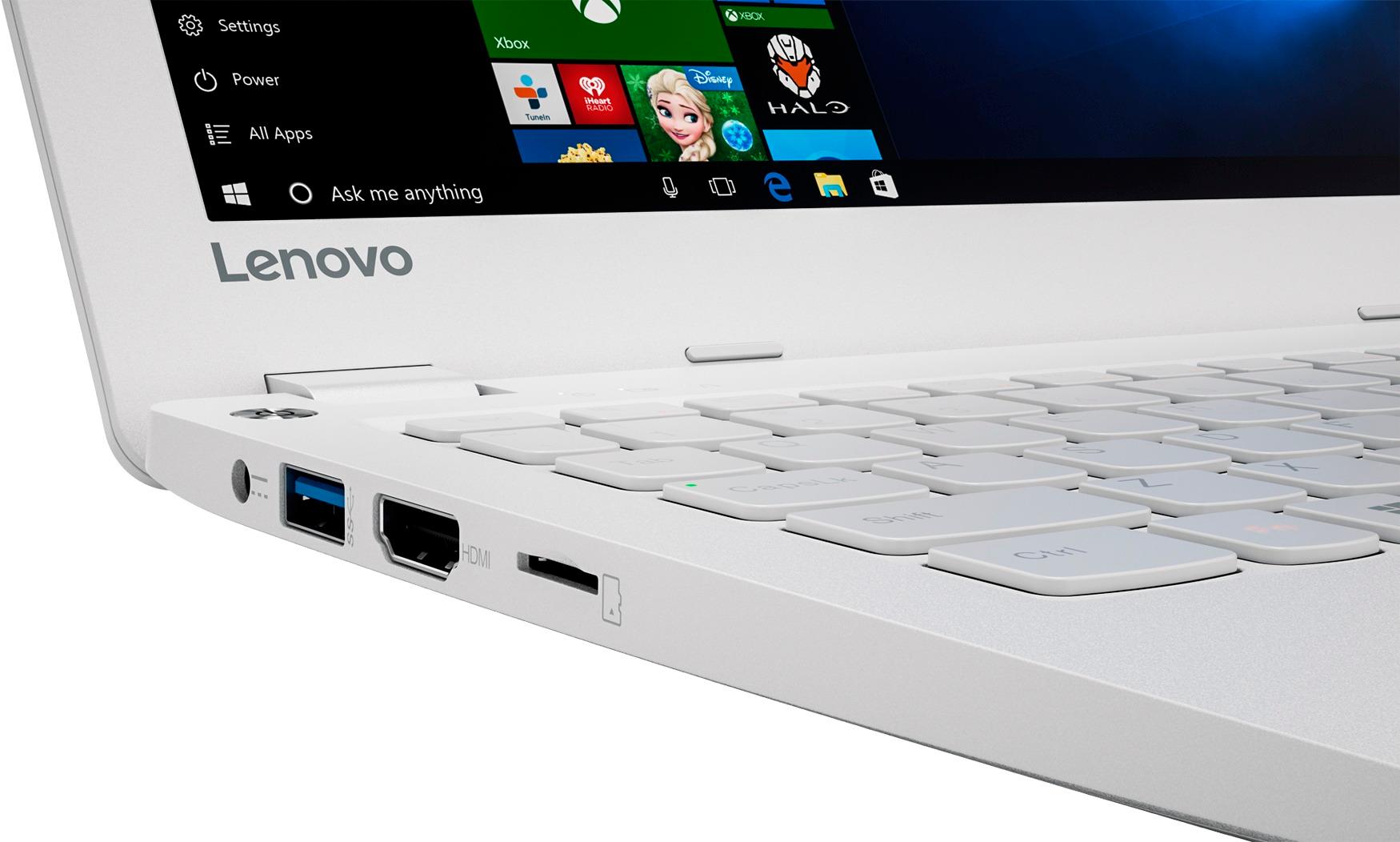
Posted .If you need more storage space on this device, there is a Micro-SD card slot on this device. You can use this slot to add up to an additional 64GB of solid state storage space to this device easily.
- Pros mentioned:SizeCons mentioned:Memory, Screen
It's Okay for simple things
||Posted .This reviewer received promo considerations or sweepstakes entry for writing a review.The size and price is good but there isn't enough memory. I only had it a week and hadn't downloaded much but my resume, a song, and the security software. It began warning me about the memory. Also, sometimes the screen will go black right in the middle of me working on something. Not sure what causes that but I get what I pay for so that's why I didn't bother to return or exchange it. Other than those few problems, its pretty good to use.
No, I would not recommend this to a friendBrand response from Lenovo Product Expert
Posted .Thank you for choosing the Lenovo IdeaPad 110s-11. With regard to more storage space, there is a Micro SD card slot on this device that you can add up to an additional 128GB of storage space. With regard to the screen going black in the middle of your work, be sure that the program you are using is compatible with Windows 10 32-bit operating system. There may be driver updates for your specific system. Follow the link below to look for new driver updates for your specific system. You can also run diagnostics from the Lenovo site as well. As always, be sure to create a restore point on your system before you make any changes. You can do this by just typing "restore point" in the search window within Cortana and follow the link to create a restore point. Here is the link:
http://support.lenovo.com/us/en/products/Laptops-and-netbooks/100-series/110s-11ibr/80WG/0001US?tabName=Downloads&linkTrack=Mast:SubNav:Support:Drivers and Software|Drivers and Software
- Pros mentioned:PriceCons mentioned:Storage
Great product for price
||Posted .This reviewer received promo considerations or sweepstakes entry for writing a review.I caught this item while it was on sale for 129.00. It was such a good buy that I bought two. Great for internet and Microsoft office items. Use a thumb drive or cloud storage though.
I would recommend this to a friendBrand response from Lenovo Product Expert
Posted .Thank you for choosing the Lenovo IdeaPad 110s-11 laptops. We are pleased to hear that the value and performance of the Ideapad 110s-11 is working out so well for you that you purchased two.
- Pros mentioned:Performance
Great Chromebook for the Money
||Posted .This reviewer received promo considerations or sweepstakes entry for writing a review.If you're looking for a Chromebook that performs well and is defined by what a Chromebook is, look no farther. We bought this for our children to conduct research on for school and to also be able to play a few games during their free time. This is a perfect solution.
I would recommend this to a friend - Cons mentioned:Speed
Great for the price
||Posted .This reviewer received promo considerations or sweepstakes entry for writing a review.I got this to run my laser cutter since apparently I can't get it to run off a Mac without jumping through hoops. Does exactly what I need without breaking the bank. Only complaints are the constant wanting me to set up a Microsoft acct and it's a bit on the slow side.
I would recommend this to a friendBrand response from Lenovo Product Expert
Posted .Thank you for choosing the Lenovo IdeaPad 110s-11 laptop. This system comes with a free 1-year subscription to Microsoft Office 365, it activates when you activate Windows 10 on initial set up. To use Microsoft Office 365, you need a Microsoft Account to register Office 365. If you don't use Office 365, you don't need a Microsoft Account.
- Pros mentioned:Ease of use, Size
Great laptop
||Posted .This reviewer received promo considerations or sweepstakes entry for writing a review.Small, functional. Easy to use, it is very handy. This lap top has alot of apps and different features to look through.
I would recommend this to a friendBrand response from Lenovo Product Expert
Posted .Thank you for choosing the Lenovo IdeaPad 110s-11 laptop. We are pleased to hear that the ease of use, features and performance of the IdeaPad 110s-11 meets your computing needs so well.
- Pros mentioned:Performance
Very satisfied
||Posted .This reviewer received promo considerations or sweepstakes entry for writing a review.I bought this laptop for my grade school daughter to do her homework and play some games. It does job well! We have never had any issue what so ever. I’m plan to buy another for my other daughter this year.
I would recommend this to a friendBrand response from Lenovo Product Expert
Posted .Thank you for choosing the Lenovo IdeaPad 110s-11 laptop for your daughter. We are pleased to hear that the IdeaPad 110s-11 is working out so well for your daughter that you plan on purchasing a second IdeaPad 110s-11 for your other daughter. We appreciate your loyalty to the IdeaPad 110s-11 and the Lenovo Brand.
A gift for my pop
||Posted .This reviewer received promo considerations or sweepstakes entry for writing a review.For this gentleman who actually used to work for IBM, this was a return to what he knows best. This is a machine that is best if you don’t need a lot of computing power. Long battery life means he can surf check email and be connected to family at the same time.
I would recommend this to a friendBrand response from Lenovo Product Expert
Posted .Thank you for choosing the Lenovo IdeaPad 110s-11 laptop for your father. We are pleased to hear that the Ideapad 110s-11 meets your father's computing needs so well.
- Cons mentioned:Storage
Good first laptop
||Posted .This reviewer received promo considerations or sweepstakes entry for writing a review.I got this for my daughter as her first new laptop. It works great and is easy to use, the storage was the only issue but I added an SD card and it works great.
I would recommend this to a friendBrand response from Lenovo Product Expert
Posted .Thank you for choosing the Lenovo IdeaPad 100s-14 laptop for your daughter. We are pleased to hear that the IdeaPad 100s-14 is working out so well for your daughter.
- Cons mentioned:Ram, Storage
Very good basic laptop
||Posted .This reviewer received promo considerations or sweepstakes entry for writing a review.This small laptop boots up fast and it is good for web surfing, checking email and light tasks. The hard drive is small, so after each update removing previous versions of Windows is imperative. To get the free one year subscription to Microsoft Office you need to login with a Microsoft account. Windows 10 is not as bad as many people think, if you don't mind the constant updates and lack of privacy. The speed is acceptable and the hardware are excellent, except the memory and the hard drive cannot be increased. Basically you get what you see. If you don't expect too much, you will be happy.
I would recommend this to a friendBrand response from Lenovo Product Expert
Posted .Thank you for choosing the Lenovo IdeaPad 110-11. You can turn off automatic updates on this system. You will get an alert when there is an update for your system. You pick the time when the update occurs. This gives you time to create a restore point before you allow the update.
- Cons mentioned:Speed
Great for basic needs
||Posted .This reviewer received promo considerations or sweepstakes entry for writing a review.My daughter saved up her birthday money and wanted a laptop of her own. The only thing she wanted one for was for youtube, netflix, etc. For that, this computer is perfect. My wife tried to put on some basic photo editing software, and it lagged like crazy. So basically, use it for web browsing. Don't buy for anything else, the processor can't handle it.
I would recommend this to a friendBrand response from Lenovo Product Expert
Posted .Thank you for choosing the Lenovo IdeaPad 110-11 for your daughter. We are pleased to hear that the IdeaPad 110-11 is meeting your daughter's computing needs.
- Pros mentioned:Ease of useCons mentioned:Speed
Good Basic Unit
||Posted .This reviewer received promo considerations or sweepstakes entry for writing a review.This laptop is perfect for all-the-time carry. Powerful? Uh, not for gaming but it works for regular type stuff. , But... Because of the 2GB and flash storage (similar to ssd) it is really fast. The only downside is the limited space of the 32GB flash storage. However, you can use a 64GB micro sd card, which is the maximum supported size for a card. For me, that is enough onboard storage to get things done before I have to attach an external drive - or - use the cloud. Not recommended for your main pc unless you're pretty much a basic user: Office, email web-surfing, etc.
I would recommend this to a friend - Pros mentioned:Ease of use, Weight
great small laptop for the price
||Posted .This reviewer received promo considerations or sweepstakes entry for writing a review.so far it is a great product, not had any issues, my teenager loves the fact that is very convenient, portable , very light weight, fits in any backpack
I would recommend this to a friendBrand response from Lenovo Product Expert
Posted .Thank you for choosing the Lenovo IdeaPad 110s-11 laptop for your child. We are pleased to hear that the IdeaPad 110s-11 is working out so well for your child.