Customer Ratings & Reviews
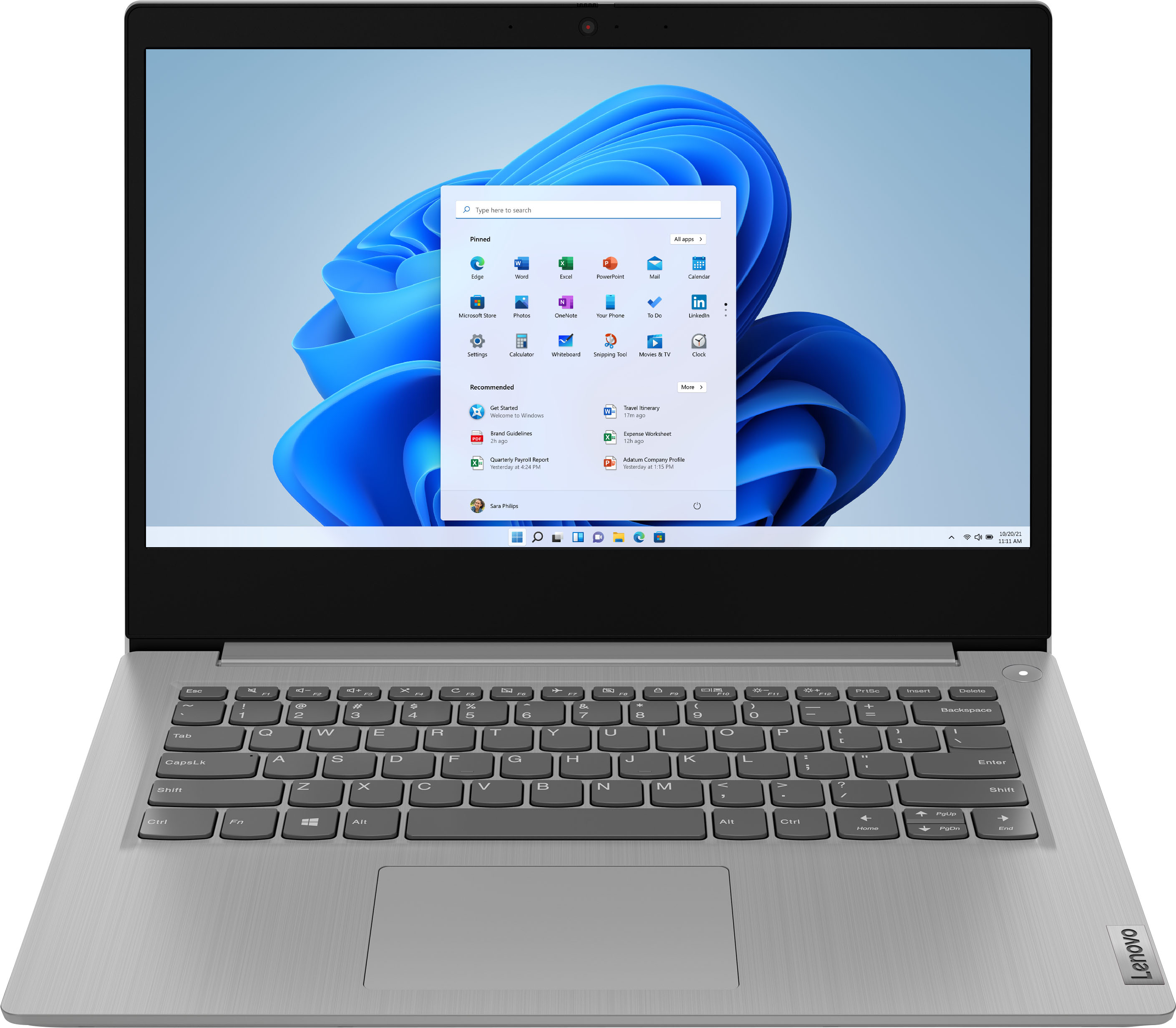
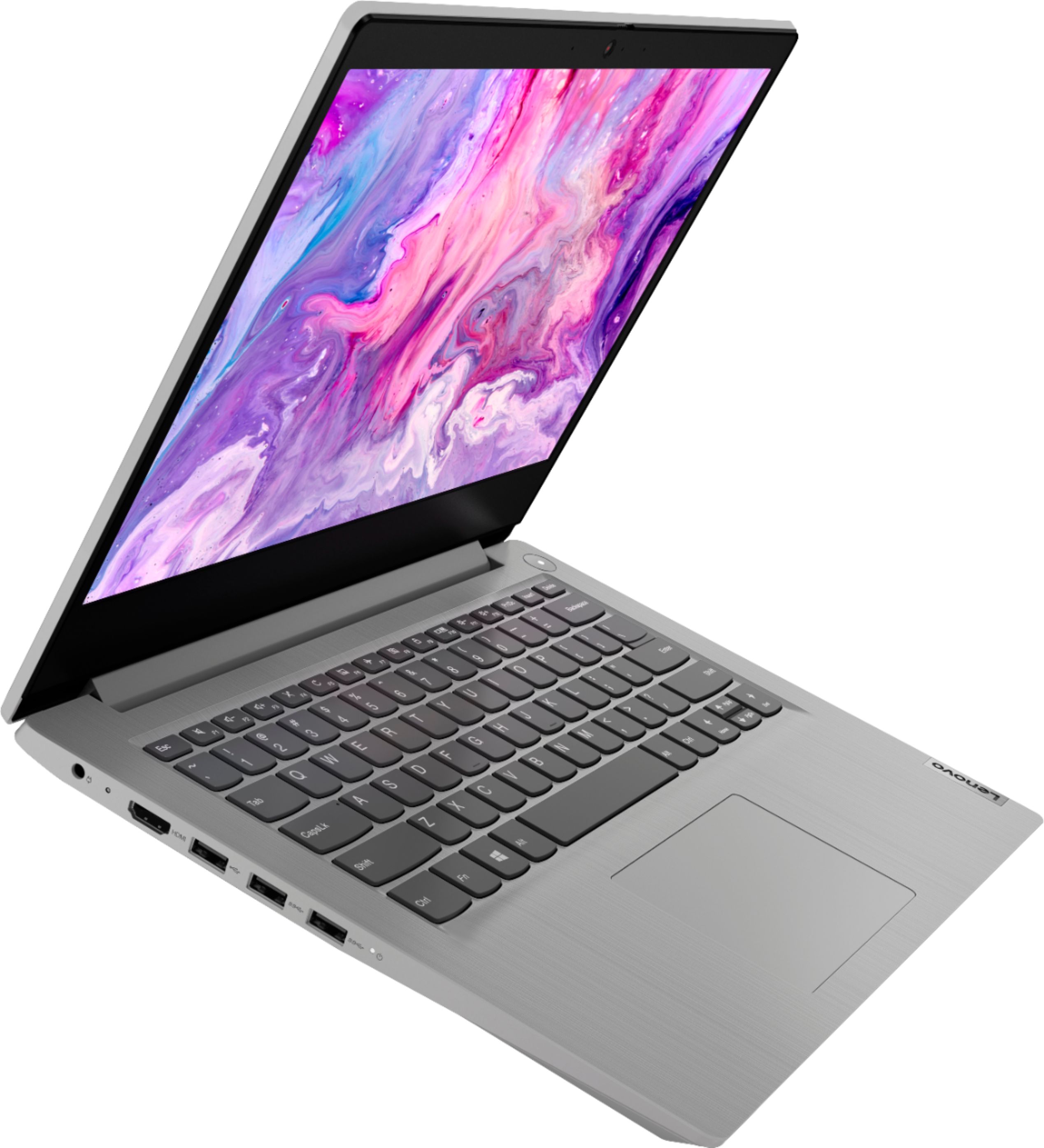
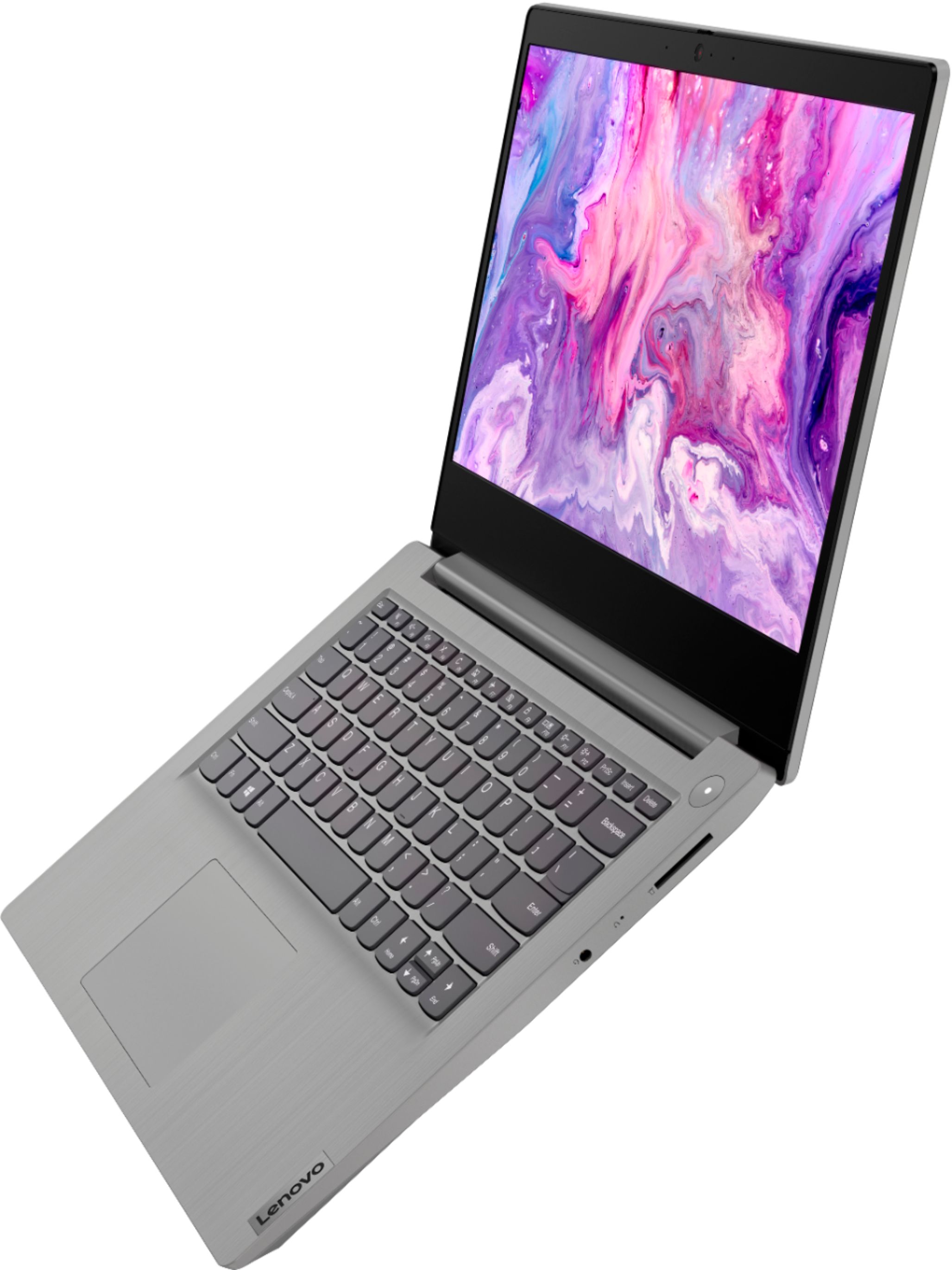
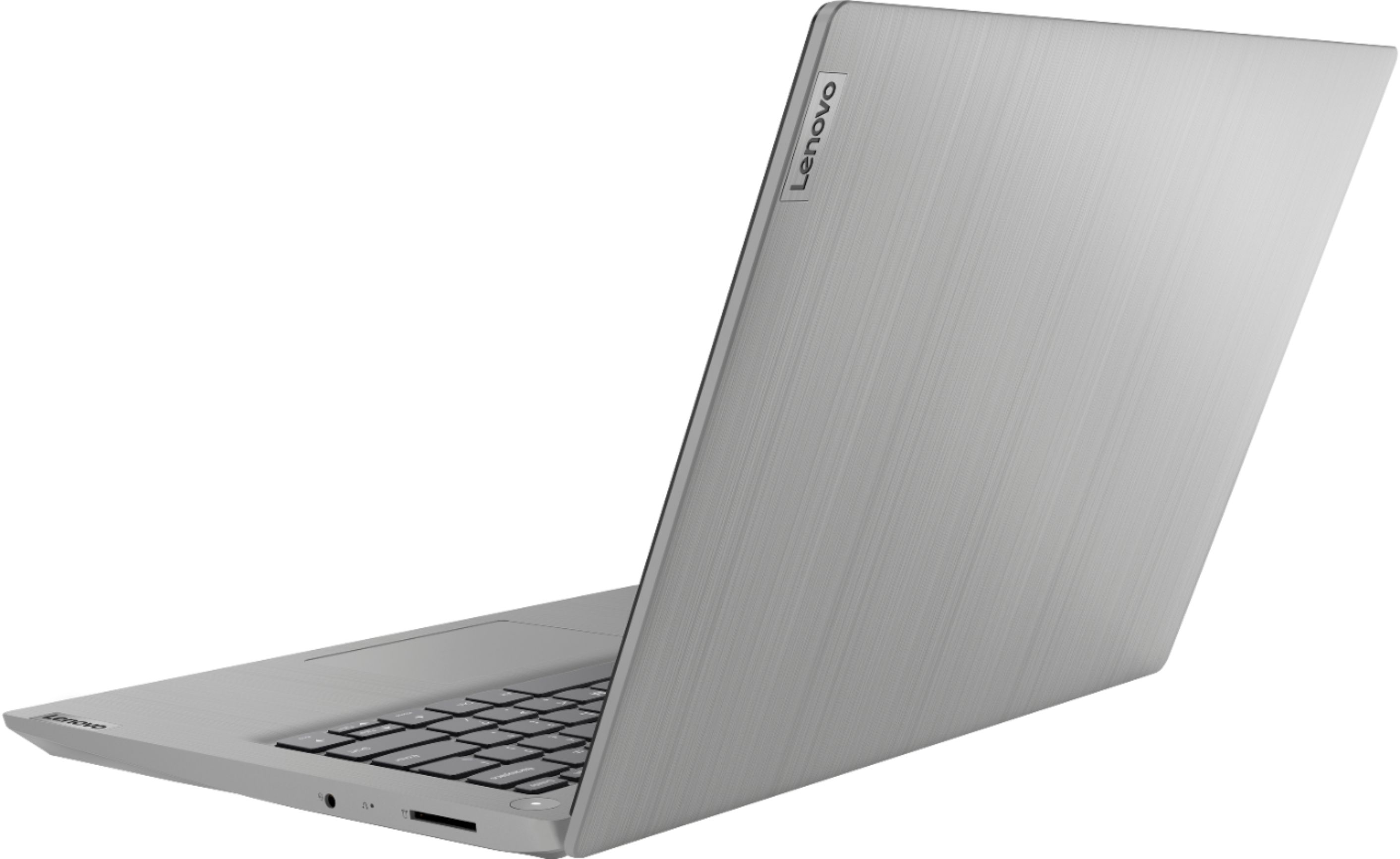

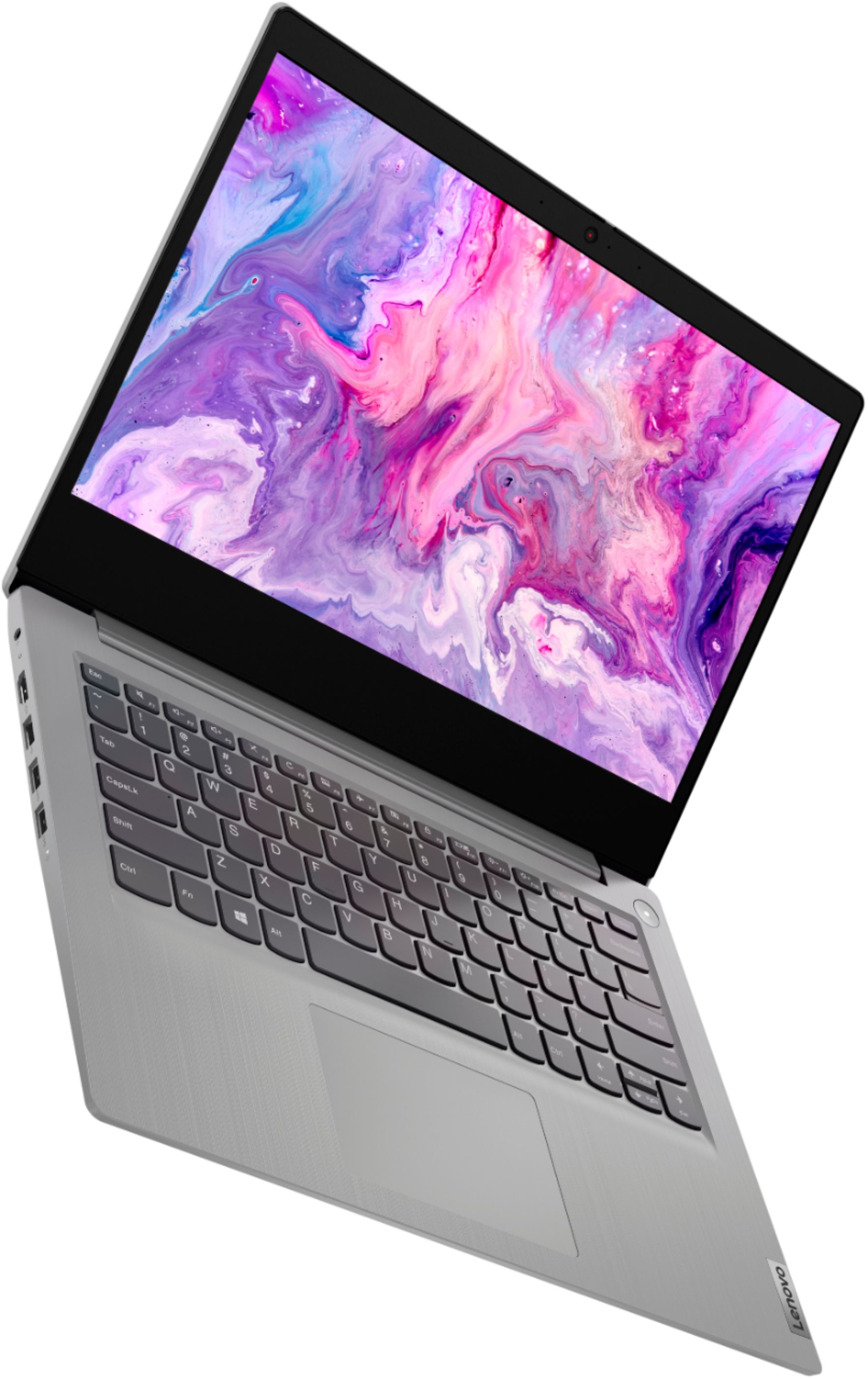

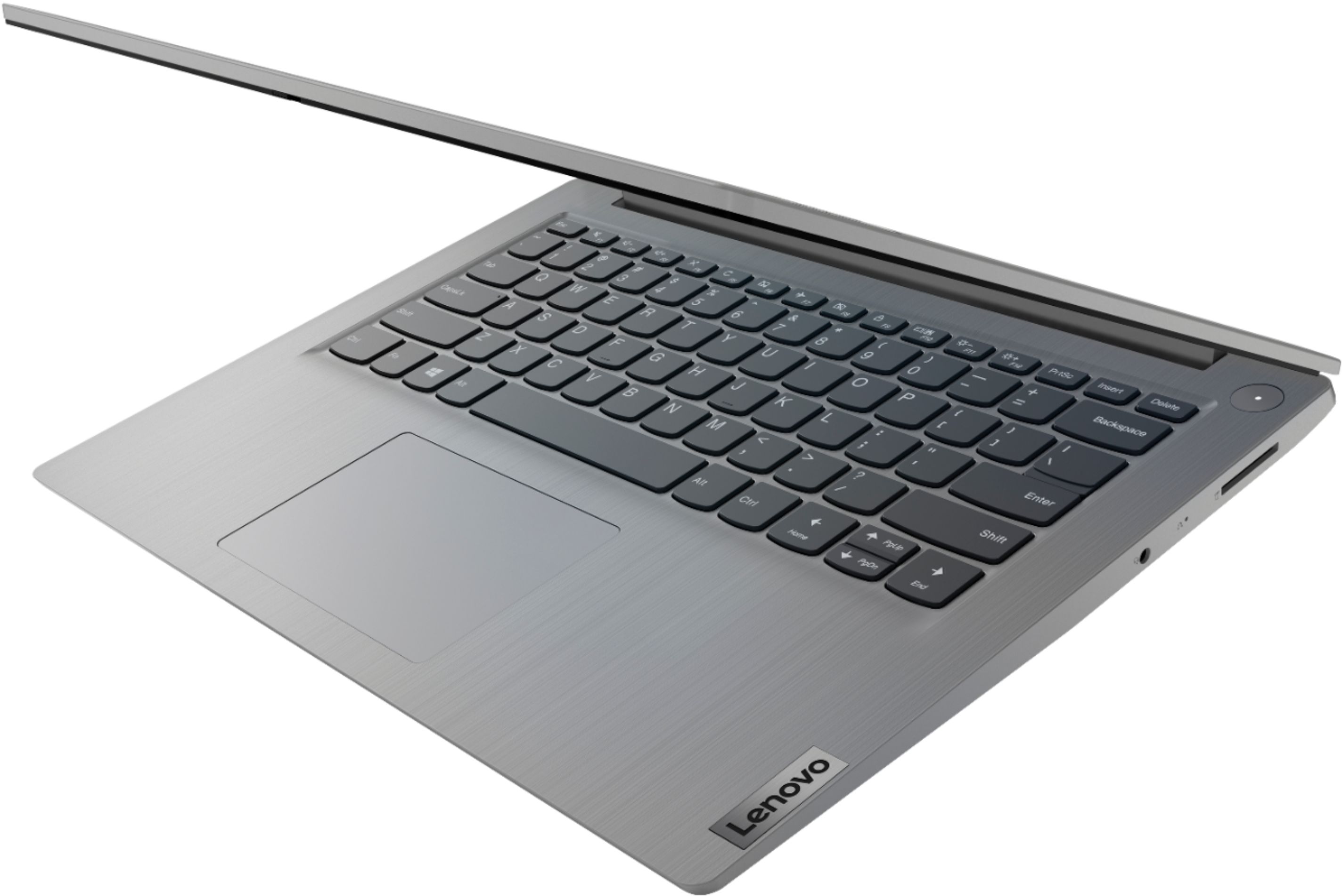
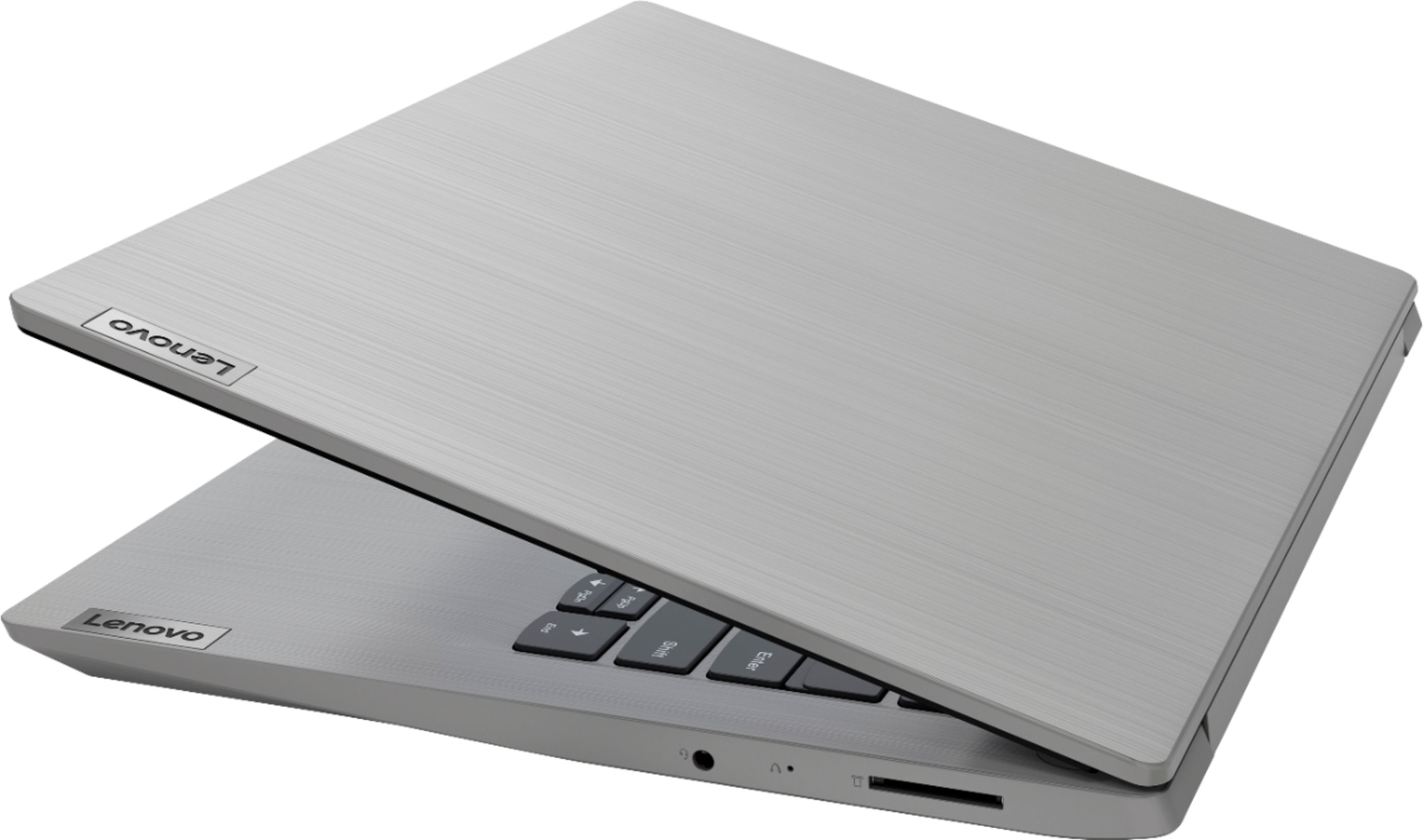


- Model:
- 81W000NGUS
- SKU:
- 6447137
Rating by feature
- Battery Life
Rating 4.3 out of 5 stars
- Speed
Rating 4.5 out of 5 stars
- Display
Rating 4.4 out of 5 stars
Customers are saying
Customers praise the IdeaPad 3 14" Laptop for its budget-friendly price, lightweight design, and ample storage. The laptop is also said to be easy to use and offers good performance. However, some customers have expressed concerns about the screen size, keyboard, and battery life.
This summary was generated by AI based on customer reviews.
- Pros mentioned:Easy to use, Speed
Good price, Good speed
||Posted . Owned for 1 month when reviewed.This reviewer received promo considerations or sweepstakes entry for writing a review.Bought this for my husband and He loves it! As per him, it is fast and easy to use and he also already upgraded to windows 11
I would recommend this to a friendBrand response from Lenovo Product Expert
Posted .Thank you for choosing the Lenovo IdeaPad 3 14 in. Laptop. We are very pleased to hear that the specifications and features of the Lenovo IdeaPad 3 14 in. Laptop meet your computing needs so well.

- Pros mentioned:Storage
Lenovo IdeaPad Review
||Posted . Owned for 3 weeks when reviewed.This reviewer received promo considerations or sweepstakes entry for writing a review.I have to say, this laptop was worth what I'd paid for it. The 8GB Memory, plus SSD with a 1TB HDD on the side makes an excellent combination. I can store unimportant files on the HDD, while keeping the SSD primarily for program files, and don't have to worry about an unexpected crash, though, naturally, after having it running for several days in a row, it does experience slowdown, but a restart fixes that, no problem. It's a bit thinner than I'd been expecting, but works great just the same.
I would recommend this to a friendBrand response from Lenovo Product Expert
Posted .Thank you for choosing the Lenovo IdeaPad 3 14 Laptop. We are pleased to hear that the features and performance of the IdeaPad 3 14 meets your computing needs so well.
Good for gaming
||Posted . Owned for 1 month when reviewed.This reviewer received promo considerations or sweepstakes entry for writing a review.Bought this as a Christmas gift for my 12 year old son. He was sooo happy and we haven’t seen much of him since he received it. He said it is much more efficient and makes gaming more fun.
I would recommend this to a friendBrand response from Lenovo Product Expert
Posted .Thank you for choosing the Lenovo IdeaPad 3 14 laptop, model number 81W000NGUS, for your son. We are pleased to hear that the IdeaPad 3 14 meets your son's computing needs so well. We always recommend you check the requirements and compatibility of any software/games you will be installing on your new computer, before you invest in any computer. Be sure your new computer can support the software/games you will need to use.
- Cons mentioned:Keyboard, Screen size
Ok for Price
||Posted . Owned for 1 week when reviewed.This reviewer received promo considerations or sweepstakes entry for writing a review.I purchased this from my work purpose. I used to work with a client through remote. This is perfectly good for my requirement. If you expect quick response and no lag then you might skip this.Screen size is ok and keyboard is not good. The wrost part in this is mouse you definetely need an external mouse to work smoothly.
No, I would not recommend this to a friendBrand response from Lenovo Product Expert
Posted .Regarding the touchpad, you can adjust the touchpad in your system settings. You can get there by clicking on the magnifying glass at the bottom left of your Windows 10 screen. Type "touchpad" in the search window. Select "Mouse & touchpad settings" from the list of choices. You can make general adjustments to the touchpad there. You can also select "Additional mouse options" for more detailed adjustments to the touchpad sensitivity by increasing the delay of the touchpad.
- Pros mentioned:Easy to use, Speed
Lenovo laptop
||Posted . Owned for 1 month when reviewed.This reviewer received promo considerations or sweepstakes entry for writing a review.So far, my computer has been great! Using it to go back to college. Fast, easy to use and works for my needs.
I would recommend this to a friendBrand response from Lenovo Product Expert
Posted .Thank you for choosing the Lenovo IdeaPad 3 14 laptop. We are pleased to hear that the ease of use and performance of the IdeaPad 3 14 meets your computing needs so well.
- Pros mentioned:Speed
Great for games
||Posted . Owned for 1 month when reviewed.This reviewer received promo considerations or sweepstakes entry for writing a review.This laptop is great for playing games, graphics, speed and everything is on par.
I would recommend this to a friendBrand response from Lenovo Product Expert
Posted .Thank you for choosing the Lenovo IdeaPad 3 14 Laptop. We are pleased to hear that the IdeaPad 3 14 meets your computing needs so well. We always recommend you check the requirements and compatibility of any software/games you will be installing on your new computer, before you invest in any computer. Be sure your new computer can support the software/games you will need to use.
- Cons mentioned:Charging issue
Lenovo Laptop with Ryzen 5
||Posted . Owned for 1 month when reviewed.This reviewer received promo considerations or sweepstakes entry for writing a review.I really like my new computer and the best thing is how fast it starts and loads programs. I do wish there were instructions on how to make the function keys work. I know you somehow use Fn and then click the function key, but I can't get it to work. I can't get it to charge higher than 57% so that's a bummer if I want to take the computer somewhere with just the battery. I know it has something to do with battery life, but why can't I override that setting?
I would recommend this to a friendBrand response from Lenovo Product Expert
Posted .Thank you for choosing the Lenovo IdeaPad 3 14 Laptop, model number 81W000NGUS. This model ships with Dual-Function, HotKeys/Function Keys. There are pre-programed HotKey Functions available at each of the F1 through F12 keys at the top of your keyboard. Here is a link to the User Guide for this IdeaPad 3 14 that illustrates and explains the HotKey Functions. These HotKey Functions are setup as the primary function of these keys. Just tap the key for the HotKey functionality to be enacted: https://download.lenovo.com/consumer/mobiles_pub/ideapad3_ug_202001_en.pdf. To use the traditional F1 through F12 Function Keys, you will need to hold down the Fn Key then tap the key you want, F1 through F12 to enable the preset F-Key Function. Here is a link to more information about the standard F-Key Functions within Windows 10: https://www.techadvisor.com/how-to/windows/function-keys-windows-10-3802848/#:~:text=The%20F1%20key's%20most%20popular,Windows'%20help%20and%20support%20center. In the case of your battery only charging to approximately 60 Percent capacity, you most likely have turned on Battery Conservation Mode. This feature is to be used only when you leave your laptop plugged in all the time. This feature preserves the longevity of the internal battery by only allowing the battery to charge to 60 Percent capacity. To charge the battery fully to 100 Percent capacity, turn off Battery Conservation Mode. To get to the Battery Conservation Mode Settings to turn it off, type Lenovo Vantage in the Windows 10 Search Window at the bottom of your Desktop Screen. Tap on the link to the Lenovo Vantage APP. Within the Lenovo Vantage APP, use the search function (click on the magnifying glass icon) to search for Conservation Mode. Select the Conservation Mode listing in the Power Settings. Scroll down the Power settings to find Conservation Mode, then turn off Conservation Mode. Plug your computer in and let your computer fully charge to 100 Percent. If you have any questions about your IdeaPad 3 14, we recommend you contact Lenovo Tech Support at: 877-453-6686.
- Pros mentioned:Easy to use, Speed
Good for school
||Posted .This reviewer received promo considerations or sweepstakes entry for writing a review.very nice, fast, and easy to use. I extremely recommend it for work and school
I would recommend this to a friend - Pros mentioned:Storage
Great speeds
||Posted . Owned for 2 months when reviewed.This reviewer received promo considerations or sweepstakes entry for writing a review.Great speeds for a budget computer. One of the best bang for your buck with both HDD and SSD storage.
I would recommend this to a friendBrand response from Lenovo Product Expert
Posted .Thank you for choosing the Lenovo IdeaPad 3 14 Laptop. We are pleased to hear that the value and performance of the IdeaPad 3 14 meets your computing needs so well.
- Pros mentioned:Price
Good overall performer.
||Posted .This reviewer received promo considerations or sweepstakes entry for writing a review.Solid mid-level laptop for students or work. The 1 TB hard rive and 8 Gigs RAM provide enough power to handle general tasks and light gaming. My son is a Roblox fanatic and loves it. Faster than what he'd been using. Best value for the money.
I would recommend this to a friendBrand response from Lenovo Product Expert
Posted .Thank you for choosing the Lenovo IdeaPad 3 14 Laptop, model number 81W000NGUS. We are pleased to hear that the IdeaPad 3 14 is working out so well.
- Pros mentioned:PriceCons mentioned:Keyboard
Nice computer for price
||Posted . Owned for 1 month when reviewed.This reviewer received promo considerations or sweepstakes entry for writing a review.Nice little computer for price. Dont like the touch screen otherwise good
I would recommend this to a friend - Pros mentioned:Storage
Great Laptop
||Posted . Owned for 1 month when reviewed.This reviewer received promo considerations or sweepstakes entry for writing a review.After two months using this laptop I am still in love with it. Plenty of storage. It is plenty fast for me, an upgrade former computer. And it is truly portable. Light, easy to carry around. Has enough ports for my peripherals. Definitely a good buy.
I would recommend this to a friendBrand response from Lenovo Product Expert
Posted .Thank you for choosing the Lenovo IdeaPad 3 14 laptop. We are pleased to hear that the features and performance of the IdeaPad 3 14 meets your computing need so well.
- Pros mentioned:Price, Speed
Great laptop
||Posted . Owned for 1 month when reviewed.This reviewer received promo considerations or sweepstakes entry for writing a review.Amazing. Great price. Good size. Video quality looks good. Speed and storage are great.
I would recommend this to a friendBrand response from Lenovo Product Expert
Posted .Thank you for choosing the Lenovo IdeaPad 3 14 Laptop. We are very pleased to hear that the specifications and features of the Lenovo IdeaPad 3 14 Laptop meet your computing needs so well.
Good
||Posted . Owned for more than 2 years when reviewed.This reviewer received promo considerations or sweepstakes entry for writing a review.Good product enough for my requirements nothing especially but working well
I would recommend this to a friendGood laptop, good price.
||Posted . Owned for 1.5 years when reviewed.This reviewer received promo considerations or sweepstakes entry for writing a review.Great computer, lasted me forever, no complaints. Easily one of my more appreciated purchases.
I would recommend this to a friend- Cons mentioned:Customer service
Demo Mode of open box unit was a pain
||Posted . Owned for 4 months when reviewed.This reviewer received promo considerations or sweepstakes entry for writing a review.This "Open Box" unit was still in demo mode when purchased at Gaithersburg store. For help getting out of demo mode, a phone call to store was never returned. It took me hours of web search to find how to get it out of demo mode then Windows S-mode. A little help from Best Buy would have been nice.
I would recommend this to a friend - Pros mentioned:Lightweight
Great lightweight compact laptop.
||Posted . Owned for 4 months when reviewed.This reviewer received promo considerations or sweepstakes entry for writing a review.Awesome laptop, I got it for my daughter for school. We picked it because it is compact and easy to carry around, it is lightweight for her back with all the other stuff she needs to carry. She is not doing major stuff on it but I can attest that the basic document writing and online surfing is good so far. Glad we chose this instead of the 15.6" size laptops.
I would recommend this to a friendBrand response from Lenovo Product Expert
Posted .Thank you for choosing the Lenovo IdeaPad 3 14 laptop for your daughter. We are pleased to hear that the features and performance of the IdeaPad 3 14 meets your daughter's computing needs so well.
- Pros mentioned:Storage
Great deal and performance
||Posted . Owned for 1 month when reviewed.This reviewer received promo considerations or sweepstakes entry for writing a review.I’m a previous Lenovo owner and have not been disappointed with its performance, and this is definitely a great deal! More storage space and with this combination you can prioritize your work. Got this one for my first daughter and will be buying another for my second daughter once it’s available.
I would recommend this to a friendBrand response from Lenovo Product Expert
Posted .Thank you for choosing the Lenovo IdeaPad 3 14 laptop for your daughter. We appreciate you loyalty to the Lenovo Brand and we are pleased to hear that the IdeaPad 3 14 meets the computing needs of your daughters so well.
- Pros mentioned:Speed
Lenovo laptop
||Posted . Owned for 1 month when reviewed.This reviewer received promo considerations or sweepstakes entry for writing a review.2nd Lenovo laptop purchased here. Design, function, and speed. Love them!
I would recommend this to a friendBrand response from Lenovo Product Expert
Posted .Thank you for choosing the Lenovo IdeaPad 3 14 laptop. We appreciate your loyalty to the Lenovo Brand and we are pleased to hear that the IdeaPad 3 14 meets your computing needs so well.
Good beginners laptop
||Posted . Owned for 1.5 years when reviewed.This reviewer received promo considerations or sweepstakes entry for writing a review.Good beginners laptop. Enough storage and runs smooth
I would recommend this to a friend