Customer Ratings & Reviews



- Model:
- 81W1018XUS
- SKU:
- 6449503
Rating by feature
- Battery Life
Rating 4.3 out of 5 stars
- Speed
Rating 4.4 out of 5 stars
- Display
Rating 4.5 out of 5 stars
Customers are saying
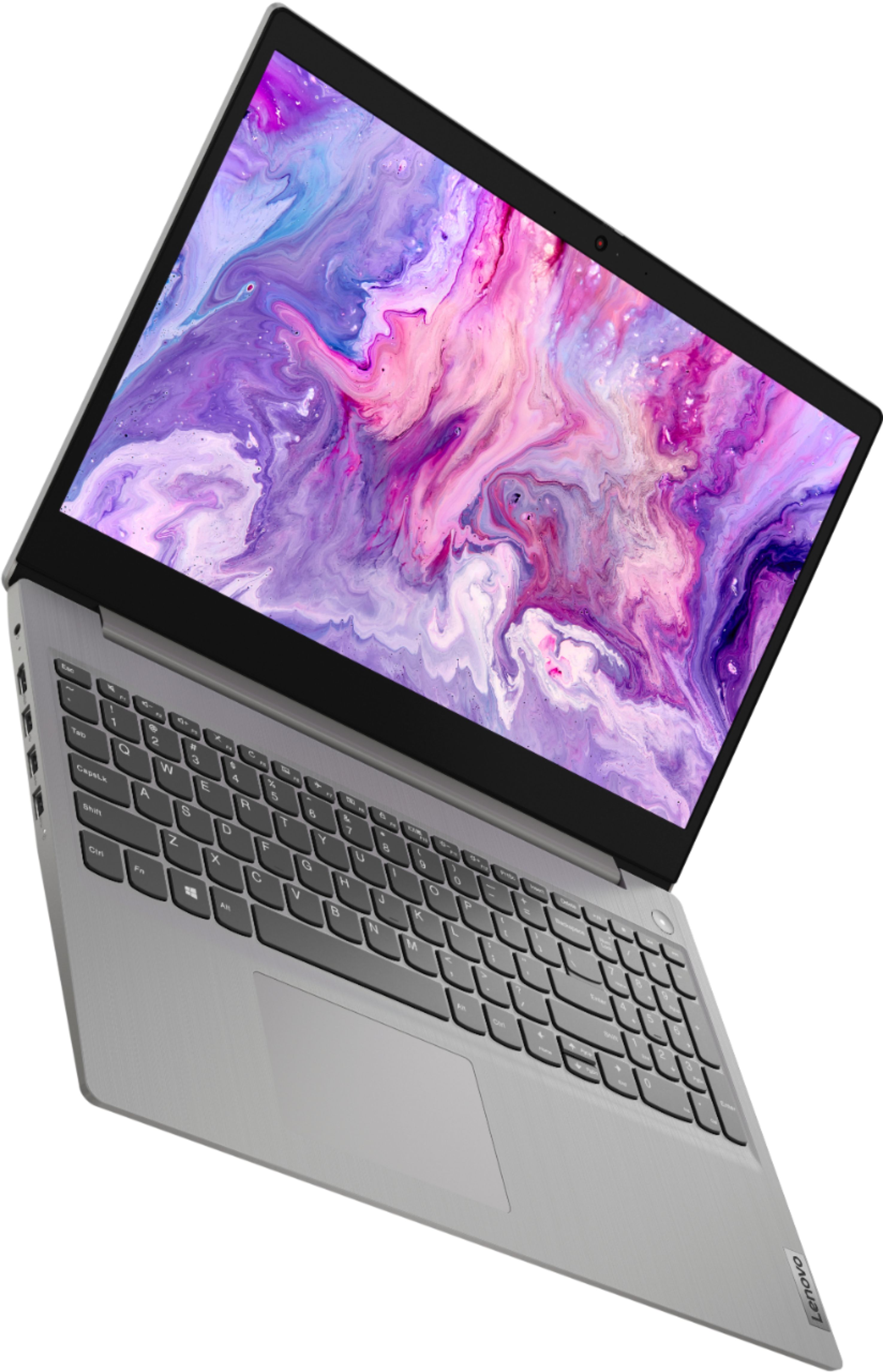
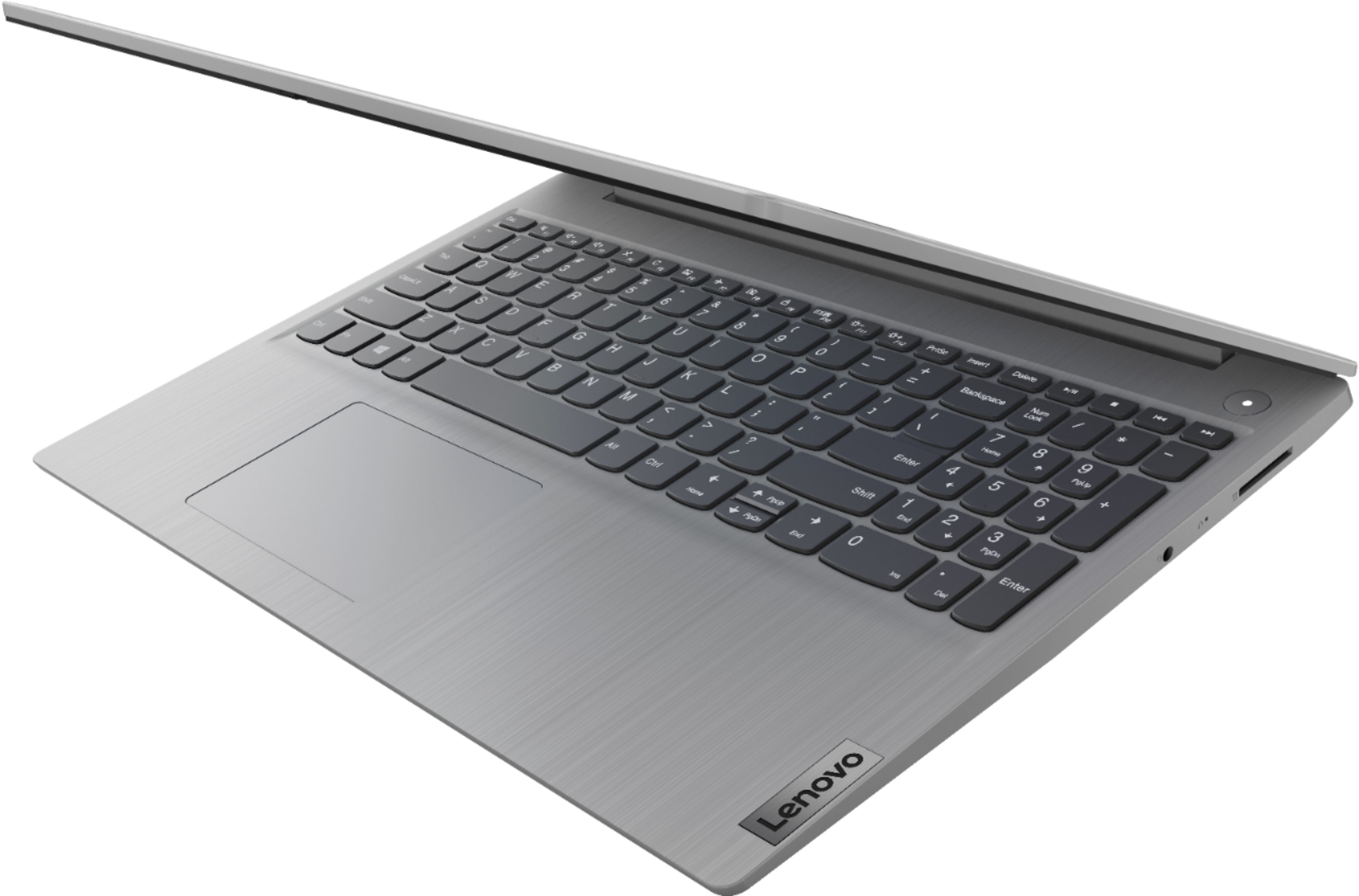
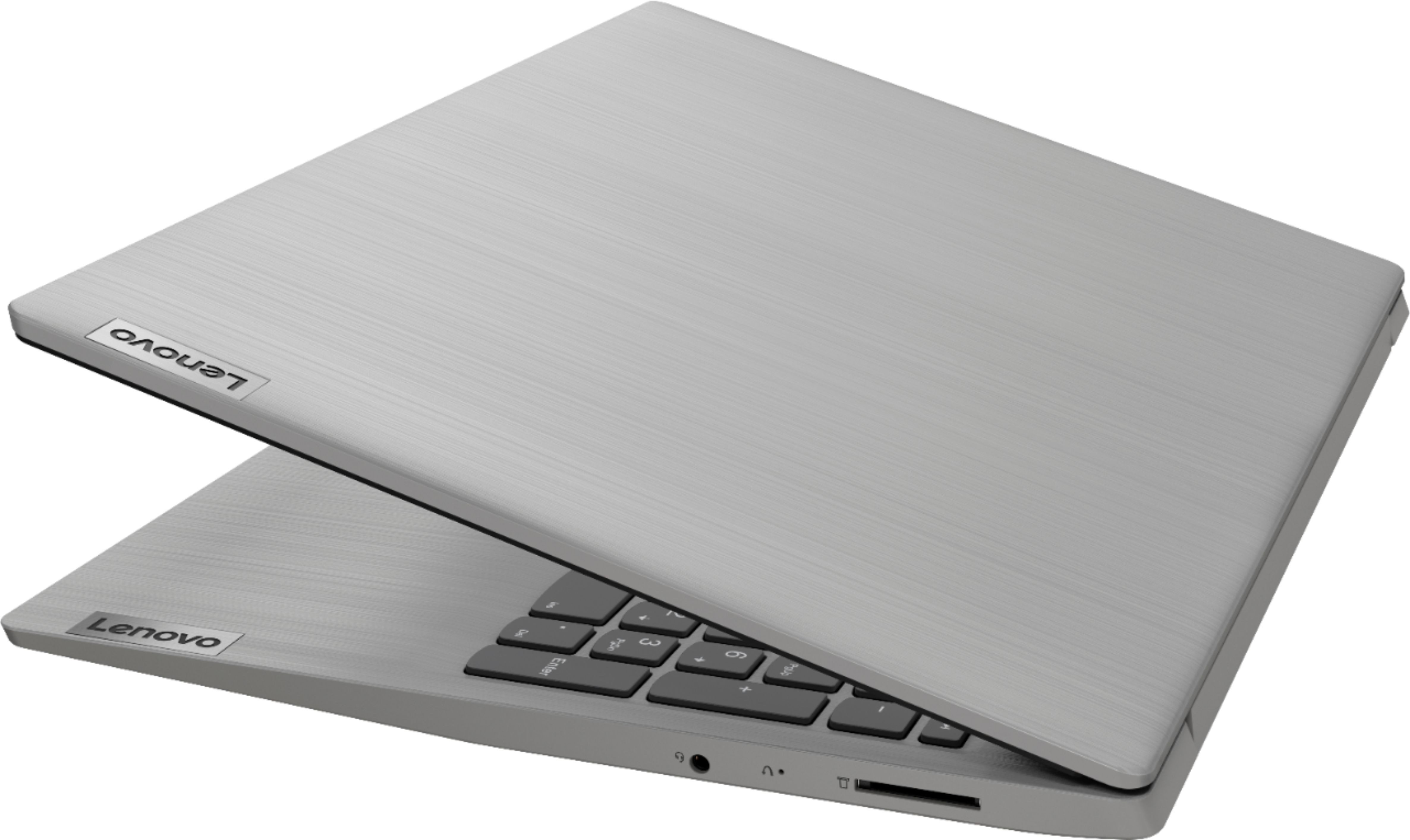
Customers appreciate the Ideapad 3 15 for its budget-friendly price, fast performance, and lightweight design. Many users find the large screen and storage capacity to be adequate for their needs. While some users have concerns about battery life and memory, overall, customers are generally satisfied with the laptop's performance and value for the price.
This summary was generated by AI based on customer reviews.
Light gaming, surfing!
||Posted . Owned for 3 months when reviewed.This reviewer received promo considerations or sweepstakes entry for writing a review.Purchased this laptop for my for gaming. Yes I know it isn't a gaming laptop, but it's been pretty good so far. I have steam downloaded, it runs garrys mod and animal stimulator. Fortnight on epic games. Roblox and friday night funkin. Now this laptop was for my son. He has no problems joining his brothers in games. I did lower the resolution in gmod and fortnight. It had handled meetings and no issues so far. The privacy cam is a plus for kids! I would purchase this for light gaming and surfing the web. We used it for streaming movies as well.
I would recommend this to a friendBrand response from Lenovo Product Expert
Posted .Thank you for choosing the Lenovo IdeaPad 3 15 Laptop. We are pleased to hear that the IdeaPad 3 15 is working out so well. We always recommend you check the requirements and compatibility of any software/games you will be installing on your new computer, before you invest in any computer. Be sure your new computer can support the software/games you will need to use.

- Pros mentioned:Price
Nice at this price
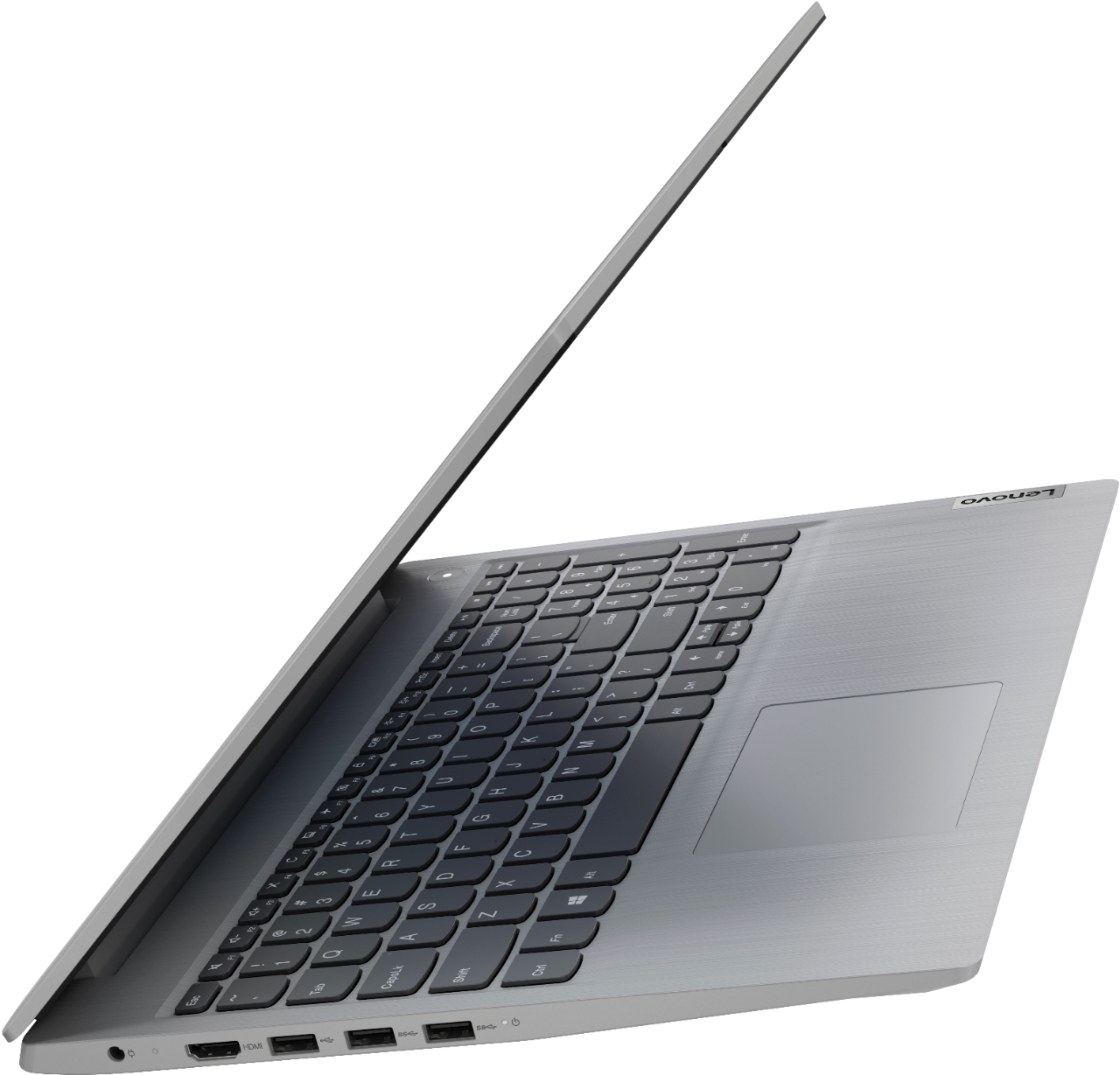
||Posted . Owned for less than 1 week when reviewed.This reviewer received promo considerations or sweepstakes entry for writing a review.For the price, You get a Win10 device with 8GB of RAM, which is the most you can hope for at this price point. Great for the kids (not for gaming but school work) Decent camera and the HMDI port with three ISBs make it compatible with whatever needed.
I would recommend this to a friendBrand response from Lenovo Product Expert
Posted .Thank you for choosing the Lenovo IdeaPad 3 15 Laptop, model number 81W1018XUS. This configuration ships with Windows 10 S-Mode 64-bit Operating System. Windows 10 S-Mode provides added security by only allowing APPs available ( and therefore certified by Microsoft) at the Microsoft Store. If you don't need the added security or you need to install APPs not available at the Microsoft Store, you can switch to standard Windows 10 Home 64-bit Operating System, at no additional cost. We are pleased to hear that the IdeaPad 3 15 meets your computing needs so well.
- Cons mentioned:Battery life
Not impressed but...
||Posted . Owned for 3 weeks when reviewed.This reviewer received promo considerations or sweepstakes entry for writing a review.I use a ThinkPad at work and love it so I decided to buy it's little brother an Ideapad. My mistake because I'm just not happy with it. If others don't have the same expectations then they may be pleased with it. I bought this mainly to watch videos in the evening in my room but the battery dies too fast to suit me. I have no problem with the display or speed of the computer. I'm still getting used to it and it is setup differently than the other laptops I use so there is a learning curve.
I would recommend this to a friendBrand response from Lenovo Product Expert
Posted .The Lenovo IdeaPad 3 15 Laptop, model number 81W1018XUS, ships with a Integrated 35Wh, Lithium-Polymer battery, which within this configuration, has a battery life of up to 7 hours, depending on the work the device is performing. If you are getting substantially less battery life, first, set your screen brightness at less than 100-percent - try 80-percent to start with. Then, be sure Battery conservation Mode is turned off. This power management setting should only be used when the laptop is plugged in all the time. It will prolong overall battery life by only charging the battery to 60-percent of capacity. Here is a link to instructions for turning off Battery Conservation Mode: https://support.lenovo.com/us/en/solutions/ht103159. Also check what programs are running in the background on the computer. Be sure only the programs you want running in the background are. These programs will drain the battery. Here is a link to information about how to find out what programs are running in the background on your Windows 10 computer and how to manage them for better system performance: https://www.windowscentral.com/how-prevent-apps-running-background-windows-10. Then, finally, be sure any software you installed is compatible with Windows 10. Incompatible software will drain the battery at a faster rate. There is no need to install Microsoft Office software. The software is already part of the operating system, you just need to activate the software with a purchased product key. If you have installed a copy of Microsoft Office, this is conflicting with the existing copy on the system and this will slow your system down. If you have installed a 3rd party anti-virus program, be sure that Windows Defender is turned off and that the trial version of McAfee Anti-Virus software is uninstalled. There can only be one anti-virus program on the system. You may need to restore your system to original factory default settings if any of the programming errors have occurred. You can do that by typing "restore" in the Cortana search window. Just click on the magnifying glass icon at the bottom left of your Windows 10 Desktop. Click on "Reset This PC" Then click on "Get Started" and follow the on screen directions to restore to factory defaults. If the problem persists, we recommend you contact Lenovo Tech Support at: 877-453-6686.
- Pros mentioned:FastCons mentioned:Battery life
Great replacement "upgrade" Laptop
||Posted . Owned for 3 weeks when reviewed.This reviewer received promo considerations or sweepstakes entry for writing a review.Worked great right out of the box, super fast compared to my 8 year old HP laptop. Battery life is ok, not great, so I just keep it plugged in most of the time. Updated to Windows 11 and had no issues whatsoever. Easy, easy, easy setup.
I would recommend this to a friendBrand response from Lenovo Product Expert
Posted .Thank you for choosing the Lenovo IdeaPad 3 15 Laptop., model number 81W1018XUS. This model ships with a Integrated 35Wh, Lithium-Polymer Battery, with a battery life of up to 6 hours, depending on the work the device is performing. If you are getting substantially less battery life, first, set your screen brightness at less than 100-percent - try 80-percent to start with. Then, be sure Battery conservation Mode is turned off. This power management setting should only be used when the laptop is plugged in all the time. It will prolong overall battery life by only charging the battery to 60-percent of capacity. Here is a link to instructions for turning off Battery Conservation Mode: https://support.lenovo.com/us/en/solutions/ht103159. Also check what programs are running in the background on the computer. Be sure only the programs you want running in the background are. These programs will drain the battery. Here is a link to information about how to find out what programs are running in the background on your Windows 10 computer and how to manage them for better system performance: https://www.windowscentral.com/how-prevent-apps-running-background-windows-10. Then, finally, be sure any software you installed is compatible with Windows 10. Incompatible software will drain the battery at a faster rate. There is no need to install Microsoft Office software. The software is already part of the operating system, you just need to activate the software with a purchased product key. If you have installed a copy of Microsoft Office, this is conflicting with the existing copy on the system and this will slow your system down. If you have installed a 3rd party anti-virus program, be sure that Windows Defender is turned off and that the trial version of McAfee Anti-Virus software is uninstalled. There can only be one anti-virus program on the system. You may need to restore your system to original factory default settings if any of the programming errors have occurred. You can do that by typing "restore" in the Cortana search window. Just click on the magnifying glass icon at the bottom left of your Windows 10 Desktop. Click on "Reset This PC" Then click on "Get Started" and follow the on screen directions to restore to factory defaults. If the problem persists, we recommend you contact Lenovo Tech Support at: 877-453-6686.
- Pros mentioned:Fast
Great travel laptop
||Posted .This reviewer received promo considerations or sweepstakes entry for writing a review.I have large laptop for home use. I was looking for something to travel with that was smaller. I did not need a laptop with a large hard drive since everything i need is on the cloud or portable drive. This unit is perfect. Its works like tablet but is laptop. I did not want to spend a fortune. This Lenovo is just what I hoped for. It is lightening fast and keyboard is fine. I purchased an external mouse since I am no fan of touchpads. This does all what i need. I may swap out ram for more capacity. This is great unit for what it offers.
I would recommend this to a friendBrand response from Lenovo Product Expert
Posted .Thank you for choosing the Lenovo IdeaPad 3 15 Laptop, model number 81W1018XUS. We are pleased to hear that the value, features and performance of the IdeaPad 3 15 meets your compuiting needs so well.
- Pros mentioned:Price
?
||Posted .This reviewer received promo considerations or sweepstakes entry for writing a review.I am getting used to my device but am confused by many of the e-mails that say I should add this or that. After a couple of weeks I finally clicked on on one that said it would enhance color. When I turned it on it actually took my color away and I only had black and white. It was a while before I managed to get my color back. These things make me leery of trying any of these things. My daughter said I got a very good deal pricewise.
I would recommend this to a friend Great value for the price!
||Posted . Owned for more than 2 years when reviewed.This reviewer received promo considerations or sweepstakes entry for writing a review.I’ve used Lenovo for 10 years and couldn’t recommend them more! If you’re looking for a laptop for everyday use, buy this one. It’s not the one you want for gaming but it’s great for normal day to day use.
I would recommend this to a friend- Pros mentioned:Fast
Lenovo Ideapd 3 - NICE!!
||Posted . Owned for 1 month when reviewed.This reviewer received promo considerations or sweepstakes entry for writing a review.Nice fast machine, but did not like the S-mode of Windows. Made it difficult to upgrade and would not allow for non MS programs to be load until the S-mode was disabled. Lame!! This is something the sales reps need to be aware of to pass on to the customer.
I would recommend this to a friendBrand response from Lenovo Product Expert
Posted .Thank you for choosing the Lenovo IdeaPad 3 15 Laptop, model number 81W1018XUS. This model ships with Windows 10 S-Mode 64-bit Operating System. Windows 10 S-Mode provides added security by only allowing APPs available ( and therefore certified by Microsoft) at the Microsoft Store. If you don't need the added security or you need to install APPs not available at the Microsoft Store, you can switch to standard Windows 10 Home 64-bit Operating System, at no additional cost. We are pleased to hear that the IdeaPad 3 15 meets your computing needs so well.
Lenovo is Worth The Price
||Posted . Owned for less than 1 week when reviewed.This reviewer received promo considerations or sweepstakes entry for writing a review.A little larger keys all that's is needed a gentle touch. Searching online is fast and loading the page you want to see is quick. The only problem the computer comes with Windows 10 S I went online followed the instructions and it was back to Windows 10. Windows 10 S is different to use any software it must come from Microsoft store. The solid state drives saves files extremely fast. If you download a program and save to SSD and reinstall it's quick without any pauses. The SSD also uses less power compare to the old Hard drives. So you get the batteries to last longer between charges. One last thing Windows 10 has a new feature when you turn the computer off it's off open the lid the computer will come back on without pushing the on button
I would recommend this to a friendBrand response from Lenovo Product Expert
Posted .Thank you for choosing the Lenovo IdeaPad 3 15 Laptop, model number 81W1018XUS. We are pleased to hear that the features and performance of the IdeaPad 3 15 meets your computing needs so well. You can change what your Windows 10 laptop does when you open the lid. Here is a link to instructions for changing what your computer does when you open the lid: https://www.thewindowsclub.com/how-to-change-laptop-lid-open-action-in-windows-10
- Pros mentioned:Fast, Light weight
Awesome computer!
||Posted . Owned for 3 weeks when reviewed.This reviewer received promo considerations or sweepstakes entry for writing a review.Bought this to surf the web, shop, pay bills, etc. super fast start up and fast loading pages. I was very surprised by how light weight this is. Definitely a great buy!
I would recommend this to a friendBrand response from Lenovo Product Expert
Posted .Thank you for choosing the Lenovo IdeaPad 3 15 laptop. We are pleased to hear that the features and performance of the IdeaPad 3 15 meets your computing needs so well.
- Pros mentioned:Price
Best option for a windows system at this low price
||Posted . Owned for 3 weeks when reviewed.This reviewer received promo considerations or sweepstakes entry for writing a review.At the time I purchased this, the cost was almost as low as Chromebooks. I use it for streaming video and email, mostly. It can slow down a bit if I open outlook and excel at same time. The graphics software doesn't really provide any benefit for streaming video. It's for gaming but I haven't tested it out. Understand the specs you are paying for. It's a good buy. I bought an IdeaPad 1 about a year ago and it held up well so I went for another Lenovo.
I would recommend this to a friendBrand response from Lenovo Product Expert
Posted .Thank you for choosing the Lenovo IdeaPad 3 15 Laptop. This configuration ships with integrated AMD Radeon Graphics, within the 2-Core/4-Thread AMD Ryzen 3 3250U processor. We always recommend you check the requirements and compatibility of any software/games you will be installing on your new computer, before you invest in any computer. Be sure your new computer can support the software/games you will need to use.
- Pros mentioned:Large screen, Light weight
Good deal!
||Posted . Owned for 1 month when reviewed.This reviewer received promo considerations or sweepstakes entry for writing a review.Great value for the money. Bought for my 64 yr old dad to use since his ipad was very outdated. Easy to use. Screen size is great nd very light.
I would recommend this to a friendBrand response from Lenovo Product Expert
Posted .Thank you for choosing the Lenovo IdeaPad 3 15 Laptop for your father. We are pleased to hear that the value, ease of use, features and performance of the IdeaPads 3 15 meets your father's computing needs so well.
Love Love
||Posted . Owned for 3 weeks when reviewed.This reviewer received promo considerations or sweepstakes entry for writing a review.I first heard about this computer on you tube from the deal guy last xmass it had a great review and a even better price. I bought one for my grandaughter and it was perfect. I then had to buy another computer for me because the one had was just horrible slow , slughish and outdated. I decided to get this one for me because of all the specs and the price. It does not disappoint the only one thing I did not like is the charger is a block charger like a Apple charger and the cord was so short. I bought a Insignia™ - Universal 65W Laptop Charger - Black , and it is perfect now. If you just do what I do emails, youtube and nothing major , this is a great computer oh it is not touch screen I love that , I hated my touchscreen computer.
I would recommend this to a friendBrand response from Lenovo Product Expert
Posted .Thank you for choosing the Lenovo IdeaPad 3 15 Laptops for both your grand daughter and you. We appreciate your loyalty to the IdeaPad 3 15 and the Lenovo Brand. We are pleased to hear that this new IdeaPad 3 15 Laptop is working out so well for you.
- Cons mentioned:Battery life
Cool!
||Posted . Owned for 2 months when reviewed.This reviewer received promo considerations or sweepstakes entry for writing a review.Very good laptop. It's shut down on me a few times and gets stuck depending what apps you have open. Overall the battery is not great. Lasts for about 3 hours. On a typical day (because I use my laptop all day for college etc.) it needs to be plugged in maybe 4 to 5 times on average when I'm on heavy use. It's lightweight in my laptop bag, not heavy at all. Works good with plugged-in keyboard and Bluetooth Logitech mouse. It's a really good buy for about $400 if you need something asap.
I would recommend this to a friendBrand response from Lenovo Product Expert
Posted .Thank you for choosing the Lenovo IdeaPad 3 15 Laptop. We are very pleased to hear that the specifications and features of the Lenovo IdeaPad 3 15 Laptop meet your computing needs so well. If you are experiencing issues with freezing, please check that all the software you have installed is compatible with your Windows operating system. There is no need to install Microsoft Office software. The software is already part of the operating system, you just need to activate the software with a purchased product key. If you have installed a copy of Microsoft Office, this is conflicting with the existing copy on the system and this will slow your system down. If you have installed a 3rd party anti-virus program, be sure that Windows Defender is turned off and that the trial version of McAfee Anti-Virus software is uninstalled. There can only be one anti-virus program on the system. You may need to restore your system to original factory default settings if any of the programming errors have occurred. You can do that by typing "Restore" in the Windows search bar. You can locate the search bar by clicking on the Windows logo at the bottom of the screen. After you type in “Restore,” click on "Reset This PC" Then click on "Get Started" and follow the on-screen directions to restore to factory defaults. If the problem persists, we recommend you contact Lenovo Tech Support at: 877-453-6686.
- Pros mentioned:Performance
Great laptop
||Posted . Owned for 1 month when reviewed.This reviewer received promo considerations or sweepstakes entry for writing a review.Great laptop. Runs smoothly, even when using XBox Gamepass. A few hiccups getting the xbox controller to sync up but once we got it working it was fine.
I would recommend this to a friendBrand response from Lenovo Product Expert
Posted .Thank you for choosing the Lenovo IdeaPad 3 15 laptop, model number 81W1018XUS. We are pleased to hear that the IdeaPad 3 15 is working out so well for you.
Affordable, quality laptop
||Posted . Owned for 1.5 years when reviewed.This reviewer received promo considerations or sweepstakes entry for writing a review.Bought this laptop for a dear friend of mine since it offers a good balance of quality and price, and they have not reported having any troubles using it.
I would recommend this to a friend- Pros mentioned:Light weight, Price
Decent Affordable Laptop
||Posted .This reviewer received promo considerations or sweepstakes entry for writing a review.Good, light weight, and affordable laptop. It is good for back to school or work from home.
I would recommend this to a friendBrand response from Lenovo Product Expert
Posted .Thank you for choosing the Lenovo IdeaPad 3 15 Laptop. We are pleased to hear that the features and performance of the IdeaPad 3 15 meets your computing needs so well.
- Pros mentioned:Light weight
Lightweight and fast
||Posted . Owned for 3 weeks when reviewed.This reviewer received promo considerations or sweepstakes entry for writing a review.Great laptop for the typical user who is just using it to surf internet, work from home or stream movies. Light weight and fast. Set up was easy as well and has a great battery life! Definitely would recommend.
I would recommend this to a friendBrand response from Lenovo Product Expert
Posted .Thank you for choosing the Lenovo IdeaPad 3 15 Laptop, model number 81W1018XUS. We are pleased to hear that the features and performance of the IdeaPad 3 15 meets your computing needs so well.
- Pros mentioned:Large screen, Light weight
Would recommend
||Posted . Owned for less than 1 week when reviewed.This reviewer received promo considerations or sweepstakes entry for writing a review.First thing I noticed was how lightweight this laptop is. The processor is very fast and the screen is the perfect size.
I would recommend this to a friendBrand response from Lenovo Product Expert
Posted .Thank you for choosing the Lenovo IdeaPad 3 15 laptop. We are pleased to hear that the features and performance of the IdeaPad 3 15 meets your computing needs so well.
- Pros mentioned:Fast, Price
Lenovo Ideapad 15.6" Laptop - AMD Ryzen 3 - 128 GB
||Posted . Owned for 1 month when reviewed.This reviewer received promo considerations or sweepstakes entry for writing a review.Great price, fast, and good for streaming and internet use. Wish there was more SSD memory though.
I would recommend this to a friendBrand response from Lenovo Product Expert
Posted .Thank you for choosing the Lenovo Ideapad 3 15 Laptop. We are very pleased to hear that the specifications, features, and performance of the Lenovo Ideapad 3 15 Laptop meet your computing needs so well. Should you find yourself needing more storage, we recommend looking into external hard drives. Here is a link to an external hard drive: https://www.bestbuy.com/site/wd-easystore-1tb-external-usb-3-0-portable-hard-drive-black/6406515.p?skuId=6406515.