Customer Ratings & Reviews
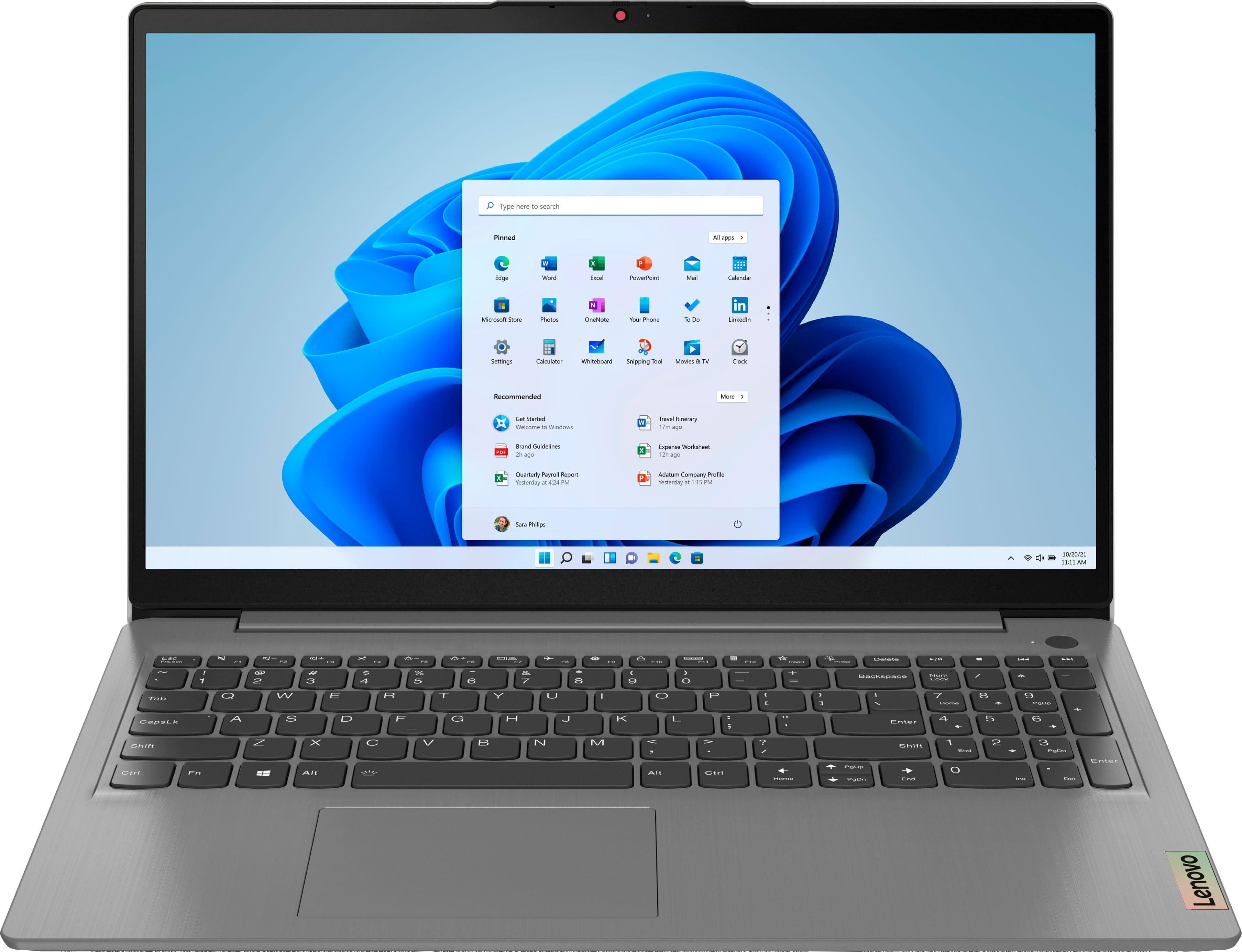
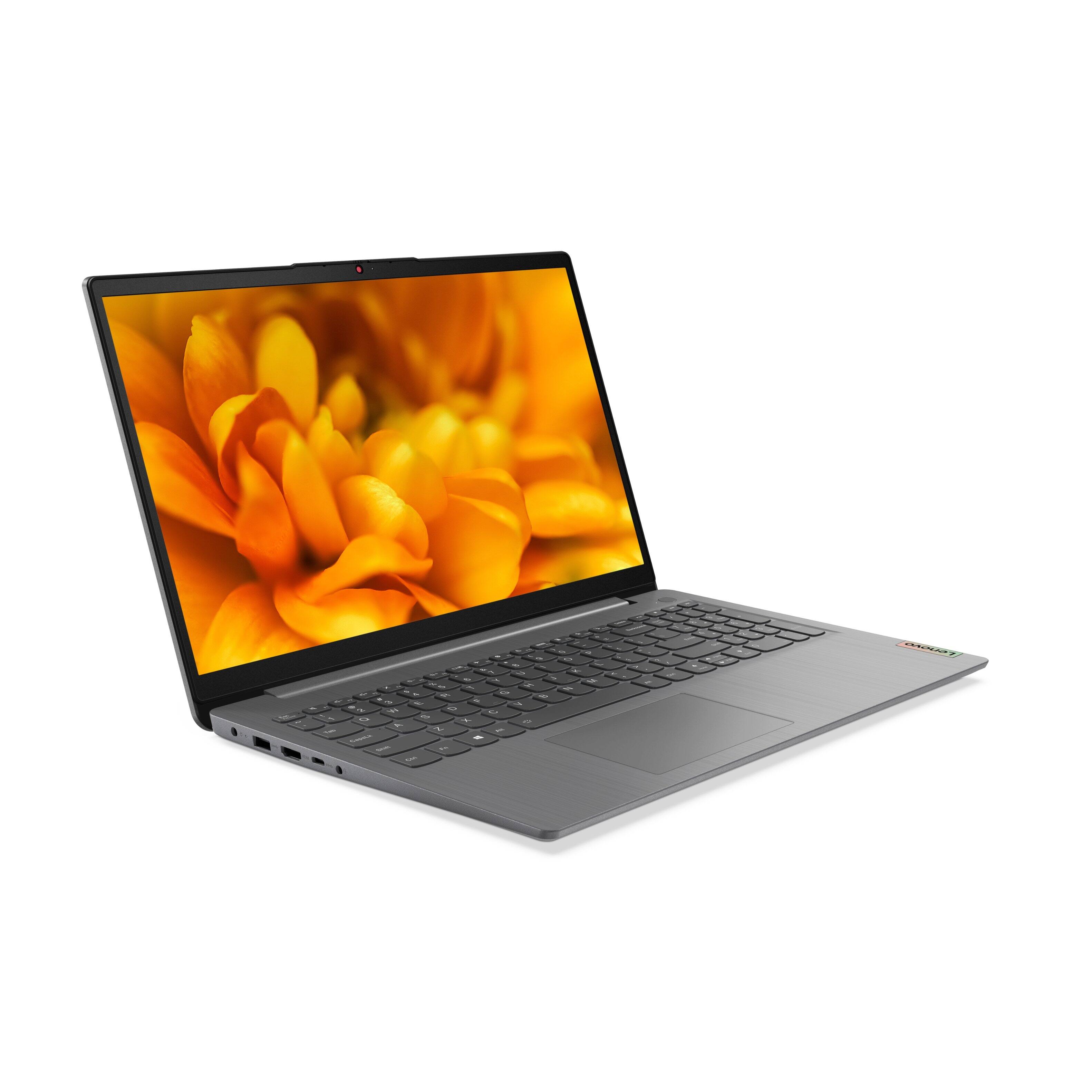
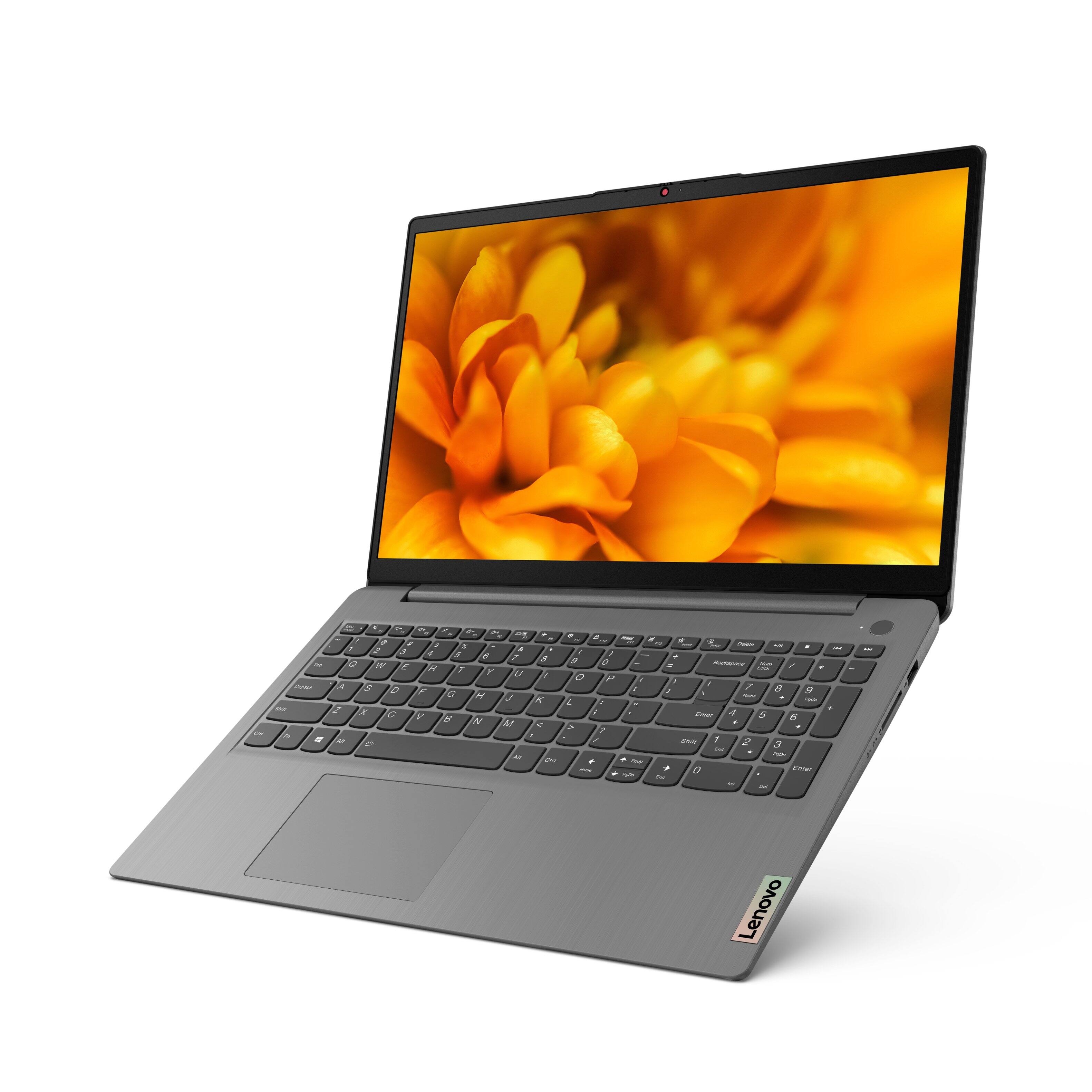

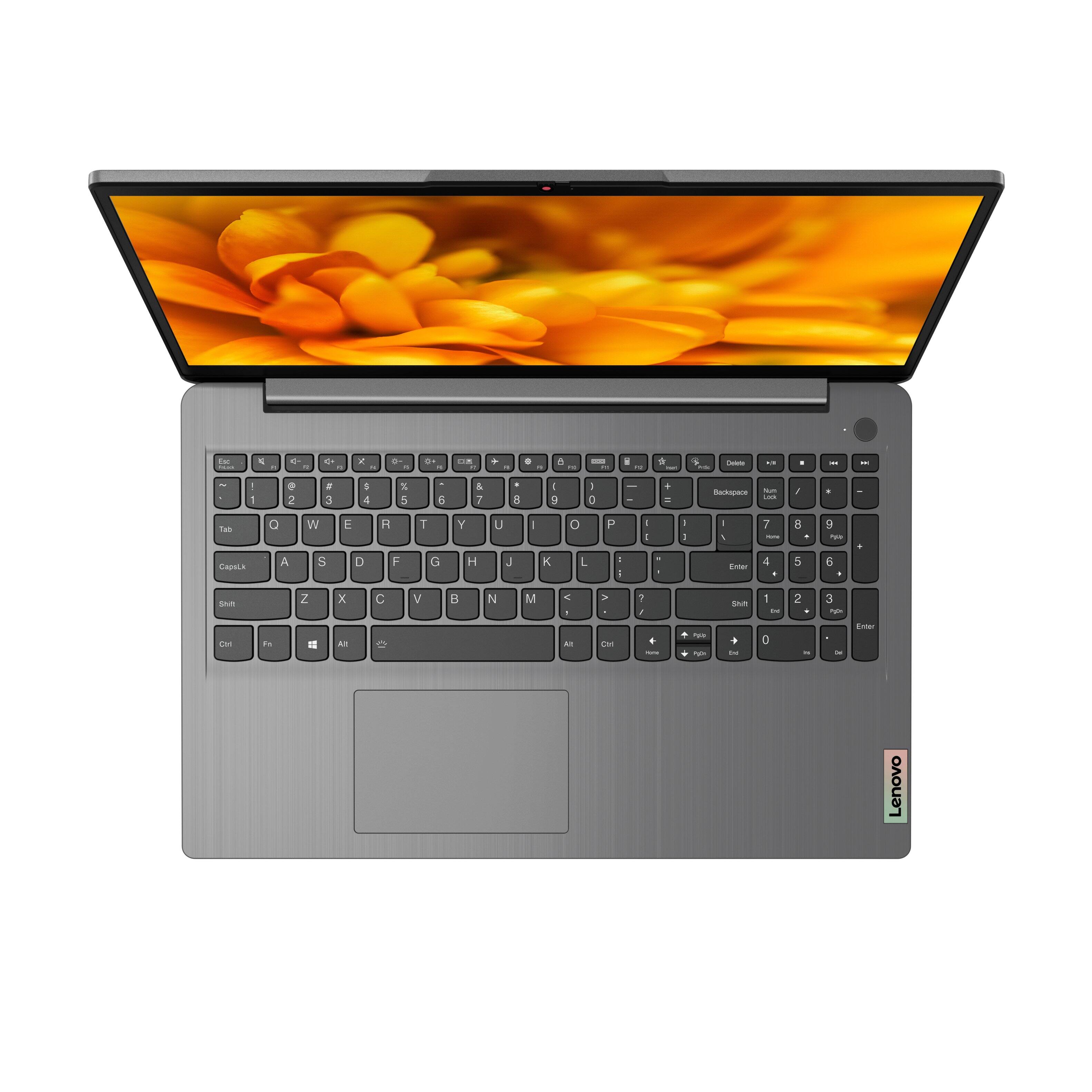

- Model:
- 82H801DQUS/82H8018SUS
- SKU:
- 6461977
Rating by feature
- Battery Life
Rating 4.4 out of 5 stars
- Speed
Rating 4.7 out of 5 stars
- Display
Rating 4.6 out of 5 stars
Customers are saying
Customers have good things to say about the Lenovo Ideapad 3's touch screen, price, weight, and ease of use. They appreciate the responsiveness of the touch screen, affordability, portability, and user-friendly interface. However, some customers have concerns about the battery life, limited storage, and gaming capabilities. Additionally, a few users mentioned that the power button felt cheap and that it took some time to get used to Windows 11.
This summary was generated by AI based on customer reviews.
- Pros mentioned:Price, Touch screenCons mentioned:Gaming
A Great Laptop for Average Needs
||Posted . Owned for 2 weeks when reviewed.This reviewer received promo considerations or sweepstakes entry for writing a review.Fantastic everyday laptop, very light very affordable for the quality, and incredibly simple and practical. The fingerprint sensor works incredibly well, keyboard in incredibly comfortable to use and the touch screen in as responsive as should be expected. Though, this is certainly not a gaming laptop it actually handles relatively modern or low requirement games incredibly well. Frankly, this computer fits any everyday need you can throw at it with ease and is a fantastic purchase
I would recommend this to a friendBrand response from Lenovo Product Expert
Posted .Thank you for choosing the Lenovo IdeaPad 3 15 Laptop. We are pleased to hear that the features and performance of the IdeaPad 3 15 meets your computing needs so well. We always recommend you check the requirements and compatibility of any software/games you will be installing on your new computer, before you invest in any computer. Be sure your new computer can support the software/games you will need to use.

- Pros mentioned:Price
Lenovo Ideapad 15.6"
||Posted . Owned for 1 year when reviewed.This reviewer received promo considerations or sweepstakes entry for writing a review.Absolutely LOVE Lenovo's and this laptop is one of the best I've had. Performance is top notch as well. Great quality for the best price.
I would recommend this to a friend - Pros mentioned:Price, Touch screen
Perfect for what I needed
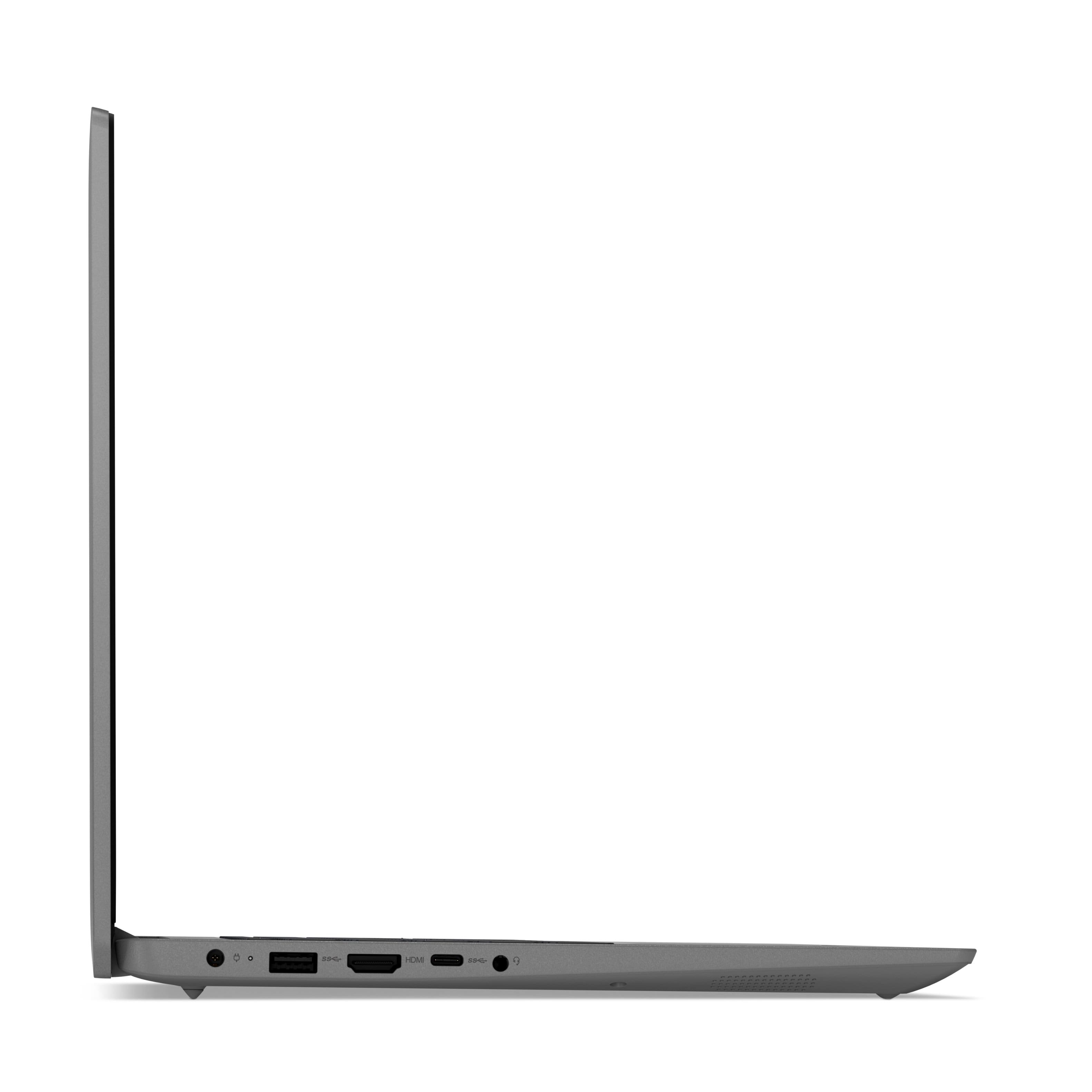
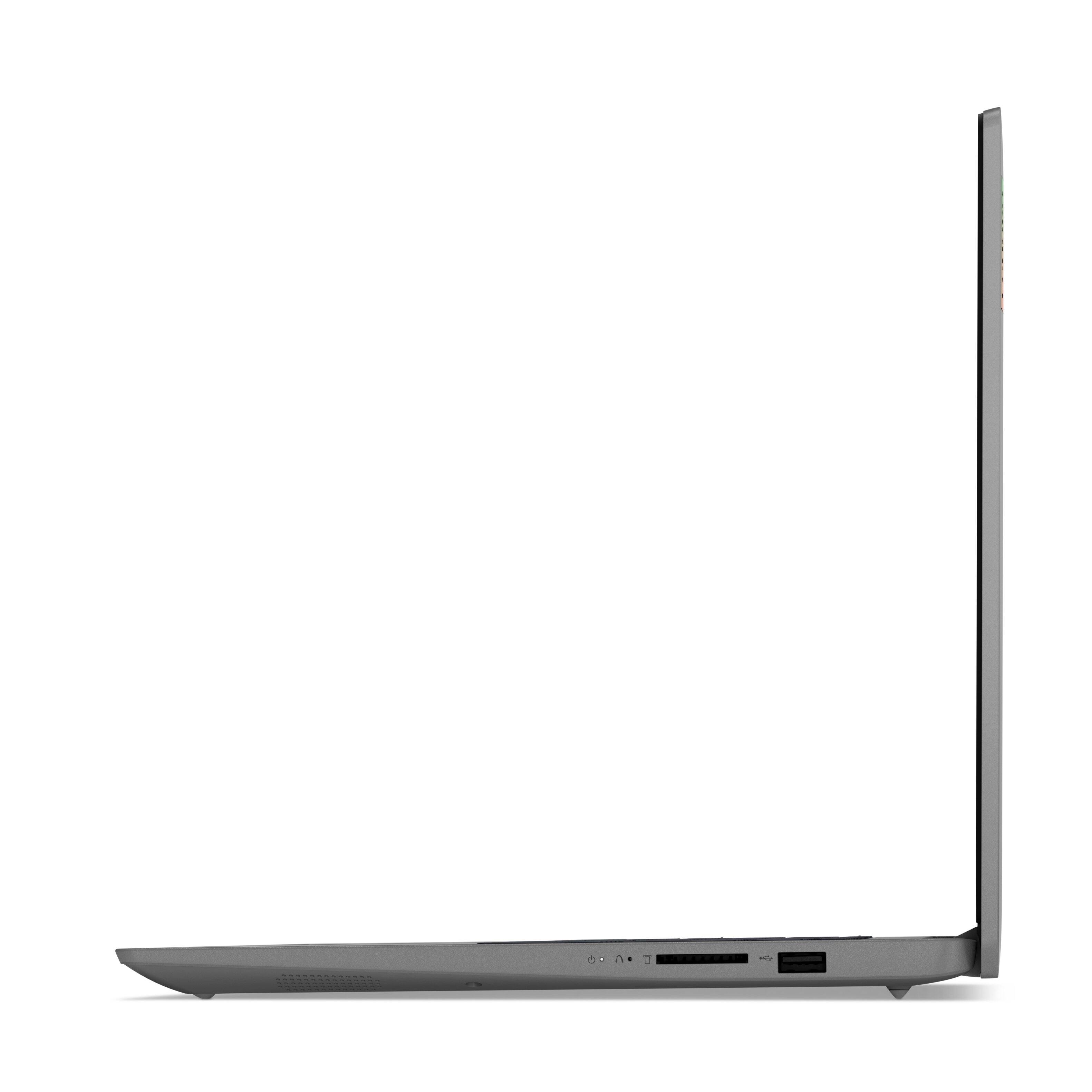
||Posted . Owned for 2 weeks when reviewed.This reviewer received promo considerations or sweepstakes entry for writing a review.I'm not a gamer so I don't need any of these laptops costing 2k or more and have never cared for over priced Apple products. I needed a personal laptop that I can use for web browsing, word, excel, powerpoint, adobe, and occasional streaming. This laptop performs all these perfectly at an amazing price. Thanks to my Pixel 6, I have an adapter for the USB-C port to use it as a 3rd USB-A port when needed but for 95% of the time, I only need two so this is not an issue for me. I love the touchscreen while web browsing and the number pad is a great addition when working with pins and typing numbers. The number pad is a little condensed so it doesn't take up too much space but big enough that you don't hit multiple numbers accidently. The power button is also a fingerprint reader which is a surprisingly awesome feature. The the lighted keyboard is excellent when working in low light and the battery life has exceeded my expectations. I've been able to go over 5 hours with 25% still remaining. The SSD hard drive is great for fast boot ups and pulling up large files however if there is a weakness for this laptop, this is it. I get around this issue by using my 4TB external hard drive so I only transferred my music and more current/used files to the laptop from my old laptop and keep everything else on the external drive. One final pro item I have is Lenovo didn't load this up with a bunch of pre-installed junk programs (still has a few though). I always hated have how much other manufacturers (I've owned HPs and ASUS previously) put on there computers wasting a lot of your hard drive before you even get it.
I would recommend this to a friendBrand response from Lenovo Product Expert
Posted .Thank you for choosing the Lenovo IdeaPad 3 15.6in. FHD Touch Screen Laptop. We are very pleased to hear that the specifications and features of the Lenovo IdeaPad 3 15.6in. meet your computing needs so well.
- Pros mentioned:Touch screen
A Year of Joy with Lenovo Ideapad 3!
||Posted . Owned for 1.5 years when reviewed.This reviewer received promo considerations or sweepstakes entry for writing a review.For the past year, the Lenovo Ideapad 3 15.6" FHD Touch Screen Laptop has been my trusted companion. It's been a joy to use, whether I'm catching up on work, streaming my favorite shows, or staying connected with friends and family. The touchscreen display adds a fun and intuitive element to navigation, and its sleek design makes it easy to take anywhere. Highly recommend for anyone looking for a reliable and versatile laptop!
I would recommend this to a friend - Pros mentioned:Touch screenCons mentioned:Battery life
Great Laptop - fast draining battery.
||Posted . Owned for 2 weeks when reviewed.This reviewer received promo considerations or sweepstakes entry for writing a review.I got this laptop for my small business. I like how sleek, lightweight and sufficient size screen is. I switched from dell inspiron - 17' and very heavy laptop. So totally loving a lightweigth product with perfect screen size for any spreadsheet work. Love the touchscreen option for ease of use. However, the battery is lasting only 2.5 hours. The support team says it should last upto 7 hours. but mine is draining a lot faster. I followed all the instruction from the previous other review messages. My main usage is one file explorer, edge, and excel - spreadsheet. If this draining problem continues, I might return the product as the battery performance will keep on going down. Otherwise, everything else looks fine. Love the color as well.
No, I would not recommend this to a friendBrand response from Lenovo Product Expert
Posted .Thank you for choosing the Lenovo IdeaPad 3 15 Laptop, model number 82H801DQUS. This model ships with a Integrated 45Wh, Lithium-Polymer Battery, which within this configuration, has a battery life of up to 7 hours, depending on the work the device is performing. If you are getting substantially less battery life, first, set your screen brightness at less than 100-percent - try 80-percent to start with. Then, be sure Battery conservation Mode is turned off. This power management setting should only be used when the laptop is plugged in all the time. It will prolong overall battery life by only charging the battery to 60-percent of capacity. Here is a link to instructions for turning off Battery Conservation Mode: https://support.lenovo.com/us/en/solutions/ht103159. Also check what programs are running in the background on the computer. Be sure only the programs you want running in the background are. These programs will drain the battery. Here is a link to information about how to find out what programs are running in the background on your Windows 10 computer and how to manage them for better system performance: https://www.windowscentral.com/how-prevent-apps-running-background-windows-10. Then, finally, be sure any software you installed is compatible with Windows 10. Incompatible software will drain the battery at a faster rate. There is no need to install Microsoft Office software. The software is already part of the operating system, you just need to activate the software with a purchased product key. If you have installed a copy of Microsoft Office, this is conflicting with the existing copy on the system and this will slow your system down. If you have installed a 3rd party anti-virus program, be sure that Windows Defender is turned off and that the trial version of McAfee Anti-Virus software is uninstalled. There can only be one anti-virus program on the system. You may need to restore your system to original factory default settings if any of the programming errors have occurred. You can do that by typing "restore" in the Cortana search window. Just click on the magnifying glass icon at the bottom left of your Windows 10 Desktop. Click on "Reset This PC" Then click on "Get Started" and follow the on screen directions to restore to factory defaults. If the problem persists, we recommend you contact Lenovo Tech Support at: 877-453-6686.
- Pros mentioned:Speed, Touch screen
I recommend this computer.
||Posted . Owned for 1 month when reviewed.This reviewer received promo considerations or sweepstakes entry for writing a review.This computer is not only nice looking, but it’s light enough that I can carry it in my bag without too much effort. I like the illuminated keyboard, the touch screen, and the bright colors. It works fast, as soon as everything that needs to be downloaded is done. I used to have a Mac, then before this one, I had a Dell, which I had for ten years, but I love my new Lenovo. I trust this brand because, before I retired from teaching, that’s the brand my school district used throughout the schools -they still do.
I would recommend this to a friendBrand response from Lenovo Product Expert
Posted .Thank you for choosing the Lenovo IdeaPad 3 15 Laptop. We are pleased to hear that the IdeaPad 3 15 meets your computing needs so well.
- Cons mentioned:Battery life
Good price, good laptop
||Posted . Owned for 1.5 years when reviewed.This reviewer received promo considerations or sweepstakes entry for writing a review.My recent Best Buy laptop purchase has proven to be a reliable productivity tool. Its sleek design and strong processing power make it great for work and leisure. The laptop's portability and quick multitasking are impressive. The sharp display enhances multimedia tasks. Although battery life could be better and the keyboard more tactile, it's a solid choice for a blend of performance and style.
I would recommend this to a friend - Pros mentioned:Price, Speed, Touch screen
Great product for price
||Posted . Owned for 1 month when reviewed.This reviewer received promo considerations or sweepstakes entry for writing a review.Good product for price point. Runs fast! Touch screen is great! Comes in Microsoft S Mode, which limits apps and browsers you can download. You can choose to turn off, however, it cannot be turned back to S mode. My only complaint is that I can’t get it to scroll up and down with the touch pad on keyboard, which I find to be an obvious oversight on design/use.
I would recommend this to a friendBrand response from Lenovo Product Expert
Posted .Thank you for choosing the Lenovo IdeaPad 3 15 laptop. Regarding the touchpad and the scrolling function, you can adjust the touchpad in your system settings. You can get there by clicking on the magnifying glass at the bottom of your Windows 11 screen. Type "touchpad" in the search window. Select "Mouse & touchpad settings" from the list of choices. You can make general adjustments to the touchpad there. You can also select "Additional mouse options" for more detailed adjustments to the touchpad sensitivity by increasing the delay of the touchpad. This model ships with Windows 11 S-Mode, 64-bit Operating System installed. Windows 11 S-Mode provides added security by only allowing APPs available ( and therefore certified by Microsoft) at the Microsoft Store. If you don't need the added security or you need to install APPs not available at the Microsoft Store, you can switch to standard Windows 11 Home 64-bit Operating System, at no additional cost. If you choose to switch out S-Mode for Windows 11 Home: Here is a link to instructions for switching from Windows 11 S-Mode to Windows 11 Home: https://support.microsoft.com/en-us/help/4456067/windows-10-switch-out-of-s-mode
- Pros mentioned:Price, SpeedCons mentioned:Battery life
Money worth it
||Posted . Owned for 2 weeks when reviewed.This reviewer received promo considerations or sweepstakes entry for writing a review.Got it for blackfriday, great deal, runs fast and has a good design and a good video resolution for the price. Only battery life is not that great.
I would recommend this to a friendBrand response from Lenovo Product Expert
Posted .Thank you for choosing the Lenovo IdeaPad 3 15 Laptop, model number 82H801DQUS. This model ships with a Integrated 45Wh, Lithium-Polymer Battery, which within this configuration, has a battery life of up to 7 hours depending on the work the device is performing. If you are getting substantially less battery life, first, set your screen brightness at less than 100-percent - try 80-percent to start with. Then, be sure Battery conservation Mode is turned off. This power management setting should only be used when the laptop is plugged in all the time. It will prolong overall battery life by only charging the battery to 60-percent of capacity. Here is a link to instructions for turning off Battery Conservation Mode: https://support.lenovo.com/us/en/solutions/ht103159. Also check what programs are running in the background on the computer. Be sure only the programs you want running in the background are. These programs will drain the battery. Here is a link to information about how to find out what programs are running in the background on your Windows 10 computer and how to manage them for better system performance: https://www.windowscentral.com/how-prevent-apps-running-background-windows-10. Then, finally, be sure any software you installed is compatible with Windows 10. Incompatible software will drain the battery at a faster rate. There is no need to install Microsoft Office software. The software is already part of the operating system, you just need to activate the software with a purchased product key. If you have installed a copy of Microsoft Office, this is conflicting with the existing copy on the system and this will slow your system down. If you have installed a 3rd party anti-virus program, be sure that Windows Defender is turned off and that the trial version of McAfee Anti-Virus software is uninstalled. There can only be one anti-virus program on the system. You may need to restore your system to original factory default settings if any of the programming errors have occurred. You can do that by typing "restore" in the Cortana search window. Just click on the magnifying glass icon at the bottom left of your Windows 10 Desktop. Click on "Reset This PC" Then click on "Get Started" and follow the on screen directions to restore to factory defaults. If the problem persists, we recommend you contact Lenovo Tech Support at: 877-453-6686.
- Pros mentioned:Light weight, Touch screen
Great laptop for school
||Posted . Owned for 1 month when reviewed.This reviewer received promo considerations or sweepstakes entry for writing a review.Great laptop. I mostly use it to complete assignments for school. The touchscreen makes it easy to scroll when working from bed. I love that the keyboard also has room for the 10 key, and is backlight. Performance is good, as are the graphics. It is also lightweight.
I would recommend this to a friendBrand response from Lenovo Product Expert
Posted .Thank you for choosing the Lenovo IdeaPad 3 15 FHD Touch Screen Laptop. We are very pleased to see that the specifications and features of the Lenovo IdeaPad 3 15 FHD Touch Screen Laptop meet your computing needs so well.
- Pros mentioned:PriceCons mentioned:Storage
Mg
||Posted . Owned for 1 year when reviewed.This reviewer received promo considerations or sweepstakes entry for writing a review.It works fine!! Needs more capacity! Great price!!
I would recommend this to a friend - Pros mentioned:Touch screenCons mentioned:Battery life
An okay product
||Posted . Owned for more than 2 years when reviewed.This reviewer received promo considerations or sweepstakes entry for writing a review.A decent product. I really like the keyboard and how big the screen is. I’m not sure if mine came out wonky but the battery life is horrible on this thing. As a student this isn’t great because i constantly have to find an outlet when I’m at school.
I would recommend this to a friend - Pros mentioned:Touch screen
Solid Computer
||Posted . Owned for 1 year when reviewed.This reviewer received promo considerations or sweepstakes entry for writing a review.Pretty good computer for the money. I've always been an HP person, but glad i went with Lenovo this time. It has eveything I wanted in a laptop for half the price of the one I was looking at. My favorite part is the backlit keyboard as I work a lot at night. Only con is the Touchscreen has a tendency to stop working from time to time, which can be frustrating.
I would recommend this to a friend - Pros mentioned:Touch screen
Lenovo Laptop
||Posted . Owned for more than 2 years when reviewed.This reviewer received promo considerations or sweepstakes entry for writing a review.Great laptop for that student ballin on a budget. Touch screen allows for ease of scrolling and zooming with out the need of a mouse. Not a gaming computer but could run LoL if needed.
I would recommend this to a friend - Pros mentioned:SpeedCons mentioned:Gaming
Dollar for dollar it's great
||Posted . Owned for 2 weeks when reviewed.This reviewer received promo considerations or sweepstakes entry for writing a review.This is a great work computer Great specs at the price point Dollar for dollar it's a good one Has a SSD drive which means fast bootup And fast navigation on program If for some reason you wanna play games it will not do well at all it's not for games, but work
I would recommend this to a friendBrand response from Lenovo Product Expert
Posted .Thank you for choosing the Lenovo IdeaPad 3 15 laptop. We are pleased to hear that the value and performance of the IdeaPad 3 15 meets your computing needs so well. We always recommend you check the requirements and compatibility of any software/games you will be installing on your new computer, before you invest in any computer. Be sure your new computer can support the software/games you will need to use.
- Pros mentioned:Price, Speed
Recommended
||Posted . Owned for 1.5 years when reviewed.This reviewer received promo considerations or sweepstakes entry for writing a review.Very good laptop very fair price. Smooth and fast.
I would recommend this to a friend - Pros mentioned:Light weight, Speed
Good buy
||Posted . Owned for 1 year when reviewed.This reviewer received promo considerations or sweepstakes entry for writing a review.Love it. fast, light weight, easy to carry in bag i bought for it.
I would recommend this to a friend Love this laptop so much
||Posted . Owned for 1 year when reviewed.This reviewer received promo considerations or sweepstakes entry for writing a review.This Laptop has been amazing and i love it. I have had do much easy knowing that i will be abke to use this device to complete my tasks. I would recommend everyone whose looking to buy a conputer than can handle all types of work with ease to buy this conputer
I would recommend this to a friend- Pros mentioned:Light weight, Price, Touch screen
Awesome laptop
||Posted .This reviewer received promo considerations or sweepstakes entry for writing a review.Not only was this on sale but it has great specs, lightweight and what i truly wanted....a touchscreen. Also has a great image display as well.
I would recommend this to a friendBrand response from Lenovo Product Expert
Posted .Thank you for choosing the Lenovo IdeaPad 3 15 Laptop. We are pleased to hear that the value, features and performance of the IdeaPad 3 15 meets your computing needs so well.
- Pros mentioned:Touch screen
Laptop
||Posted . Owned for more than 2 years when reviewed.This reviewer received promo considerations or sweepstakes entry for writing a review.I love it this is the second one I purchased exactly the same for some reason the first one went black and didn’t work anymore
I would recommend this to a friend