Customer Ratings & Reviews
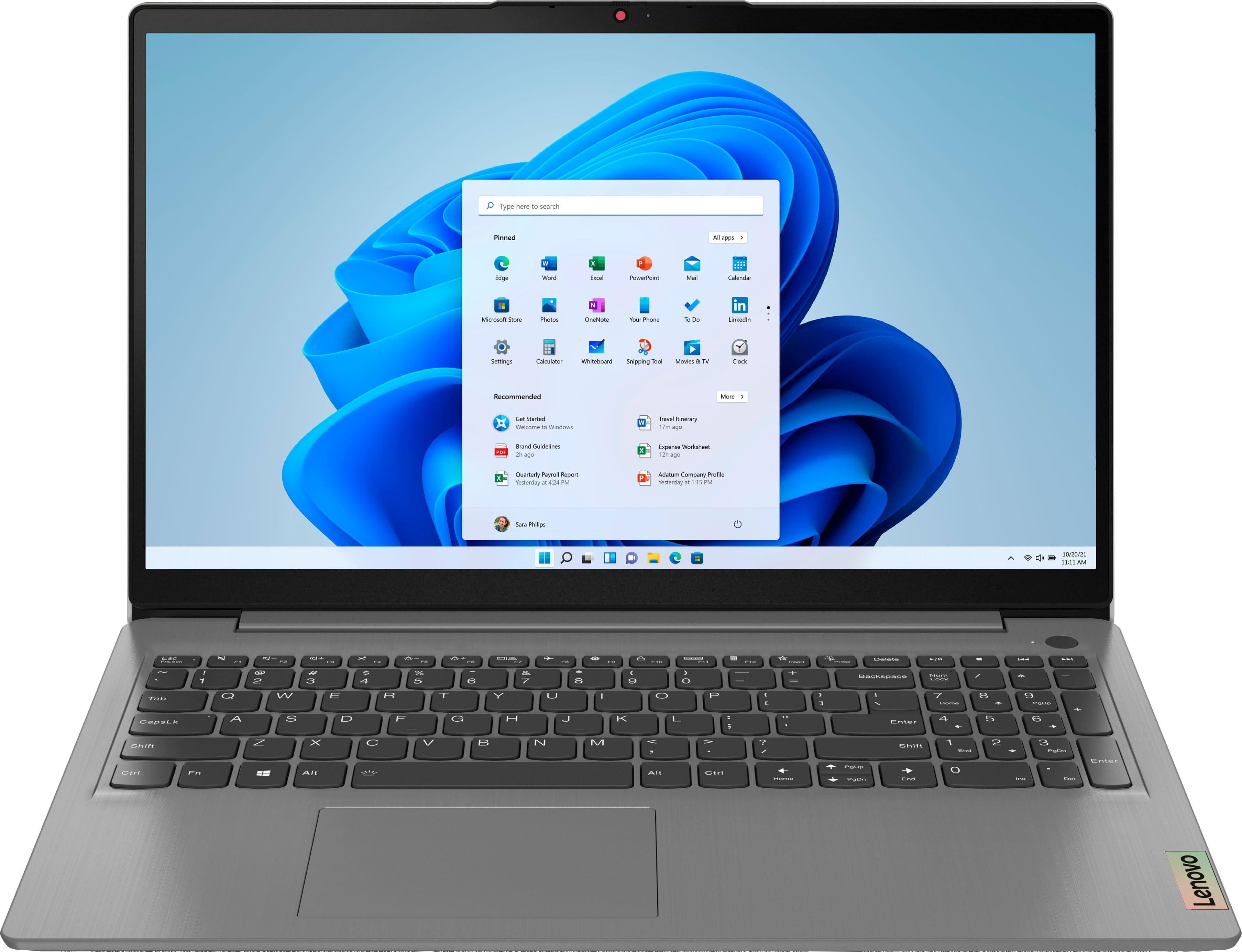
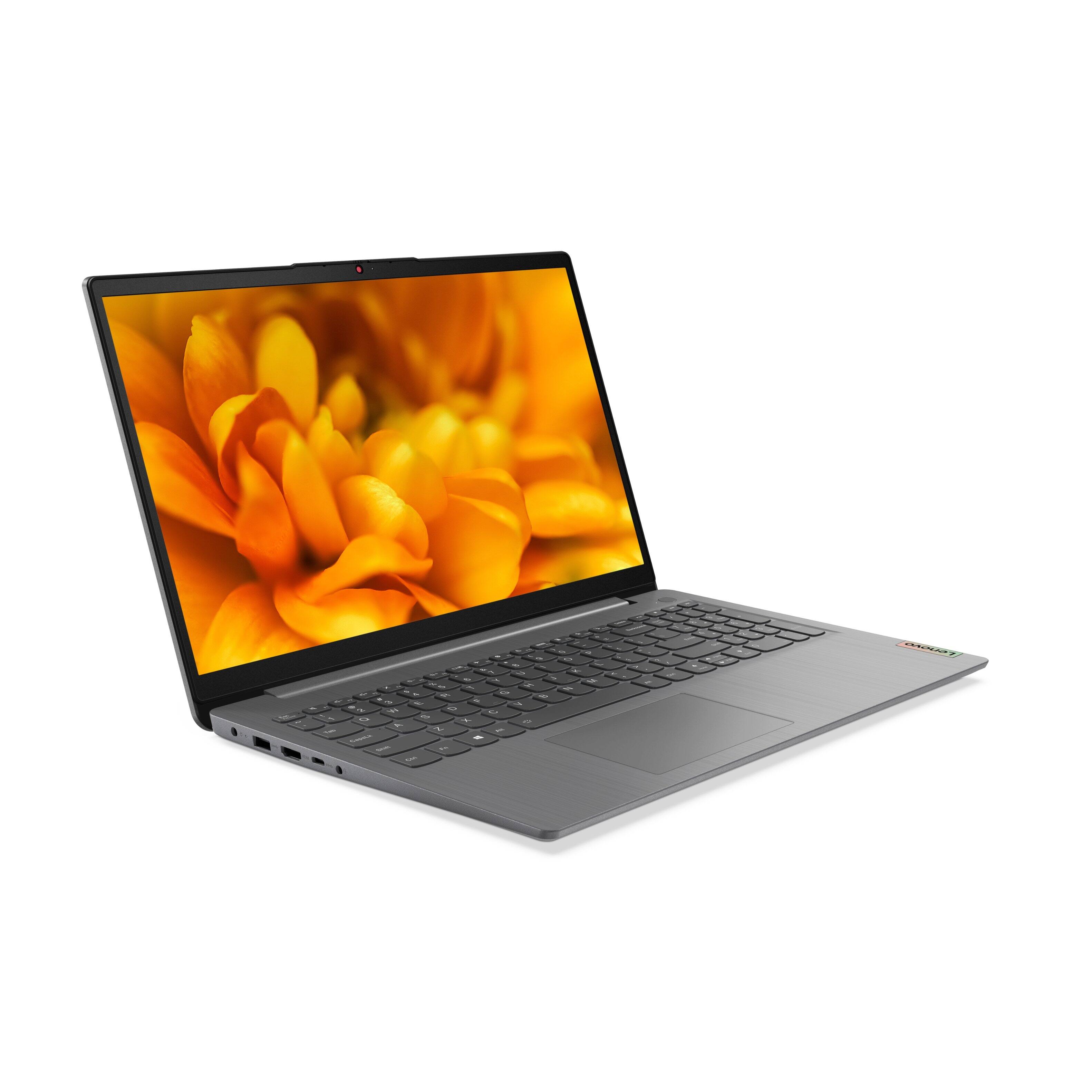
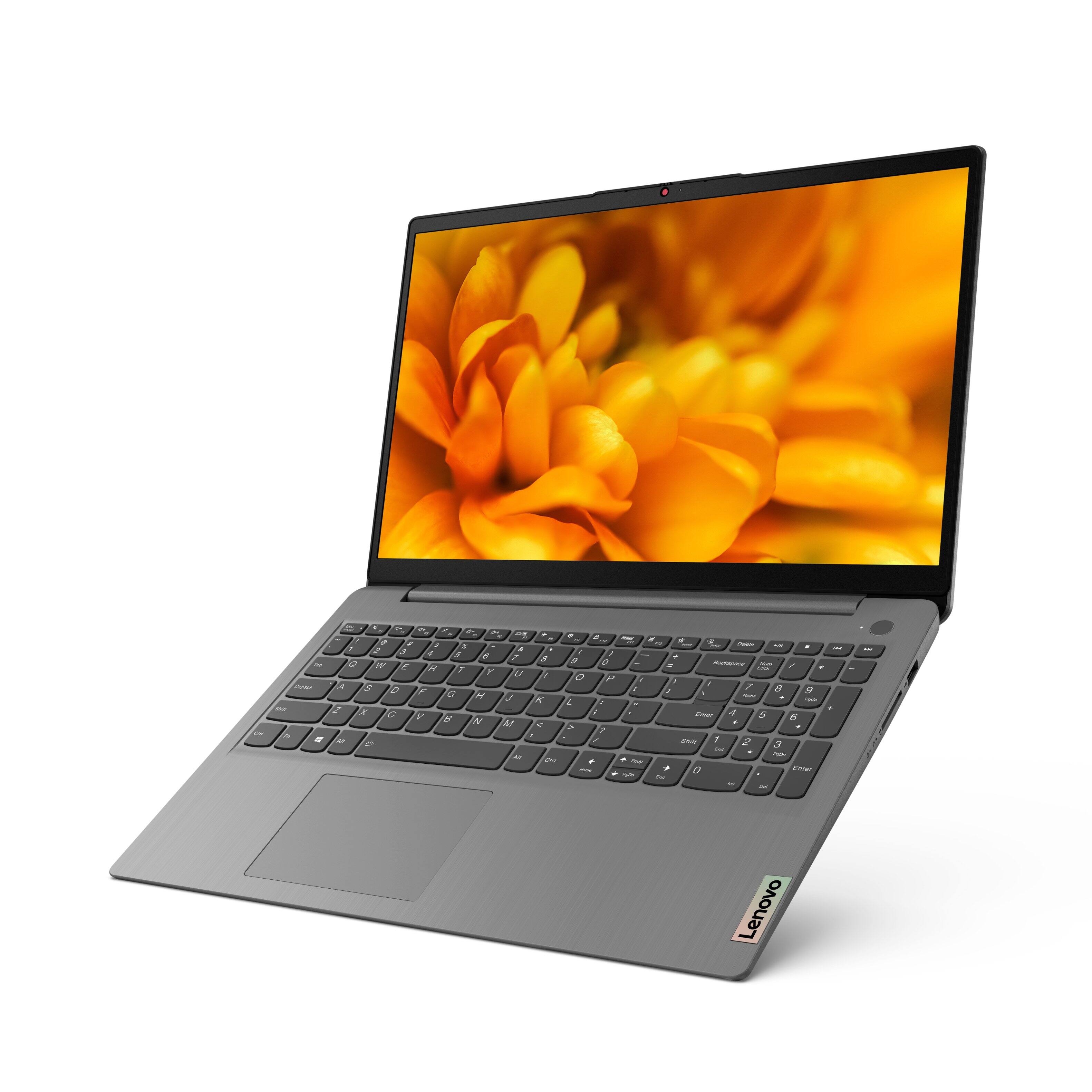

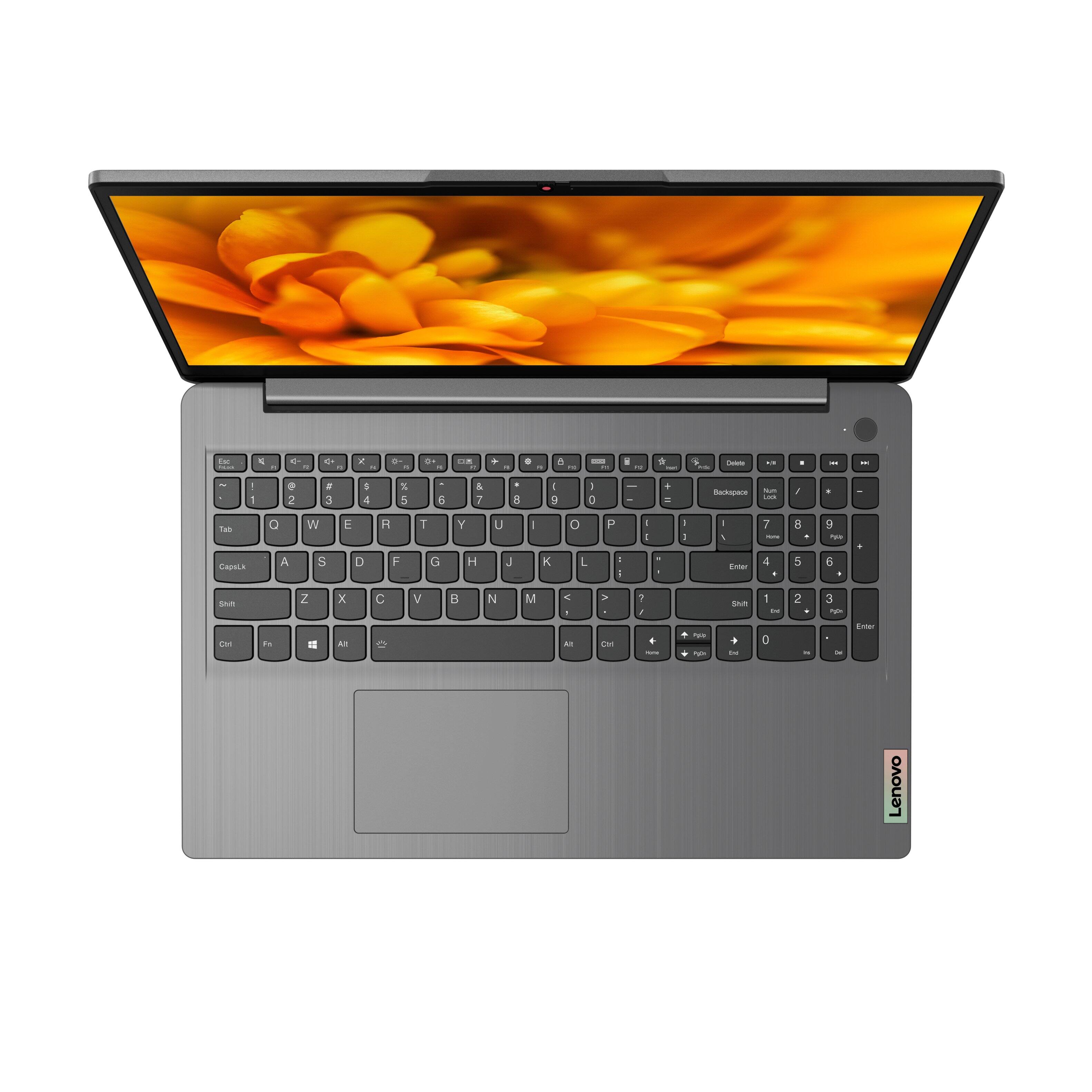

- Model:
- 82H801DQUS/82H8018SUS
- SKU:
- 6461977
Rating by feature
- Battery Life
Rating 4.4 out of 5 stars
- Speed
Rating 4.7 out of 5 stars
- Display
Rating 4.6 out of 5 stars
Customers are saying
Customers have good things to say about the Lenovo Ideapad 3's touch screen, price, weight, and ease of use. They appreciate the responsiveness of the touch screen, affordability, portability, and user-friendly interface. However, some customers have concerns about the battery life, limited storage, and gaming capabilities. Additionally, a few users mentioned that the power button felt cheap and that it took some time to get used to Windows 11.
This summary was generated by AI based on customer reviews.
- Pros mentioned:SpeedCons mentioned:Battery life
Lenovo Jlopez
||Posted . Owned for less than 1 week when reviewed.This reviewer received promo considerations or sweepstakes entry for writing a review.Excellent laptop for its price; it is very fast and efficient, and is very useful for everyday tasks. You can open several applications at once, and the computer stays fast. It has backlighting. It also has fingerprint sensor, but it is not mentioned in the features of this laptop, and it is strange, as this feature is a plus, and it works very well. The only bad thing I can say about this laptop is the battery life, as it doesn't last very long. However, this laptop charges very fast, which does not affect the experience or use of this laptop. I highly recommend it!
I would recommend this to a friendBrand response from Lenovo Product Expert
Posted .Thank you for choosing the Lenovo IdeaPad 3 15 laptop, model number 82H8018SUS. This model ships with a Integrated 45Wh, Lithium-Polymer Battery, which within this configuration, has a battery life of up to 7 hours, depending on the work the device is performing. If you are getting substantially less battery life, first, set your screen brightness at less than 100-percent - try 80-percent to start with. Then, be sure Battery conservation Mode is turned off. This power management setting should only be used when the laptop is plugged in all the time. It will prolong overall battery life by only charging the battery to 60-percent of capacity. Here is a link to instructions for turning off Battery Conservation Mode: https://support.lenovo.com/us/en/solutions/ht103159. Also check what programs are running in the background on the computer. Be sure only the programs you want running in the background are. These programs will drain the battery. Here is a link to information about how to find out what programs are running in the background on your Windows 10 computer and how to manage them for better system performance: https://www.windowscentral.com/how-prevent-apps-running-background-windows-10. Then, finally, be sure any software you installed is compatible with Windows 10. Incompatible software will drain the battery at a faster rate. There is no need to install Microsoft Office software. The software is already part of the operating system, you just need to activate the software with a purchased product key. If you have installed a copy of Microsoft Office, this is conflicting with the existing copy on the system and this will slow your system down. If you have installed a 3rd party anti-virus program, be sure that Windows Defender is turned off and that the trial version of McAfee Anti-Virus software is uninstalled. There can only be one anti-virus program on the system. You may need to restore your system to original factory default settings if any of the programming errors have occurred. You can do that by typing "restore" in the Cortana search window. Just click on the magnifying glass icon at the bottom left of your Windows 10 Desktop. Click on "Reset This PC" Then click on "Get Started" and follow the on screen directions to restore to factory defaults. If the problem persists, we recommend you contact Lenovo Tech Support at: 877-453-6686.

- Pros mentioned:Price
Highly recommend
||Posted . Owned for 1 year when reviewed.This reviewer received promo considerations or sweepstakes entry for writing a review.I bought this laptop for my teenage daughter. She has been using it almost two years and it’s still working perfectly. She absolutely loves it! Great laptop, great price!
I would recommend this to a friend - Pros mentioned:Speed
Does what I need it to do
||Posted . Owned for 10 months when reviewed.This reviewer received promo considerations or sweepstakes entry for writing a review.Needed an updated laptop, this one is great! Fast and lightweight. Works well for when I want to research my family tree or take it on the road. Does all I ask it to do. Great price too!
I would recommend this to a friend - Pros mentioned:Touch screenCons mentioned:Battery life
Black friday $429 purchase
||Posted . Owned for 3 weeks when reviewed.This reviewer received promo considerations or sweepstakes entry for writing a review.Ok what did i expect for $429? 1080p touchschreen with decent 300 nits brightness? Many laptops at this price have 768p screens with 200 nits 12gb of ram? 8gb is usially what you get Core i5 1135g7 latest intel generation for mobile Backlit full keyboard oh yes Plays pc games at low yo medium settings at full 1080p res The extra memory really helps Windows 11 s mode easily configed to win 11 home full mode Cons Battery life is not what i expected Material of build Overall this stands out as a solid budget laotop
I would recommend this to a friendBrand response from Lenovo Product Expert
Posted .Thank you for choosing the Lenovo IdeaPad 3 15 Laptop, model number 82H8018SUS. This model ships with a Integrated 45Wh, Lithium-Polymer Battery, which within this configuration, has a battery life of up to 7 hours, depending on the work the device is performing. If you are getting substantially less battery life, first, set your screen brightness at less than 100-percent - try 80-percent to start with. Then, be sure Battery conservation Mode is turned off. This power management setting should only be used when the laptop is plugged in all the time. It will prolong overall battery life by only charging the battery to 60-percent of capacity. Here is a link to instructions for turning off Battery Conservation Mode: https://support.lenovo.com/us/en/solutions/ht103159. Also check what programs are running in the background on the computer. Be sure only the programs you want running in the background are. These programs will drain the battery. Here is a link to information about how to find out what programs are running in the background on your Windows 10 computer and how to manage them for better system performance: https://www.windowscentral.com/how-prevent-apps-running-background-windows-10. Then, finally, be sure any software you installed is compatible with Windows 10. Incompatible software will drain the battery at a faster rate. There is no need to install Microsoft Office software. The software is already part of the operating system, you just need to activate the software with a purchased product key. If you have installed a copy of Microsoft Office, this is conflicting with the existing copy on the system and this will slow your system down. If you have installed a 3rd party anti-virus program, be sure that Windows Defender is turned off and that the trial version of McAfee Anti-Virus software is uninstalled. There can only be one anti-virus program on the system. You may need to restore your system to original factory default settings if any of the programming errors have occurred. You can do that by typing "restore" in the Cortana search window. Just click on the magnifying glass icon at the bottom left of your Windows 10 Desktop. Click on "Reset This PC" Then click on "Get Started" and follow the on screen directions to restore to factory defaults. If the problem persists, we recommend you contact Lenovo Tech Support at: 877-453-6686.
- Pros mentioned:Speed
Performance
||Posted . Owned for more than 2 years when reviewed.This reviewer received promo considerations or sweepstakes entry for writing a review.Great speed and batter life is amazing, My battery is almost 2 years od and still pretty good.
I would recommend this to a friend - Pros mentioned:Easy to use
GREAT LABTOP!!
||Posted . Owned for 1.5 years when reviewed.This reviewer received promo considerations or sweepstakes entry for writing a review.Bought this laptop from my daughter for Christmas. And she loves it works really easy. Real durable and long lasting does everything she needs.
I would recommend this to a friend - Pros mentioned:PriceCons mentioned:Battery life
Best buy
||Posted . Owned for 2 weeks when reviewed.This reviewer received promo considerations or sweepstakes entry for writing a review.I couldn't believe the specs and the price for this laptop. This is a great deal with all you get and I'm glad i got it. Easy upgrade from windows 10 to 11. It's quick for my purposes and i have cloud storage so capacity is not an issue for me. Main thing it has adequate RAM to handle the multitasking. Screen is vibrant. The price is the best feature. I would buy this again and I'm not saying this for the points, it's true. Only downside is the battery life which is not longer than 8-10 hours.
I would recommend this to a friendBrand response from Lenovo Product Expert
Posted .Thank you for choosing the Lenovo IdeaPad 3 15 Laptop. We are pleased to hear that the value, features and performance of the IdeaPad 3 15 meets your computing needs so well.
- Pros mentioned:Price
Getting it done
||Posted . Owned for more than 2 years when reviewed.This reviewer received promo considerations or sweepstakes entry for writing a review.Great laptop gets the job done at a great price would definitely recommend
I would recommend this to a friend - Pros mentioned:Touch screen
Highly recommended
||Posted . Owned for 1.5 years when reviewed.This reviewer received promo considerations or sweepstakes entry for writing a review.I love it, it has a fast processor. I love the touch screen. I have it since 2 years with heavy work and didn’t face any problem
I would recommend this to a friend - Pros mentioned:Speed
Satisfied
||Posted . Owned for 1 year when reviewed.This reviewer received promo considerations or sweepstakes entry for writing a review.I am satisfied with this computer. It does everything I need at a quick pace and is easy to move due to sleak, small size however the key board is just the right size.
I would recommend this to a friend Very Good Laptop
||Posted . Owned for 1 year when reviewed.This reviewer received promo considerations or sweepstakes entry for writing a review.Rough and tough laptop with very good performance, i gave this to my kid for studies and surprisingly i never got any complaints
I would recommend this to a friend- Pros mentioned:Speed
fast laptop
||Posted . Owned for more than 2 years when reviewed.This reviewer received promo considerations or sweepstakes entry for writing a review.The computer speed is good but some keys stopped working.
I would recommend this to a friend - Pros mentioned:Touch screen
Lenovo review
||Posted . Owned for more than 2 years when reviewed.This reviewer received promo considerations or sweepstakes entry for writing a review.Excellent laptop fast, beautiful screen, well built top quality
I would recommend this to a friend - Pros mentioned:Light weight
Laptop
||Posted . Owned for 1 year when reviewed.This reviewer received promo considerations or sweepstakes entry for writing a review.Best laptop ever, my only complaint is not having lights on the keys but it’s still such a great, lightweight laptop
I would recommend this to a friend - Pros mentioned:Speed
Highly recommend
||Posted . Owned for 11 months when reviewed.This reviewer received promo considerations or sweepstakes entry for writing a review.Very fast, awesome compared to Asus this is amazing! Super fast and keeps a charge for a long time before needing to be charged! Super happy!
I would recommend this to a friend - Pros mentioned:Price
Best Laptop
||Posted . Owned for more than 2 years when reviewed.This reviewer received promo considerations or sweepstakes entry for writing a review.Best laptop. Great features and affordable price. Great Performance
I would recommend this to a friend - Pros mentioned:Light weightCons mentioned:Battery life
I like it but I want to love it, but . . .
||Posted . Owned for less than 1 week when reviewed.This reviewer received promo considerations or sweepstakes entry for writing a review.The battery life is awful. Everything else is awesome. It's light, affordable, perfect for home office, school, etc., however, the battery drains like an alien is sucking the life out of it. I'm going to return it because I don't want a LT that I have to constantly charge--which is too bad because I really want to love this LT. :-(
No, I would not recommend this to a friendBrand response from Lenovo Product Expert
Posted .This Lenovo IdeaPad 3 15 Laptop, model number 82H801DQUS, ships with a Integrated 45Wh, Lithium-Polymer Battery, which within this model configuration, has a battery life of up to 7 hours, depending on the work the device is performing. If you are getting substantially less battery life, first, set your screen brightness at less than 100-percent - try 80-percent to start with. Then, be sure Battery conservation Mode is turned off. This power management setting should only be used when the laptop is plugged in all the time. It will prolong overall battery life by only charging the battery to 60-percent of capacity. Here is a link to instructions for turning off Battery Conservation Mode: https://support.lenovo.com/us/en/solutions/ht103159. Also check what programs are running in the background on the computer. Be sure only the programs you want running in the background are. These programs will drain the battery. Here is a link to information about how to find out what programs are running in the background on your Windows 10 computer and how to manage them for better system performance: https://www.windowscentral.com/how-prevent-apps-running-background-windows-10. Then, finally, be sure any software you installed is compatible with Windows 10. Incompatible software will drain the battery at a faster rate. There is no need to install Microsoft Office software. The software is already part of the operating system, you just need to activate the software with a purchased product key. If you have installed a copy of Microsoft Office, this is conflicting with the existing copy on the system and this will slow your system down. If you have installed a 3rd party anti-virus program, be sure that Windows Defender is turned off and that the trial version of McAfee Anti-Virus software is uninstalled. There can only be one anti-virus program on the system. You may need to restore your system to original factory default settings if any of the programming errors have occurred. You can do that by typing "restore" in the Cortana search window. Just click on the magnifying glass icon at the bottom left of your Windows 10 Desktop. Click on "Reset This PC" Then click on "Get Started" and follow the on screen directions to restore to factory defaults. If the problem persists, we recommend you contact Lenovo Tech Support at: 877-453-6686.
- Pros mentioned:Speed
Great for work
||Posted . Owned for more than 2 years when reviewed.This reviewer received promo considerations or sweepstakes entry for writing a review.Lasted me from 2021 to now, really good computer, works super fast, graphics were high
I would recommend this to a friend - Pros mentioned:Speed
Love it!
||Posted . Owned for more than 2 years when reviewed.This reviewer received promo considerations or sweepstakes entry for writing a review.This computer is amazing! It is fast enough to run my small catering business!
I would recommend this to a friend - Pros mentioned:Light weight, Price
Good Laptop for Price!
||Posted . Owned for 1 month when reviewed.This reviewer received promo considerations or sweepstakes entry for writing a review.I have had a laptop since 2011 that decided to stop working on me.. Just needed something that wouldn't be too expensive for basic computer needs, uploading/editing photos, etc. This lap top is very nice from the size, the weight, and functionality. It does everything I need in a lap top and I have been very happy with this purchase!
I would recommend this to a friendBrand response from Lenovo Product Expert
Posted .Thank you for choosing the Lenovo IdeaPad 3 15 Laptop. We are pleased to hear that the value and performance of the IdeaPad 3 15 meets your computing needs so well.