Customer Ratings & Reviews
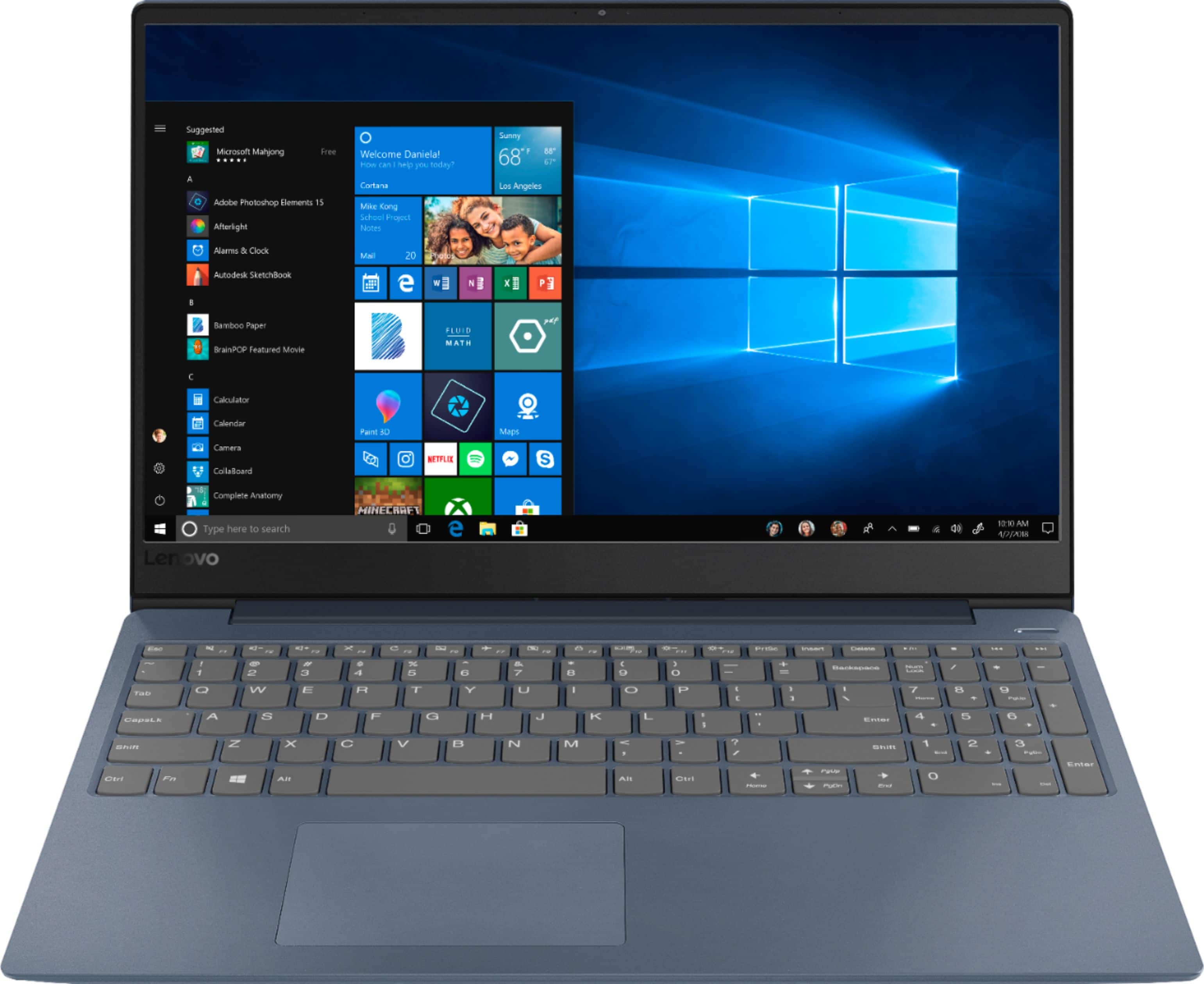
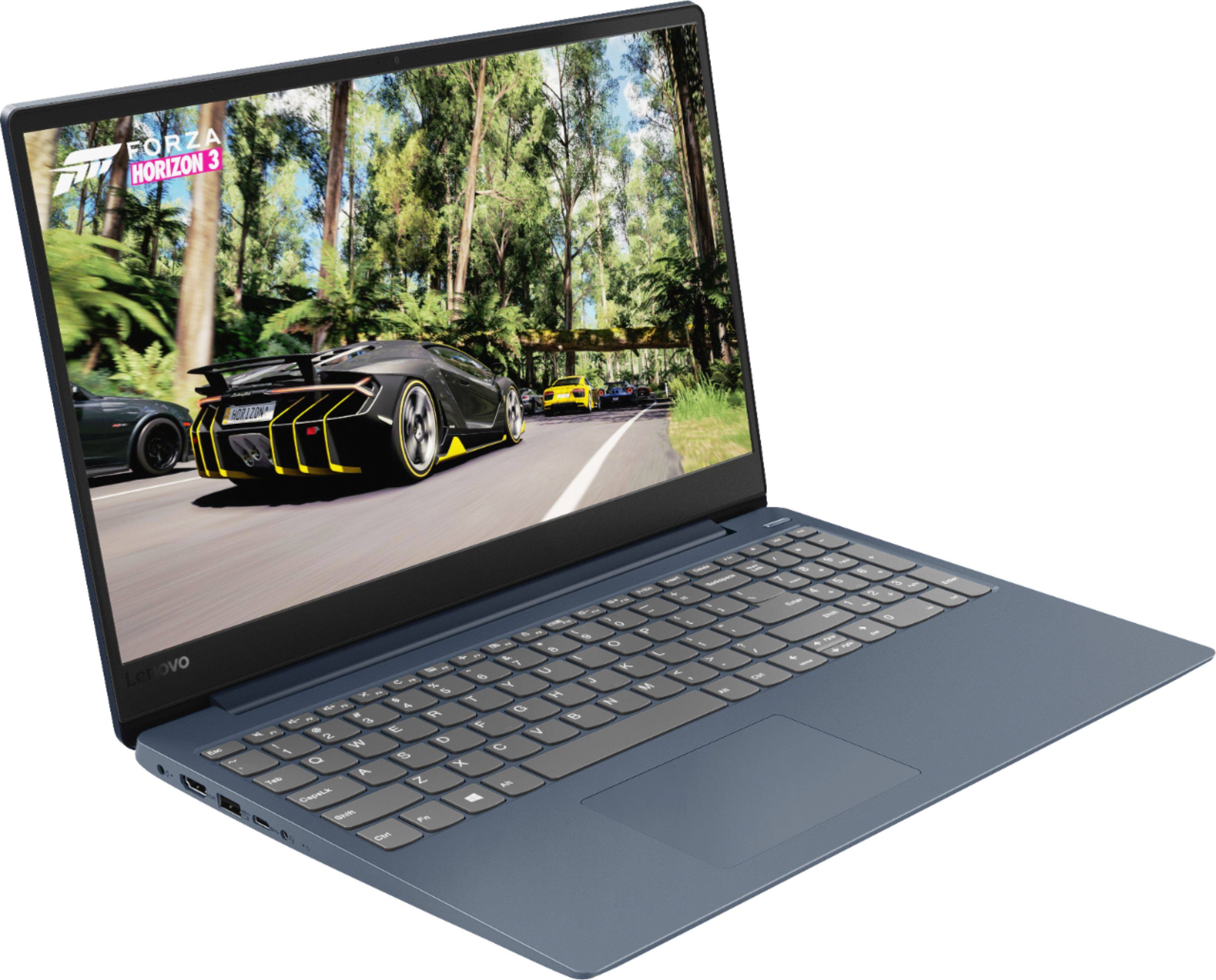
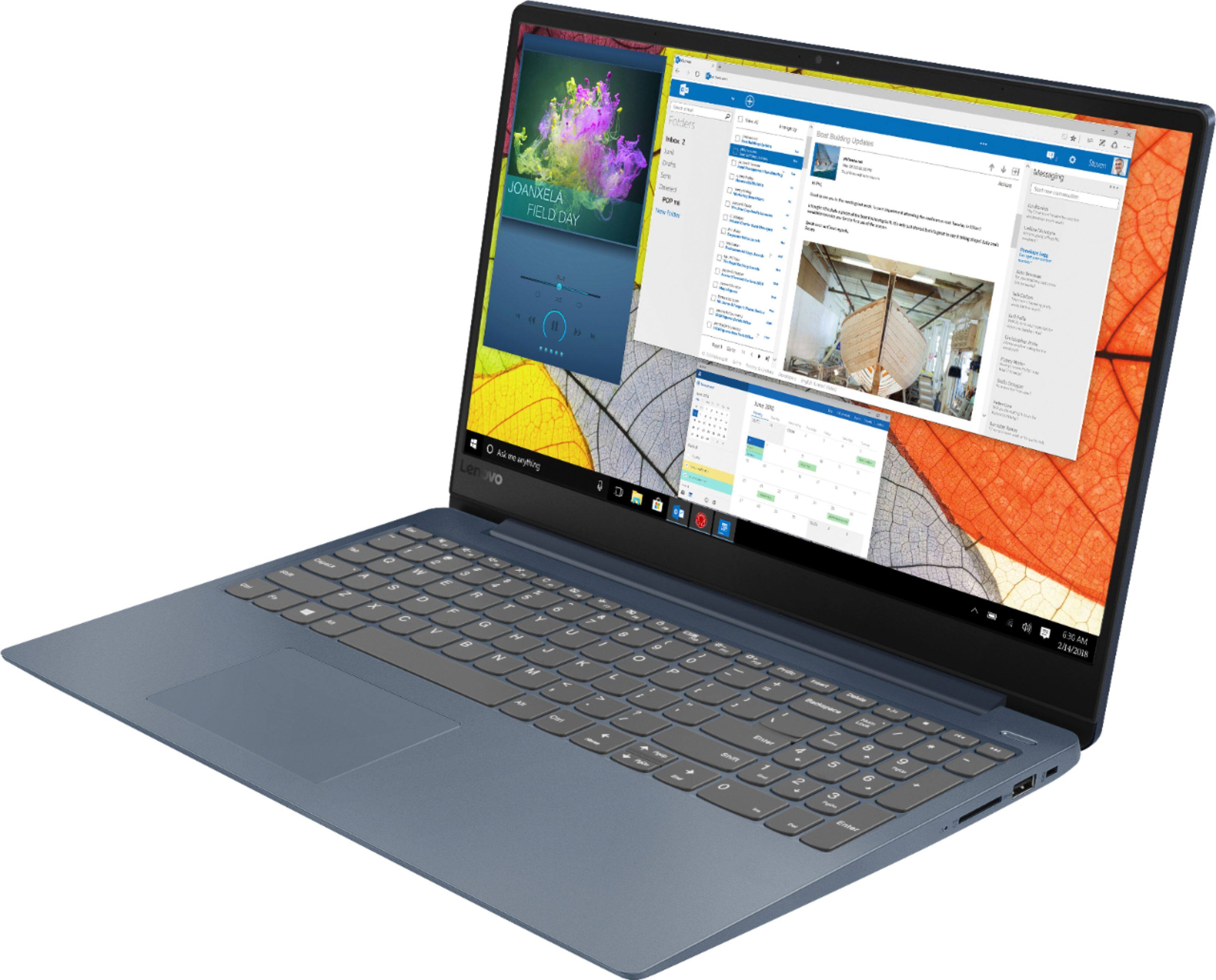
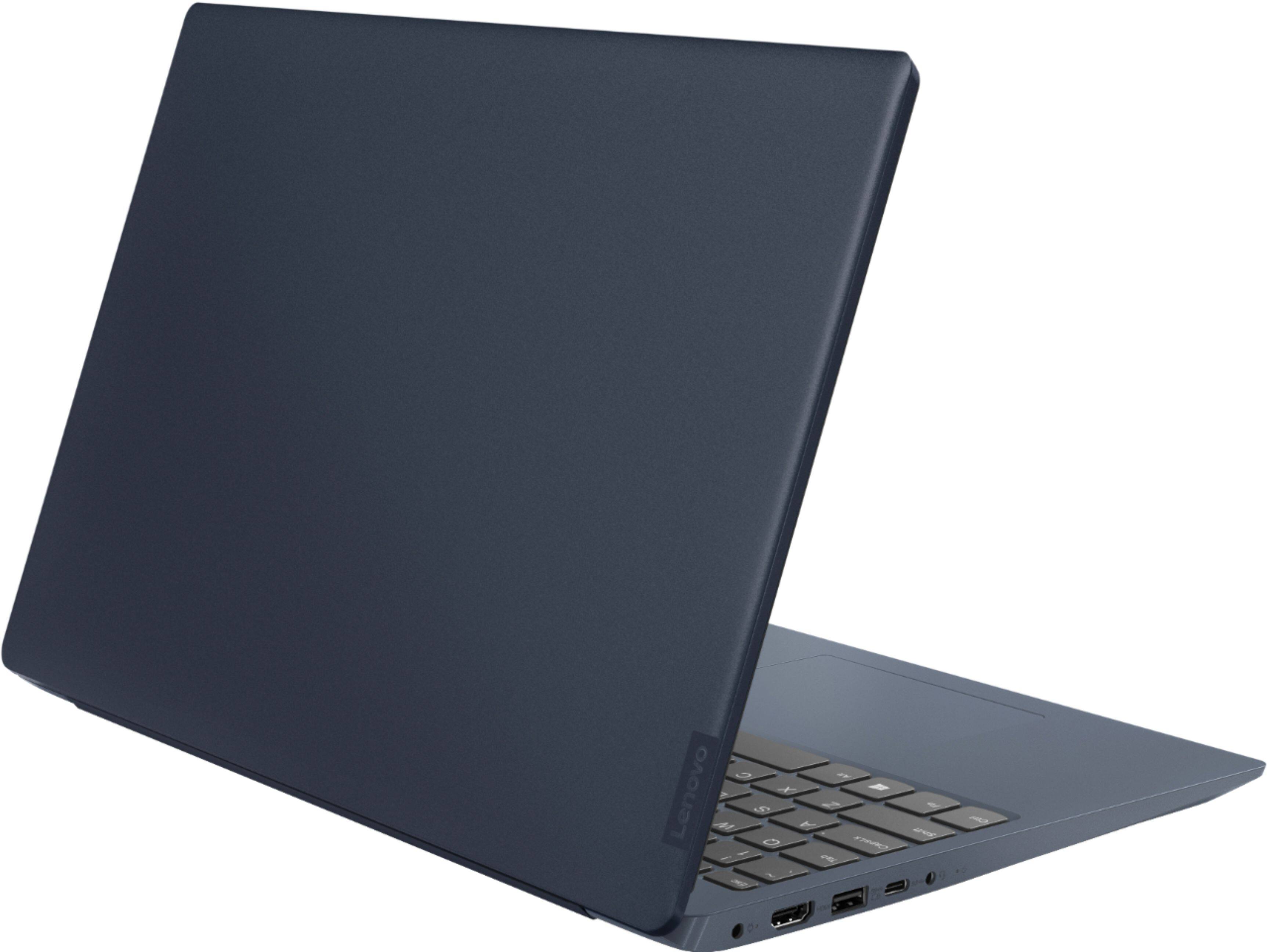

- Model:
- 81F5018EUS
- SKU:
- 6323662
Rating by feature
- Battery Life
Rating 4.1 out of 5 stars
- Speed
Rating 4.2 out of 5 stars
- Display
Rating 4.4 out of 5 stars
Customers are saying
Customers enjoy the IdeaPad 330S laptop for its budget-friendly price, user-friendly interface, and lightweight design. Many reviewers also praised its performance and overall design. However, some users expressed concerns about its battery life, limited storage capacity, and the number of USB ports.
This summary was generated by AI based on customer reviews.
- Pros mentioned:Price, Speed
Fast efficient laptop
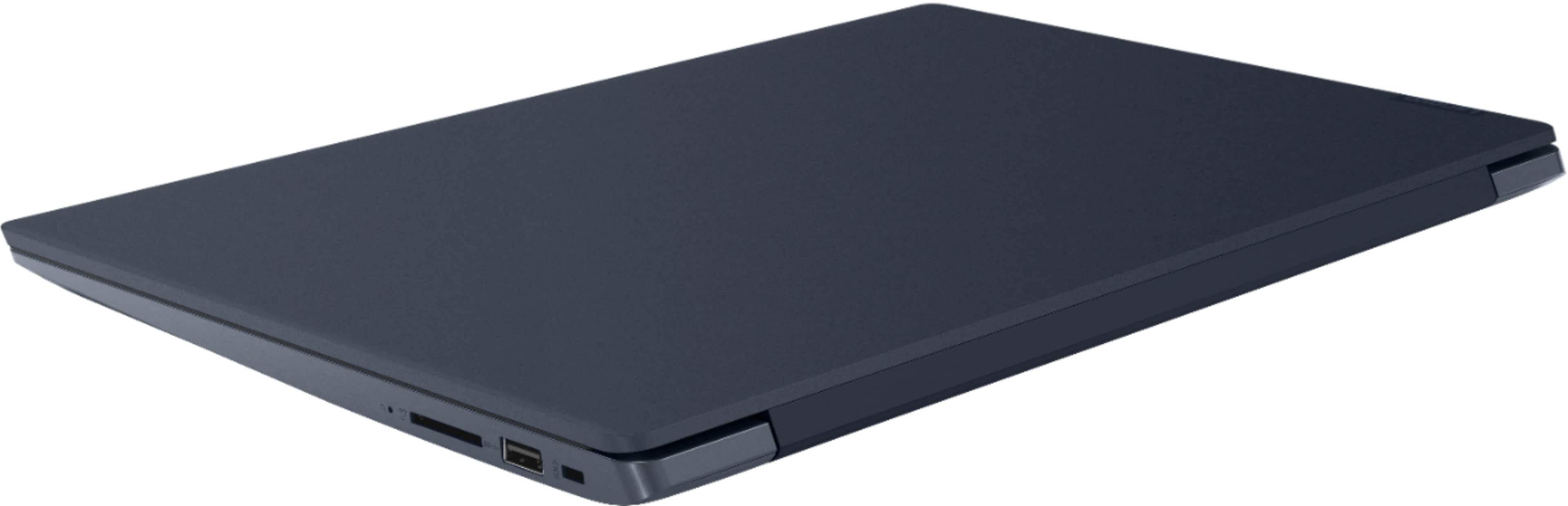
||Posted . Owned for 1 month when reviewed.This reviewer received promo considerations or sweepstakes entry for writing a review.I wanted something that would break the bank but that was a fast & efficient laptop for my son. The Lenovo brand was as it was described. The laptop is easy to use & it’s fast. The browser are use with windows and the mechanics of it are easy to use and navigate the internet. The style of it is smooth matte in metallic blue making it different, to son liked that. The keys are soft and easy to keyed in. The mouse it’s a bit harder not soft, for that you do have to use a little more force but it’s all good, due to the price and what I’m getting I’m very happy with it love the Lenovo brand it’s really easy to navigate.
I would recommend this to a friendBrand response from Lenovo Product Expert
Posted .Thank you for choosing the Lenovo IdeaPad 330S-15 laptop for your son. With regard to the touchpad, you can make adjustments to the touchpad in your system settings. You can get there by clicking on the magnifying glass at the bottom left of your Windows 10 screen. Type "touchpad" in the search window. Select "Mouse & touchpad settings" from the list of choices. You can make general adjustments to the touchpad there. You can also select "Additional mouse options" for more detailed adjustments to the touchpad sensitivity by increasing the delay of the touchpad.

Perfect for Business/Personal Use/Casual Gaming!
||Posted . Owned for 5 months when reviewed.This reviewer received promo considerations or sweepstakes entry for writing a review.I wasn't expecting or looking for much, just a good, reasonably quick laptop for writing and personal use, with the ability to handle some light gaming on the go. I didn't want to spend a ton on a laptop, because I have a gaming rig at home. So, a desktop is what I'll spend more money on when performance is a must, because it's more easily upgraded. That being said, this is pretty quick! The 8th gen i5 is a great midpoint if you're asking for everyday performance. I've run several newer games on it (I know, you're thinking about the storage. Gimme a sec, we'll get there), without any issue with the right settings. Not "hardcore" games that pretty much require a "gaming" machine, but still pretty demanding. Not bad at all! The display is bright and clear, and good for most of what you'd do at Starbuck's between places to be. That's the good parts. The less flattering? The storage is a bit small. At this price, the shortfall has to be somewhere, I just didn't want to sacrifice too much from the processor or RAM. For more, you can get a decent external drive or an SD card, depending on your needs. I opted for a WD My Passport external that fits right in my laptop back for extra storage and games, saving the internal storage for things I need all the time. The finish is great, especially the lid being actual metal. It's a nice touch on a "cheap" laptop. The sound quality is as okay as you'll get from a laptop not boasting B&O or some other premium audio marque. But really? It's a laptop. The speakers are going to be small, they are going to be shallow (in dimension), and from my experience, the difference is expensive and the result is marginal. Get some nice headphones or speakers if you need better. Finally, battery life. It'll get you through a few hours, give or take, depending on your usage and settings. Usually, this is fine for me, because I'm never in one place too long, and if I am, there's probably an outlet I can use. It does charge pretty quickly, though. I've had no issues. Overall, if you just want something for business or casual use, this is great. I've been happy with it and have had no complaints about performance to speak of. I love the sleek, minimalist design!
I would recommend this to a friendBrand response from Lenovo Product Expert
Posted .Thank you for choosing the Lenovo IdeaPad 330s-15 laptop, model number 81F5018TUS. We are pleased to hear that the features and performance of the IdeaPad 330s-15 meets your computing needs so well. The Lenovo IdeaPad 330s-15 laptop, ships with the powerful Quad-Core/Eight-Thread Intel Core i5-8250U processor, supported by 8GB DDR4-2400MHz RAM. This Processor has a base speed of 1.6GHz and a Turbo Boost speed of up to 3.4GHz. The laptop has a IPS LCD w/LED Backlight (Anti-glare) screen, with a resolution of 1920 x 1080 (FHD) and a brightness level 250 nits. This configuration is good for many of today's most demanding programs, browsing the internet with multiple tabs open. This model ships with Windows 10 S-Mode Operating System. Windows 10 S-Mode provides added security by only allowing APPs available ( and therefore certified by Microsoft) at the Microsoft Store. If you don't need the added security or you need to install APPs not available at the Microsoft Store, you can switch to standard Windows 10 Home 64-bit Operating System, at no additional cost.
I mind blown away by this laptop
||Posted . Owned for less than 1 week when reviewed.This reviewer received promo considerations or sweepstakes entry for writing a review.I bought this laptop to replace my Hp laptop that was 8+ years old. I use my laptop mainly for online gaming and OMG my mind was blown away by this laptop from the first minute I used it to play games. Everything flows effortlessly and I am doing things online I could not do before with my old HP. I love the color of the laptop, very unique. The screen size is perfect and so it is the resolution. For the price, it is an amazing laptop and I keep telling that to all of my friends..even the ones in my online game. The only thing I did not like was the position of the charger on the left side. It kind of gets in the way
I would recommend this to a friendBrand response from Lenovo Product Expert
Posted .Thank you for choosing the Lenovo IdeaPad 330s-15 laptop, model number 81F5018EUS. We are pleased to hear that the features and performance of the IdeaPad 330s-15 meets your computing needs so well. This is a mid-level, moderate use configuration, with its Intel Core i3-8130U processor. This Dual-Core processor has a base speed of 2.2GHz and a boost speed of up to 3.4GHz. This configuration has 8GB of DDR4-2400MHz RAM. It is good with Microsoft Office type programs, internet browsing and other moderate work. This model ships with Windows 10 S-Mode Operating System. Windows 10 S-Mode provides added security by only allowing APPs available ( and therefore certified by Microsoft) at the Microsoft Store. If you don't need the added security or you need to install APPs not available at the Microsoft Store, you can switch to standard Windows 10 Home 64-bit Operating System, at no additional cost.
- Pros mentioned:Speed
A solid laptop for a reasonable price
||Posted . Owned for 2 months when reviewed.This reviewer received promo considerations or sweepstakes entry for writing a review.Its fast, reliable so far, and is really handling what I throw at it well.
I would recommend this to a friendBrand response from Lenovo Product Expert
Posted .Thank you for choosing the Lenovo IdeaPad 330S-15 laptop. We are pleased to hear that the performance of the IdeaPad 330S-15 meets your computing needs so well. The Lenovo IdeaPad 330s-15 ships with a powerful Quad-Core/Eight-Thread Intel Core i5-8250U processor, 8GB of DDR4-2400MHz RAM. This configuration has a 15.6" (measured diagonally) 1920 x 1080 (FHD) resolution screen, with a brightness level of 250 nits. This configuration can handle many of today's most demanding programs and is good with multi-tasking. This model ships with Windows 10 S-Mode Operating System. Windows 10 S-Mode provides added security by only allowing APPs available ( and therefore certified by Microsoft) at the Microsoft Store. If you don't need the added security or you need to install APPs not available at the Microsoft Store, you can switch to standard Windows 10 Home 64-bit Operating System, at no additional cost.
Easy to navigate
||Posted . Owned for 1 month when reviewed.This reviewer received promo considerations or sweepstakes entry for writing a review.The only thing missing is a touch screen but didn't feel the need for one. Took a few days not to reach up to touch the screen but am now used to it. Love it anyway. Would recommend it to anyone in need of a new PC.
I would recommend this to a friendBrand response from Lenovo Product Expert
Posted .Thank you for choosing the Lenovo IdeaPad 330s-15 laptop. We are pleased to hear that the features and performance of the IdeaPad 330s-15 laptop meets your computing needs so well. The Lenovo IdeaPad 330s-15 laptop, Model number 81F5018TUS ships with the powerful Quad-Core/Eight-Thread Intel Core i5-8250U processor, supported by 8GB DDR4-2400MHz RAM and a 128GB solid state hard drive. This Processor has a base speed of 1.6GHz and a Turbo Boost speed of up to 3.4GHz. The laptop has a IPS LCD w/LED Backlight (Anti-glare) screen, with a resolution of 1920 x 1080 (FHD) and a brightness level 250 nits. This configuration is good for many of today's most demanding programs, browsing the internet with multiple tabs open. If this describes your computing needs, the IdeaPad 330s-15 is a great choice.
Great Computer for everything
||Posted . Owned for 1 month when reviewed.This reviewer received promo considerations or sweepstakes entry for writing a review.I am enjoying my new Lenovo. I would recommend this computer to my friends.
I would recommend this to a friendBrand response from Lenovo Product Expert
Posted .Thank you for choosing the Lenovo IdeaPad 330S-15 laptop. We are pleased to hear that the IdeaPad 330S-15 meets your computing needs so well. This is a mid-level, moderate use configuration, with its Intel Core i3-8130U processor. This Dual-Core processor has a base speed of 2.2GHz and a boost speed of up to 3.4GHz. This configuration has 4GB of DDR4-2400MHz RAM and a 128GB solid state hard drive. It is good with Microsoft Office type programs, internet browsing and other moderate work. This model ships with Windows 10 S-Mode Operating System. Windows 10 S-Mode provides added security by only allowing APPs available ( and therefore certified by Microsoft) at the Microsoft Store. If you don't need the added security or you need to install APPs not available at the Microsoft Store, you can switch to standard Windows 10 Home 64-bit Operating System, at no additional cost.
Great laptop for my personal use.
||Posted .This reviewer received promo considerations or sweepstakes entry for writing a review.I like the speed and ease of signing on and doing what I have to do.
I would recommend this to a friendBrand response from Lenovo Product Expert
Posted .Thank you for choosing the Lenovo IdeaPad 330s-15 laptop. The Lenovo IdeaPad 330s-15 laptop, Model number 81F5018TUS ships with the powerful Quad-Core/Eight-Thread Intel Core i5-8250U processor, supported by 8GB DDR4-2400MHz RAM and a 128GB solid state hard drive. This Processor has a base speed of 1.6GHz and a Turbo Boost speed of up to 3.4GHz. The laptop has a IPS LCD w/LED Backlight (Anti-glare) screen, with a resolution of 1920 x 1080 (FHD) and a brightness level 250 nits. This configuration is good for many of today's most demanding programs, browsing the internet with multiple tabs open. This model ships with Windows 10 S-Mode Operating System. Windows 10 S-Mode provides added security by only allowing APPs available ( and therefore certified by Microsoft) at the Microsoft Store. If you don't need the added security or you need to install APPs not available at the Microsoft Store, you can switch to standard Windows 10 Home 64-bit Operating System, at no additional cost.
Gets the Job Done
||Posted . Owned for 8 months when reviewed.This reviewer received promo considerations or sweepstakes entry for writing a review.The only bad thing about this laptop is its loud. The fan/motor? I’m not certain but I exchanged it once and the second one was much better but still loud. Otherwise. The lap top works well. It remains cool, it’s light weight & it works great if only it was quieter!
No, I would not recommend this to a friendAwesoem
||Posted . Owned for 3 weeks when reviewed.This reviewer received promo considerations or sweepstakes entry for writing a review.i luv this it’s awesoem works perfectly and amazingly haah
I would recommend this to a friendBrand response from Lenovo Product Expert
Posted .Thank you for choosing the Lenovo IdeaPad 330s-15 laptop. This is a mid-level, moderate use configuration, with its Intel Core i3-8130U processor. This Dual-Core processor has a base speed of 2.2GHz and a boost speed of up to 3.4GHz. This configuration has 4GB of DDR4-2400MHz RAM and a 128GB solid state hard drive. It is good with Microsoft Office type programs, internet browsing and other moderate work. This model ships with Windows 10 S-Mode Operating System. Windows 10 S-Mode provides added security by only allowing APPs available ( and therefore certified by Microsoft) at the Microsoft Store. If you don't need the added security or you need to install APPs not available at the Microsoft Store, you can switch to standard Windows 10 Home 64-bit Operating System, at no additional cost.
- Cons mentioned:Storage
Good budget laptop
||Posted .This reviewer received promo considerations or sweepstakes entry for writing a review.Very solid all-around basic laptop. If you're looking for a web browsing or document processor, this will be a good choice. Just remember it only has a 128GB SSD so dont expect to do a lot of storage directly on it. Construction is solid and really hefty feeling. Metal plate on the backscreen, well spaced keyboard, and a much improved trackpad over previous models. (Had an ideapad 110 before this) For its purpose, the i3 + SSD really excels and everything feels snappy and responsive. It also has an unused ram and M.2 slot. I popped the 2GB DDR4-2133 out of my old ideapad and put it in this to give it 6GB of RAM. Using the M.2 for an SSD that holds the OS while using the SATA drive slot for a hard drive that has lots of storage would make this even better. On the downsides, there are a couple. First is the display its just okay, even for 1366x768. There was a HP i3 laptop right next to it in the store for $10 cheaper that had a much better 720p screen. The only reason I didnt buy it was because it had an older i3 than this one. Another is the up and down arrow keys are a weird design that makes pressing the wrong one very easy. But these are minor quips for a well-priced laptop that can be easily expanded to have more memory and storage.
I would recommend this to a friendBrand response from Lenovo Product Expert
Posted .Thank you for choosing the Lenovo IdeaPad 330s-15 laptop. Please keep in mind, this model is not user upgradable. A certified technician must do all of the work, so as to not void the warranty. This model ships with a LCD w/LED Backlight (Anti-glare) screen with a resolution of 1366 X 768 (HD) and a brightness level of 220 nits. This is a mid-level, moderate use configuration, with its Intel Core i3-8130U processor. This Dual-Core processor has a base speed of 2.2GHz and a boost speed of up to 3.4GHz. This configuration has 4GB of DDR4-2400MHz RAM and a 128GB solid state hard drive. It is good with Microsoft Office type programs, internet browsing and other moderate work. This model ships with Windows 10 S-Mode Operating System. Windows 10 S-Mode provides added security by only allowing APPs available ( and therefore certified by Microsoft) at the Microsoft Store. If you don't need the added security or you need to install APPs not available at the Microsoft Store, you can switch to standard Windows 10 Home 64-bit Operating System, at no additional cost.
- Pros mentioned:Light weight, Price, Speed
No Way!!!
||Posted . Owned for 3 weeks when reviewed.This reviewer received promo considerations or sweepstakes entry for writing a review.When my laptop recently died i headed straight to Best Buy for a replacement. After looking over every one within my price range I kept coming back to this one for two reasons: the SSD and the size, It weighs less than my old one, is smaller, faster, and, for the price cant be beat. I'd highly recommend this laptop.
I would recommend this to a friendBrand response from Lenovo Product Expert
Posted .Thank you for choosing the Lenovo IdeaPad 330s-15 laptop. We are p[leased to hear that the value, features and performance of the IdeaPad 330s-15 meets your computing needs so well. This is a mid-level, moderate use configuration, with its Intel Core i3-8130U processor. This Dual-Core processor has a base speed of 2.2GHz and a boost speed of up to 3.4GHz. This configuration has 4GB of DDR4-2400MHz RAM and a 128GB solid state hard drive. It is good with Microsoft Office type programs, internet browsing and other moderate work. This model ships with Windows 10 S-Mode Operating System. Windows 10 S-Mode provides added security by only allowing APPs available ( and therefore certified by Microsoft) at the Microsoft Store. If you don't need the added security or you need to install APPs not available at the Microsoft Store, you can switch to standard Windows 10 Home 64-bit Operating System, at no additional cost.
- Pros mentioned:PriceCons mentioned:Battery life
Decent laptop for basic needs
||Posted . Owned for 2 weeks when reviewed.This reviewer received promo considerations or sweepstakes entry for writing a review.Needed a laptop for school. Was trying to keep the cost down since I just use my phone or tablet for everything else. Didn't feel the need to spend a lot so this one was priced right and had plenty of features to get by. Haven't run into any issue with what I need for web, papers, pdf's, etc. Every now and then it seems to get slow when typing, but this is rare and hasn't been much of an issue. Only negatives I have, and these were expected considering the this is at the bottom price point, are the battery life (4-5 hoursish), and the display is pretty muted...but works for my needs. No touch screen and not a high end display. Other than that no issues.
I would recommend this to a friendBrand response from Lenovo Product Expert
Posted .The Lenovo IdeaPad 330s-15 laptop is a mid-level, moderate use configuration, with its Intel Core i3-8130U processor. This Dual-Core processor has a base speed of 2.2GHz and a boost speed of up to 3.4GHz. This configuration has 4GB of DDR4-2400MHz RAM. It is good with Microsoft Office type programs, internet browsing and other moderate work. This model ships with a LCD w/LED Backlight (Anti-glare) screen, with a resolution of 1366 X 768 (HD) and a brightness level of 220 nits. There is a 2CELL 30WH, Lithium Polymer Battery, with a battery life of up to 7 hours, depending on the work the device is performing. To maximize battery life, first adjust your battery saver settings. Here is a link to instruction for doing this in Windows 10: https://www.digitalcitizen.life/how-use-configure-battery-saver-windows-10. Next, to maximize battery life, be sure there are no unwanted programs running in the background, draining the battery. Here is a link to some tips for finding out what is draining your battery:
https://www.laptopmag.com/articles/battery-saver-windows-10. Also, to maximize battery life, try changing your power management setting to a more conservative one. You can do this in the control panel, in the power management category on your system. Select a more conservative power management setting to extend battery life. Finally, if the battery life does not improve, a battery reset may help. Here is a link to instructions for reconditioning a non-removable battery, using the Battery Management Software installed on the computer. If you need further assistance, we recommend you call Lenovo Tech Support at: 877-453-6686. Here is the link: https://windowsreport.com/laptop-battery-not-charging-windows-10/
- Cons mentioned:Battery life
Good Computer for Basic Needs so Far
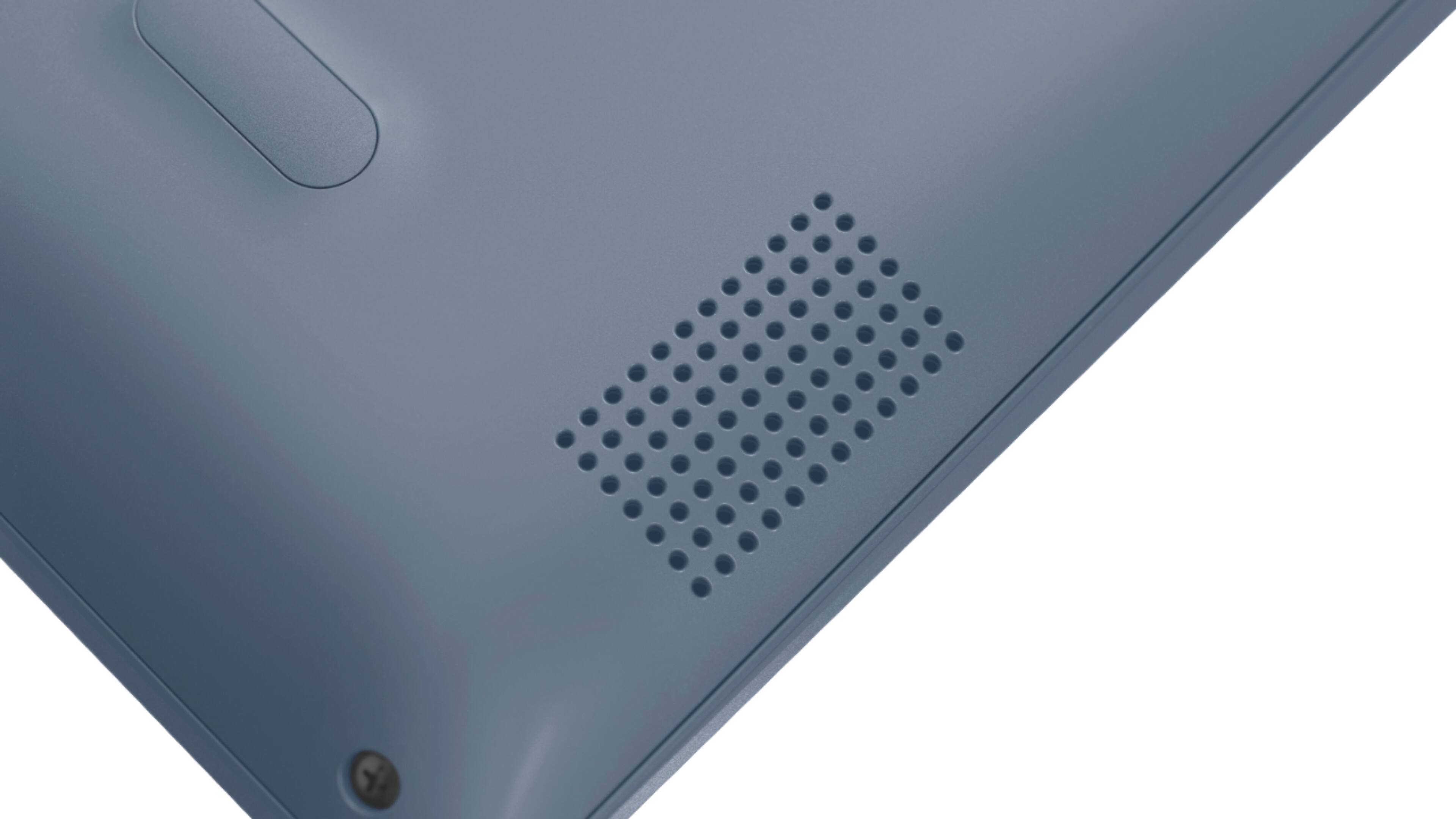
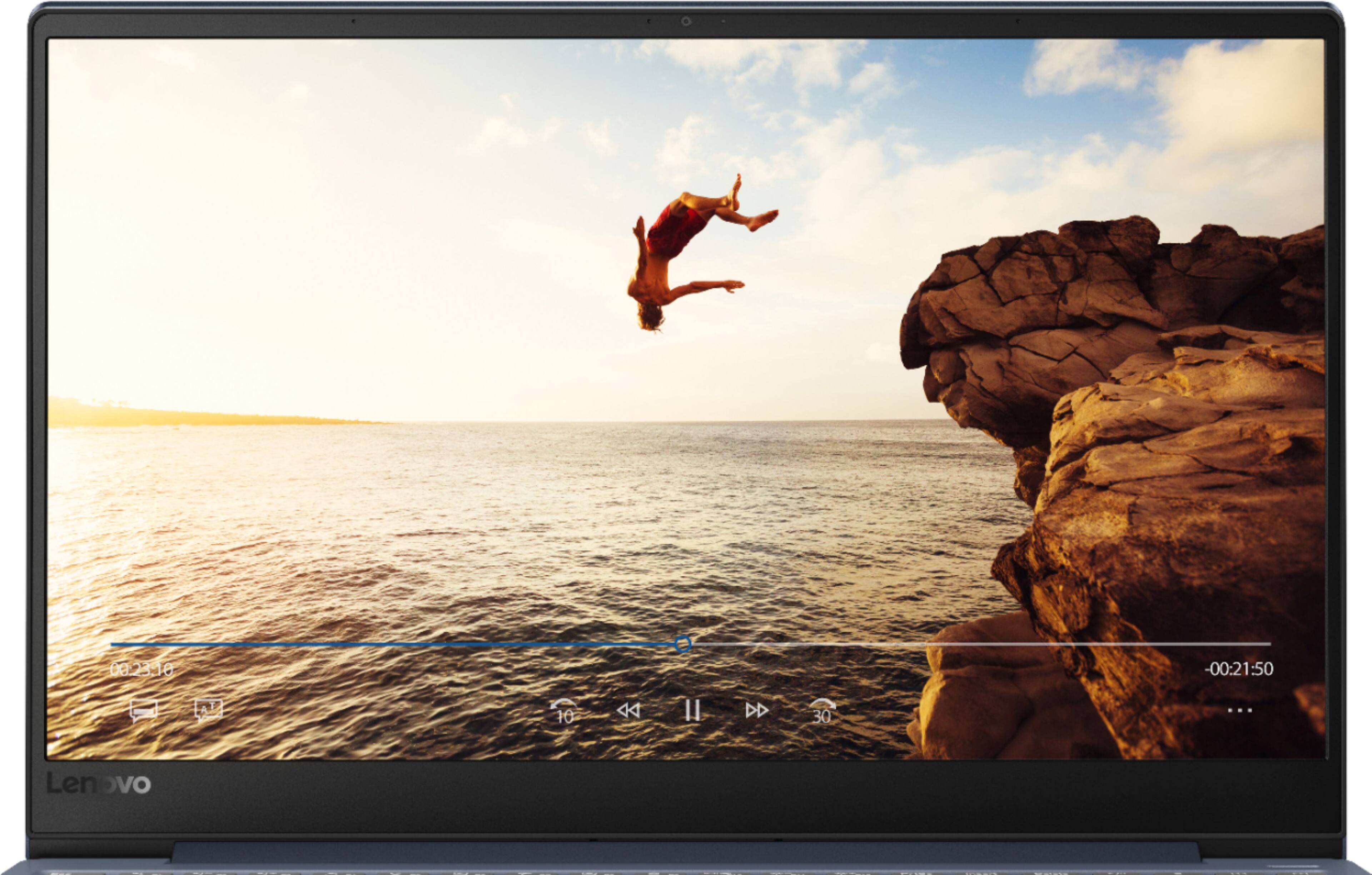
||Posted . Owned for 2 weeks when reviewed.This reviewer received promo considerations or sweepstakes entry for writing a review.I have had this product for ~17 days. For the price I paid ($330), I got what I expected. I find multiple regular annoyances with this computer, some of which are suggested to be Windows 10 issues. Things I dislike: 1) The screen is so sensitive to angle for color changes in view. 2) I don't think the battery life is going to be great. In the first 2 weeks that I've used it, it seems to die within about 3 hours if I am using multiple programs at once. Those programs so far have only been things like Chrome and Office products. Nothing uncommon has been installed or used yet. 3) The web browsers seem to be just as sensitive to having multiple things open. Java can be especially slow. I don't know if that's solely relevant to the browser/plugin or if the processor on the PC affects it. 4) The touchpad is EXTREMELY sensitive to dirt/dust. It doesn't want to respond correctly, even when just a tiny (1/4") piece of my dog's hair got on it. 5) The keyboard is annoying. The number pad on the side is nice, but the functions of alt keys or how the Home, Page Up/Down, and End buttons change based on Num Lock being activated. There are two sets of arrows (one on the number pad, one not) and they are all affected based on Num Lock being on. This affects selecting text by using the keyboard significantly, which is extremely annoying. I like to use a number pad, but the affect it has on both sets of arrows and those listed buttons makes me want it off. 6) The power button makes me nervous. It is sensitive to touch and already doesn't function unless pushed in the right spot, which moves. It seems like it is too small to physically last long. 7) Turning off blue light makes my screen flicker extremely frequently. I have found online things suggesting this is a Windows 10 issue. However, l have tried everything suggested on official Microsoft websites and nothing fixes this. Other users of other brands say it has fixed it for them, but some don't, so I'm not sure here. It is very annoying. 8) The exterior of the laptop (mainly behind the screen) holds finger smudges very easily. 9) The speakers are somewhat awkwardly placed and I am disappointed that when it is on mute, pressing volume down automatically takes it off mute. On my Dell computers, I can have them on mute and press volume down to turn it quieter before I unmute the device. However, the volume changes quickly. 10) If I scroll higher than the screen when selecting text I've typed or am going to copy on a webpage, the selection and screen display starting bouncing back and forth and won't let me select anymore or really at all without starting over. This may be a Windows 10 issue. Positive things worth noting: 1) The wifi appears to work well and connects to other wireless devices easily (such as my printer and Roku). It is easy to install other devices. 2) The thin size is nice. 3) The heat is undetectable so far. 4) The rubber pieces on the bottom to keep it from sliding seem to work very well. I trust them. 5) It has almost zero running noise whatsoever. 6) I like that it has a button designated specifically for Airplane Mode. This is very helpful to shut all wireless things off at once. 7) I like that I can set the screen to automatically reduce blue light when sunset occurs for the day (it looks it up) and back at sunrise. Or, I can set my own hours. It seems to flicker less when Night Light mode is on even though I have it on a reduced blue light mode during the day, too. I think I'll be satisfied overall that I chose this model when on a budget.
I would recommend this to a friendBrand response from Lenovo Product Expert
Posted .The Lenovo IdeaPad 330s-15 laptop is a mid-level, moderate use configuration, with its Intel Core i3-8130U processor. This Dual-Core processor has a base speed of 2.2GHz and a boost speed of up to 3.4GHz. This configuration has 4GB of DDR4-2400MHz RAM and a 128GB solid state hard drive. It is good with Microsoft Office type programs, internet browsing and other moderate work. This model ships with Windows 10 S-Mode Operating System. Windows 10 S-Mode provides added security by only allowing APPs available ( and therefore certified by Microsoft) at the Microsoft Store. If you don't need the added security or you need to install APPs not available at the Microsoft Store, you can switch to standard Windows 10 Home 64-bit Operating System, at no additional cost. With regard to the touchpad, you can make adjustments to the touchpad in your system settings. You can get there by clicking on the magnifying glass at the bottom left of your Windows 10 screen. Type "touchpad" in the search window. Select "Mouse & touchpad settings" from the list of choices. You can make general adjustments to the touchpad there. You can also select "Additional mouse options" for more detailed adjustments to the touchpad sensitivity by increasing the delay of the touchpad.
- Pros mentioned:Easy to use, Light weight, Price
Very easy to use
||Posted . Owned for 1 month when reviewed.This reviewer received promo considerations or sweepstakes entry for writing a review.My very first laptop and I love it. Easy to use and light weight. Love the screen and the vivid colors on the screen. The battery stays charged over two hours and it charges very fast. I recommend this computer to anyone. Price is on point!!!! Thank you Lenovo.
I would recommend this to a friend - Pros mentioned:Performance
Best for the casual user!
||Posted . Owned for 3 weeks when reviewed.This reviewer received promo considerations or sweepstakes entry for writing a review.I'm pretty satisfied with this laptop. I wasn't expecting a workhorse. I just needed a laptop for emails, browsing, multitasking, video calls, and occasional streaming. For all that, this laptop meets my needs. There are occasions when it locks up, and this usually happens when I have multiple windows and tabs open, but it's no big deal. Keep what you need and close what you don't. Simple as that. I can't expect this laptop to perform more than its capacity. It's only got a 4gb memory and an older generation processor (Intel Core i3). But who cares? I don't need more than that. For what I paid, I think it's pretty plenty. I love the simple form factor, the build quality, the color. It performs as expected. And it's a Lenovo. If there's anything that would be a gripe, which isn't a biggie really, is the keyboard, although by this time, I've gotten used to it already. I have a Macbook Pro 2013, and was spoiled with its keyboard. It's a little bothersome how you can inadvertently turn numlock on with this laptop. Could be annoying sometimes. Overall, I think this laptop is perfect for the casual user. We'll see how it holds up after a year.
I would recommend this to a friendBrand response from Lenovo Product Expert
Posted .The Lenovo IdeaPad 330s-15 laptop, model number 81F5018EUS ships the 8th. Generation Dual-Core/Four-Thread Intel Core i3-8130U processor, with a base speed of 2.2GHz and a boost speed of up to 3.4GHz. This processor is supported by 4GB DDR4-2400MHz RAM. This configuration is good for moderate levels of usage with programs like Microsoft Office, streaming online video and general internet browsing. This model ships with a full size QWERTY keyboard with 10-key numeric pad.
- Pros mentioned:Light weight, SpeedCons mentioned:Storage
Super fast and reliable
||Posted . Owned for 1 month when reviewed.This reviewer received promo considerations or sweepstakes entry for writing a review.The computer is super fast, light weight and extremely easy to use. Setup was took a few and even though it does not have a ton of internal storage 128GB is enough to get most jobs done without an external hard drive.
I would recommend this to a friend - Pros mentioned:Speed
Finding it fast and easy to use.
||Posted . Owned for 3 weeks when reviewed.This reviewer received promo considerations or sweepstakes entry for writing a review.I find it fast and easy to use. I did buy a Windows 10 instruction book to help me wade through 10. I like the keys on the keyboard, not crammed together. I am very happy with my new laptop.
I would recommend this to a friend - Pros mentioned:Easy to use, Price, Speed
My daughter Loves it!
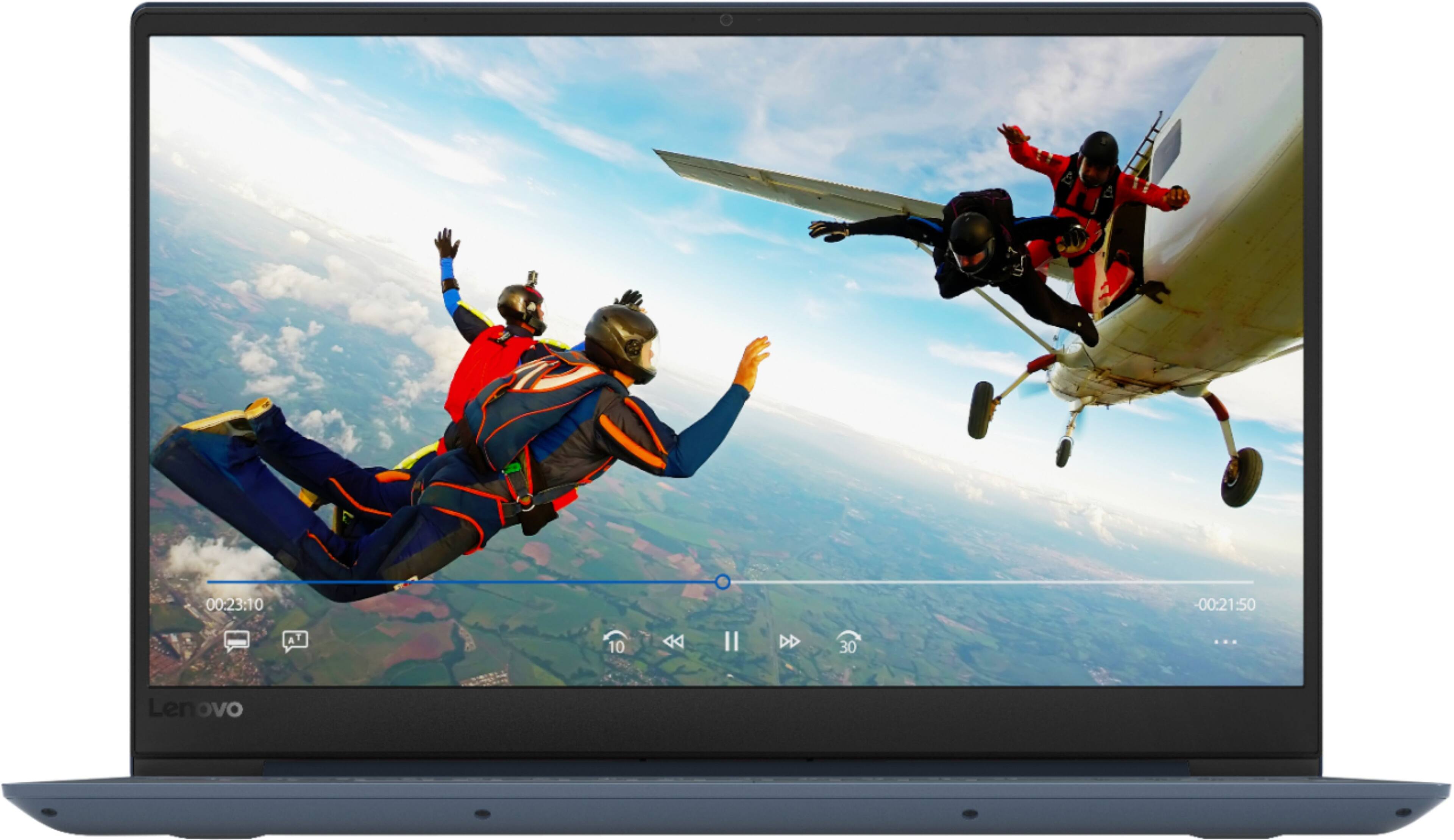
||Posted . Owned for 3 weeks when reviewed.This reviewer received promo considerations or sweepstakes entry for writing a review.My husband and I bought this laptop for our 13 year old daughter. She loves it!!! She says that it’s easy to use, it’s fast, and the display is great. We appreciate that it’s all of this plus, affordable.
I would recommend this to a friend - Pros mentioned:Price
Lightweight with all the bells
||Posted . Owned for 1 month when reviewed.This reviewer received promo considerations or sweepstakes entry for writing a review.I love this laptop--especially at the price point. I use this for work and school. Love the color-slim and lightweight design and the 10key keyboard is a must for me. Really happy with this purchase!
I would recommend this to a friend - Pros mentioned:Light weight
I like the laptops light weight and fast keyboard.
||Posted . Owned for 3 weeks when reviewed.This reviewer received promo considerations or sweepstakes entry for writing a review.I really like the smooth case and light weight of this laptop. I also like the easy touch keyboard, it is fast, and one reason I chose this laptop, is it has a number pad. I gave this a 4/5 because I am sensitive to the noise. My research before buying this, showed Solid State Drive to be quiet. This one is not. I do plan to take it in to be checked. If the noise can be fixed, I would recommend it to a friend. Although, it could just be I am easily annoyed by normal sounds. I also did not like the Edge S Mode, however Best Buy removed that for me.
No, I would not recommend this to a friendBrand response from Lenovo Product Expert
Posted .The Lenovo IdeaPad 330s-15 laptop ships with a 128GB solid state hard drive. It has no moving parts so the hard drive can make no noise. The Lenovo IdeaPad 330s-15 laptop is a high performance system with its Quad-Core/Eight-Thread Intel Core i5-8250U processor and 8GB of DDR4-2400MHz RAM. It will generate heat whenever it is turned on, even at idle, this is normal. The onboard fan will maintain the proper operating temperature for the device. You will hear the fan whenever it runs, this too is normal. The Lenovo IdeaPad 330s-15 ships with a Windows 10 S-Mode Operating System. Windows 10 S-Mode provides added security by only allowing APPs available ( and therefore certified by Microsoft) at the Microsoft Store. If you don't need the added security or you need to install APPs not available at the Microsoft Store, you can switch to standard Windows 10 Home 64-bit Operating System, at no additional cost.