Customer Ratings & Reviews

- Model:
- 81F500NSUS
- SKU:
- 6291881
Rating by feature
- Battery Life
Rating 4.5 out of 5 stars
- Speed
Rating 4.5 out of 5 stars
- Display
Rating 4.6 out of 5 stars
Customers are saying
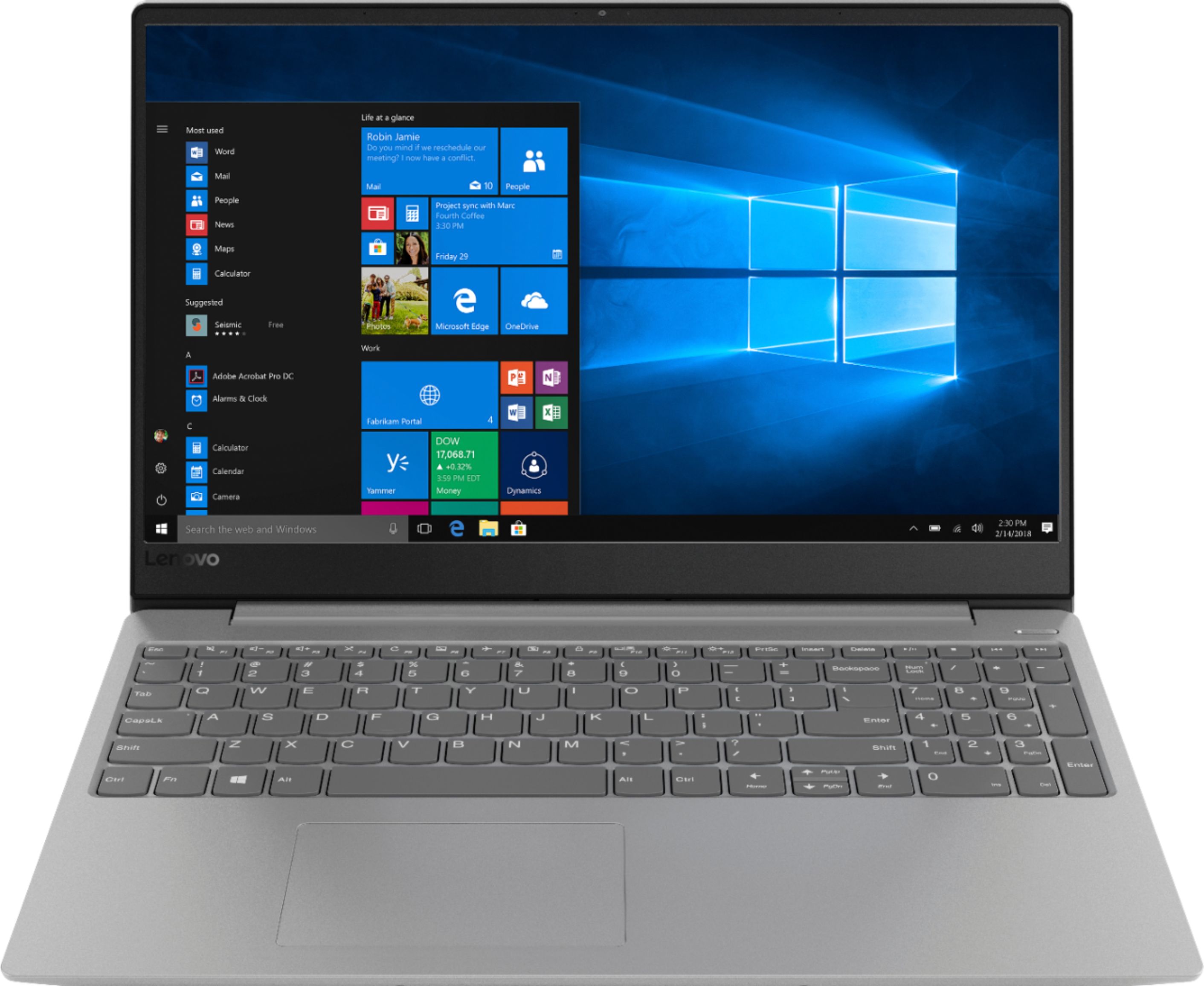
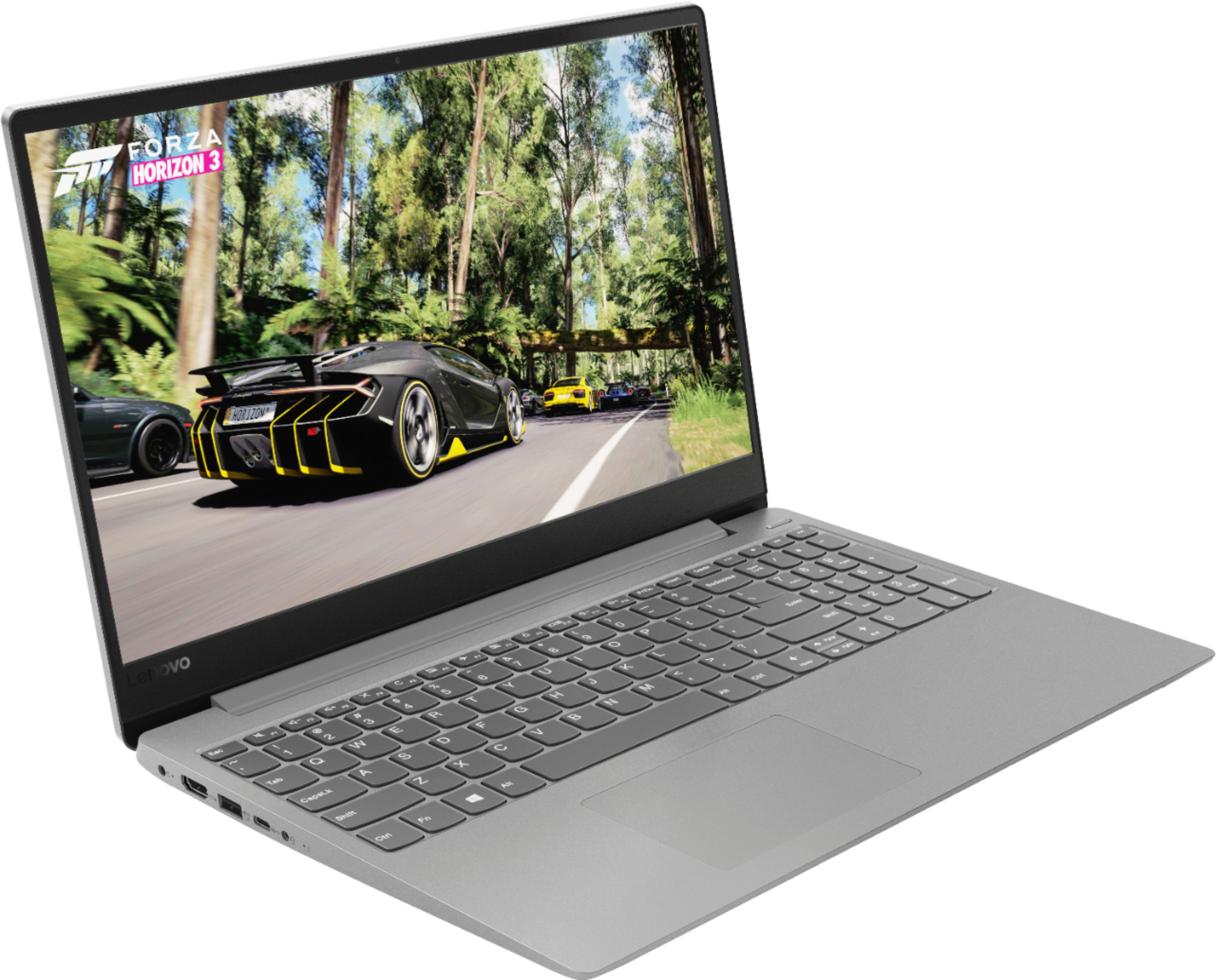
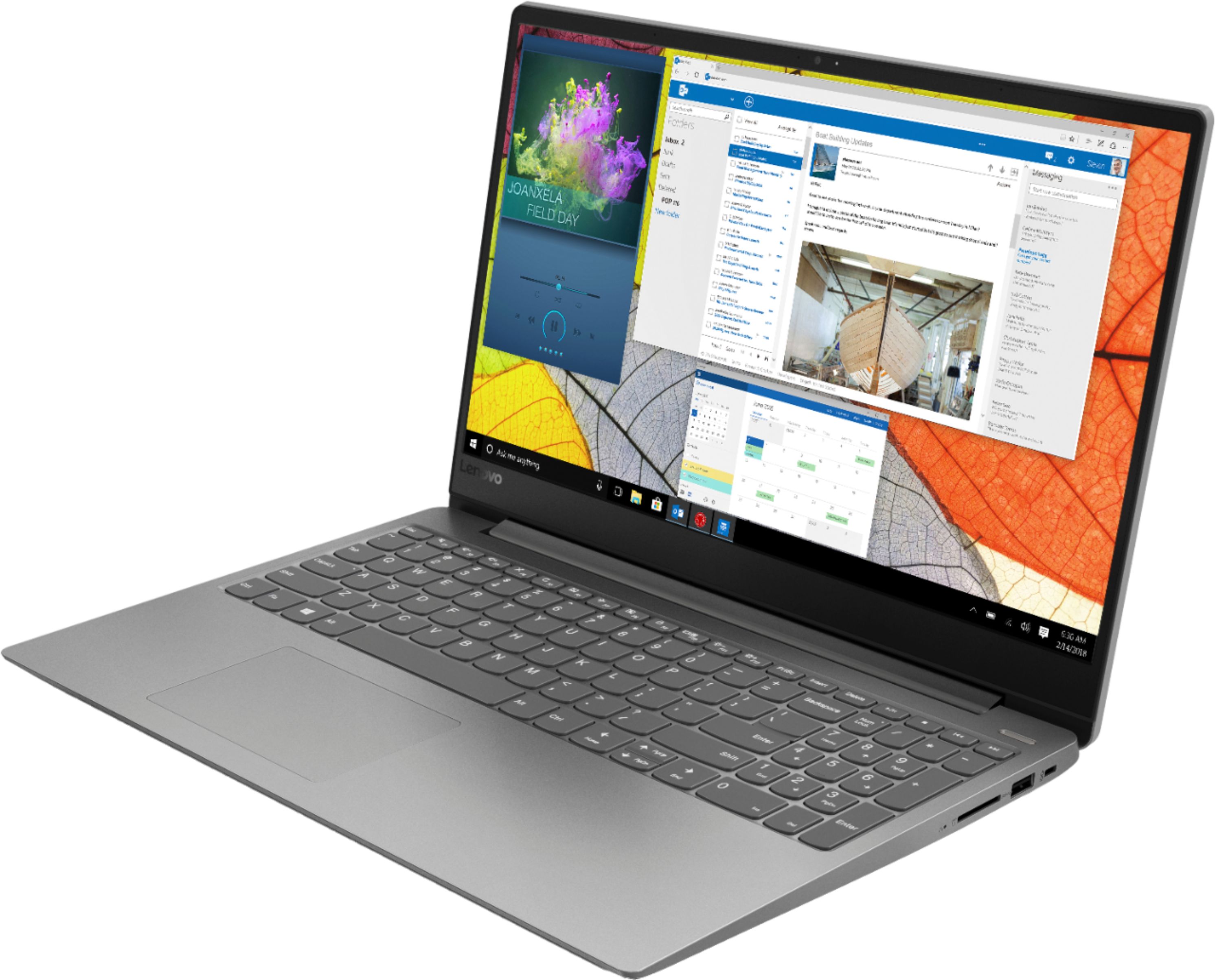
Customers find value in the IdeaPad 330S laptop's fast performance, affordable price, and lightweight design. Many users appreciate its large storage capacity and excellent performance for the price. However, some users have concerns about its short battery life and noisy fan.
This summary was generated by AI based on customer reviews.
The laptop is very slow.
||Posted .This reviewer received promo considerations or sweepstakes entry for writing a review.It is so slow I hardly use it, use my Smart Phone.
No, I would not recommend this to a friendBrand response from Lenovo Product Expert
Posted .The Lenovo IdeaPad 330s-15 laptop with the powerful Quad-Core/Eight-Thread Intel Core i5-8250U processor, supported by 8GB DDR4-2400MHz RAM is a fast configuration. Be sure any software you installed is compatible with Windows 10. There is no need to install Microsoft Office software. The software is already part of the operating system, you just need to activate the software with a purchased product key. If you have installed a copy of Microsoft Office, this is conflicting with the existing copy on the system and this will slow your system down. If you have installed a 3rd party anti-virus program, be sure that Windows Defender is turned off and that the trial version of McAfee Anti-Virus software is uninstalled. There can only be one anti-virus program on the system. You may need to restore your system to original factory default settings if any of the programing errors have occurred. You can do that by typing "restore" in the Cortana search window. Just click on the magnifying glass icon at the bottom left of your Windows 10 Desktop. Click on "Reset This PC" Then click on "Get Started" and follow the on screen directions to restore to factory defaults. If the problem persists, we recommend you contact Lenovo Tech Support at: 877-453-6686.

- Cons mentioned:Battery life
It's last about two years
||Posted . Owned for 1 year when reviewed.This reviewer received promo considerations or sweepstakes entry for writing a review.I've had this computer for two years and literally have to keep it plugged bc the battery last 5 minutes. It's also too slow when there is an update
No, I would not recommend this to a friend Not a great laptop
||Posted .This reviewer received promo considerations or sweepstakes entry for writing a review.I have use Lenovo before and they suppose to be awesome laptop unless I bought defective one ... I had to return it to the manufacturer because I did not bought a warranty from bestbuy .. if I had I will switch for something else
No, I would not recommend this to a friendBrand response from Lenovo Product Expert
Posted .We are sorry to hear that you are having issues with your Lenovo IdeaPad 330s-15 laptop. Be sure any software you installed is compatible with Windows 10. There is no need to install Microsoft Office software. The software is already part of the operating system, you just need to activate the software with a purchased product key. If you have installed a copy of Microsoft Office, this is conflicting with the existing copy on the system and this will slow your system down. If you have installed a 3rd party anti-virus program, be sure that Windows Defender is turned off and that the trial version of McAfee Anti-Virus software is uninstalled. There can only be one anti-virus program on the system. You may need to restore your system to original factory default settings if any of the programing errors have occurred. You can do that by typing "restore" in the Cortana search window. Just click on the magnifying glass icon at the bottom left of your Windows 10 Desktop. Click on "Reset This PC" Then click on "Get Started" and follow the on screen directions to restore to factory defaults. If the problem persists, we recommend you contact Lenovo Tech Support at: 877-453-6686. For 2018, Lenovo retained its place for a second year as the best laptop vendor:
https://www.laptopmag.com/articles/laptop-brand-ratings
Youll lose audio when you update
||Posted . Owned for 1 year when reviewed.This reviewer received promo considerations or sweepstakes entry for writing a review.Dont buy. Lasted about 16 months and all was well. Then I did the update and now I have NO audio. Not off the internet (youtube), not from saved files, NO audio. To further complicate things it stopped playing videos saved on the hard drive. Still connects and plays YouTube (without sound) but anything saved on the computer....nope. Ive troubleshooted to no avail. I reset everything, nope, nothing. I went online and its happened to other people as well so its not just my machine.
No, I would not recommend this to a friendNOT HAPPY
||Posted .This reviewer received promo considerations or sweepstakes entry for writing a review.Lenovo - I was told that the good laptops start from $1,000.oo I bought lot cheaper and I am not happy, it does not even want to start. I return it and bought ASUS - I am still happy :)
No, I would not recommend this to a friendBrand response from Lenovo Product Expert
Posted .We are sorry to hear that you were not pleased with your Lenovo IdeaPad 330s-15 laptop. For 2018, Lenovo retained its place for a second year as the best laptop vendor:
https://www.laptopmag.com/articles/laptop-brand-ratings
DO NOT BUY!
||Posted . Owned for 5 months when reviewed.This reviewer received promo considerations or sweepstakes entry for writing a review.I thought I was paying good money for a middle of the line laptop for my small startup business, but I was wrong. This computer has been down more than I have been able to use it. Long story short, I've only had this computer 5 months and the motherboard has been replaced TWICE! Luckily both repairs were covered by Lenovo's 1 year warranty, but this computer is obviously a lemon and Lenovo won't do anything about it and neither will Best Buy, since Best Buy's return policy is only good for 30 days after purchase.
No, I would not recommend this to a friendBrand response from Lenovo Product Expert
Posted .We are sorry to hear that you are having issues with your Lenovo IdeaPad 330s-15 laptop. Be sure any software you installed is compatible with Windows 10. There is no need to install Microsoft Office software. The software is already part of the operating system, you just need to activate the software with a purchased product key. If you have installed a copy of Microsoft Office, this is conflicting with the existing copy on the system and this will slow your system down. If you have installed a 3rd party anti-virus program, be sure that Windows Defender is turned off and that the trial version of McAfee Anti-Virus software is uninstalled. There can only be one anti-virus program on the system. You may need to restore your system to original factory default settings if any of the programing errors have occurred. You can do that by typing "restore" in the Cortana search window. Just click on the magnifying glass icon at the bottom left of your Windows 10 Desktop. Click on "Reset This PC" Then click on "Get Started" and follow the on screen directions to restore to factory defaults. If the problem persists, we recommend you contact Lenovo Tech Support at: 877-453-6686.
Terrible Purchase
||Posted . Owned for 1.5 years when reviewed.This reviewer received promo considerations or sweepstakes entry for writing a review.I brought this computer on 1/28/2019, and now my computer keep shutting off for no reason. I looked up the issue and I notice that a lot of other people are having the same issue on several models. I don't anyone should sell a computer where there are known issues. I'm very upset that I know have to pay additional money because of course, this issue occurred after the one year mark and protection. Please read before you buy, I do not want another person in my situation.
No, I would not recommend this to a friendWeak wifi pick-up!
||Posted .This reviewer received promo considerations or sweepstakes entry for writing a review.The wifi pick up is very weak on this laptop no matter where you place it near the router. As a result, video freezes up on youTube. I have a Toshiba laptop in the same location as this Lenovo and I do NOT have that problem with the Toshiba. Other than that, it boots fast and runs good but since the internet is your lifeline and since it's not running the way it should be, it's just not worth buying this Lenovo laptop.
No, I would not recommend this to a friendBrand response from Lenovo Product Expert
Posted .The Lenovo IdeaPad 330s-15 laptop ships with the latest 5G 802.11AC frequency WiFi. For the best WiFi performance, be sure your router has the latest firmware updates available at the router manufacturer's web site. You can keep the BIOS and drivers up to date on this computer, by scanning the device regularly with the Lenovo Utility software installed on this computer. This system has Lenovo utilities installed to help maintain the health of the device and keep the operating system software up to date. Type "Lenovo Vantage" in the Cortana Search window (if Lenovo Vantage is not installed on your device, you can download the APP and install it now). Select Lenovo Vantage from the list. In the window that opens, click on "Health and Support". In the expanded menu, select "Hardware Scan" In the window that opens, select "Run Quick Tests". This will scan your entire system for errors. Follow any directions that may pop up. If the problem continues after this scan, now click on "System Update". First select Windows update from the menu. Scan your system to be sure you have the latest version of Windows 10. Once that scan is complete, select "Additional Updates". This will scan your device to be sure there are no new BIOS/Driver updates needed. Follow any instructions that may pop up. If the issue still continues after these updates, we recommend you call Lenovo Tech Support at: 877-453-6686 for additional help.
Broke in 1 year, 3 months
||Posted . Owned for 1.5 years when reviewed.This reviewer received promo considerations or sweepstakes entry for writing a review.Probably had about 30 hours of use in the laptop in a little over a year. While using the laptop it wanted to update, which it had updated 100s of times before, well this time it said UPDATE or POSTPONE for so many minutes. I hit postpone and it then shut down and would never turn back on. Had it tested and it had ruined the motherboard. No help was given from Lenovo. Very disappointed, worked fairly well before all that. Won't buy Lenovo again.
No, I would not recommend this to a friendBuilt-in Mouse Too Touchy
||Posted .This reviewer received promo considerations or sweepstakes entry for writing a review.I dislike this laptop. The Built-in mouse is highly sensitive and continually bounces me off my page or to another unintended window. I regret the purchase.
No, I would not recommend this to a friendBrand response from Lenovo Product Expert
Posted .With regard to the touchpad, you can make adjustments to the touchpad in your system settings. You can get there by clicking on the magnifying glass at the bottom left of your Windows 10 screen. Type "touchpad" in the search window. Select "Mouse & touchpad settings" from the list of choices. You can make general adjustments to the touchpad there. You can also select "Additional mouse options" for more detailed adjustments to the touchpad sensitivity by increasing the delay of the touchpad.
Lenovo - IdeaPad 330S 15.6" Laptop - Intel Core i5
||Posted . Owned for 1.5 years when reviewed.This reviewer received promo considerations or sweepstakes entry for writing a review.Do not purchase this item...it was a nightmare having my daughter attempt to use this in the last few months of the Spring 2019 school year. Very little storage and I was only offered $25.00 as a trade in item. I ended up keeping it to collect dust. Sales rep apologized that it wasn't worth the cost when I purchased it from another sales person on the floor.
No, I would not recommend this to a friendWhat a mistake
||Posted .This reviewer received promo considerations or sweepstakes entry for writing a review.I don't know if it was a fluke or what but I went in bought this unit off the shelf in a box brought it hometurned it on and after putting in the basic information it said it needed to do an automatic update and after that it never worked again hard disk failure
No, I would not recommend this to a friendBrand response from Lenovo Product Expert
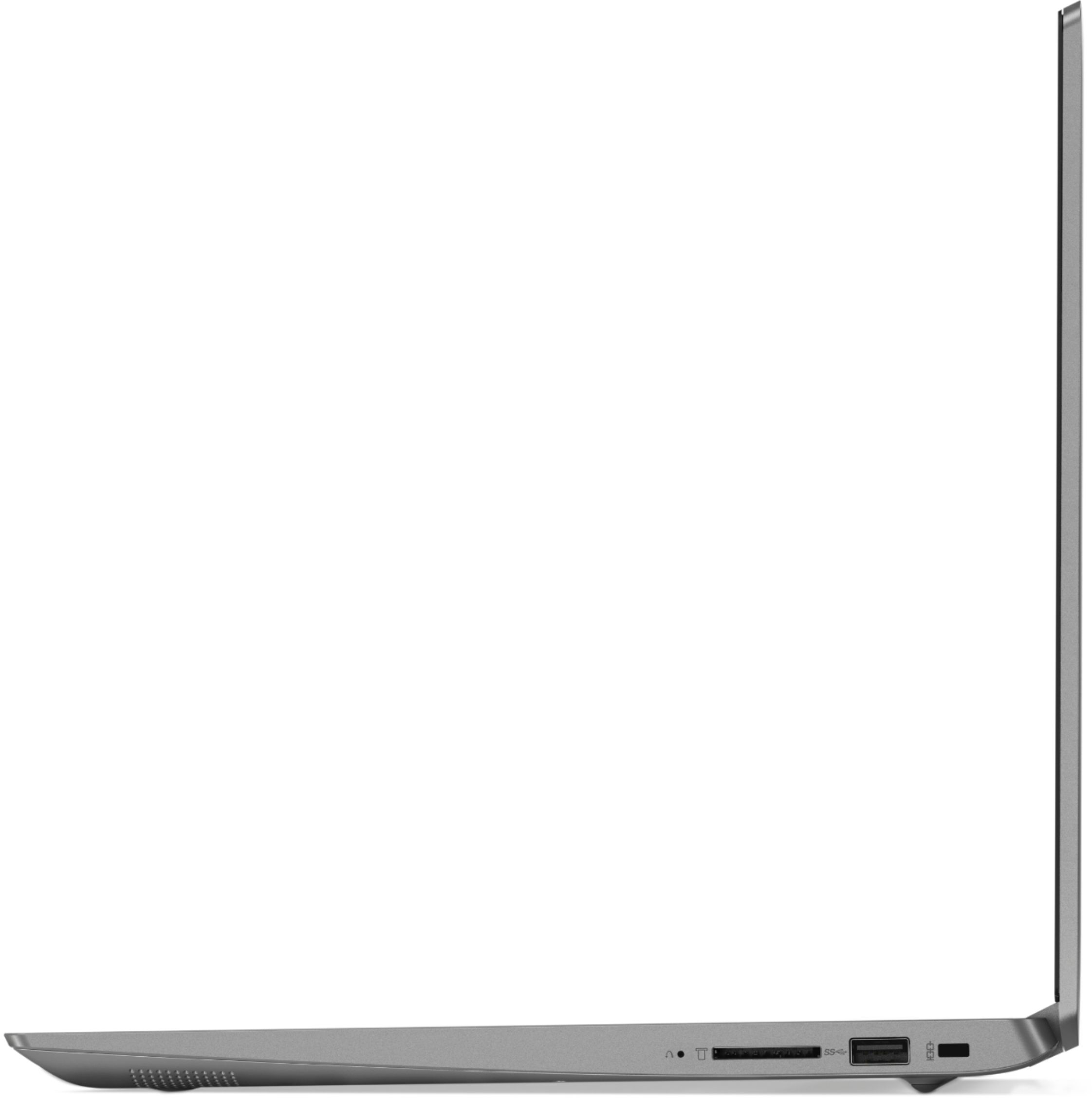
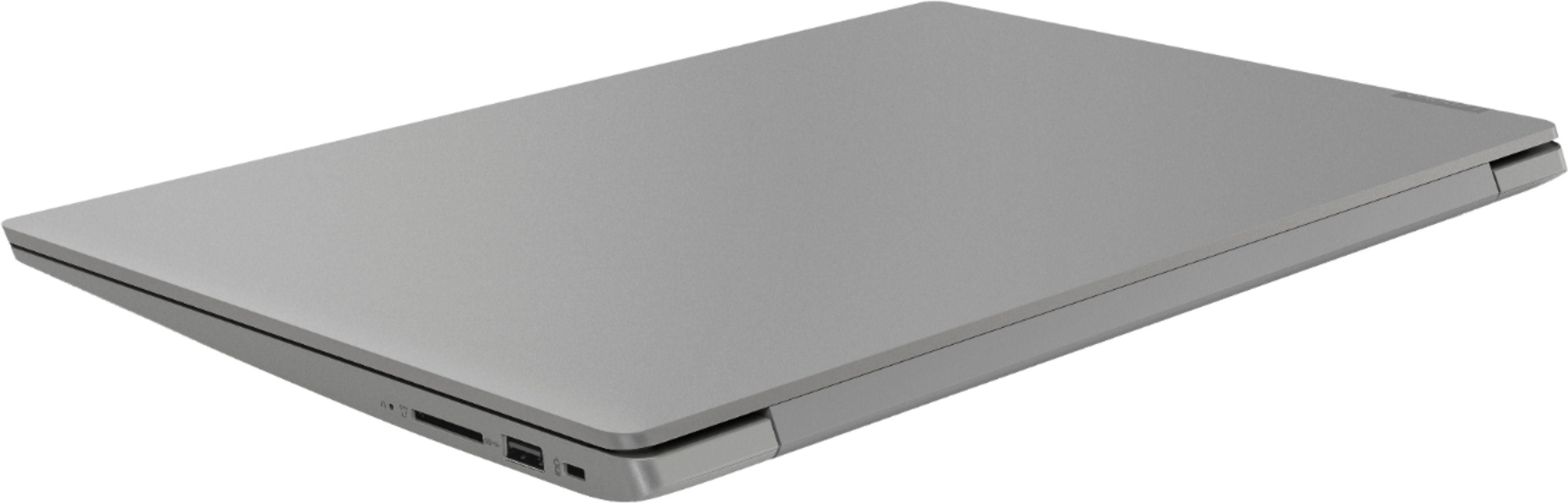
Posted .We are sorry to hear that you had issues with an update of Windows 10 on your Lenovo IdeaPad 330s-15 laptop. This system is equipped with OneKey Recovery System. There is a very small pin hole on the right side of the device, right near the SD card slot on the device. You will need a pin to push this reset button. Plug the device in. Let the battery charge for about 15 minutes. Push the reset button. The system should boot to a choice screen where you can choose "Restore To Factory Default". Select this. It will delete everything from the hard drive except the original factory install of the operating system. You will need to reinstall all programs and files after the reset. If you don't have copies of the files, try to make one before you restore by selecting "Boot to desktop" and trying to back up your files. If the problem persists after the factory reset, we recommend you contact Lenovo Tech Support at: 877-453-6686.
- Cons mentioned:Battery life
Battery sucks!
||Posted . Owned for 1.5 years when reviewed.This reviewer received promo considerations or sweepstakes entry for writing a review.The battery sucks. My sound drivers went bad after few months.
No, I would not recommend this to a friend poor product
||Posted . Owned for 1.5 years when reviewed.This reviewer received promo considerations or sweepstakes entry for writing a review.Keyboard stopped working after a year and a half. Several letters became permanently stuck. Apparently no way to fix keyboard without having the entire keyboard replaced which would have been about 50% the cost of just getting a new device. This product was a total waste of money. Will never buy a Lenovo again.
No, I would not recommend this to a friendHad to return
||Posted . Owned for 2 weeks when reviewed.This reviewer received promo considerations or sweepstakes entry for writing a review.This computer worked fine...until it didn't. 2 weeks after purchase Windows wouldn't boot past the system recovery screen. I know computers quite well (I used to build them back in the day) & the only option was to restore to factory condition. I take that back, literally - there was another option & I used it - I took it back.
No, I would not recommend this to a friendBrand response from Lenovo Product Expert
Posted .We are sorry you had an issue with a Windows 10 update. A restoration of the device back to original factory settings and letting the update start again, may fix the issue. This system is equipped with OneKey Recovery System. There is a very small pin hole on the right side of the device, right near the SD card slot on the device. You will need a pin to push this reset button. Plug the device in. Let the battery charge for about 15 minutes. Push the reset button. The system should boot to a choice screen where you can choose "Restore To Factory Default". Select this. It will delete everything from the hard drive except the original factory install of the operating system. You will need to reinstall all programs and files after the reset. If you don't have copies of the files, try to make one before you restore by selecting "Boot to desktop" and trying to back up your files. If the problem persists after the factory reset, we recommend you contact Lenovo Tech Support at: 877-453-6686. For 2018, Lenovo retained its place for a second year as the best laptop vendor:
https://www.laptopmag.com/articles/laptop-brand-ratings
Computer
||Posted . Owned for 1.5 years when reviewed.This reviewer received promo considerations or sweepstakes entry for writing a review.Computer lasted 4 months. Had to send back to factory to get fixed.
No, I would not recommend this to a friendNot good
||Posted .This reviewer received promo considerations or sweepstakes entry for writing a review.Bought this took home ser ir yp rhen ir blue screened within a few hours, could not get it to work after. Returned it and got another, worked for a few days then crashed again. Returned item and got an HP
No, I would not recommend this to a friendBrand response from Lenovo Product Expert
Posted .We are sorry to hear that you had issues with the initial setup of your Lenovo IdeaPad 330s-15 laptop. Since the issue you describe developed after the initial setup of your IdeaPad 330s-15, This system should be a fast system with its Core I-5 processor and 8GB of RAM. Be sure any software you installed is compatible with Windows 10. There is no need to install Microsoft Office software. The software is already part of the operating system, you just need to activate the software with a purchased product key. If you have installed a copy of Microsoft Office, this is conflicting with the existing copy on the system and this will slow your system down. If you have installed a 3rd party anti-virus program, be sure that Windows Defender is turned off and that the trial version of McAfee Anti-Virus software is uninstalled. There can only be one anti-virus program on the system. You may need to restore your system to original factory default settings if any of the programing errors have occurred. You can do that by typing "restore" in the Cortana search window. Just click on the magnifying glass icon at the bottom left of your Windows 10 Desktop. Click on "Reset This PC" Then click on "Get Started" and follow the on screen directions to restore to factory defaults. If the problem persists, we recommend you contact Lenovo Tech Support at: 877-453-6686.
HORRID laptop product .. do NOT buy!!
||Posted . Owned for 9 months when reviewed.This reviewer received promo considerations or sweepstakes entry for writing a review.horrid product experience. buyer BEWARE buying ANY Lenovo product. NOT a world class product, prepared to be VERY disappointed, MAJOR let down.
No, I would not recommend this to a friendMediocre at best
||Posted . Owned for 1.5 years when reviewed.This reviewer received promo considerations or sweepstakes entry for writing a review.I returned this laptop the day after I purchased it. It was mediocre at best, but not too bad for the price. You get what you pay for.
No, I would not recommend this to a friendMother board went out after one year
||Posted . Owned for 1 year when reviewed.This reviewer received promo considerations or sweepstakes entry for writing a review.I wouldn't buy one only lasted 17 months only used for personal use. check out the complaints on them there are several with the same problem
No, I would not recommend this to a friend