Customer Ratings & Reviews
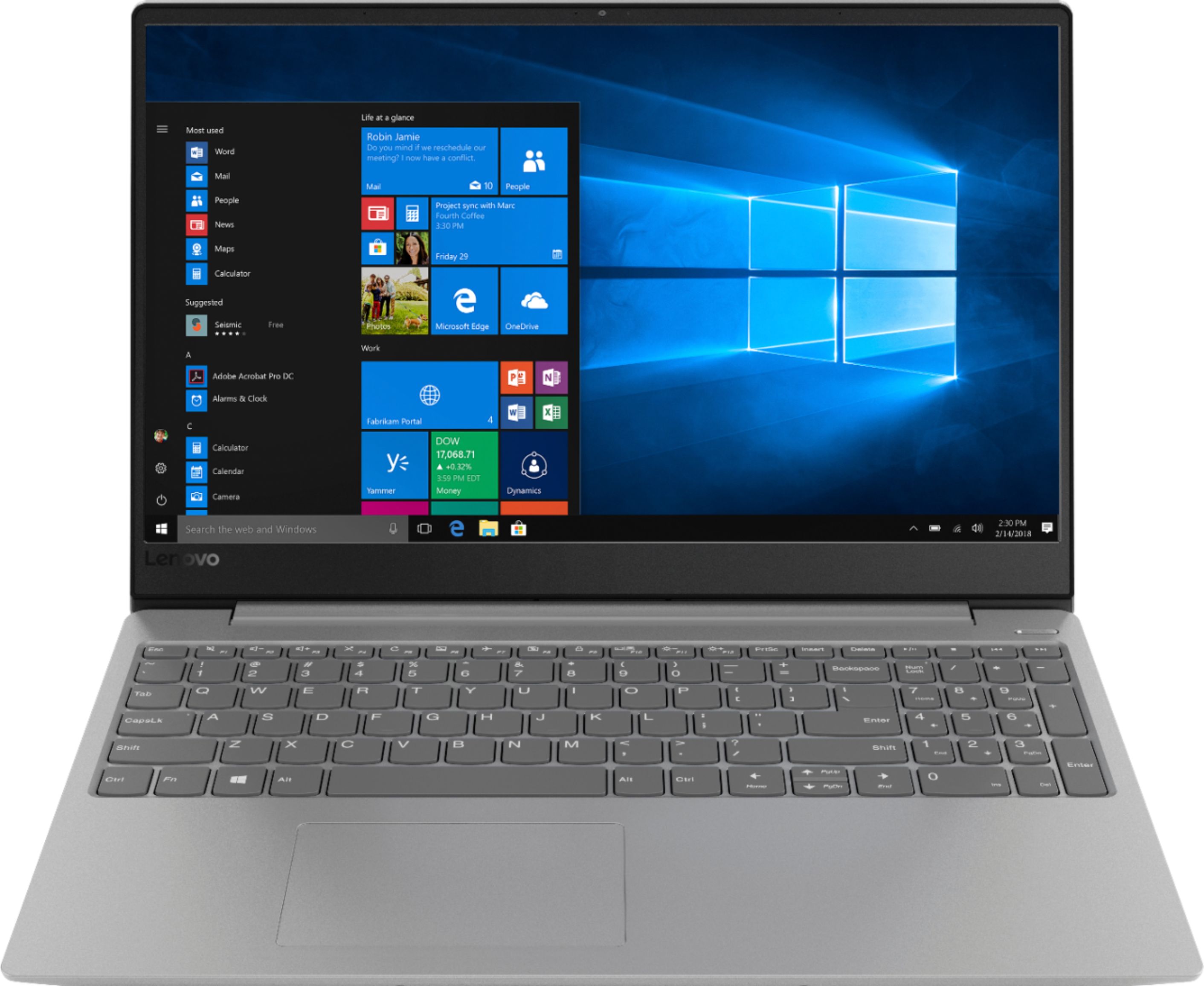
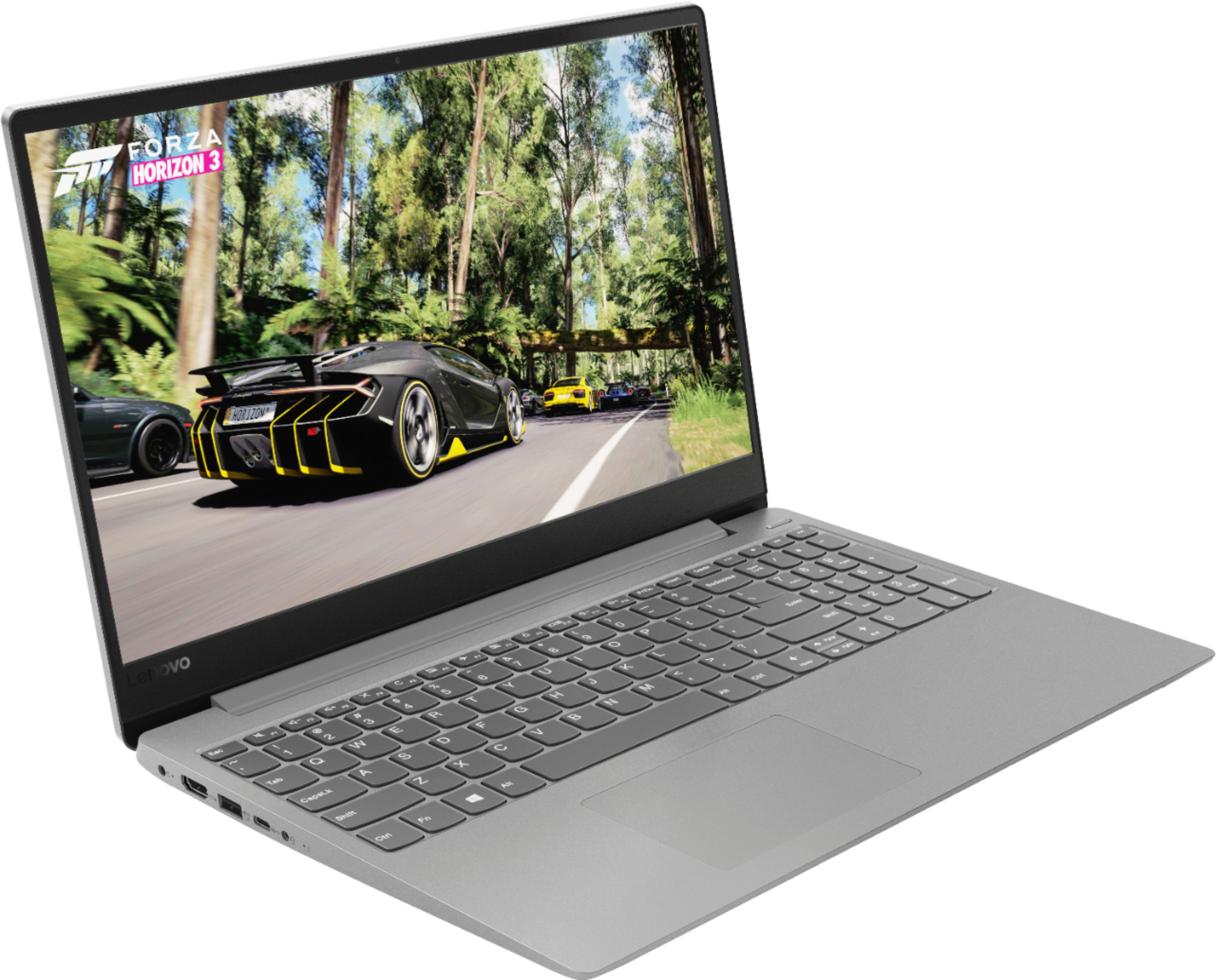
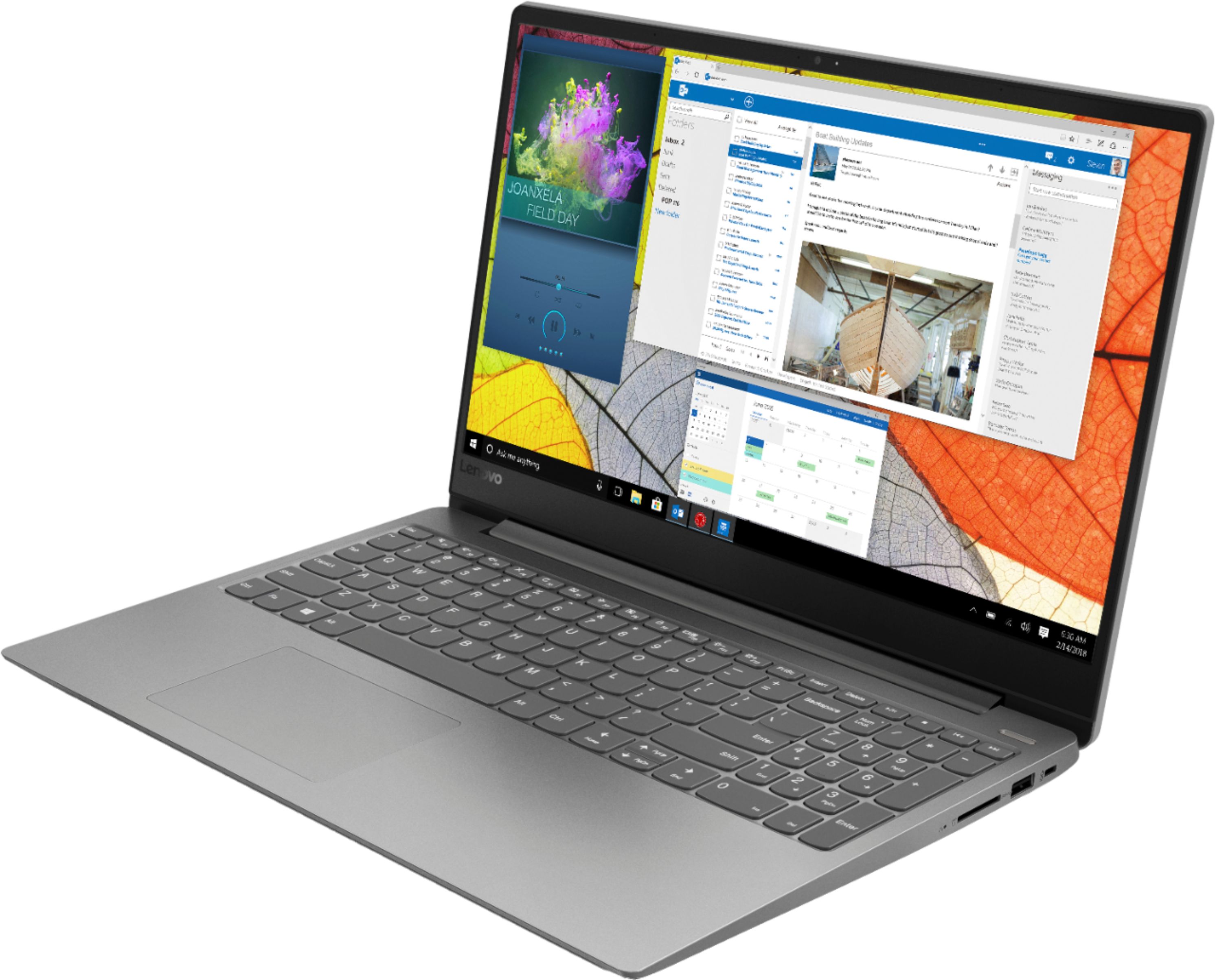
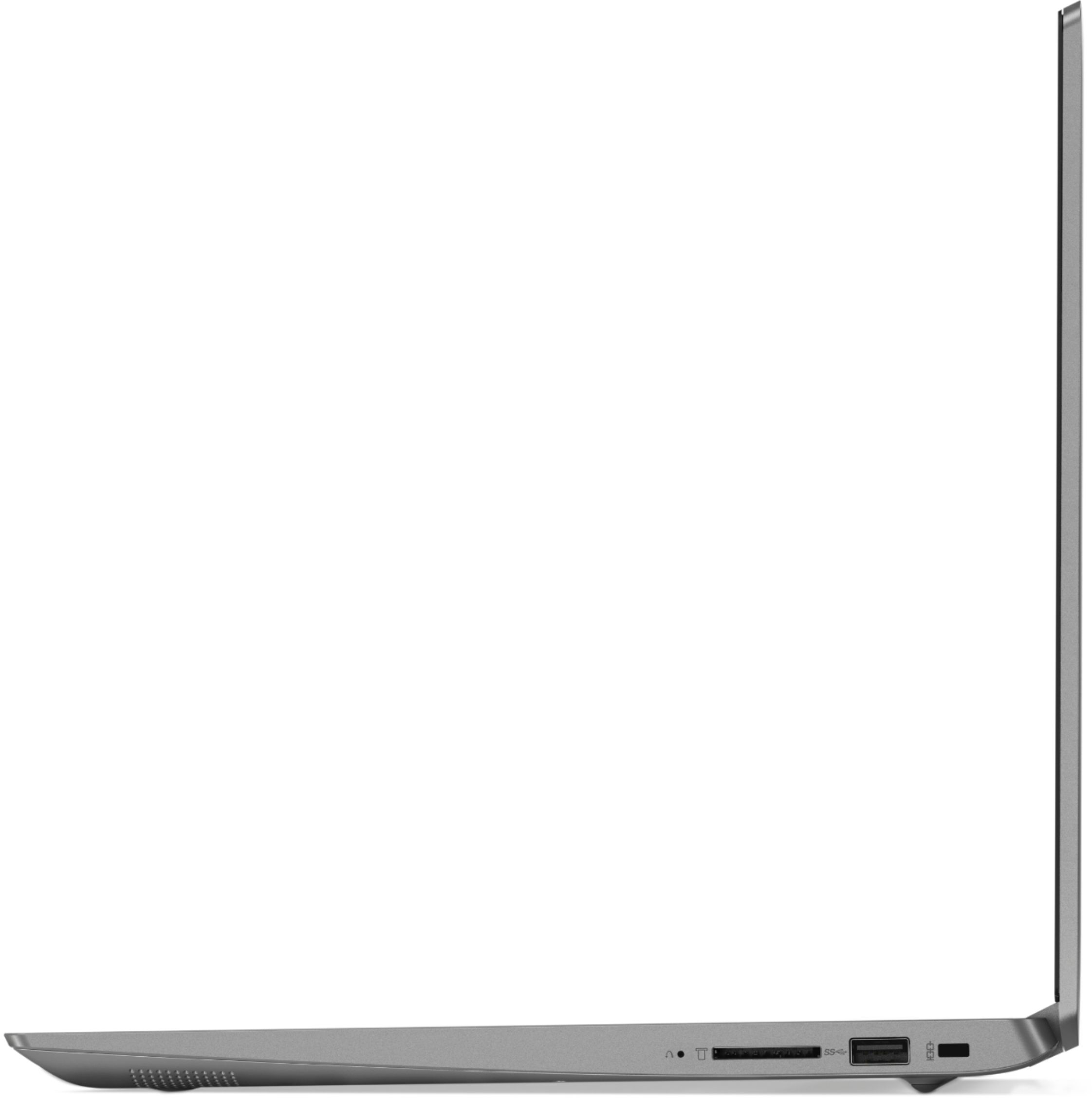
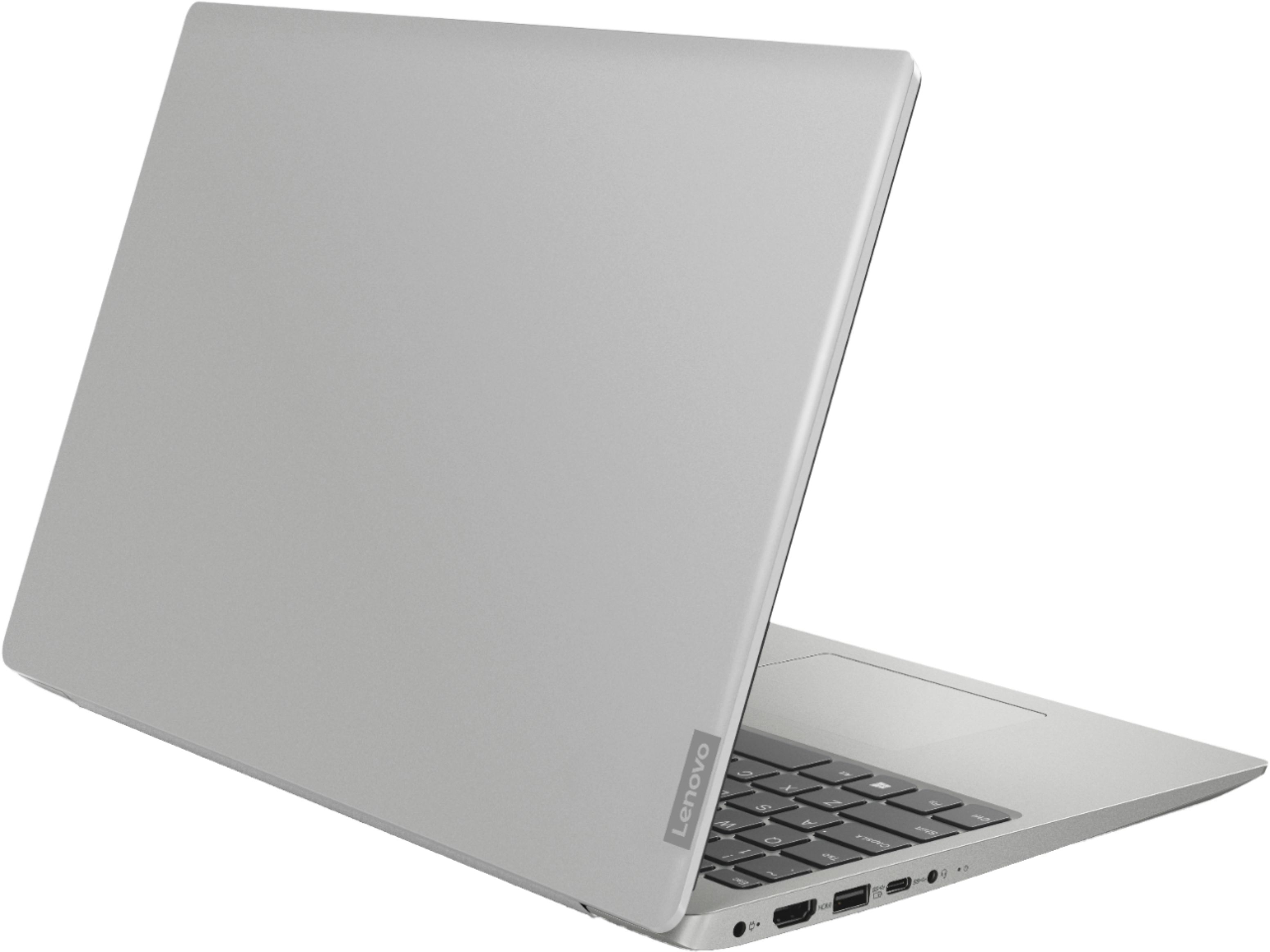
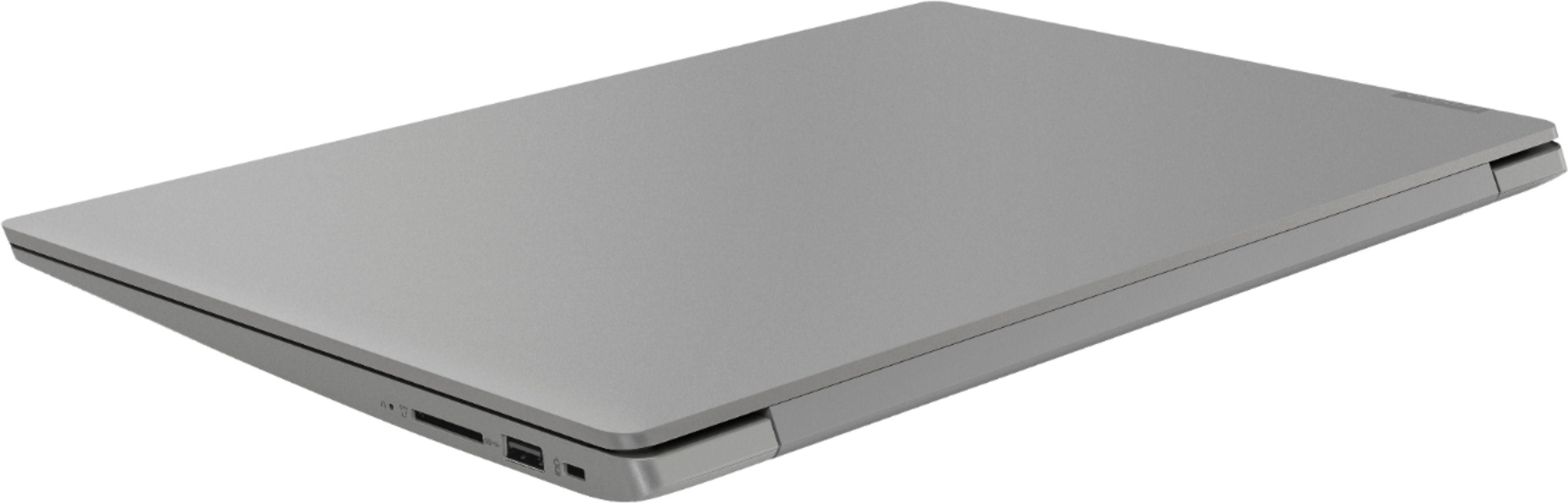
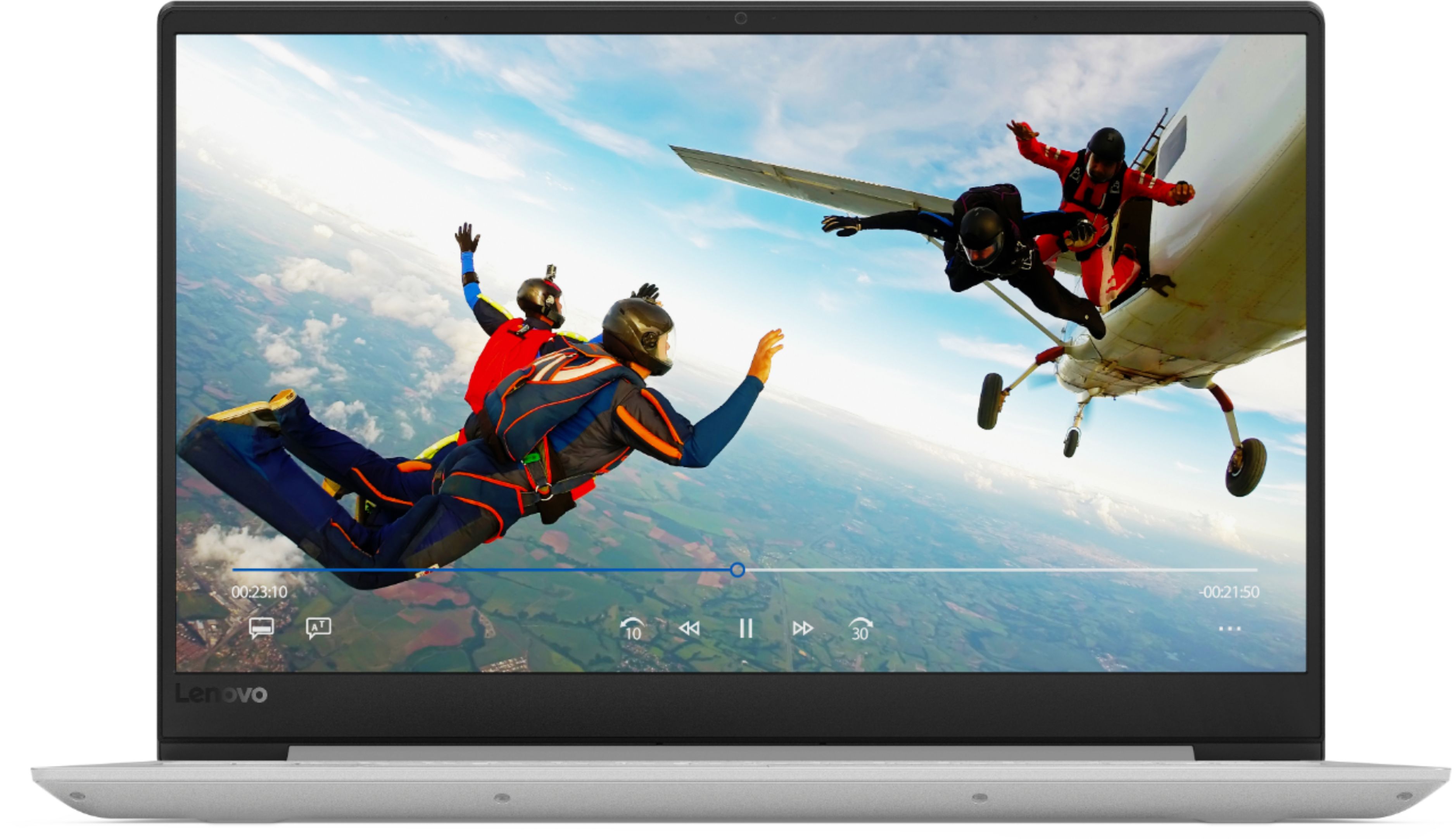
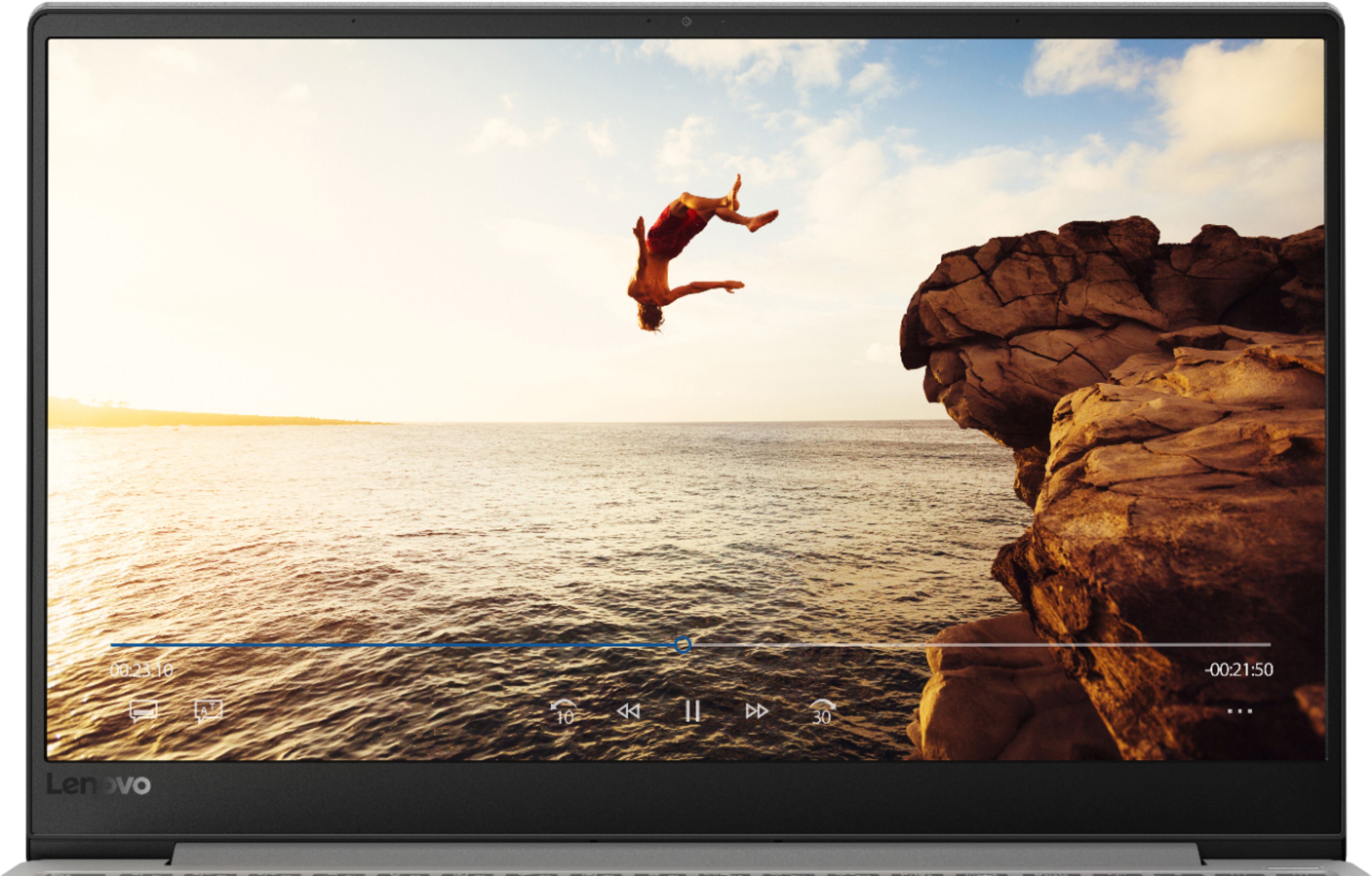

- Model:
- 81F500NSUS
- SKU:
- 6291881
Rating by feature
- Battery Life
Rating 4.5 out of 5 stars
- Speed
Rating 4.5 out of 5 stars
- Display
Rating 4.6 out of 5 stars
Customers are saying
Customers find value in the IdeaPad 330S laptop's fast performance, affordable price, and lightweight design. Many users appreciate its large storage capacity and excellent performance for the price. However, some users have concerns about its short battery life and noisy fan.
This summary was generated by AI based on customer reviews.
Good computer, bad charging
||Posted .This reviewer received promo considerations or sweepstakes entry for writing a review.Had it for 6 weeks and it quit charging. Don't know why, but returned it to Best Buy who sent it in for warranty.
No, I would not recommend this to a friendBrand response from Lenovo Product Expert
Posted .We are sorry to hear that you are having issues charging your Lenovo IdeaPad 330s-15 laptop. This may be due to power management software within the BIOS and drivers that are out of date. This system has Lenovo utilities installed to help maintain the health of the device and keep the operating system software up to date. Type "Lenovo Vantage" in the Cortana Search window (if Lenovo Vantage is not installed on your device, you can download the APP and install it now). Select Lenovo Vantage from the list. In the window that opens, click on "Health and Support". In the expanded menu, select "Hardware Scan" In the window that opens, select "Run Quick Tests". This will scan your entire system for errors. Follow any directions that may pop up. If the problem continues after this scan, now click on "System Update". First select Windows update from the menu. Scan your system to be sure you have the latest version of Windows 10. Once that scan is complete, select "Additional Updates". This will scan your device to be sure there are no new BIOS/Driver updates needed. Follow any instructions that may pop up. If the issue still continues after these updates, we recommend you call Lenovo Tech Support at: 877-453-6686 for additional help.

Failed out of the box
||Posted . Owned for 1 year when reviewed.This reviewer received promo considerations or sweepstakes entry for writing a review.Failed almost out of the box, returned to store, geek squad was unable to fix issue and it was returned for different brand.
No, I would not recommend this to a friendHonestly hate this computer
||Posted . Owned for 1.5 years when reviewed.This reviewer received promo considerations or sweepstakes entry for writing a review.I wish more than anything I hadn’t gotten a credit card to purchase this. I’ve had so many problems.
No, I would not recommend this to a friendNo go
||Posted . Owned for more than 2 years when reviewed.This reviewer received promo considerations or sweepstakes entry for writing a review.Laptop crashed less than a year after purchase. Would not recommend. Barely even used it.
No, I would not recommend this to a friend- Pros mentioned:FastCons mentioned:Battery life
Pretty good, but...
Posted .This reviewer received promo considerations or sweepstakes entry for writing a review.I purchased this laptop after my HP decided to quit on me 3 months post purchase. While I am highly impressed with the speed, graphics, and storage, the battery life is what knocked this 5 star rating down to a 4. I have all the energy saving options on, yet I cannot go more than 2 hours without having to charge this thing. It's really inconvenient when I want to go places with it. So if you're looking for a laptop that has good battery life, do not pick this one, or you will be disappointed. Otherwise, if you're looking for a laptop and you do not mind having to charge it almost constantly, this one may be it for you.
I would recommend this to a friendBrand response from Lenovo Product Expert
Posted .The Lenovo IdeaPad 330s-15 laptop ships with a 2CELL 30WH, Lithium Polymer battery, with a battery life of up to 7 hours of battery life. To get the maximum battery life, be sure there are no unwanted programs running in the background, draining the battery. Here is a link to some tips for finding out what is draining your battery:
https://www.laptopmag.com/articles/battery-saver-windows-10. Then, to maximize battery life, try changing your power management setting to a more conservative one. You can do this in the control panel, in the power management category on your system. Select a more conservative power management setting to extend battery life. If battery life has still not improved after these steps, try a reset of the battery. Here is a link to instructions for resetting a non-removable battery. If you need further assistance, we recommend you call Lenovo Tech Support at: 877-453-6686. Here is the link: https://www.techwalla.com/articles/how-to-reset-a-laptop-battery
TERRIBLE
||Posted . Owned for 1 year when reviewed.This reviewer received promo considerations or sweepstakes entry for writing a review.It quit working in less than a year... It was lightly used and taken care of too.
No, I would not recommend this to a friendWouldn’t recommend it
||Posted . Owned for 6 months when reviewed.This reviewer received promo considerations or sweepstakes entry for writing a review.It’s sucks, slow, crashes, recovery don’t work ###
No, I would not recommend this to a friendBrand response from Lenovo Product Expert
Posted .Windows 10 S-Mode Operating System should not crash. If you have switch out of S-Mode to Windows 10 Home operating system, first, be sure any software you installed is compatible with Windows 10. There is no need to install Microsoft Office software. The software is already part of the operating system, you just need to activate the software with a purchased product key. If you have installed a copy of Microsoft Office, this is conflicting with the existing copy on the system and this will slow your system down. If you have installed a 3rd party anti-virus program, be sure that Windows Defender is turned off and that the trial version of McAfee Anti-Virus software is uninstalled. There can only be one anti-virus program on the system. You may need to restore your system to original factory default settings if any of the programing errors have occurred. You can do that by typing "restore" in the Cortana search window. Just click on the magnifying glass icon at the bottom left of your Windows 10 Desktop. Click on "Reset This PC" Then click on "Get Started" and follow the on screen directions to restore to factory defaults. If you can not boot to the Windows 10 desktop to perform a factory reset, this system is equipped with OneKey Recovery System. There is a very small pin hole on the right side of the device, right near the SD card slot on the device. You will need a pin to push this reset button. Plug the device in. Let the battery charge for about 15 minutes. Push the reset button. The system should boot to a choice screen where you can choose "Restore To Factory Default". Select this. It will delete everything from the hard drive except the original factory install of the operating system. You will need to reinstall all programs and files after the reset. If you don't have copies of the files, try to make one before you restore by selecting "Boot to desktop" and trying to back up your files. If the problem persists after the factory reset, we recommend you contact Lenovo Tech Support at: 877-453-6686.
- Pros mentioned:Performance
Excellent and long lasting
Posted .This reviewer received promo considerations or sweepstakes entry for writing a review.Excellent Laptop, I have been using this as my primary personal Laptop since 2019, I am writing review from this laptop. Excellent performance and reliable. Thank you Lenova
I would recommend this to a friend - Pros mentioned:Fast, Price
Excellent Laptop
Posted .This reviewer received promo considerations or sweepstakes entry for writing a review.So far I'm loving this laptop. The specs for the price can't be beat. It's extremely lightweight and it's very fast. Even with a standard HDD it boots up quick. The 8th Gen Quad Core I5 will be great for photo editing and everything else I'll be using it for.
I would recommend this to a friendBrand response from Lenovo Product Expert
Posted .Thank you for choosing the Lenovo IdeaPad 330s-15 laptop. We are pleased to hear that the value, features and performance of the IdeaPad 330s-15 meets your computing needs so well. The Lenovo IdeaPad 330s-15 ships with a powerful Quad-Core/Eight-Thread Intel Core i5-8250U processor, 8GB of DDR4-2400MHz RAM. This configuration has a 15.6" (measured diagonally) 1920 x 1080 (FHD) resolution screen, with a brightness level of 250 nits. The Lenovo IdeaPad 330s-15 ships with a 1TB standard hard drive, supported by 16GB of Intel Optane Memory. This configuration can handle many of today's most demanding programs and is good with multi-tasking. If this describes the kind of computing you do, the Lenovo IdeaPad 330s-15 will be a great choice for you.
- Pros mentioned:Fast, LightweightCons mentioned:Battery life
Not for me
Posted .This reviewer received promo considerations or sweepstakes entry for writing a review.Computer is lightweight, fast and has really good specs for the price. My biggest con and reason for returning is the battery life. Its touted as having a 6hr battery life this is 100% false. While running a balanced power-plan at 45% brightness i struggled to get 3hrs of battery life out of this device on a full change. I needed this device to last at least the described 6 hours, to which it failed. If you're ok with 2 hours needed for a full charge and 3 hours of total usage while off the charge then this device can work for you.
No, I would not recommend this to a friendBrand response from Lenovo Product Expert
Posted .The Lenovo IdeaPad 330s-15 laptop ships with a 2CELL 30WH, Lithium Polymer battery, with a battery life of up to 7 hours, depending on the work that the device is performing. To maximize battery life, first adjust your battery saver settings. Here is a link to instruction for doing this in Windows 10: https://www.digitalcitizen.life/how-use-configure-battery-saver-windows-10. Next, to maximize battery life, be sure there are no unwanted programs running in the background, draining the battery. Here is a link to some tips for finding out what is draining your battery:
https://www.laptopmag.com/articles/battery-saver-windows-10. Also, to maximize battery life, try changing your power management setting to a more conservative one. You can do this in the control panel, in the power management category on your system. Select a more conservative power management setting to extend battery life. Finally, if the battery life does not improve, a battery reset may help. Here is a link to instructions for reconditioning a non-removable battery, using the Battery Management Software installed on the computer. If you need further assistance, we recommend you call Lenovo Tech Support at: 877-453-6686. Here is the link: https://help.business.uconn.edu/index.php?pg=kb.page&id=169
- Pros mentioned:Storage
Very surprised with what I bought.
Posted .This reviewer received promo considerations or sweepstakes entry for writing a review.I’m an Automotive Tech and I got this laptop to help me diagnose and fix vehicles. The stock 8gb memory definitely kept up with the live data and multiple screens I need to monitor certain sensors and modules at the same time. I did though however upgrade the one removable memory card (since the laptop was on sale and I had a few extra bucks) to an 8gb to give me a total of 12gbs of Memory and now it’s even faster. The 16gb Optane Memory that assist the regular 1Tb HDD is also a big plus and you can definitely tell it’s there helping. I believe that’s upgradable to a 32gbs as well but I’m not 100% sure I should even mess with that yet because it’s so fast already. I bought an Open Boxed Geek Squad certified one and I have no complaints especially with the price. Since I got it so cheap I feel like I stole this laptop because it is worth every penny of the MSRP price, So thanks Best Buy. The graphic card description needs to be updated here in the first product description and at Lenovo’s website because it’s says it has an AMD graphics card at both of those spots but All other specs/descriptions say it has an Intel Uhd Card which is what mine has (I had my fingers crossed though when I checked because that would of made this laptop even better) So get this laptop, if you’re looking for a well priced laptop that runs and feels like a high priced laptop.
I would recommend this to a friendBrand response from Lenovo Product Expert
Posted .Thank you for choosing the Lenovo IdeaPad 330s-15 laptop. Please keep in mind, This model is not user upgradable. A certified technician must do all of the work, so as to not void the warranty. This model ships with integrated graphics processing which is the Intel UHD Graphics 620 version. The Lenovo IdeaPad 330s-15 ships with a powerful Quad-Core/Eight-Thread Intel Core i5-8250U processor, 8GB of DDR4-2400MHz RAM. This configuration has a 15.6" (measured diagonally) 1920 x 1080 (FHD) resolution screen, with a brightness level of 250 nits. The Lenovo IdeaPad 330s-15 ships with a 1TB standard hard drive, supported by 16GB of Intel Optane Memory. This configuration can handle many of today's most demanding programs and is good with multi-tasking. If this describes the kind of computing you do, the Lenovo IdeaPad 330s-15 will be a great choice for you.
Updated Review: Fast, modern, Affordable
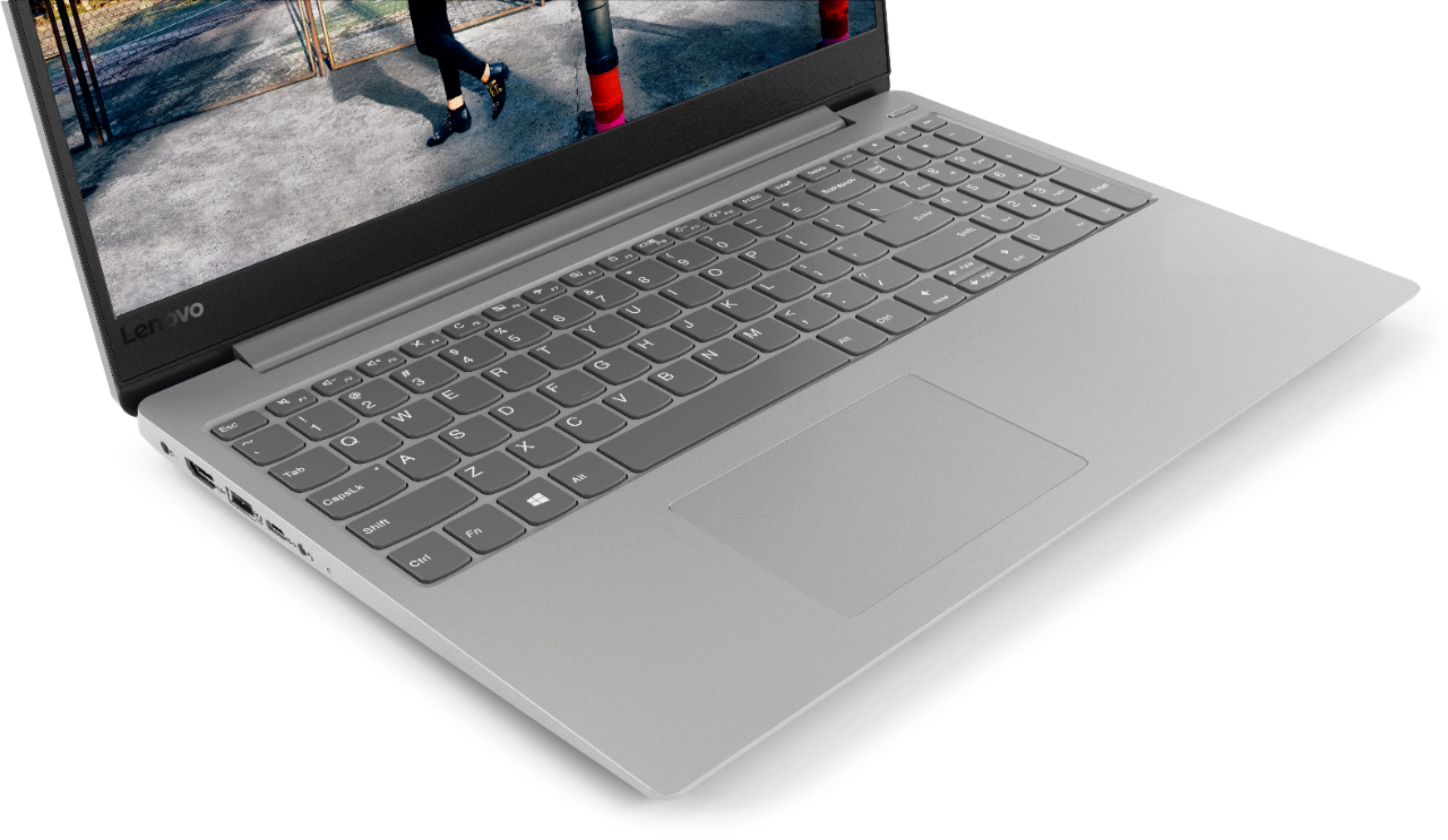
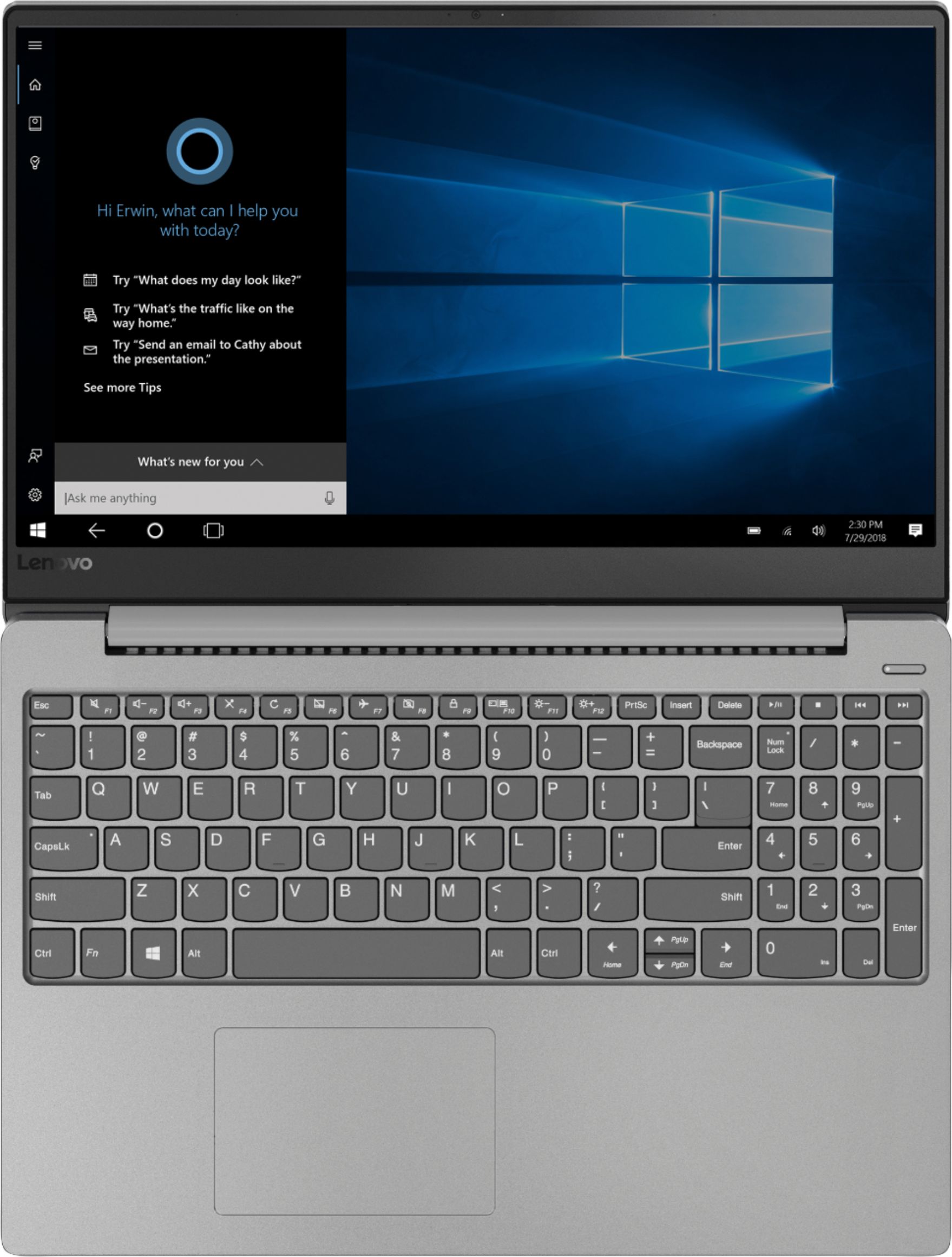
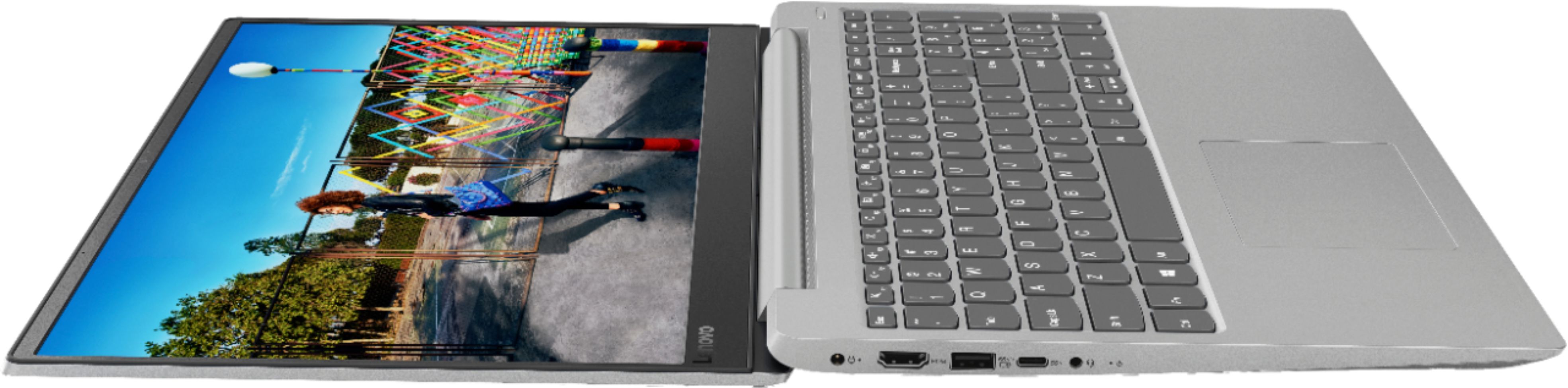
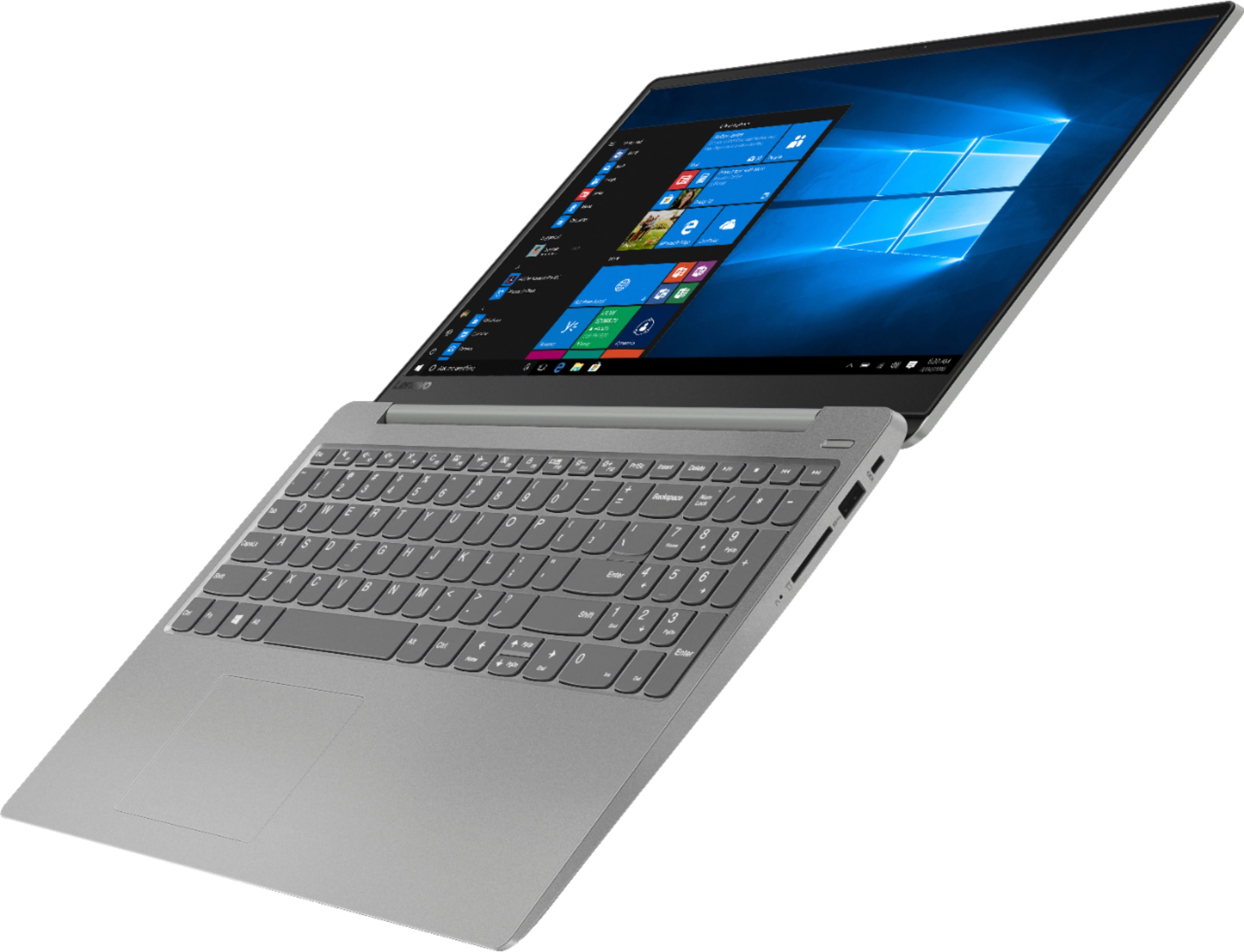
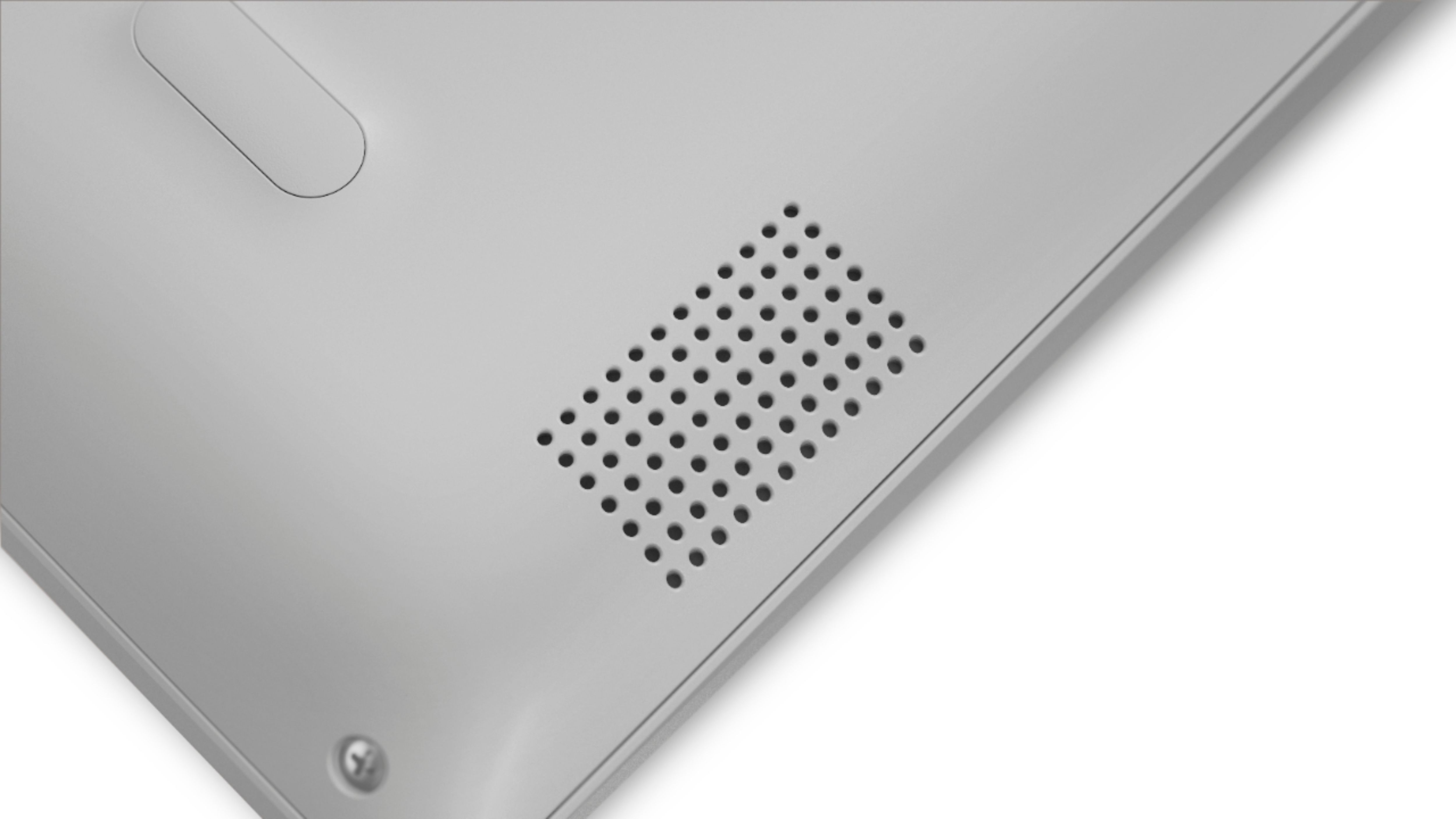
Posted .This reviewer received promo considerations or sweepstakes entry for writing a review.This is an update of my former three star review. After following the directions to update my system my camera is working again. Thank you for responding to my comment and giving me a solution to the problem. This is my first Lenovo laptop and the reason I bought it was to multitask with it. I frequently use YouTube, Microsoft Word, Gmail, and my video editing software all at the same time with ease. This laptop is fast it doesn't lag too often unless I'm going overboard with too many tabs. The great things: Very sleek and professional looking laptop, fast, good HD camera, great at multitasking, screen is large (great for watching videos or playing games), keyboard has big buttons that are easy to press & large numbers and symbols that you can actually read. The inconveniences: No CD Rom, no backlit keyboard, the touchpad is very sensitive (I bought a laser mouse and mousepad when I made the laptop purchase), the speakers are ok. Except you can hardly hear certain videos even with 100% volume and minimum background noise. The speakers are under the laptop so I dont know if that's why. However that is a minor issue. Also there are only 2 USB ports one on each side. So if you need need more than 2 USB ports you may want to buy a USB hub. Overall I LOVE it honestly. It's my first Lenovo laptop and I am completely satisfied with my purchase. I did wish there was a CD Rom though since I had to return my video software CD and buy the digital version. However, I'm excited to use my new laptop for school and for my own personal hobbies. Mostly everything is digital these days so if you need a CD Rom I'd consider another laptop.
I would recommend this to a friendBrand response from Lenovo Product Expert
Posted .Thank you for your update. We are pleased to hear that the solution we provided earlier fixed the issue you were having with your web cam. Regarding the touchpad sensitivity, you can make adjustments to the touchpad in your system settings. You can get there by clicking on the magnifying glass at the bottom left of your Windows 10 screen. Type "touchpad" in the search window. Select "Mouse & touchpad settings" from the list of choices. You can make general adjustments to the touchpad there. You can also select "Additional mouse options" for more detailed adjustments to the touchpad sensitivity by increasing the delay of the touchpad. The IdeaPad 330s-15 ships with stereo 2W speakers and Dolby Audio Premium sound enhancement software. For the best audio experience, be sure Dolby Audio Premium is turned on and adjusted to your personal preferences. If you have questions about your Lenovo IdeaPad 330s-15 laptop, ask your questions here or call Lenovo Tech Support at: 877-453-6686.
- Pros mentioned:Storage
Best Specs For The Money
Posted .This reviewer received promo considerations or sweepstakes entry for writing a review.What drew me to this laptop was the Intel Optane feature. I have never owned a device with SSD technology before and WOW it makes a difference. The boot time on this thing is unbelievable. That alone sold me on it at the store. I love that it still has 1TB of storage too. Design on it is very nice, love the aluminum lid. As other reviewers have mentioned, the speakers aren't great but let's be honest they're laptop speakers. I bought this for the Intel I5, the Intel Optane, the 1TB drive, and the overall design. For me it exceeds all my criteria and I love it.
I would recommend this to a friendBrand response from Lenovo Product Expert
Posted .Thank you for choosing the Lenovo IdeaPad 330s-15 laptop. With regard to the onboard audio, this system ships with stereo 2W speakers and Dolby Audio Premium sound enhancement software. For the best audio experience, be sure Dolby Audio Premium is turned on and adjusted to your personal preferences.
- Pros mentioned:Lightweight
Underestimated this beauty
Posted .This reviewer received promo considerations or sweepstakes entry for writing a review.I was amazed by three things: typing experience, fast boot-up and sound quality. Simply an amazing machine for the money - I purchased mine as an open-box, it came with all packaging, docs, etc, in excellent condition. Wasn't sure if it was for me when I purchased, but thought ok, I can return if I don't like. But I like it a lot and I'm keeping it! Not too heavy at all, sleek design, easily portable. Battery life could be better, but overall, this is a fantastic find and a great buy.
I would recommend this to a friendBrand response from Lenovo Product Expert
Posted .Thank you for choosing the Lenovo IdeaPad 330s-15 laptop. This model ships with a 2CELL 30WH, Lithium Polymer battery, with a battery life of up to 7 hours, depending on the work that the device is performing. To maximize battery life, first adjust your battery saver settings. Here is a link to instruction for doing this in Windows 10: https://www.digitalcitizen.life/how-use-configure-battery-saver-windows-10. Next, to maximize battery life, be sure there are no unwanted programs running in the background, draining the battery. Here is a link to some tips for finding out what is draining your battery:
https://www.laptopmag.com/articles/battery-saver-windows-10. Also, to maximize battery life, try changing your power management setting to a more conservative one. You can do this in the control panel, in the power management category on your system. Select a more conservative power management setting to extend battery life. Finally, if the battery life does not improve, a battery reset may help. Here is a link to instructions for reconditioning a non-removable battery, using the Battery Management Software installed on the computer. If you need further assistance, we recommend you call Lenovo Tech Support at: 877-453-6686. Here is the link: https://windowsreport.com/laptop-battery-not-charging-windows-10/. For 2018, Lenovo retained its place for a second year as the best laptop vendor:
https://www.laptopmag.com/articles/laptop-brand-ratings
Great!
Posted .This reviewer received promo considerations or sweepstakes entry for writing a review.great computer, if you need a work laptop this is a great option
I would recommend this to a friend- Cons mentioned:Battery life
Overall pleased with the computer
Posted .This reviewer received promo considerations or sweepstakes entry for writing a review.Bought the computer thinking it was a new one but upon checking it once I got home found out it was manufactured 18/12/06. Also after setting it up and playing with the internet I went to clear my browser history and found numerous websites that were accessed in Sept of 2017. Some thing does not make sense will take it back to Best Buy to see what is going on. Also wasn't made aware that the battery life was only about 5 hours. I have seen other laptops with 10 to 12 hour battery life.
No, I would not recommend this to a friendBrand response from Lenovo Product Expert
Posted .Model number 81F500NSUS was first available September, 2018. Lenovo lists the date of manufacture on the original product box in this format: YY/MM/DD or December 06, 2018. That would have been the date Windows 10 Operating System was factory installed on the computer. The Lenovo IdeaPad 330s-15 laptop ships with a 2CELL 30WH, Lithium Polymer battery, with a battery life of up to 7 hours, depending on the work that the device is performing.
- Cons mentioned:Battery life
Great for the price
Posted .This reviewer received promo considerations or sweepstakes entry for writing a review.I love everything about it but the battery level. It’s awful. Barley last two hours with battery saving setting. I use just at home. But if you’re planning on being out with it, make sure you have an outlet
I would recommend this to a friendBrand response from Lenovo Product Expert
Posted .The Lenovo IdeaPad 330s-15 laptop ships with a 2CELL 30WH, Lithium Polymer battery, with a battery life of up to 7 hours, depending on the work that the device is performing. To maximize battery life, first adjust your battery saver settings. Here is a link to instruction for doing this in Windows 10: https://www.digitalcitizen.life/how-use-configure-battery-saver-windows-10. Next, to maximize battery life, be sure there are no unwanted programs running in the background, draining the battery. Here is a link to some tips for finding out what is draining your battery:
https://www.laptopmag.com/articles/battery-saver-windows-10. Also, to maximize battery life, try changing your power management setting to a more conservative one. You can do this in the control panel, in the power management category on your system. Select a more conservative power management setting to extend battery life. Finally, if the battery life does not improve, a battery reset may help. Here is a link to instructions for resetting a non-removable battery. If you need further assistance, we recommend you call Lenovo Tech Support at: 877-453-6686. Here is the link: https://www.techwalla.com/articles/how-to-reset-a-laptop-battery
- Pros mentioned:Performance
Great Invesment
Posted .This reviewer received promo considerations or sweepstakes entry for writing a review.I love this laptop, I like the look and performance of this laptop. The boot up time could be a bit faster but hey it works. Just what I needed for college.
I would recommend this to a friendBrand response from Lenovo Product Expert
Posted .The Lenovo IdeaPad 330s-15 laptop, model number 81F500NSUS, ships with 16GB of Intel Optane Memory which works with the 1TB standard hard drive. The Intel Optane memory will boot this device from off to the Windows 10 desktop in less than 10 seconds. Optane Memory will also provide quick recall of those programs and files that the specific user accesses the most. If you are experiencing slow boot up, be sure any software you installed is compatible with Windows 10. There is no need to install Microsoft Office software. The software is already part of the operating system, you just need to activate the software with a purchased product key. If you have installed a copy of Microsoft Office, this is conflicting with the existing copy on the system and this will slow your system down. If you have installed a 3rd party anti-virus program, be sure that Windows Defender is turned off and that the trial version of McAfee Anti-Virus software is uninstalled. There can only be one anti-virus program on the system. You may need to restore your system to original factory default settings if any of the programing errors have occurred. You can do that by typing "restore" in the Cortana search window. Just click on the magnifying glass icon at the bottom left of your Windows 10 Desktop. Click on "Reset This PC" Then click on "Get Started" and follow the on screen directions to restore to factory defaults. If the problem persists, we recommend you contact Lenovo Tech Support at: 877-453-6686.
Very pleased!
Posted .This reviewer received promo considerations or sweepstakes entry for writing a review.Bought this laptop for a specific project which involves a lot of scanning of documents. I am pleasantly surprised with the speed of this machine. I've been using a Mac for many years, so this is my first Windows machine in a long time. It boots and opens apps very quickly. Please note that one of the first things I did was update the bios. That made it noticeably faster. I like it so much that when my father needed a new computer, we went back to Best Buy and bought him the same one.
I would recommend this to a friendBrand response from Lenovo Product Expert
Posted .Thank you for choosing the lenovo IdeaPad 330s-15 laptop. We are pleased to hear that the performance of the IdeaPad 330s-15 meets your computing needs so well. The Lenovo IdeaPad 330s-15 ships with a powerful Quad-Core/Eight-Thread Intel Core i5-8250U processor, 8GB of DDR4-2400MHz RAM. This configuration has a 15.6" (measured diagonally) 1920 x 1080 (FHD) resolution screen, with a brightness level of 250 nits. The Lenovo IdeaPad 330s-15 ships with a 1TB standard hard drive, supported by 16GB of Intel Optane Memory. This configuration can handle many of today's most demanding programs and is good with multi-tasking. If this describes the kind of computing you do, the Lenovo IdeaPad 330s-15 will be a great choice for you.
Great find!
Posted .This reviewer received promo considerations or sweepstakes entry for writing a review.A great laptop for the price. It won't get you far in terms if gaming but it can handle web browsing, numerous tabs, streaming sites, and art programs with ease.
I would recommend this to a friend