Customer Ratings & Reviews
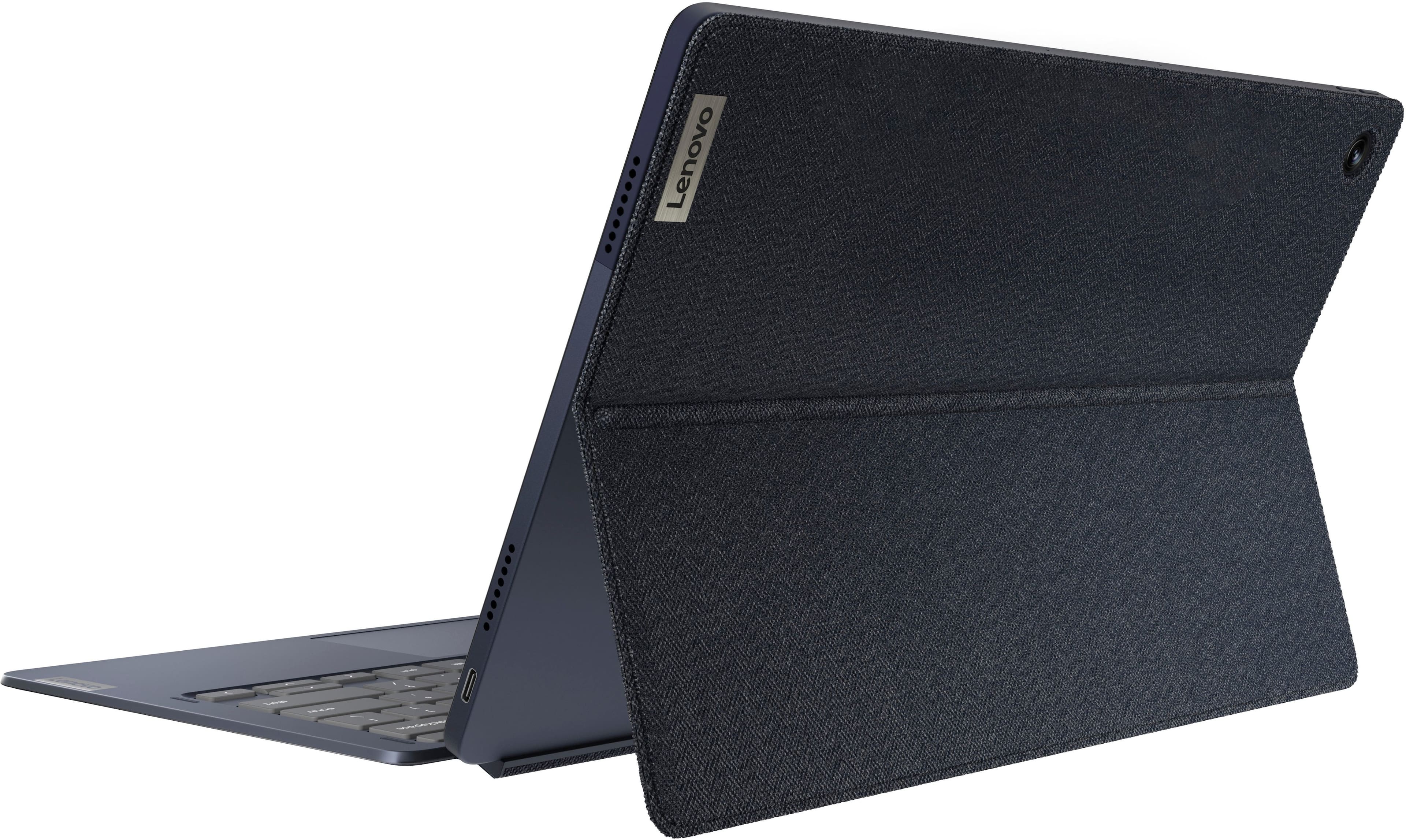
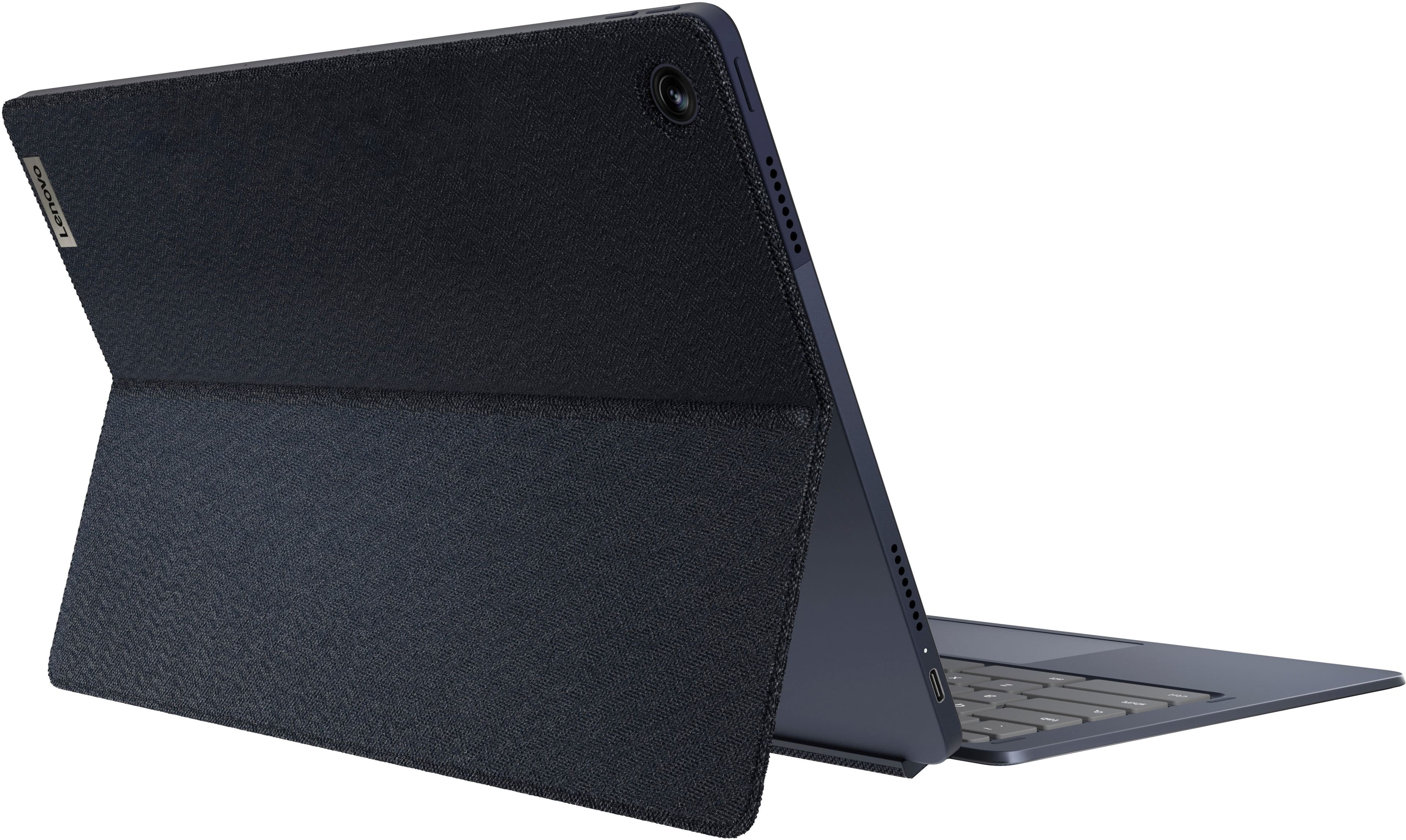
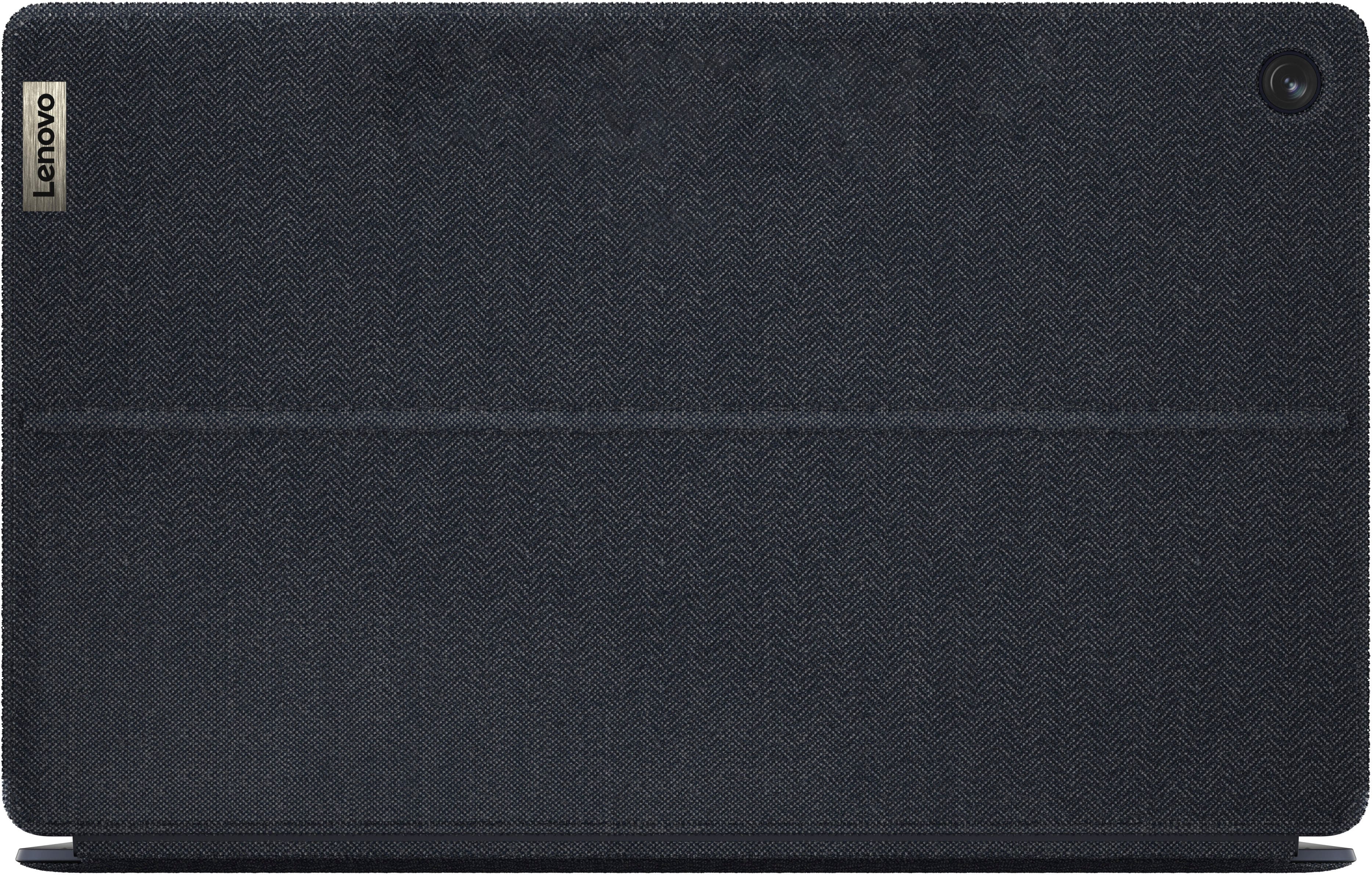
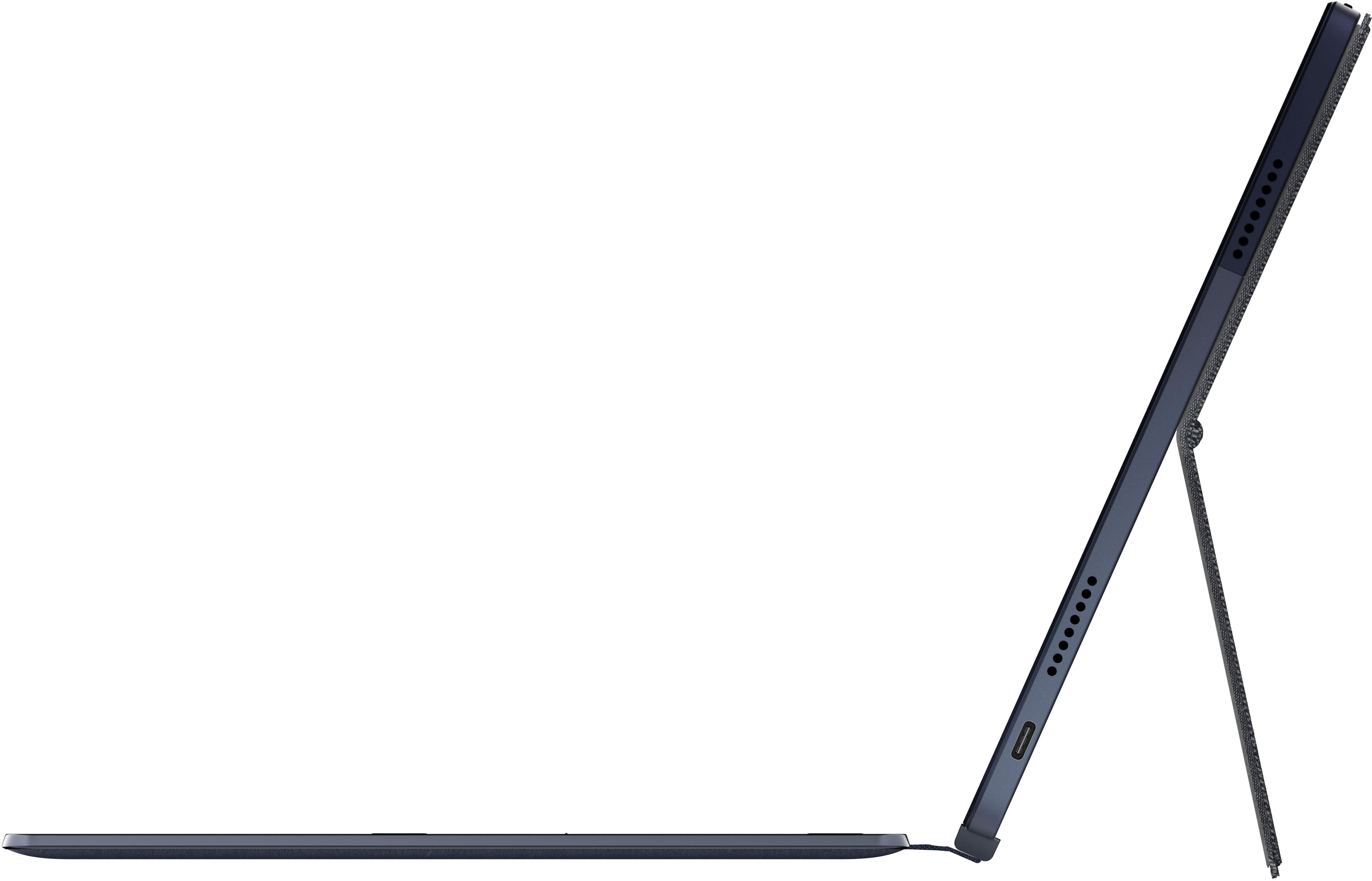



- Model:
- 82QS001HUS
- SKU:
- 10459127
Rating by feature
- Battery Life
Rating 4.7 out of 5 stars
- Speed
Rating 4.4 out of 5 stars
- Display
Rating 4.7 out of 5 stars
Pretty good for price point
||Posted . Owned for 1 month when reviewed.This reviewer received promo considerations or sweepstakes entry for writing a review.Excellent, really it comes to, what is your purpose with it.
I would recommend this to a friendBrand response from Lenovo Product Expert
Posted .Thank you for choosing the Lenovo Chromebook Duet 5 with OLED Touch Screen Tablet. We are very pleased to hear that the specifications and features of the Lenovo Chromebook Duet 5 meet your computing needs so well.

Decent value
||Posted . Owned for 1 year when reviewed.This reviewer received promo considerations or sweepstakes entry for writing a review.Purchased on sale. Decent value, but the form factor is not preferred by my wife and daughter. They like the yoga form factor better.
I would recommend this to a friendGood but clunky.
||Posted . Owned for 8 months when reviewed.This reviewer received promo considerations or sweepstakes entry for writing a review.It's nice, but even with 8 gigs of ram and a snapdragon processor, it still ends up being a bit clunky.
I would recommend this to a friendWorks well for my needs
||Posted . Owned for less than 1 week when reviewed.This reviewer received promo considerations or sweepstakes entry for writing a review.Works well with casting to a tv in office for meetings.
I would recommend this to a friendBrand response from Lenovo Product Expert
Posted .Thank you for choosing the Lenovo IdeaPad Duet 5 Chromebook. We are pleased to hear that the IdeaPad Duet 5 Chromebook meets your computing needs so well.
Decent
||Posted . Owned for 2 weeks when reviewed.This reviewer received promo considerations or sweepstakes entry for writing a review.Good one for that price. But feels lagging behind and I'm sure it cant handle heavy processing.
No, I would not recommend this to a friendJust use1 month and can't turn on 6 month
||Posted . Owned for 1 year when reviewed.This reviewer received promo considerations or sweepstakes entry for writing a review.not good. can't get in system when update. I'm not sure its Google chromebook issue or Lenovo issue.
No, I would not recommend this to a friendIntermittent screen woes
||Posted . Owned for 1 month when reviewed.This reviewer received promo considerations or sweepstakes entry for writing a review.Bought for a relative stationed in Europe. Screen goes black every 20 or so seconds. Audio continues. Only way to recover is to close the keyboard or double tap the power switch. Thought i had the addressed before we flew home with the firmware and other updates, but after one day the symptoms returned. The issue resolves with a reboot, but only temporarily. It looked and felt great otherwise, but current state is not practical for daily usage.
No, I would not recommend this to a friendBrand response from Lenovo Product Expert
Posted .Hey MarkO, we are sorry to hear that you're having performance issues with this Chromebook. To try to remedy this, first, please look for any applicable updates in the “About ChromeOS” tab in system settings. After applying these updates, should your issue persist, we recommend trying to complete a powerwash or factory reset to see if this resolves the issue. To complete a reset, here is a link to a Google Support page that details how to reset a Chromebook: https://support.google.com/chromebook/answer/183084?hl=en. After these steps, if this doesn’t resolve things, we recommend reaching out to Lenovo Support at this number: 800-426-7378, and providing a representative with details of your issue, so that they may help by providing a solution for you. We appreciate you taking the time to share your experience and feedback with us.
Great for temp use
||Posted . Owned for 10 months when reviewed.This reviewer received promo considerations or sweepstakes entry for writing a review.Great, used for writing and light streaming but died and will no longer charge just shy of a year later.
I would recommend this to a friendGreat Chromebook
||Posted . Owned for 1 week when reviewed.This reviewer received promo considerations or sweepstakes entry for writing a review.Great Chromebook for my son who needed something light and portable. OLED screen is bright, and performance is snappy (pun intended)
I would recommend this to a friendScreen
||Posted . Owned for 7 months when reviewed.This reviewer received promo considerations or sweepstakes entry for writing a review.Screen cracked Screen cracked Screen cracked Screen
No, I would not recommend this to a friendEhhh ok.
||Posted . Owned for 5 months when reviewed.This reviewer received promo considerations or sweepstakes entry for writing a review.Ehhh it’s ok. Kind of expensive for a chrome book. Ended up returning it for a real lap top.
I would recommend this to a friendFine
||Posted .This reviewer received promo considerations or sweepstakes entry for writing a review.Pretty disappointed. The trackpad lags and there is no Office 365 capabilities with Chromebooks. Display is nice but really no comparison to a IPad Pro
No, I would not recommend this to a friendBrand response from Lenovo Product Expert
Posted .Hey WilliamM, we're sorry to hear that you're having trouble with your Duet 5 Chromebook. Regarding the touchpad issue, to try to resolve this, try doing a hardware reset (visit the following link to learn how to do so: https://support.google.com/chromebook/answer/3227606?hl=en&sjid=11168473644130281663-NA), which reboots the embedded controller that manages your touchpad. If this doesn't resolve your issue, you may need to factory reset your Chromebook, which you can learn more about towards the bottom of the webpage tied to the previously embedded link. Also, we recommend ensuring that the pins and connection points on the keyboard and tablet are not obstructed and are connecting totally. We appreciate you taking the time to share your feedback with us.
Lenovo Idea Pad
||Posted . Owned for 1 month when reviewed.This reviewer received promo considerations or sweepstakes entry for writing a review.Purchased it for my son to use in school. Good overall, but not student friendly due to the keyboard. Would recommend for home use only.
I would recommend this to a friendBrand response from Lenovo Product Expert
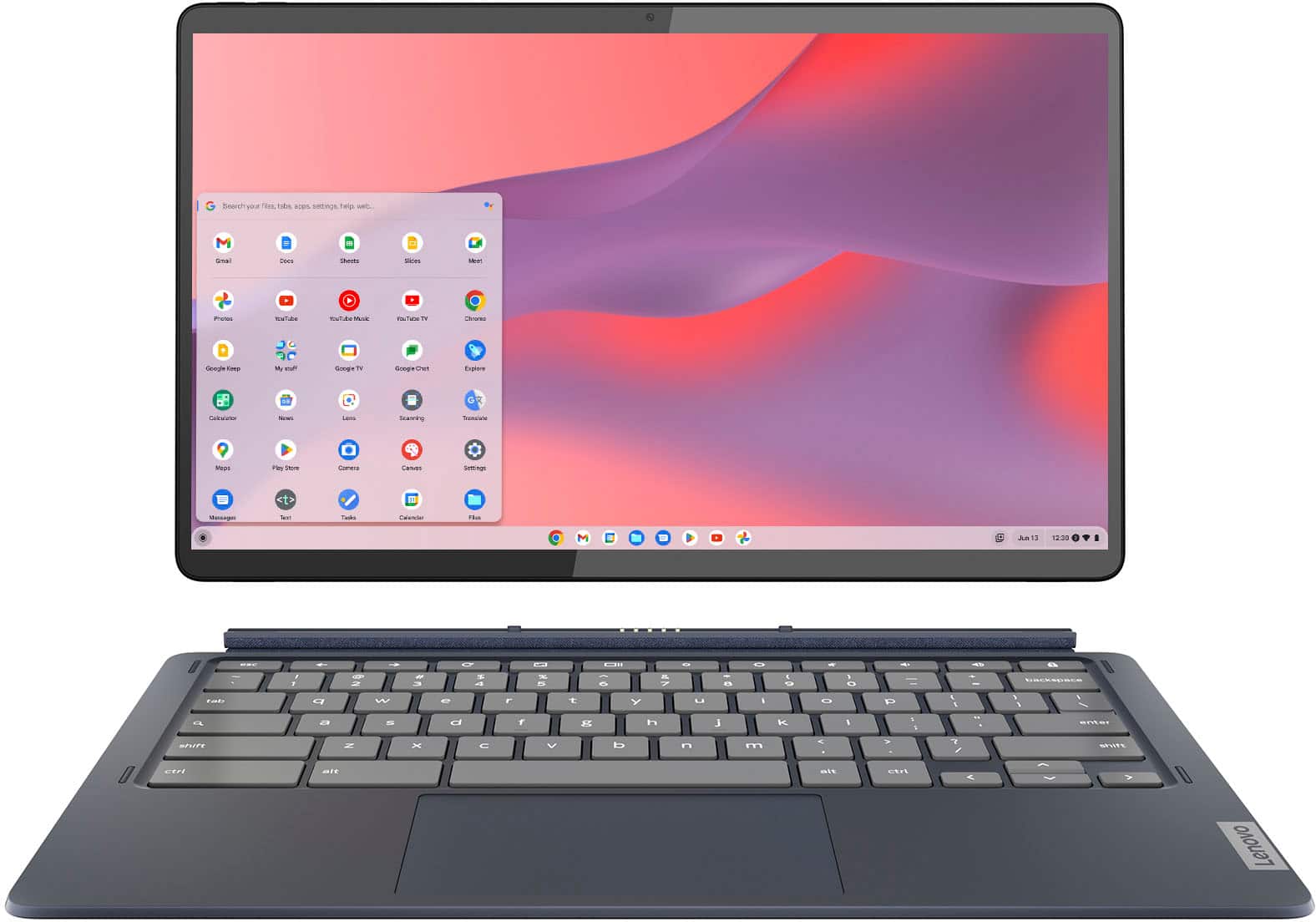
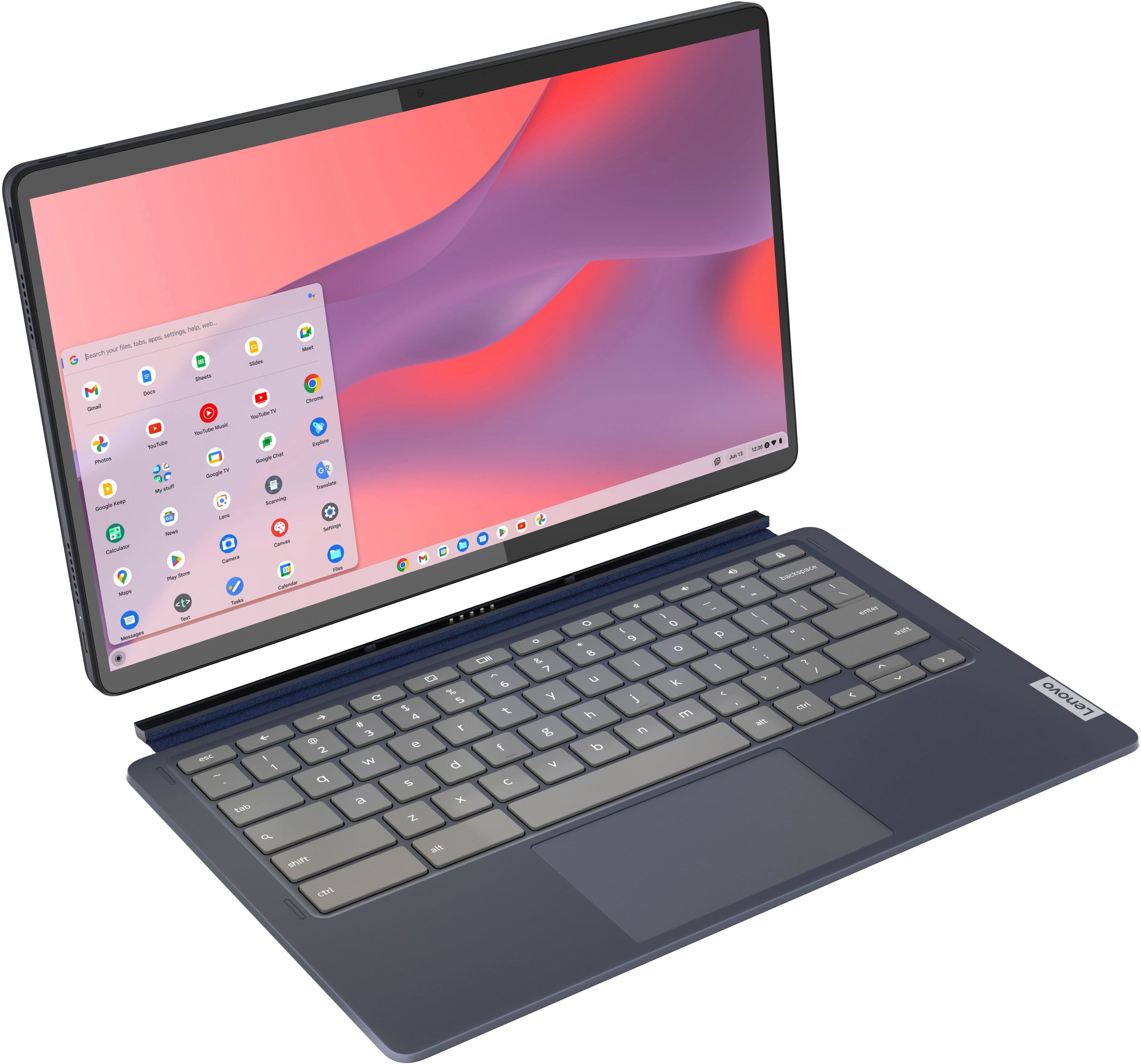
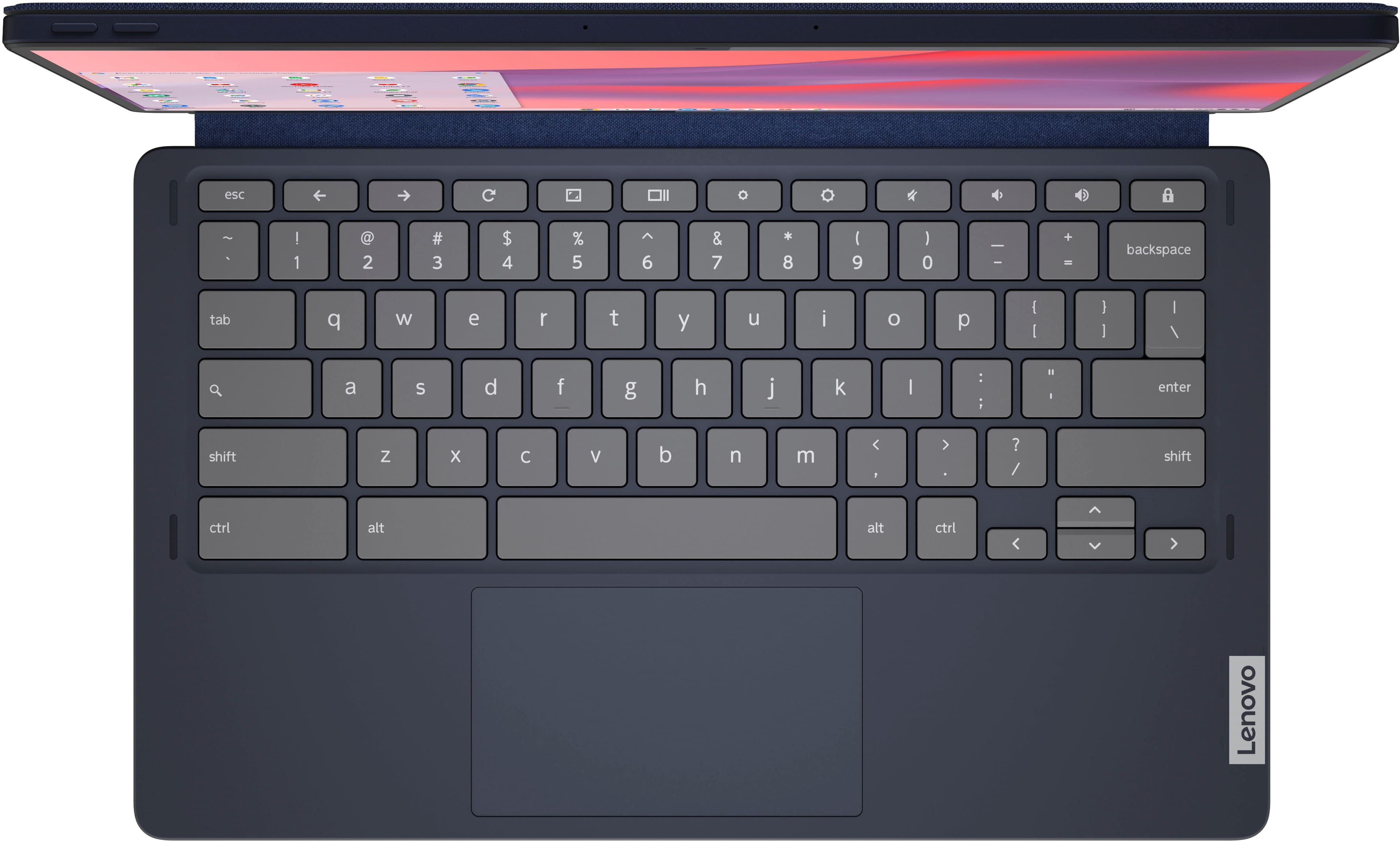
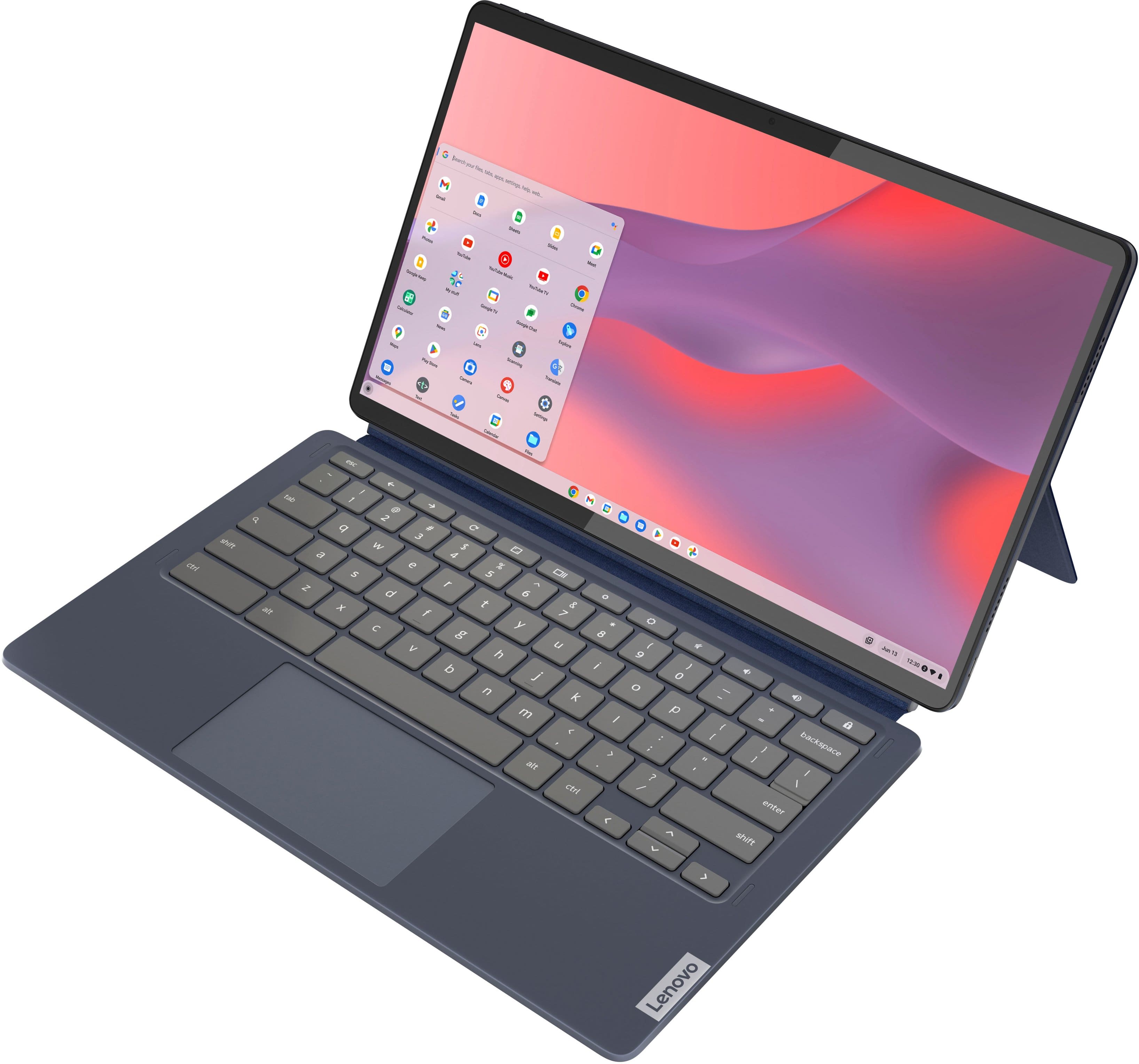
Posted .This Lenovo IdeaPad Duet 5 Chromebook, model number 82QS001HUS, ships with a detachable, Non-backlit, English Version, standard Chromebook QWERTY keyboard. Here is a link to information about using the Chromebook standard QWERTY keyboard: https://support.google.com/chromebook/answer/1047364?hl=en. if you have questions about your son's Lenovo IdeaPad Duet 5 Chromebook, we recommend you contact Lenovo Tech Support for Chromebooks for more information at: 800-426-7378.
Entertainment Mode
||Posted . Owned for 2 months when reviewed.This reviewer received promo considerations or sweepstakes entry for writing a review.Very heavy tablet and weird interface. Have to zoom in all the time to view daily email and daily news on the web. Fail to perform my daily tasks! The advantage is that fantastic sounding and visual effects. If only use for watching movies or Netflix or YouTube, you can give it a try.
No, I would not recommend this to a friendBrand response from Lenovo Product Expert
Posted .Hello, YawanC. We are sorry to hear that you encountered an issue with your Duet 5 Chromebook. We recommend verifying that your Chromebook display settings are set to what is recommended by the system and that your frequently used apps, and the Chrome operating system itself, are update to their latest versions. If there issues still plague you, we recommend reaching out to Lenovo Tech Support for Chromebooks and providing a representative with details of your issue, so that they may help by providing a solution for you. Here is phone number to speak with a tech support representative to further resolve your issue: 800-426-7378. We appreciate you sharing your experience so that we may use it to continue to better our products and services for yourself and others.
Horrible processor ruins what would be a perfect.
||Posted . Owned for less than 1 week when reviewed.This reviewer received promo considerations or sweepstakes entry for writing a review.This Chromebook is SO CLOSE to perfect, but the processor is total garbage, which is why I'm returning it. Even having a YouTube video playing (PiP mode) while typing this review is resulting in the device just struggling to render BestBuy's website. I can't believe Lenovo thought this experience was okay. Also, speakers are pretty bad compared to my Google Pixelbook.
No, I would not recommend this to a friendBrand response from Lenovo Product Expert
Posted .This Lenovo Chromebook Duet 5 model number 82QS001HUS, ships with the 8-Core, Qualcomm Snapdragon 7c Gen 2 Processor with a base speed of 2.55GHz through the 8-Cores. This processor is supported by 8GB Soldered LPDDR4x-2133MHz RAM and a 128GB eMMC 5.1 on systemboard solid state hard drive. If you are getting slower than expected performance, here is a link to tips for speeding up a slow Chromebook: https://support.google.com/chrome/answer/1385029?hl=en&co=GENIE.Platform%3DDesktop. If the issue continues, we recommend you contact Lenovo Tech Support for Chromebooks at: 800-426-7378.
Found out about myself.
||Posted . Owned for 1.5 years when reviewed.This reviewer received promo considerations or sweepstakes entry for writing a review.It's ok. Not a Chromebook kind of guy. I tried and discovered I wasn't
I would recommend this to a friendNice device and form factor but bad screen quality
||Posted . Owned for less than 1 week when reviewed.This reviewer received promo considerations or sweepstakes entry for writing a review.As an owner of the Chromebook Duet (10.1") model I was really excited to get the Duet 5. However, I am very extremely disappointed in the screen quality. The clarity is much worse than the older Duet (10.1") model. So bad that I can't help but wonder if I received a defective unit (I couldn't find a store within any on display to compare to mine though).
No, I would not recommend this to a friendBrand response from Lenovo Product Expert
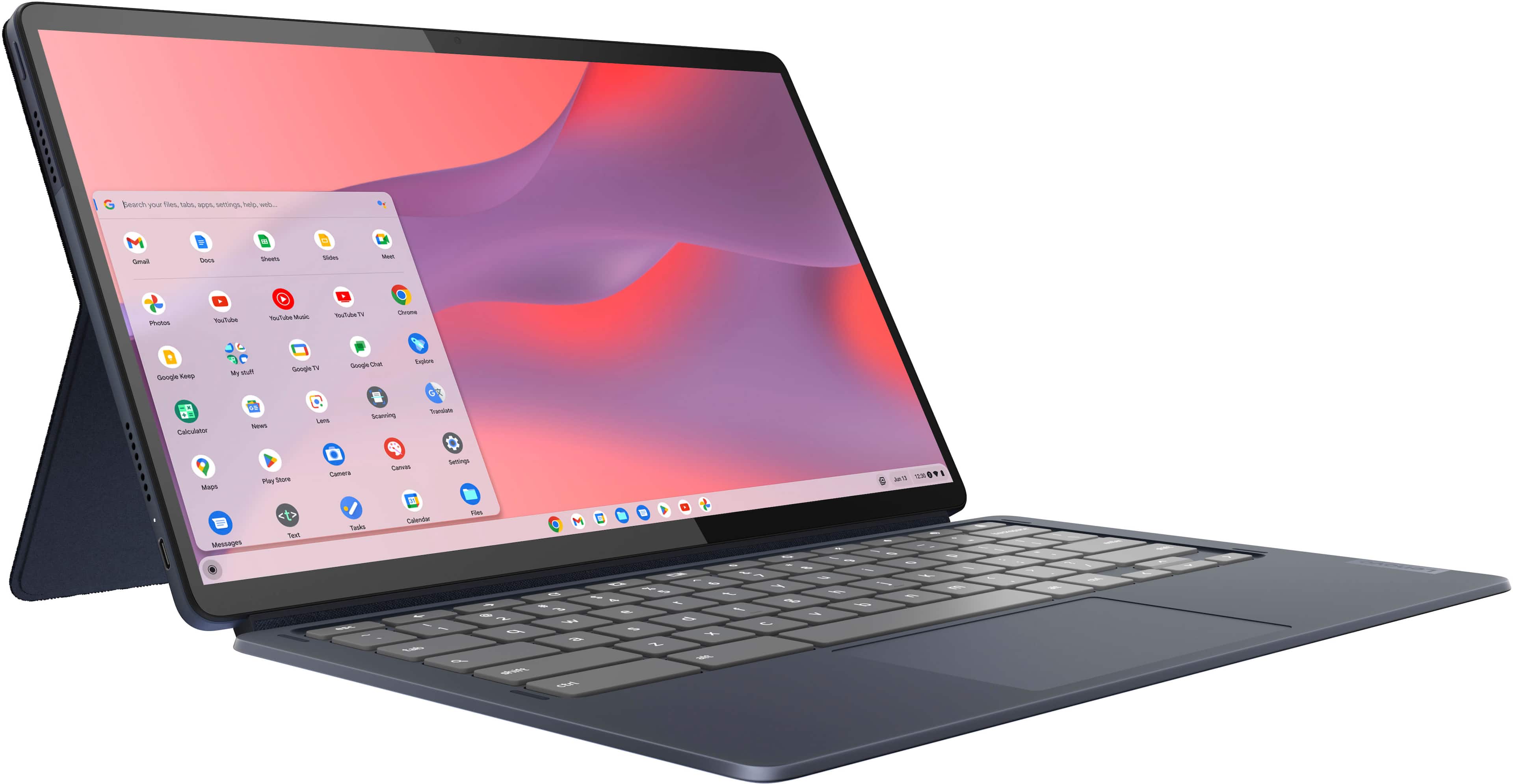
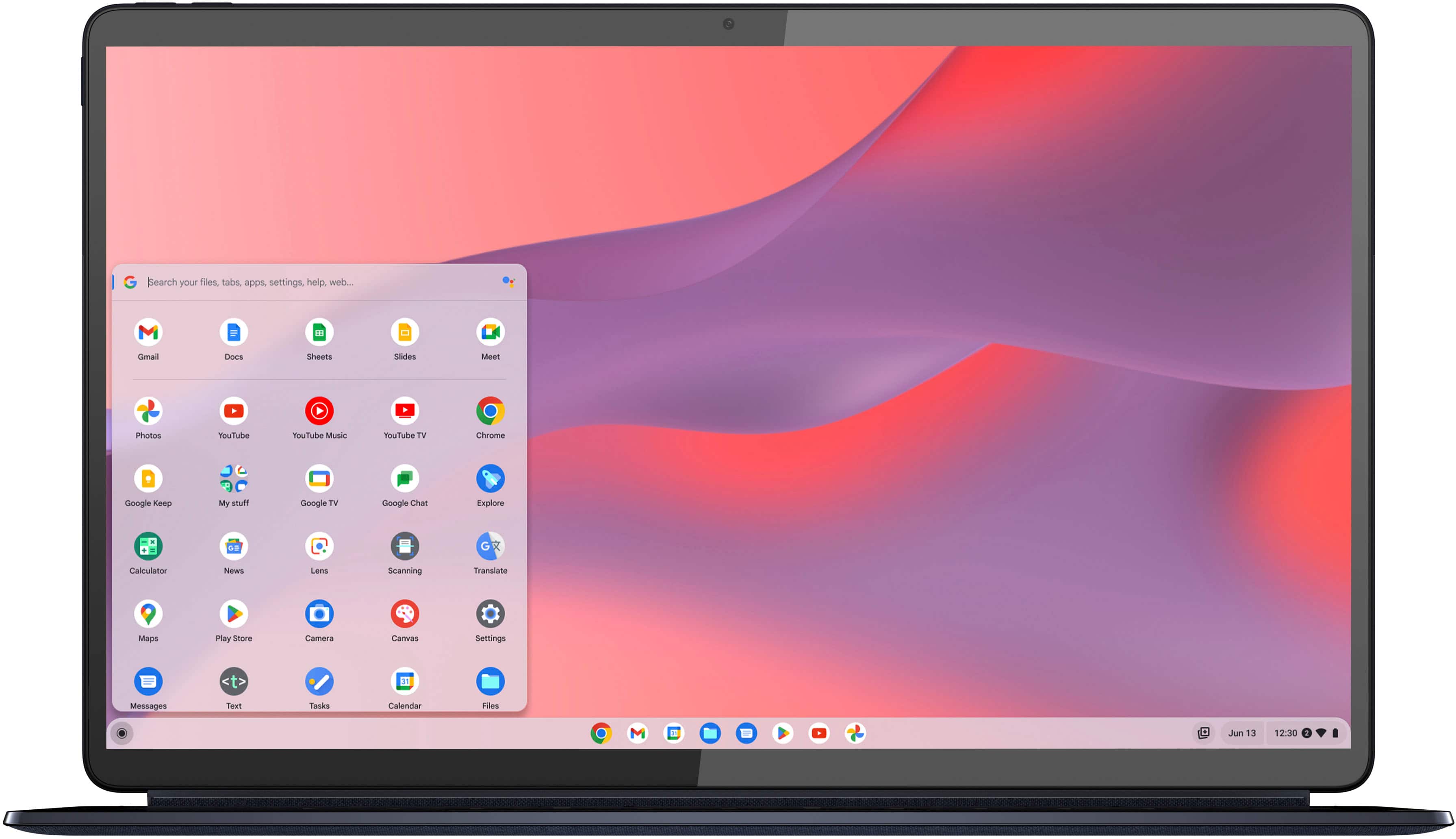
Posted .We are sorry to hear that you are having issues with the screen image of your Lenovo IdeaPad Duet 5 Chromebook, model number 82QS001HUS. This model ships with a 13.3 inch (screen size measured diagonally) OLED - FHD (1920x1080) 10-point Multi-touch screen, with a brightness level of 400 nits, has a Glossy finish. This screen provides 100 Percent of the DCI-P3 color gamut for excellent color accuracy. If you are getting less than expected screen image clarity, first be sure that any protect film has be removed from the screen that may have been placed there at the factory to protect the screen during transient. If the issue continues try resetting the hardware of your Chromebook. Here is a link to instructions for resetting the hardware of a Chromebook: https://support.google.com/chromebook/answer/3227606?hl=en. After this reset, check the screen to see if the screen image quality has improved. If not, now reset the Chromebook back to original factory settings: https://support.google.com/chromebook/answer/183084?hl=en&ref_topic=3417251. After this reset, check the screen image to see if there has been an improvement. If there has not, we recommend you contact Lenovo Tech Support for Chromebooks at: 800-426-7378.
OS broke down in less than a year
||Posted . Owned for 9 months when reviewed.This reviewer received promo considerations or sweepstakes entry for writing a review.Bought in January, broke in October. The screen kept displaying an update that did not exist. Followed every single Google instruction to no avail. Since it’s still under the manufacturer’s one-year warranty, we sent it to Lenovo. It’s already November and we still haven’t received it back as there is a “delay” on parts. Told us the part is estimated to arrive December 19, 2023. I regret this purchase.
No, I would not recommend this to a friendBrand response from Lenovo Product Expert
Posted .Hello, SarahP. We are sorry to hear that you are experiencing an issue with your Duet 5. This is a problem that we would like to look further into to make sure we can make the necessary improvements. We recommend following the progress of your service on your Duet 5 closely. We appreciate you sharing your experience so that we may use it to continue to better our products and services for yourself and others.
Linux dont work (cuase it is an arm chip)
||Posted . Owned for 1 month when reviewed.This reviewer received promo considerations or sweepstakes entry for writing a review.I'm not worth it nothing more than a phone because it has a arm chip and you cannot install any Linux programs
I would recommend this to a friendBrand response from Lenovo Product Expert
Posted .Hey, Yaakov. We're sorry to hear that your Duet 5 Chromebook was not a good fit for you due to its system architecture. We appreciate your feedback and for your time taken to share your thoughts with us.
Bottom line
||Posted . Owned for 2 months when reviewed.This reviewer received promo considerations or sweepstakes entry for writing a review.It's alright but very slow if you have more than 8 tabs open and the sound quality is extremely subpar aswell as just the processing speed is just not there
No, I would not recommend this to a friendBrand response from Lenovo Product Expert
Posted .Hi, Clay. We are sorry to hear that your Duet 5 has fallen short of your expectations and are having trouble with it. To try to remedy this, first, please look for any applicable updates in the “About ChromeOS” tab in system settings. After applying these updates, should your issue persist, we recommend trying to complete a powerwash or factory reset to see if this resolves the issue. To complete a reset, here is a link to a Google Support page that details how to reset a Chromebook: https://support.google.com/chromebook/answer/183084?hl=en. After these steps, if this doesn’t resolve things, we recommend reaching out to Lenovo Tech Support for Chromebooks at this number: 800-426-7378, and providing a representative with details of your issue, so that they may help by providing a solution for you. We appreciate you sharing your experience so that we may use it to continue to better our products and services for yourself and others.