Customer Ratings & Reviews
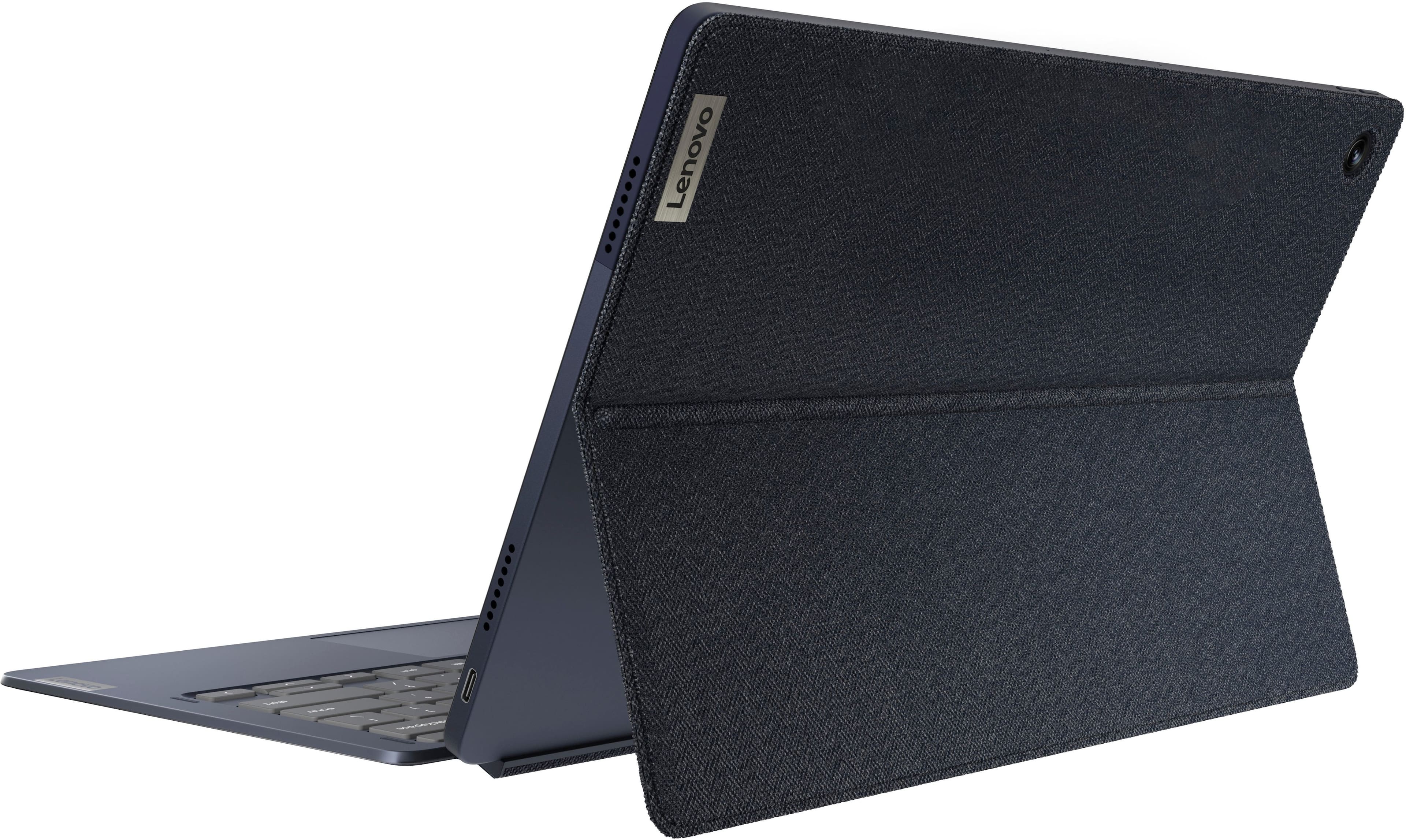
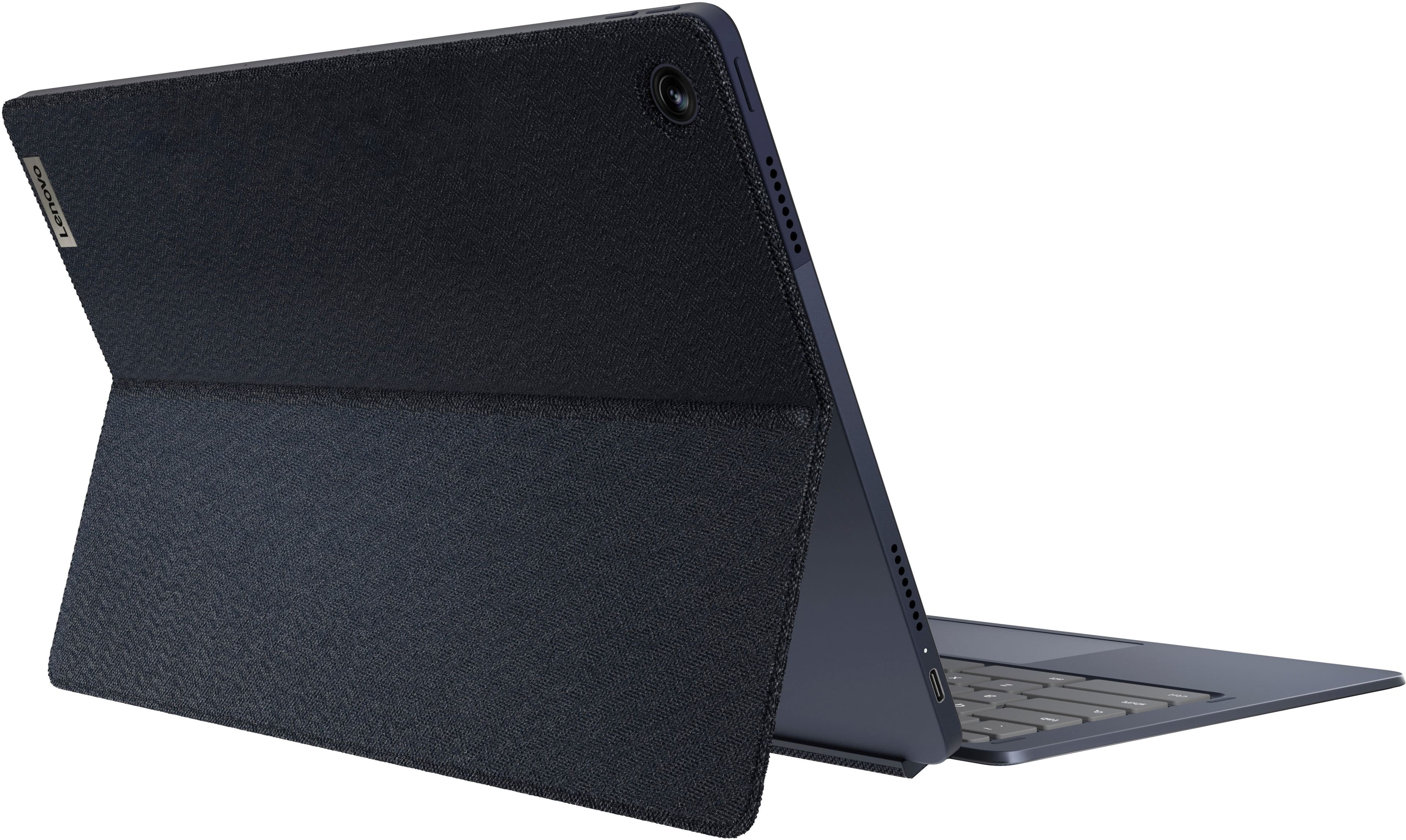
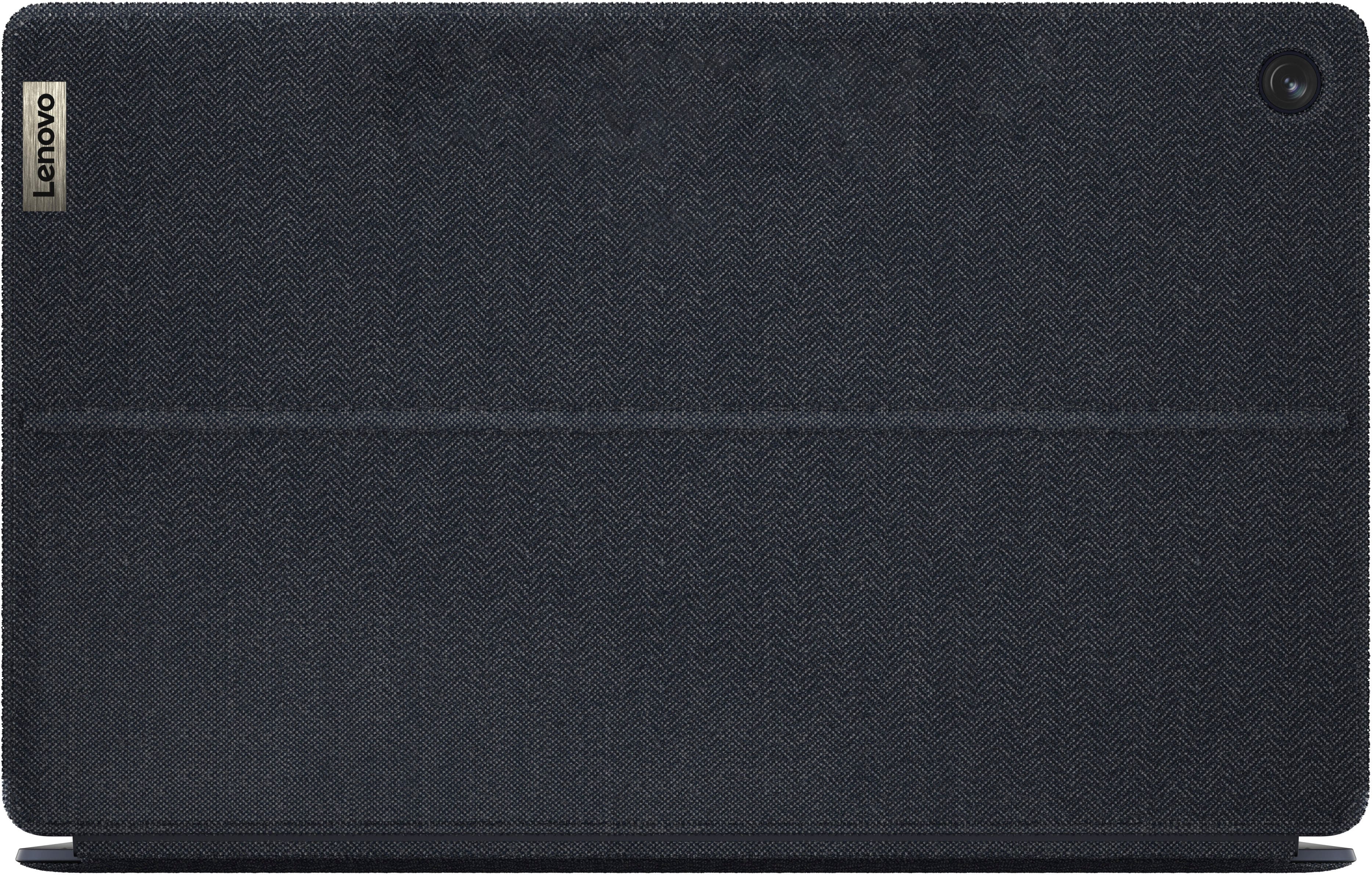
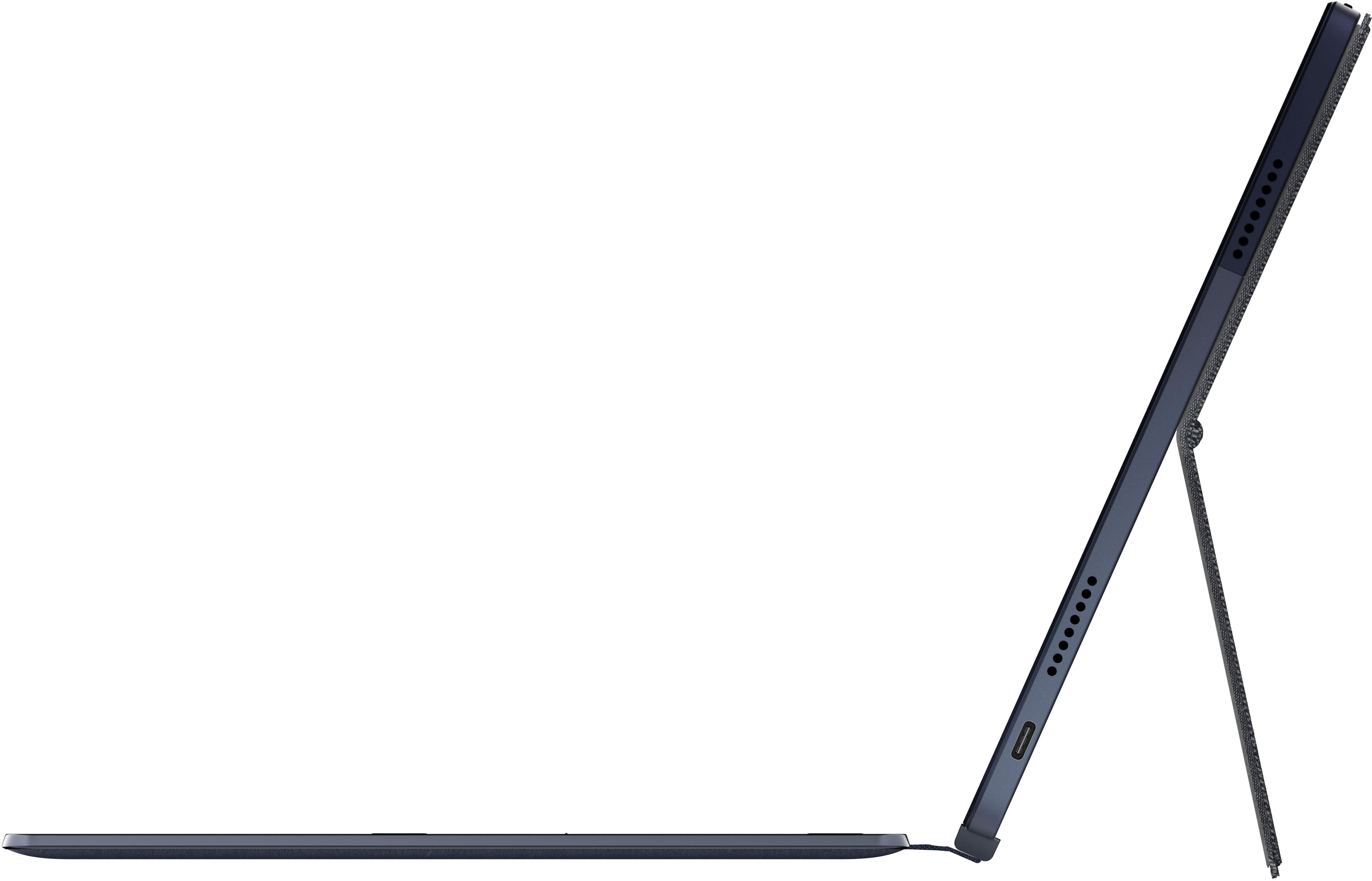



- Model:
- 82QS001HUS
- SKU:
- 10459127
Rating by feature
- Battery Life
Rating 4.7 out of 5 stars
- Speed
Rating 4.4 out of 5 stars
- Display
Rating 4.7 out of 5 stars
Flawed.
Posted .This reviewer received promo considerations or sweepstakes entry for writing a review.Let me start off my review by saying I own many of the original Duets. This new 13.1 in version has an amazing screen. The keyboard is much improved over the new version as well. This is where the positives end for me. Sound quality on this is awful. It sounds like the speakers are inside of a beer can. Actual use and moving around the operating system does not feel much different than the original Duet which can literally be had for half of this price point. With not much open the use of navigation feels lagged at times. There's no way that a $500 Chromebook should feel this way. When switching back from one tab to a YouTube tab there's about a two second delay until the video actually catches back up to the sound you were listening to. The other problem that I am finding is that this is an 8GB tablet. The version of Chrome OS it is running out of the box is a 32bit version. 32-bit operating systems cannot make use of any more than 4 gigs of RAM. This is getting power washed and going back tomorrow. I had such high hopes for this.
No, I would not recommend this to a friendBrand response from Lenovo Product Expert
Posted .We are sorry to hear that your Lenovo IdeaPad Duet 5 Chromebook, model number 82QS001HUS, is performing slower than you had expected. Here is a link to some tips for speeding up a slow Chromebook: https://support.google.com/chrome/answer/1385029?hl=en&co=GENIE.Platform%3DDesktop. If the issue continues, we recommend you contact lenovo Tech Support for Chromebooks for additional help at: 800-426-7378.

Great value for money
Posted .This reviewer received promo considerations or sweepstakes entry for writing a review.Excellent device. Highly recommended Android tablets killer.
I would recommend this to a friendMOM'S BEST FRIEND!!
Posted .This reviewer received promo considerations or sweepstakes entry for writing a review.Love it. Great for catching up online with friends, shopping and paying bills. Also great to grab the tablet part and read my book before going to bed - or stream music. Lightweight enough that I can throw in my purse on the go. EVERY MOM NEEDS THIS!!!
I would recommend this to a friendLenovo Chromebook
Posted .This reviewer received promo considerations or sweepstakes entry for writing a review.I really like this laptop. My 1st time using Chrome OS. Taken me a little getting used to. Only complaint is the installed mousepad is a bit difficult. But for that I would have rated it 5 stars.
I would recommend this to a friendBrand response from Lenovo Product Expert
Posted .Thank you for choosing the Lenovo Chromebook Duet 5. You can make adjustments to the sensitivity of the touchpad within this Chromebook to better suit your personal preferences. Here is a link to instructions for adjusting the touchpad sensitivity on a Chromebook: https://mcmw.abilitynet.org.uk/chrome-os-chromebook-slowing-down-the-mouse-or-touchpad-pointer If you have questions about your Lenovo Chromebook Duet 5 we recommend you contact lenovo Tech Support for Chromebooks at: 800-426-7378.
Ggreatest Chromebook
Posted .This reviewer received promo considerations or sweepstakes entry for writing a review.I bought this during black Friday thinking it was the cheapest option for college. This idealpad is amazing for taking notes, watching shows, and multitasking multiple things. My favorite thing is the picture in picture so can do notes and watch my shows. This was a great purchase I even got one for my sister and boyfriend. Love this can't say it enough!!!!!
I would recommend this to a friendBrand response from Lenovo Product Expert
Posted .Thank you for choosing the Lenovo IdeaPad Duet 5 Chromebooks. We appreciate your loyalty to the IdeaPad Duet 5 Chromebook and we are pleased to hear that the features and performance of the IdeaPad Duet 5 Chromebook meets your computing needs so well.
I love it
Posted .This reviewer received promo considerations or sweepstakes entry for writing a review.Great product- perfect for web browsing - fast and beautiful display!
I would recommend this to a friendCamera
Posted .This reviewer received promo considerations or sweepstakes entry for writing a review.It's a good product for the price. Camera not really good.
I would recommend this to a friendLove it
Posted .This reviewer received promo considerations or sweepstakes entry for writing a review.I really loved this tablet/laptop my whole family asks to borrow it lol
I would recommend this to a friendEducational experience
Posted .This reviewer received promo considerations or sweepstakes entry for writing a review.Just what my daughter wanted for educational purposes.
I would recommend this to a friendLenovo 2/1 tablet
Posted .This reviewer received promo considerations or sweepstakes entry for writing a review.Best buy to date. Comes in very handy in my line of work!
I would recommend this to a friendBig disappointment
Posted .This reviewer received promo considerations or sweepstakes entry for writing a review.This review unfortunately is very much biased from the fact that my Lenovo Duet 5 Chromebook has stopped working after 2 hours of usage. It won't turn on or charge at all. Also seemed a bit lagging for the 2h during which was working. On the bright side, the aesthetic is amazing and the OLED screen is beautiful.
No, I would not recommend this to a friendBrand response from Lenovo Product Expert
Posted .We are sorry to hear that you are having issues both charging and turning on your your Lenovo IdeaPad Duet 5 Chromebook. Resetting your chromebook back to original factory settings may correct the issue you are having. Here is a link to instructions for resetting your Chromebook: https://support.google.com/chromebook/answer/183084. If the issue continues, we recommend you contact Lenovo Tech Support for Chromebooks at: 800-426-7378.
Tablet
Posted .This reviewer received promo considerations or sweepstakes entry for writing a review.Should be a must improvement specs on this tablet vs the previous generation one
I would recommend this to a friendUnusable
Posted .This reviewer received promo considerations or sweepstakes entry for writing a review.Keyboard didn't work. The touch screen does but as soon as you plug in the keyboard, the computer goes wild.
No, I would not recommend this to a friendBrand response from Lenovo Product Expert
Posted .Hello, MikeB. We are sorry to hear that you encountered an issue with your Duet 5 Chromebook. Regarding the keyboard, we recommend ensuring that the pogo-pin connector and pins on the bottom of the tablet itself and keyboard connection points are clear of obstruction when docked together. With the sporatic system, we recommend checking for system updates and applying any available updates to see if this resolves your issue(s). If not, we recommend reaching out to Lenovo Tech Support for Chromebooks and providing a representative with details of your issue, so that they may help by providing a solution for you. Here is a phone number to speak with a tech support representative to further resolve your issue: 800-426-7378. We appreciate you sharing your experience so that we may use it to continue to better our products and services for yourself and others.
Garbage computer
Posted .This reviewer received promo considerations or sweepstakes entry for writing a review.the chrome book cant handle gaming and it cracked unexpectedly cracked and broke the touchscreen though where the crack starts there is no case damage and i believe the motherboard is cracked/ broken the chromebook only works with a keyboard. when you hold the chromebook it starts to open apps and turn things on whithout touching it
No, I would not recommend this to a friendBrand response from Lenovo Product Expert
Posted .Hello, Lydia, we are sorry to hear that you have encountered an issue with your Duet 5 Chromebook. Regarding not being able to run your games, we recommend you check the requirements and compatibility of any software you will be installing on your computer before you invest in any solution. With your other issue, we recommend reaching out to Lenovo Tech Support for Chromebooks at this phone number and explaining your situation in detail to a representative to help find a solution: 800-426-7378.
On/Off issues
Posted .This reviewer received promo considerations or sweepstakes entry for writing a review.Would not start. From the internet, this seems to be a regular problem with this laptop. Some defective models have issues with the laptop being able to be turned on. Sometimes yes, sometimes no.
No, I would not recommend this to a friendSuch a pain!
Posted .This reviewer received promo considerations or sweepstakes entry for writing a review.Had it for less than a month and it is already going back to the manufacturer for a major issue.
No, I would not recommend this to a friendBrand response from Lenovo Product Expert
Posted .Hi, PamelaR. We are sorry to hear that you have encountered an issue with your Duet 5. This is does not align with our standards for our products and customer experience. We are glad to hear that our team is working with you to resolve this. We appreciate you sharing your experience so that we may use it to continue to better our products and services for yourself and others.
Would not turn on or charge
Posted .This reviewer received promo considerations or sweepstakes entry for writing a review.Received a dud. Won’t charge. Won’t turn on. Does not inspire confidence in longevity of the device.
No, I would not recommend this to a friendBrand response from Lenovo Product Expert
Posted .We are sorry to hear that you are having issues charging and powering on your Lenovo Chromebook Duet 5, model number 82QS001HUS. Resetting the Chromebook Duet5 back to original factory settings may correct the power issue you are having. Here is a link to instructions for resetting a Chromebook: https://support.google.com/chromebook/answer/183084?hl=en. If the issue continues after this reset, we recommend you contact lenovo Tech Support for Chromebooks for additional help at: 800-426-7378.
PWM is terrible for your eyes & should be avoided
Posted .This reviewer received promo considerations or sweepstakes entry for writing a review.PWM on the Duet 5 is the worst I have ever seen. I was excited to try this after the original was a nice offering, but it's a no go.
No, I would not recommend this to a friendDidn’t like
Posted .This reviewer received promo considerations or sweepstakes entry for writing a review.Did not like this and returned it for a laptop. Too flimsy for what I needed.
No, I would not recommend this to a friendBrand response from Lenovo Product Expert
Posted .We are sorry to hear that the Lenovo Chromebook Duet 5, 2 in 1 detachable format did not meet your computing needs. We always recommend you check the requirements and compatibility of any software/games you will be installing on your new Chromebook, before you invest in any Chromebook. Be sure your new Chromebook can support the software you will need to use and your workload.