Customer Ratings & Reviews

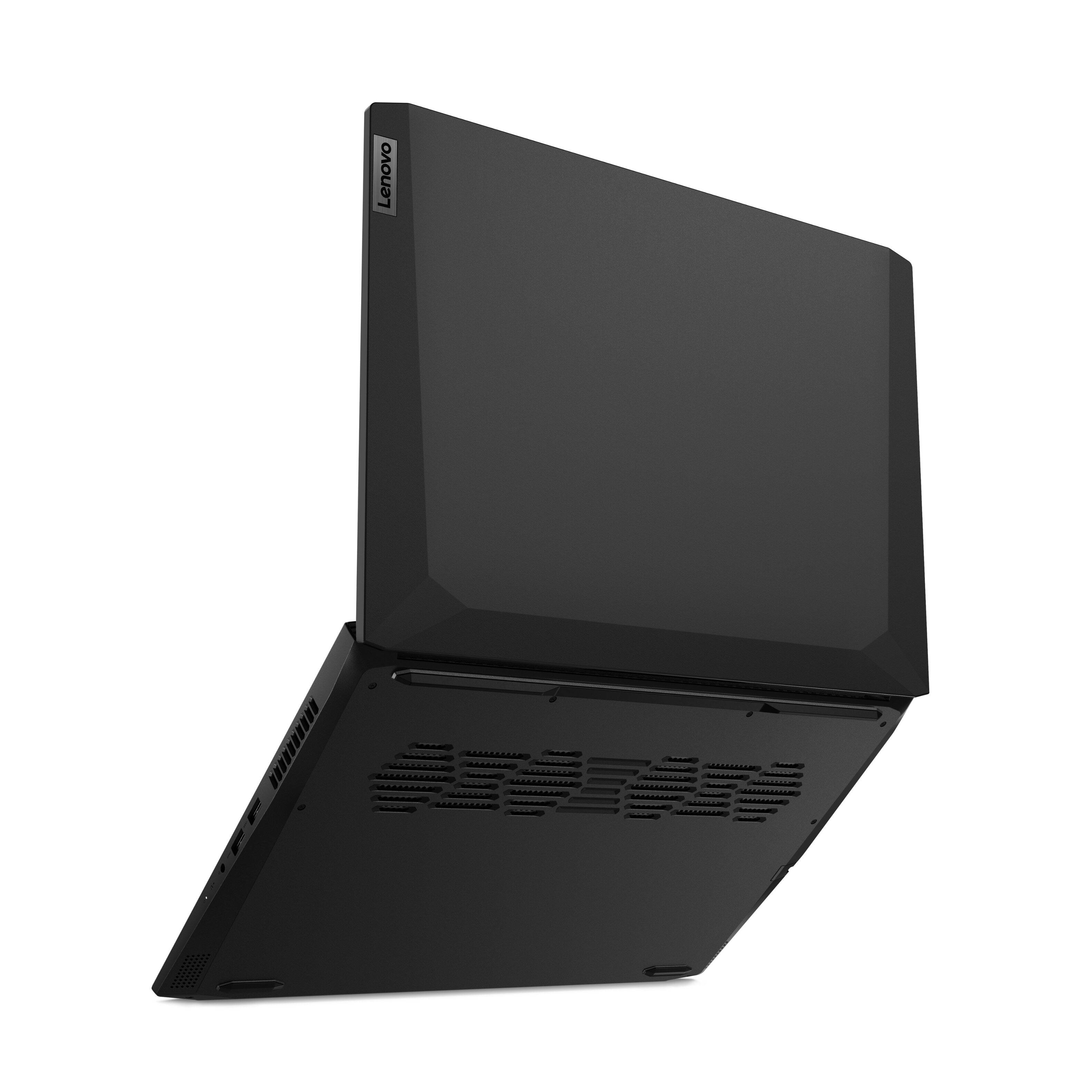
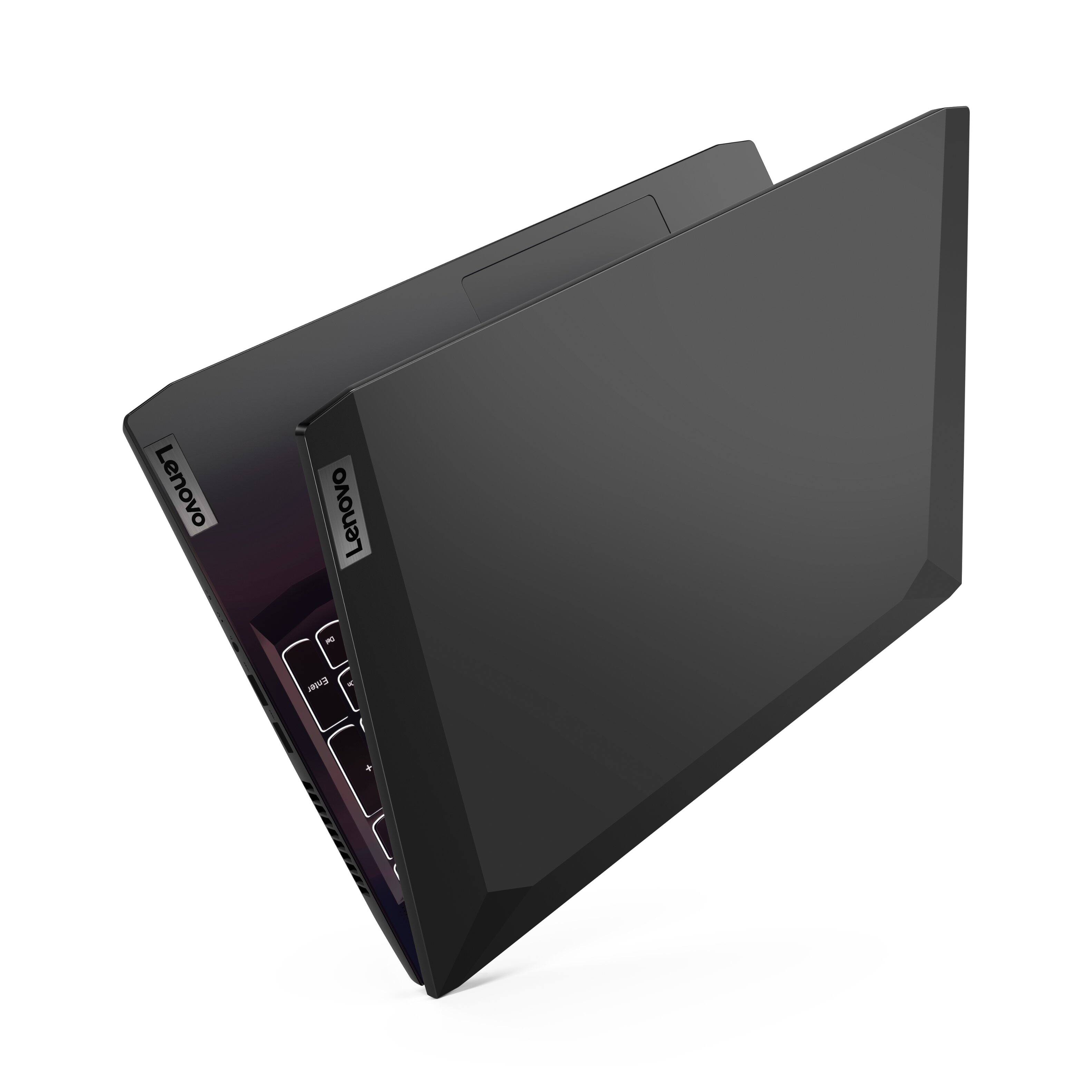
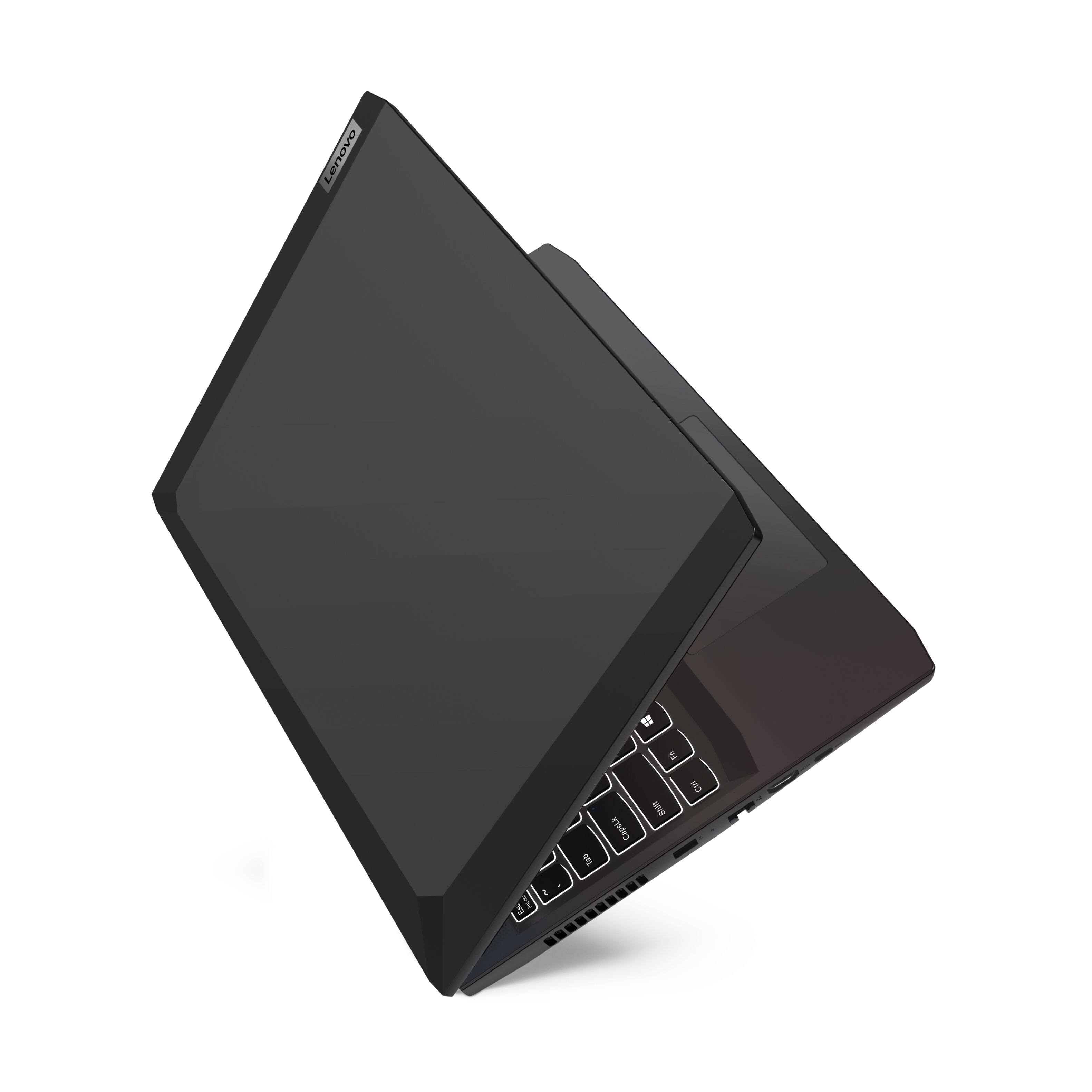
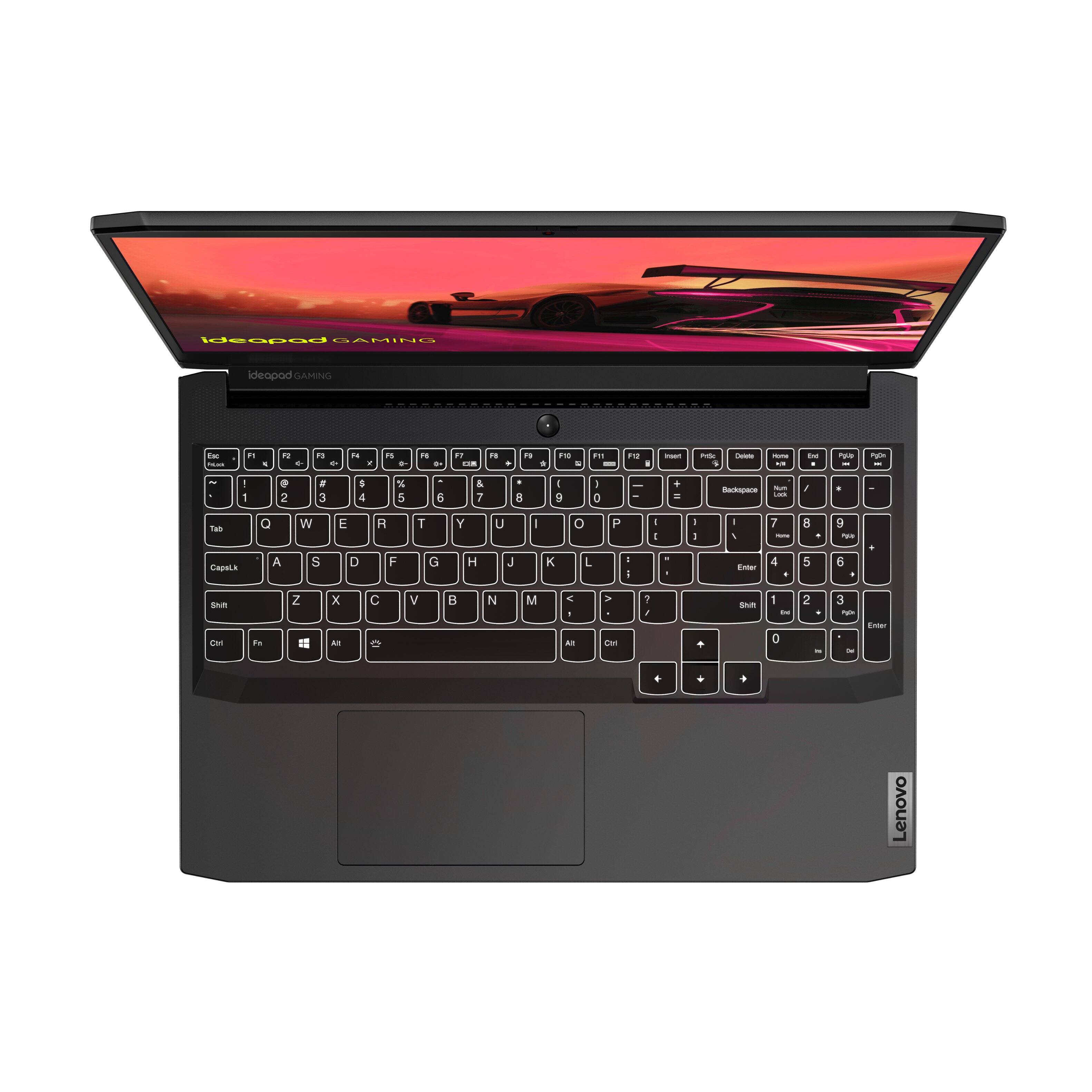
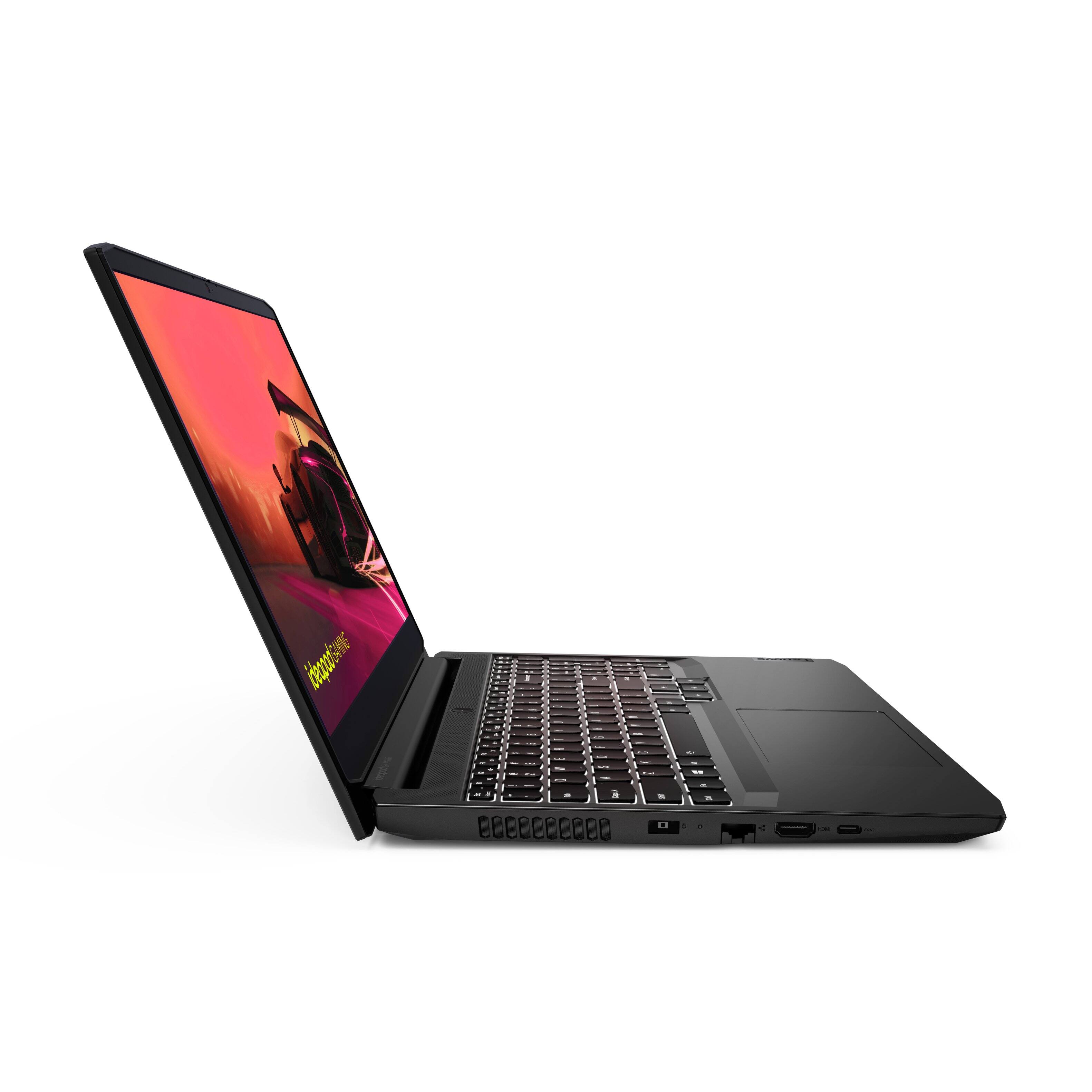
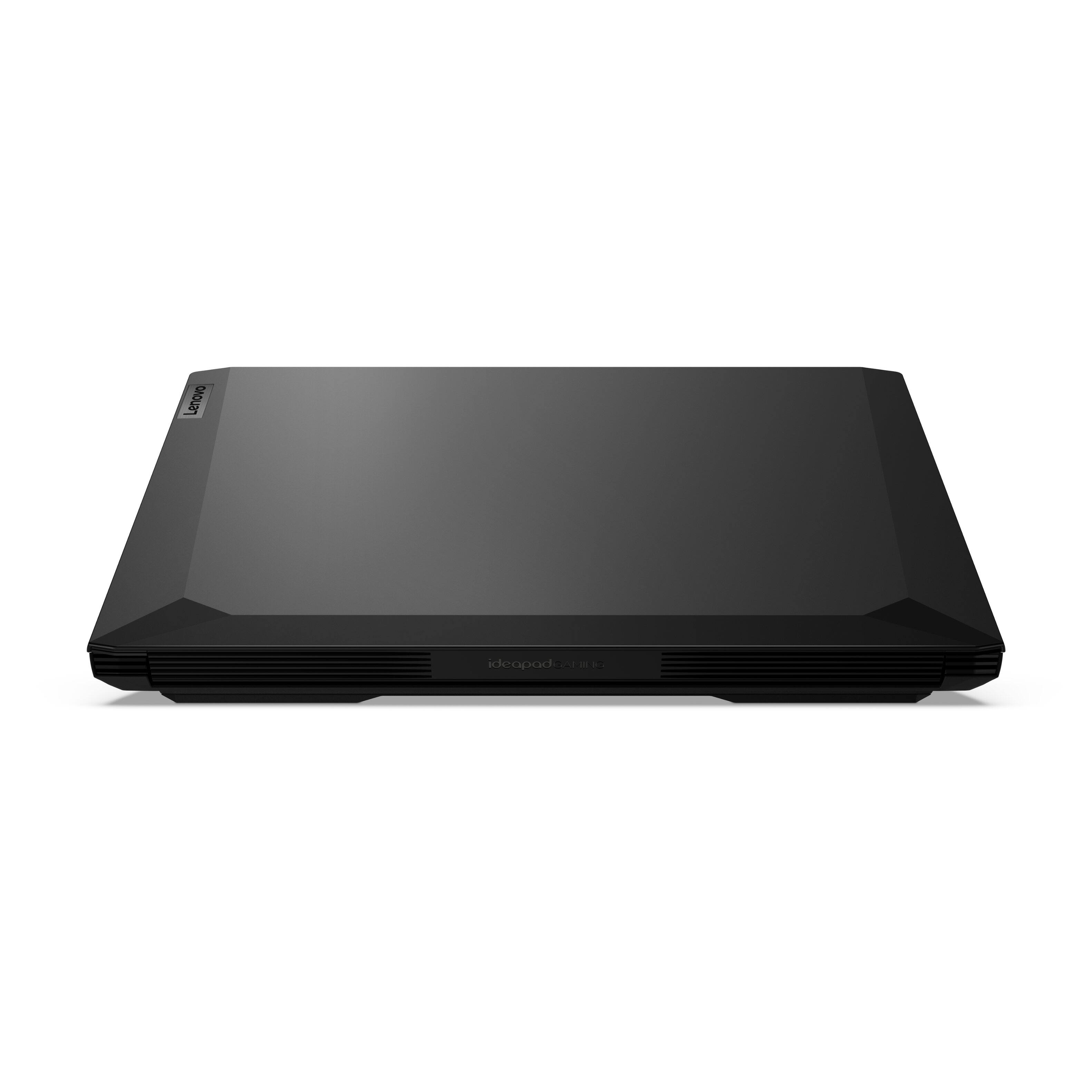
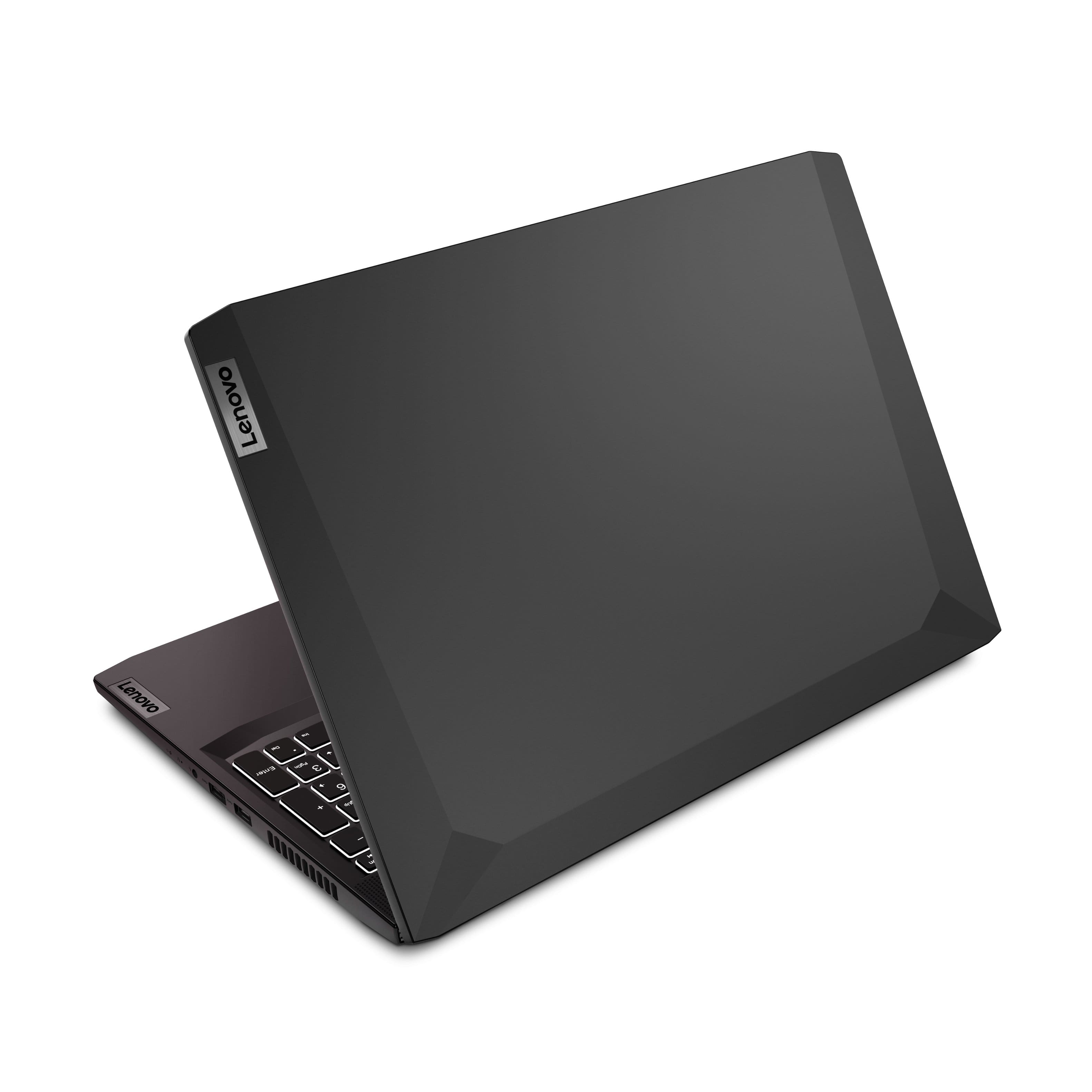
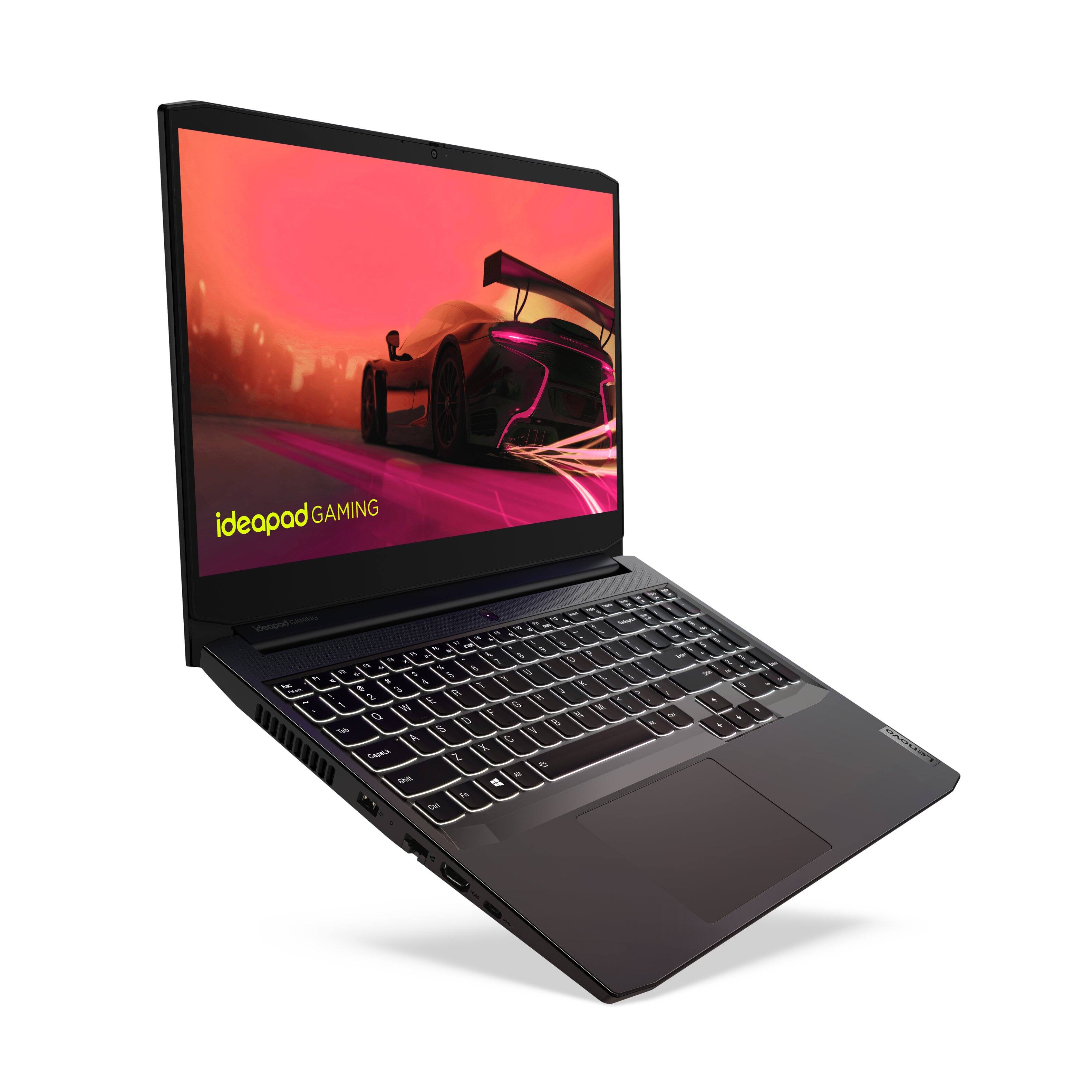

- Model:
- 82K200USUS/82K20003US
- SKU:
- 6455137
Rating by feature
- Battery Life
Rating 3.9 out of 5 stars
- Speed
Rating 4.5 out of 5 stars
- Display
Rating 4.5 out of 5 stars
Customers are saying
Customers regard the IdeaPad Gaming 3 15" Laptop favorably for its performance and value, particularly praising its speed and capabilities for both gaming and work. However, concerns were raised about the battery life and screen brightness, with some users finding the latter insufficient. The ease of upgrading RAM was also highlighted as a positive aspect. Other features like the graphics card, processor, and storage received mixed reviews.
This summary was generated by AI based on customer reviews.
- Pros mentioned:Speed
Great computer
||Posted . Owned for 1 month when reviewed.This reviewer received promo considerations or sweepstakes entry for writing a review.Was looking for a computer to do basic work at home and i love this computer. Brought it on sale and i love it!! Definitely not basic at all!! Super fast
I would recommend this to a friend - Pros mentioned:Ram
sweet laptop
||Posted . Owned for 3 weeks when reviewed.This reviewer received promo considerations or sweepstakes entry for writing a review.Does everything I need it to do. Pretty awesome to switch quickly between gaming on Steam then to Excel for work stuff. Upgrading the ram was easy and fast too.
I would recommend this to a friendBrand response from Lenovo Product Expert
Posted .Thank you for choosing the Lenovo IdeaPad 3 15 Gaming laptop. We are pleased to hear that the performance of the IdeaPad 3 15 Gaming laptop meets your computing needs so well.

- Pros mentioned:Price
Great buy
||Posted .This reviewer received promo considerations or sweepstakes entry for writing a review.I bought this laptop for "home management" & gaming. It gets the job done, and the price is great. I liked so much, I bought a 2nd one for a fam member.
I would recommend this to a friendBrand response from Lenovo Product Expert
Posted .Thank you for choosing the Lenovo IdeaPad 3 15 Gaming Laptop. We are pleased to hear that the IdeaPad 3 15 Gaming Laptop is working out so well for you, that you purchased another for a family member. We appreciate your loyalty to the IdeaPad Gaming Product Family and the Lenovo Brand.
- Pros mentioned:Performance
Great Laptop
||Posted . Owned for 3 weeks when reviewed.This reviewer received promo considerations or sweepstakes entry for writing a review.Great laptop! Runs most new games on High settings
I would recommend this to a friendBrand response from Lenovo Product Expert
Posted .Thank you for choosing the Lenovo IdeaPad 3 15 Gaming Laptop. We are pleased to hear that the Ideapad 3 15 Gaming Laptop is working out so well for you.
- Pros mentioned:Performance
Bang for a buck
||Posted . Owned for 1 month when reviewed.This reviewer received promo considerations or sweepstakes entry for writing a review.Amazing laptop. Wish it had 1tb HDD option. Great for gaming and work, pretty much a solid entertainment option for a solid rate
I would recommend this to a friend - Pros mentioned:Performance
Great laptop
||Posted . Owned for 1 month when reviewed.This reviewer received promo considerations or sweepstakes entry for writing a review.Works great for playing games and doing homework. Very happy with this computer, I haven’t had any problems at all.
I would recommend this to a friend - Pros mentioned:Speed
approve of Lenovo
||Posted .This reviewer received promo considerations or sweepstakes entry for writing a review.I'm very pleased with the computer. The color, sound and speed are excellent and the overall set up works well for me.
I would recommend this to a friendBrand response from Lenovo Product Expert
Posted .Thank you for choosing the Lenovo IdeaPad 3 15 Gaming laptop. We are pleased to hear that the features and performance of the IdeaPad 3 15 Gaming Laptop meets your computing needs so well.
- Pros mentioned:Performance
ordinary
||Posted . Owned for 1 month when reviewed.This reviewer received promo considerations or sweepstakes entry for writing a review.The product is great. Really serves the purpose. It is expensive in my opinion. If you really need it, it is worth buying it. Will recommend it to future buyers/users.
No, I would not recommend this to a friend Good entry level gamin laptop
||Posted . Owned for 4 months when reviewed.This reviewer received promo considerations or sweepstakes entry for writing a review.Very good entry level gaming laptop. Even though it is entry level it over preforms and can handle most games thrown at it. Also, works well for your day to day we surfing and other miscellaneous activities. Can also be used to run photoshop and some web developing tools.
I would recommend this to a friendBrand response from Lenovo Product Expert
Posted .Thank you for choosing the Lenovo IdeaPad 3 15 Gaming Laptop. We are pleased to hear that the performance of the IdeaPad 3 15 Gaming Laptop meets your computing needs so well.
YMMV
||Posted .This reviewer received promo considerations or sweepstakes entry for writing a review.This laptop that I purchased seemed fine at first. However what ended up happening after the second day was that the system would shut down randomly. It happened like this for almost 2 days during the middle of browisng or using the spotify app. Then it would no longer boot up for another day. I tried troubleshooting however it being a new product i'm pretty sure i got something defective and ending up returning it and got an Asus Tuf F17 instead.
No, I would not recommend this to a friend- Pros mentioned:Speed
Gaming laptop
||Posted . Owned for 3 weeks when reviewed.This reviewer received promo considerations or sweepstakes entry for writing a review.I bought this for my Grandson as a gift. He absolutely loves it.
I would recommend this to a friendBrand response from Lenovo Product Expert
Posted .Thank you for choosing the Lenovo IdeaPad 3 15 Gaming Laptop for your grandson. We are pleased to hear that the IdeaPad 3 15 Gaming Laptop is working out so well for your grandson.
- Cons mentioned:Battery life
Awesome
||Posted . Owned for 4 months when reviewed.This reviewer received promo considerations or sweepstakes entry for writing a review.Love it the specs are great for me but the battery is trash but u don’t mind it stays on my desk
I would recommend this to a friendBrand response from Lenovo Product Expert
Posted .Thank you for choosing the Lenovo IdeaPad 3 15 Gaming Laptop, model number 82K200USUS. This model configuration ships with a Integrated 45Wh, Lithium-Polymer Battery, which within this model configuration, has a battery life of up to 5 hours, depending on the work the device is performing. If you are getting substantially less battery life, first, set your screen brightness at less than 100-percent - try 80-percent to start with. Then, be sure Battery conservation Mode is turned off. This power management setting should only be used when the laptop is plugged in all the time. It will prolong overall battery life by only charging the battery to 60-percent of capacity. Here is a link to instructions for turning off Battery Conservation Mode: https://support.lenovo.com/us/en/solutions/ht103159. Also check what programs are running in the background on the computer. Be sure only the programs you want running in the background are. These programs will drain the battery. Here is a link to information about how to find out what programs are running in the background on your Windows 10 computer and how to manage them for better system performance: https://www.windowscentral.com/how-prevent-apps-running-background-windows-10. Then, finally, be sure any software you installed is compatible with Windows 10. Incompatible software will drain the battery at a faster rate. There is no need to install Microsoft Office software. The software is already part of the operating system, you just need to activate the software with a purchased product key. If you have installed a copy of Microsoft Office, this is conflicting with the existing copy on the system and this will slow your system down. If you have installed a 3rd party anti-virus program, be sure that Windows Defender is turned off and that the trial version of McAfee Anti-Virus software is uninstalled. There can only be one anti-virus program on the system. You may need to restore your system to original factory default settings if any of the programming errors have occurred. You can do that by typing "restore" in the Cortana search window. Just click on the magnifying glass icon at the bottom left of your Windows 10 Desktop. Click on "Reset This PC" Then click on "Get Started" and follow the on screen directions to restore to factory defaults. If the problem persists, we recommend you contact Lenovo Tech Support at: 877-453-6686.
- Pros mentioned:Performance
Great laptop!
||Posted . Owned for 1 month when reviewed.This reviewer received promo considerations or sweepstakes entry for writing a review.Love it, it works so well! I am very satisfied with this laptop, it's helped me so much this semester!
I would recommend this to a friendBrand response from Lenovo Product Expert
Posted .Thank you for choosing the Lenovo IdeaPad 3 15 Gaming Laptop. We are pleased to hear that the IdeaPad 3 15 Gaming Laptop is working out so well for you.
- Cons mentioned:Battery life
Not What I Expected
||Posted . Owned for less than 1 week when reviewed.This reviewer received promo considerations or sweepstakes entry for writing a review.I bought this particular machine to be used as a secondary device. However, it wasn't what I expected. I went through two of these machines within a few weeks because of hardware issues. The first one I purchased on Sep 18, 2021, and lasted for 3 weeks. It shipped with Windows 10 and I had nothing but issues with it. I had a Blue screen of deaths appearing at random times. I kept having automatic repair coming up. The trackpad didn't work correctly. Then when Windows 11 came out, I thought it would fix these issues. No, it did the exact same thing. The blue screen of deaths kept appearing, automatic repair screen coming up when I would restart the computer. I brought it back to Best Buy and they deemed it as a hardware issue. I decided to exchange it for the same model. The replacement I got didn't even last for a week. I was thinking I wouldn't have any more issues, sure enough again I had the Blue screen of death appeared three times and the wifi card would not detect any wifi networks. I went back to Best Buy again and they said it was another hardware issue. The battery life was terrible, I am lucky if I got an hour or more out of the computer without having to plug it in. The quality of Lenovo has really gone downhill. I would not recommend anyone buy this model or any other Lenovo PC. I exchanged it for an HP laptop and so far the HP is holding up a lot better than the Lenovo did.
No, I would not recommend this to a friendBrand response from Lenovo Product Expert
Posted .We are sorry to hear that you are having issues with the initial setup of Wikndows on your Lenovo IdeaPad 3 15 Gaming Laptop. First, be sure any software you installed is compatible with Windows 10. There is no need to install Microsoft Office software. The software is already part of the operating system, you just need to activate the software with a purchased product key. If you have installed a copy of Microsoft Office, this is conflicting with the existing copy on the system and this will slow your system down. If you have installed a 3rd party anti-virus program, be sure that Windows Defender is turned off and that the trial version of McAfee Anti-Virus software is uninstalled. There can only be one anti-virus program on the system. You may need to restore your system to original factory default settings if any of the programming errors have occurred. You can do that by typing "restore" in the Cortana search window. Just click on the magnifying glass icon at the bottom left of your Windows 10 Desktop. Click on "Reset This PC" Then click on "Get Started" and follow the on screen directions to restore to factory defaults. If you can not get to the Windows Desktop Screen for a reset, this system is equipped with OneKey Recovery System. There is a very small pin hole on the right side of the device, right near the headphone jack on the device. You will need a pin to push this reset button. Plug the device in. Let the battery charge for about 15 minutes. Push the reset button. The system should boot to a choice screen where you can choose "Restore To Factory Default". Select this. It will delete everything from the hard drive except the original factory install of the operating system. You will need to reinstall all programs and files after the reset. If you don't have copies of the files, try to make one before you restore by selecting "Boot to desktop" and trying to back up your files. If the problem persists after the factory reset, we recommend you contact Lenovo Tech Support at: 877-453-6686.
Review
||Posted . Owned for less than 1 week when reviewed.This reviewer received promo considerations or sweepstakes entry for writing a review.For what I paid for it does the job. I use it primarily for online college work. I have not yet tested the gaming part of it. There is no buffering with the videos.
I would recommend this to a friendBrand response from Lenovo Product Expert
Posted .Thank you for choosing the Lenovo IdeaPad 3 15 Gaming Laptop. We are pleased to hear that the IdeaPad 3 15 Gaming Laptop meets your computing needs so well.
- Pros mentioned:Performance
Laptop
||Posted .This reviewer received promo considerations or sweepstakes entry for writing a review.Its a really great gamer laptop and for school work very good
I would recommend this to a friendBrand response from Lenovo Product Expert
Posted .Thank you for choosing the Lenovo IdeaPad 3 15 Gaming Laptop, model number 82K20003US. We are pleased to hear that the IdeaPad 3 15 meets your computing needs so well.
- Pros mentioned:Speed
Puter
||Posted .This reviewer received promo considerations or sweepstakes entry for writing a review.Great computer I use it for college as well as gaming, streaming and much more.
I would recommend this to a friend - Pros mentioned:Performance
Worth it
||Posted . Owned for 2 months when reviewed.This reviewer received promo considerations or sweepstakes entry for writing a review.Great laptop for the price! Can run pretty much all the games out there with no issues.
I would recommend this to a friendBrand response from Lenovo Product Expert
Posted .Thank you for choosing the Lenovo IdeaPad 3 15 Gaming laptop. We are pleased to hear that the performance of the IdeaPad 3 15 Gaming Laptop meets your computing needs so well. We always recommend you check the requirements and compatibility of any software/games you will be installing on your new computer, before you invest in any computer. Be sure your new computer can support the software/games you will need to use.
- Pros mentioned:Performance
Great
||Posted . Owned for 1 year when reviewed.This reviewer received promo considerations or sweepstakes entry for writing a review.I really like this laptop work perfectly for what I need it
I would recommend this to a friend - Pros mentioned:Performance
Lenovo Gaming Laptop
||Posted . Owned for 1 month when reviewed.This reviewer received promo considerations or sweepstakes entry for writing a review.Excellent Laptop for the money! Light, Fast, and keyboard has a nice feel to it.
I would recommend this to a friendBrand response from Lenovo Product Expert
Posted .Thank you for choosing the Lenovo IdeaPad 3 15 Gaming Laptop. We are pleased to hear that the features and performance of the IdeaPad 3 15 Gaming Laptop meets your computing needs so well.