Customer Ratings & Reviews
- Model:
- 90RB000UUS
- SKU:
- 6453879
Rating by feature
- Value
Rating 4.2 out of 5 stars
- Quality
Rating 4.2 out of 5 stars
- Ease of Use
Rating 4.6 out of 5 stars
Customers are saying
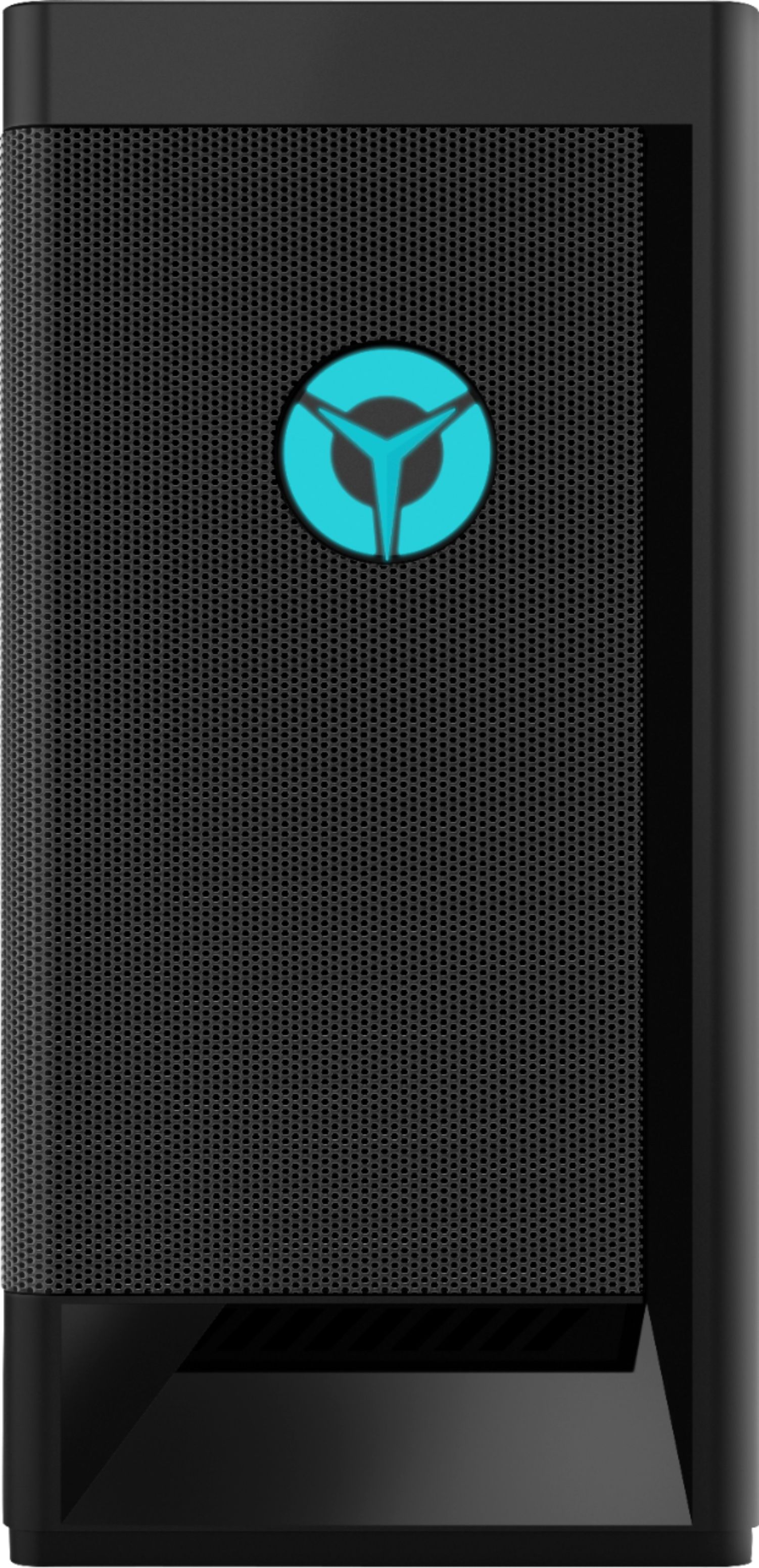
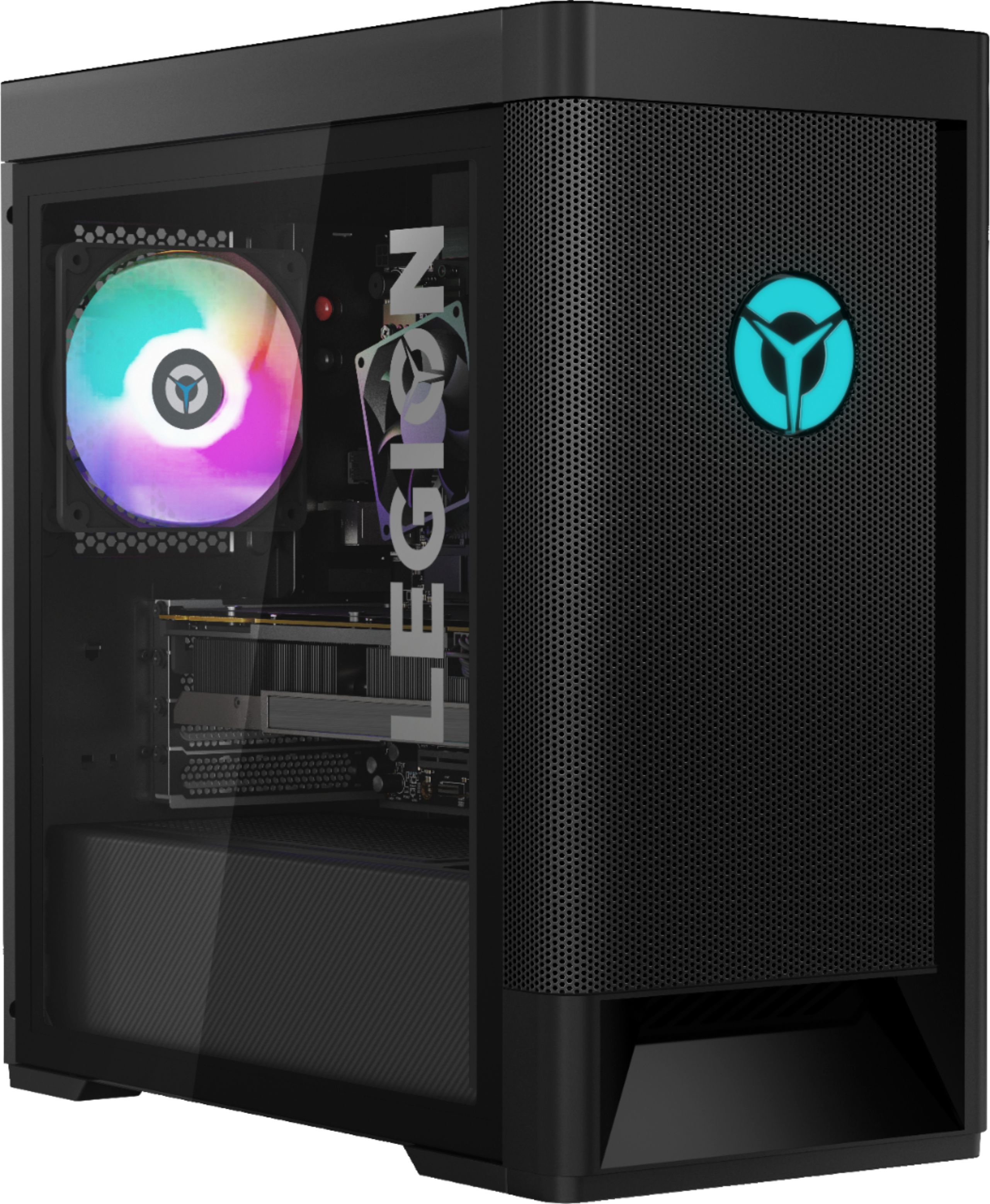
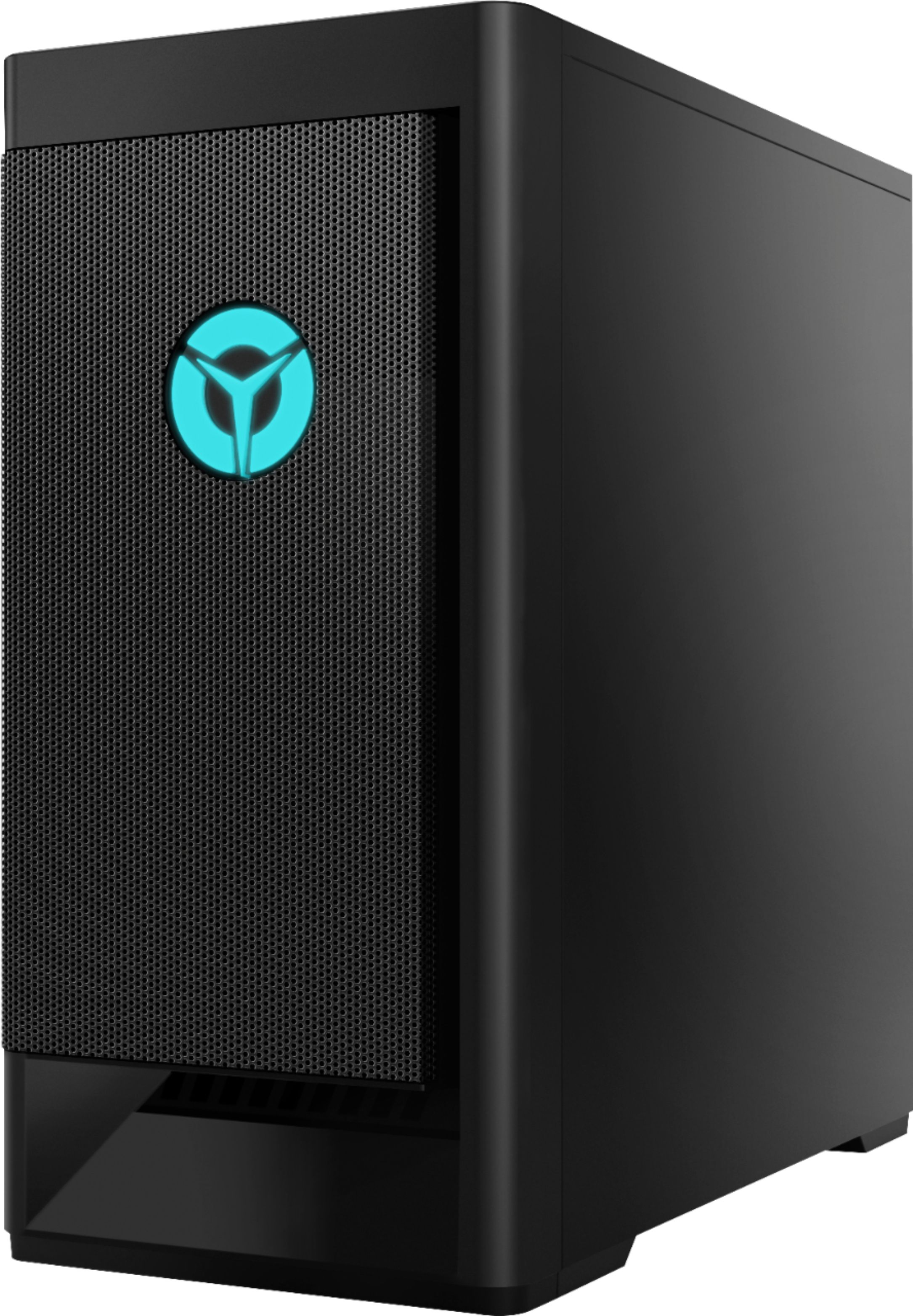
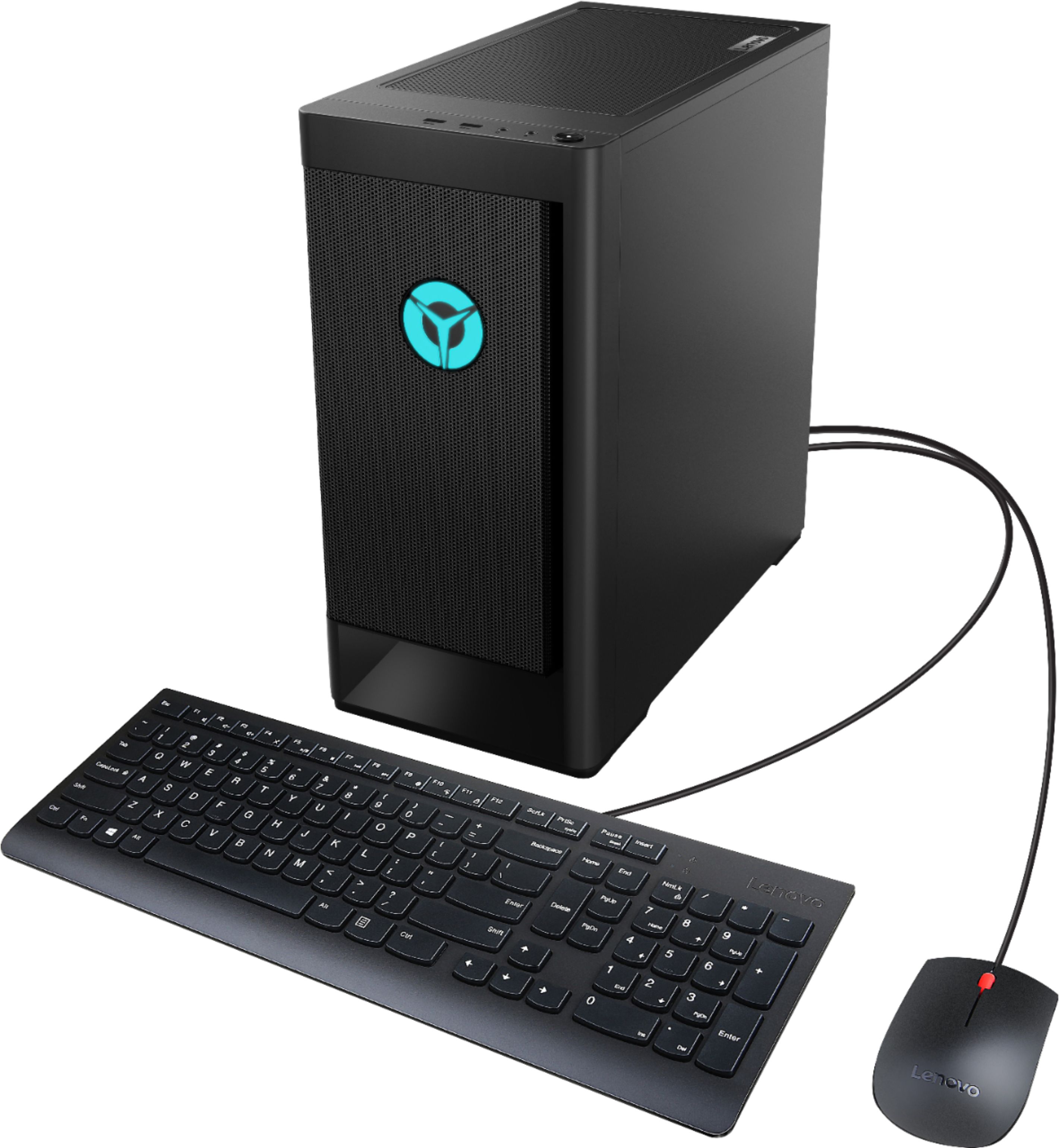
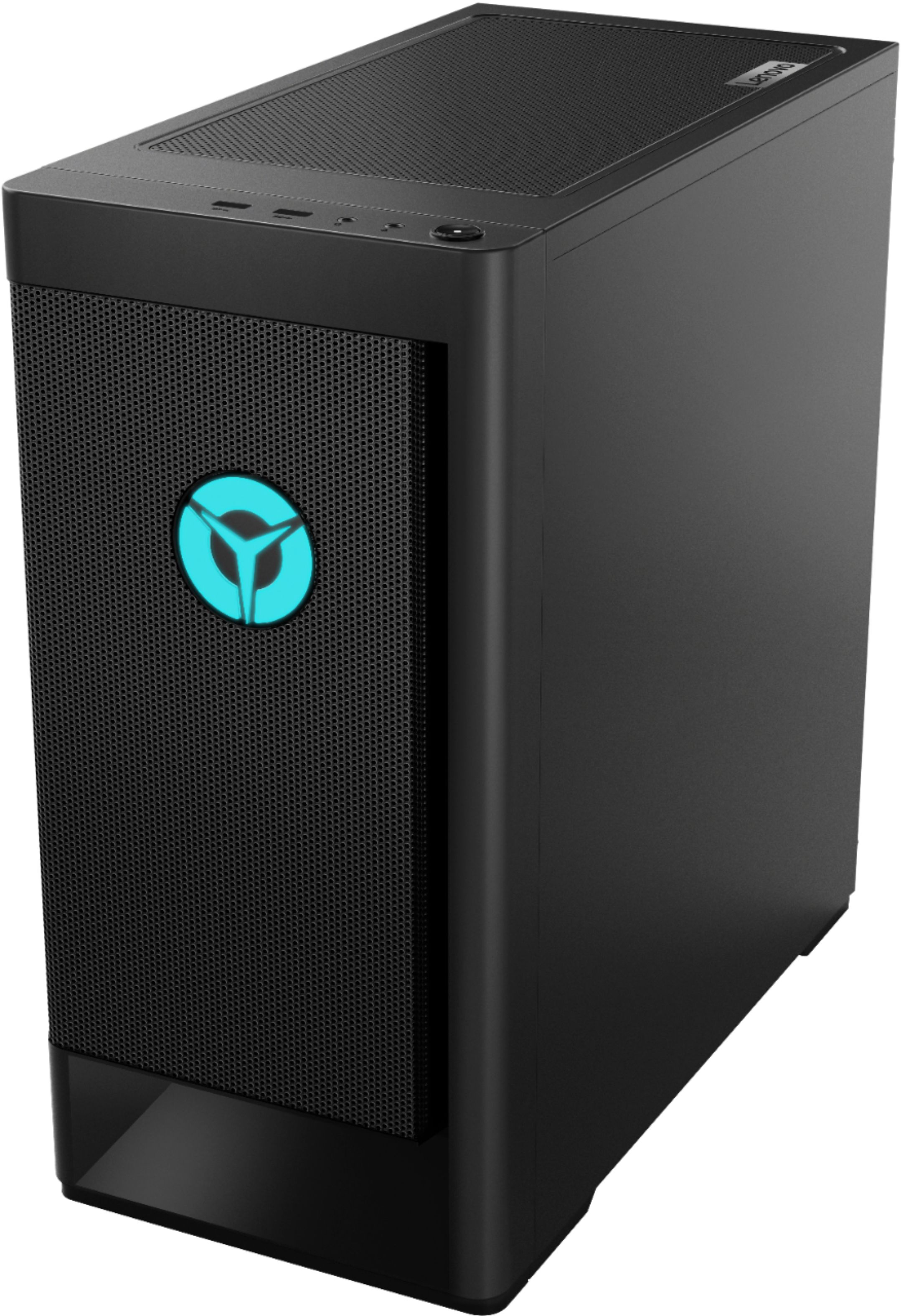
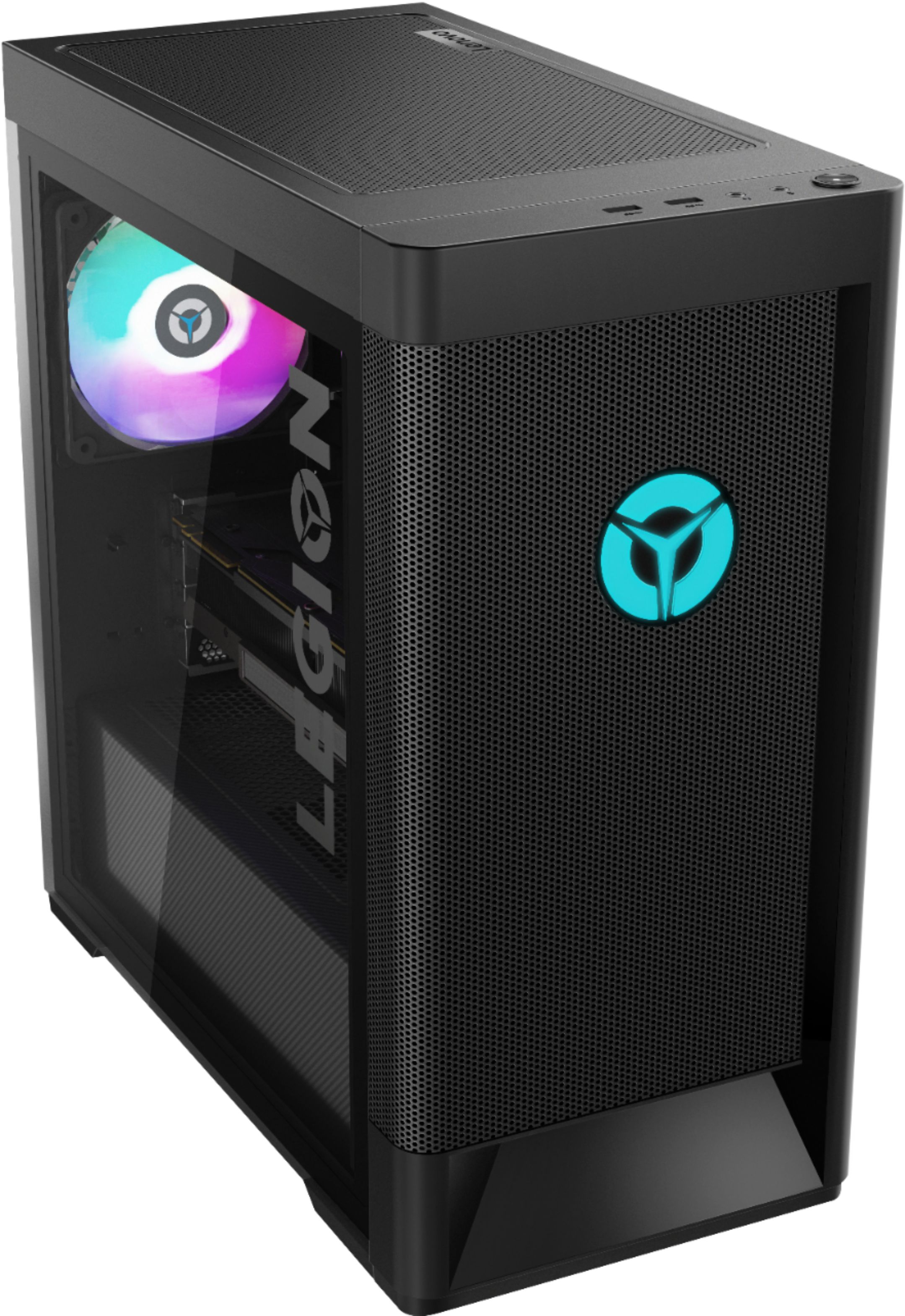
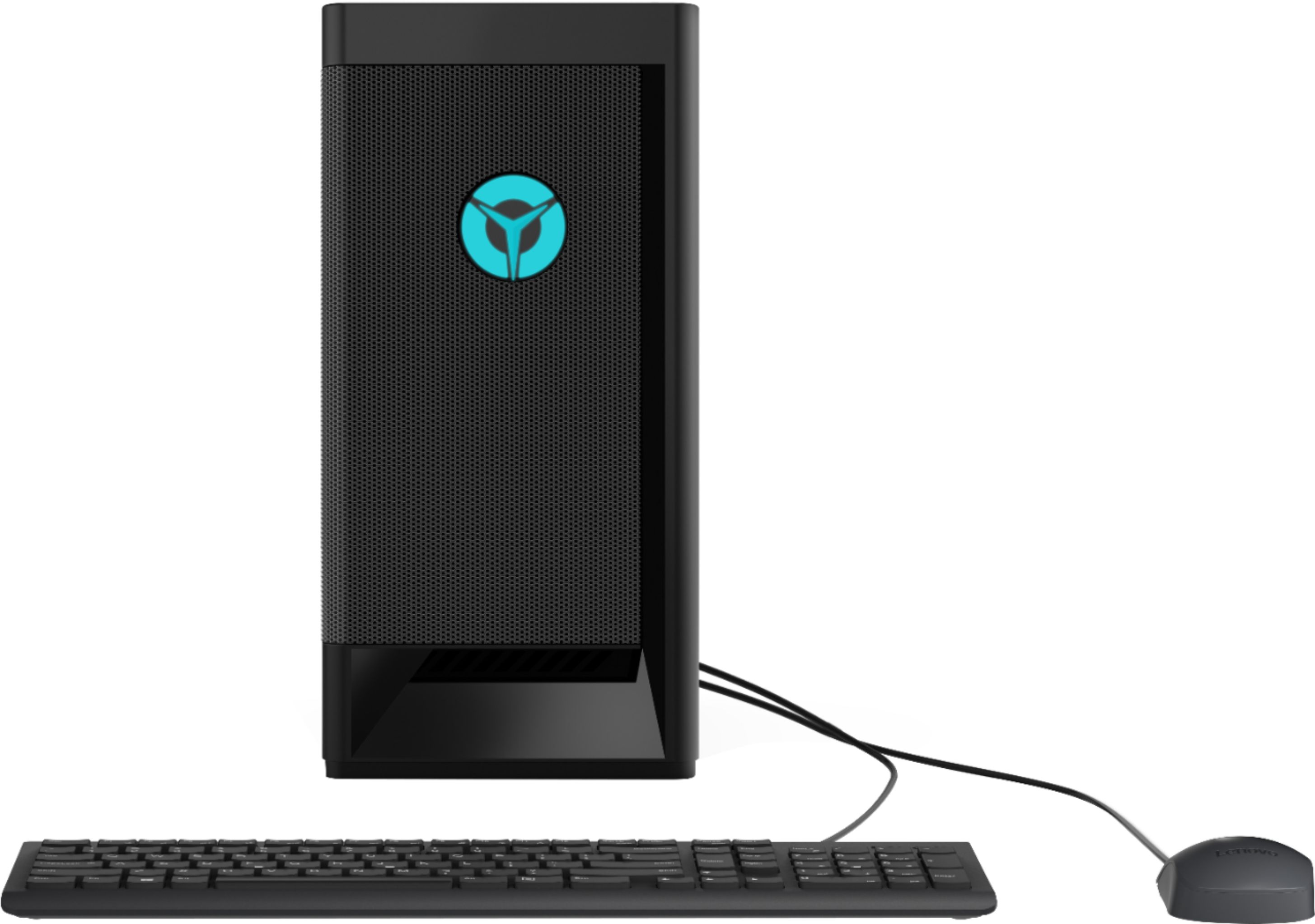
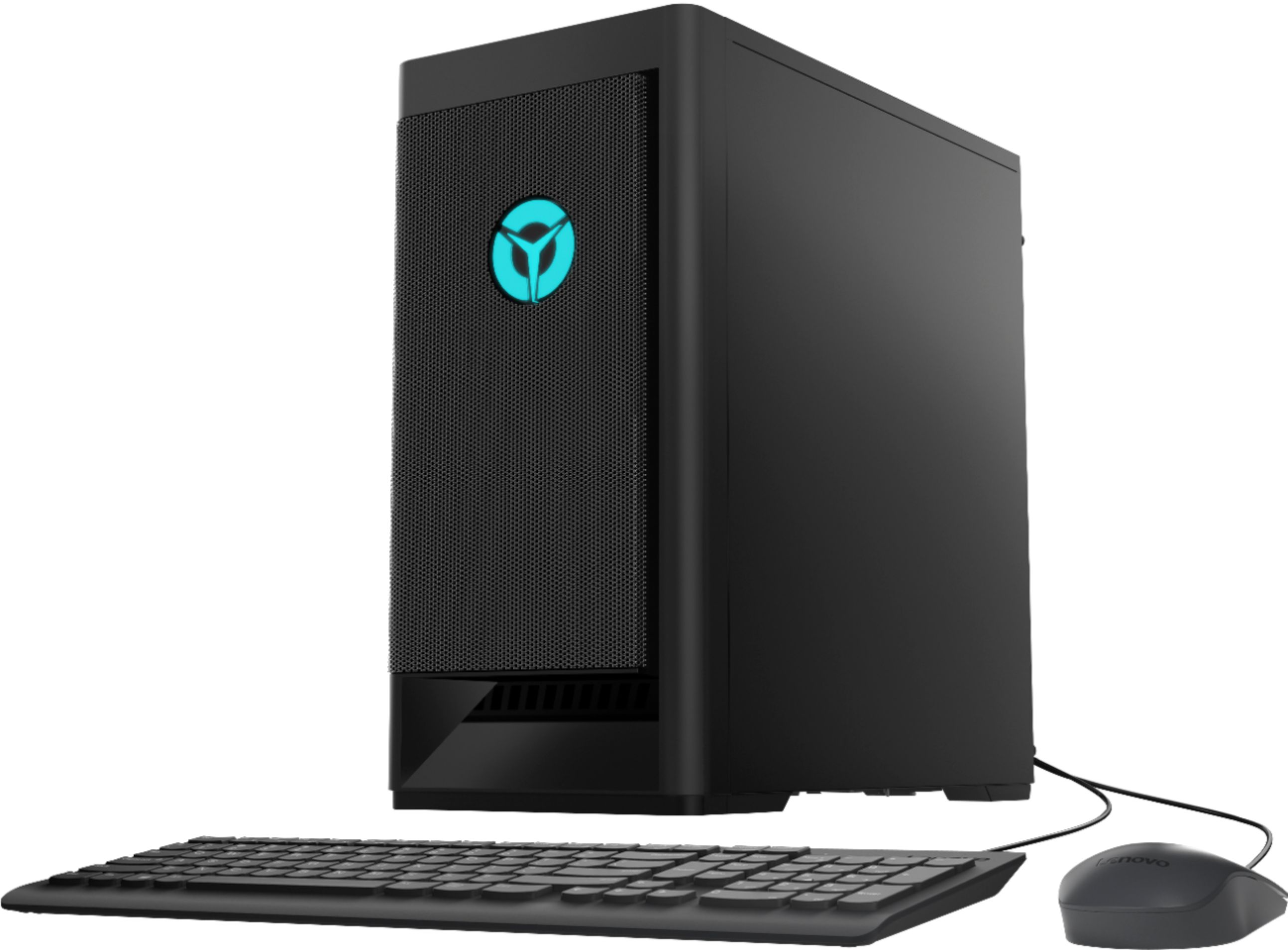
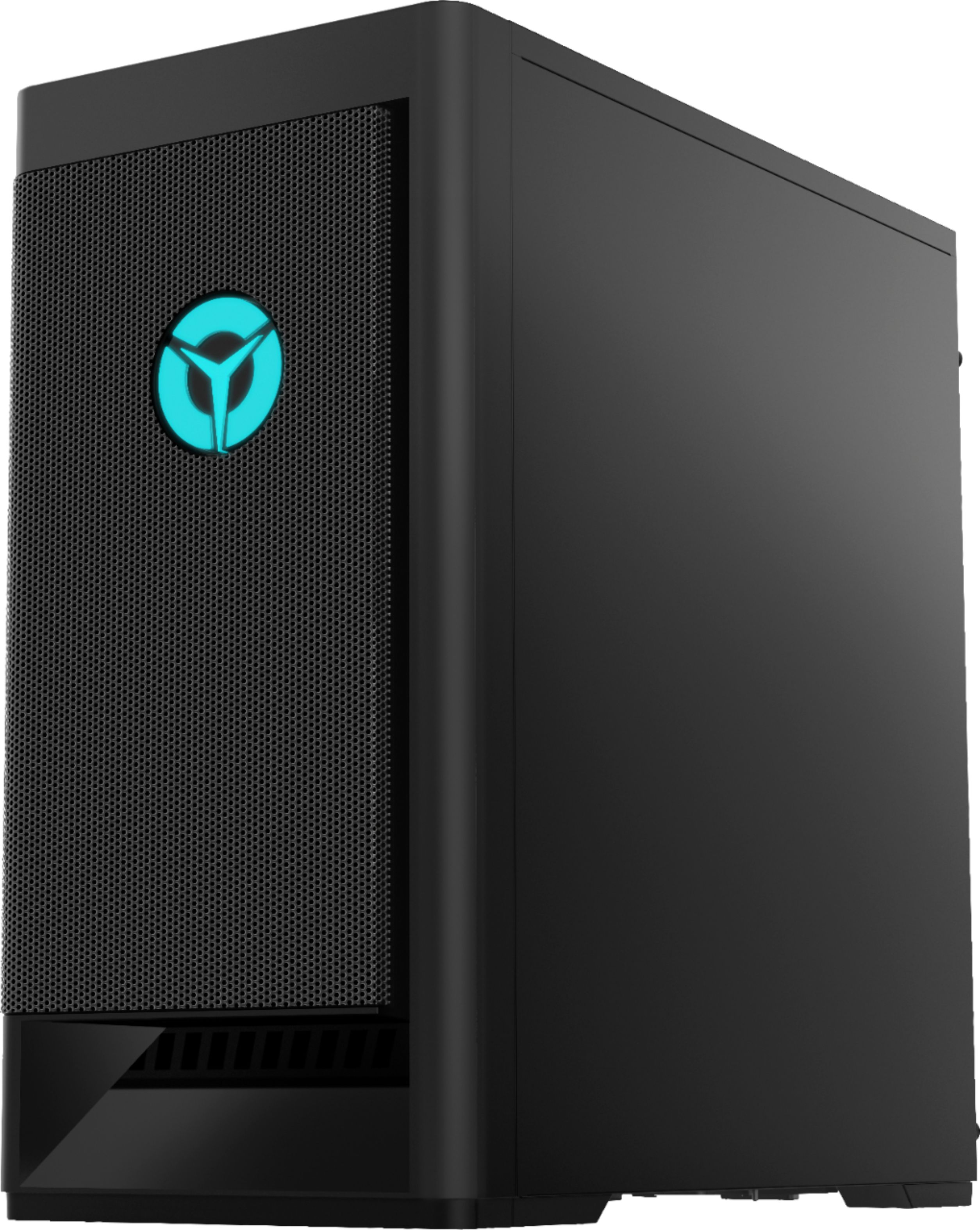
Customers are delighted by the Legion Tower 5 AMD Gaming Desktop's performance and its competitive price point. Many appreciate its ability to run games smoothly at high frame rates. However, some users express concerns about the adequacy of the CPU cooler, noting that it may struggle to maintain optimal temperatures under heavy load. The included RAM and power supply were also mentioned as potential areas for improvement by some users.
This summary was generated by AI based on customer reviews.
- Pros mentioned:Performance
PC
||Posted . Owned for 1 month when reviewed.This reviewer received promo considerations or sweepstakes entry for writing a review.Works great for the games and work that I have to do.
I would recommend this to a friend - Pros mentioned:Performance
Lenova rules
||Posted . Owned for 1 month when reviewed.This reviewer received promo considerations or sweepstakes entry for writing a review.Excellent quality and price. Excellent performance.
I would recommend this to a friend ( ̄^ ̄)ゞ
||Posted . Owned for 3 weeks when reviewed.This reviewer received promo considerations or sweepstakes entry for writing a review.First pc that I have purchased guud pc humie ∩^ω^∩ƪ(˘⌣˘)ʃd( ̄  ̄)˚✧₊⁎❝᷀ົཽ≀ˍ̮ ❝᷀ົཽ⁎⁺˳✧༚
I would recommend this to a friendBuy at your own risk
||Posted . Owned for 1 month when reviewed.This reviewer received promo considerations or sweepstakes entry for writing a review.I was loving this build. At first I really believed I got a steal. Till something weird happened. Just after a few weeks of gaming (not consistent). I was playing gta perfectly fine then got off and shut down the system. I woke up and later on tried to power on the pc, when it started beeping at me 4 times and won’t show any video. I contacted Lenovo support about the issue because I have a warrenty, but I have still yet to hear back from them 3 days later.
No, I would not recommend this to a friend- Pros mentioned:Price
Best PC
Posted .This reviewer received promo considerations or sweepstakes entry for writing a review.Best PC I have ever bought. I bought this PC in the price gouge era of covid and it was a great price. It has been nothing but amazing to me.
I would recommend this to a friend Horrible purchase. Not a good pc
Posted .This reviewer received promo considerations or sweepstakes entry for writing a review.Garbage pc. The geek squad employees must of did something to my pc because IT DOES NOT WORK! First off the pc wouldn’t respond to my clicks. Every time I click something it doesn’t respond to it and won’t register the click. Second off the led lights DON’T WORK. The inside doesn’t light up. The only way to know if it’s on is to see if the fans are running. Even when I press the power button not even the light lights up in the logo on the front! DO NOT BUY THIS GAMING PC. I WOULD RATHER NOT WATSE TIME IN THIS AND GO ON A DIFFERENT WEBSITE CUZ THIS AIN’T GOOD CHIEF!
No, I would not recommend this to a friendBrand response from Lenovo Product Expert
Posted .We are sorry to hear that you are having issues with your Lenovo Legion Tower 5 AMD Gaming Desktop Computer. We recommend you contact Lenovo Tech Support for additional help at: 866-426-0911.

Pitiful...
Posted .This reviewer received promo considerations or sweepstakes entry for writing a review.Specs are incorrect. 1 DP, 1 HDMI, 1 DVA port. 4 USB ports. 0 3.0 ports, Much less memory than stated. Very Slow, laggy. Returning and going back to my 5 year old Gateway; it's a faster computer and works better. Hope you don't want anything that lights up either.
No, I would not recommend this to a friendBrand response from Lenovo Product Expert
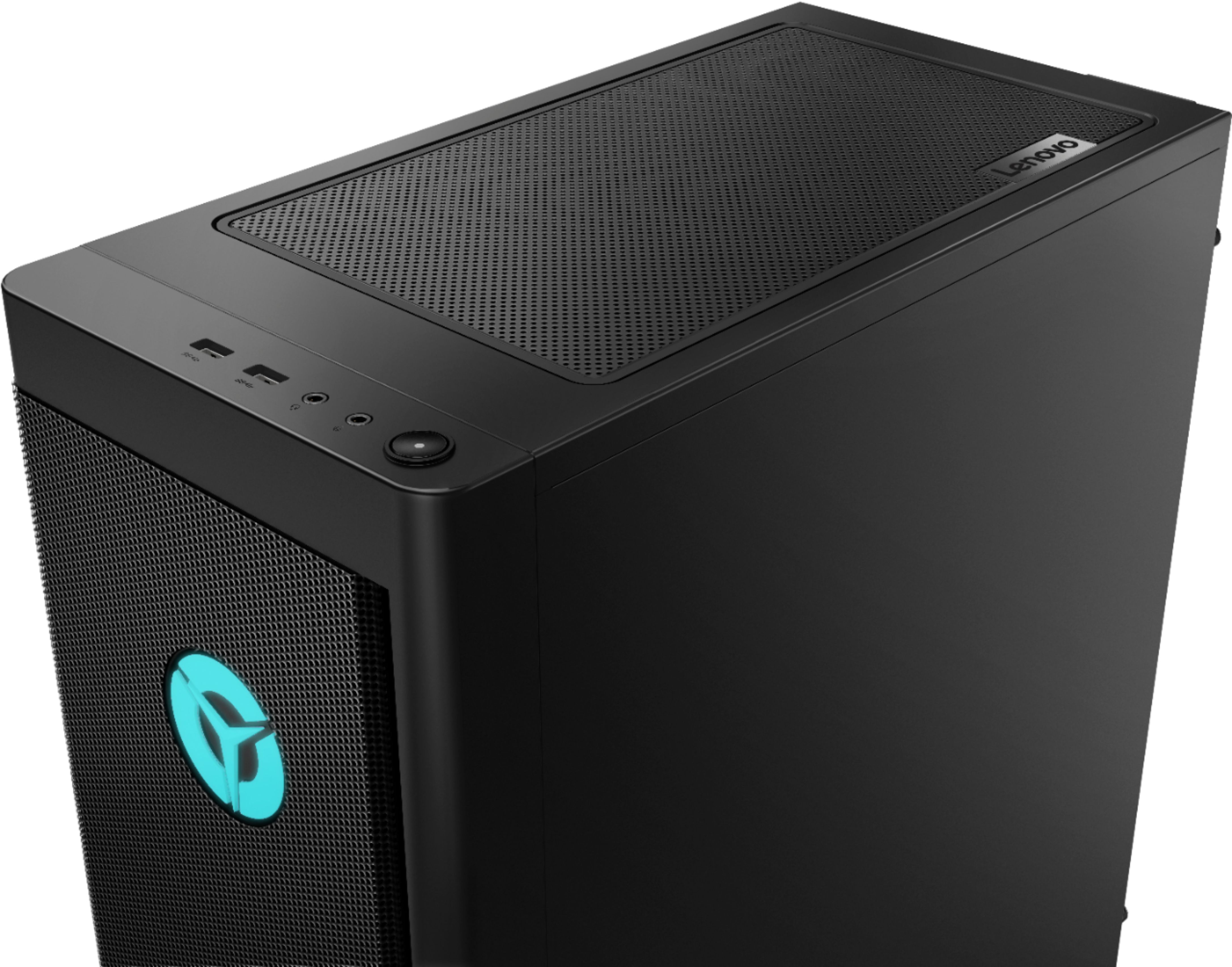
Posted .The Lenovo Legion Tower 5 AMD Gaming Desktop Computer, model number 90RB000UUS, ships with the Nvidia GeForce RTX 2060 GPU, which within this configuration, provides 3x DisplayPort and 1x HDMI port with video out capability to external monitors. All other ports on this configuration include: Rear: 2 x USB 2.0 Type A, Rear: 1 via Audio Out, Rear: 1 x 3.5mm Mic Jack, Top: 2 x USB 3.2 Gen 1 Type A, Rear: 2 x USB 3.2 Gen 1 Type A, 1 x USB 3.2 Gen 2 Type C, Front: 2 (1 x 3.5mm Mic Jack, 1 via 3.5mm Headphone/Mic Combo Jack). This model ships with a 512GB M.2 NVMe TLC solid state hard drive, with approximately 425GB of user available storage space. This configuration will boot from off to the Windows 10 Desktop Screen in less than 20-seconds. If you are experiencing slower boot times and/or generally slower than expected performance, be sure any software you installed is compatible with Windows 10. There is no need to install Microsoft Office software. The software is already part of the operating system, you just need to activate the software with a purchased product key. If you have installed a copy of Microsoft Office, this is conflicting with the existing copy on the system and this will slow your system down. If you have installed a 3rd party anti-virus program, be sure that Windows Defender is turned off and that the trial version of McAfee Anti-Virus software is uninstalled. There can only be one anti-virus program on the system. You may need to restore your system to original factory default settings if any of the programming errors have occurred. You can do that by typing "restore" in the Cortana search window. Just click on the magnifying glass icon at the bottom left of your Windows 10 Desktop. Click on "Reset This PC" Then click on "Get Started" and follow the on screen directions to restore to factory defaults. If the problem persists, we recommend you contact Lenovo Tech Support at: 877-453-6686.