Customer Ratings & Reviews
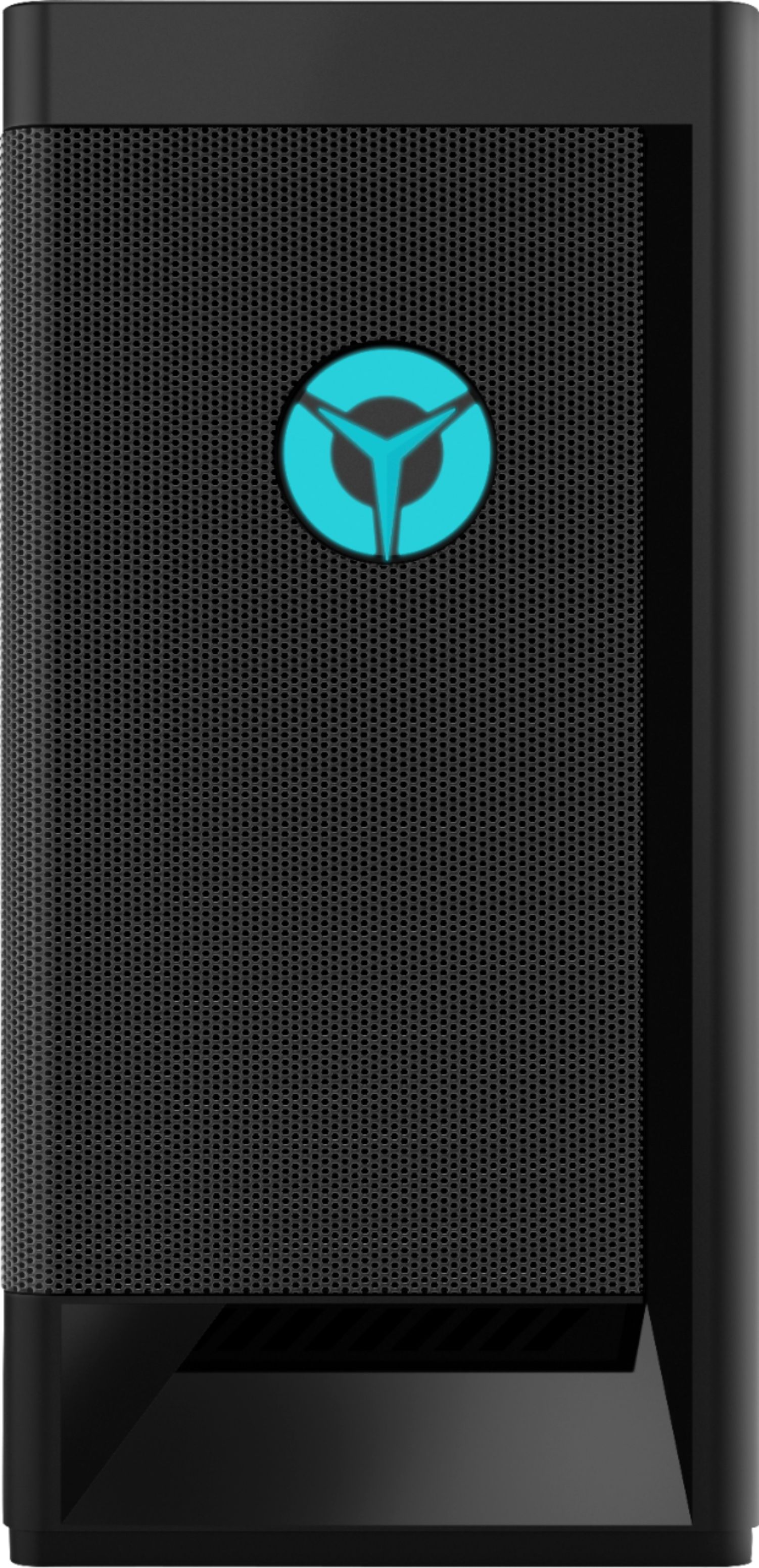
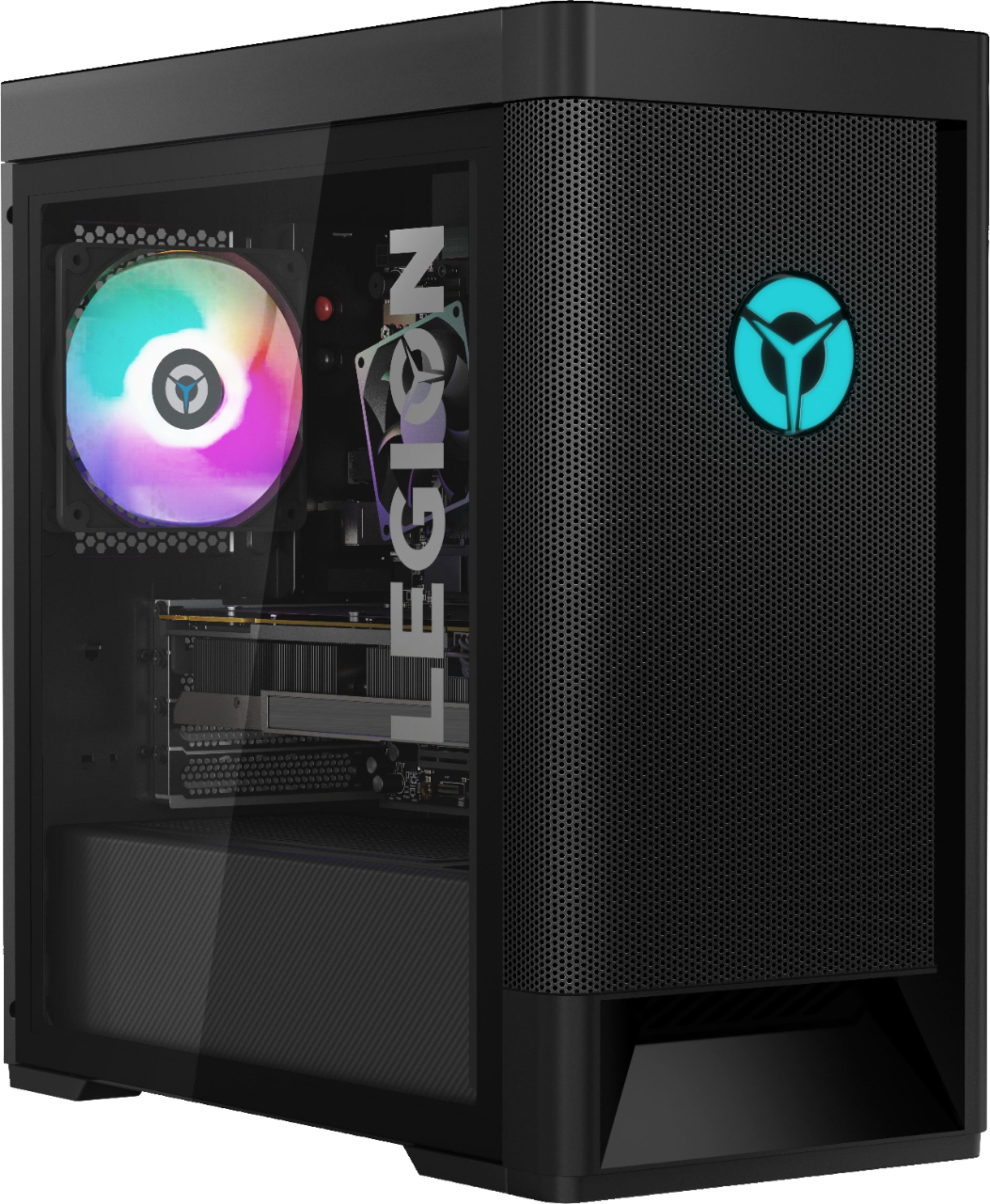
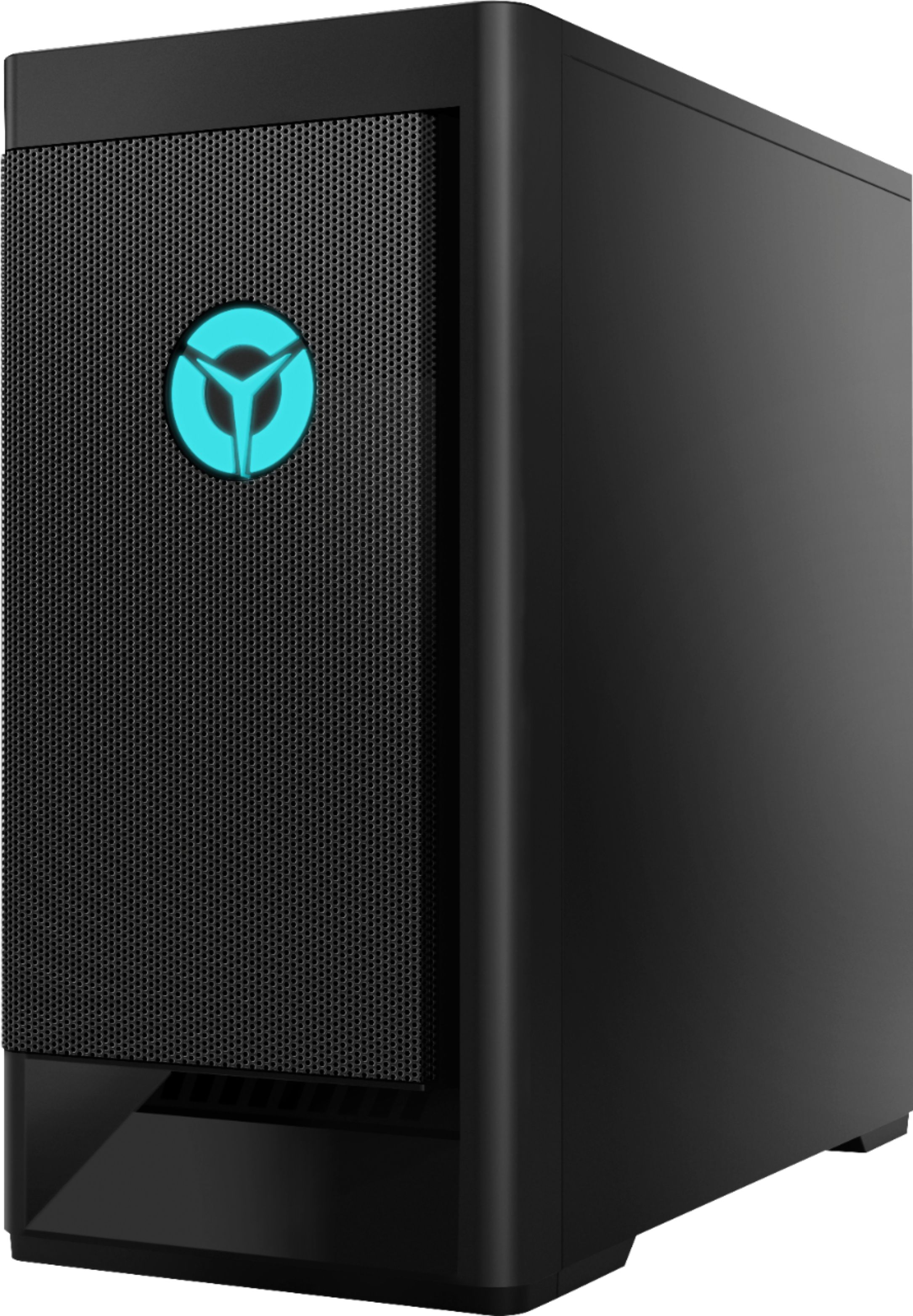
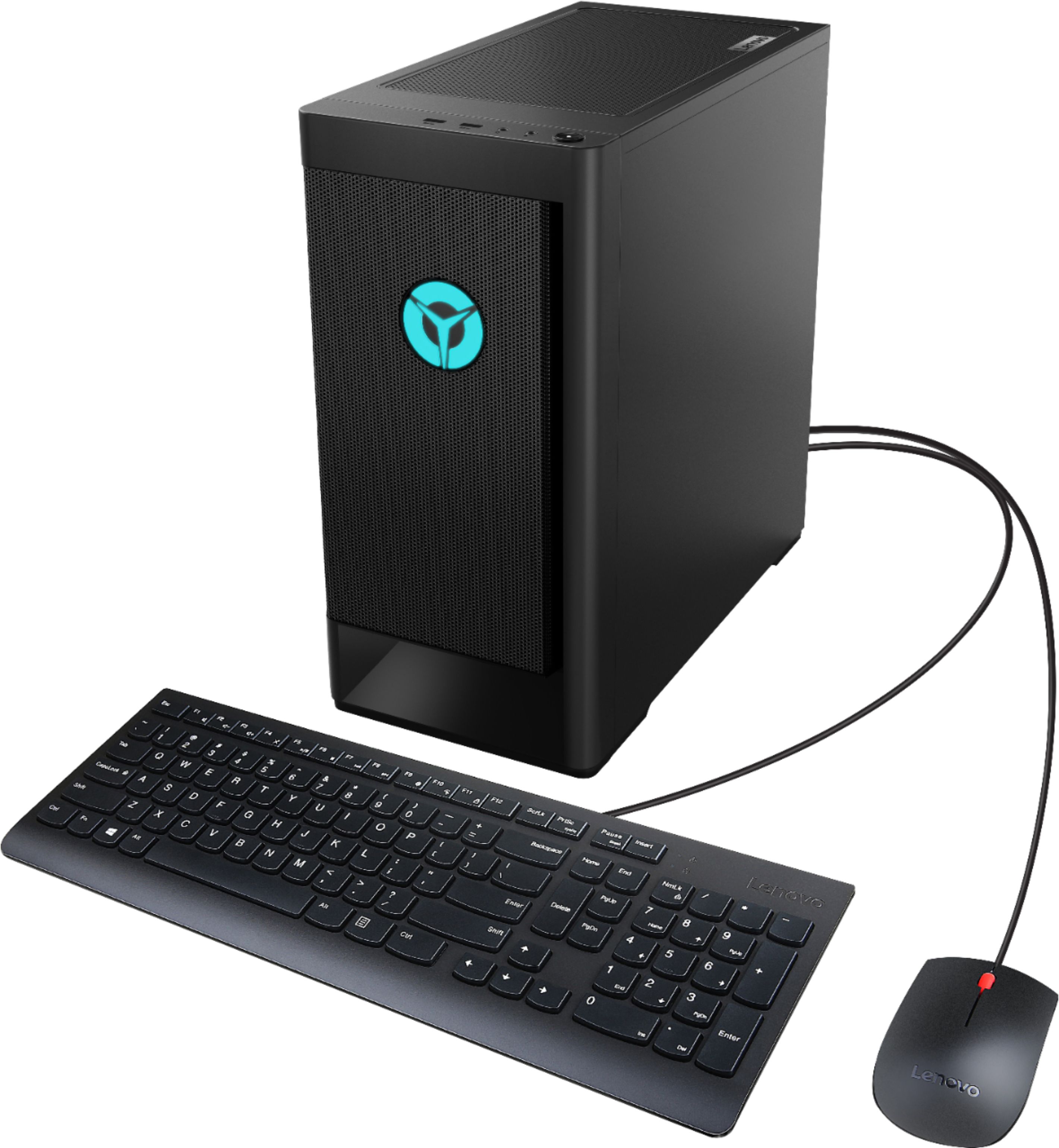
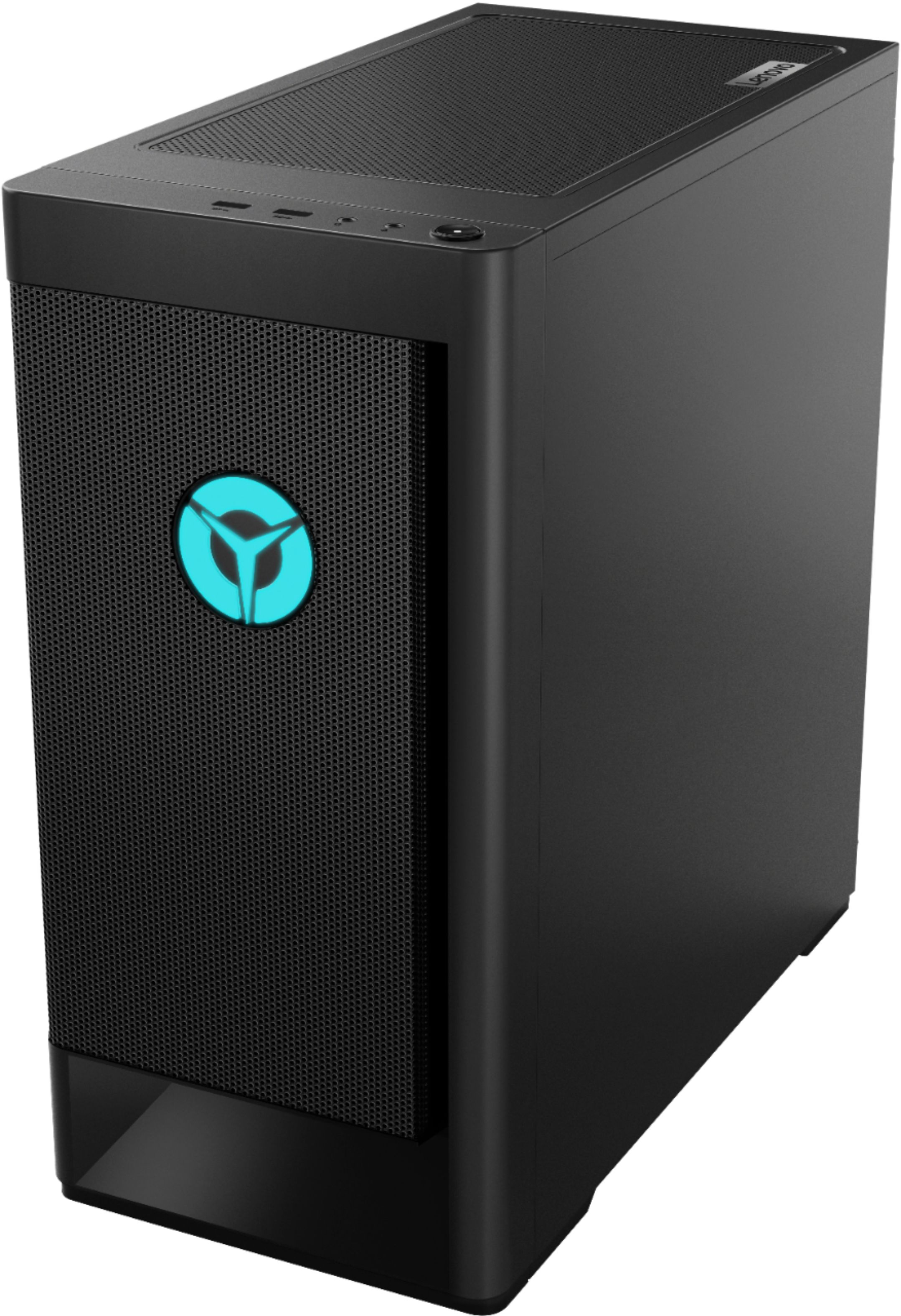
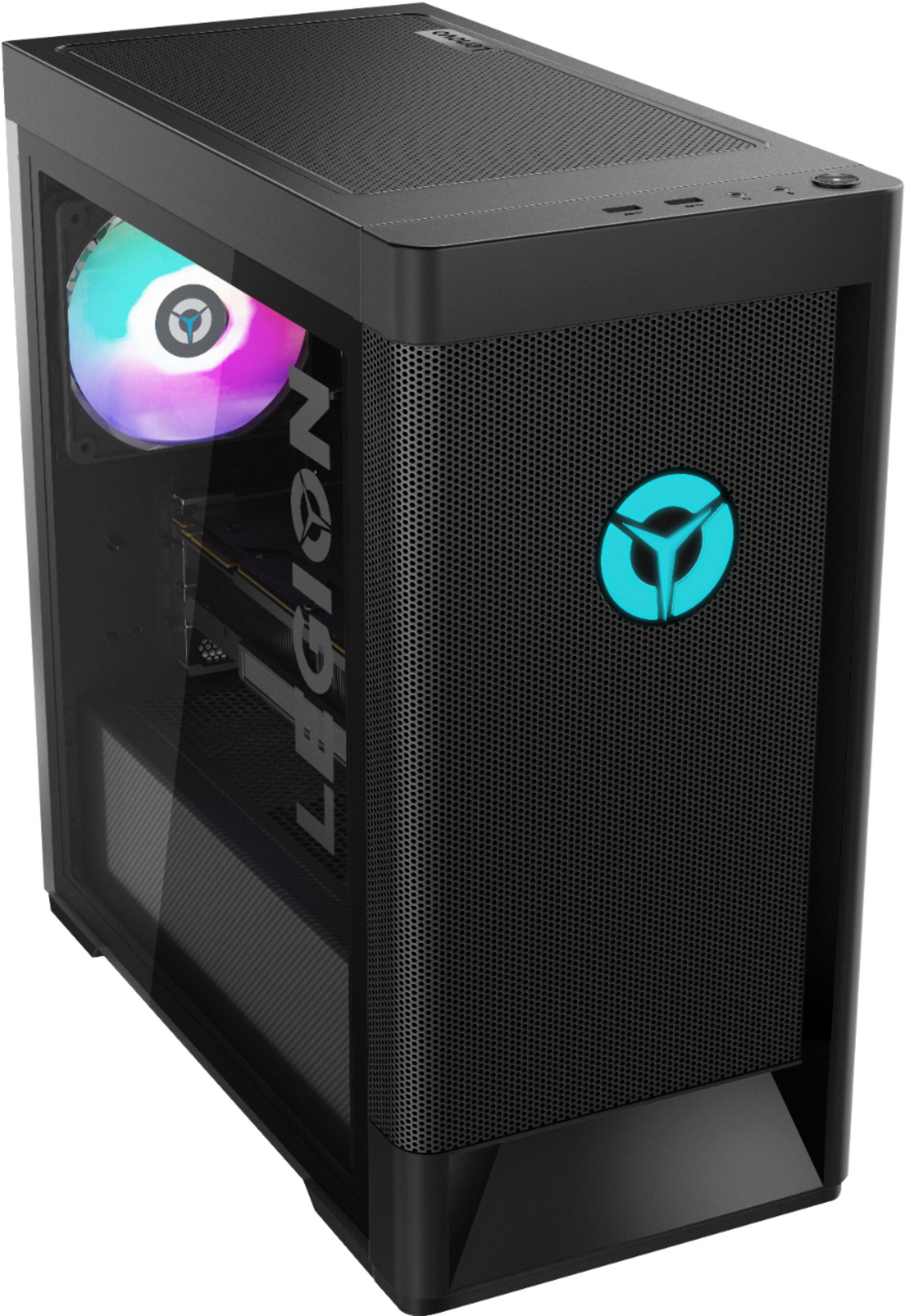
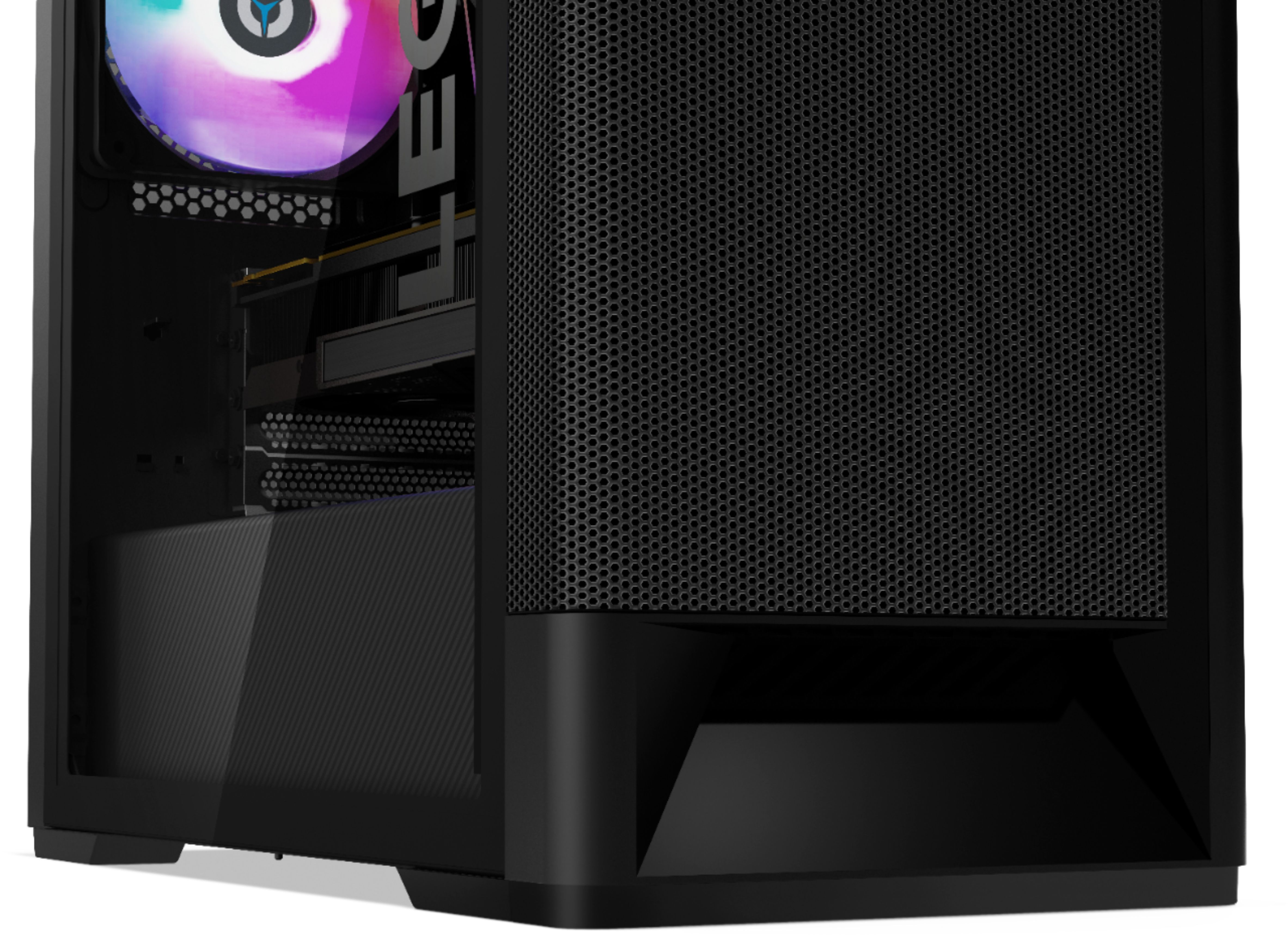

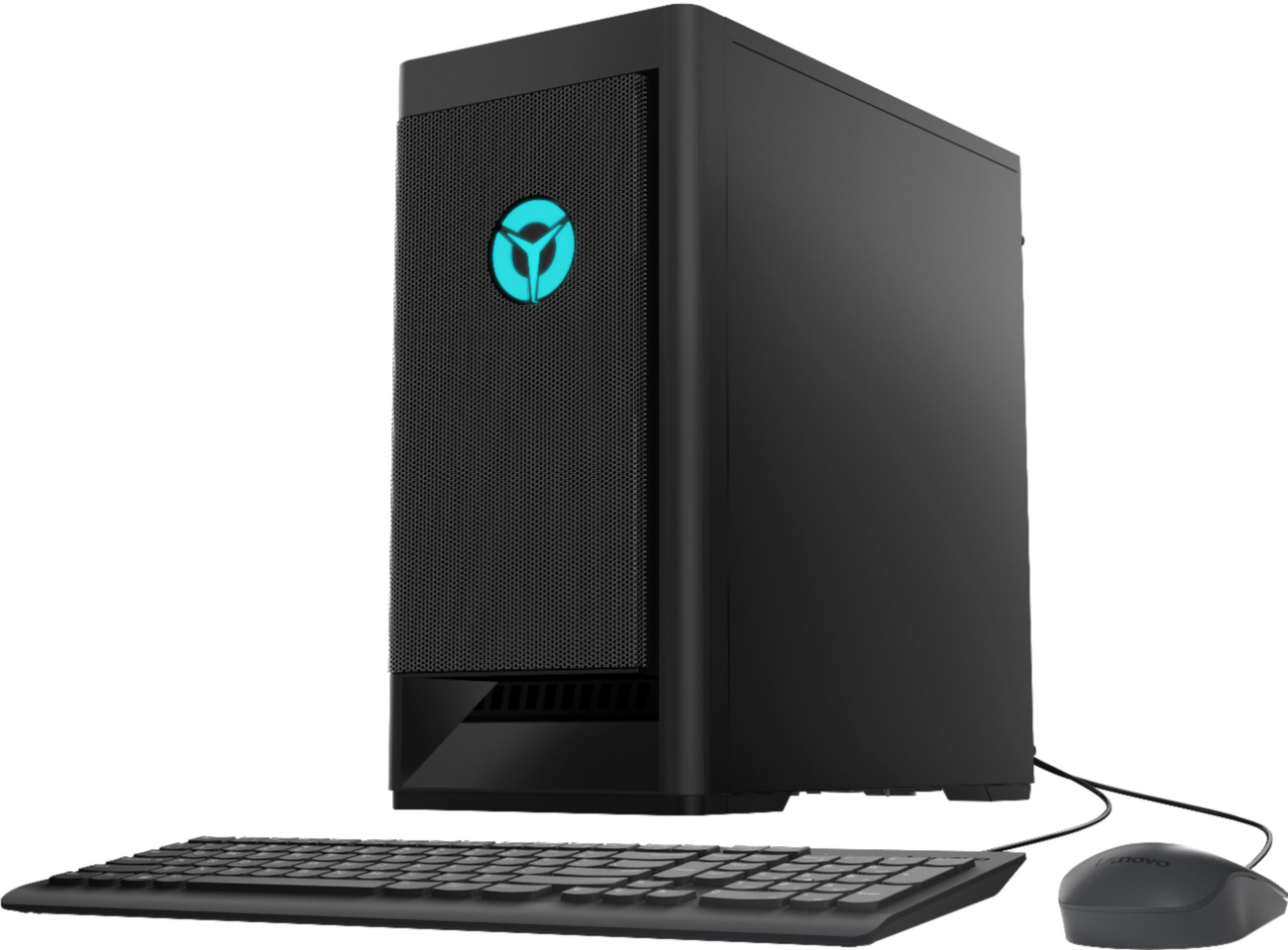
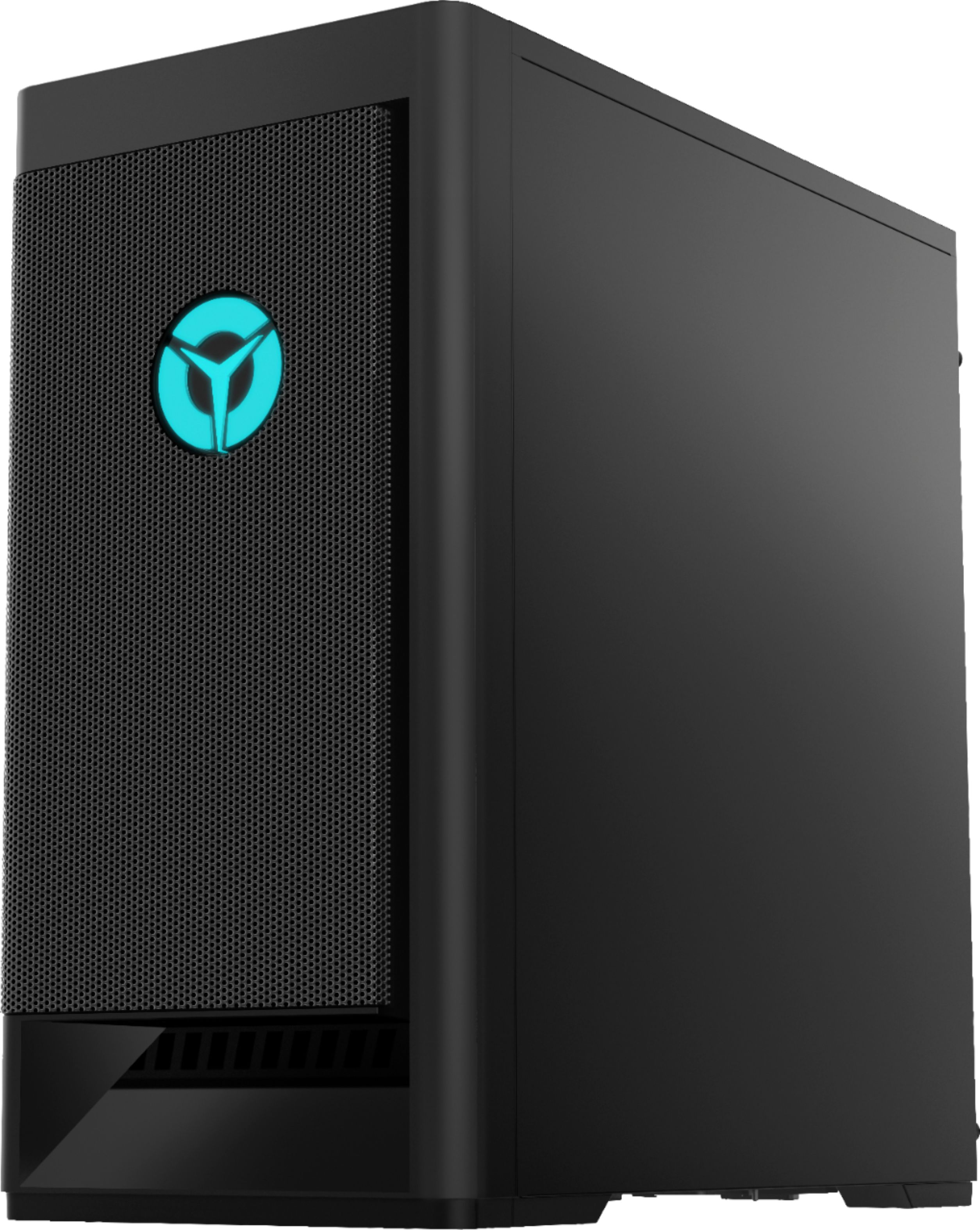


- Model:
- 90RS000DUS
- SKU:
- 6453877
Rating by feature
- Value
Rating 4.3 out of 5 stars
- Quality
Rating 4.4 out of 5 stars
- Ease of Use
Rating 4.4 out of 5 stars
Customers are saying
Customers are pleased with the Legion Tower 5i's performance and its price point, frequently citing its ability to run games smoothly and deliver a good gaming experience for the cost. Many also highlighted the ease of setup and impressive graphics capabilities. However, some users noted that the RAM could be improved, recommending an upgrade for optimal performance. The system's graphics card was also mentioned as a positive aspect.
This summary was generated by AI based on customer reviews.
Excelent
||Posted . Owned for 3 weeks when reviewed.This reviewer received promo considerations or sweepstakes entry for writing a review.Excelent, very good, my son like........................
I would recommend this to a friendGreat computer
||Posted . Owned for 1 month when reviewed.This reviewer received promo considerations or sweepstakes entry for writing a review.Great computer for the new gamer. My son loves it!
I would recommend this to a friendWorks only for a bit
||Posted . Owned for 1 month when reviewed.This reviewer received promo considerations or sweepstakes entry for writing a review.It works fine for a while. Restarts by itself roughly 7 times out of 10, and all I will do is try to play something small. (Minecraft, Roblox). I could of got a bad one, but either way I’m disappointed and wish I would have gone for something else.
No, I would not recommend this to a friendBrand response from Lenovo Product Expert
Posted .We are sorry to hear that you are having issues with your Lenovo Legion Tower 5i Gaming Desktop Computer, model number 90RS000DUS. First, be sure any software you installed is compatible with Windows 10. There is no need to install Microsoft Office software. The software is already part of the operating system, you just need to activate the software with a purchased product key. If you have installed a copy of Microsoft Office, this is conflicting with the existing copy on the system and this will slow your system down. If you have installed a 3rd party anti-virus program, be sure that Windows Defender is turned off and that the trial version of McAfee Anti-Virus software is uninstalled. There can only be one anti-virus program on the system. You may need to restore your system to original factory default settings if any of the programming errors have occurred. You can do that by typing "restore" in the Cortana search window. Just click on the magnifying glass icon at the bottom left of your Windows 10 Desktop. Click on "Reset This PC" Then click on "Get Started" and follow the on screen directions to restore to factory defaults. If there is no incompatible software installed but the issues persist, check to be sure you have the latest version of Windows 10 on the computer. Then update all BIOS files and drivers up to that latest version of Windows 10. You can easily accomplish this by scanning the computer with the Lenovo Legion Utility software available on this computer. This system has Lenovo Legion utilities installed to help maintain the health of the device and keep the operating system software up to date. Type "Legion Vantage" in the Cortana Search window (if Lenovo Vantage is not installed on your device, you can download the APP and install it now). Select Lenovo Vantage from the list. In the window that opens, click on "Health and Support". In the expanded menu, select "Hardware Scan" In the window that opens, select "Run Quick Tests". This will scan your entire system for errors. Follow any directions that may pop up. If the problem continues after this scan, now click on "System Update". First select Windows update from the menu. Scan your system to be sure you have the latest version of Windows 10. Once that scan is complete, select "Additional Updates". This will scan your device to be sure there are no new BIOS/Driver updates needed. Follow any instructions that may pop up. If the issue still continues after these updates, we recommend you call Lenovo Tech Support at: 877-453-6686 for additional help.

computer graphics card went bad
||Posted . Owned for 2 weeks when reviewed.This reviewer received promo considerations or sweepstakes entry for writing a review.the graphics card on this machine failed after 2 weeks of use. Lenovo told me to contact BestBuy for exchange and BestBuy would not help. Lenovo is not un willing to help either on this as they say BestBuy is responsible for first 30 days.
No, I would not recommend this to a friendBought it, but Haven’t gotten it...
||Posted . Owned for 1 week when reviewed.This reviewer received promo considerations or sweepstakes entry for writing a review.I ordered it and I still haven’t got it it’s been about two weeks at this point and I haven’t heard back from anyone about how long it’ll be “delayed”.
No, I would not recommend this to a friend- Pros mentioned:Performance
Good for a first Pre-Built!
Posted .This reviewer received promo considerations or sweepstakes entry for writing a review.Consider this almost week review, but overall the Lenovo Legion Tower 5i didn't disappoint me at first! Everything ran very smooth with the games I play; averaging at about 100+ frames per second. Programs would open easily in a quick manner. Pros - The computer itself loads very fast. - Very smooth. (hopefully for a long time lol) - Can handle most highly graphic games at 100 frames/60. - Can handle Adobe programs very smoothly (such as After Effects, Photoshop, etc.) - Easy and customizable RGB lighting and fan speed in Lenovo Vantage. Cons - The GPU could've been better with two fans, but one fan is honestly just about right. - When having RGB fans on (such as for the Rear fan and Front fans), the RGB fans will not come back in their suggested colors (that you picked in Vantage) after being rather unplugged or being shutdown incorrectly. After turning it back on, they come back in their rather default colors instead of the colors you chose in Vantage. - The SSD could've been extended to at least 512GBs. Most of my games I install in SSD, but this time I had to install them in the Hard Drive. - 165hz screen flickering. I don't know if it's either the GPU, the DisplayPort cable I'm using, but my monitor won't allow me to access the PC in 165hz with continuous screen flickering. Right now I'm using 144hz for the time being. - CPU fan could've been RGB (lol i just like the pc very colorful, but it's alright. planning to replace it with rgb soon) Overall: Although this PC may have it's ups and down, it's hand down one of the good first pre-builts to get if your looking to buy one in the market. I'd honestly would recommend this PC to a friend. (if they're into looking for pre-builts.)
I would recommend this to a friendBrand response from Lenovo Product Expert
Posted .Thank you for choosing the Lenovo Legion Tower 5i Gaming Desktop Computer. This configuration ships with the Nvidia GeForce GTX1660 Super 6GB GPU. Here is a link to performance specifications with AAA games for this GPU: https://www.game-debate.com/hardware/index.php?gid=4722&graphics=GeForce%20GTX%201660%20Super%206GB
Works well until you go to upgrade it
Posted .This reviewer received promo considerations or sweepstakes entry for writing a review.No available user manual for the motherboard and the motherboard is labeled unusually, worked well for 2 years now im having problems with screen tearing
No, I would not recommend this to a friendMy review
Posted .This reviewer received promo considerations or sweepstakes entry for writing a review.This is my first Gaming pc and it is very good. The packaging was very perfect. I would recommend this for your first Gaming pc!
I would recommend this to a friendBrand response from Lenovo Product Expert
Posted .Thank you for choosing the Lenovo Legion Tower 5i Gaming Desktop Computer. We are pleased to hear that the performance of the Legion Tower 5i meets your computing needs so well.
Awesome product
Posted .This reviewer received promo considerations or sweepstakes entry for writing a review.Recently bought this and I've been satisfied. Great system for people that are on a budget such as myself. Haven't had any problems. I recommend it.
I would recommend this to a friendBrand response from Lenovo Product Expert
Posted .Thank you for choosing the Lenovo Legion Tower 5i Gaming Desktop Computer. We are pleased to hear that the value and performance of the Legion Tower 5i meets your computing needs so well.
PC kept Freezing
Posted .This reviewer received promo considerations or sweepstakes entry for writing a review.Every time I boot up my PC it would take a while and it would freeze
No, I would not recommend this to a friendBrand response from Lenovo Product Expert
Posted .We are sorry to hear that you are having issues with your Lenovo Legion Tower 5i Gaming Desktop Computer. First be sure that any system updates are downloaded and installed. Your Operating System may freeze and/run slower than normal during the update process. Your computer may restart itself during this update process as well. Also, be sure any software you installed is compatible with Windows 10. There is no need to install Microsoft Office software. The software is already part of the operating system, you just need to activate the software with a purchased product key. If you have installed a copy of Microsoft Office, this is conflicting with the existing copy on the system and this will slow your system down. If you have installed a 3rd party anti-virus program, be sure that Windows Defender is turned off and that the trial version of McAfee Anti-Virus software is uninstalled. There can only be one anti-virus program on the system. You may need to restore your system to original factory default settings if any of the programming errors have occurred. You can do that by typing "restore" in the Cortana search window. Just click on the magnifying glass icon at the bottom left of your Windows 10 Desktop. Click on "Reset This PC" Then click on "Get Started" and follow the on screen directions to restore to factory defaults. If there is no incompatible software installed but the issues persist, check to be sure you have the latest version of Windows 10 on the computer. Then update all BIOS files and drivers up to that latest version of Windows 10. You can easily accomplish this by scanning the computer with the Lenovo Utility software available on this computer. This system has Lenovo utilities installed to help maintain the health of the device and keep the operating system software up to date. Type "Lenovo Vantage" in the Cortana Search window (if Lenovo Vantage is not installed on your device, you can download the APP and install it now). Select Lenovo Vantage from the list. In the window that opens, click on "Health and Support". In the expanded menu, select "Hardware Scan" In the window that opens, select "Run Quick Tests". This will scan your entire system for errors. Follow any directions that may pop up. If the problem continues after this scan, now click on "System Update". First select Windows update from the menu. Scan your system to be sure you have the latest version of Windows 10. Once that scan is complete, select "Additional Updates". This will scan your device to be sure there are no new BIOS/Driver updates needed. Follow any instructions that may pop up. If the issue still continues after these updates, we recommend you call Lenovo Tech Support at: 877-453-6686 for additional help.