Customer Ratings & Reviews





- Model:
- 20VK001QUS
- SKU:
- 6450811
Rating by feature
- Battery Life
Rating 4.0 out of 5 stars
- Speed
Rating 4.3 out of 5 stars
- Display
Rating 4.3 out of 5 stars
Customers are saying
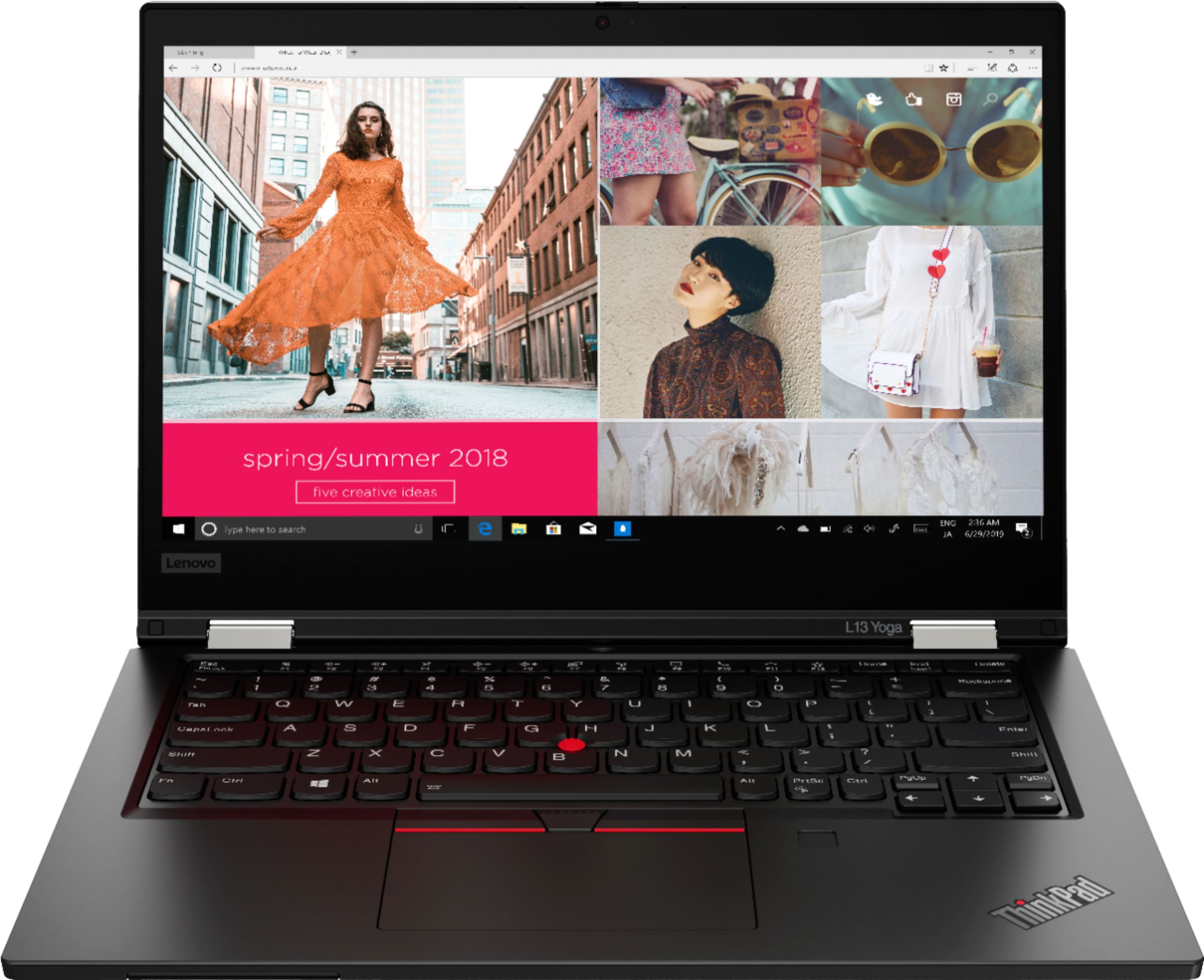
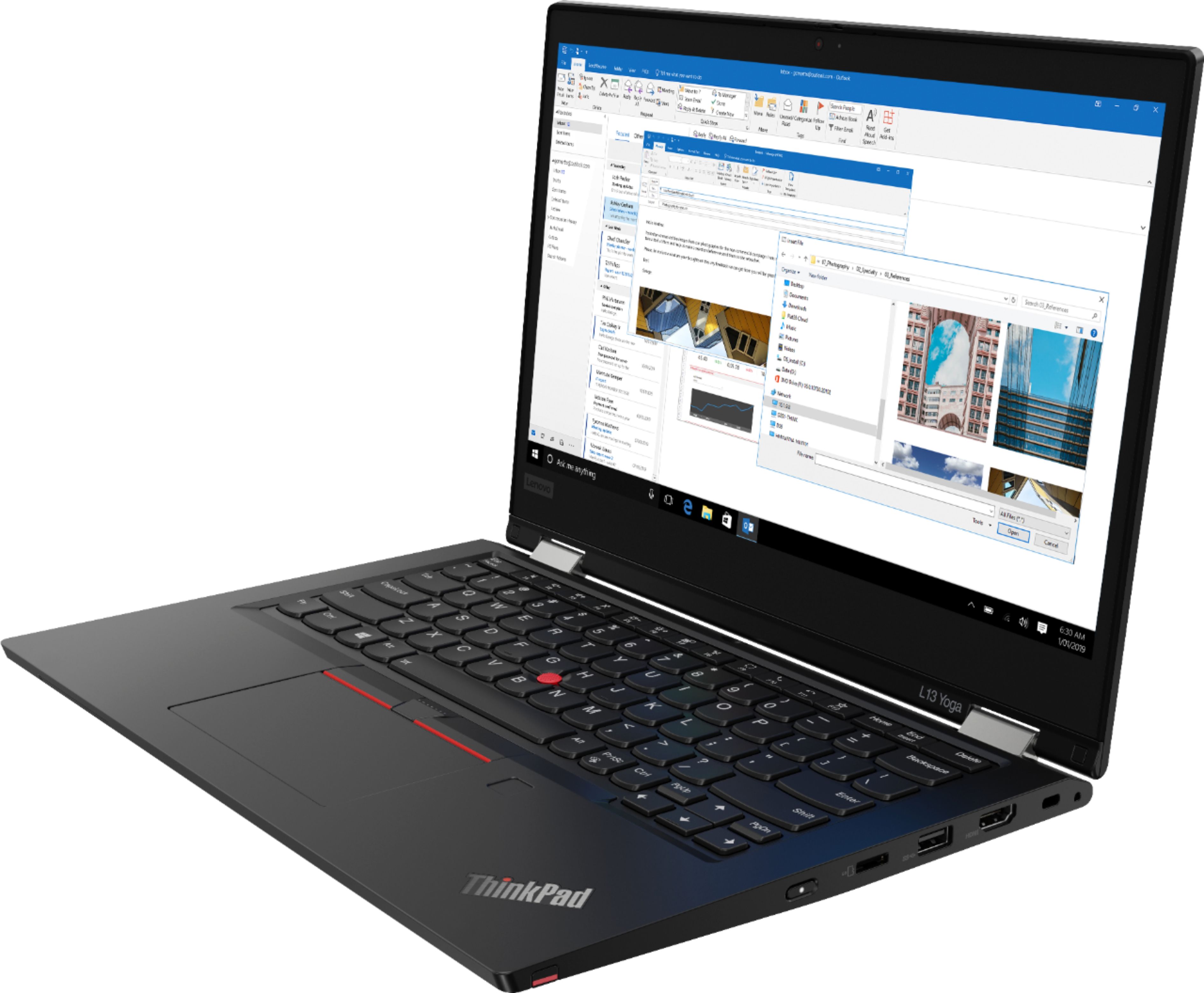
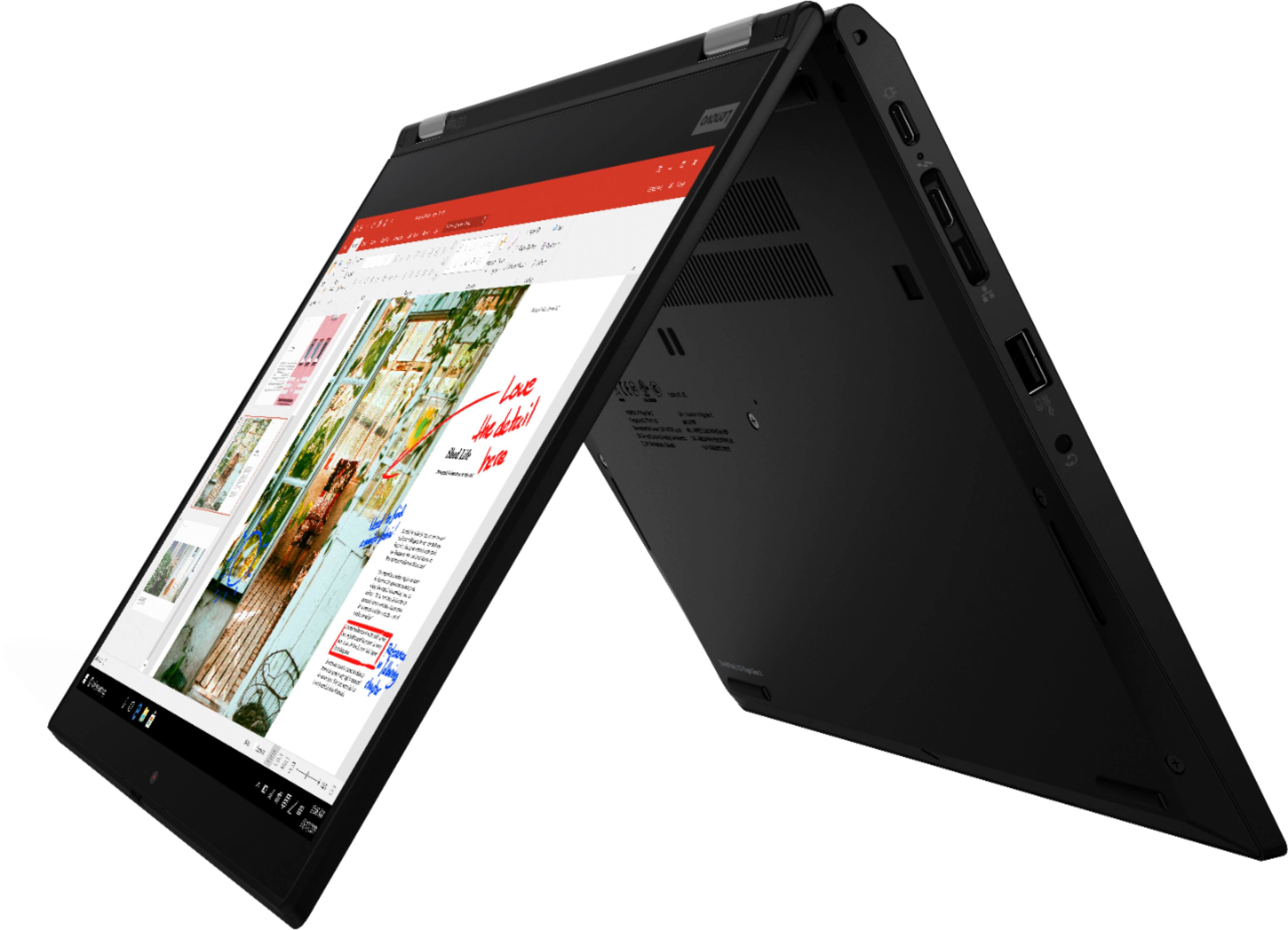
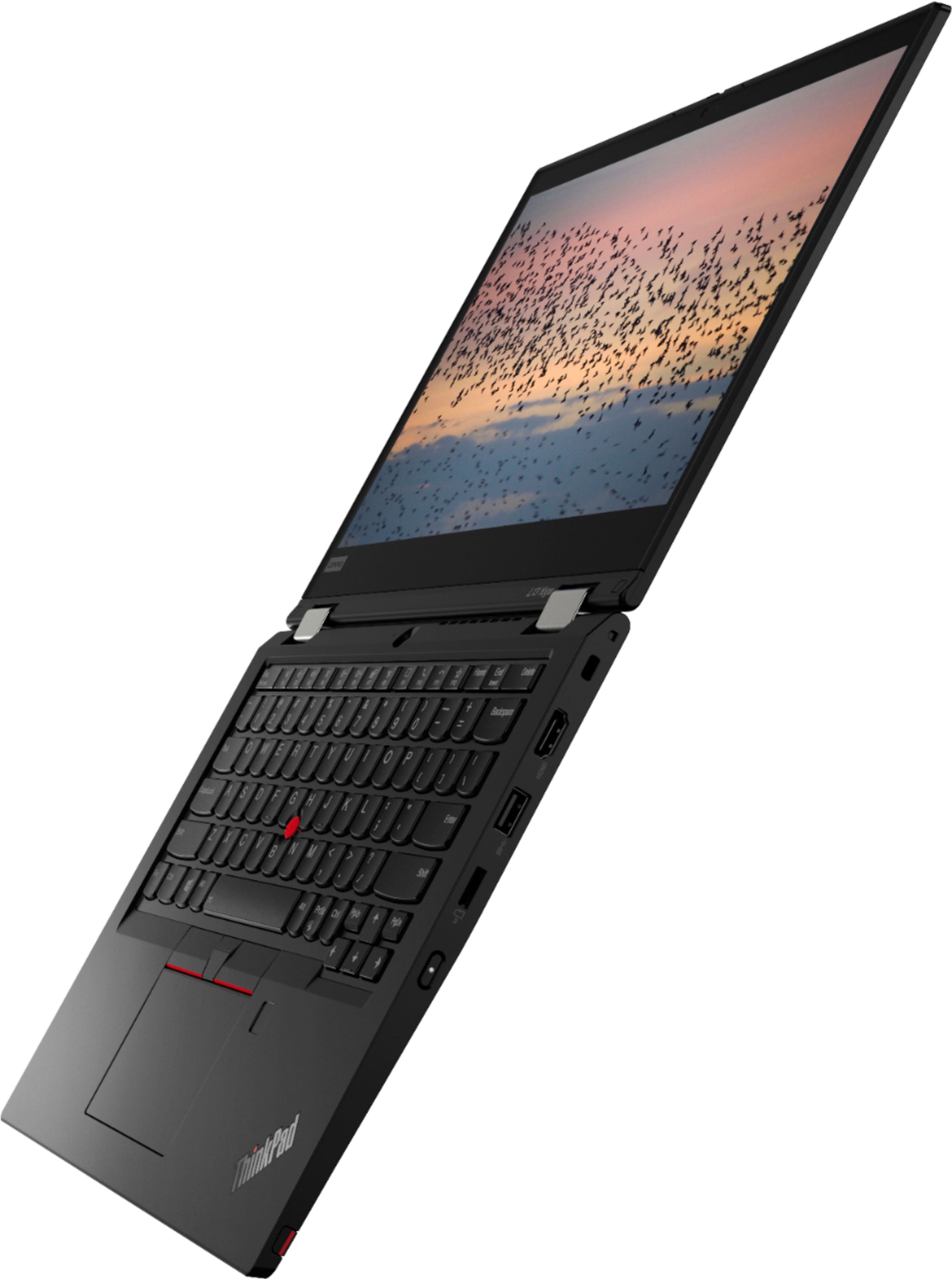
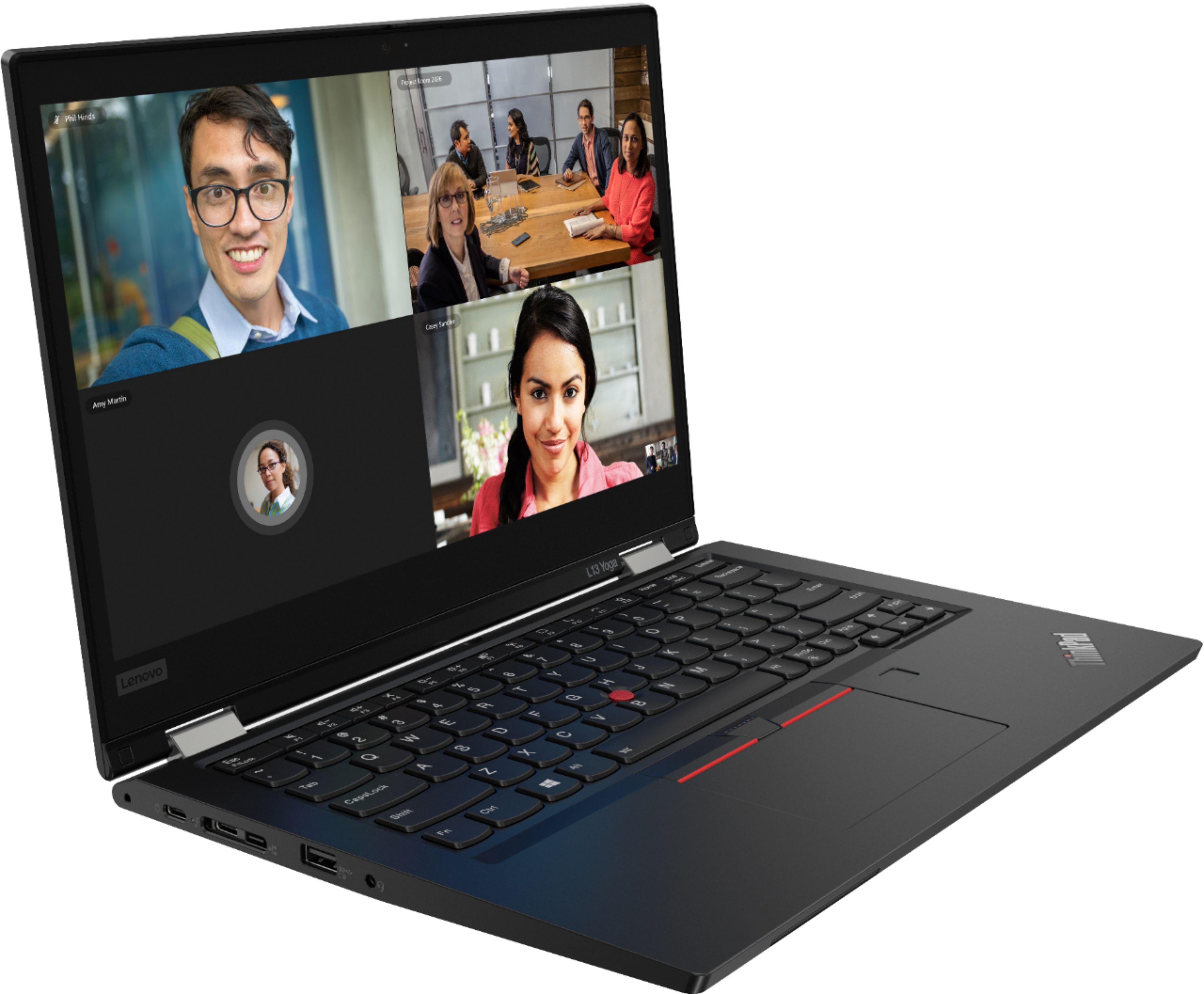
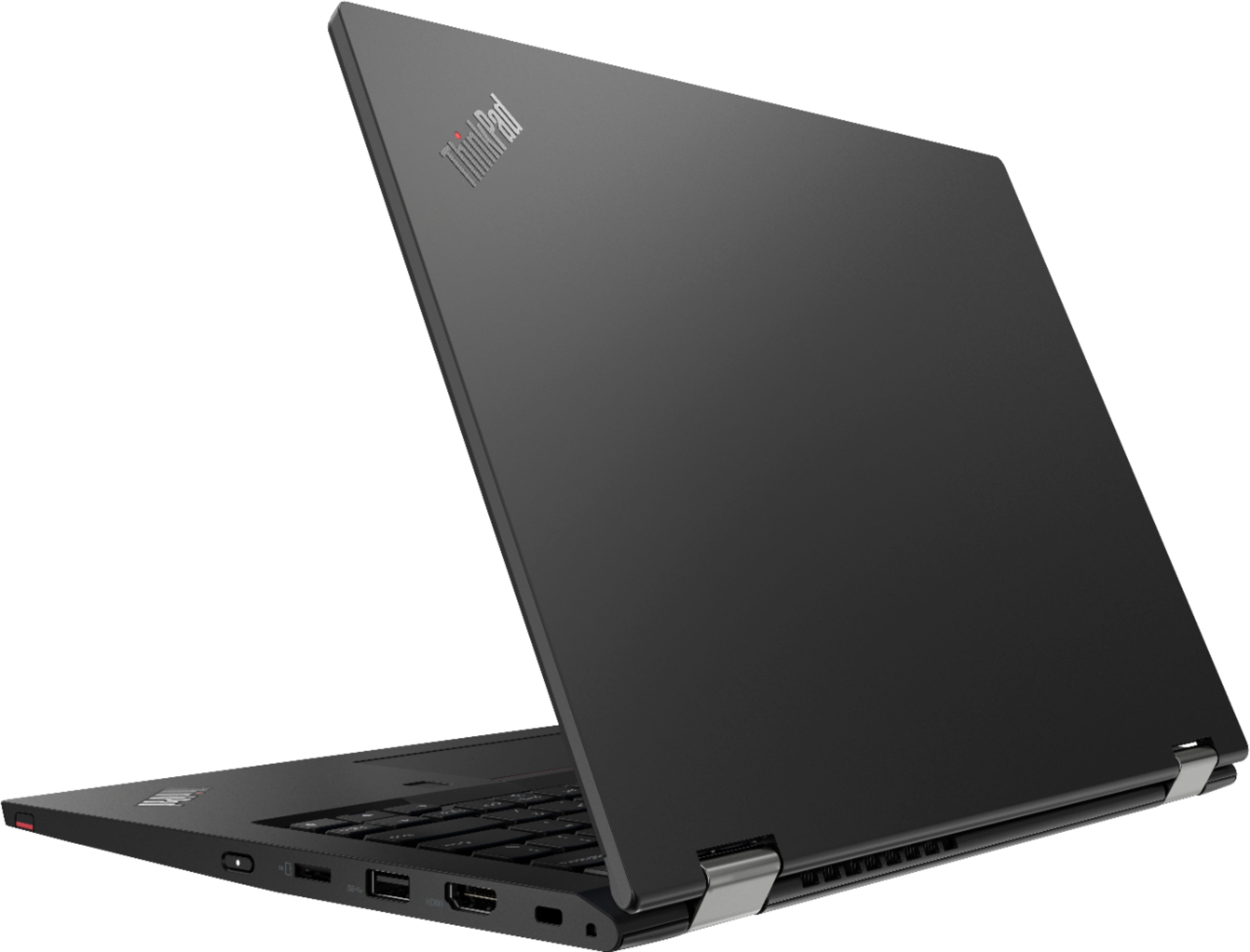
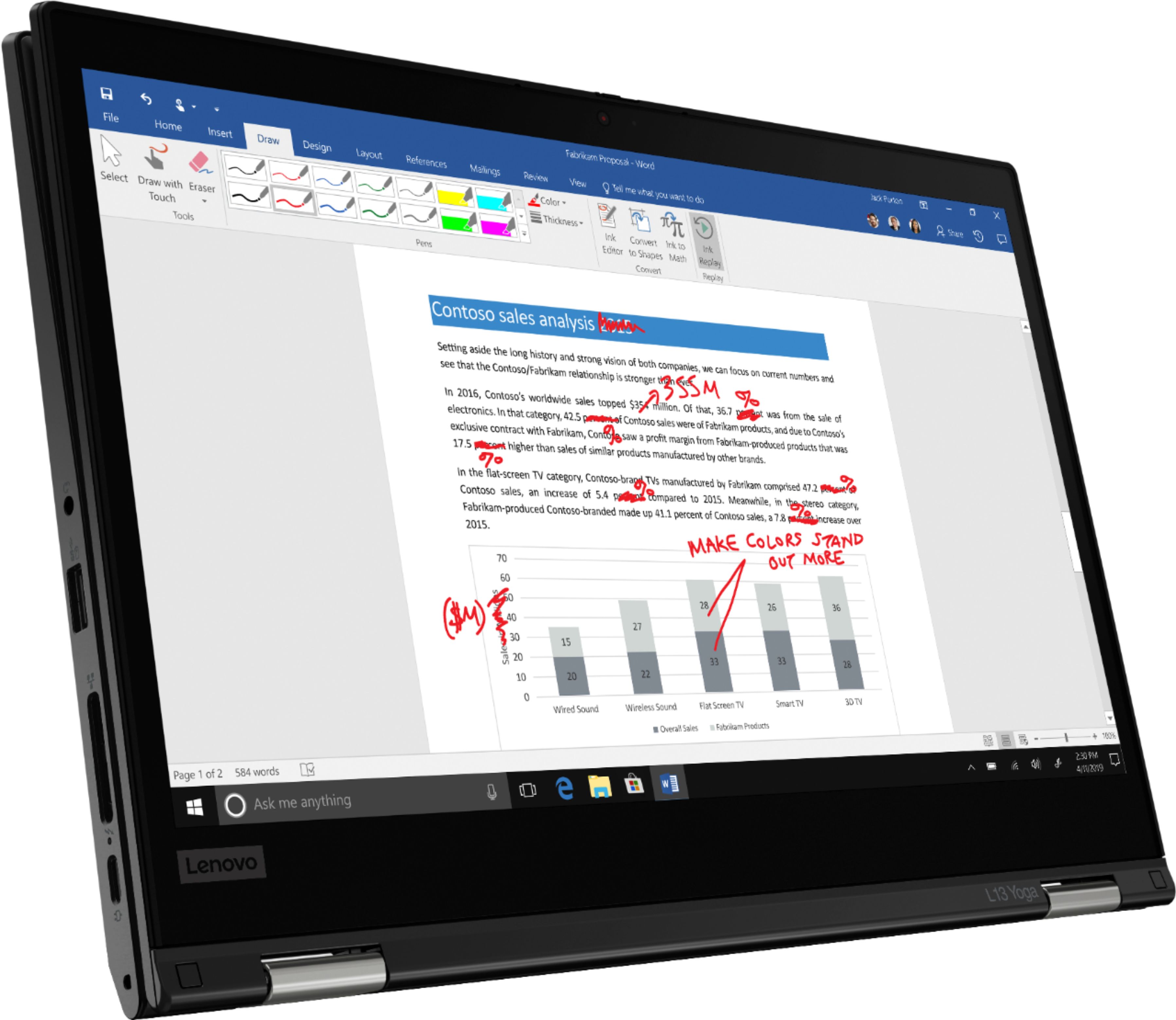
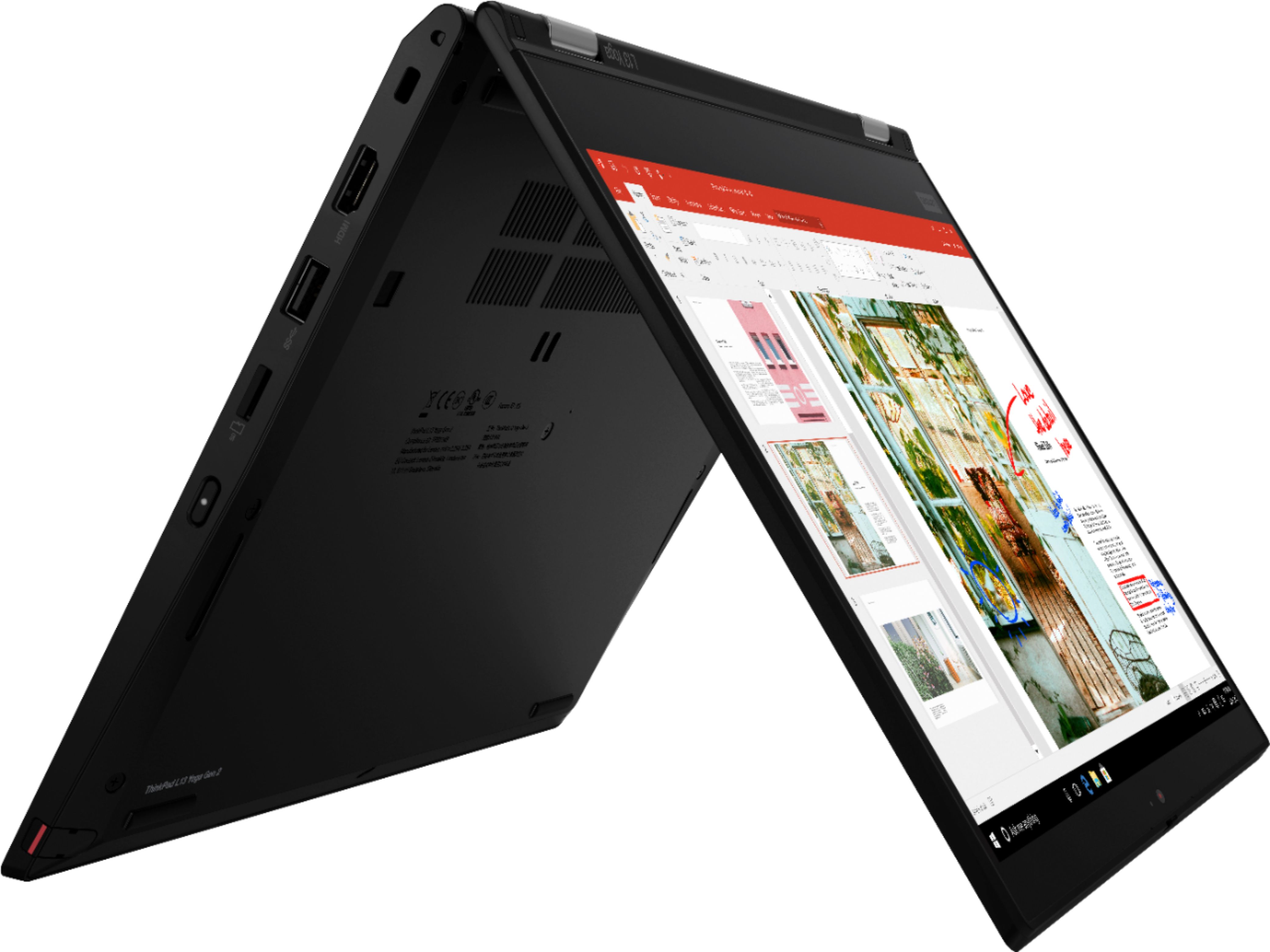
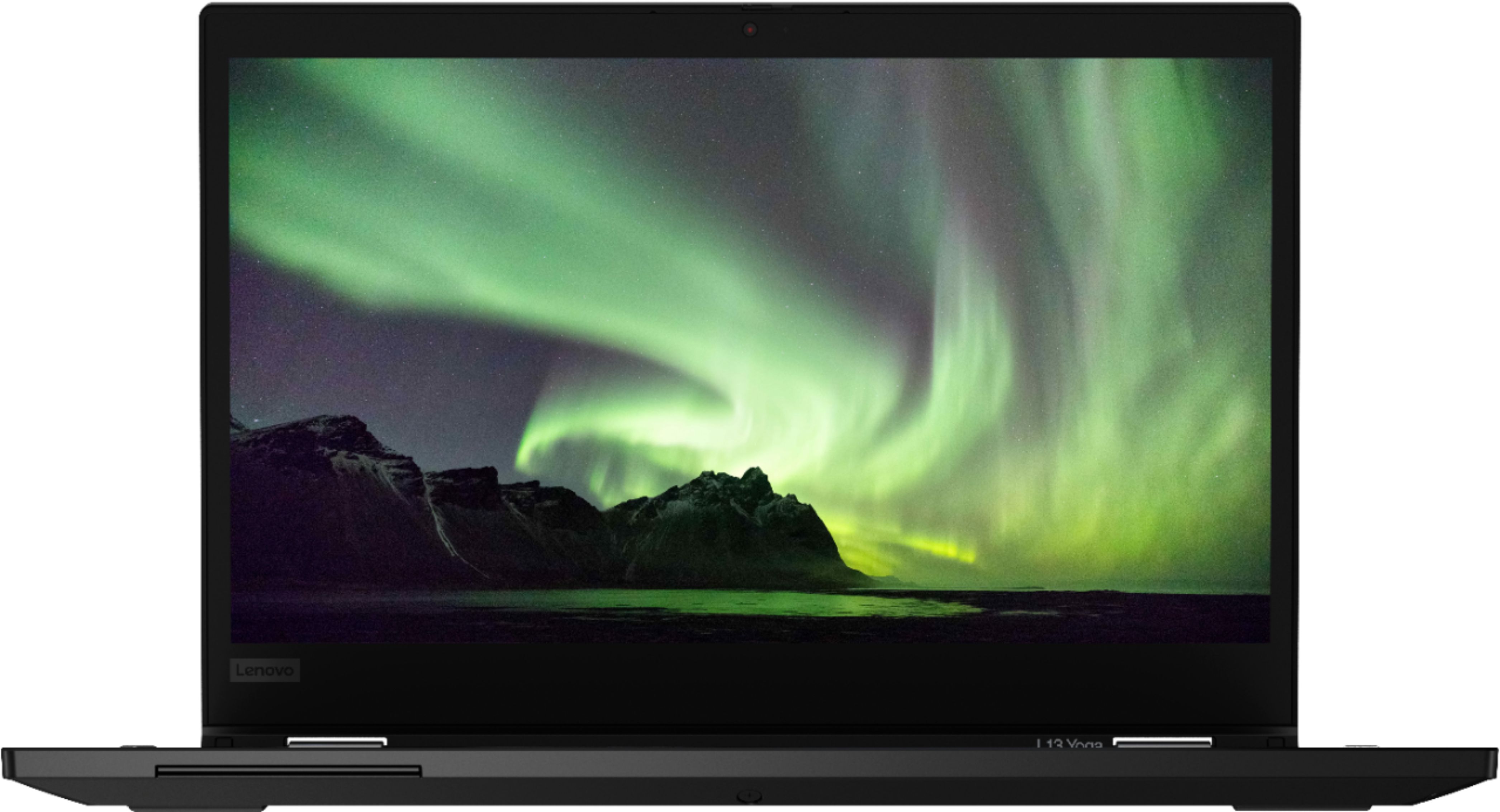
Customers frequently mention the ThinkPad L13 Yoga's excellent touch screen, durability, and fast performance. Many users appreciate its lightweight and portability, making it convenient for various tasks. However, some users have concerns about its battery life and occasional overheating issues.
This summary was generated by AI based on customer reviews.
Good machine
||Posted . Owned for 1 month when reviewed.This reviewer received promo considerations or sweepstakes entry for writing a review.Great all around laptop for the price. Plenty of power and not a bunch of unnecessary software installed.
I would recommend this to a friendBrand response from Lenovo Product Expert
Posted .Thank you for choosing the Lenovo ThinkPad L13 Yoga. We are pleased to hear that the value, features and performance of the ThinkPad L13 Yoga meets your computing needs so well.

Great little laptop.
||Posted . Owned for 3 weeks when reviewed.This reviewer received promo considerations or sweepstakes entry for writing a review.I am really enjoying my Lenovo ThinkPad. It is easy to use and set up. The screen is large and clear.
I would recommend this to a friendBrand response from Lenovo Product Expert
Posted .Thank you for choosing the Lenovo ThinkPad L13 Yoga. We are pleased to hear that the features and performance of the ThinkPad L13 Yoga meets your computing needs so well.
Needs more RAM
||Posted .This reviewer received promo considerations or sweepstakes entry for writing a review.The RAM is on the low side and unfortunately not user upgradable. The laptop otherwise is excellent.
No, I would not recommend this to a friendThinkpad
||Posted . Owned for 1 month when reviewed.This reviewer received promo considerations or sweepstakes entry for writing a review.It is great, I use it for school and work and primarily got it due to using Microsoft applications
I would recommend this to a friendBrand response from Lenovo Product Expert
Posted .Thank you for choosing the Lenovo ThinkPad L13 Yoga. We are pleased to hear that the ThinkPad L13 Yoga meets your computing needs so well.
Good
||Posted .This reviewer received promo considerations or sweepstakes entry for writing a review.Functional, good and sturdy like any thinkpad but this laptop has touch screen functions..not sure if this is the reason why my keyboard malfunction at times..it can be quite irritating that I need to restart the laptop to be able to use the keyboard.
No, I would not recommend this to a friendThe Bes
||Posted . Owned for 3 weeks when reviewed.This reviewer received promo considerations or sweepstakes entry for writing a review.This laptop is perfect for me!! It does exactly what I need and is so user friendly!! Love it.
I would recommend this to a friendGreat Laptop
||Posted . Owned for 10 months when reviewed.This reviewer received promo considerations or sweepstakes entry for writing a review.Excellent Ultralight Fast Processor for price Great quality Pen is very helpful
I would recommend this to a friendBrand response from Lenovo Product Expert
Posted .Thank you for choosing the Lenovo ThinkPad L13 Yoga 2-in-1 Touch Screen Laptop. We are very happy to see that the specifications and features of the Lenovo ThinkPad L13 2-in-1 Touch Screen Laptop meet your computing needs so well.
Great laptop at a great price
||Posted . Owned for less than 1 week when reviewed.This reviewer received promo considerations or sweepstakes entry for writing a review.Very smooth laptop. Love the laptop. Flexible. It looks sturdy.
I would recommend this to a friendBrand response from Lenovo Product Expert
Posted .Thank you for choosing the Lenovo ThinkPad L13 Yoga. We are pleased to hear that the ThinkPad L13 Yoga meets your computing needs so well.
Rate product 5 out of 5
||Posted . Owned for 1 month when reviewed.This reviewer received promo considerations or sweepstakes entry for writing a review.Very happy with my purchase. Like this product over a chromebook which I had
I would recommend this to a friendBrand response from Lenovo Product Expert
Posted .Thank you for choosing the Lenovo ThinkPad L13 Yoga. We are pleased to hear that the ThinkPad L13 Yoga meets your computing needs so well.
Perfect computer
||Posted . Owned for 3 weeks when reviewed.This reviewer received promo considerations or sweepstakes entry for writing a review.Very good computer. Perfect picture, very fast, comfortable to use.
I would recommend this to a friendBrand response from Lenovo Product Expert
Posted .Thank you for choosing the Lenovo ThinkPad L13 Yoga. We are pleased to hear that the features and performance of the ThinkPad L13 Yoga meets your computing needs so well.
Lenovo is Ok...
||Posted . Owned for 1 month when reviewed.This reviewer received promo considerations or sweepstakes entry for writing a review.It is an okay laptop. I thought it was very heavy and almost cumbersome for its size. Returned for that reason and just did not care the package without the pen (which was not provided but paid for at purchase).
No, I would not recommend this to a friendBrand response from Lenovo Product Expert
Posted .The Lenovo ThinkPad L13 Yoga 2 in 1 convertible laptop, model number 20VK001QUS, weighs just 4.78 lbs. The ThinkPad L13 Yoga ships with an onboard, garaged ThinkPad Active pen. The pen is stored within the computer case itself, where the active pen will charge itself when not in use.
Great laptop
||Posted . Owned for 1 month when reviewed.This reviewer received promo considerations or sweepstakes entry for writing a review.Great laptop. Easy setup and it works perfectly. Exactly what I needed.
I would recommend this to a friendBrand response from Lenovo Product Expert
Posted .Thank you for choosing the Lenovo ThinkPad L13 Yoga. We are pleased to hear that the ThinkPad L13 Yoga is working out so well for you.
Functional
||Posted . Owned for 6 months when reviewed.This reviewer received promo considerations or sweepstakes entry for writing a review.Good price and very good laptop! I recomend it, of course!
I would recommend this to a friendBrand response from Lenovo Product Expert
Posted .Thank you for choosing the Lenovo ThinkPad L13 Yoga. We are pleased to hear that the value and performance of the ThinkPad L13 Yoga meets your computing needs so well.
Love it
||Posted . Owned for 1 week when reviewed.This reviewer received promo considerations or sweepstakes entry for writing a review.Love it and hope to have it for many years to come a little pricey though
I would recommend this to a friendBrand response from Lenovo Product Expert
Posted .Thank you for choosing the Lenovo ThinkPad L13 Yoga. We are pleased to hear that the ThinkPad L13 Yoga meets your computing needs so well.
Great Price for thin & light notebook
||Posted . Owned for 3 weeks when reviewed.This reviewer received promo considerations or sweepstakes entry for writing a review.Great keyboard and super sturdy, Can't beat the price either!
I would recommend this to a friendBrand response from Lenovo Product Expert
Posted .Thank you for choosing the Lenovo ThinkPad L13 Yoga. We are pleased to hear that the value and performance of the ThinkPad L13 Yoga meets your computing needs so well.
- Cons mentioned:Battery life
Laptop
||Posted . Owned for 1 month when reviewed.This reviewer received promo considerations or sweepstakes entry for writing a review.Terrible battery life, other than the 2 hours you get out of the laptop. I loved it, I would definitely but it again if the battery life was improved.
No, I would not recommend this to a friendBrand response from Lenovo Product Expert
Posted .The Lenovo ThinkPad L13 Yoga model number 20VK001QUS, ships with a integrated Li-Polymer 46Wh battery, which within this configuration, has a battery life of up to 10 hours, depending on the work the device is performing. If you are getting substantially less battery life, first, set your screen brightness at less than 100-percent - try 80-percent to start with. Then, be sure Battery conservation Mode is turned off. This power management setting should only be used when the laptop is plugged in all the time. It will prolong overall battery life by only charging the battery to 60-percent of capacity. Here is a link to instructions for turning off Battery Conservation Mode: https://support.lenovo.com/us/en/solutions/ht103159. Also check what programs are running in the background on the computer. Be sure only the programs you want running in the background are. These programs will drain the battery. Here is a link to information about how to find out what programs are running in the background on your Windows 10 computer and how to manage them for better system performance: https://www.windowscentral.com/how-prevent-apps-running-background-windows-10. Then, finally, be sure any software you installed is compatible with Windows 10. Incompatible software will drain the battery at a faster rate. There is no need to install Microsoft Office software. The software is already part of the operating system, you just need to activate the software with a purchased product key. If you have installed a copy of Microsoft Office, this is conflicting with the existing copy on the system and this will slow your system down. If you have installed a 3rd party anti-virus program, be sure that Windows Defender is turned off and that the trial version of McAfee Anti-Virus software is uninstalled. There can only be one anti-virus program on the system. You may need to restore your system to original factory default settings if any of the programming errors have occurred. You can do that by typing "restore" in the Cortana search window. Just click on the magnifying glass icon at the bottom left of your Windows 10 Desktop. Click on "Reset This PC" Then click on "Get Started" and follow the on screen directions to restore to factory defaults. If the problem persists, we recommend you contact Lenovo Tech Support at: 877-453-6686.
Worka Great
||Posted .This reviewer received promo considerations or sweepstakes entry for writing a review.Does the job and easy to use. Like the fingerprint scan
I would recommend this to a friendBrand response from Lenovo Product Expert
Posted .Thank you for choosing the Lenovo ThinkPad L13 Yoga, model number 20VK001QUS. We are pleased to hear that the features and performance of the ThinkPad L13 Yoga meets your computing needs so well.
Lenovo thinkpad
||Posted . Owned for 2 weeks when reviewed.This reviewer received promo considerations or sweepstakes entry for writing a review.Simply beautiful laptop, ease of use and very nice specs !
I would recommend this to a friendBrand response from Lenovo Product Expert
Posted .Thank you for choosing the Lenovo ThinkPad L13 Yoga. We are pleased to hear that the ease of use, features and performance of the ThinkPad L13 Yoga meets your computing needs so well.
My computer
||Posted . Owned for 1 month when reviewed.This reviewer received promo considerations or sweepstakes entry for writing a review.I like this product . It work perfect and do what i need
I would recommend this to a friendBrand response from Lenovo Product Expert
Posted .Thank you for choosing the Lenovo ThinkPad L13 Yoga. We are pleased to hear that the ThinkPad L13 Yoga meets your computing needs so well.
Total Disappointment!
||Posted . Owned for 9 months when reviewed.This reviewer received promo considerations or sweepstakes entry for writing a review.After only 8 months of light use, the unit began to go into hibernation mode when shut down and then would fail to boot up. Checked the CMOS battery, which tested good and now the unit won't boot up, requesting a Microsoft Recovery Key, which I don't have since the OS was loaded by the manufacturer. Right now, this rather expensive unit is the proverbial "brick", which I can't access because of the frustrating Microsoft "Bitlocker" protection.
No, I would not recommend this to a friendBrand response from Lenovo Product Expert
Posted .We are sorry to hear that you are having issues with your Lenovo ThinkPad L13 Yoga 2 in 1 laptop, model number 20VK001QUS. Resetting your computer back to its original factory settings may correct the problem you are having. Power off the computer. This system is equipped with OneKey Recovery System. There is a very small pin hole on the bottom of the device, approximately in the middle of the bottom of the computer. You will need a pin to push this reset button. Plug the device in. Let the battery charge for about 15 minutes. Push the reset button. The system should boot to a choice screen where you can choose "Restore To Factory Default". Select this. It will delete everything from the hard drive except the original factory install of the operating system. You will need to reinstall all programs and files after the reset. If you don't have copies of the files, try to make one before you restore by selecting "Boot to desktop" and trying to back up your files. If the problem persists after the factory reset, we recommend you contact Lenovo Tech Support for Think Products at: 877-453-6686.