Customer Ratings & Reviews
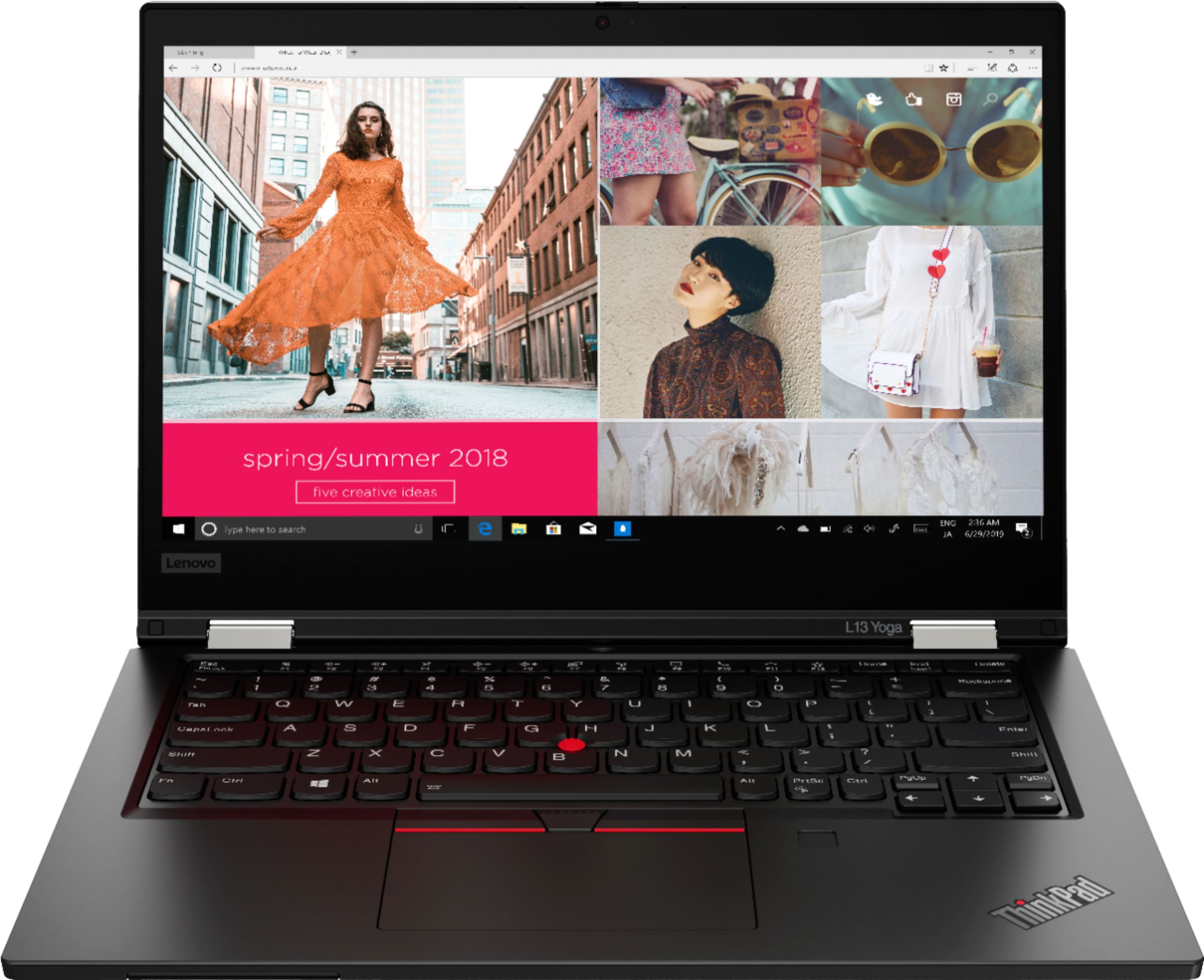
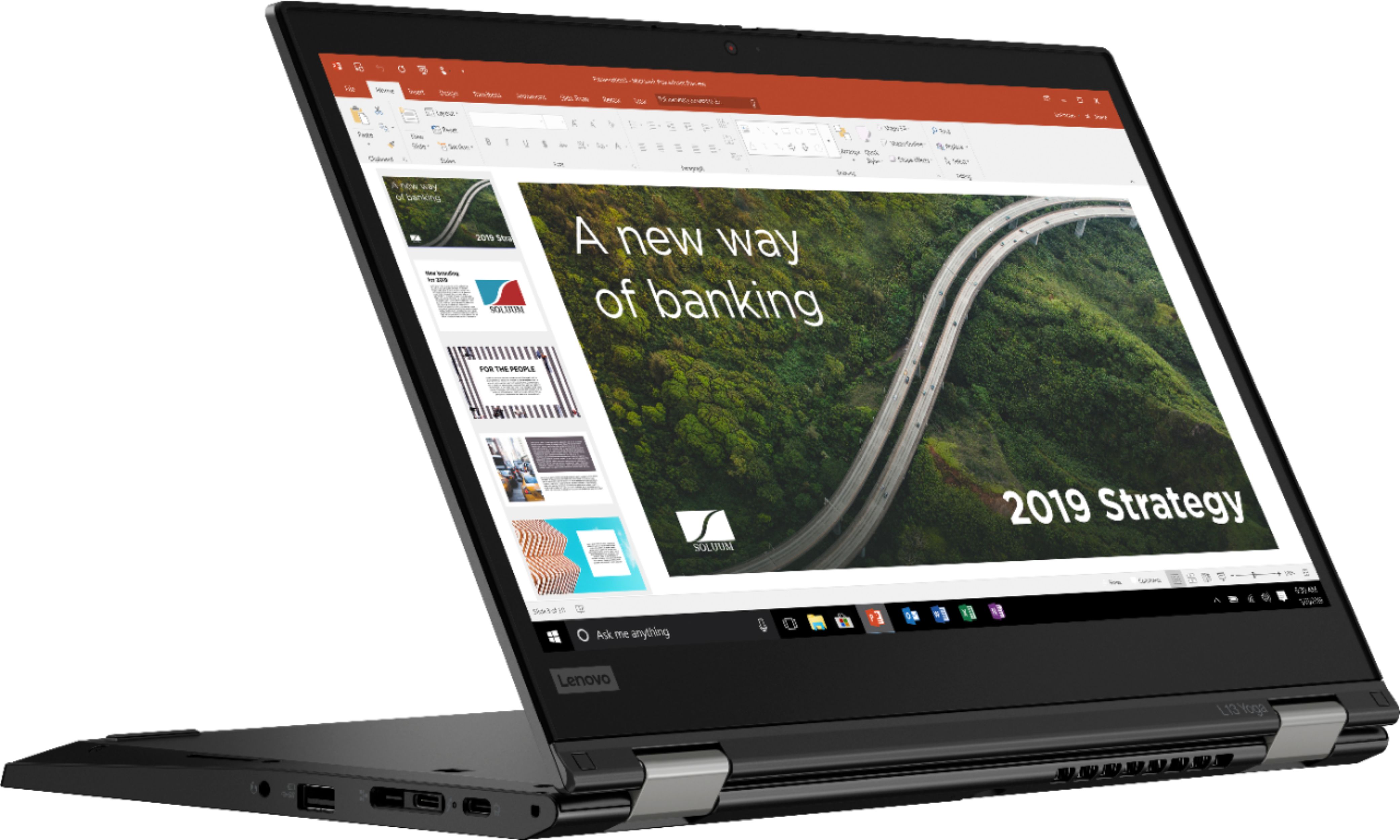
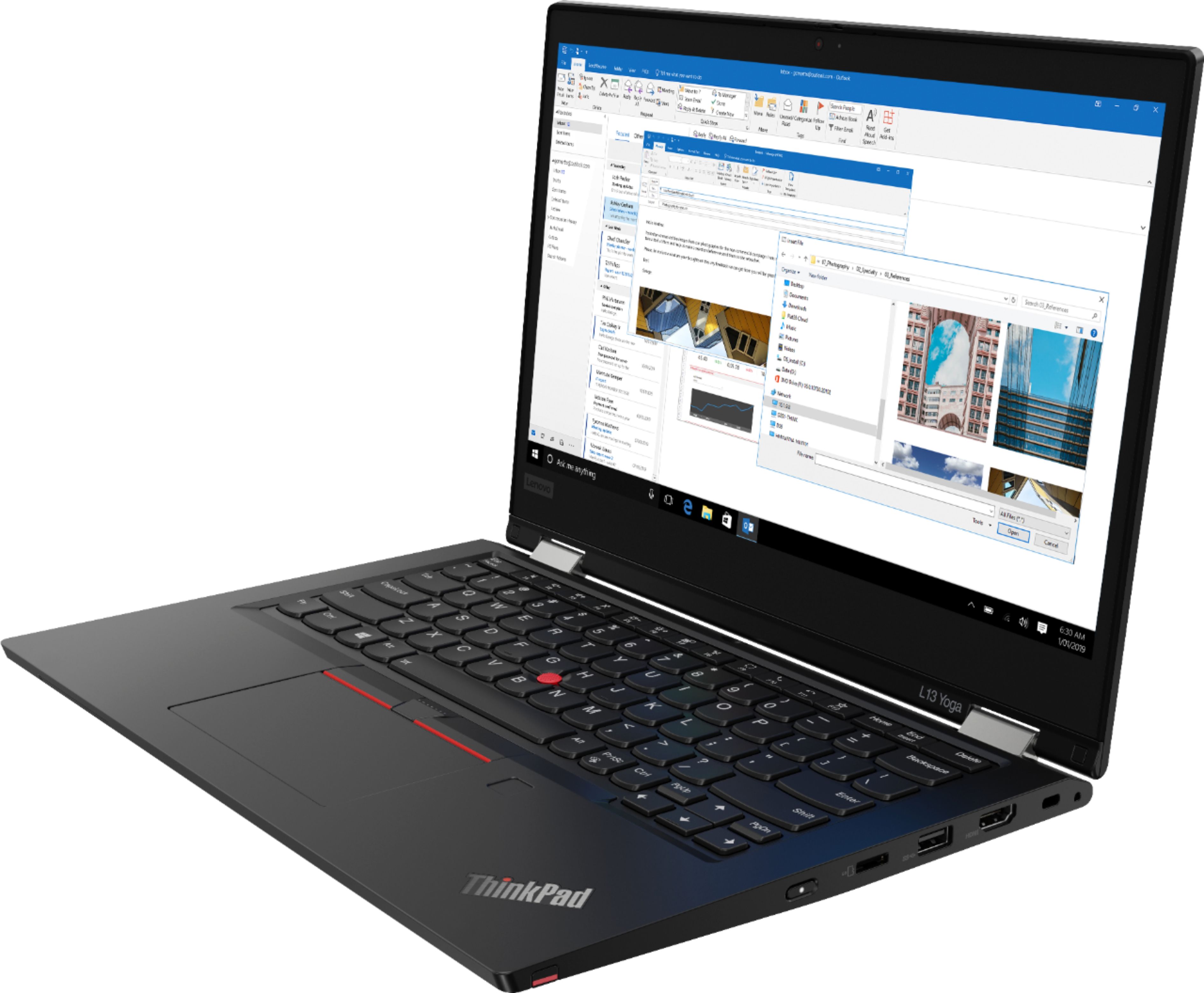
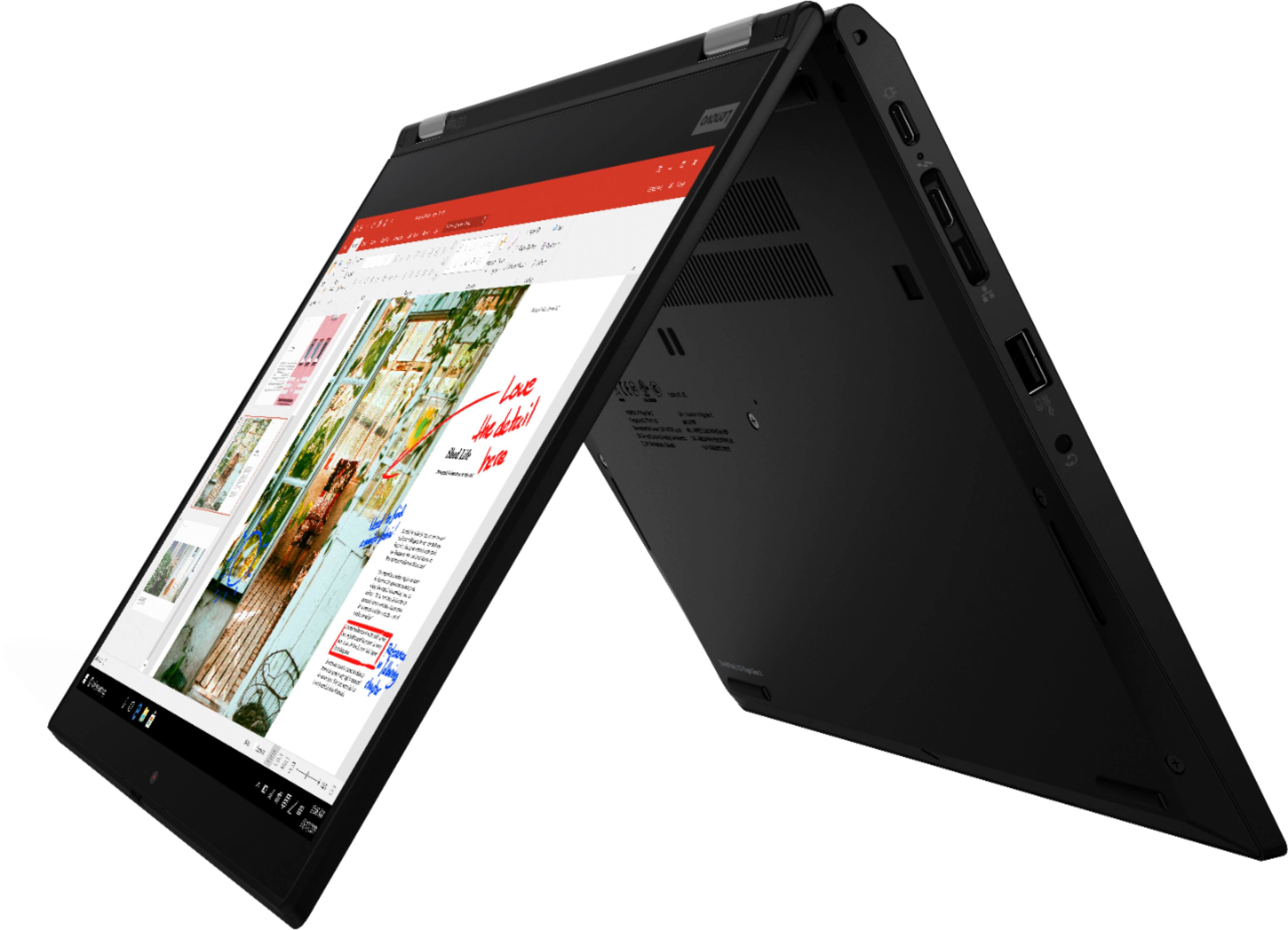




- Model:
- 20VK001QUS
- SKU:
- 6450811
Rating by feature
- Battery Life
Rating 4.0 out of 5 stars
- Speed
Rating 4.3 out of 5 stars
- Display
Rating 4.3 out of 5 stars
Customers are saying
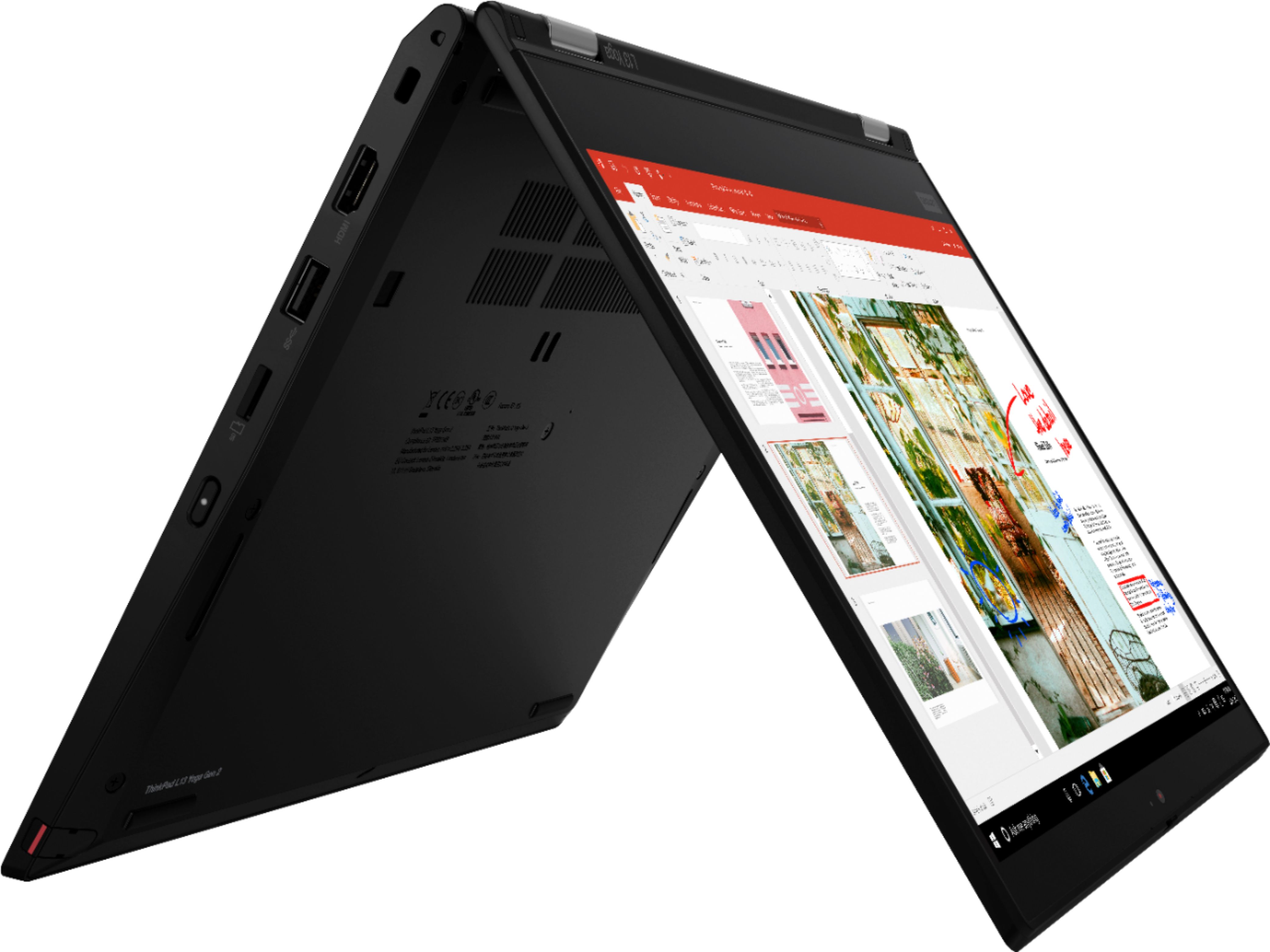
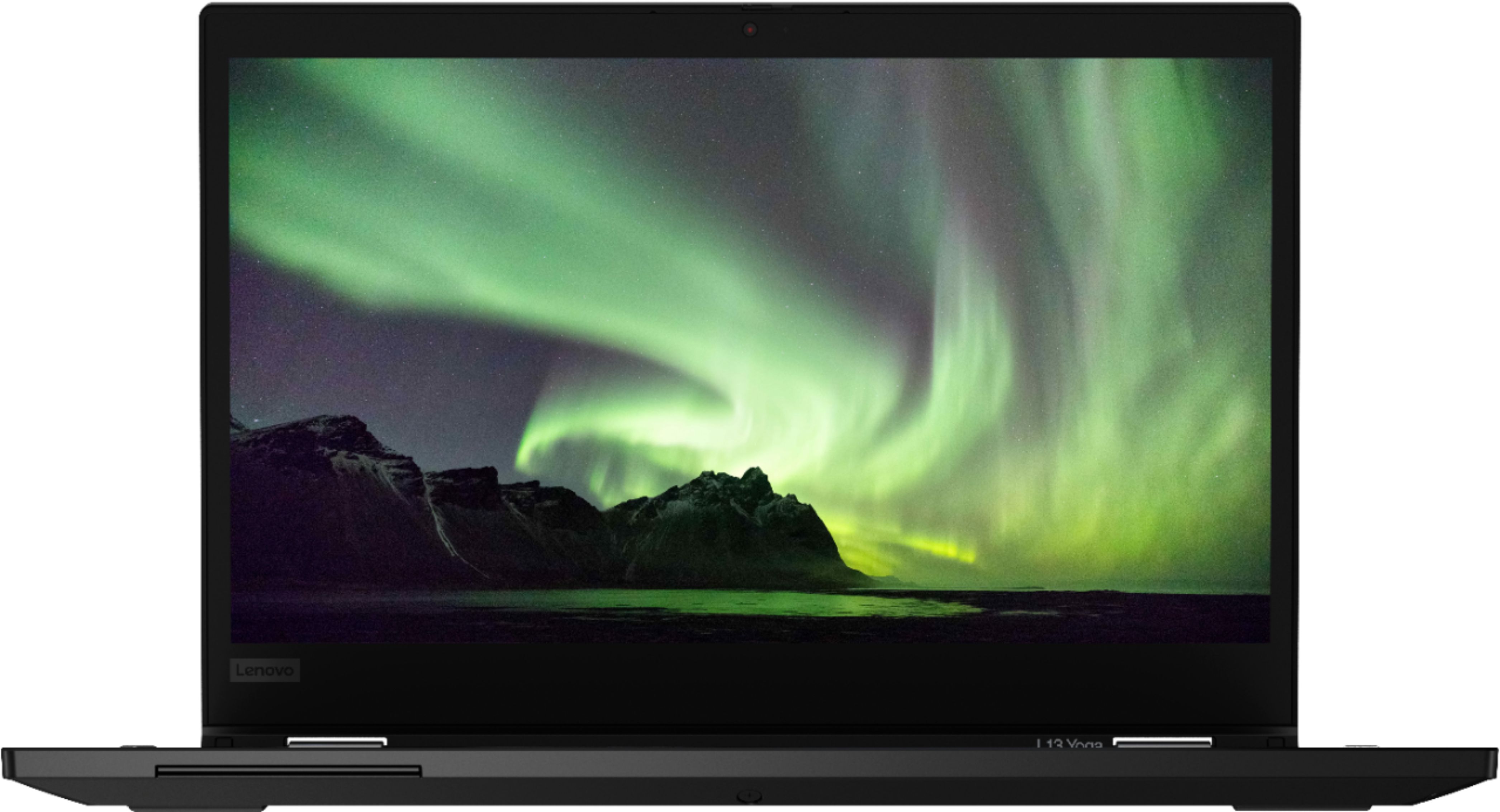
Customers frequently mention the ThinkPad L13 Yoga's excellent touch screen, durability, and fast performance. Many users appreciate its lightweight and portability, making it convenient for various tasks. However, some users have concerns about its battery life and occasional overheating issues.
This summary was generated by AI based on customer reviews.
Good Laptop
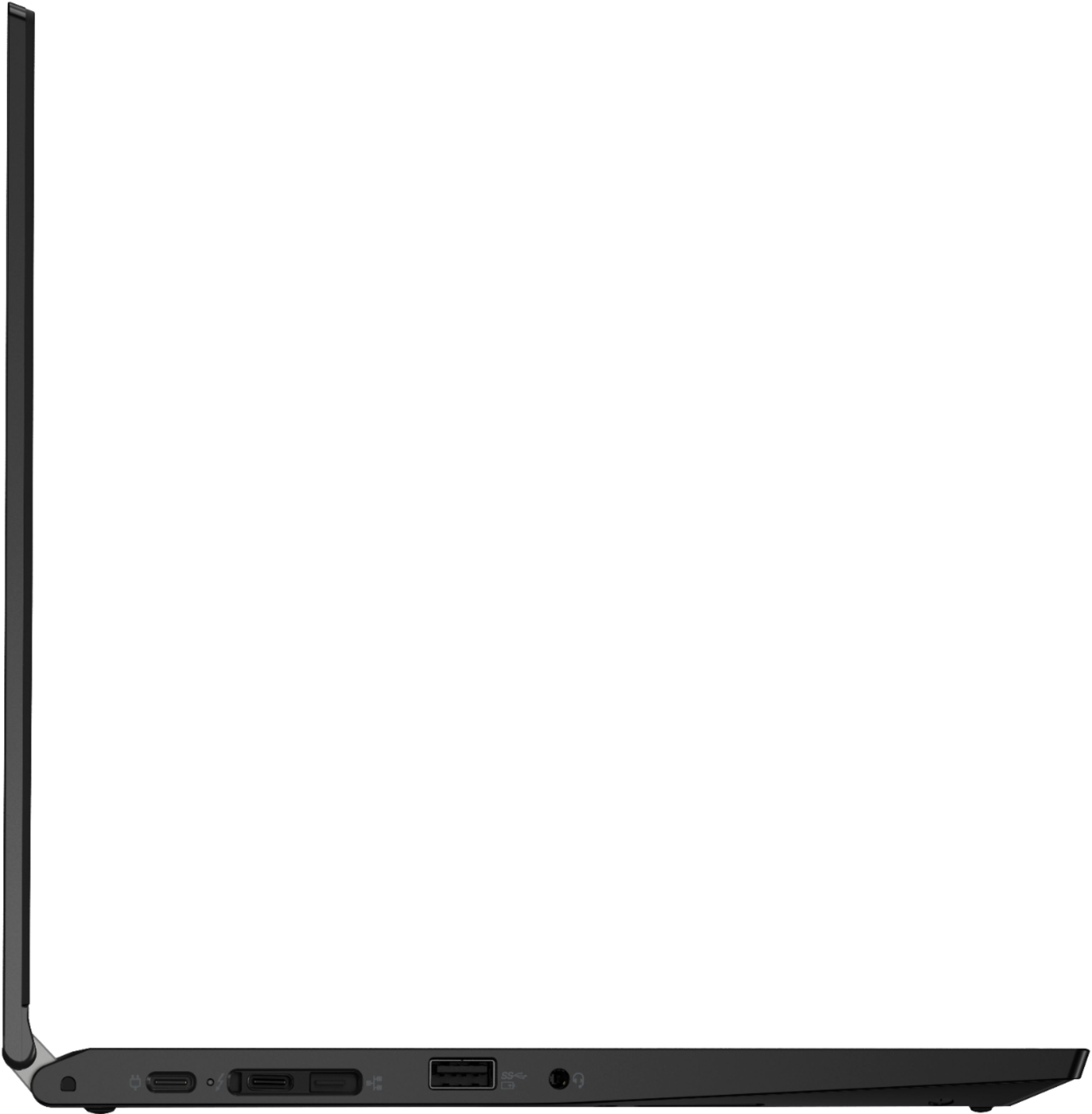
||Posted . Owned for 7 months when reviewed.This reviewer received promo considerations or sweepstakes entry for writing a review.Laptop is great, my only issue no Ethernet plug in when in the description it stated there was one. Great update from what I had.
I would recommend this to a friendBrand response from Lenovo Product Expert
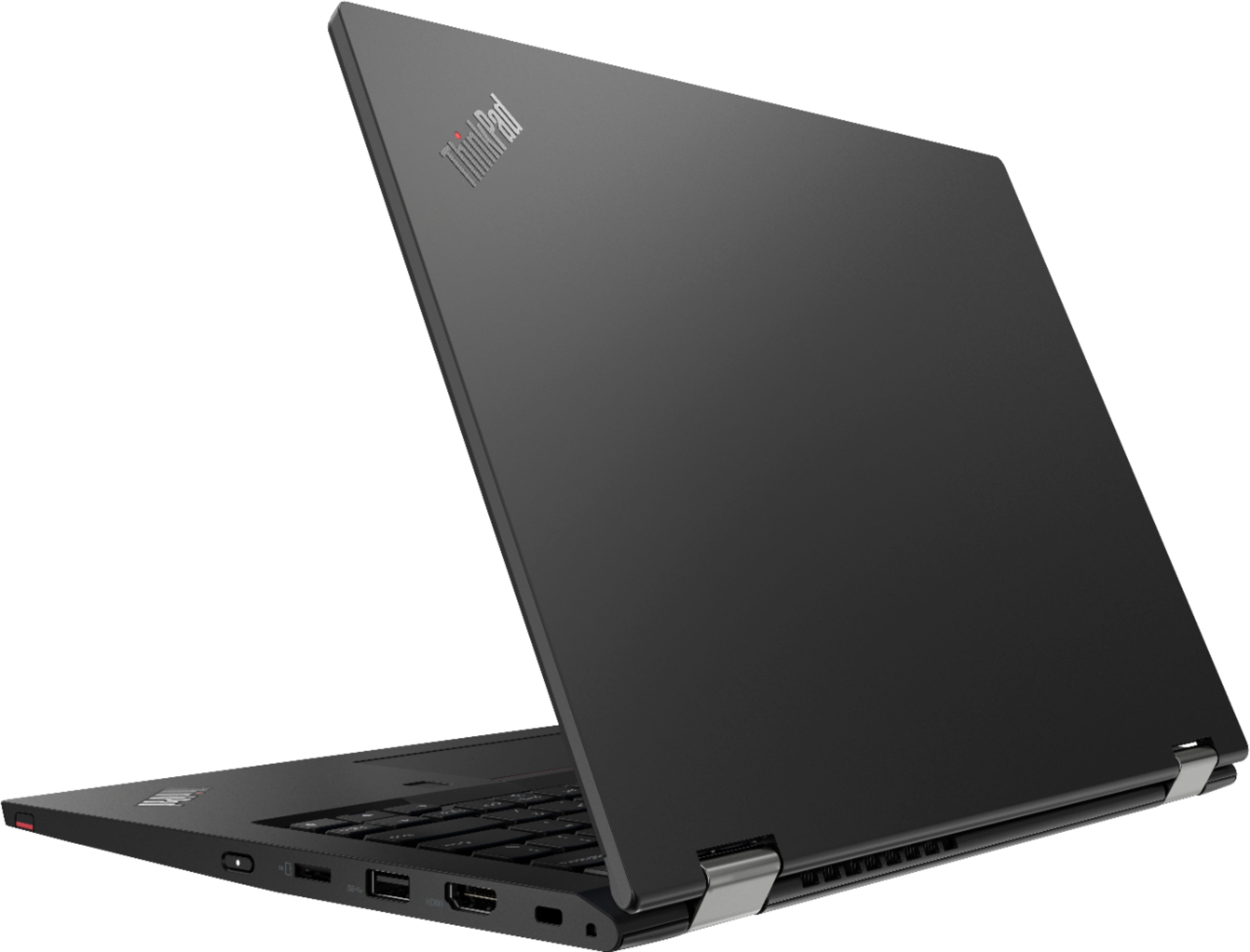
Posted .This Lenovo ThinkPad L13 Yoga, model number 20VK001QUS, ships with a dedicated, Gigabit Ethernet 1219-V port, via a ThinkPad Ethernet Extension Adapter, Gen 2 / Lenovo USB-c to Ethernet Adapter, which is sold separately, like this one from a Best Buy advertising partner: https://www.lenovo.com/us/en/p/accessories-and-software/cables-and-adapters/adapters/4x90q84427?orgRef=https%253A%252F%252Fwww.google.com%252F&cid=us:sem|se|google|gs_smart+shopping_1po|gs_accessories||4X90Q84427|12879957833|122331432235|pla-1597938681525|shopping|brand&gclid=EAIaIQobChMIsr39n6rz9gIVBYjICh2W5w8VEAYYBiABEgLQWvD_BwE

Best deal with some cons
||Posted . Owned for 2 months when reviewed.This reviewer received promo considerations or sweepstakes entry for writing a review.Keyboard is not responding sometimes..needs restarts to work..battery is very good and performance is not upto the mark
I would recommend this to a friendBrand response from Lenovo Product Expert
Posted .We are sorry to hear that you are having issues with your Lenovo ThinkPad L13 Yoga. First, Be sure any software you installed is compatible with Windows 10. There is no need to install Microsoft Office software. The software is already part of the operating system, you just need to activate the software with a purchased product key. If you have installed a copy of Microsoft Office, this is conflicting with the existing copy on the system and this will slow your system down. If you have installed a 3rd party anti-virus program, be sure that Windows Defender is turned off and that the trial version of McAfee Anti-Virus software is uninstalled. There can only be one anti-virus program on the system. You may need to restore your system to original factory default settings if any of the programming errors have occurred. You can do that by typing "restore" in the Cortana search window. Just click on the magnifying glass icon at the bottom left of your Windows 10 Desktop. Click on "Reset This PC" Then click on "Get Started" and follow the on screen directions to restore to factory defaults. If there is no incompatible software installed but the issues persist, check to be sure you have the latest version of Windows 10 on the computer. Then update all BIOS files and drivers up to that latest version of Windows 10. You can easily accomplish this by scanning the computer with the Lenovo Utility software available on this computer. This system has Lenovo utilities installed to help maintain the health of the device and keep the operating system software up to date. Type "Lenovo Vantage" in the Cortana Search window (if Lenovo Vantage is not installed on your device, you can download the APP and install it now). Select Lenovo Vantage from the list. In the window that opens, click on "Health and Support". In the expanded menu, select "Hardware Scan" In the window that opens, select "Run Quick Tests". This will scan your entire system for errors. Follow any directions that may pop up. If the problem continues after this scan, now click on "System Update". First select Windows update from the menu. Scan your system to be sure you have the latest version of Windows 10. Once that scan is complete, select "Additional Updates". This will scan your device to be sure there are no new BIOS/Driver updates needed. Follow any instructions that may pop up. If the issue still continues after these updates, we recommend you call Lenovo Tech Support at: 877-453-6686 for additional help.
No Ethernet port.
||Posted . Owned for 1 month when reviewed.This reviewer received promo considerations or sweepstakes entry for writing a review.Specification state the laptop comes with an Ethernet port, it does not.
No, I would not recommend this to a friendBrand response from Lenovo Product Expert
Posted .This Lenovo ThinkPad L13 Yoga, model number 20VK001QUS, ships with a dedicated, Gigabit Ethernet 1219-V port, via a ThinkPad Ethernet Extension Adapter, Gen 2 / Lenovo USB-c to Ethernet Adapter, which is sold separately, like this one from a Best Buy advertising partner: https://www.lenovo.com/us/en/p/accessories-and-software/cables-and-adapters/adapters/4x90q84427?orgRef=https%253A%252F%252Fwww.google.com%252F&cid=us:sem|se|google|gs_smart+shopping_1po|gs_accessories||4X90Q84427|12879957833|122331432235|pla-1597938681525|shopping|brand&gclid=EAIaIQobChMIsr39n6rz9gIVBYjICh2W5w8VEAYYBiABEgLQWvD_BwE
Not that awesome
||Posted . Owned for 9 months when reviewed.This reviewer received promo considerations or sweepstakes entry for writing a review.Everytime is updates, the screen goes black and won’t turn on or respond. This has happened everytime and I am buying a MacBook Pro. If I had the chance to buy a different laptop, I would have. The function where it can be turned into a tablet is cool but not always practical.
No, I would not recommend this to a friendBrand response from Lenovo Product Expert
Posted .We are sorry to hear that you are having issues with a recent Windows 11 update to your Lenovo ThinkPad L13 Yoga, model number 20VK001QUS. If the update fails or errors occur after the installation of the update, you can rollback the update to the previous Windows 11 configuration. Here is a link to instructions for rolling back a failed Windows 11 update on your computer: https://windows101tricks.com/windows-11-update-failed/. If the issue continues, we recommend you contact Lenovo Tech Support for additional help at: 877-453-6686. Let your Lenovo Customer Support Specialist know the troubleshooting steps you have already taken.
A
||Posted .This reviewer received promo considerations or sweepstakes entry for writing a review.I don’t know, It’s not an apple. Maybe for you!!!!
No, I would not recommend this to a friend- Cons mentioned:Battery life
Worst Laptop Ever
||Posted . Owned for 9 months when reviewed.This reviewer received promo considerations or sweepstakes entry for writing a review.Easily one of the worst computers I've ever owned. Sluggish and counterintuitive design flaws. Abysmal battery life.
No, I would not recommend this to a friendBrand response from Lenovo Product Expert
Posted .We are sorry to hear that you are having issues with your Lenovo ThinkPad L13 Yoga, model number 20VK001QUS. This model configuration ships with the easy to use, Windows 10 Home 64-bit Operating System. If you are getting slower than expected performance from the 11th Gen Intel Core i5-1135G7 mobile processor and 8GB DDR4-3200MHz RAM installed within this configuration, be sure any software you installed is compatible with Windows 10. There is no need to install Microsoft Office software. The software is already part of the operating system, you just need to activate the software with a purchased product key. If you have installed a copy of Microsoft Office, this is conflicting with the existing copy on the system and this will slow your system down. If you have installed a 3rd party anti-virus program, be sure that Windows Defender is turned off and that the trial version of McAfee Anti-Virus software is uninstalled. There can only be one anti-virus program on the system. You may need to restore your system to original factory default settings if any of the programming errors have occurred. You can do that by typing "restore" in the Cortana search window. Just click on the magnifying glass icon at the bottom left of your Windows 10 Desktop. Click on "Reset This PC" Then click on "Get Started" and follow the on screen directions to restore to factory defaults. If the problem persists, we recommend you contact Lenovo Tech Support at: 877-453-6686.
Worst Laptop I've Ever Purchased
||Posted . Owned for 2 months when reviewed.This reviewer received promo considerations or sweepstakes entry for writing a review.The laptop turns off once it's unplugged, even though it says the battery is charged. This was issue I discovered weeks after its purchase. I work full time and am in school, so it took me a while to get around to setting it up. Defective out of the box. Now it's going to take 20+ days to have them repair it and ship it back.
No, I would not recommend this to a friendNo recomended
||Posted . Owned for 4 months when reviewed.This reviewer received promo considerations or sweepstakes entry for writing a review.No recommended i brought this thinkpad and after 2 months an updated versions came out i downloaded and my laptop stop working
No, I would not recommend this to a friendBrand response from Lenovo Product Expert
Posted .We are sorry to hear that you are having issues with your Lenovo ThinkPad L13 Yoga. Resetting your computer back to original factory settings may correct the issue you are having. This system is equipped with OneKey Recovery System. There is a very small pin hole on the bottom of the device, approximately at the middle, center on the bottom of the device. You will need a pin to push this reset button. Plug the device in. Let the battery charge for about 15 minutes. Push the reset button. The system should boot to a choice screen where you can choose "Restore To Factory Default". Select this. It will delete everything from the hard drive except the original factory install of the operating system. You will need to reinstall all programs and files after the reset. If you don't have copies of the files, try to make one before you restore by selecting "Boot to desktop" and trying to back up your files. If the problem persists after the factory reset, we recommend you contact Lenovo Tech Support for Think Products at: 877-453-6686.
- Pros mentioned:Touch screenCons mentioned:Ram
Amazing worktop.
Posted .This reviewer received promo considerations or sweepstakes entry for writing a review.Amazing quality, speed, comfortable, durable. Only downfall is you cannot upgrade the ram. However 8gb is plenty for what I need it for. I am a full stack developer and when I am away from my desktop and need to code it does everything perfectly. The tablet mode is perfect, stylus is insanely accurate, and the display is amazing. It handles all my programs with ease, no hiccups, no stutters. I have had it over a month now and the battery life is still incredible. The SSD I will eventually upgrade to a 1TB as I have a ton of files and repositories I need to work on, but overall I’m truly happy with this laptop. I’m glad I ended up with this over the surface. Not saying anything bad about Microsoft surface but the cost difference for minuscule performance changes was enough for me. To pull the trigger on this Lenovo. I build MERN apps on it and I feel comfortable with the keyboard and display. Highly recommend. I do suggest a mouse if you aren’t used to the pad but those are easy to find *cheap Logitech* will do the job just fine. Will definitely go with Lenovo again when the time comes to upgrade which I don’t see being any time soon. 5/5 for me. I’d give 6 if the ram was upgradable, but those are small issues that are from me being picky. Highly recommend. If you’re on the fence about it just jump on over you won’t be let down.
I would recommend this to a friendBrand response from Lenovo Product Expert
Posted .Thank you for choosing the Lenovo ThinkPad L13 Yoga. We are pleased to hear that the value, features and performance of the ThinkPad L13 Yoga meets your computing needs so well.
Lenovo
Posted .This reviewer received promo considerations or sweepstakes entry for writing a review.No complaints works as it should. Would buy again.
I would recommend this to a friendFaulty functionality
Posted .This reviewer received promo considerations or sweepstakes entry for writing a review.I’ve had the laptop only 2 years and the cursor has suddenly stopped working and now I can’t use it properly. Have tried all the Google suggestions to fix.
No, I would not recommend this to a friend