Customer Ratings & Reviews




- Model:
- 20VK001SUS
- SKU:
- 6455182
Rating by feature
- Battery Life
Rating 4.3 out of 5 stars
- Speed
Rating 4.6 out of 5 stars
- Display
Rating 4.5 out of 5 stars
Customers are saying
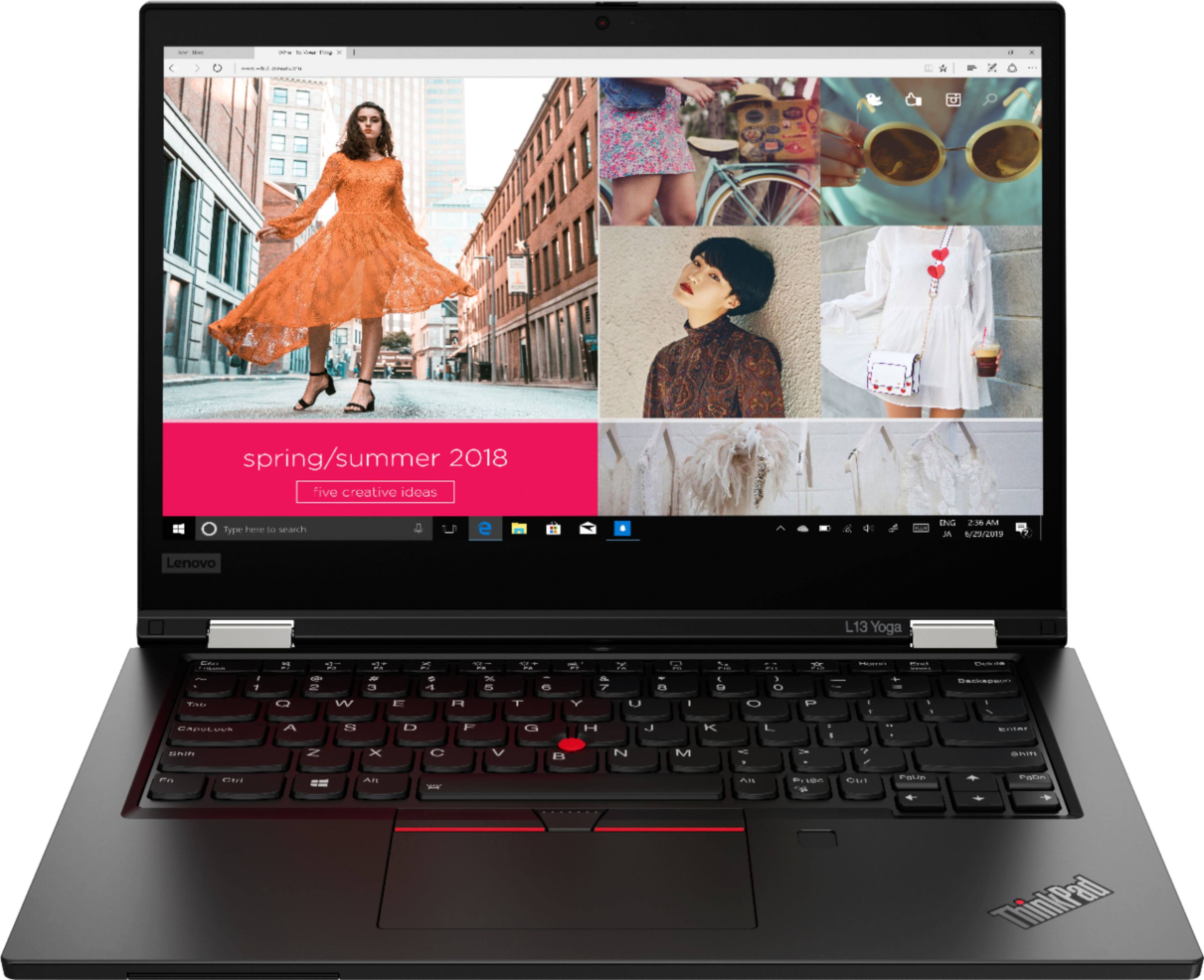
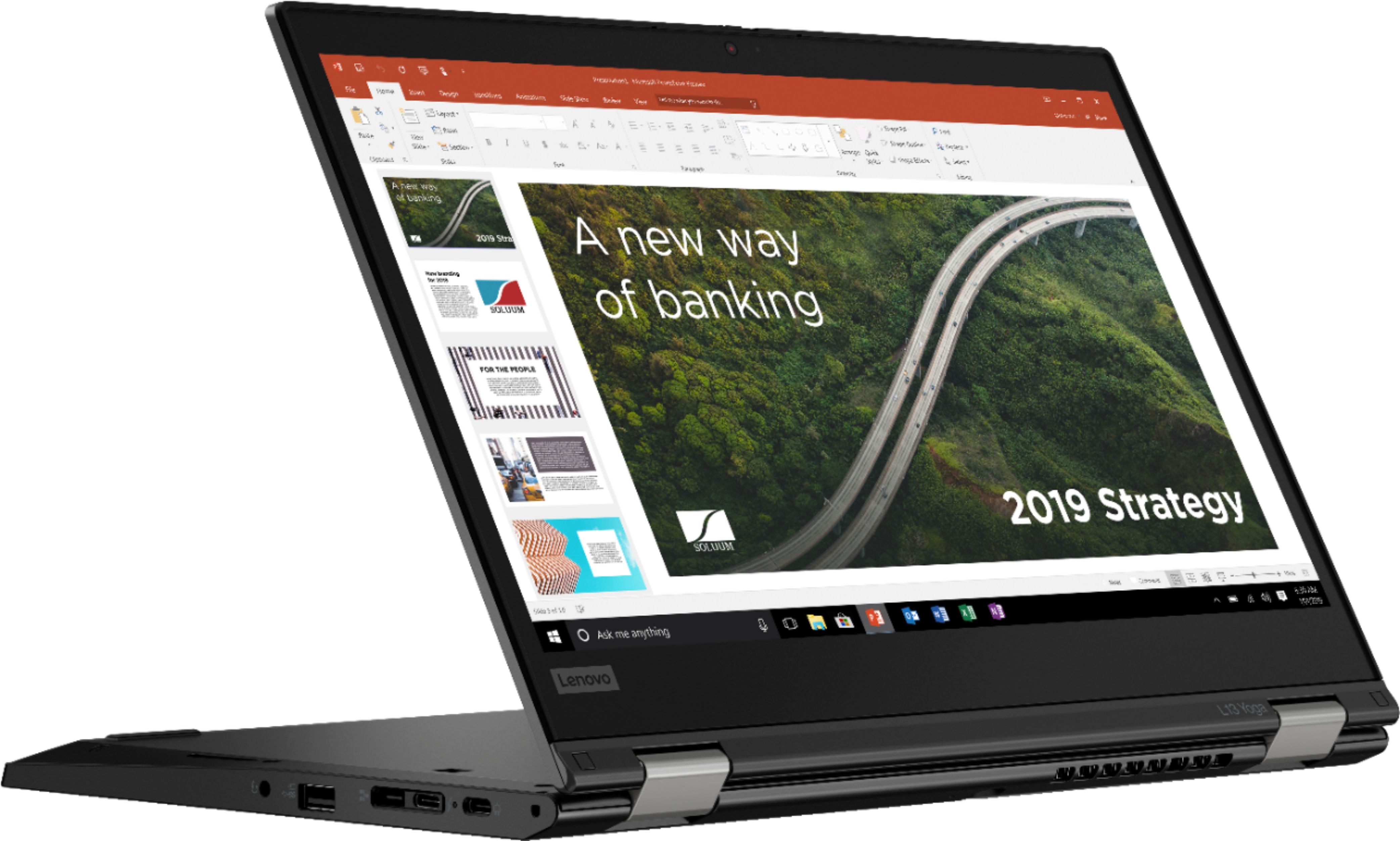
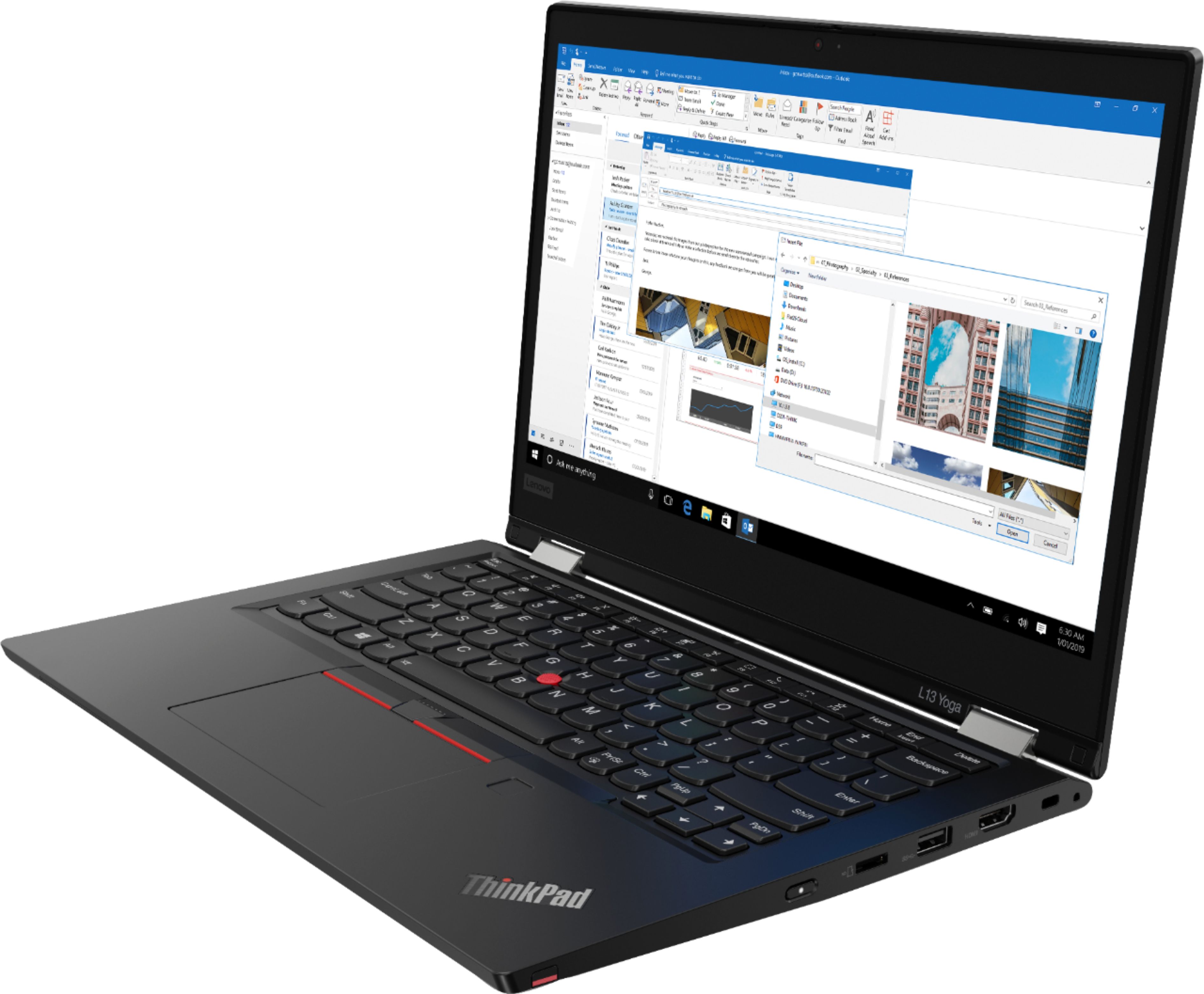
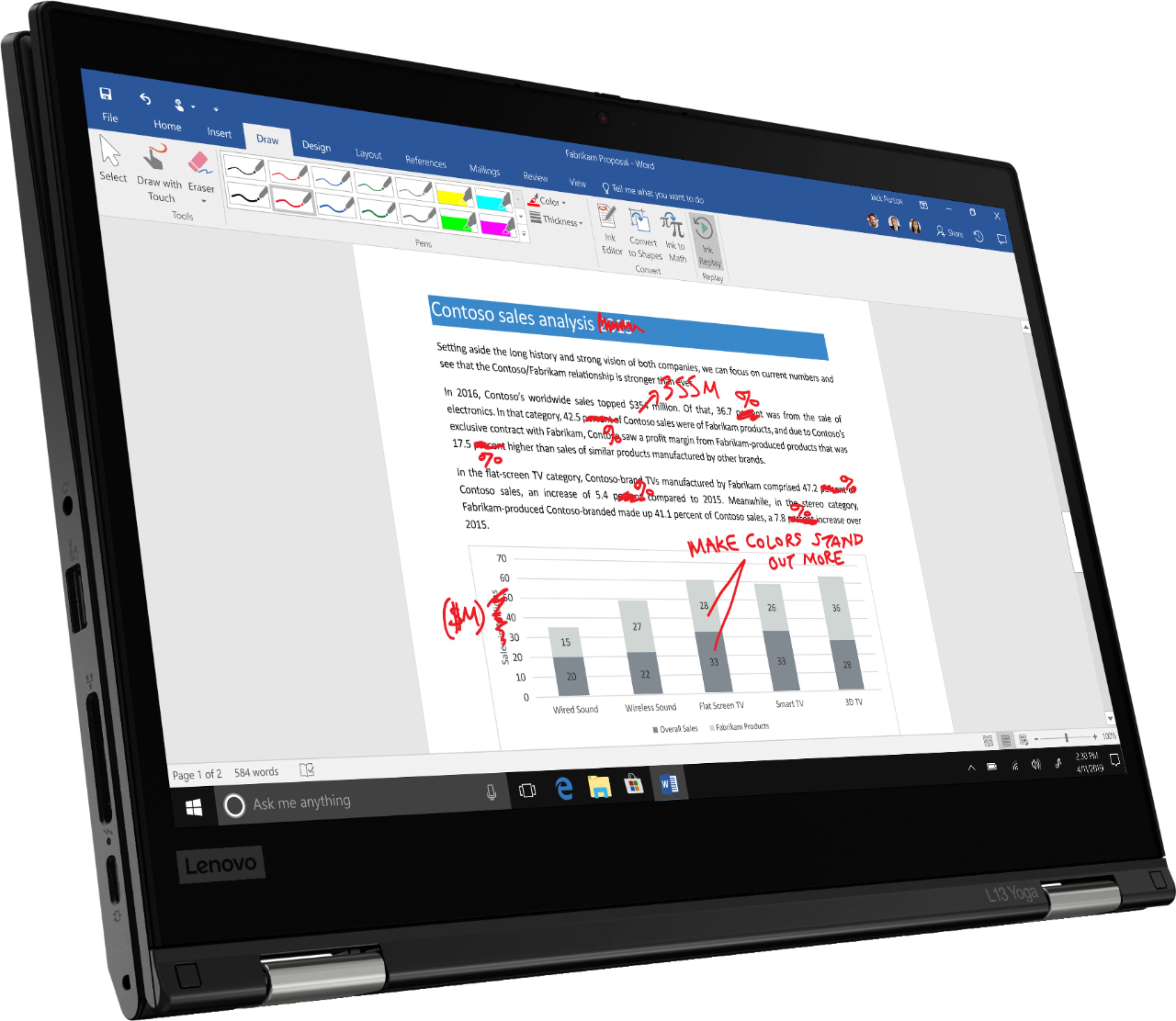
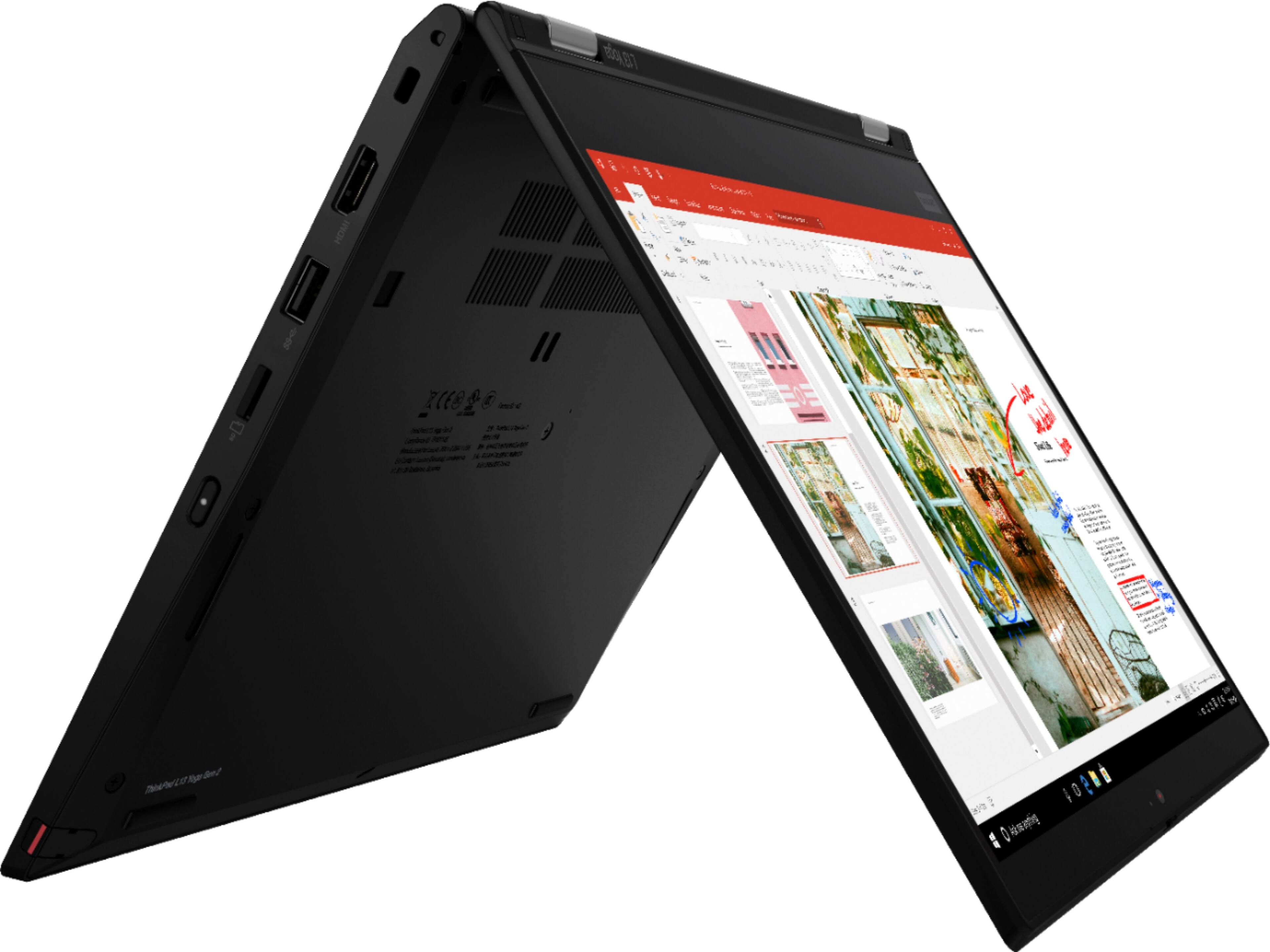
Customers are pleased with the ThinkPad L13 Yoga's keyboard, describing it as a pleasure to type on. They also appreciate its lightweight design and portability, making it a great option for those who are constantly on the move. While some customers have expressed concerns about the battery life, many feel that the laptop offers great value for its price.
This summary was generated by AI based on customer reviews.
My purchase of Lenovo ThinkPad
||Posted . Owned for 1 month when reviewed.This reviewer received promo considerations or sweepstakes entry for writing a review.The computer is great for what I need. I received it in a timely manner!
I would recommend this to a friendBrand response from Lenovo Product Expert
Posted .Thank you for choosing the Lenovo ThinkPad L13 Yoga. We are pleased to hear that the ThinkPad L13 Yoga meets your computing needs so well.

Easy setup
||Posted . Owned for 3 weeks when reviewed.This reviewer received promo considerations or sweepstakes entry for writing a review.Great computer for my kid to use in college for his engineering programs
I would recommend this to a friendBrand response from Lenovo Product Expert
Posted .Thank you for choosing the Lenovo ThinkPad L13 Yoga for your college student. We are pleased to hear that the ThinkPad L13 Yoga meets your student's computing needs so well.
School Laptop
||Posted . Owned for 2 weeks when reviewed.This reviewer received promo considerations or sweepstakes entry for writing a review.Very nice portable laptop easy set up and lots of cool features.
I would recommend this to a friendBrand response from Lenovo Product Expert
Posted .Thank you for choosing the Lenovo ThinkPad L13 Yoga. We are pleased to hear that the features and performance of the ThinkPad L13 Yoga meets your computing needs so well.
Lenovo thinkpad
||Posted . Owned for less than 1 week when reviewed.This reviewer received promo considerations or sweepstakes entry for writing a review.Very satisfied, more then my expectations and really slim
I would recommend this to a friendBrand response from Lenovo Product Expert
Posted .Thank you for choosing the Lenovo ThinkPad L13 Yoga. We are pleased to hear that the ThinkPad L13 Yoga meets your computing needs so well.
Good value for what you get
||Posted . Owned for 1 week when reviewed.This reviewer received promo considerations or sweepstakes entry for writing a review.Lightning fast. Nice screen. Average battery life for size.
I would recommend this to a friendBrand response from Lenovo Product Expert
Posted .thank you for choosing the Lenovo ThinkPad L13 Yoga, model number 20VK001SUS. We are pleased to hear that the features and performance of the ThinkPad L13 Yoga meets your computing needs so well.
Like
||Posted . Owned for 1 month when reviewed.This reviewer received promo considerations or sweepstakes entry for writing a review.Very nice and works great. Pic quality is awesome.
I would recommend this to a friendBrand response from Lenovo Product Expert
Posted .Thank you for choosing the Lenovo ThinkPad L13 Yoga. We are pleased to hear that the ThinkPad L13 Yoga meets your computing needs so well.
- Pros mentioned:Keyboard, Weight
A great suprise!
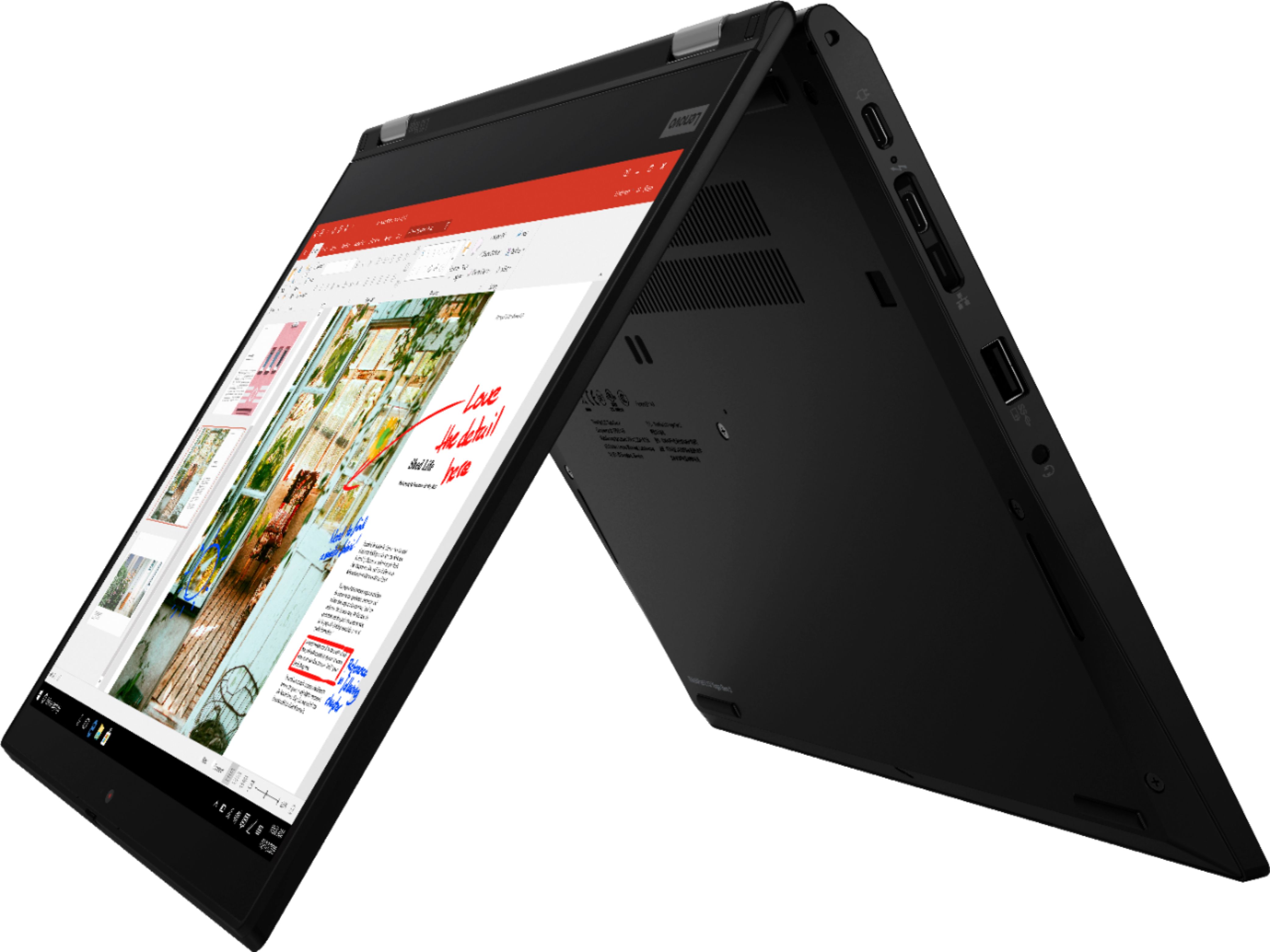
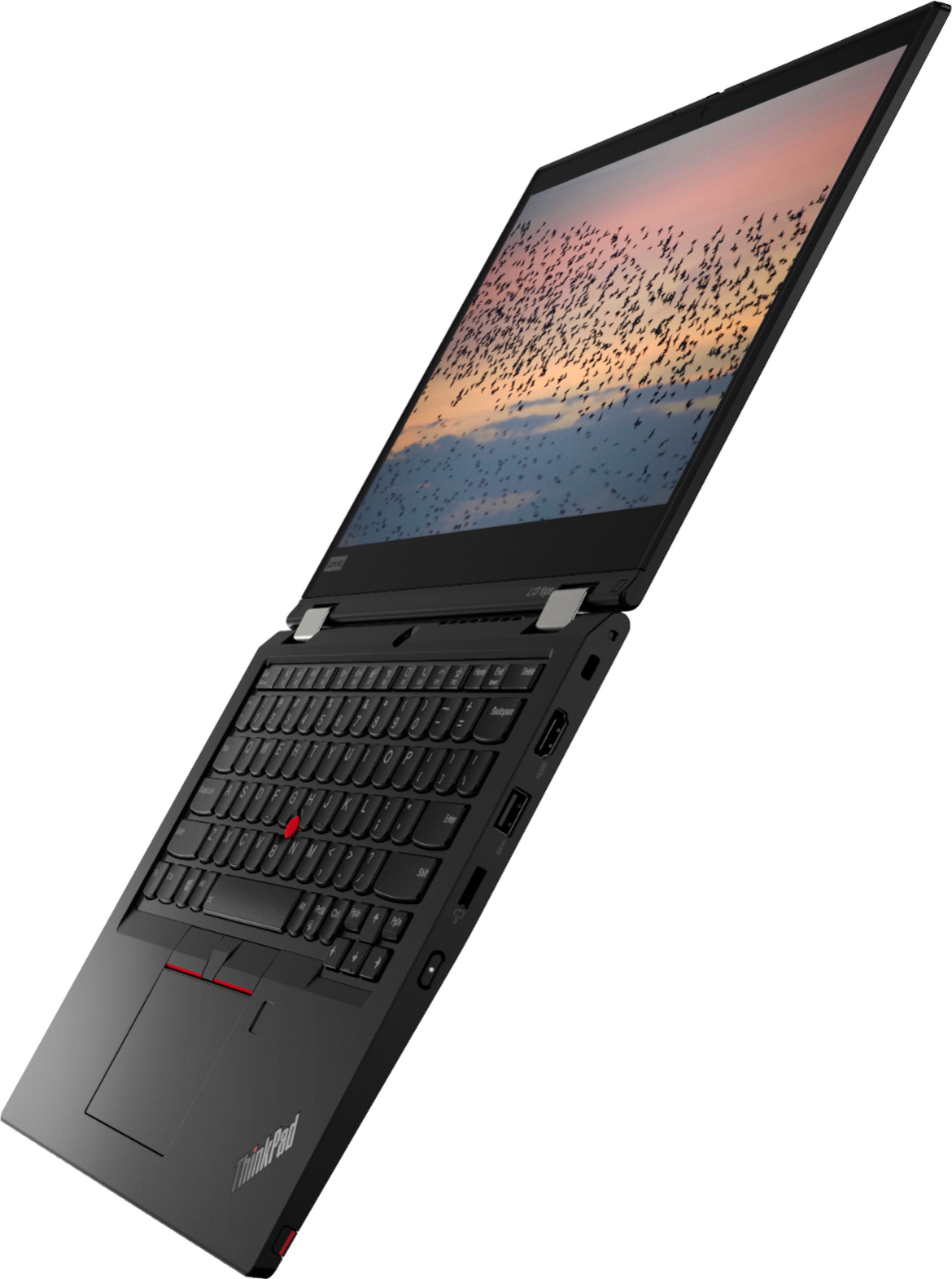
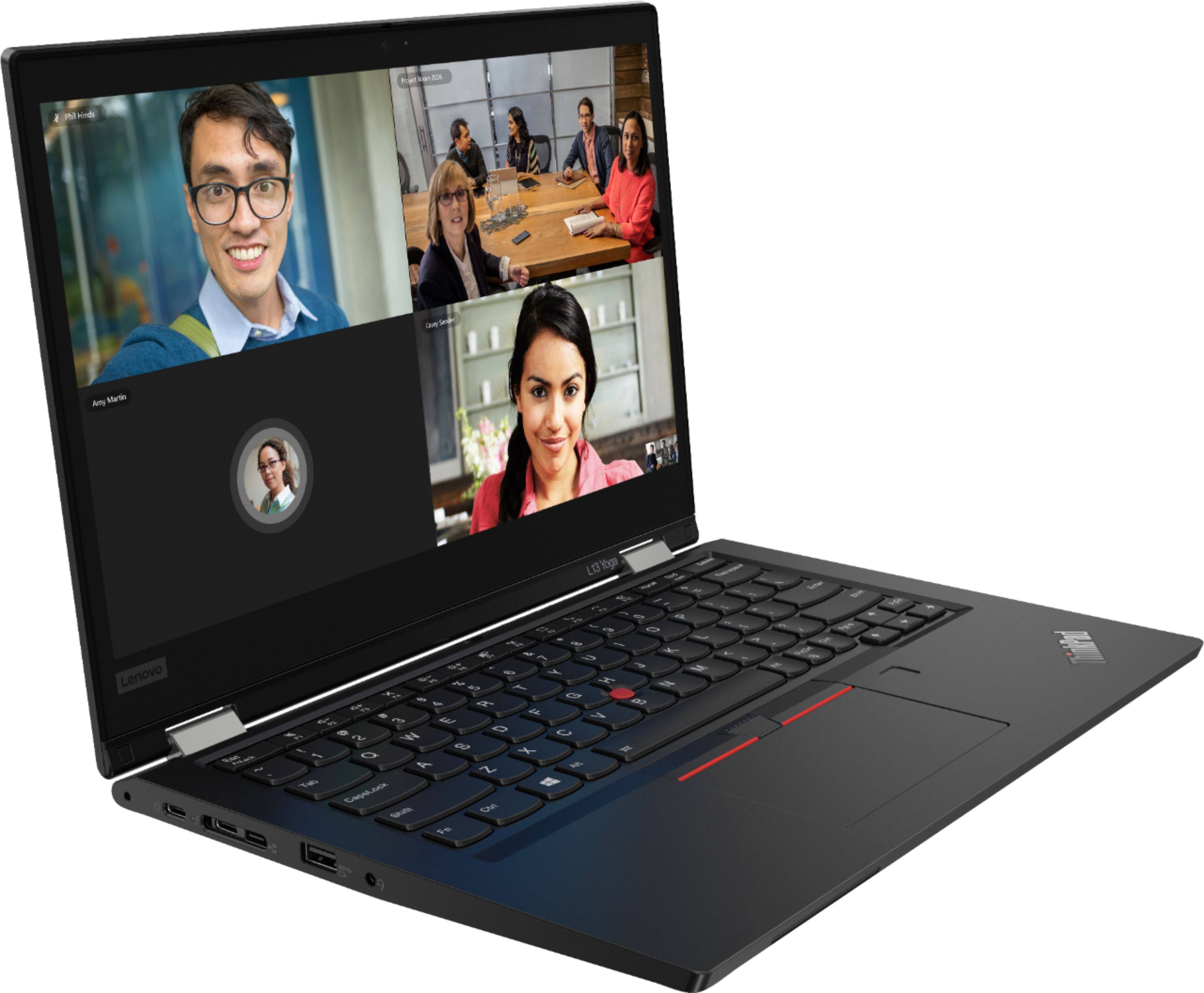
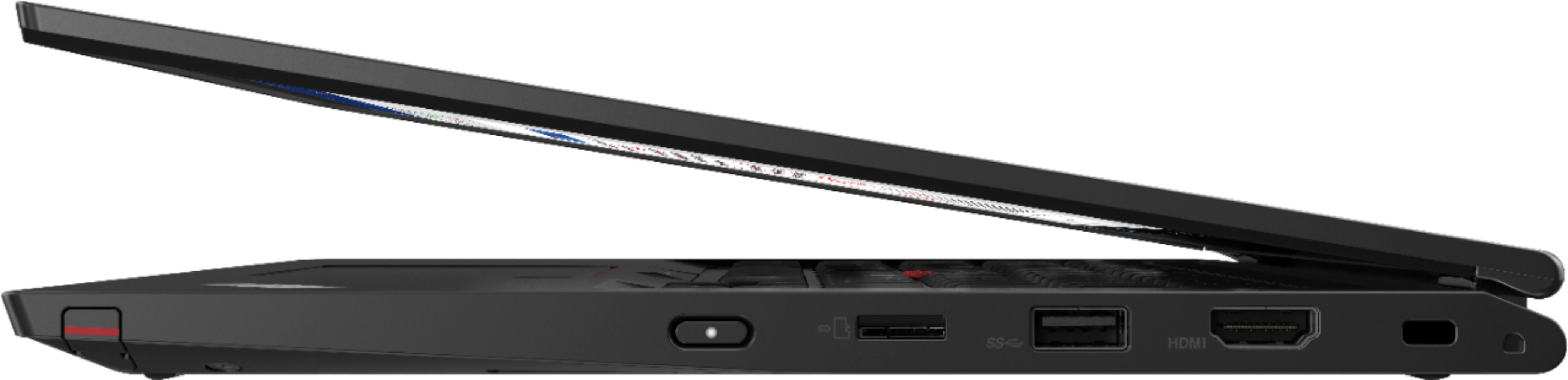
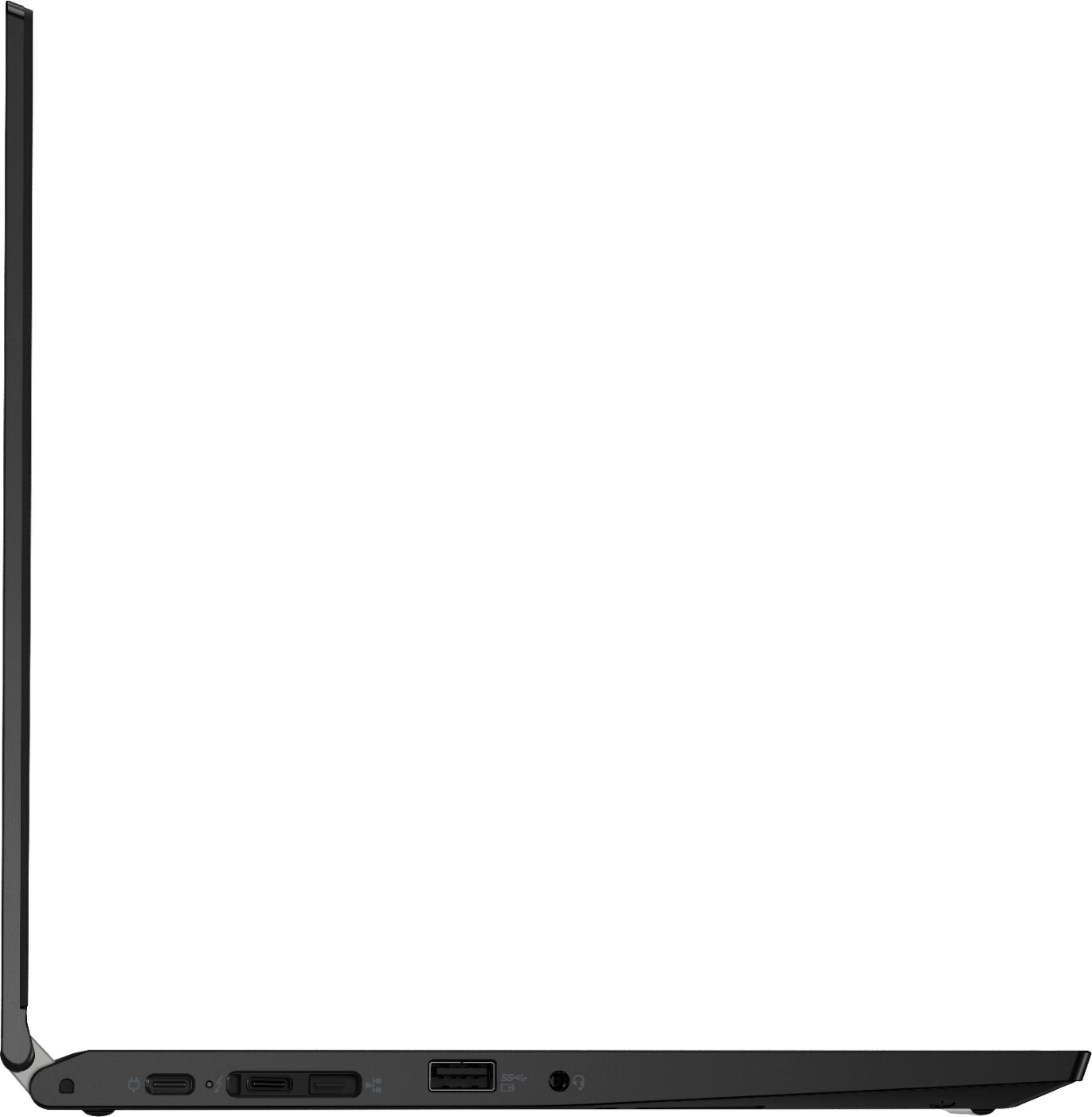
Posted .This reviewer received promo considerations or sweepstakes entry for writing a review.I wasn't a fan of Lenovo since the IBM spinoff years ago. I had a Samsung laptop that I just ... hated. I giggled tossing it into the trashcan the other day. I knew the absolute thing I would not have is a laptop with a proprietary power connector. This uses a USB C connector with a very lightweight power pack, so if I happen to forget it when traveling - it's a simple matter to get a compatible one. That aside, this is a wicked fast and unbelievably lightweight laptop. It's really a shock how little this weights, like "I've had heavier club sandwiches". The i7 and built in graphics adapter means it'll run any business app I have, but a number of games also run. I like the fingerprint scanner that's integrated with Microsoft Hello. So, if you're forgetful of your password: you've got a friend. Another surprise: it's a touch screen. I spend a lot of time in Visio, and while I have zero hand eye coordination - I like that I can tap the commands and icons on the screen instead of the keyboard. Yeah, someday I'll learn to use a pen. This has a super-bright, easy to read display. It's crisp and easy on the eyes.
I would recommend this to a friendBrand response from Lenovo Product Expert
Posted .Thank you for choosing the Lenovo ThinkPad L13 Yoga. We are pleased to hear that the features and performance of the ThinkPad L13 Yoga meets your needs so well and when you are ready to use an Active/Digital pen on the ThinkPad L13 Yoga's touchscreen, it's nice to know that the ThinkPad L13 Yoga carries its own, built in to the case, where it charges when not in use.
- Cons mentioned:Fan noise
Good except the loud fan
Posted .This reviewer received promo considerations or sweepstakes entry for writing a review.Overall, this laptop works well. I got it about a month ago fo my masters program and didn’t really use it until Monday. All of a sudden, the fan stays on maximum speed even though the temperature isn’t high. It’s louder than a gaming laptop running multiple programs. I tried updating the bios with no results.
No, I would not recommend this to a friendBrand response from Lenovo Product Expert
Posted .We are sorry to hear that you are having issues with your Lenovo ThinkPad L13 Yoga, model number 20VK001SUS. First, Be sure any software you installed is compatible with Windows 10. There is no need to install Microsoft Office software. The software is already part of the operating system, you just need to activate the software with a purchased product key. If you have installed a copy of Microsoft Office, this is conflicting with the existing copy on the system and this will slow your system down. If you have installed a 3rd party anti-virus program, be sure that Windows Defender is turned off and that the trial version of McAfee Anti-Virus software is uninstalled. There can only be one anti-virus program on the system. You may need to restore your system to original factory default settings if any of the programming errors have occurred. You can do that by typing "restore" in the Cortana search window. Just click on the magnifying glass icon at the bottom left of your Windows 10 Desktop. Click on "Reset This PC" Then click on "Get Started" and follow the on screen directions to restore to factory defaults. Also, check to see what programs are running in the background on the computer. Be sure only the processes you want running are, otherwise the computer is working harder than it should, generating more heat than it should. Here is a link to instructions for checking what is going on in the background on your Windows 10 computer: https://www.onmsft.com/how-to/how-to-see-what-programs-are-running-in-windows-10#:~:text=The%20best%20place%20to%20start,are%20running%20on%20your%20desktop. If there is no incompatible software installed and just the processes you want running on the computer are, but the system fan is still running at a higher rate than the workload should demand, check to be sure you have the latest version of Windows 10 on the computer. Then update all BIOS files and drivers up to that latest version of Windows 10. You can easily accomplish this by scanning the computer with the Lenovo Utility software available on this computer. This system has Lenovo utilities installed to help maintain the health of the device and keep the operating system software up to date. Type "Lenovo Vantage" in the Cortana Search window (if Lenovo Vantage is not installed on your device, you can download the APP and install it now). Select Lenovo Vantage from the list. In the window that opens, click on "Health and Support". In the expanded menu, select "Hardware Scan" In the window that opens, select "Run Quick Tests". This will scan your entire system for errors. Follow any directions that may pop up. If the problem continues after this scan, now click on "System Update". First select Windows update from the menu. Scan your system to be sure you have the latest version of Windows 10. Once that scan is complete, select "Additional Updates". This will scan your device to be sure there are no new BIOS/Driver updates needed. Follow any instructions that may pop up. If everything is up to date and there are no software issues, You can now safely use Lenovo Q-Control to manually control fan and system performance: ( Fn + Q ) option to change the fan by undervolting the processor. If the issue continues, we recommend you call Lenovo Tech Support at: 877-453-6686.