Customer Ratings & Reviews

- Model:
- X24 MONITOR - 65ACGCC1US
- SKU:
- 7502251
to a friend
Customers are saying
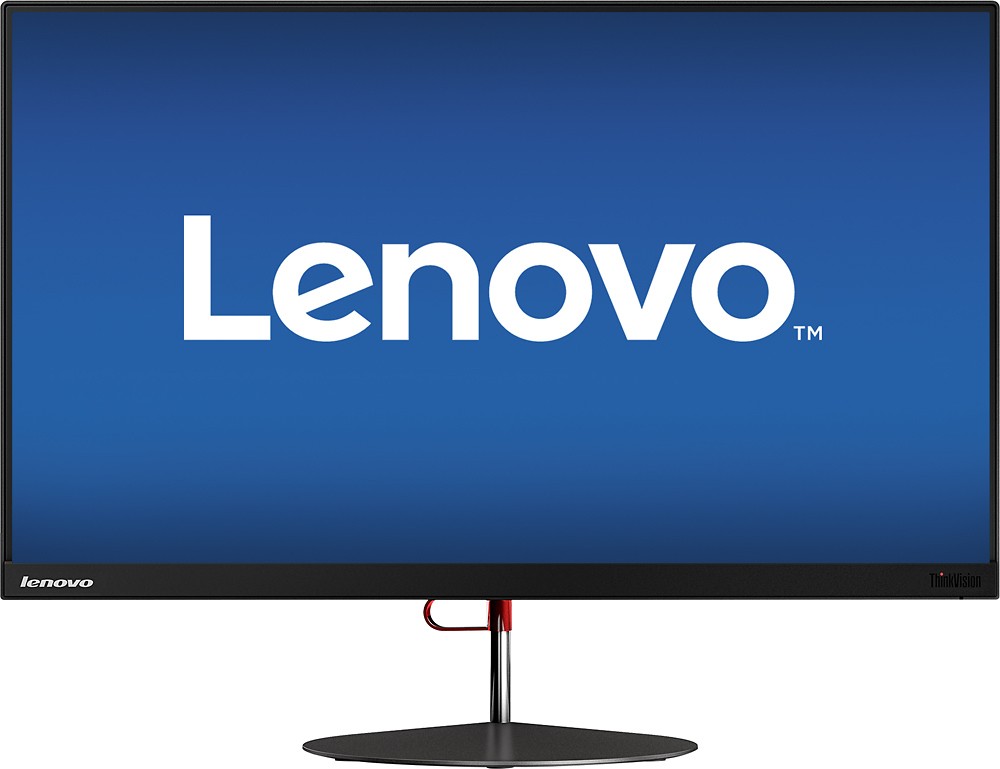
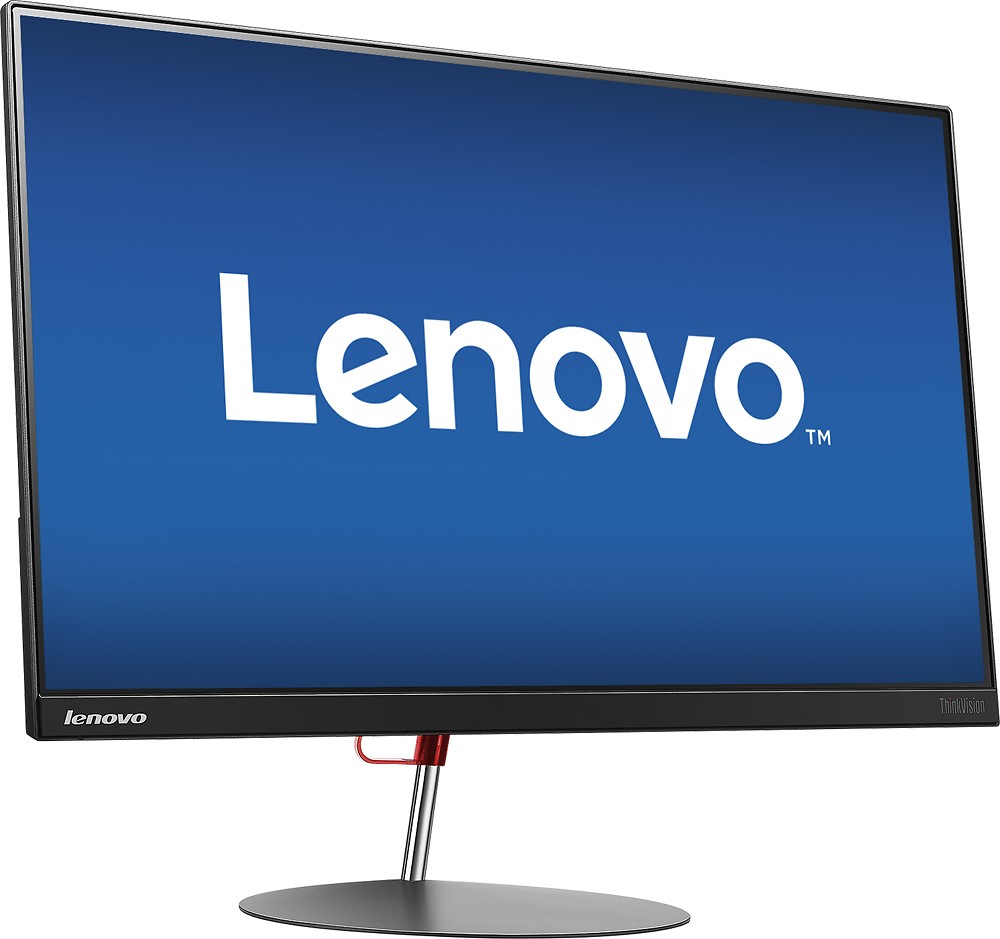
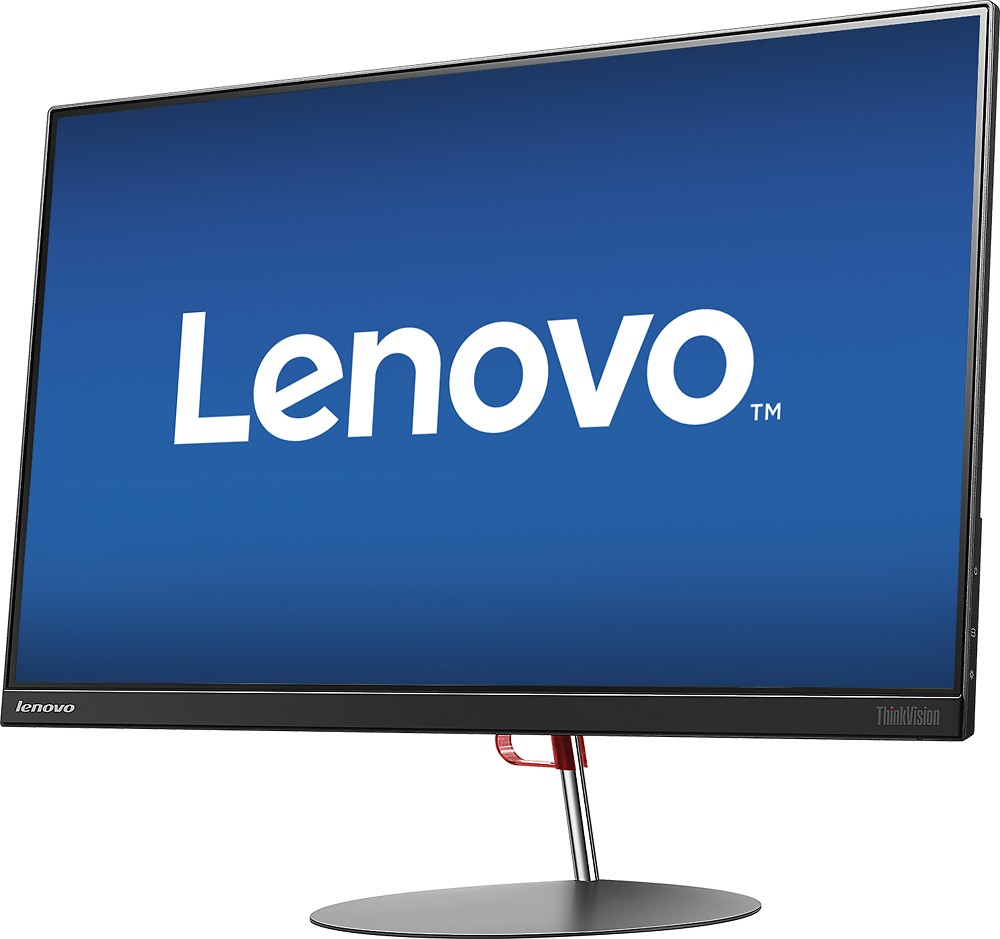
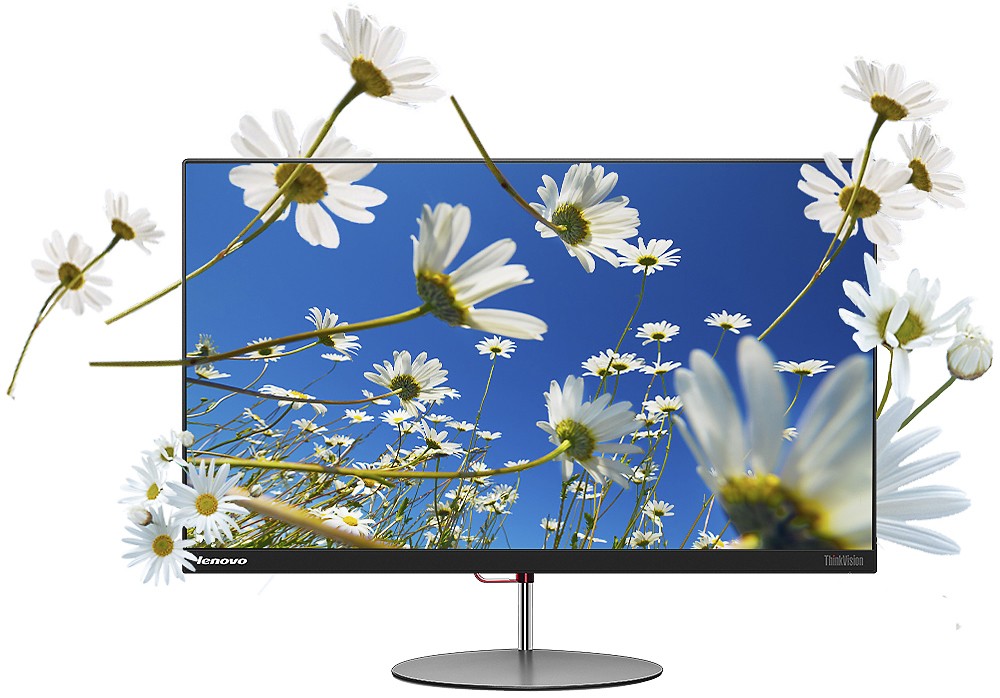
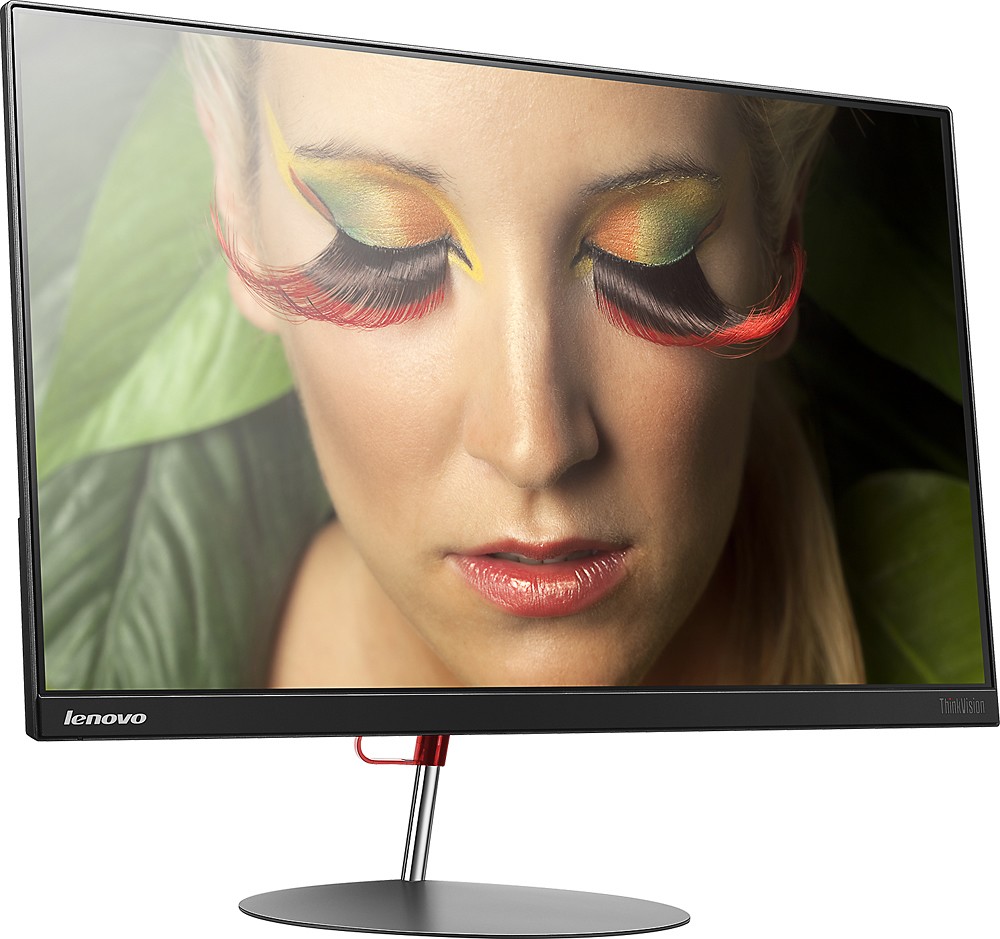
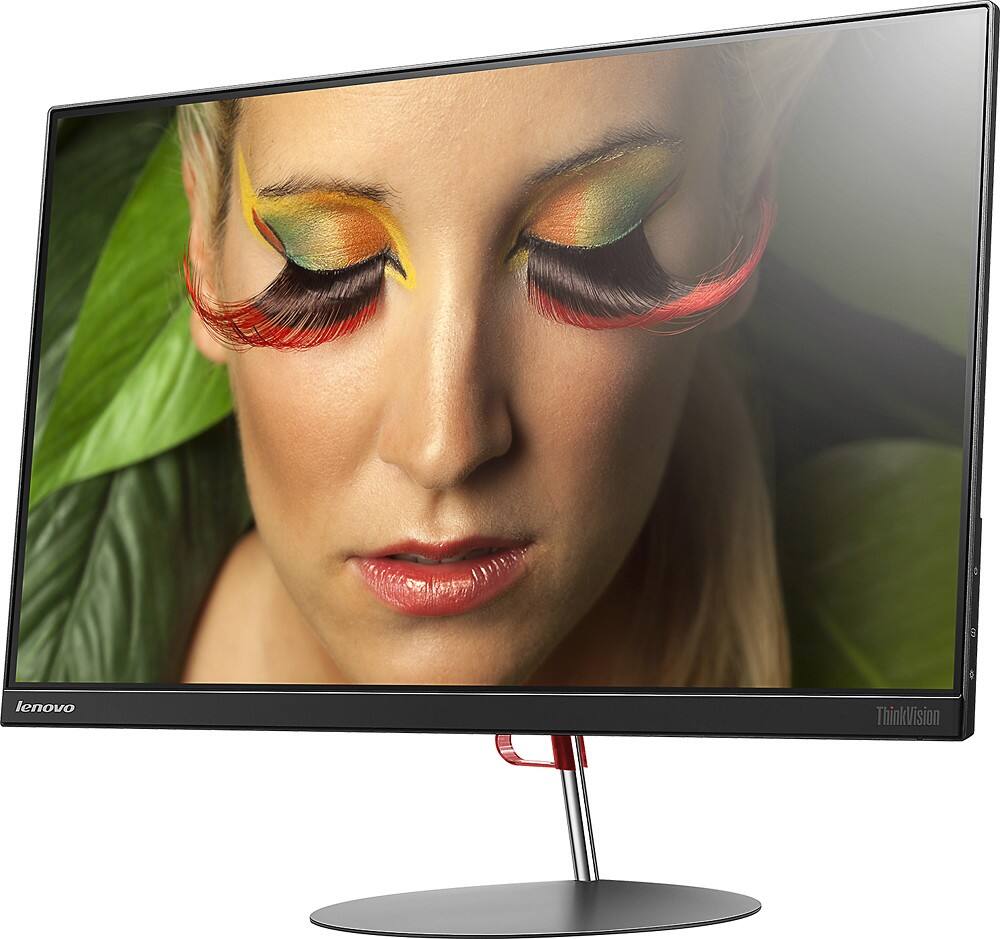
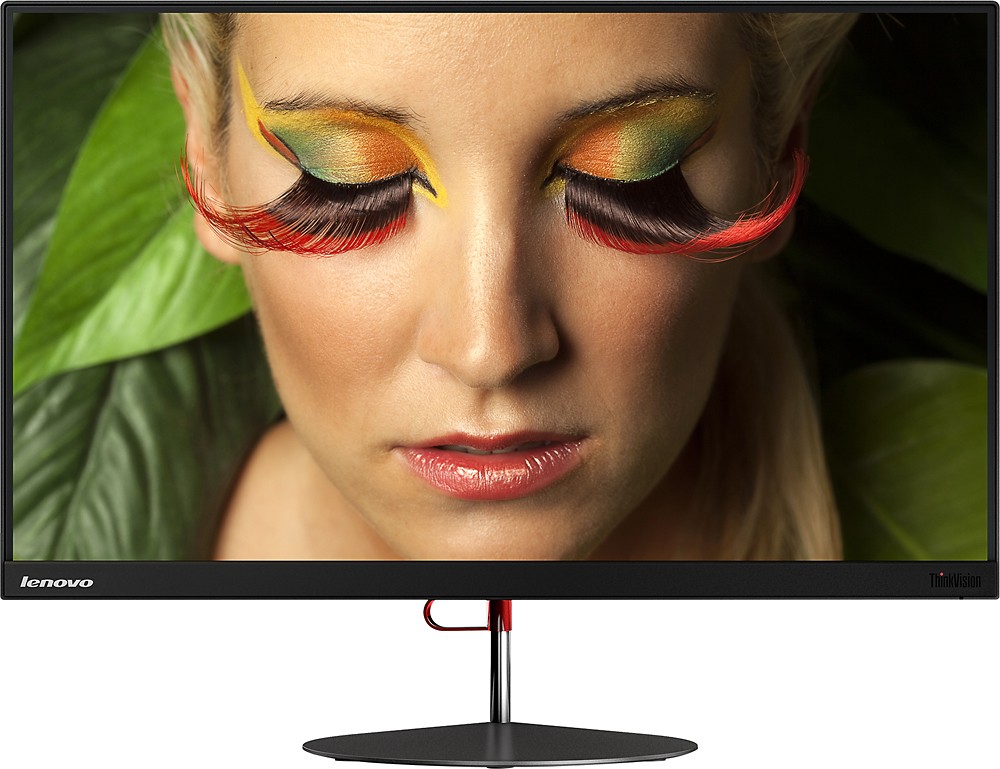
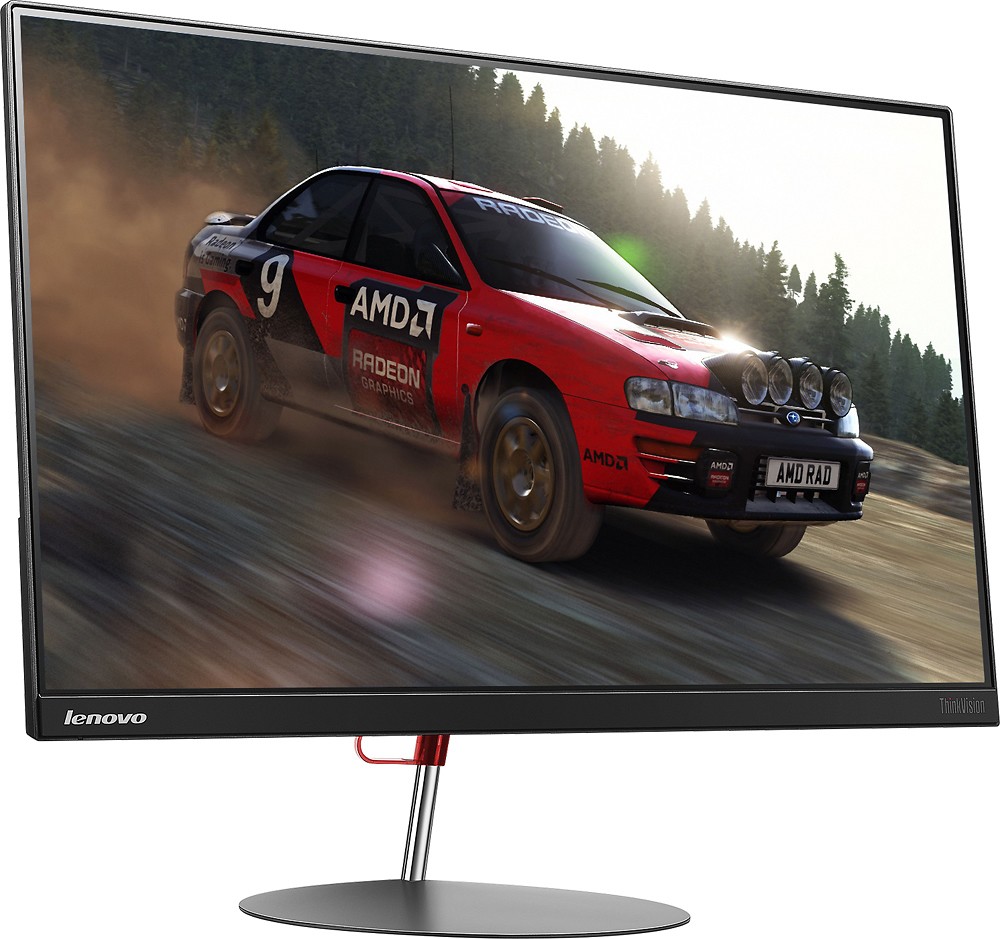
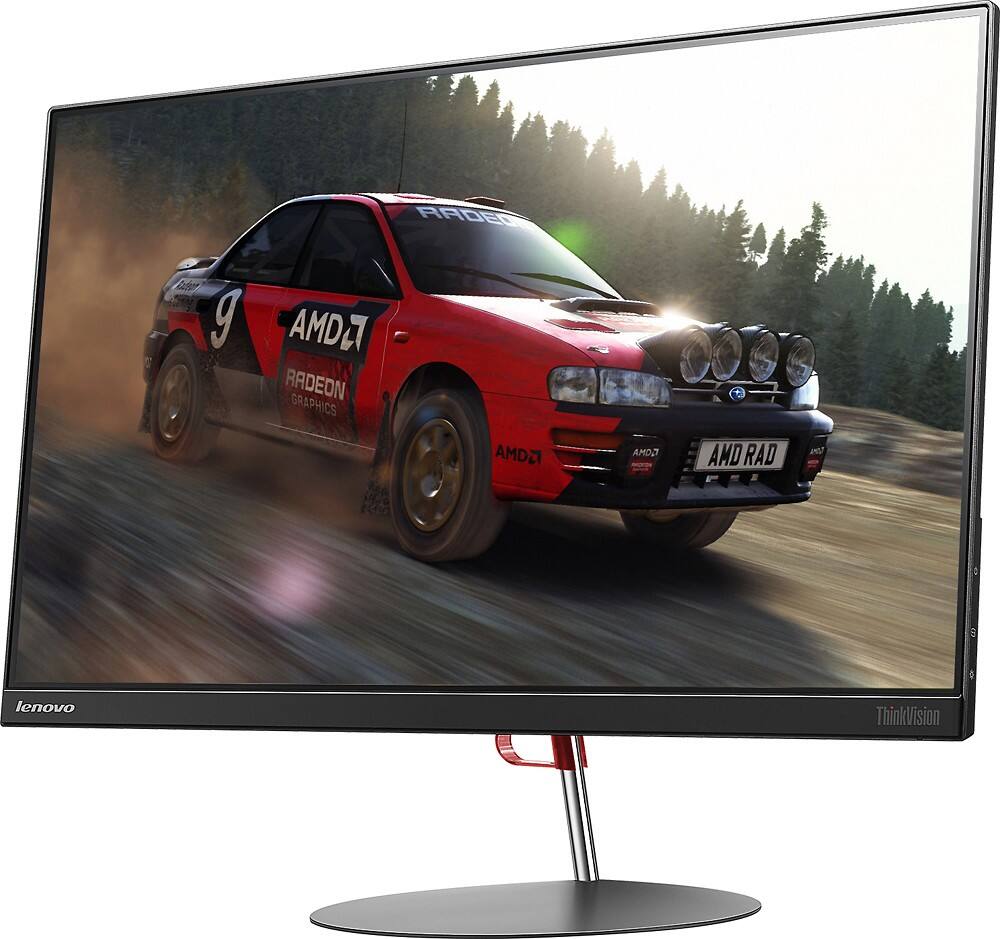
Customers have good things to say about the ThinkVision X24 monitor's screen size, frequently praising the beautiful and clear images. The attractive and sleek design also receives positive feedback. There were no negative customer comments reported.
This summary was generated by AI based on customer reviews.
Very nice monitor
||Posted .This reviewer received promo considerations or sweepstakes entry for writing a review.I got 2 of these on sale a few months ago and haven't been disappointed. I don't game so I can't comment on that, but for every day use and video (Netflix and sports) I really like them.
I would recommend this to a friendAdded the same montor to gaming system
||Posted .This reviewer received promo considerations or sweepstakes entry for writing a review.Added an additional monitor to gaming system. The salesman was helpful and quickly got the monitor for us. Friendly and helpful.
I would recommend this to a friendBrand response from Lenovo Product Expert
Posted .Thank you for choosing the Lenovo ThinkVision Monitor. We are pleased that the value and performance of the ThinkVision monitor is meeting your needs so well.

Good monitor for the price
||Posted .This reviewer received promo considerations or sweepstakes entry for writing a review.Very light and stylish. It's a good value, decent but not great quality.
I would recommend this to a friendBrand response from Lenovo Product Expert
Posted .Thank you for choosing the Lenovo ThinkVision X24 monitor. We are pleased to hear that the value and performance of the Lenovo monitor meets your needs.
Just like a High end screen
||Posted .This reviewer received promo considerations or sweepstakes entry for writing a review.Monitor is good enough to watch HD movies on, is fantastic, is very attractive and modern.
I would recommend this to a friendBrand response from Lenovo Product Expert
Posted .Thank you for choosing the Lenovo ThinkVision X24 monitor. We are pleased to hear that the performance of the ThinkVision X24 monitor meets your needs so well.
Excellent
||Posted .This reviewer received promo considerations or sweepstakes entry for writing a review.really nice .. satisfied with investment on it ....
I would recommend this to a friendBrand response from Lenovo Product Expert
Posted .Thank you for choosing the Lenovo ThinkVision X24 monitor. We are pleased that the value and performance of the X24 monitor have met your expectations so well.
Stopped working after 3 months
||Posted .This reviewer received promo considerations or sweepstakes entry for writing a review.I bought this monitor when it was on sale. It has good reviews so why not , I went for it. Bought end of March '16 and stopped working early July'16 I've called Lenovo Over 3-4 times and no one can help me because the serial # on the monitor does not come up in their system, there for I cannot use the "1 year warranty" . I am now with out a monitor and no one to help me.
No, I would not recommend this to a friend- Pros mentioned:Design, Screen size
LOVE
Posted .This reviewer received promo considerations or sweepstakes entry for writing a review.As a student who uses this primarily for homework, this is the perfect monitor for me! It has a sleek design that will make you blush, and it's thin as could be. The colors are vibrant and the HD screen is amazing, I was on a budget when I purchased this device and I think I struck gold!
I would recommend this to a friend - Pros mentioned:Screen size
Favorite monitor
Posted .This reviewer received promo considerations or sweepstakes entry for writing a review.I have worked in the IT industry for several years. This is one of my favorite monitors I've found so far. It's quiet wide but pixel quality is great. Looks good for movie watchers, casual gamers, and students entering college that need or want that dual screen setup this is for you.
I would recommend this to a friend Very good monitor
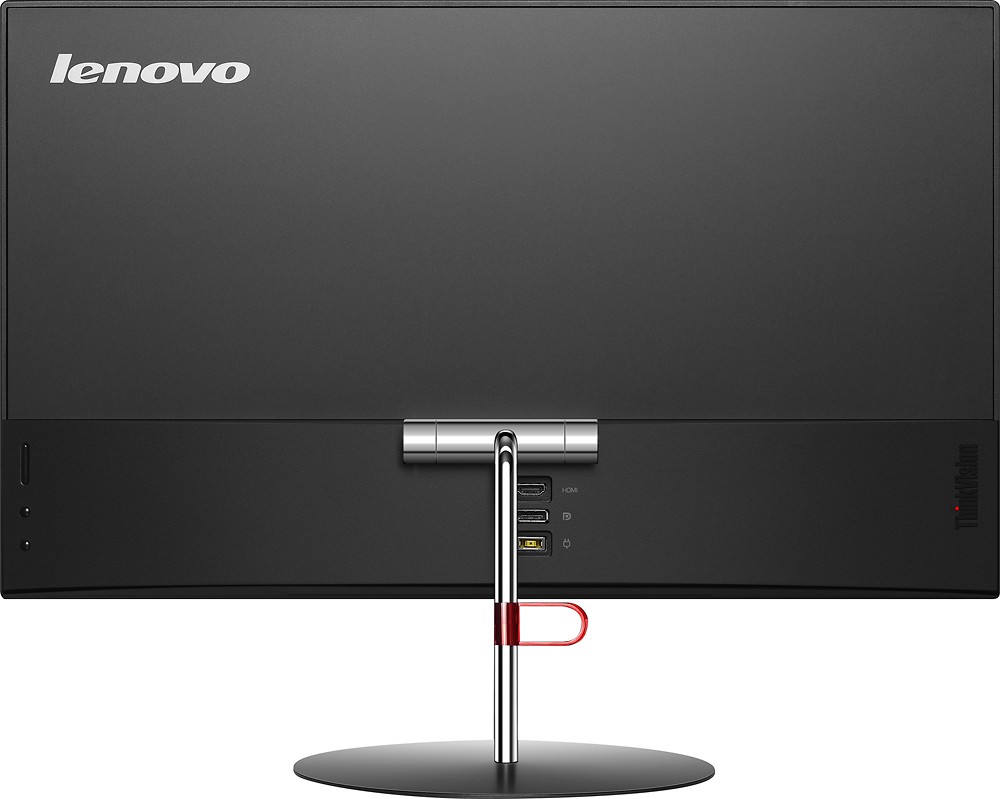
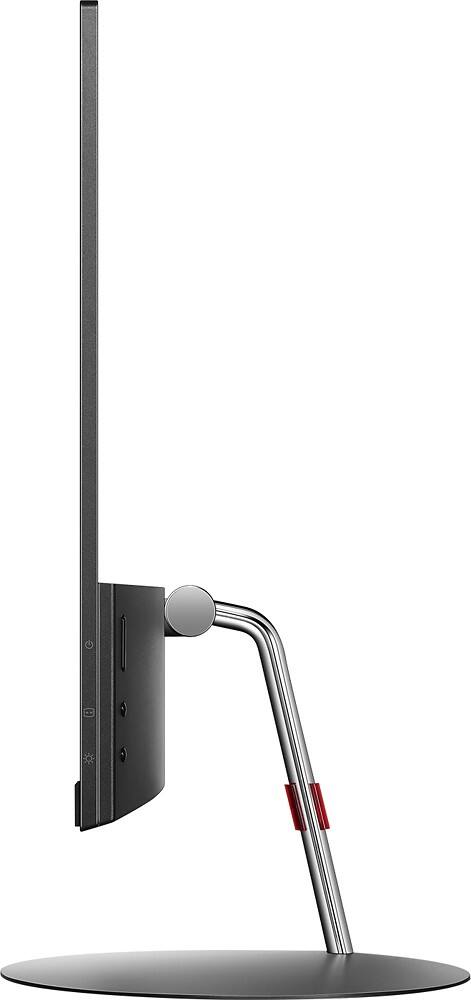
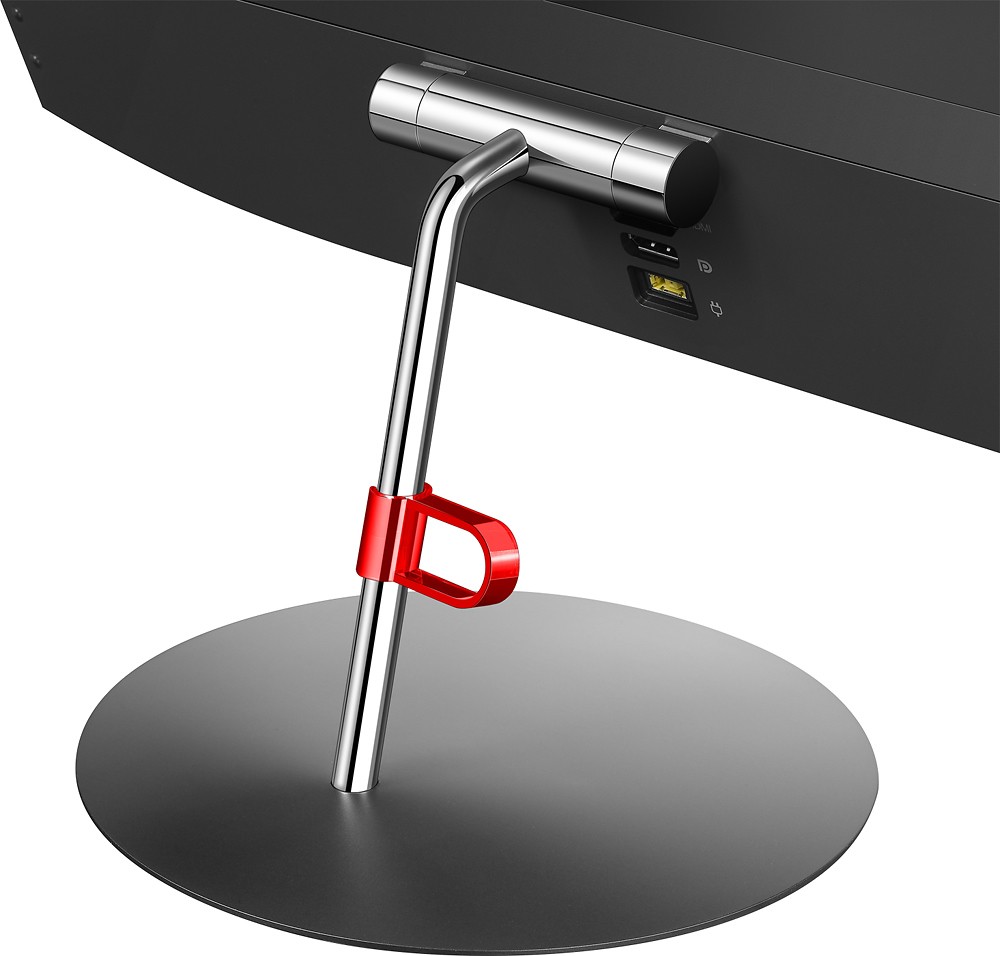
Posted .This reviewer received promo considerations or sweepstakes entry for writing a review.I was in the market for a 24" 1080p IPS monitor for casual gaming and media consumption. I've had the monitor for a couple weeks with my PC and PS4 hooked up, and so far, I am very satisfied. Pros: 1) Sleek. Narrow bezels and thin profile. 2) Two digital ports. DisplayPort and HDMI. 3) Great picture. Crisp and vivid. 4) Decent response time while gaming. No noticeable lag. Cons: 1) Pricier than other comparable panels. 2) No DisplayPort cable included, just HDMI. 3) No VESA mount. 4) The initial x24 monitor I purchased had a crooked stand; however, I was able to get a replacement from Best Buy. Overall, the x24 is a good monitor. You do pay a premium for the clean and thin design; however, if that's what you're looking for, then you should consider the x24.
I would recommend this to a friendPretty Good, Specs Misleading
Posted .This reviewer received promo considerations or sweepstakes entry for writing a review.First off, this monitor will not run 1920 x 1080 @ 75 Hz. It will run 75 Hz, but only at 640 x 480. Just wanted to get that out of the way first. I really wanted to knock a star off for this, but I got it on a flash sale for $129.99, so I am willing to forgive. Second, the brightness is not listed in the specs, but I estimate it to be 200 cd/m2. I have it sitting right next to a Dell E2414h which is also 1920x1080 24" (from BB), which is for sure 250 cd/m2. This Lenovo at full brightness matches the Dell at 70-75% brightness. Lastly, the only controls on this are brightness and input select. Yup, no settings for contrast, color, aspect ratio, sharpness, etc. That being said, many if not all of those can be set using Windows or your graphics card settings. I have an AMD GPU and use Radeon settings, and I can change all but sharpness (it can even overclock the display refresh, i.e. HZ , if you're brave enough to risk it). On to the good things. The pros here are pretty good, especially for the price I paid. I could immediately tell by looking at the Icons on my desktop that the image quality was definitely better. But let's be honest here. I am a gamer, and I bought this to get the most out of 1080p gaming as I could. After playing a few minutes each on all the last PC games of the Year (Tomb Raider, Alien Isolation, Shadow of Mordor) and AC: Syndicate, I could definitely tell I had made a good decision. What's more, unlike with my Dell, this Lenovo works splendidly well with AMD Super Resolution (my Dell would sometimes crash the screen or refuse to display the image). Super Resolution, once enabled in Radeon Settings, allows your gpu to render images in a higher resolution than your monitor allows, then downscales the image to your monitor's native resolution (in this case 1920x1080). This allowed me to render images in up to 3200 x 1800 (and many others in between). While obviously not as good as having a 3200 x 1800 monitor, the difference is definitely noticeable. It significantly smooths edges, refines detail, and generally makes everything look sexier. I mean, it really makes this monitor shine. Bricks in the walls of Victorian London were the prettiest i'd ever seen, square button panels on a spaceship never looked so rounded, you get the idea. Of course this is added stress on your GPU, but I imagine not as bad as actually rendering it on a native 3200 x 1800. I found about an increase in temp 5 degree Celsius on average, to 10 degree max (most difficult thing I could find to render in AC Syndicate). However, I do own an R9 390x, so your mileage may vary. Overall though I would say it is an excellent and worthwhile feature to take advantage of if you can. I want to stress again that this is a feature of the GPU, not the monitor, but this monitor works with it like a dream. In other features, I think the AH-IPS works pretty well. The sun comes through the window and shines right on my monitor from about 4-6 p.m., and it doesn't impair my activities at all on this monitor. I don't even care about the sunshine anymore, there is very little glare or "whiteout" of the image, even while gaming. While not gaming, Netflix and YouTube are noticeably better looking on this monitor compared to my Dell. Also, I really think the whole thing is just darn handsome. I love the edge-to-edge look of this panel. The metal arm stand and glossy back would look smashing and stand out on your desk (mine is backed up against a wall). Very easy on the eyes on all points. Also, the hinge is pretty smooth and at no point makes me feel like I will brake the thing. Pretty solid manufacturing. In closing, I think this is a steal for $130. I'd also like to say my 5 stars is based on this pricing. If you are trying to squeeze the most out of 1080p gaming, its pretty slick. Looks great for watching TV and movies too. Even at $150, I'd recommend it.
I would recommend this to a friendBrand response from Lenovo Product Expert
Posted .Thank you for choosing the Lenovo ThinkVision x24. We are pleased to hear that the value and capabilities of this monitor are meeting your needs so well.
- Pros mentioned:Screen size
Overall a very good monitor
Posted .This reviewer received promo considerations or sweepstakes entry for writing a review.This monitor is very light and stylish. It was delivered fast and setup was a breeze. The picture quality is very good, not the best. Built quality is a little lacking though. The red cable clip on the stand of the monitor was broken right out of the box. Overall, it was a good purchase for the price.
I would recommend this to a friend Not that bright
Posted .This reviewer received promo considerations or sweepstakes entry for writing a review.I purchased this monitor based upon $100 off sale price and the strong reviews it had. However, once I hooked it up and downloaded the correct drivers, the monitor is not that BRIGHT... even after adjusting it to its brightest levels. All of my settings for the monitor are correct but it is somewhat lackluster because of the lack of a real strong bright picture.
No, I would not recommend this to a friendBrand response from Lenovo Product Expert
Posted .Here are some tips from Microsoft that might help your brightness issue. Be sure to great a restore point on your system before you make any changes or download any new software to your system. Hope this helps:
http://windows.microsoft.com/en-us/windows/adjust-monitor-brightness-contrast#1TC=windows-7