Customer Ratings & Reviews






- Model:
- 80V6000PUS
- SKU:
- 5579843
Rating by feature
- Value
Rating 4.0 out of 5 stars
- Quality
Rating 3.3 out of 5 stars
- Ease of Use
Rating 4.4 out of 5 stars
Customers are saying
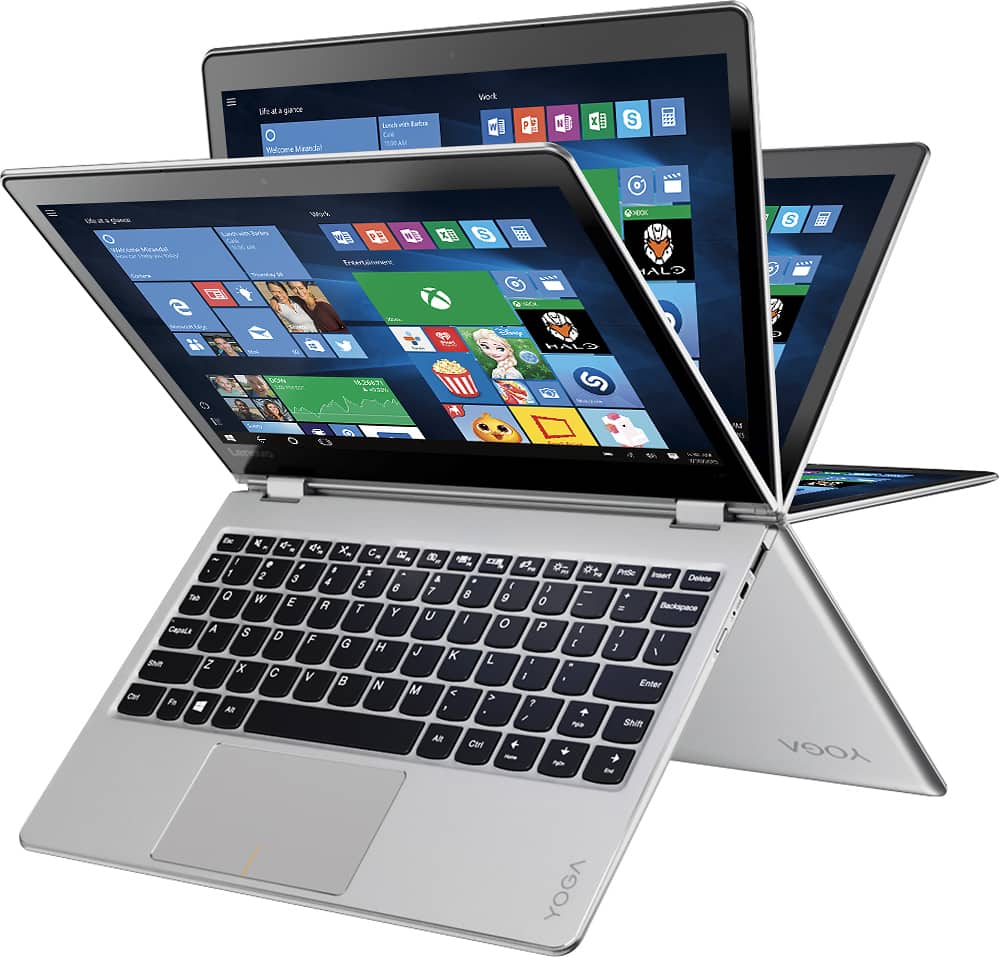
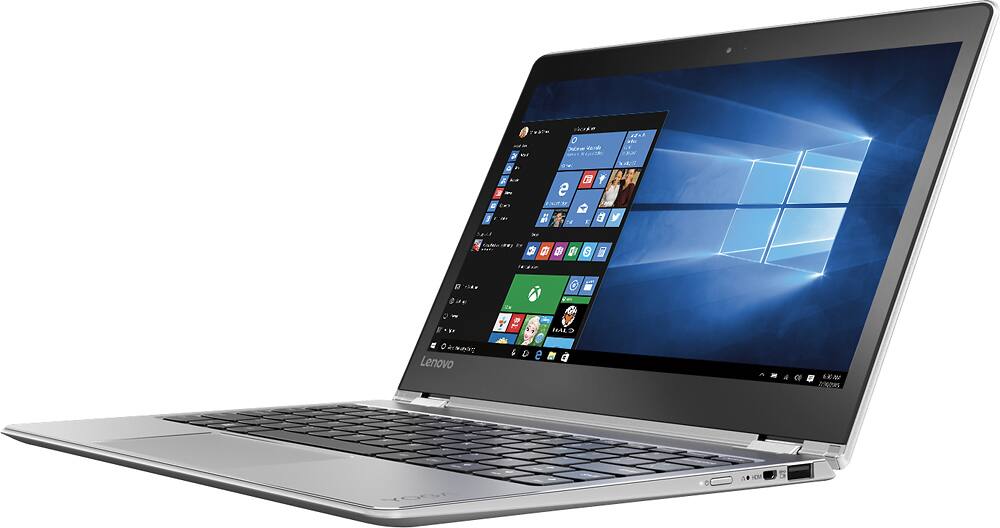
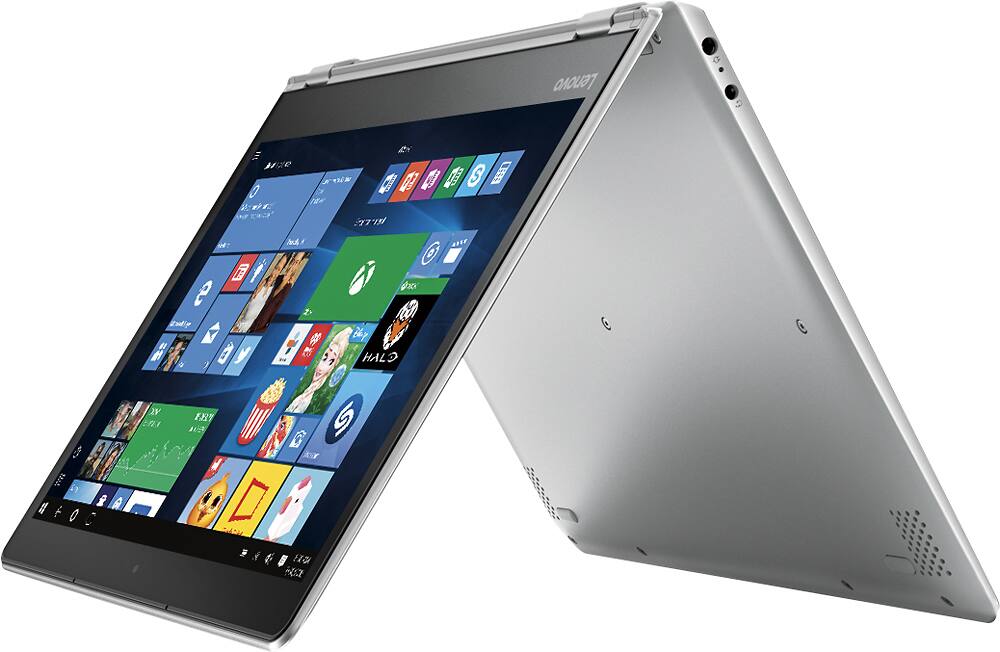
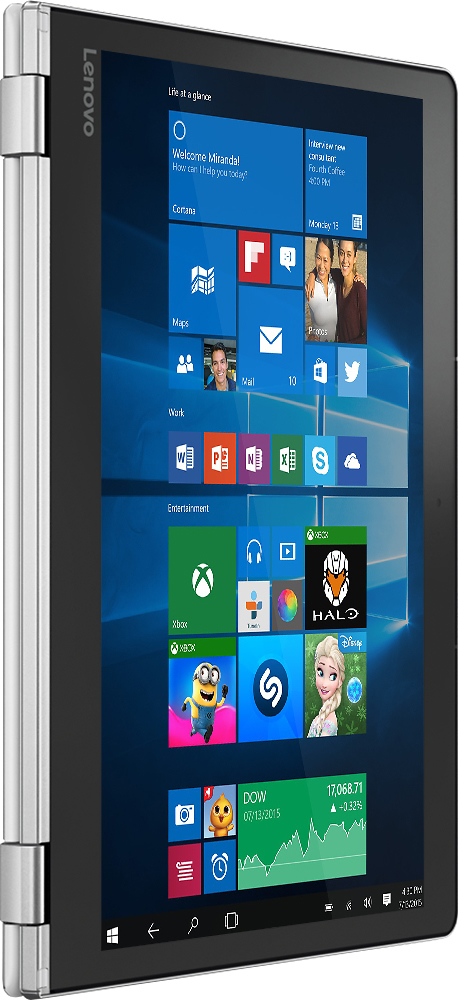
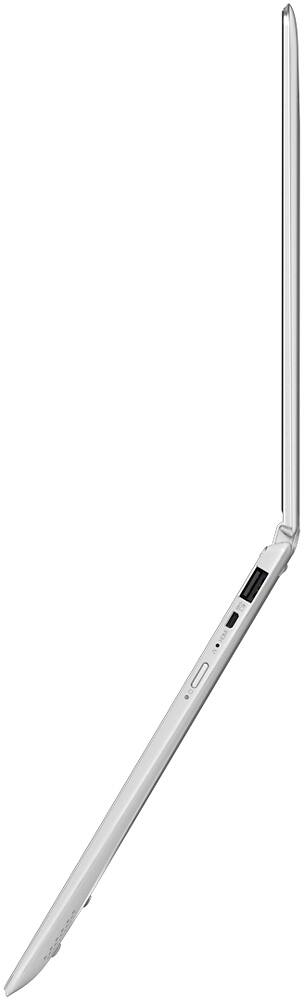
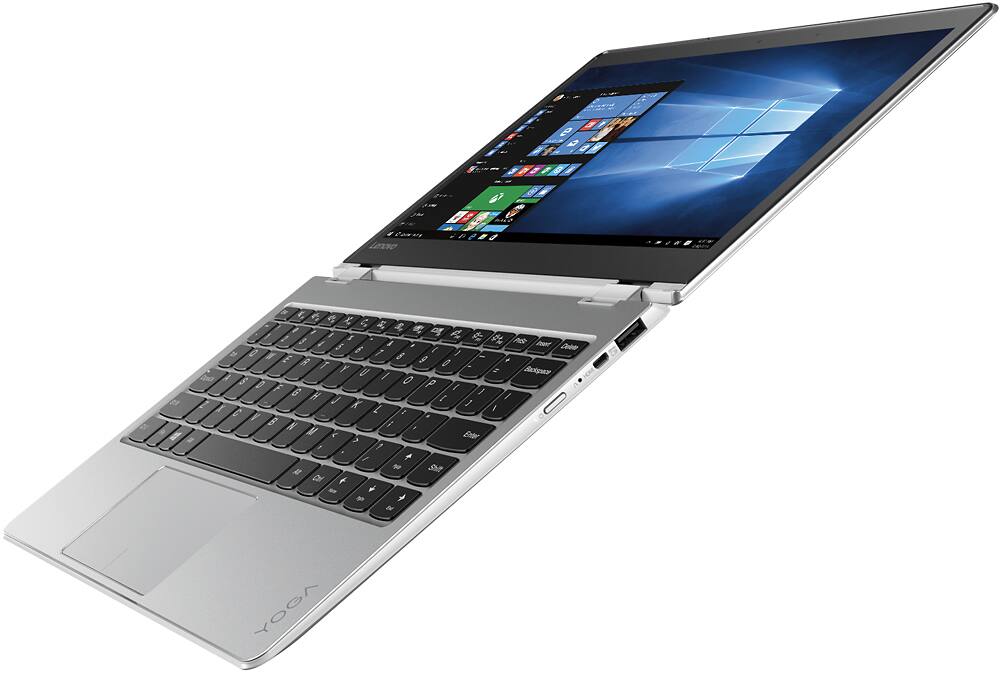
Customers highly value the Yoga 710's lightweight and portable design, praising its compact size and ease of transport. Many appreciate the responsive touch screen and generally positive performance, although some wish for more USB ports and slightly improved heat management. The battery life also receives favorable comments. A few users expressed a desire for more RAM.
This summary was generated by AI based on customer reviews.
Good
||Posted .This reviewer received promo considerations or sweepstakes entry for writing a review.Good- I just got this though and haven't used it enough to write a full review.
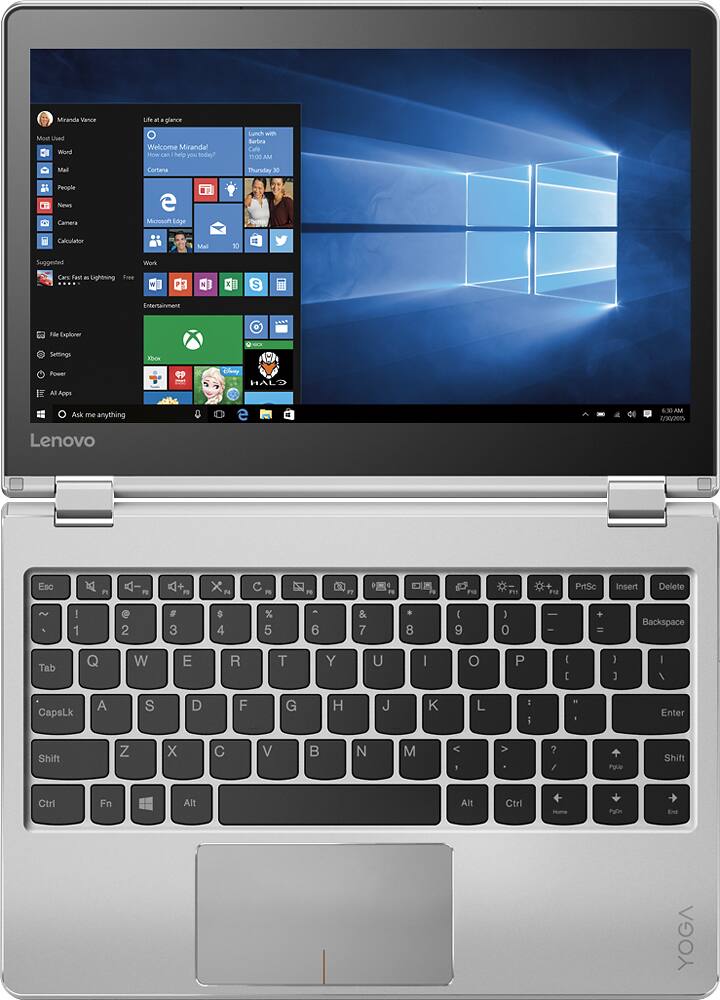
I would recommend this to a friendGreat except that Shift key is in the wrong spot
||Posted .This reviewer received promo considerations or sweepstakes entry for writing a review.Everything about this laptop is fabulous, except that the shift key on the right side is in the wrong spot, and the page up key is there instead. Unless you are a two finger typist, that's going to throw you off every time you try to capitalize anything on the left side of the keyboard. I had to return it.
No, I would not recommend this to a friendBrand response from Lenovo Product Expert
Posted .With regard to the right shift key issue you mention, there is a free software APP called KeyTweak that may help you. You can switch the key functions of specific keys on your keyboard with this software, so you could change the right shift key with the key you hit in its place. Just Google search "KeyTweak" and you will find articles about what the software does and you will find the download location for this free APP.

Could be good but sleep mode is horrible
||Posted .This reviewer received promo considerations or sweepstakes entry for writing a review.Many nice things about it. However, the keyboard always wakes up the laptop out of sleep mode when the screen is 360, disabling the keyboard normally from use while on the bottom. BIOS and Windows 10 power management (missing in Lenovo products) settings do not exist for this. Lenovo has this problem with most of their models, but they supplied a firmware fix for it...except of course for the one model I bought....this 710 model. Their latest BIOS/firmware update does not address it (from last month). Support is often useless with Lenovo. Avoid this model if you plan to use beyond normal desktop mode (which most laptop users do use all modes).
No, I would not recommend this to a friendBrand response from Lenovo Product Expert
Posted .This is not a common issue. We recommend you contact Lenovo Tech Support for specific help with your issue. The number is: 877-453-6686
Ok, just ok
||Posted .This reviewer received promo considerations or sweepstakes entry for writing a review.Good quality, good feel, just wish I would have gotten one step up.
No, I would not recommend this to a friendNot working for me.
||Posted .This reviewer received promo considerations or sweepstakes entry for writing a review.My computer keeps freezing up. I haven’t had it a month yet.
No, I would not recommend this to a friendBrand response from Lenovo Product Expert
Posted .This sounds like a software issue, either installed programs or an automatic update of Windows 10. Be sure any programs you have installed are compatible with Windows 10. This system is equipped with OneKey Recovery System. There is a very small pin hole on the right side of the device, right near the power button on the device. You will need a pin to push this reset button. Plug the device in. Let the battery charge for about 15 minutes. Push the reset button. The system should boot to a choice screen where you can choose "Restore To Factory Default". Select this. It will delete everything from the hard drive except the original factory install of the operating system. You will need to reinstall all programs and files after the reset. If you don't have copies of the files, try to make one before you restore by selecting "Boot to desktop" and trying to back up your files.
Not happy
||Posted .This reviewer received promo considerations or sweepstakes entry for writing a review.I had to return it the next day due to it lagging when I tryied to open laptop settings and other things on the actual laptop not my internet searches (though it did lag there to) which I can chop up to my slow internet but the laptop system. All in all I was really disappointed
No, I would not recommend this to a friendOk Until It Wasn't
||Posted .This reviewer received promo considerations or sweepstakes entry for writing a review.I bought this computer for my daughter to use at school. Worked fine and love the compact size for about 3 months and then started giving problem. Now, at about 5 months old with limited use, the computer doesn't turn at all. I've been back and forth with Lenova support and their solution is to send it in at my expense (particularly complicated b/c I'm out of the country until June and they will see if they can fix it. It seems unreasonable to by a brand new (not particularly cheap computer and have it completely fail. This computer has been carefully cared for and always kept in the case so it is not because of accidental damage. Very disappointed at computer reliability and Lenova's (lack of) support!
No, I would not recommend this to a friendGood pc
||Posted .This reviewer received promo considerations or sweepstakes entry for writing a review.Screen was too small. Good two in one for the money.
I would recommend this to a friend- Pros mentioned:Size, Weight
Check The Keyboard Spacebar Before Buying
Posted .This reviewer received promo considerations or sweepstakes entry for writing a review.This is a review of the core i5 version. Lightweight and portable, snappy performance, and decent battery life in a machine that is marred by a cheap keyboard. Specifically, the problem is in the spacebar. Lenovo placed a single switch under the spacebar in the center. This means that, on my machine anyway, spacebar clicks are only registered if the button is pressed in the center. Side presses are ignored which results in typingthatlookslikethis all too often. If they would have spent an extra $1 for 2 switches under the spacebar this would not be an issue. Open Notepad and check your spacebar before buying. Do a web search and you will find that this is a common problem on this model and that the severity varies from machine to machine. On mine, the problem is much worse on the right side of the spacebar. I'm going to exchange this one for another of the same model and hope for a better keyboard. Overall I like the size and performance, but if I get another one with a junk keyboard, I'll be exchanging it for a 2-in-1 from another manufacturer.
No, I would not recommend this to a friendBrand response from Lenovo Product Expert
Posted .Thank you for choosing the Lenovo Yoga 710-11. With regard to the spacebar issue, we have not heard this often, but we will look in to this for future improvements.
BestBuy Does Not Stand By Product
||Posted .This reviewer received promo considerations or sweepstakes entry for writing a review.Yoga710 after 6mths dislodges its power button and cannot turn on. Need Serial Number for warranty claim, but bottom sticker missing, box was not saved, and only other place for SN is in BIOS (if it would turn on). Asked BestBuy Geek Squad to power it up to get serial number, they could do it but would not do it, and said not a material defect for warranty. Called Lenovo support but they need Serial Number for support. Wound up going to 3rd Party repair and got it fixed. WILL NEVER BUY FROM THEM AGAIN - Hello Amazon!
No, I would not recommend this to a friendNot stable
||Posted .This reviewer received promo considerations or sweepstakes entry for writing a review.It has been just 9 months since I got this. First impression was good. After a few months, it caused problems. It freezes itself frequently and Wi-Fi connection won't work. For the money that I spent, it should be better. Now, it is just useless as a pc.
No, I would not recommend this to a friendBrand response from Lenovo Product Expert
Posted .Since the device was working for 9 months, this sounds like a problem with a Windows 10 update. This system is equipped with OneKey Recovery System. There is a very small pin hole on the right side of the device, right near the power button on the device. You will need a pin to push this reset button. Plug the device in. Let the battery charge for about 15 minutes. Push the reset button. The system should boot to a choice screen where you can choose "Restore To Factory Default". Select this. It will delete everything from the hard drive except the original factory install of the operating system. You will need to reinstall all programs and files after the reset. If you don't have copies of the files, try to make one before you restore by selecting "Boot to desktop" and trying to back up your files.
Fast, nice screen, good battery life until....
||Posted . Owned for 1.5 years when reviewed.This reviewer received promo considerations or sweepstakes entry for writing a review.Bought 22 months ago. All was well until today when it unexpectedly shut down with nearly a full battery. Also shut down on the power adapter. Takes a few minutes playing with power button to start again on ether the battery or power adapter. Then 1~15 minutes later shuts down. Needs a battery or hardware component?? Who knows. Not happy thinking about the process & additional cost of ownership. Loved it prior.
No, I would not recommend this to a friendGreat battery life
||Posted .This reviewer received promo considerations or sweepstakes entry for writing a review.The computer works good when it wants too, kinda slow but it’s fast when it wants to be. But overall it’s great with battery and easy to use.
No, I would not recommend this to a friendMotherboard Failure. TWICE within 12 months!
||Posted .This reviewer received promo considerations or sweepstakes entry for writing a review.Purchased for my 68 year old mother at Christmas of 2016. At 6.5 months, the motherboard failed. Geek Squad replaced board. 6.5 months later, motherboard failed a second time. Best Buy and Geek Squad will not warranty due to the 12 month mfg warranty has ended.13 months for a PC that sits on a table and is used possibly an hour per week for online shopping and email... Hurts my feelings that I have to actually give this 1 star.
No, I would not recommend this to a friendlasted only a little over a year
||Posted .This reviewer received promo considerations or sweepstakes entry for writing a review.purchased for my daughter for school. One month after the guarantee expired, so did the laptop. took it into Best Buy to have it repaired and found out the main frame had to be replaced which was too costly. we contacted Lenovo to see if they would extend the warranty to cover the repair and we're told that there was nothing they would do for us. won't purchase a Lenovo product again.
No, I would not recommend this to a friendWorst ever
||Posted .This reviewer received promo considerations or sweepstakes entry for writing a review.The product and the replacement product have been nothing but a "computer nightmare". I have only been able to use this computer one or two times since I purchased it. The system crashes and the computer will not reboot. I have bought several computers/tablets and this computer/tablet has been the worst I have ever experienced using. I would not have given the product any stars but that was not an option.
No, I would not recommend this to a friendBrand response from Lenovo Product Expert
Posted .This system is equipped with OneKey Recovery System. There is a very small pin hole on the right side of the device, right near the HDMI port on the device. You will need a pin to push this reset button. Plug the device in. Let the battery charge for about 15 minutes. Push the reset button. The system should boot to a choice screen where you can choose "Restore To Factory Default". Select this. It will delete everything from the hard drive except the original factory install of the operating system. You will need to reinstall all programs and files after the reset. If you don't have copies of the files, try to make one before you restore by selecting "Boot to desktop" and trying to back up your files. Be sure any software you install is compatible with Windows 10. There is no need to install Microsoft Office software. The software is already part of the operating system, you just need to activate the software with a purchased product key. If you have installed a copy of Microsoft Office, this is conflicting with the existing copy on the system and this will slow your system down. If you have installed a 3rd party anti-virus program, be sure that Windows Defender is turned off and that the trial version of McAfee Anti-Virus software is uninstalled. There can only be one anti-virus program on the system.
Not worth the money.
||Posted . Owned for 1.5 years when reviewed.This reviewer received promo considerations or sweepstakes entry for writing a review.I bought this for my business use only. After 10 months I had to have the motherboard replaced. It was replaced for free. Three months later, it needed replacing again. Geek squad would not replace for free. They said the warranty goes back 12 months to the original one. I do not feel this tablet is of good quality.
No, I would not recommend this to a friendNot for multitasking
||Posted .This reviewer received promo considerations or sweepstakes entry for writing a review.Wifi keeps dropping and performance at par with i3 models, not enough juice for multitasking.
No, I would not recommend this to a friendBrand response from Lenovo Product Expert
Posted .This mode has the model version Intel Core i5-7Y54 processor. It has a base speed of 1.2GHz and a boost speed of up to 3.2GHz. It is a dual core/four thread processor that is meant to handle up to 4 open programs/web pages with no loss of processing power. If this describes your workload, then this model will be a good choice for you.
good size
||Posted .This reviewer received promo considerations or sweepstakes entry for writing a review.Mother board needed to be replaced 25 days after purchase. And took 9 days I repaired
No, I would not recommend this to a friendNota a Goode loptop
||Posted .This reviewer received promo considerations or sweepstakes entry for writing a review.While working On it it freeze. I hate To Walt Ford it To comeback
No, I would not recommend this to a friendBrand response from Lenovo Product Expert
Posted .This system should be a fast system with its Core I-5 processor and 8GB of RAM. Be sure any software you installed is compatible with Windows 10. There is no need to install Microsoft Office software. The software is already part of the operating system, you just need to activate the software with a purchased product key. If you have installed a copy of Microsoft Office, this is conflicting with the existing copy on the system and this will slow your system down. If you have installed a 3rd party anti-virus program, be sure that Windows Defender is turned off and that the trial version of McAfee Anti-Virus software is uninstalled. There can only be one anti-virus program on the system. You may need to restore your system to original factory default settings if any of the programing errors have occurred. You can do that by typing "restore" in the Cortana search window. Just click on the magnifying glass icon at the bottom left of your Windows 10 Desktop. Click on "Reset This PC" Then click on "Get Started" and follow the on screen directions to restore to factory defaults.