Customer Ratings & Reviews


- Model:
- 81CT007RUS
- SKU:
- 6301731
to a friend
- Cons mentioned:Boot speed, Keyboard layout
Mostly OK
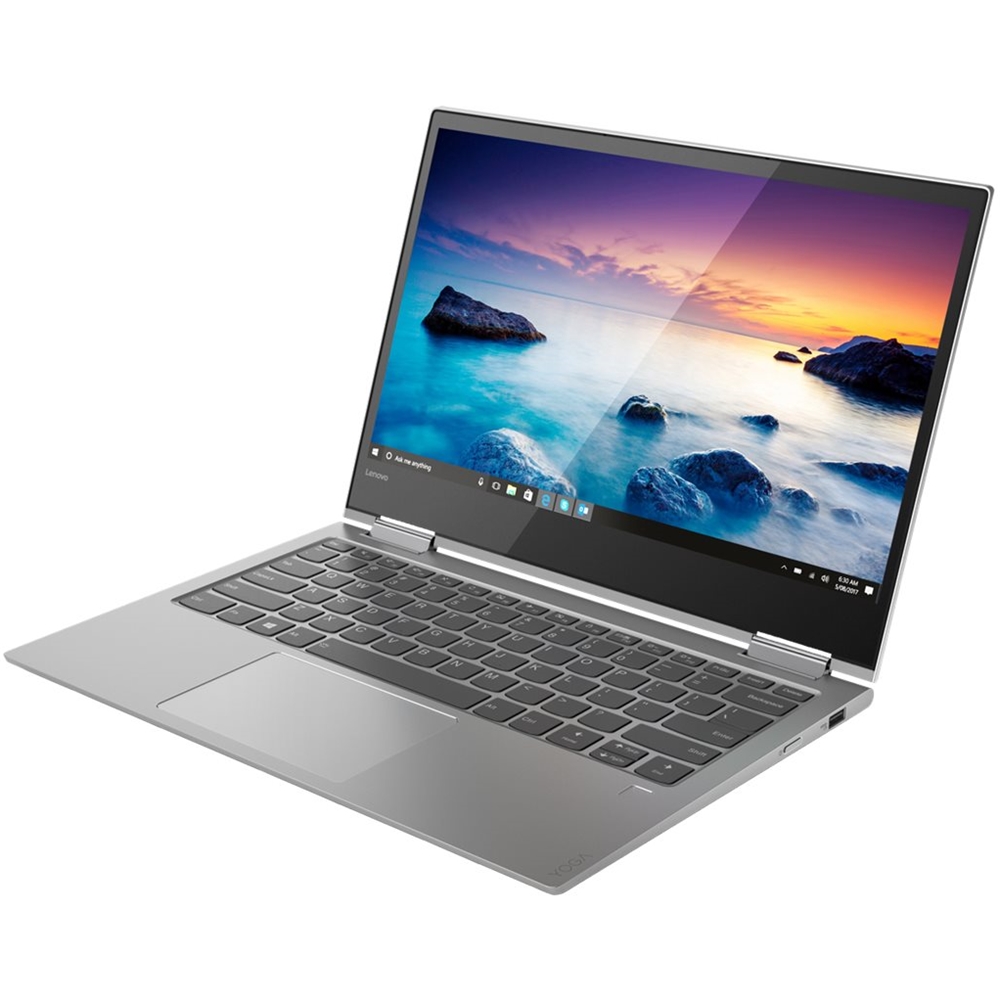
||Posted .This reviewer received promo considerations or sweepstakes entry for writing a review.This is my second Lenovo Yoga brand notebook. It mostly met my expectations except I do not like the keyboard layout. The up/down cursor keys are combined into one key with a horizontal split, creating a fat finger problem. Also, this PC -- with 16GB memory -- does not boot as fast as my previous Yoga Pro2 with Win 8.1. Lastly, Win 10 printer control is weak, allowing printer to go "offline" , often requiring a power off reset. Bummer
No, I would not recommend this to a friendBrand response from Lenovo Product Expert
Posted .This configuration with 16GB DDR4-2400MHz RAM and the powerful Quad-Core/Eight-Thread Intel Core i7-8550U processor with a 512GB PCIe solid state hard drive will boot from off to the Windows 10 desktop in less than 10 seconds. Regarding pairing a compatible printer, be sure you have installed the latest Windows 10 printer driver from the printer manufacturer. Check with your printer manufacturer for pairing instructions. You can check the computer to make sure you have the latest version of Windows 10 and the up to date supporting BIOS files and drivers, by scanning the computer with the Lenovo Utility software installed on the computer. This system has Lenovo utilities installed to help maintain the health of the device and keep the operating system software up to date. Type "Lenovo Vantage" in the Cortana Search window (if Lenovo Vantage is not installed on your device, you can download the APP and install it now). Select Lenovo Vantage from the list. In the window that opens, click on "Health and Support". In the expanded menu, select "Hardware Scan" In the window that opens, select "Run Quick Tests". This will scan your entire system for errors. Follow any directions that may pop up. If the problem continues after this scan, now click on "System Update". First select Windows update from the menu. Scan your system to be sure you have the latest version of Windows 10. Once that scan is complete, select "Additional Updates". This will scan your device to be sure there are no new BIOS/Driver updates needed. Follow any instructions that may pop up. If the issue still continues after these updates, we recommend you call Lenovo Tech Support at: 877-453-6686 for additional help. For 2018, Lenovo retained its place for a second year as the best laptop vendor:
https://www.laptopmag.com/articles/laptop-brand-ratings
- Cons mentioned:Broken case
Really nice small lightweight high def screen lapt
||Posted . Owned for 3 weeks when reviewed.This reviewer received promo considerations or sweepstakes entry for writing a review.First one had a broken case back by the hinge. Best Buy took it back and shipped a new one right away. Lenovo installed a new screen driver when the screen was not bright enough and now it is really great. Getting used to it and liking it.
I would recommend this to a friendBrand response from Lenovo Product Expert
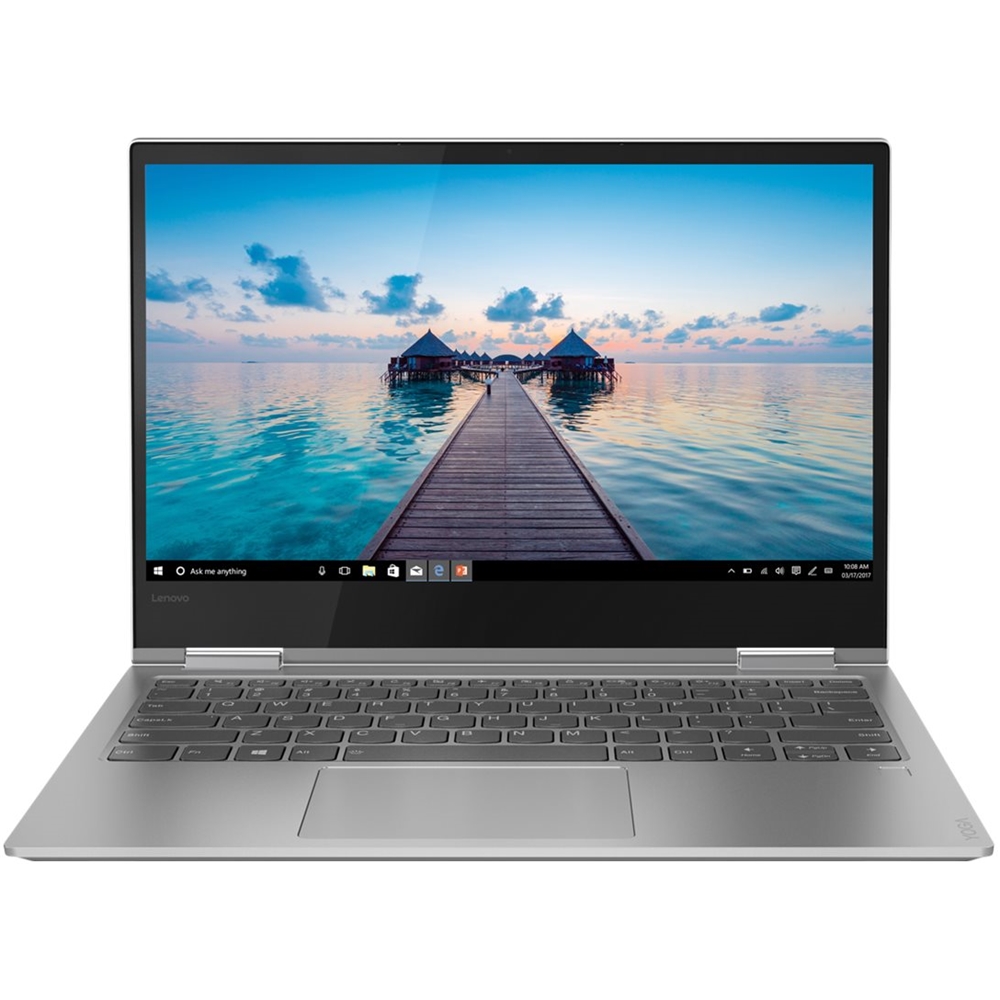
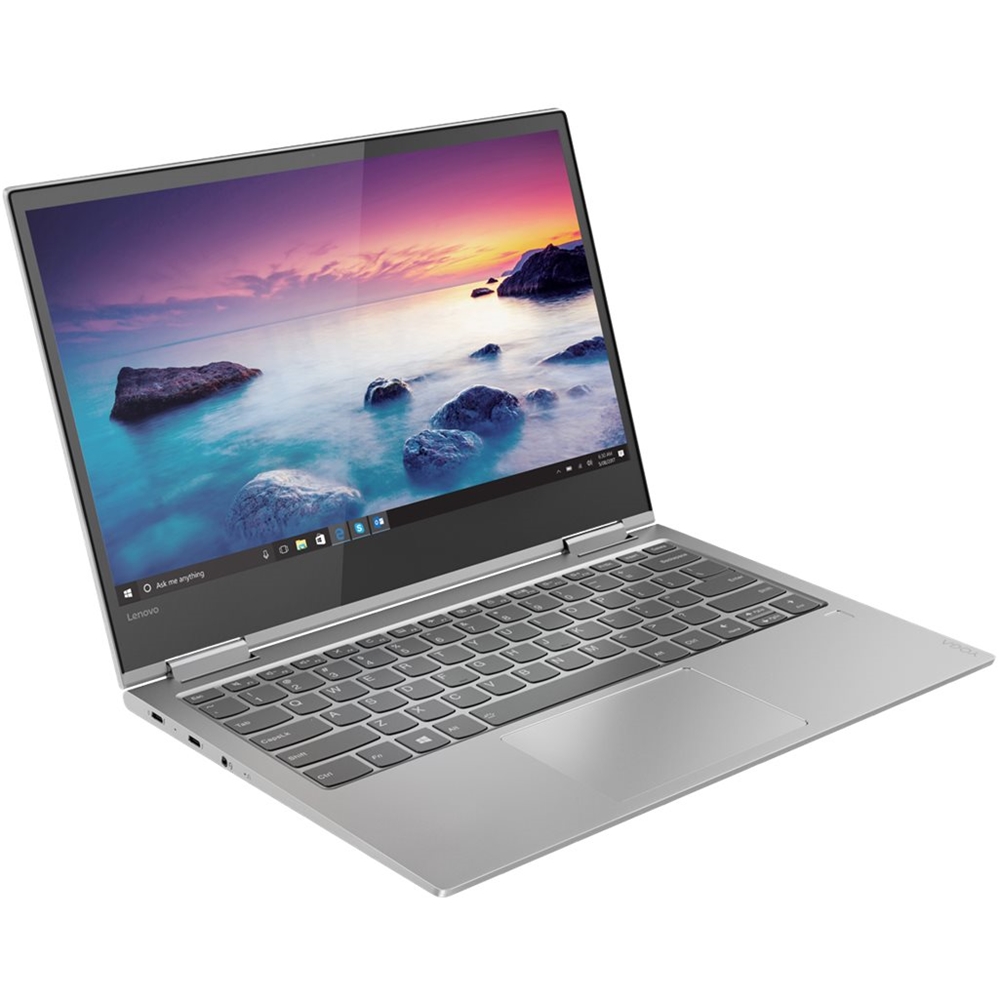
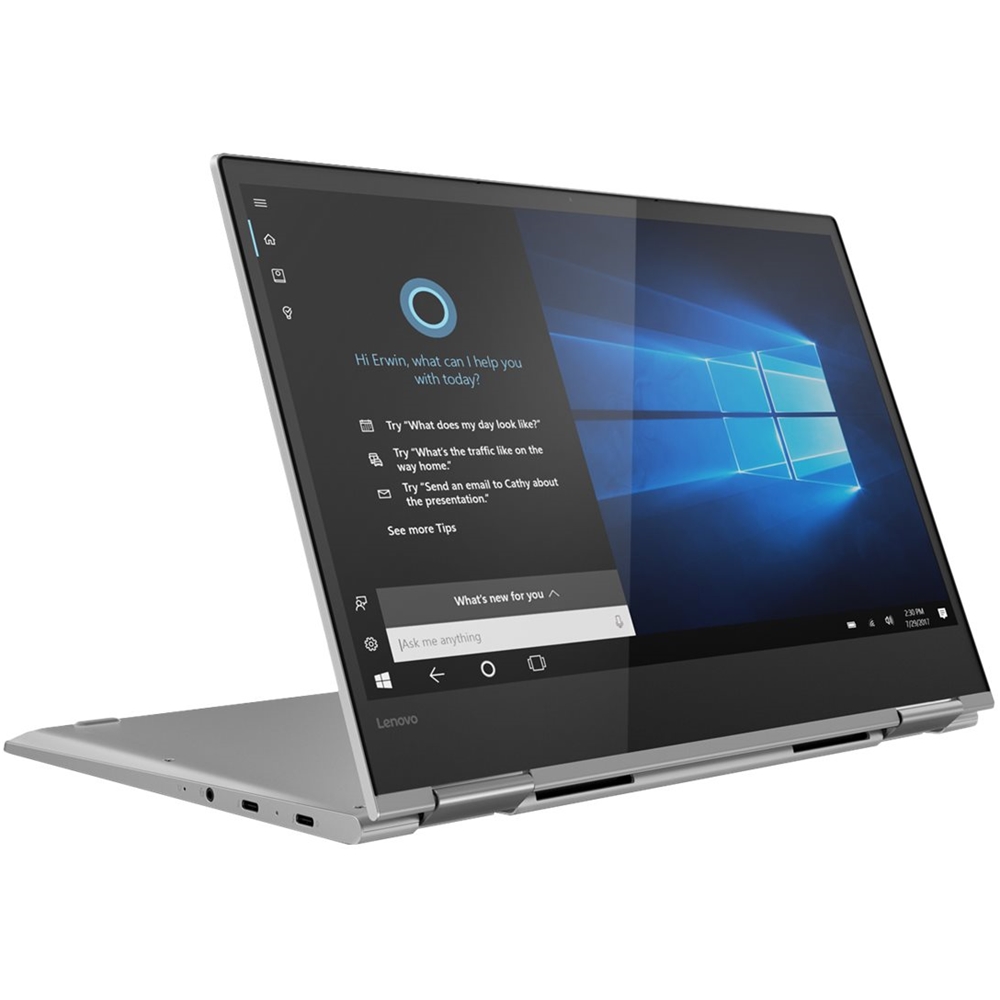
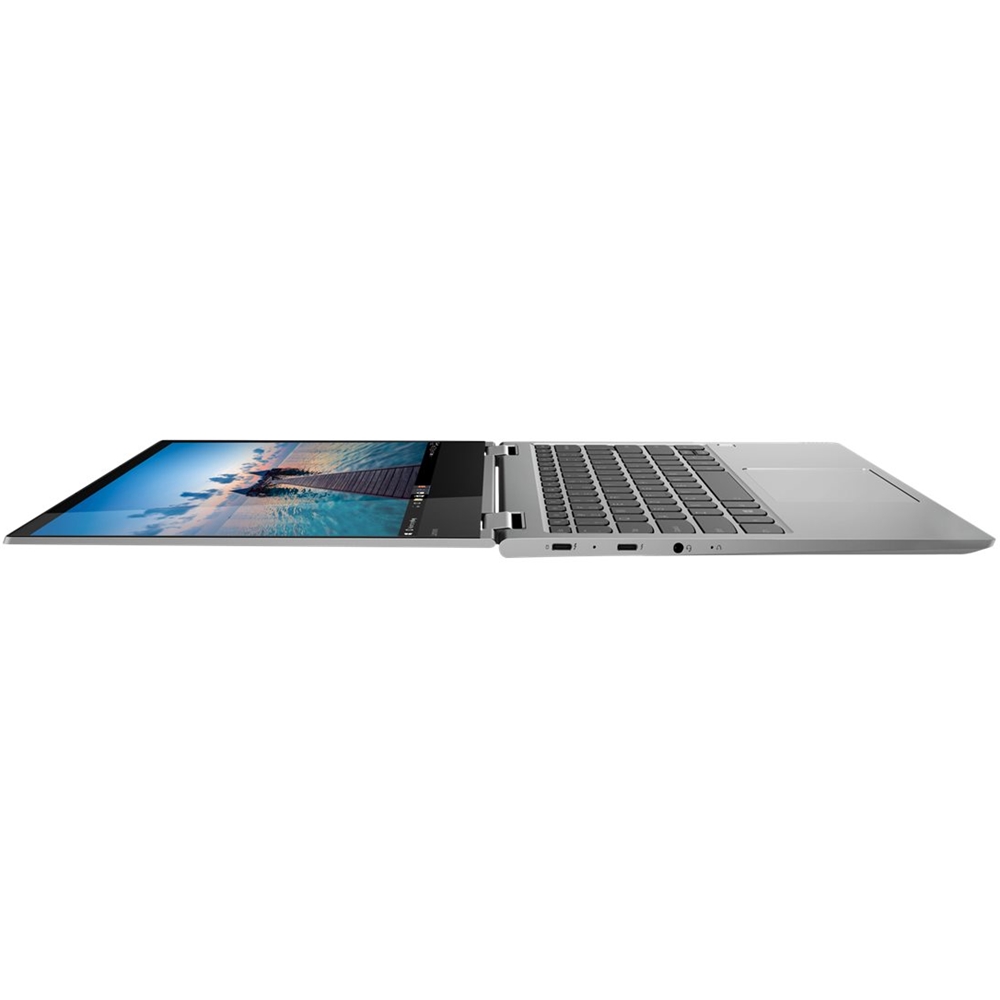
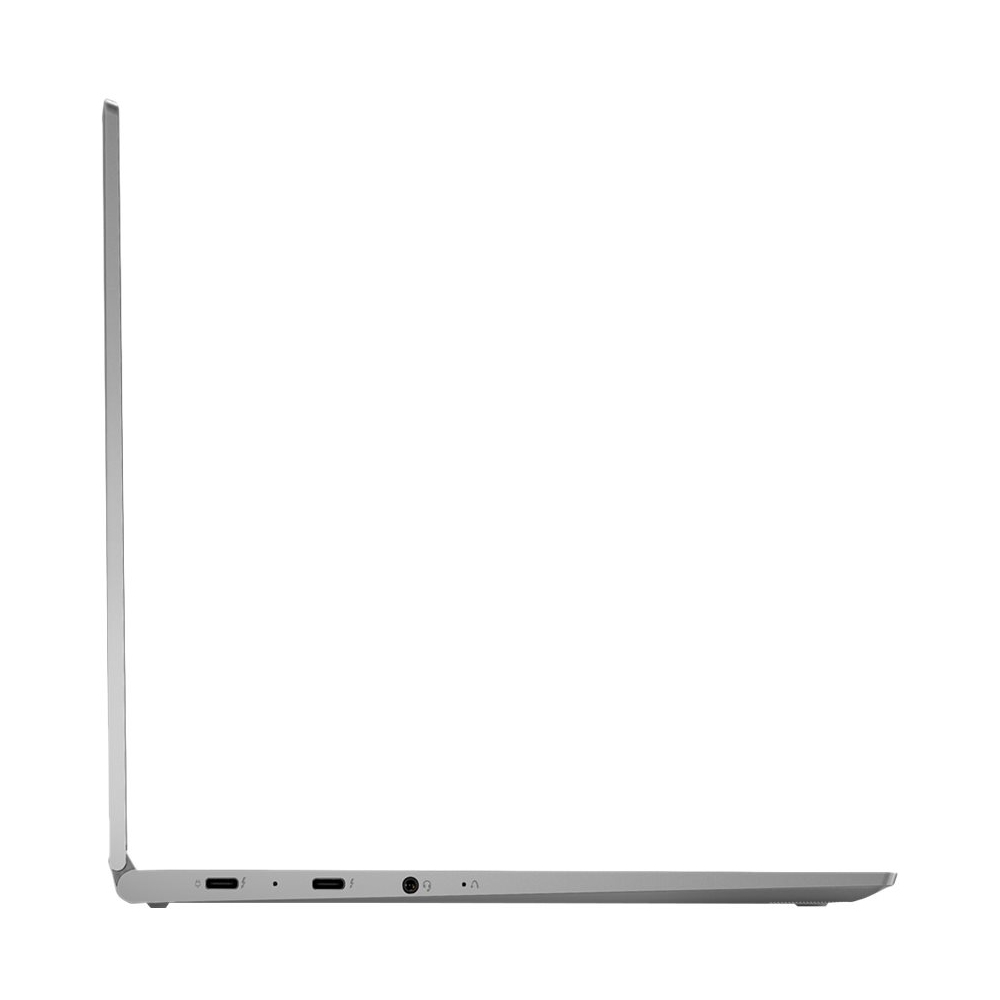
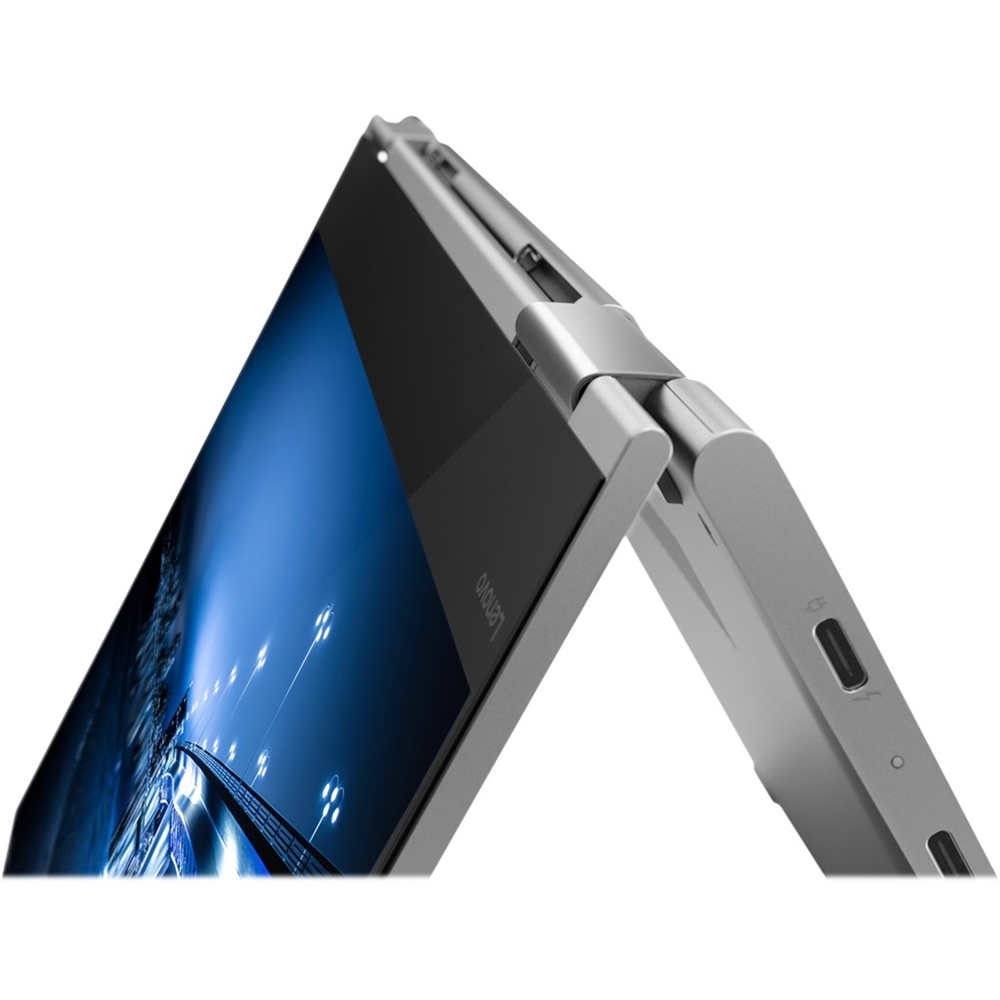
Posted .Thank you for choosing the Lenovo 730-13 4K model. The Yoga 730-13 is a truly multi mode device, elegantly designed to be equally stylish as you transition from tablet mode to laptop mode and back. Weighing in at 2.62 lbs and polished in premium aluminum, the Yoga 730 will complement your style no matter where the day takes you. The Yoga 730 is packed with speed and power to amplify your productivity. The latest 8th generation Intel Core i7 processor offers up to a 40 percent performance boost with unprecedented touchscreen and pen responsiveness (active pen sold separately), faster bootups, and seamless multitasking. With the razor-thin 5.9mm bezeled screen, the Yoga 730 displays movies, video, and Skype calls in clear 3840 x 2160 (UHD). With 300 nits brightness, you’ll see every detail. Experience truly immersive sound with Dolby Atmos, which creates a three-dimensional audio space. Sound comes alive with fullness and depth when you listen through headphones.
- Cons mentioned:Reliability
Love computer, power and Black Friday Price but...
||Posted . Owned for 3 months when reviewed.This reviewer received promo considerations or sweepstakes entry for writing a review.Love the computer but had to send it in for major repairs only a few months after getting it. Everything was covered but it is a big pain being without your computer.
No, I would not recommend this to a friend - Pros mentioned:Compact
Like Lenovo Yogas
||Posted . Owned for 3 months when reviewed.This reviewer received promo considerations or sweepstakes entry for writing a review.We have several of these laptops for our business. They are compact and an overall great product.
I would recommend this to a friend - Pros mentioned:Best features for the price
Great product - Great price!
||Posted . Owned for 4 months when reviewed.This reviewer received promo considerations or sweepstakes entry for writing a review.I looked at dozens of Laptops and the Lenovo was the best features for the price. LOVE IT!
I would recommend this to a friend - Cons mentioned:Screen damage
bad
||Posted . Owned for 11 months when reviewed.This reviewer received promo considerations or sweepstakes entry for writing a review.Lenovo good brand but this device, charger damage after one-month and screen damage after 9 months
No, I would not recommend this to a friend