Customer Ratings & Reviews

- Model:
- 81CU000CUS
- SKU:
- 6201046
to a friend
Customers are saying
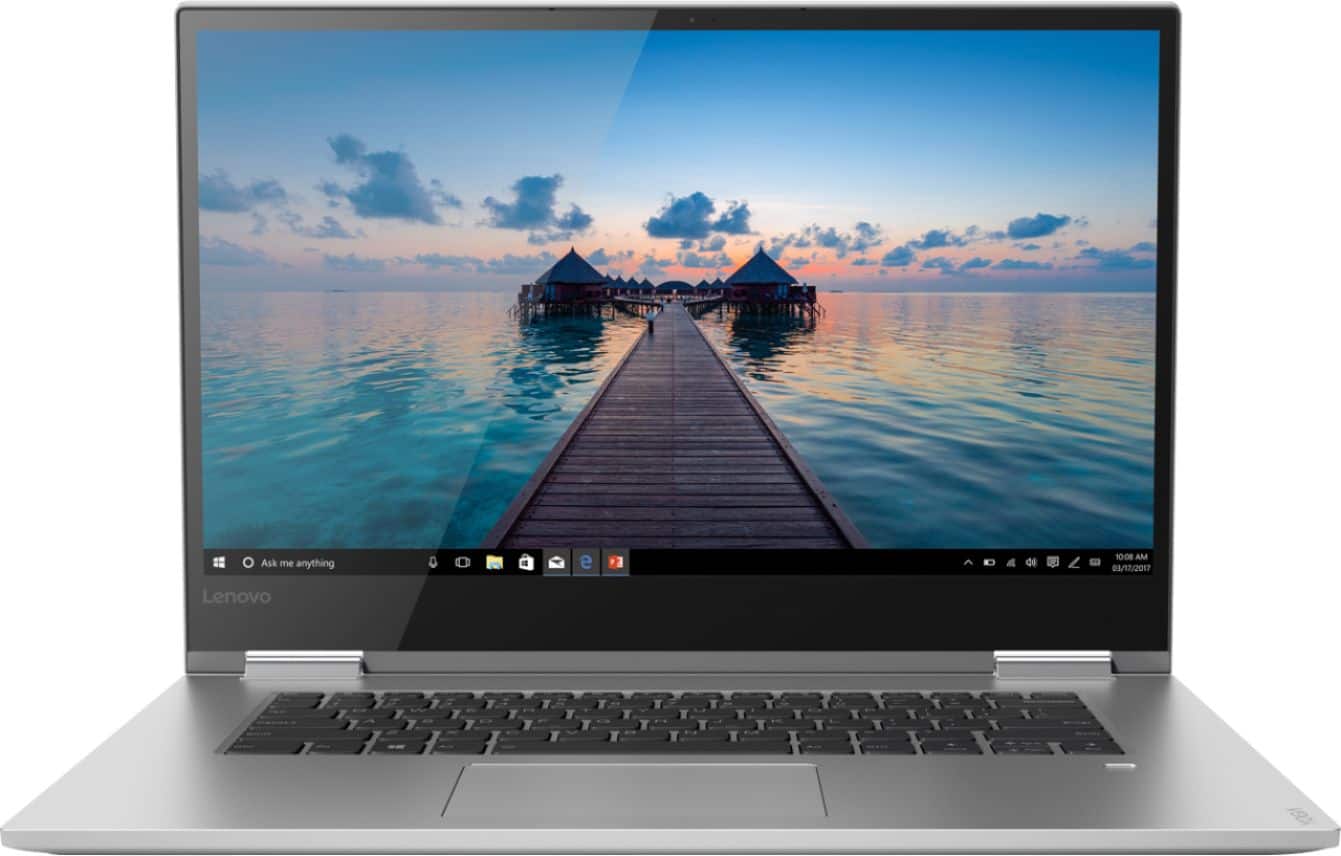
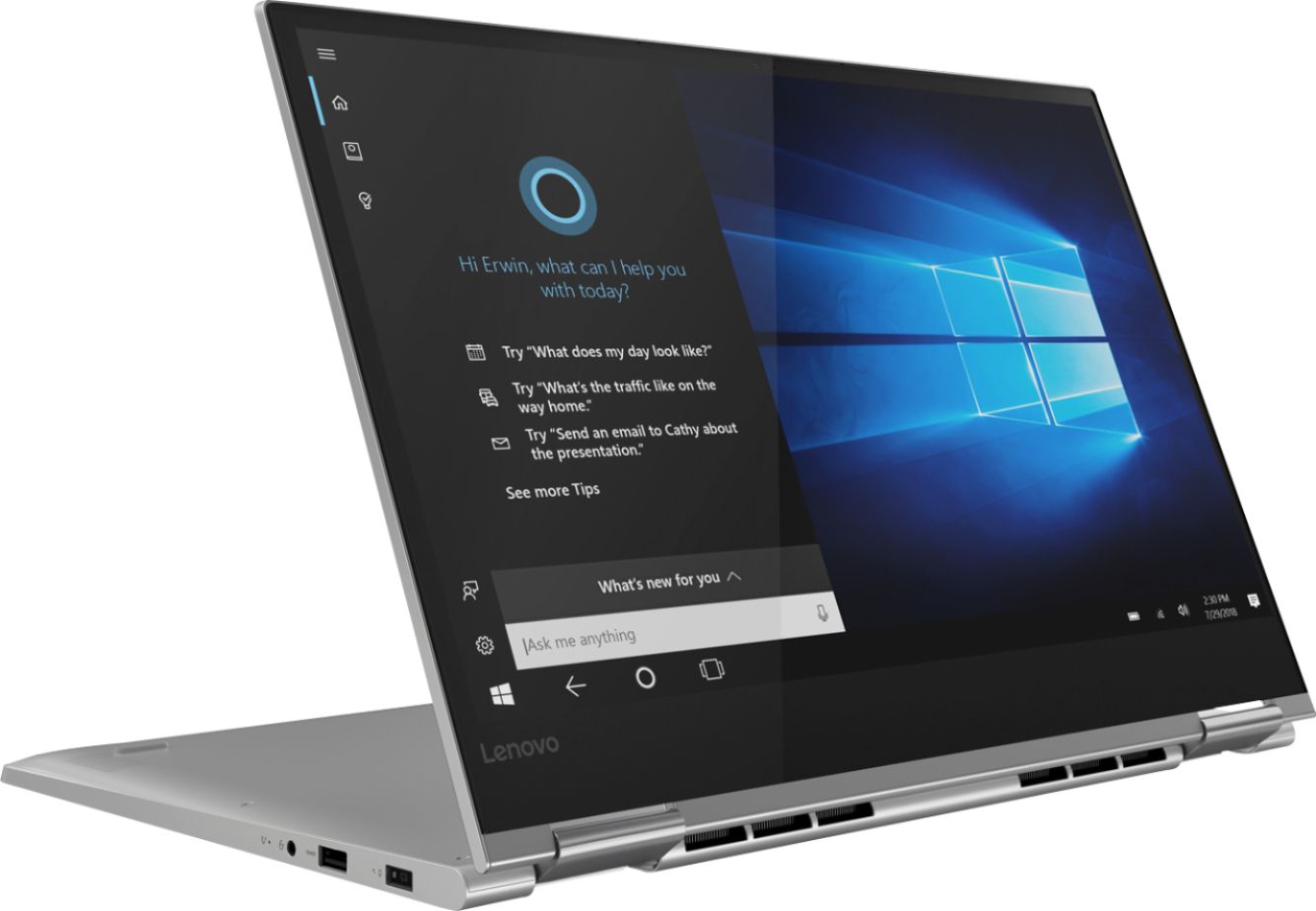
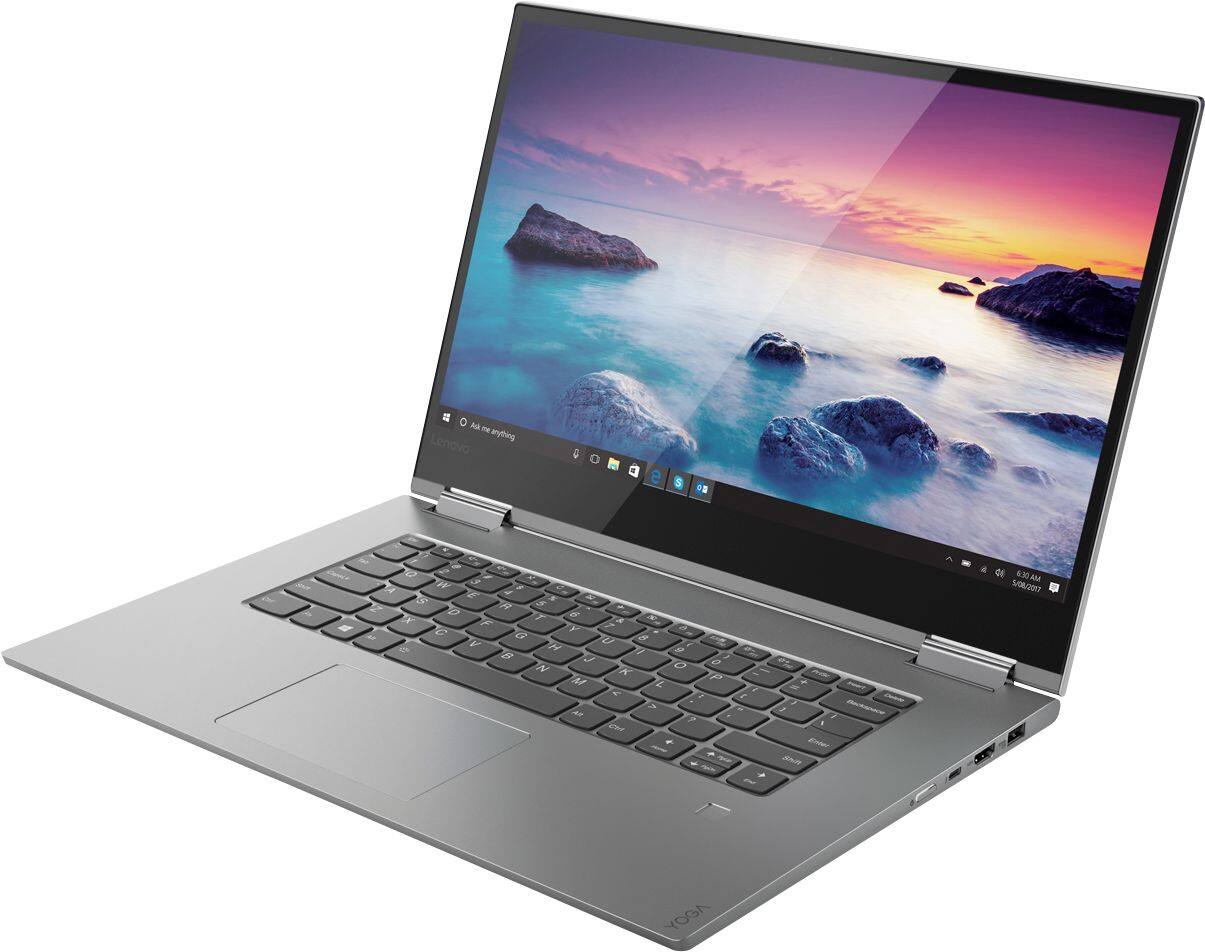
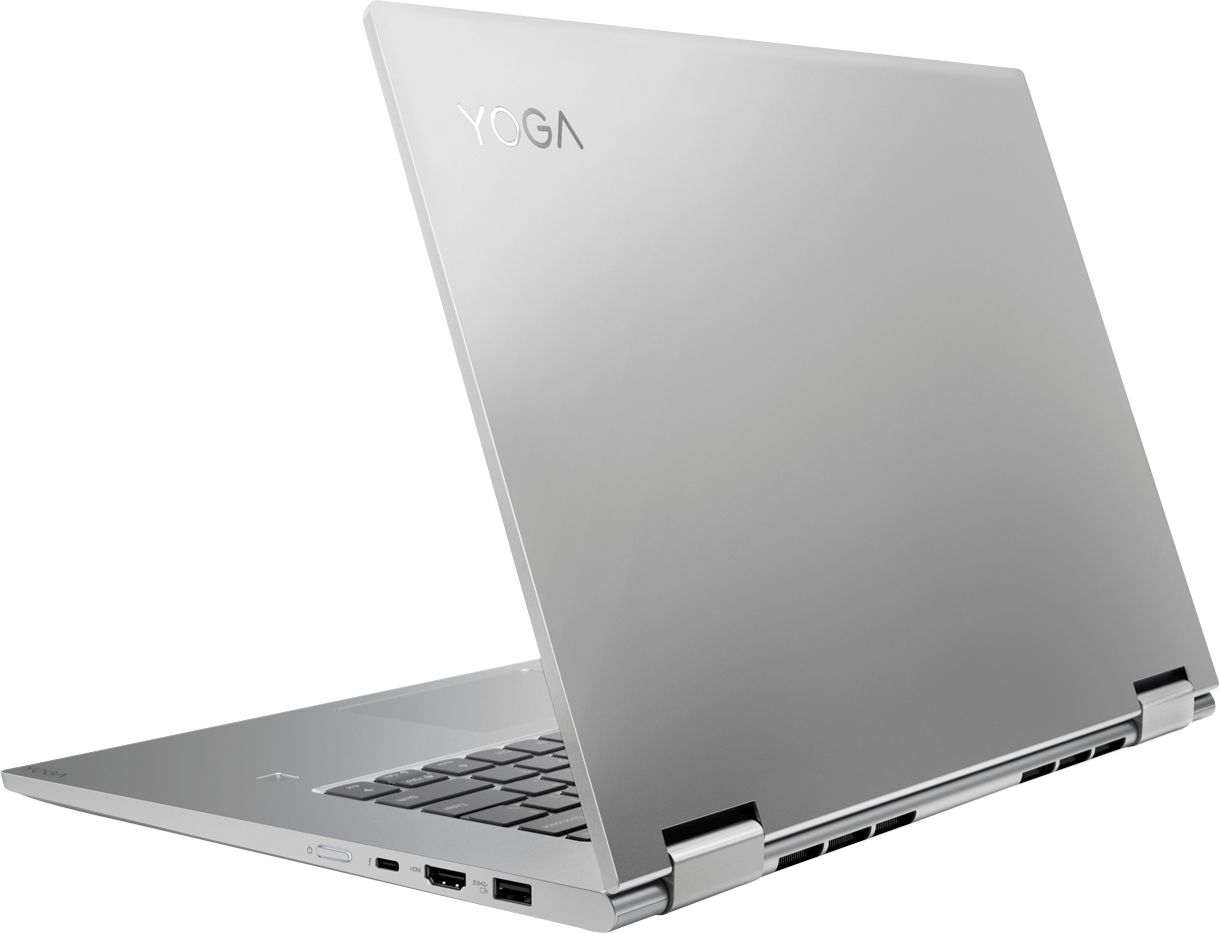
Customers frequently mention the Yoga 730's fast performance, stunning 4K screen, and powerful capabilities. It is also praised for its design, price, and the inclusion of a solid-state drive. However, customers commonly complain about its short battery life, loud fan noise, and cooling issues.
This summary was generated by AI based on customer reviews.
- Pros mentioned:Fast, Screen
Lightweight and Fast
||Posted . Owned for 1.5 years when reviewed.This reviewer received promo considerations or sweepstakes entry for writing a review.I purchased this for work/home. It's lightweight and durable. I love being able to turn it into a tablet and use the touchscreen or not. Superfast with a 512Gb SSD to store more than I need.
I would recommend this to a friend - Pros mentioned:4k screen, Fast
Best of both Worlds
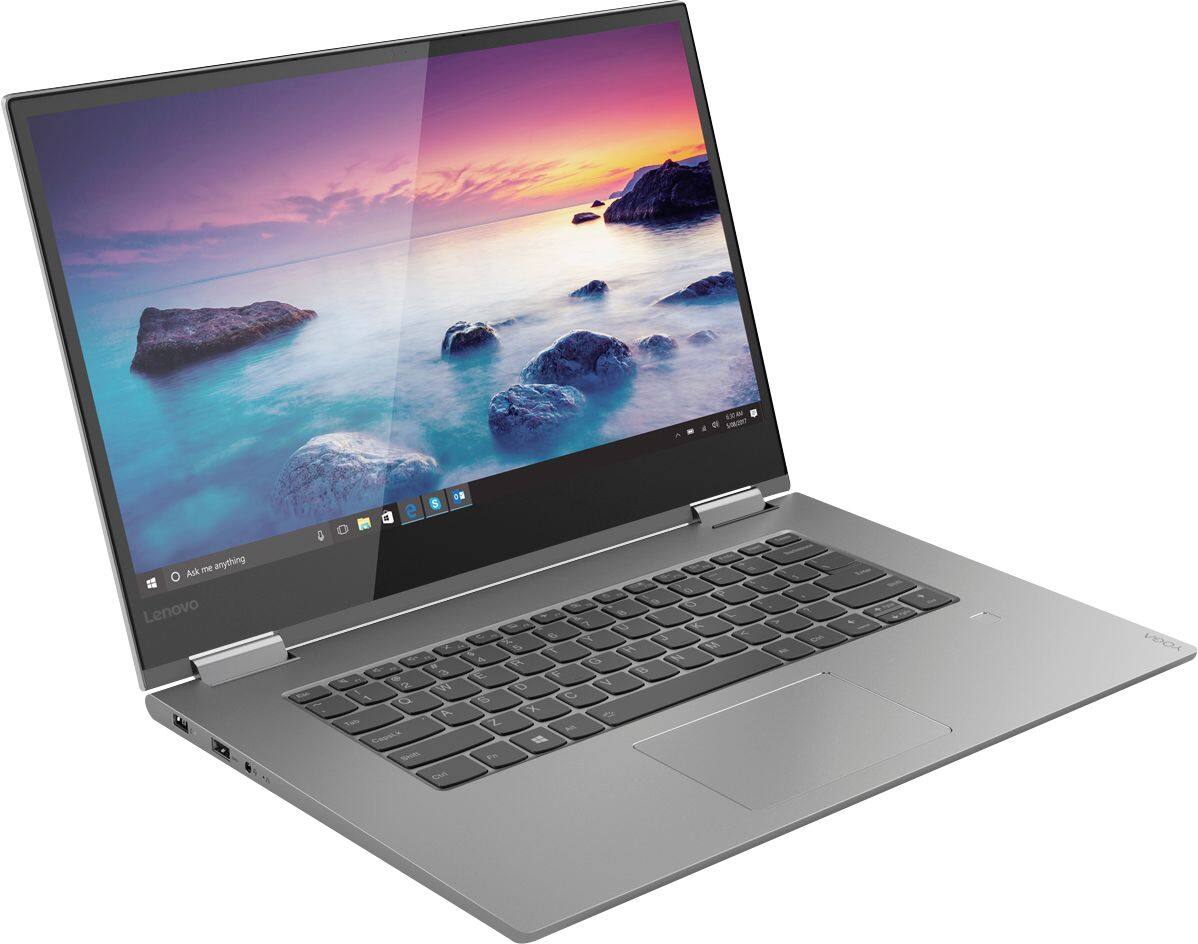
||Posted .This reviewer received promo considerations or sweepstakes entry for writing a review.A nice improvement to an already best in it's class 2-in-1. Faster than ever and the 4K 15.6" screen looks spectacular for both streaming and gaming. As sturdy as alwaysbut now a bit lighter.
I would recommend this to a friendBrand response from Lenovo Product Expert
Posted .Thank you for choosing the Lenovo Yoga 730-15. We are pleased to hear that the features and performance of the Yoga 730-15 meets your computing needs so well.

- Pros mentioned:Fast
Efficient, but not Perfect
||Posted .This reviewer received promo considerations or sweepstakes entry for writing a review.The laptop was working perfect. When I used it the first 2 months. I noticed that, Lenovo components like its (WiFi) chip is wack and will eventually lose signal, but it can be fixed by replacing it. Overall, laptop is super fast and efficient. I’m a college student, pursing Computer Science this laptop works good with my work.
I would recommend this to a friend - Pros mentioned:Screen
Great laptop
||Posted .This reviewer received promo considerations or sweepstakes entry for writing a review.Keyboard is really I nice to type on and screen is fantastic. Good for gaming too. Fantastic for a 15 inch laptop to also fully flex into the different positions. I like it.
I would recommend this to a friend - Pros mentioned:ScreenCons mentioned:Loud fan
TRASH - Objective Review
||Posted . Owned for 11 months when reviewed.This reviewer received promo considerations or sweepstakes entry for writing a review.I really want this to work; I really wanted to like it - I used to work at IBM and I had some friends who went with the Thinkpad transition to Lenovo. All i ever heard was Lenovo was still producing quality machines. Unfortunately, this product has been one issue after another. And all of the issues I experienced and am working through are common issues to this model. FIRST - The HDMI port will not output fluid video or audio. The sound or image freezes or blanks every few minutes to every few seconds. I've tried to determine if the issue was RAM or processor related, or if it is a port or graphics card issues. I'm have yet to determine a cause or find a fix. I just don't use the HDMI...which sucks. SECOND - The fan noise and constant running. When the fan runs, it runs! For me, the constant running of the god-awful whiny fan was due to trend micro maximum security suite. I just quit the program in the task manager and then start it again. The antivirus software works great and the fans stops running. However, just about anytime a scan, program, or Lenovo bloatware runs, that horrible fan noise will return until the process is complete or program closed. NOW - Screen flickering. After about 9 months, and pretty minimal usage, and very minimal flipping the screen into tablet mode, the screen has begun to flicker. And rare moments, it will distort or show a bunch of lines at the bottom of the screen. Some other owners say their issues were the actual screen connecting cable. Others had software or on-board v. Nvidia graphics issues. Mine definitely seems to be software related. The screen just doesn't seem to flicker due to movement or vibration. Updating bios, graphics drivers, and all other windows and Lenovo updates I could find has seemed to diminish the flickering. I am still looking for cause and solution. POSITIVES - The screen is beautiful, touch screen is responsive, and the UHD is nice. And the build of the laptop is pretty nice. Otherwise, it runs like any laptop should with the processor, RAM, SSD, and graphics. On-board audio is better than any other laptop I've owned, but it is still tinny laptop audio in the end. I went with a Bamboo pen rather than a Lenovo version. I have very limited experience with it yet, but it seems to work fine. Ultimately, I would have to say DO NOT BUY THIS PRODUCT. Given the chance, I would take my $1700 back, buy a Dell with a 4k screen and GTX, and pocket a few hundred bucks and HOURS and HOURS of HEARTACHE and HEADACHE you can't get back.
No, I would not recommend this to a friend Love the performance but I hate the battery life
||Posted .This reviewer received promo considerations or sweepstakes entry for writing a review.Beautiful display and body. The performance is fast and reliable. I enjoy using the trackpad which I normally dont like to use on laptops. Havent had any glitches or issues yet. It's a delight to use with the active pen. The sound is just ok... it's certainly not the Yoga 930 speakers but, it can get super load. The hinge is very sturdy not cheap at all. I love everything about the laptop except the battery. Even on the second to last performance setting you will struggle to get 4 hours of battery life. I think lenovo was very misleading about the battery performance. I upgraded from a very old Lenovo laptop. Its disappointing to upgrade to a modern laptop and still have to heavily rely on a charger. To put it into perspective I often look at the battery icon. Sometimes it says at 40% charge I only have 1 hour left. Its terrible! I would rate it lower if I paid the normal price for it. I purchased it open box for a significantly lower price. If I paid the full price I would expect a lot more out of this laptop. I would expect a much better battery for sure.
I would recommend this to a friendGreat laptop not for gaming
||Posted .This reviewer received promo considerations or sweepstakes entry for writing a review.Bought this laptop today for a flash sale, took it home and immediately downloaded overwatch cause I was sceptical if the specs would still be able to run this game with the 4K display and unfortunately it could not! Lowest settings possible and this computer got 12 FPS during battles and 25 just standing around. Everything else about the computer I absolutely love but I will be returning it solely because it can’t run the one video game I play. Very bummed I have to give up such a good laptop. If you’re looking to play any type of games I suggest looking else where but if you don’t care about gaming this is a wonderful laptop! If I could afford both I would 100% keep this just for my photo editing.
I would recommend this to a friendBrand response from Lenovo Product Expert
Posted .We recommend that when you have specific software/games you want to use on a new computer, you check the recommended configuration for a computer for that software/game, before you invest in any new computer.
- Pros mentioned:FastCons mentioned:Battery life
Published and real performace are very different
||Posted .This reviewer received promo considerations or sweepstakes entry for writing a review.The Good: Screen quality; speed. The Bad: Battery: not more 2 hours!!!. Windows 10 freezes continuously, and is not resolved with updates or re installation of the OS.
No, I would not recommend this to a friendBrand response from Lenovo Product Expert
Posted .The Yoga 730-15 ships with a 3CELL 51.5WH, Lithium Polymer battery, with a battery life of up to 8 hours. If you are getting substantially less battery life, be sure there are no unwanted programs running in the background, draining the battery. Here is a link to some tips for finding out what is draining your battery:
https://www.laptopmag.com/articles/battery-saver-windows-10. Additionally, to maximize battery life, try changing your power management setting to a more conservative one. You can do this in the control panel, in the power management category on your system. Select a more conservative power management setting to extend battery life. The operating system obviously should not freeze. Be sure any software you installed is compatible with Windows 10. There is no need to install Microsoft Office software. The software is already part of the operating system, you just need to activate the software with a purchased product key. If you have installed a copy of Microsoft Office, this is conflicting with the existing copy on the system and this will slow your system down. If you have installed a 3rd party anti-virus program, be sure that Windows Defender is turned off and that the trial version of McAfee Anti-Virus software is uninstalled. There can only be one anti-virus program on the system. You may need to restore your system to original factory default settings if any of the programing errors have occurred. You can do that by typing "restore" in the Cortana search window. Just click on the magnifying glass icon at the bottom left of your Windows 10 Desktop. Click on "Reset This PC" Then click on "Get Started" and follow the on screen directions to restore to factory defaults. Finally, you can maintain the health of the hardware and operating software of the device by regularly using Lenovo Utility software installed on the device. This system has Lenovo utilities installed to help maintain the health of the device and keep the operating system software up to date. Type "Lenovo Vantage" in the Cortana Search window (if Lenovo Vantage is not installed on your device, you can download the APP and install it now). Select Lenovo Vantage from the list. In the window that opens, click on "Health and Support". In the expanded menu, select "Hardware Scan" In the window that opens, select "Run Quick Tests". This will scan your entire system for errors. Follow any directions that may pop up. If the problem continues after this scan, now click on "System Update". First select Windows update from the menu. Scan your system to be sure you have the latest version of Windows 10. Once that scan is complete, select "Additional Updates". This will scan your device to be sure there are no new BIOS/Driver updates needed. Follow any instructions that may pop up. If the issue still continues after these updates, we recommend you call Lenovo Tech Support at: 877-453-6686 for additional help.
- Pros mentioned:Design
Purchased for start of college
||Posted .This reviewer received promo considerations or sweepstakes entry for writing a review.Have not used it enough to give good review. Graphics are great though. Price was good for specs of the machine compared to others
I would recommend this to a friendBrand response from Lenovo Product Expert
Posted .Thank you for choosing the Lenovo Yoga 730-15. We are pleased to know that the value and features of the Yoga 730-15 met your criteria for a new computer so well.
- Cons mentioned:Battery life
Excellent General Purpose Laptop
||Posted .This reviewer received promo considerations or sweepstakes entry for writing a review.I have owned this now for about two months and it seems to be a great laptop for the money. Plenty of performance, great screen size and quality, and portable enough for me. I fly a lot and this is easy to carry while traveling. I'm a little disappointed in the battery life, but that's not really a problem for me. I use it for pretty general stuff like business documents, spreadsheets, presentations, some elementary photo editing, email, web browsing, etc. No intense gaming or graphics rendering.
I would recommend this to a friendBrand response from Lenovo Product Expert
Posted .Thank you for choosing the Lenovo Yoga 730-15. This model ships with a 3CELL 51.5WH, Lithium Polymer battery, with a battery life of up to 8 hours, depending on the work that the device is performing. If you are getting substantially less battery life, Be sure there are no unwanted programs running in the background, draining the battery. Here is a link to some tips for finding out what is draining your battery:
https://www.laptopmag.com/articles/battery-saver-windows-10. If there are no unwanted programs running, here is a link to setting up battery optimization of your Windows 10 computer: With regard to optimizing battery life, here is a link to instructions for adjusting the battery settings within Windows 10: https://www.windowscentral.com/how-optimize-battery-life-windows-10-settings.
- Pros mentioned:4k screen
Fast, HD screen great
||Posted .This reviewer received promo considerations or sweepstakes entry for writing a review.Was looking for 2 in 1, hi DEF screen, SSD, I7, enough USB just in case. Not many I liked until I found this one.
I would recommend this to a friend - Pros mentioned:Screen
Call me stunned...
||Posted .This reviewer received promo considerations or sweepstakes entry for writing a review.I won't lie, I've been a dedicated Mac person for the last 10 years! But when the price tag went higher and upgrade was imminent, I decided to give windows a try. Overall, this product is giving me the Mac performance on a Windows device and I cannot be happier. With my Bamboo pen and the touch screen, my graphic design work has improved incredibly and I cannot be happier. Worth every penny!
I would recommend this to a friendBrand response from Lenovo Product Expert
Posted .Thank you for choosing the Lenovo Yoga 730-15 4K model. We are pleased to hear that the features and performance of the Yoga 730-15 4K model meets your computing needs so well.

Pretty good but...
||Posted .This reviewer received promo considerations or sweepstakes entry for writing a review.I purchased this because of the specs as I do graphic design and video editing. Seemed to hold up pretty well to that. Didn't really have any issues. I used Photoshop and it handled things well. The issue was the network adapter which kept dropping my internet! Was so annoying. Wouldn't stay connected. Yes, I tried all that they said to do, but still had the same issue. You shouldn't have to go through that with a new laptop. Sad to say that I returned this model and bought another Lenovo Yoga 730, which has a different serial number, more RAM, and a 1TB HD. This one has not dropped the internet connection once. So I'm pretty happy with the upgraded modwl.
No, I would not recommend this to a friendAwesome System
||Posted .This reviewer received promo considerations or sweepstakes entry for writing a review.Before buying this product, I conducted extensive research on what was best for me! After stumbling over spending 1 grand, there is no regrets. This computer is lightning fast on startup. The processor speeds allows me to do 3D printing with ease, as well as simultaneously running other video programs! Not to mention it wirelessly connects to Tv and other media systems without complications. Only downsize is not having a SD card reader or disk drive, but easily navigated around. Also, it’s a little big to handle when in Tablet mode. But other than that this computer is an awesome machine for the average user for work and pleasure. Glad I bought it!
I would recommend this to a friendBrand response from Lenovo Product Expert
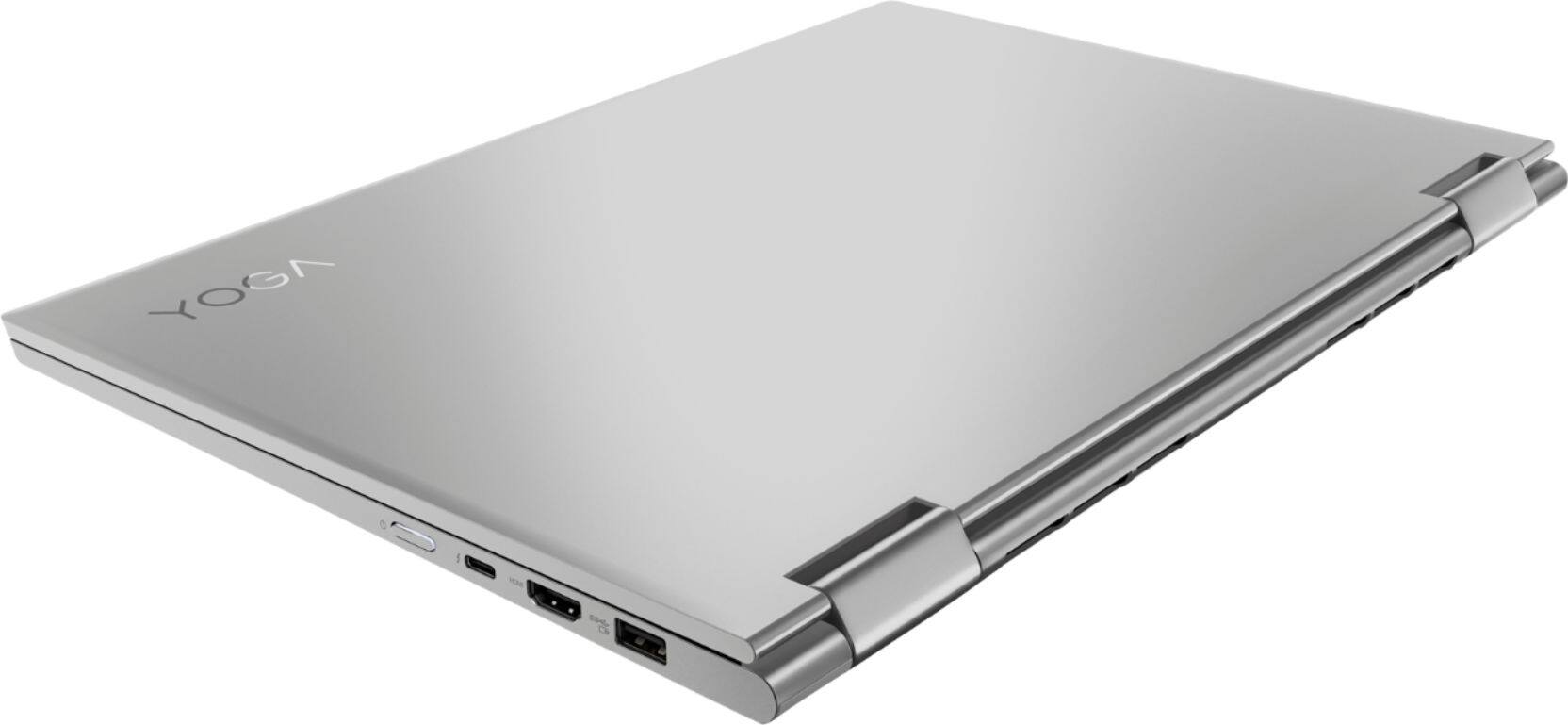
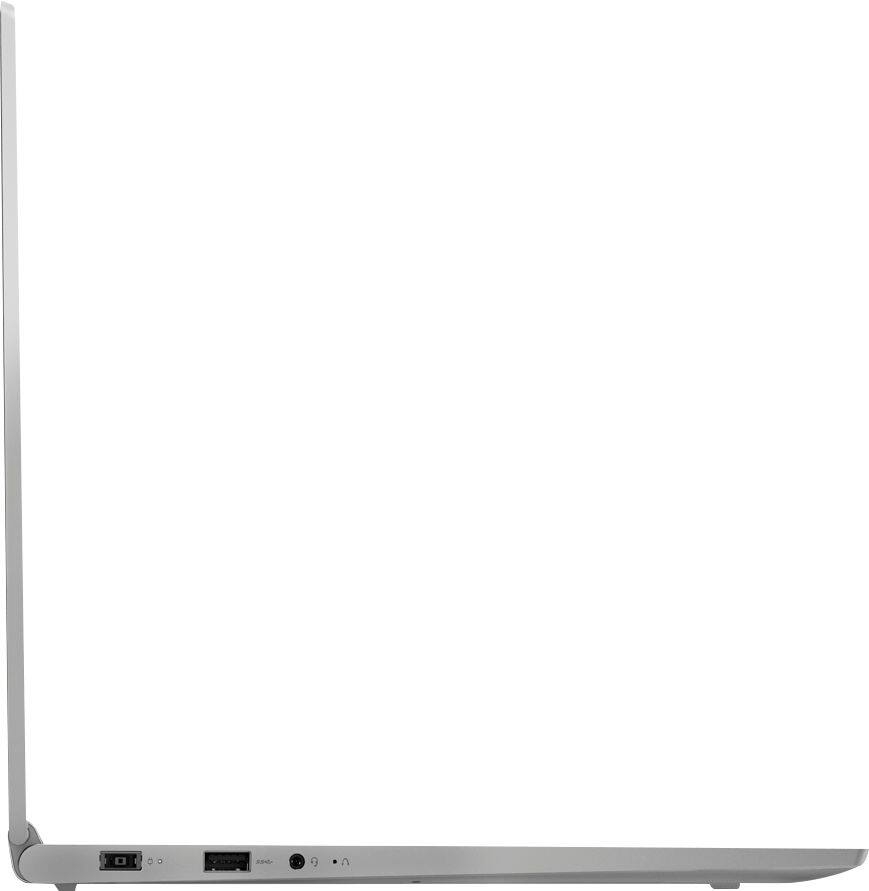
Posted .Thank you for choosing the Lenovo Yoga 730-15. We are pleased to hear that the features and performance of the Yoga 730-15 meets your computing needs so well. This 15.6" (screen size measured diagonally) weighs just 4.17 lbs and measures just 14.17 x 9.80 x 0.68 inches. This ultra portable configuration limits space for ports and extra drives. This configuration does not have a Smart Card Reader nor an optical drive. You can use external Smart Card Readers and/or external Optical Drives by simply plugging in to a USB port on the computer.
- Cons mentioned:Sharp edges
does everything I need, quick, sleek, light enough
||Posted .This reviewer received promo considerations or sweepstakes entry for writing a review.It's fast enough, light enough, does everything I need! It would be a 5 star if the surface texture wasn't so weird. Edges are sharp as well. Other than that it has been great
I would recommend this to a friendBrand response from Lenovo Product Expert
Posted .Thank you for choosing the Lenovo Yoga 730-15. With regard to the surface texture and the edges of the device, we will look into this for future improvements.
- Pros mentioned:Design, Screen
Great labtop
||Posted .This reviewer received promo considerations or sweepstakes entry for writing a review.I like its design and touchscreen. it has wonderful features.
I would recommend this to a friendBrand response from Lenovo Product Expert
Posted .Thank you for choosing the lenovo Yoga 730-15. We are pleased to hear that the features and performance of the Yoga 730-15 meets your computing needs so well.
- Cons mentioned:Battery life
Not a recommended purchase
||Posted . Owned for 7 months when reviewed.This reviewer received promo considerations or sweepstakes entry for writing a review.I think for the price point the computer does not hold up its value. For normal use the computer will provide whatever you need but that can be said about models that are less than half its value. it heats up very fast and has awful battery (3 hours max, its basically a slightly mobile desktop because I just have it plugged in the whole time). However it is a very fast computer (had it for almost 2 years, i am noticing it freezes in google chrome which is odd, i have maintained it well, hopefully i can resolve this issue. all that is tolerable but the single most important issue i have witht he device that i think should discourage anyone trying to buy the device, is the WIFI problem. this computer will simply disconnect from the wifi, any wifi, all networks will vanish and not appear. try restarting the computer, whatever you want it will come back on its own in a few hours. it happens about once a month. I changed my router, my internet provider, everything i could think of, searched it up and brought it to geek squad they all say its an issue with the computer. this is unacceptable, without the internet this is a very expensive typewriter/paperweight.
No, I would not recommend this to a friend - Pros mentioned:Fast, Screen
Super laptop!
||Posted .This reviewer received promo considerations or sweepstakes entry for writing a review.A lot faster than my desktop! I really like the screen.
I would recommend this to a friend Almost perfect - but Wifi is a joke
||Posted .This reviewer received promo considerations or sweepstakes entry for writing a review.Its already been said by other users - but man they weren't lying. The wifi card on these is just unusable. I needed a laptop to be able to remote into my work CPU, but I can't even keep this thing connected long enough to do anything useful. It 3 attempts just to log into my best buy account to write this review lol. Will have to replace the wifi card. I mean, who wants to replace anything on a premium level device? Once done, this will be perfect. Great specs for the sale price paid. Cheaper than the Dell I had to take back, and this Lenovo blows that one away
I would recommend this to a friendGood Laptop Overall
||Posted .This reviewer received promo considerations or sweepstakes entry for writing a review.I wanted a laptop that can handle good graphic with flexibility of using it on other things. This laptop fitted my need perfectly. There were 2 major cons I have found. The first con was it could not handle some high resolution games properly: laptop either slowed down for processing or image rendering became poor. The second con is screen hinges were not strong to hold the screen over a certain angle: hinges did not seem to bare the weight of the screen. It still holds, but the screen may slowly fall. Other than these, this is a good laptop.
I would recommend this to a friendBrand response from Lenovo Product Expert
Posted .We recommend you check the requirements and compatibility of the specific games you want to play then compare those requirements and compatibility to the Yoga 730-15 4K model configuration. The Yoga 730-15 uses hinges that have been bench tested through 25,000 cycles (the equivalent of 8 to 10 years of normal use) without a failure.