Customer Ratings & Reviews



- Model:
- 82BH000XUS
- SKU:
- 6434673
Rating by feature
- Value
Rating 4.1 out of 5 stars
- Quality
Rating 4.2 out of 5 stars
- Ease of Use
Rating 4.3 out of 5 stars
Customers are saying
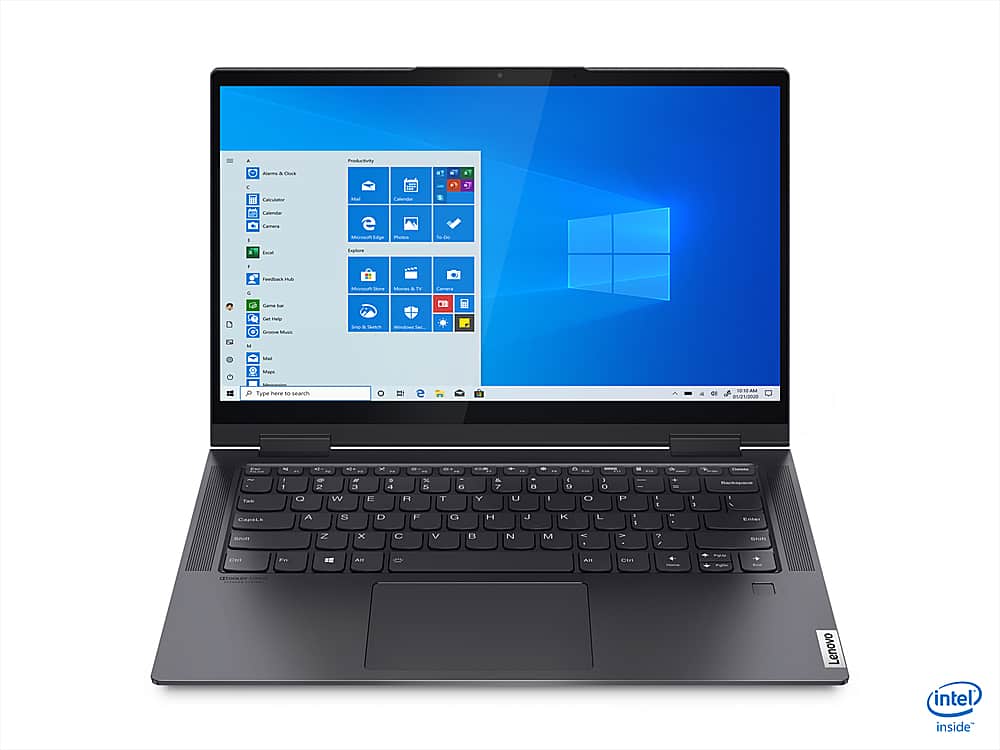
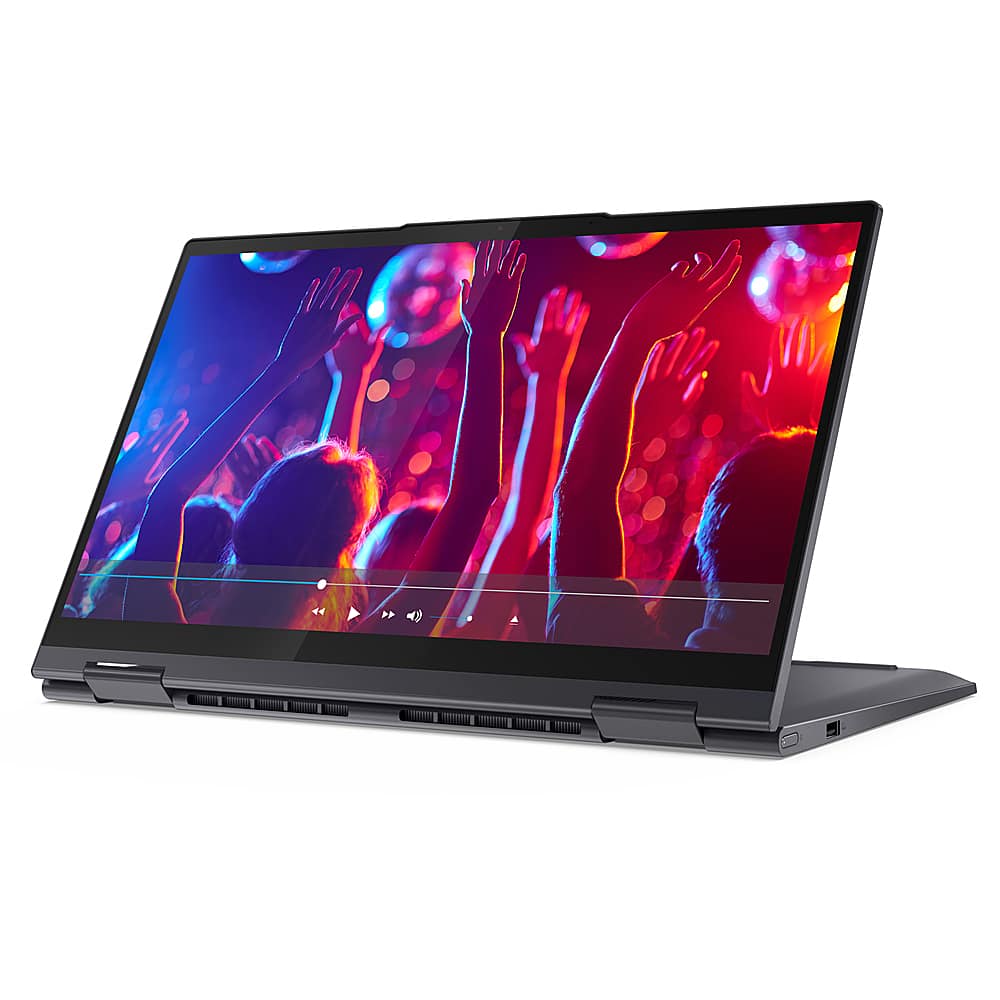
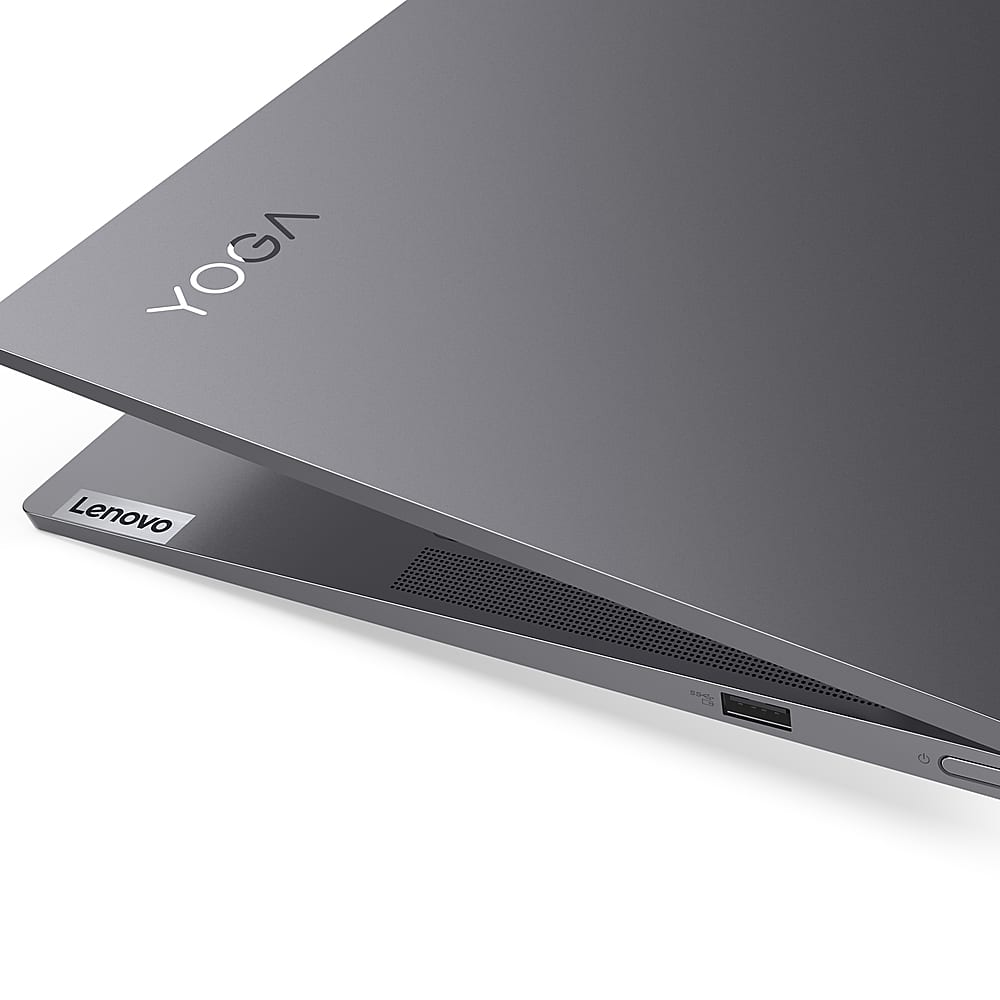
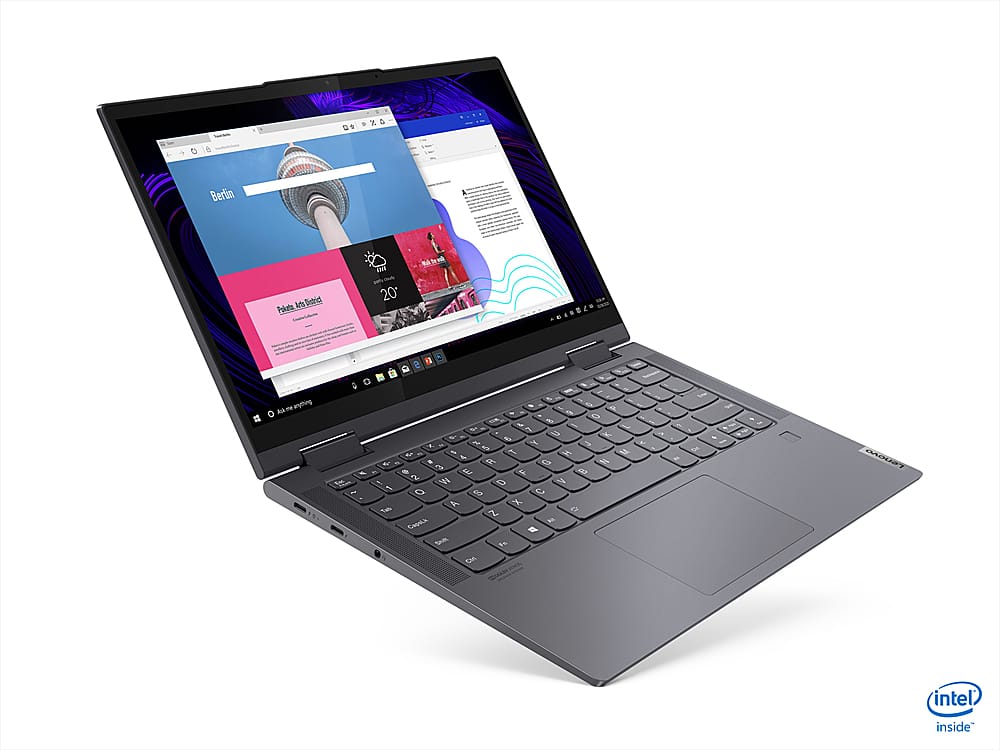
Customers appreciate the Yoga 7i 14 2-in-1 laptop for its lightweight design, which makes it easy to carry around and use.
This summary was generated by AI based on customer reviews.
- Pros mentioned:16 gb ram, SpeedCons mentioned:Battery, No pen
Fast
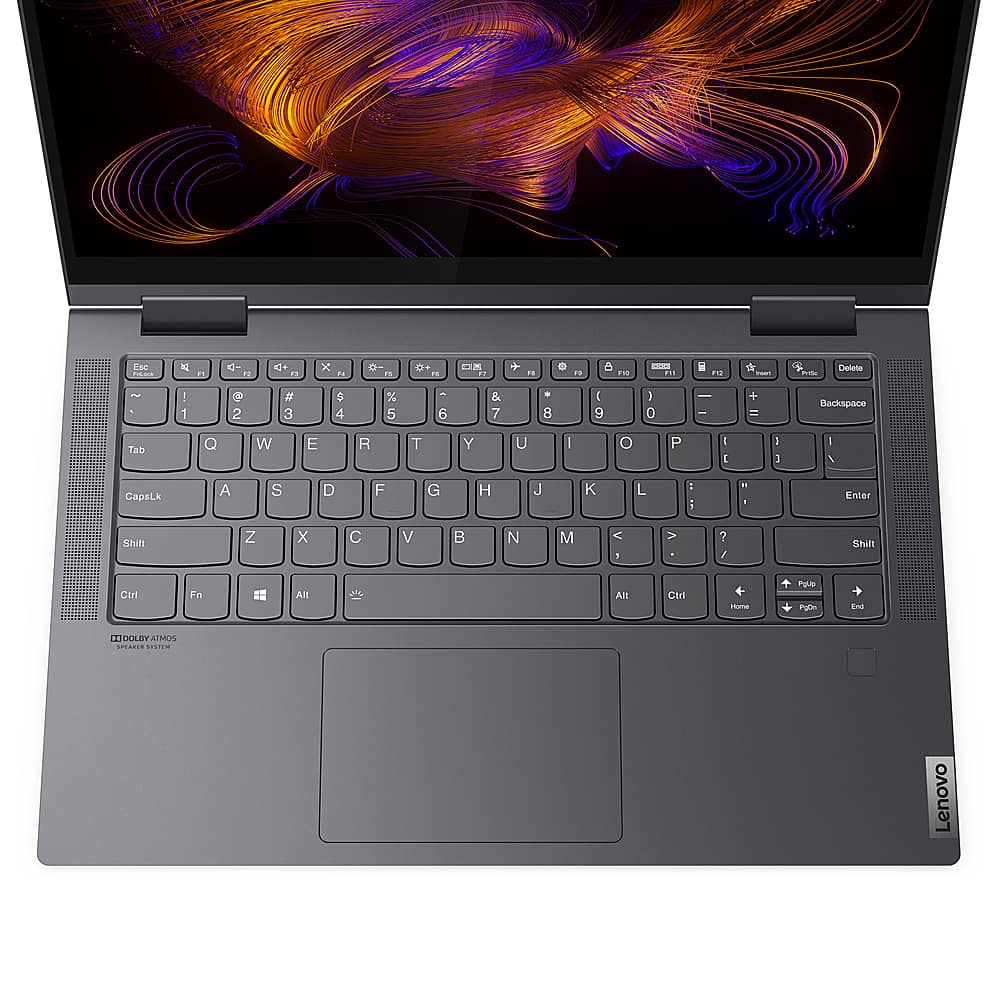
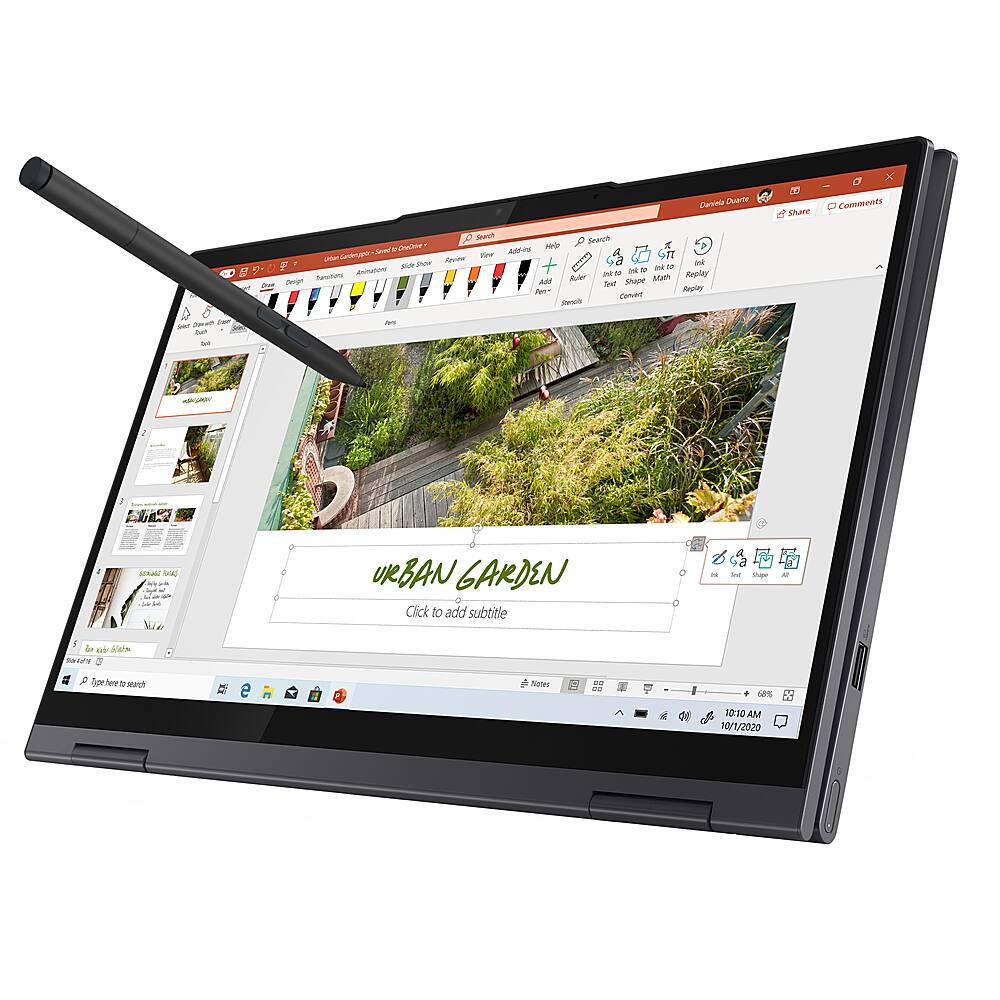
||Posted . Owned for 2 months when reviewed.This reviewer received promo considerations or sweepstakes entry for writing a review.I like my new Yoga 7i a lot. (It has i7-1165G7 cpu, 16 GB RAM). It is very fast. Difficult websites like NYTimes.com, Pcmag.com, Amazon load in a few seconds. Its my first touchscreen but don't want to go back. With a Chromebook I was always running up against things I couldn't do (I'm a techie). Even when it had a decent app for something, you had to learn it. Looks great. ------------------------- Complaints ok battery life but seems more like 6 hrs no pen included on $1200 laptop. When you buy one for $50, no place to stow it--will be easy to lose. keys not lit on $1200 laptop no Home, end, pageup, pagedown keys sharp edges not light (3.1 lbs) but hard to do better. 3 separate ways to disable camera = must enable ALL or doesn't work Maybe should have gotten HP Spectre 360--would have had pen, lit keys, Home, end, pageup, pagedown keys for $100 more. Consider it. I didn't like it's looks- the copper accents look tacky to me.
I would recommend this to a friendBrand response from Lenovo Product Expert
Posted .The Lenovo Yoga 7i-14 model number 82BH000XUS, ships with a 4CELL_71WH_INTERNAL, Lithium Polymer Battery, which within this configuration, has a battery life of up to 13 hours. The Active Pen for the Yoga 7i Series is sold separately. The Yoga 7i-14 does have a backlit keyboard. Hold down the Fn key and at the same time tap the Spacebar: once to turn on the back lighting, twice to increase the brightness of the backlighting and three times to turn off the backlighting. The 720p (HD) webcam on the Yoga 7i-14 uses a manual Privacy Shutter for security purposes when the camera is not in use by the user. If you are getting substantially less battery life, first, set your screen brightness at less than 100-percent - try 80-percent to start with. Then, be sure Battery conservation Mode is turned off. This power management setting should only be used when the laptop is plugged in all the time. It will prolong overall battery life by only charging the battery to 60-percent of capacity. Here is a link to instructions for turning off Battery Conservation Mode: https://support.lenovo.com/us/en/solutions/ht103159. Also check what programs are running in the background on the computer. Be sure only the programs you want running in the background are. These programs will drain the battery. Here is a link to information about how to find out what programs are running in the background on your Windows 10 computer and how to manage them for better system performance: https://www.windowscentral.com/how-prevent-apps-running-background-windows-10. Then, finally, be sure any software you installed is compatible with Windows 10. Incompatible software will drain the battery at a faster rate. There is no need to install Microsoft Office software. The software is already part of the operating system, you just need to activate the software with a purchased product key. If you have installed a copy of Microsoft Office, this is conflicting with the existing copy on the system and this will slow your system down. If you have installed a 3rd party anti-virus program, be sure that Windows Defender is turned off and that the trial version of McAfee Anti-Virus software is uninstalled. There can only be one anti-virus program on the system. You may need to restore your system to original factory default settings if any of the programming errors have occurred. You can do that by typing "restore" in the Cortana search window. Just click on the magnifying glass icon at the bottom left of your Windows 10 Desktop. Click on "Reset This PC" Then click on "Get Started" and follow the on screen directions to restore to factory defaults. If the problem persists, we recommend you contact Lenovo Tech Support at: 877-453-6686.

- Pros mentioned:Speakers, SpeedCons mentioned:Battery
Lots of computer for the $$.
||Posted .This reviewer received promo considerations or sweepstakes entry for writing a review.This was a great computer for the price. Lots of speed and hard drive space. speakers were good, video was sharp. Unfortunately, mine had a battery problem, and I had to return it. I would buy it again, didn't seem to be a common problem.
I would recommend this to a friendBrand response from Lenovo Product Expert
Posted .We are sorry to hear that you had issues with the battery within your Lenovo Yoga 7i-14. This model ships with a 4CELL_71WH_INTERNAL, Lithium Polymer Battery, with a battery life of up to 13 hours, depending on the work the device is performing. If you are getting substantially less battery life, First, set your screen brightness at less than 100-percent - try 80-percent to start with. Then, be sure Battery conservation Mode is turned off. This power management setting should only be used when the laptop is plugged in all the time. It will prolong overall battery life by only charging the battery to 60-percent of capacity. Here is a link to instructions for turning off Battery Conservation Mode: https://support.lenovo.com/us/en/solutions/ht103159. Also check what programs are running in the background on the computer. Be sure only the programs you want running in the background are. These programs will drain the battery. Here is a link to information about how to find out what programs are running in the background on your Windows 10 computer and how to manage them for better system performance: https://www.windowscentral.com/how-prevent-apps-running-background-windows-10. Then, finally, be sure any software you installed is compatible with Windows 10. Incompatible software will drain the battery at a faster rate. There is no need to install Microsoft Office software. The software is already part of the operating system, you just need to activate the software with a purchased product key. If you have installed a copy of Microsoft Office, this is conflicting with the existing copy on the system and this will slow your system down. If you have installed a 3rd party anti-virus program, be sure that Windows Defender is turned off and that the trial version of McAfee Anti-Virus software is uninstalled. There can only be one anti-virus program on the system. You may need to restore your system to original factory default settings if any of the programming errors have occurred. You can do that by typing "restore" in the Cortana search window. Just click on the magnifying glass icon at the bottom left of your Windows 10 Desktop. Click on "Reset This PC" Then click on "Get Started" and follow the on screen directions to restore to factory defaults. If the problem persists, we recommend you contact Lenovo Tech Support at: 877-453-6686.
- Pros mentioned:Lightweight, Speed
Highly recommendable
||Posted . Owned for 3 weeks when reviewed.This reviewer received promo considerations or sweepstakes entry for writing a review.I am very satisfied, the laptop works very fast and its weight and size are great. Only point : it should have included the pen.
I would recommend this to a friend - Pros mentioned:Speakers, Speed
Powerful laptop perfect for college
||Posted . Owned for 3 weeks when reviewed.This reviewer received promo considerations or sweepstakes entry for writing a review.Great laptop for college bound students. We compared specs and prices. very happy with size, function speed for business applications, internet research and remote classes. Great speakers btw!
I would recommend this to a friendBrand response from Lenovo Product Expert
Posted .Thank you for choosing the Intel Evo-Certified, Lenovo Yoga 7i-14. We are pleased to hear that the features and performance of the Yoga 7i-14 meets your computing needs so well.
- Pros mentioned:College student
Use for College
||Posted . Owned for 3 weeks when reviewed.This reviewer received promo considerations or sweepstakes entry for writing a review.Great college kid computer. She text, make phone calls and use for med science.
I would recommend this to a friendBrand response from Lenovo Product Expert
Posted .Thank you for choosing the Intel Evo-Certified, Lenovo Yoga 7i-14 for your student. We are pleased to hear that the Yoga 7i-14 is working out so well.
- Pros mentioned:Speed
Lenovo2020
||Posted . Owned for 1 month when reviewed.This reviewer received promo considerations or sweepstakes entry for writing a review.Good purchase choice. Great for traveling for business and has excellent speed
I would recommend this to a friendBrand response from Lenovo Product Expert
Posted .Hello, thank you for choosing the Lenovo Yoga 7i. We are so happy to hear the performance, features, and sleek modern design of the Lenovo Yoga 7i is meeting your computing needs so well.
- Pros mentioned:Speed
Speedy Lenovo Yoga based on the Intel Evo design
||Posted . Owned for 3 weeks when reviewed.This reviewer received promo considerations or sweepstakes entry for writing a review.It is a remarkable implementation of the Intel Evo platform. Incredibly fast and light, without overheating. The equivalent version from HP, the x360, will burn you after a few minutes. I highly recommend this laptop!
I would recommend this to a friend - Pros mentioned:Speed
Great Laptop
||Posted . Owned for 3 weeks when reviewed.This reviewer received promo considerations or sweepstakes entry for writing a review.Great laptop so far! Setup was a breeze and speed/performance has been solid and I've had no issues with the performance so far. Plug and play with port replicator and mulitple monitors as well. Happy with my purchase.
I would recommend this to a friendBrand response from Lenovo Product Expert
Posted .Thank you for choosing the Lenovo Yoga 7i-14. We are pleased to hear that the features and performance of the Yoga 7i-14 meets your computing needs so well.
- Pros mentioned:Lightweight
Love my Yoga!
||Posted . Owned for 7 months when reviewed.This reviewer received promo considerations or sweepstakes entry for writing a review.I love my yoga! It's light, easy to transport and tons of features! With the adapter I can print, use a ethernet and gives me additional usb ports.
I would recommend this to a friendBrand response from Lenovo Product Expert
Posted .Thank you for choosing the Intel Evo-Certified, Lenovo Yoga 7i-14. We are pleased to hear that the Yoga 7i-14 meets your computing needs so well.
- Pros mentioned:Lightweight
My recommendation
||Posted . Owned for 3 weeks when reviewed.This reviewer received promo considerations or sweepstakes entry for writing a review.Easy weight and friendly use. Lots of features and excellent design. I recommended it to my friends at the office.
I would recommend this to a friend Laptop
||Posted . Owned for 1 month when reviewed.This reviewer received promo considerations or sweepstakes entry for writing a review.Every person in my house uses this same brand of laptop. Mine is Stellar!!!
I would recommend this to a friendBrand response from Lenovo Product Expert
Posted .Thank you for choosing the Lenovo Yoga 7i-14. We are pleased to hear that the Yoga 7i-14 is working out so well for you. We appreciate your household's loyalty to the Lenovo Brand.
- Pros mentioned:Lightweight
fast and light
||Posted . Owned for 2 weeks when reviewed.This reviewer received promo considerations or sweepstakes entry for writing a review.the computer is fast light and is very comfortable. everything i wanted
I would recommend this to a friendBrand response from Lenovo Product Expert
Posted .Thank you for choosing the Lenovo Yoga 7i-14. We are pleased to hear that the Yoga 7i-14 meets your computing needs so well.
- Pros mentioned:Lightweight
Lenovo
||Posted . Owned for 1 month when reviewed.This reviewer received promo considerations or sweepstakes entry for writing a review.Seamless use. Nice graphics...love the feel and lightweight
I would recommend this to a friend Touch screen
||Posted .This reviewer received promo considerations or sweepstakes entry for writing a review.Returned the first one, didn't stop blinking. Got a replacement and will see how it behaves.
I would recommend this to a friendLaptop lenovo
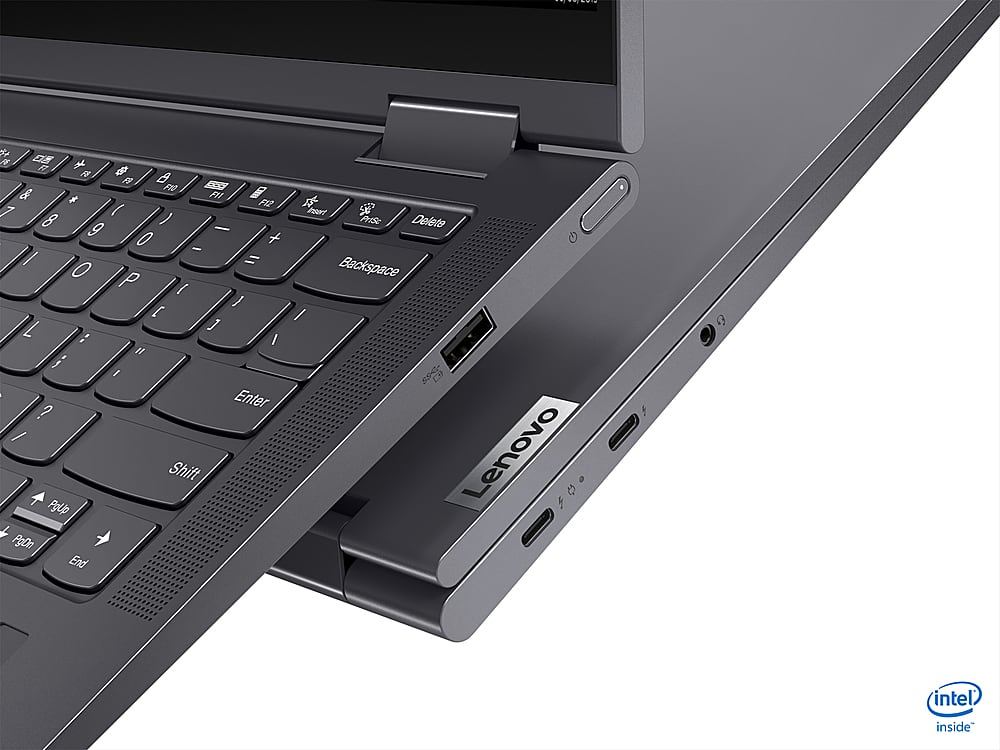
||Posted . Owned for less than 1 week when reviewed.This reviewer received promo considerations or sweepstakes entry for writing a review.Laptop fast lots storage. Boot up is quick. Lighted keyboard is excellent large characters and very comfortable. Could use a second USB port
I would recommend this to a friend7i
||Posted . Owned for 2 weeks when reviewed.This reviewer received promo considerations or sweepstakes entry for writing a review.Had the Lenovo Yoga 7i i7 16gb for a few weeks now... Great build quality and the metallic casing has a nice feel to it. Performance is very fast and reliable
I would recommend this to a friendBrand response from Lenovo Product Expert
Posted .Thank you for choosing the Intel Evo-Certified, Lenovo Yoga 7i 14. We are pleased to hear that the features and performance of the Yoga 7i 14 meets your computing needs so well.
Lenovo yoga 7i
||Posted . Owned for 1 month when reviewed.This reviewer received promo considerations or sweepstakes entry for writing a review.I really like this laptop. Its really light to carry. The processor is fast. And battery life is also good.
I would recommend this to a friendBrand response from Lenovo Product Expert
Posted .Thank you for choosing the Lenovo Yoga 7i-15. We are pleased to hear that the features and performance of the Yoga 7i-15 meets your computing needs so well.
Lenovo Yoga Review
||Posted . Owned for 3 weeks when reviewed.This reviewer received promo considerations or sweepstakes entry for writing a review.I bought this laptop to use for college. School hasn't started yet but it was super easy to set up and I haven't had any issues so far.
I would recommend this to a friendBrand response from Lenovo Product Expert
Posted .Thank you for choosing the Intel Evo-Certified, Lenovo Yoga 7i-14. We are pleased to hear that the Yoga 7i-14 meets your computing needs so well.
Review
||Posted .This reviewer received promo considerations or sweepstakes entry for writing a review.After setup, it works quite well and nothing bad is found. expect it can work well in the following few years.
I would recommend this to a friendBrand response from Lenovo Product Expert
Posted .Thank you for choosing the Intel Evo-Certified, Lenovo Yoga 7i-14. We are pleased to hear that the Yoga 7i-14 is working out so well for you.
College computer
||Posted . Owned for 5 months when reviewed.This reviewer received promo considerations or sweepstakes entry for writing a review.Great computer for college business classes. Not too heavy, easy to carry around.
I would recommend this to a friend