Customer Ratings & Reviews
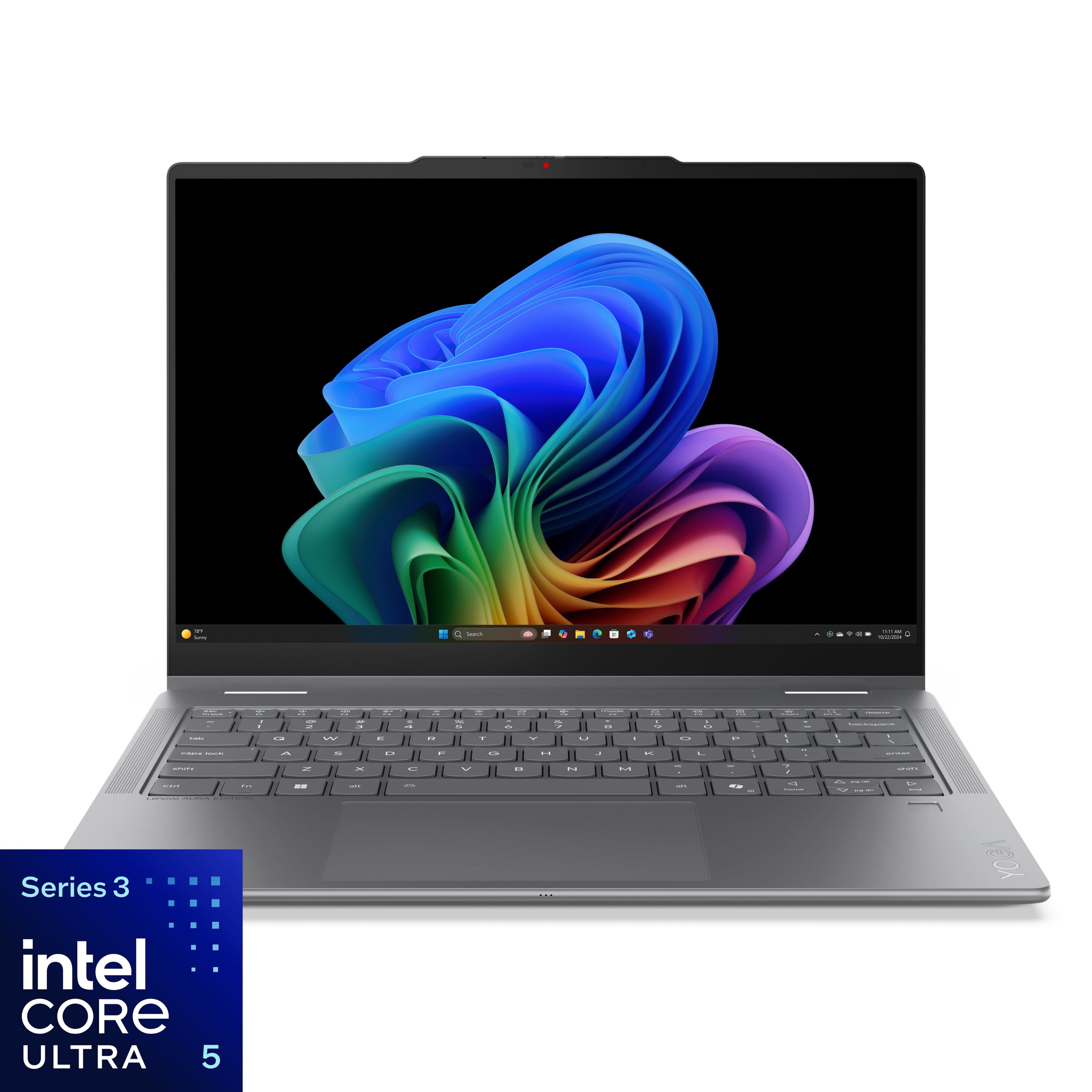
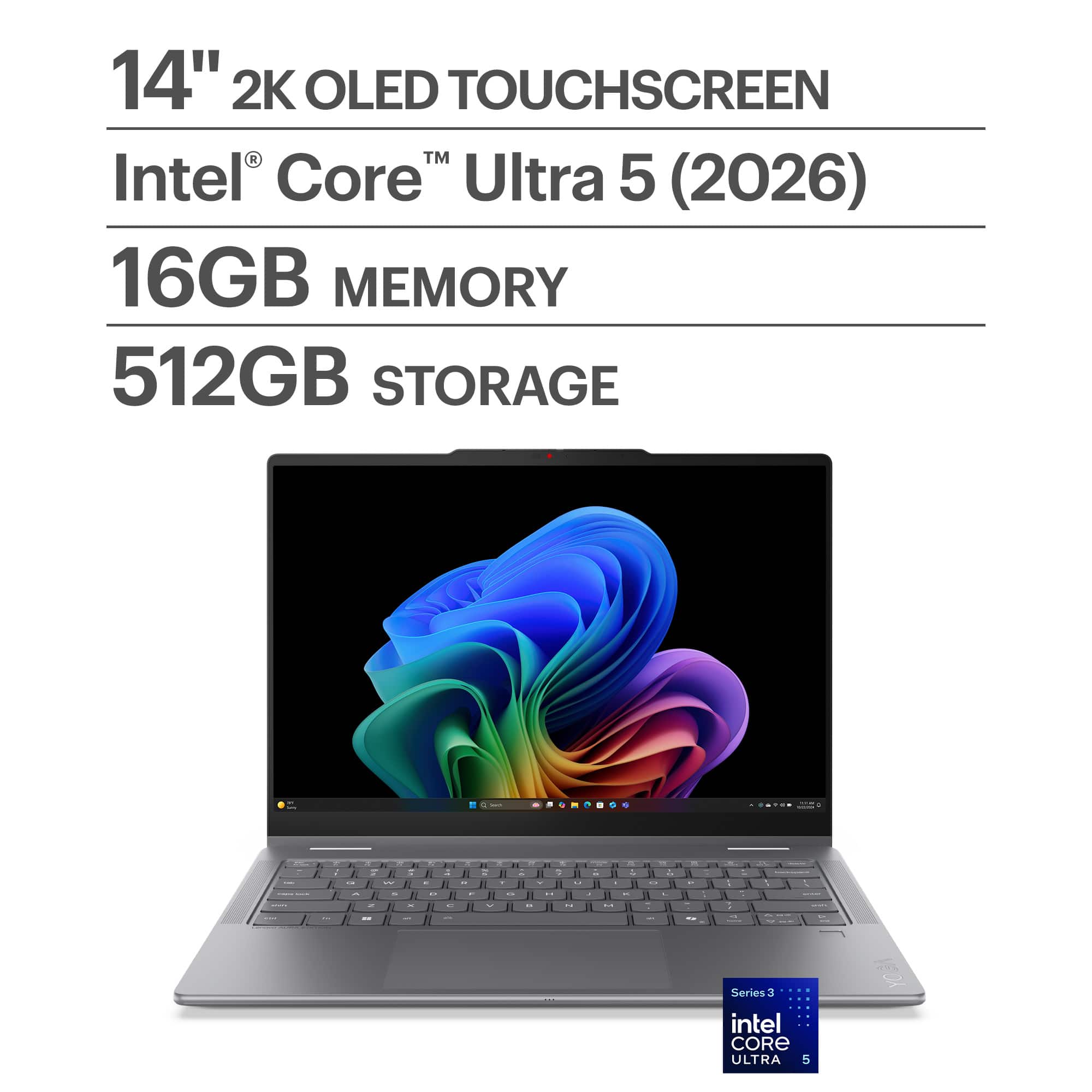






![USC Tn Bock 11 12 <8 3 0 F4 F5 Fa 17 FE mode 12 10 F11 F12 insert prt sc delete i - 1 2 3 $ 4 % 5 A 6 & 7 8 I 9 I o - - = backspace tab Q W E R T Y U I O P [ ] \ caps lock A S D F G H J K L : " enter shift Z X C V N M , . / shift ctrl fn alt alt / home pg up pg dn end Lenovo AURA EDITION YOGA](https://pisces.bbystatic.com/image2/BestBuy_US/images/products/1b01ba14-66c4-42b5-b695-1b89b58ca830.jpg)
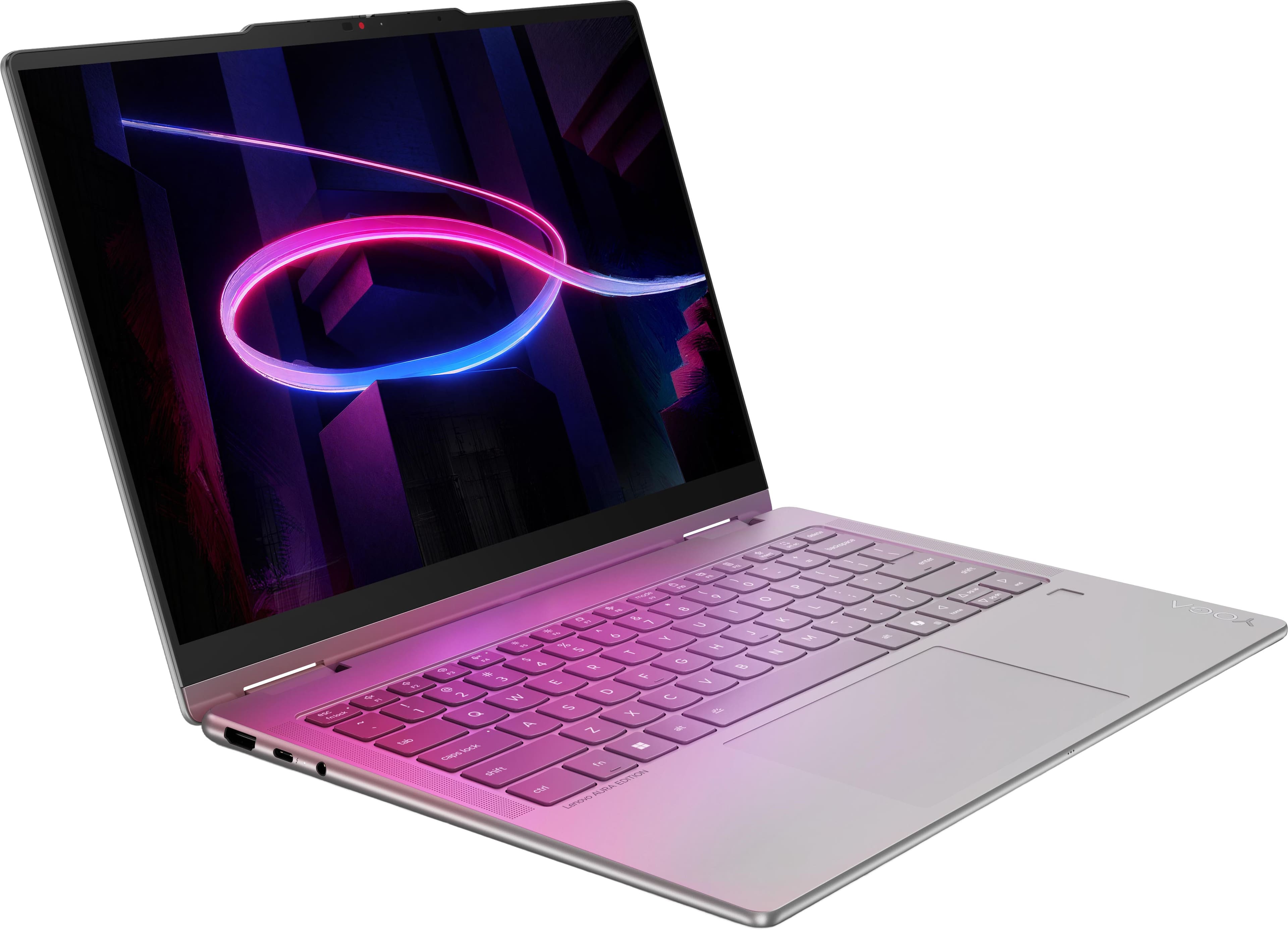
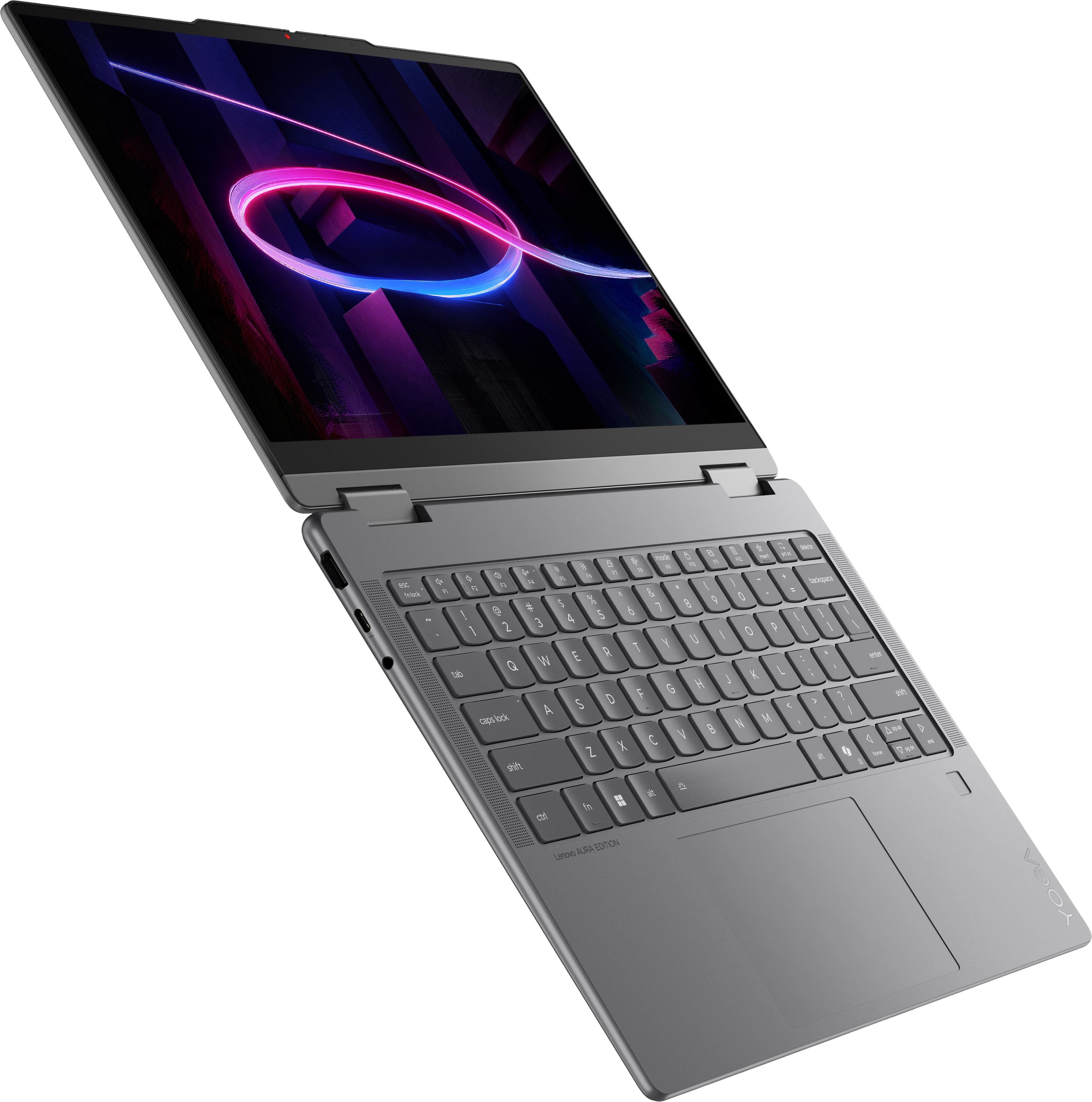
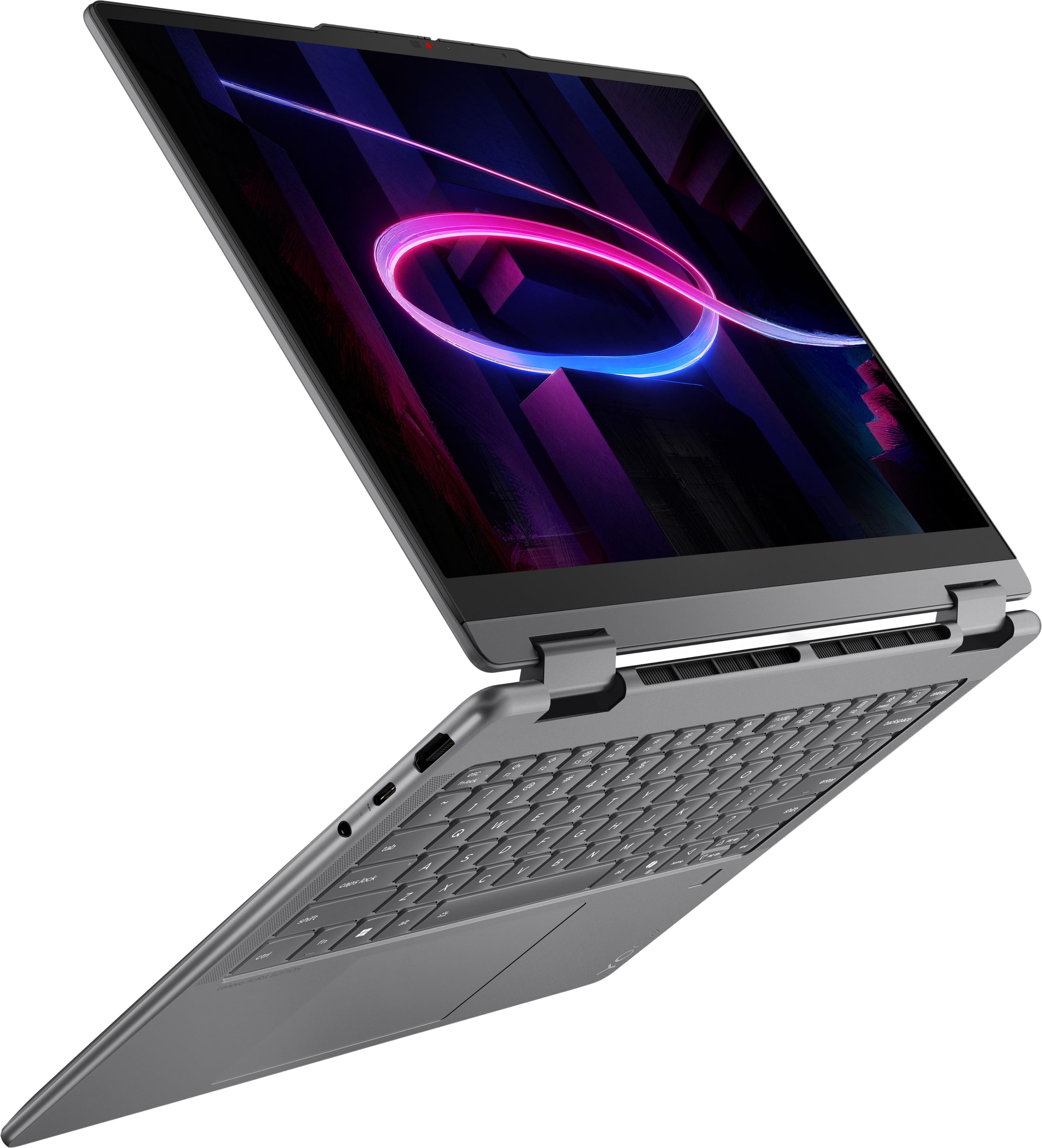
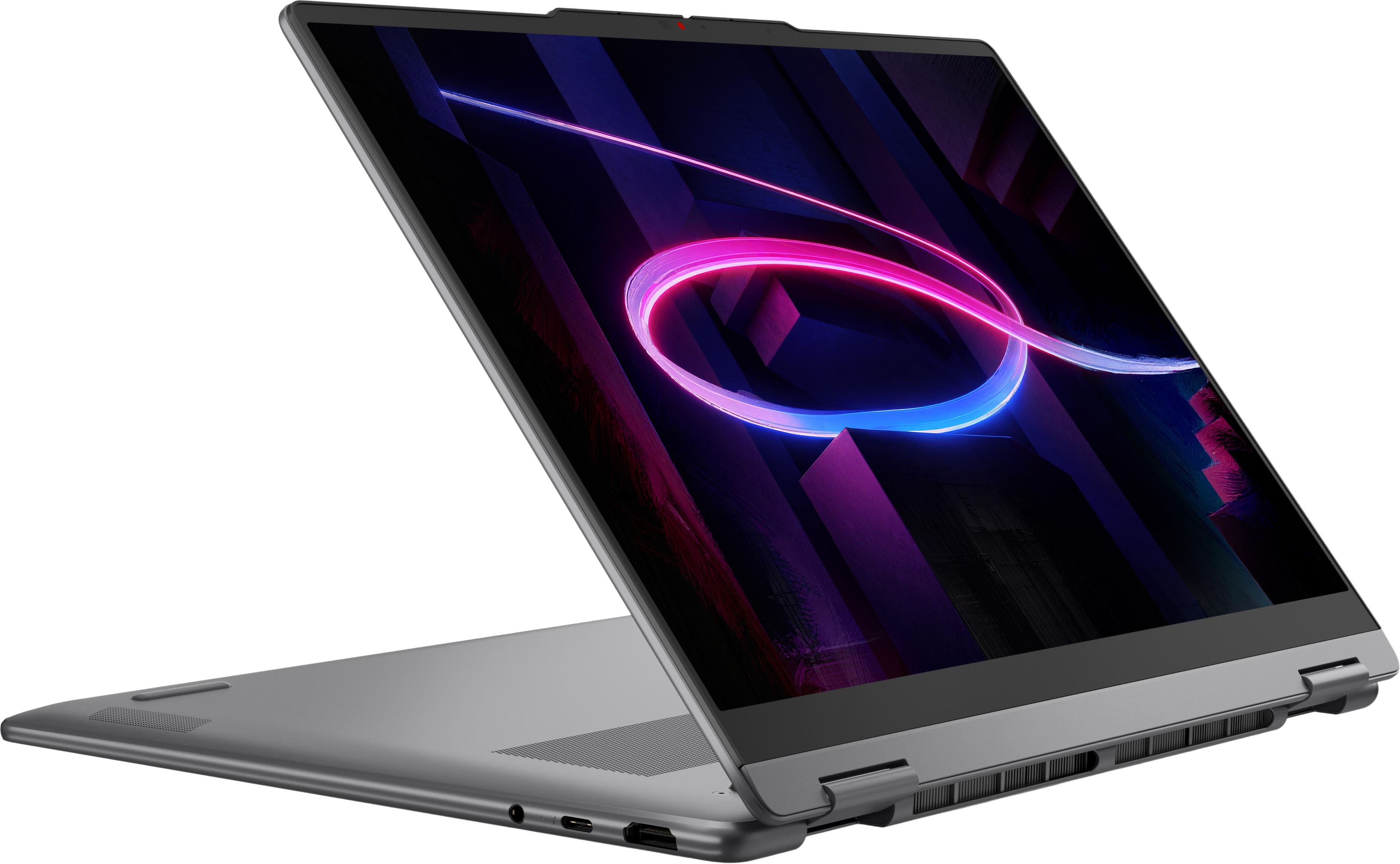
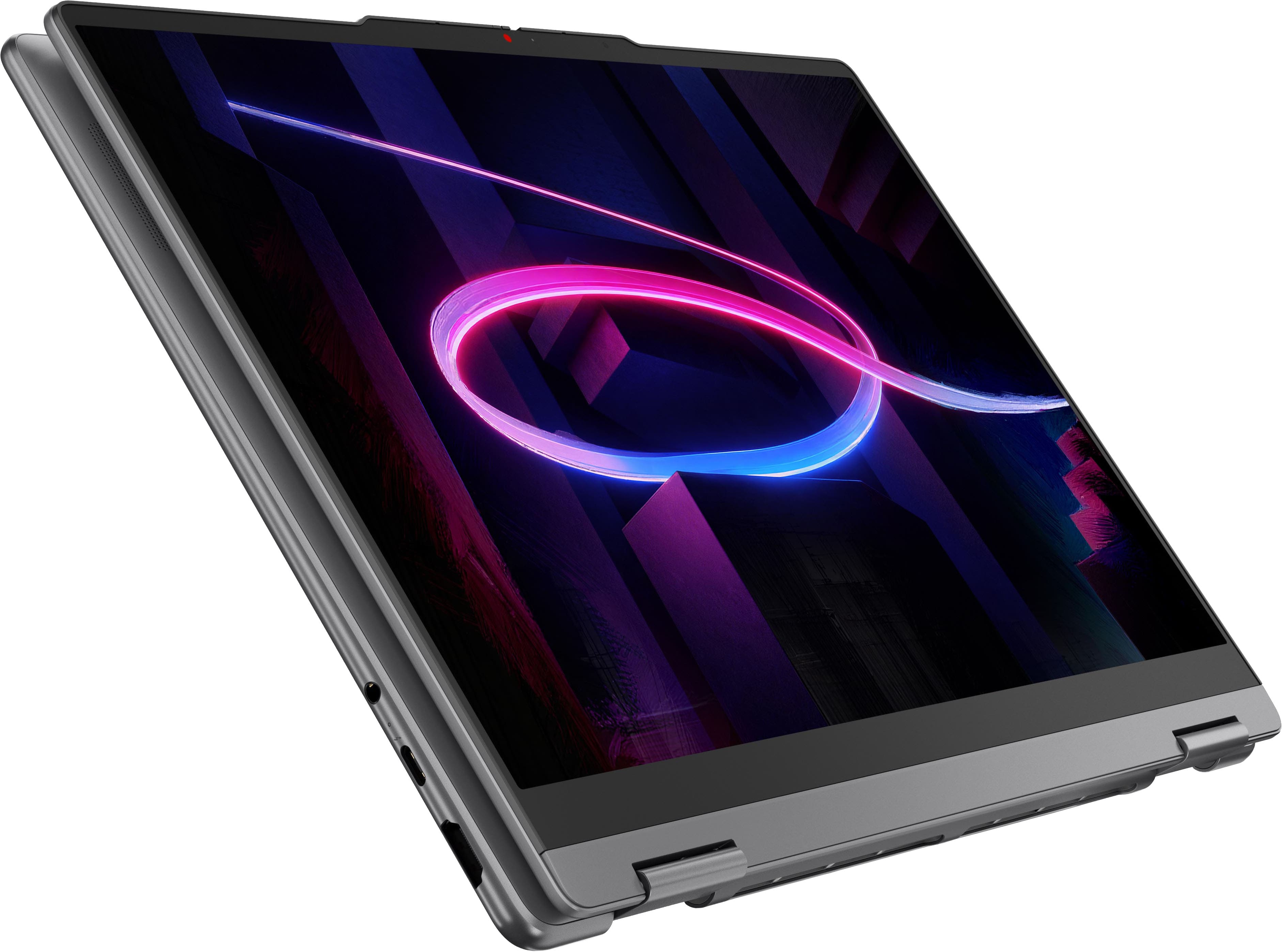
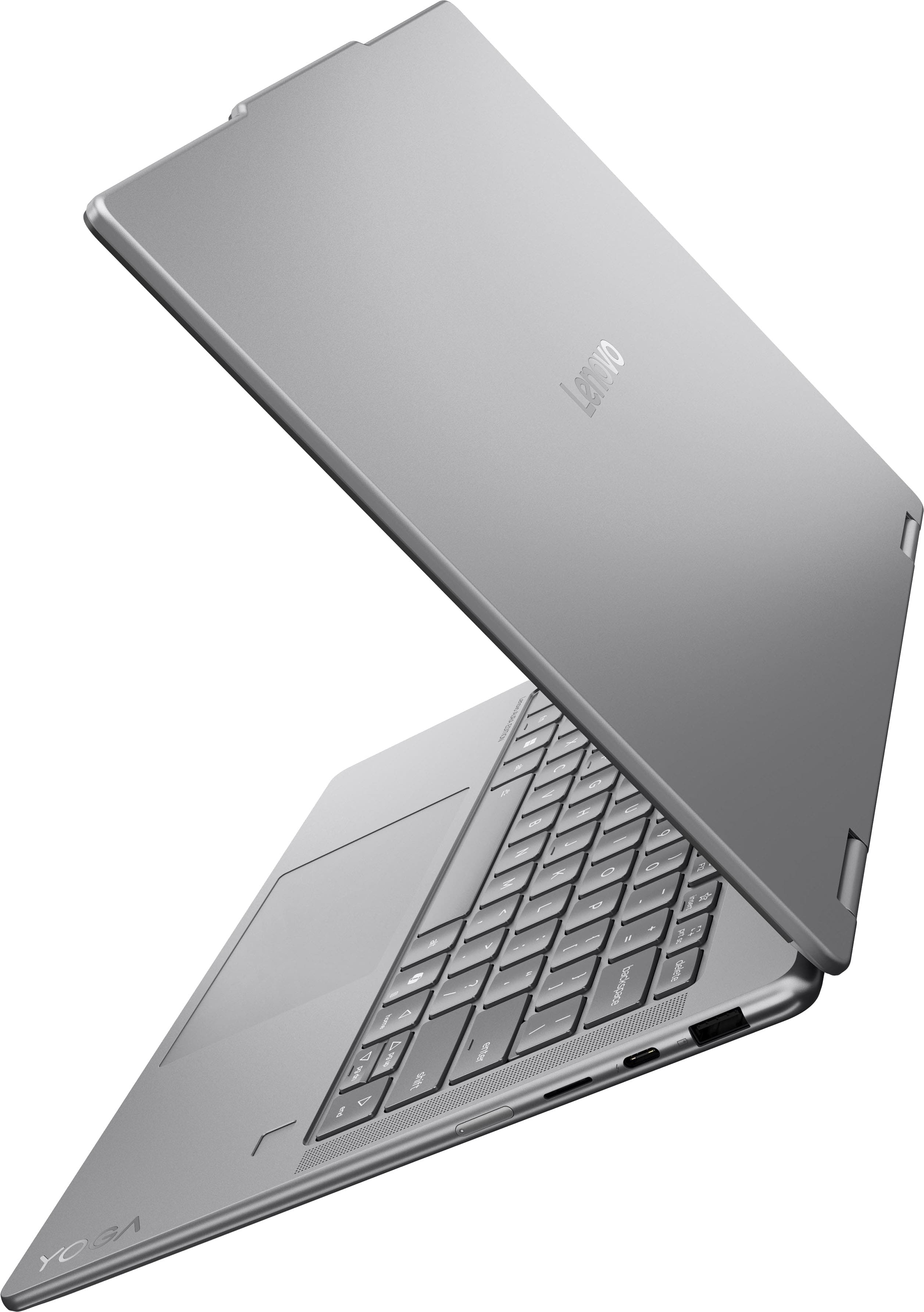

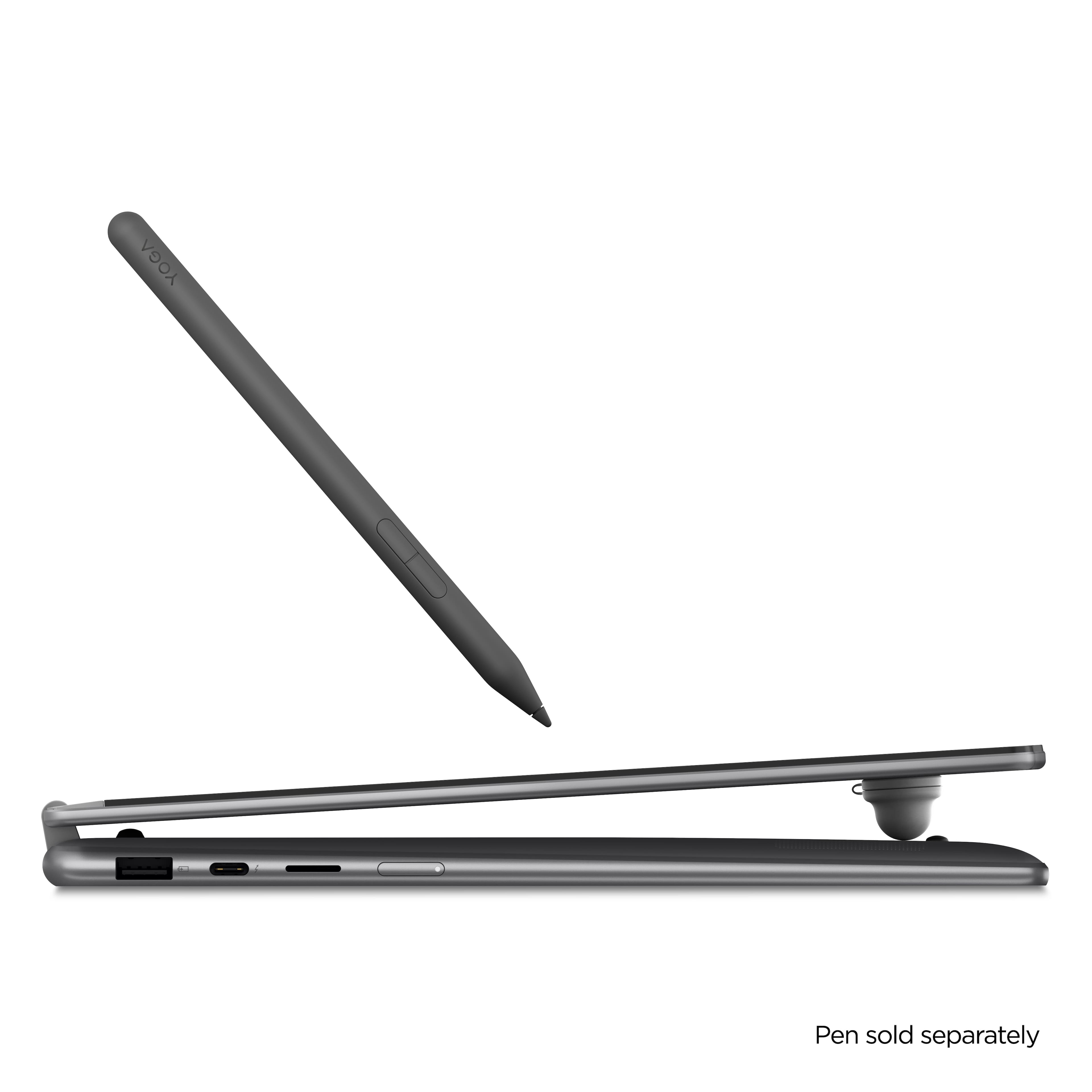
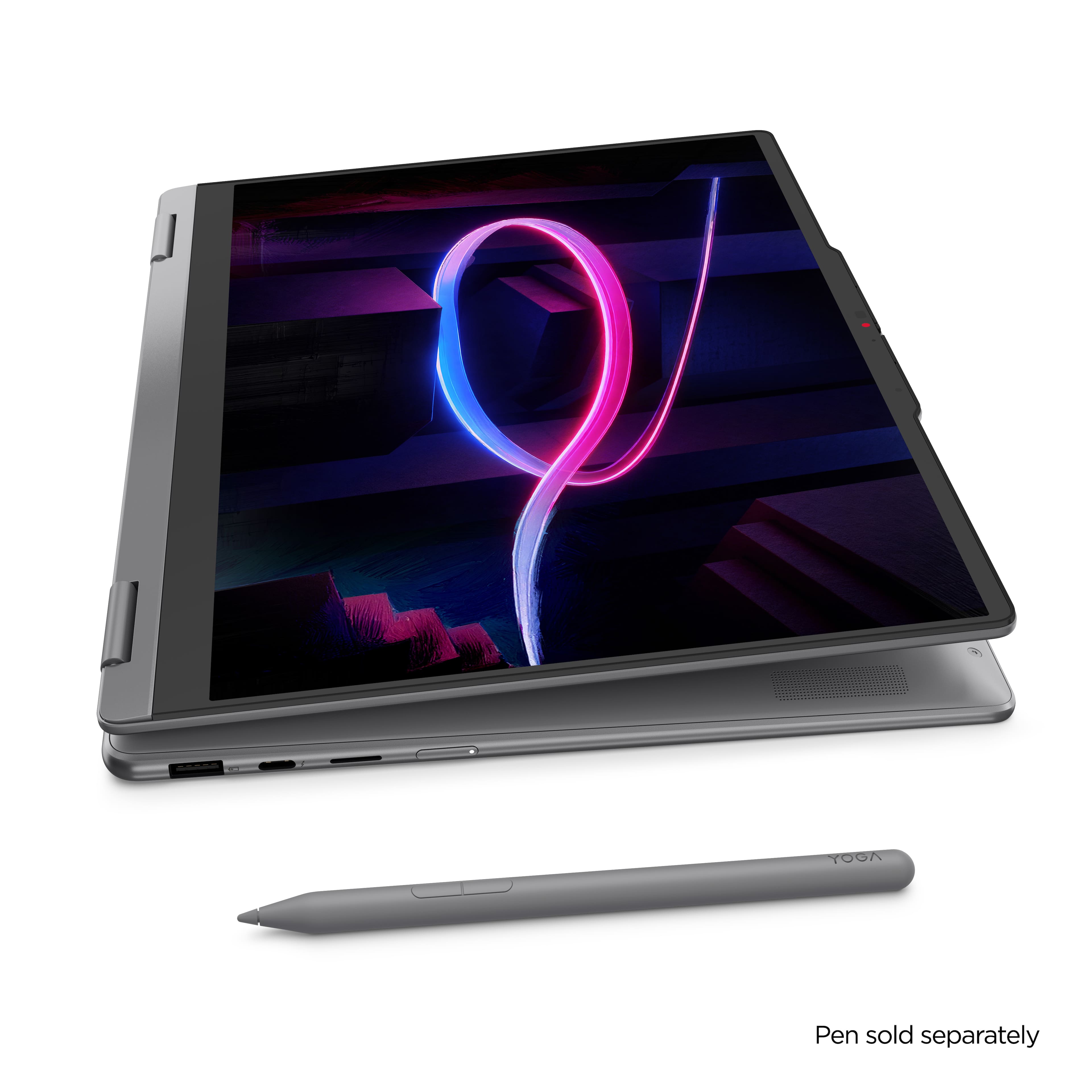


- Model:
- 83TC0003US
- SKU:
- 6672160
to a friend
Customers are saying
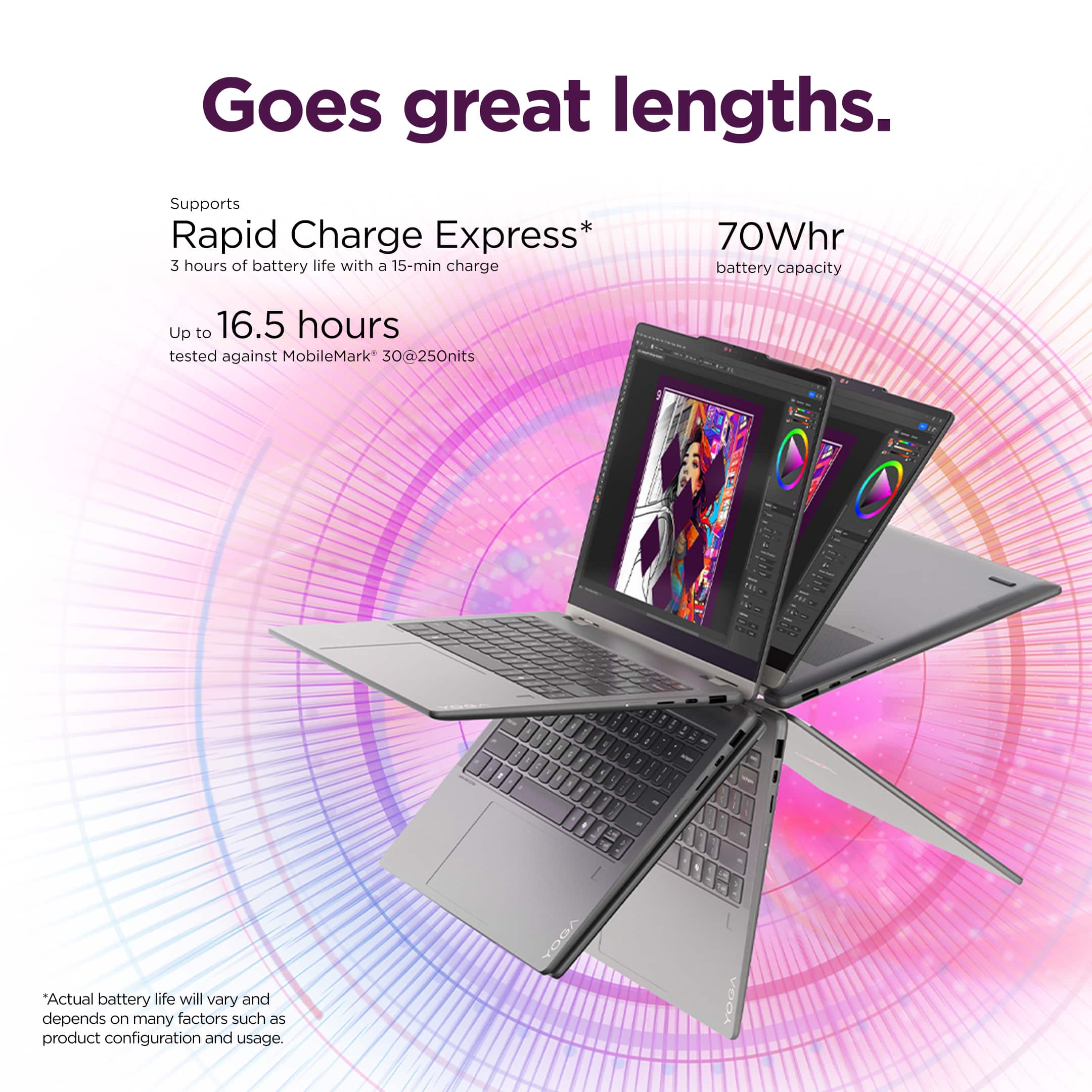
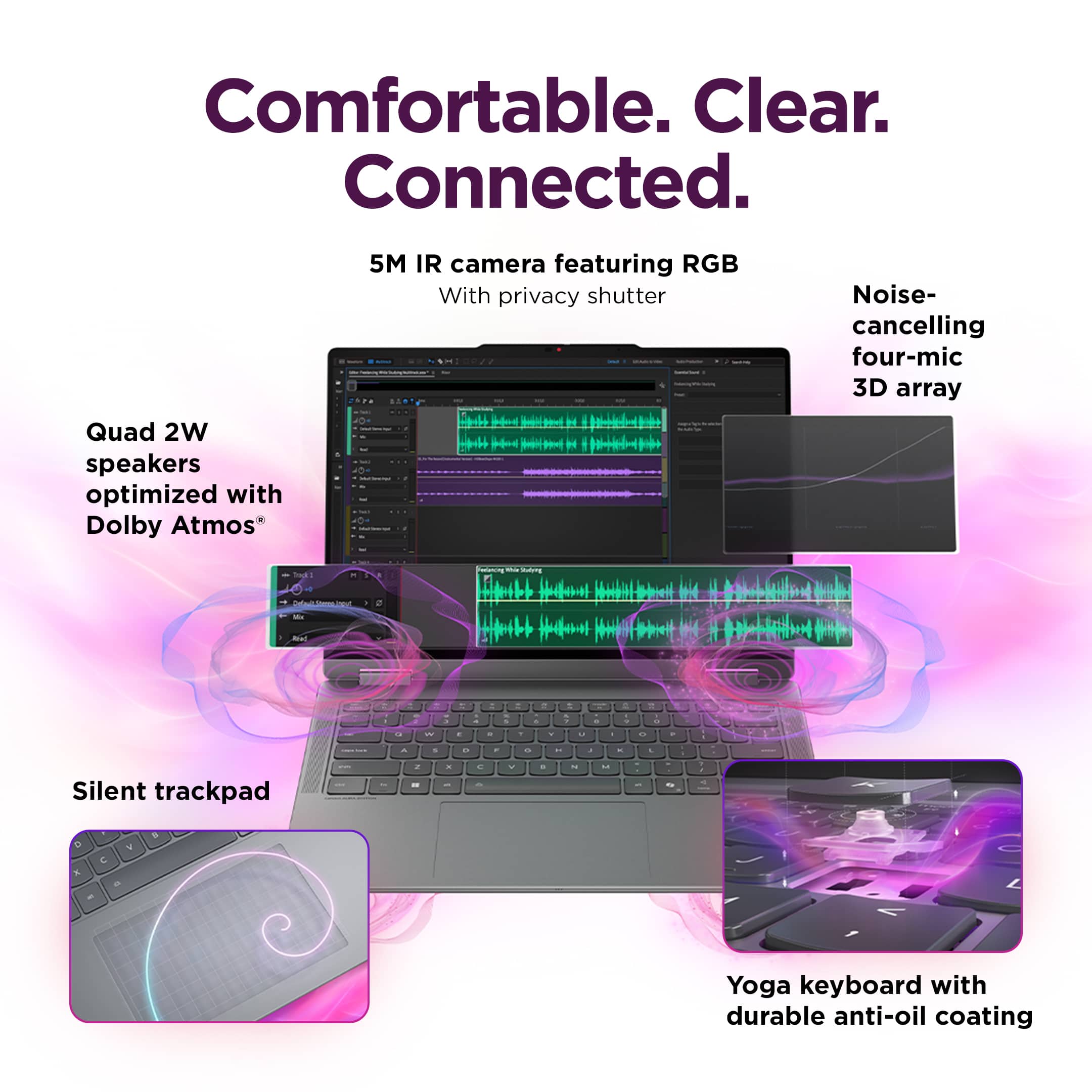
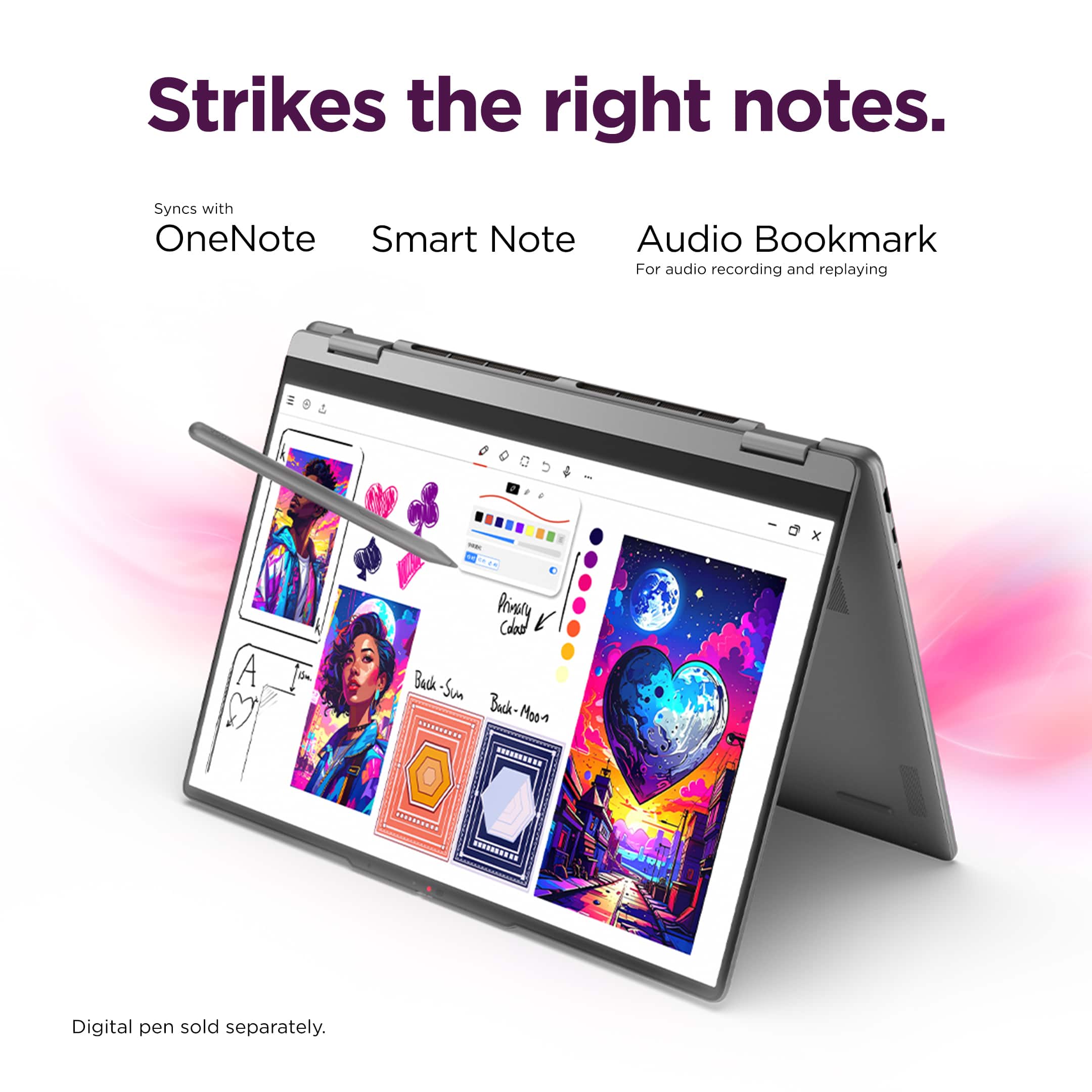
Customers love the top-tier overall performance and the exceptional battery life that this device provides. Users frequently highlight the thin, portable design and the convenience of the 2-in-1 form factor, which allows it to function like a tablet. Additionally, the gorgeous 2K OLED screen and smooth, responsive processor speed receive high praise for enhancing the user experience.
This summary was generated by AI based on customer reviews.
laptop
||Posted . Owned for 1 week when reviewed.This reviewer received promo considerations or sweepstakes entry for writing a review.i’ve had this for a lil while already and it has been amazing
I would recommend this to a friendBrand response from Lenovo Product Expert
Posted .Hi Junior–
Thank you so much for choosing Lenovo and for taking the time to share your thoughts. We’re thrilled to hear that you like the Yoga 7i.
If you ever have questions or need support, you can always find us in the Q&A section of this product page.
Warm regards,
Lenovo
Battery Life
||Posted . Owned for 2 weeks when reviewed.This reviewer received promo considerations or sweepstakes entry for writing a review.Very Decent Battery Life and nice ease of use for personal needs.
I would recommend this to a friendLove this laptop
||Posted . Owned for 3 weeks when reviewed.This reviewer received promo considerations or sweepstakes entry for writing a review.display is fantastic and has great color and clarity
I would recommend this to a friendBrand response from Lenovo Product Expert
Posted .Hi Char-
Thank you for choosing Lenovo and sharing your experience with us. We are delighted to hear that you like the display quality and product design of the Yoga 7i.
Please reach out to us through the Q&A section of this product page if you have any questions or need any assistance.
Best wishes,
Lenovo
Laptop
||Posted . Owned for 2 weeks when reviewed.This reviewer received promo considerations or sweepstakes entry for writing a review.Easy to use, great size to carry around. The battery last longer than I expected.
I would recommend this to a friendA great 2 in 1
||Posted . Owned for 2 weeks when reviewed.This reviewer received promo considerations or sweepstakes entry for writing a review.My daughter loves this. She is a college student and artist.
I would recommend this to a friendBrand response from Lenovo Product Expert
Posted .Hi LESLIEP–
We truly appreciate you choosing Lenovo and taking the time to share your feedback. It’s wonderful to hear that your daughter loves the Yoga 7i and that it is working well for her studies.
If you need any help or have any questions, we’re always available in the Q&A section of this product page.
Warm regards,
Lenovo
I like it
||Posted . Owned for 2 weeks when reviewed.This reviewer received promo considerations or sweepstakes entry for writing a review.I think its worth it. But maybe not 1200 dollars worth it, but if you get it for 800 then its worth it
I would recommend this to a friendIt's ok
||Posted . Owned for 3 weeks when reviewed.This reviewer received promo considerations or sweepstakes entry for writing a review.It's ok, sometimes the finger print is not recognozed
I would recommend this to a friendBrand response from Lenovo Product Expert
Posted .Hi GRISELDAF–
We truly appreciate you choosing Lenovo and taking the time to share your feedback. We are disappointed to hear that you are encountering an issue with the Yoga 7i fingerprint reader. Your experience matters to us, and we would like to recommend a few possible solutions to correct the issue.
Firstly, we recommend running and installing all available driver updates through Lenovo Vantage and Windows Update Settings. These updates are crucial to the device’s health and can fix outdated/corrupted drivers that could be the cause of the fingerprint reader not working as intended. To check for updates within Lenovo Vantage, begin by launching the application, then select the “Check for updates” button on the top right-hand of the display. To check for Windows Updates, start by launching the Settings app, then select the Windows Update tab on the left-hand side of the page, and finally select the “Check for updates’ button located in the top right of the page.
It is also important to note that this issue may stem from oils, dirt, or moisture that is on the sensor, causing it to fail to read your fingerprint. We recommend cleaning the fingerprint sensor with a soft cloth to ensure it is free of any debris.
If you need any help or have any questions, we’re always available in the Q&A section of this product page.
Warm regards,
Lenovo
Lenovo yoga 7i review
||Posted . Owned for 1 month when reviewed.This reviewer received promo considerations or sweepstakes entry for writing a review.Product is good for the price. Very fast and I would recommend.
I would recommend this to a friendKeyboard and Touchpad broken
||Posted . Owned for 3 weeks when reviewed.This reviewer received promo considerations or sweepstakes entry for writing a review.I recently purchased this computer for a good price on sale, and received it at the end of August before I started college. Barely a week into usage, the keyboard and TouchPad no longer work despite all troubleshooting attempts. I can only use the touchscreen. My only option would be to send in to be fixed, but I can't because I need it for classes. Would not recommend.
No, I would not recommend this to a friendGlitched
||Posted . Owned for 2 weeks when reviewed.This reviewer received promo considerations or sweepstakes entry for writing a review.Glitched out on me with in the first day. it Froze and gave me a black screen then reseted
No, I would not recommend this to a friendBrand response from Lenovo Product Expert
Posted .Hi MANUEL,
Thank you for sharing your experience. We’re truly disappointed to hear that your Yoga 7i faced issues soon after purchase. This is not the experience we aim to offer our customers, and we’d like to help make it right.
Firstly, we recommend running and installing all available driver updates through Lenovo Vantage and Windows Update Settings. These updates are crucial to the device’s health and can correct outdated or corrupted drivers that could be the source of the issue. To check for updates within Lenovo Vantage, begin by launching the application, then select the “Check for updates” button on the top right-hand of the display. To check for Windows Updates, start by launching the Settings app, then selecting the Windows Update tab on the left-hand side of the page, and finally select the “Check for updates’ button located in the top right of the page.
If this issue persists after this step, please reach out to Lenovo Support at 1‑855‑253‑6686, where our team can review the issue and guide you through advanced troubleshooting.
Best wishes,
Lenovo