Customer Ratings & Reviews
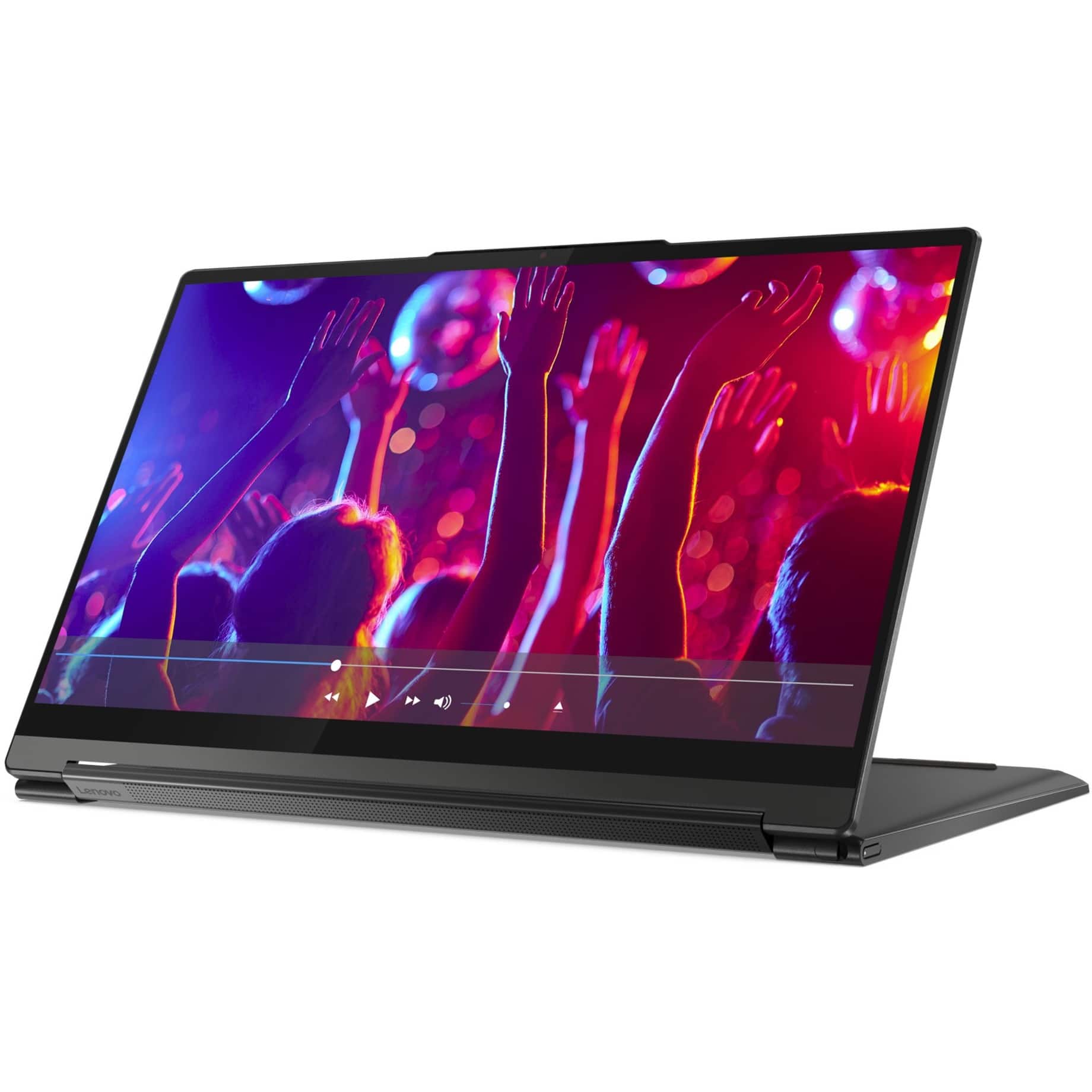
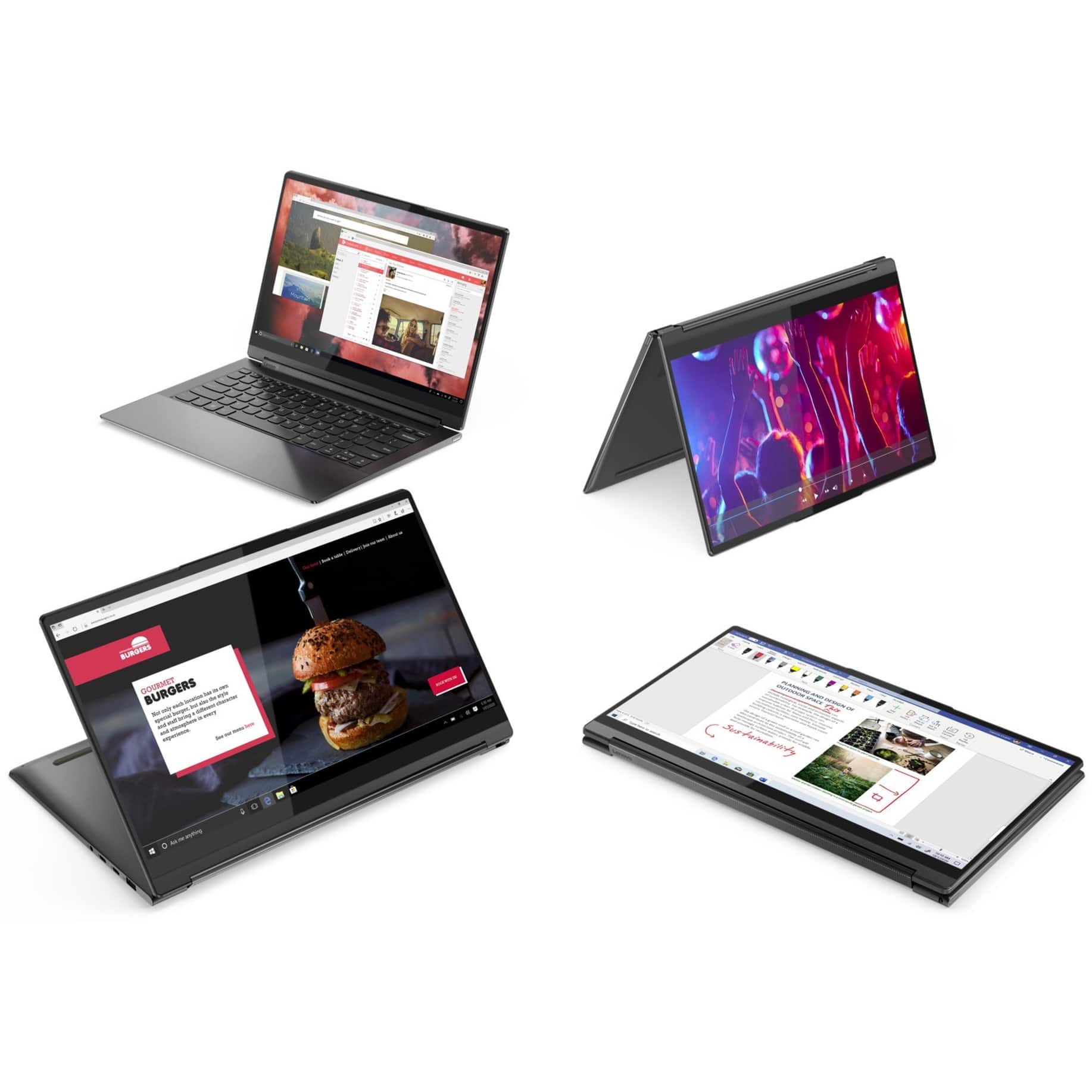
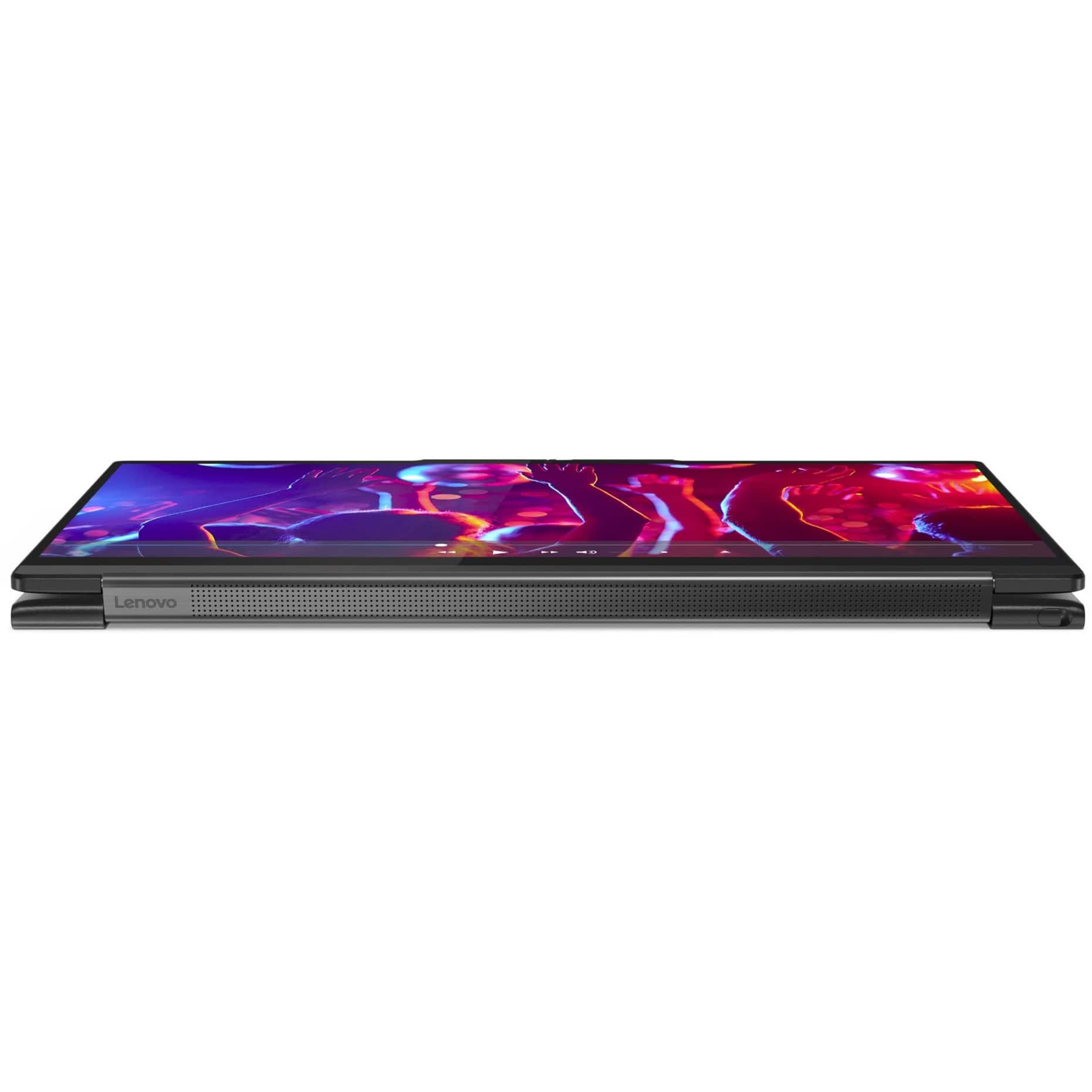
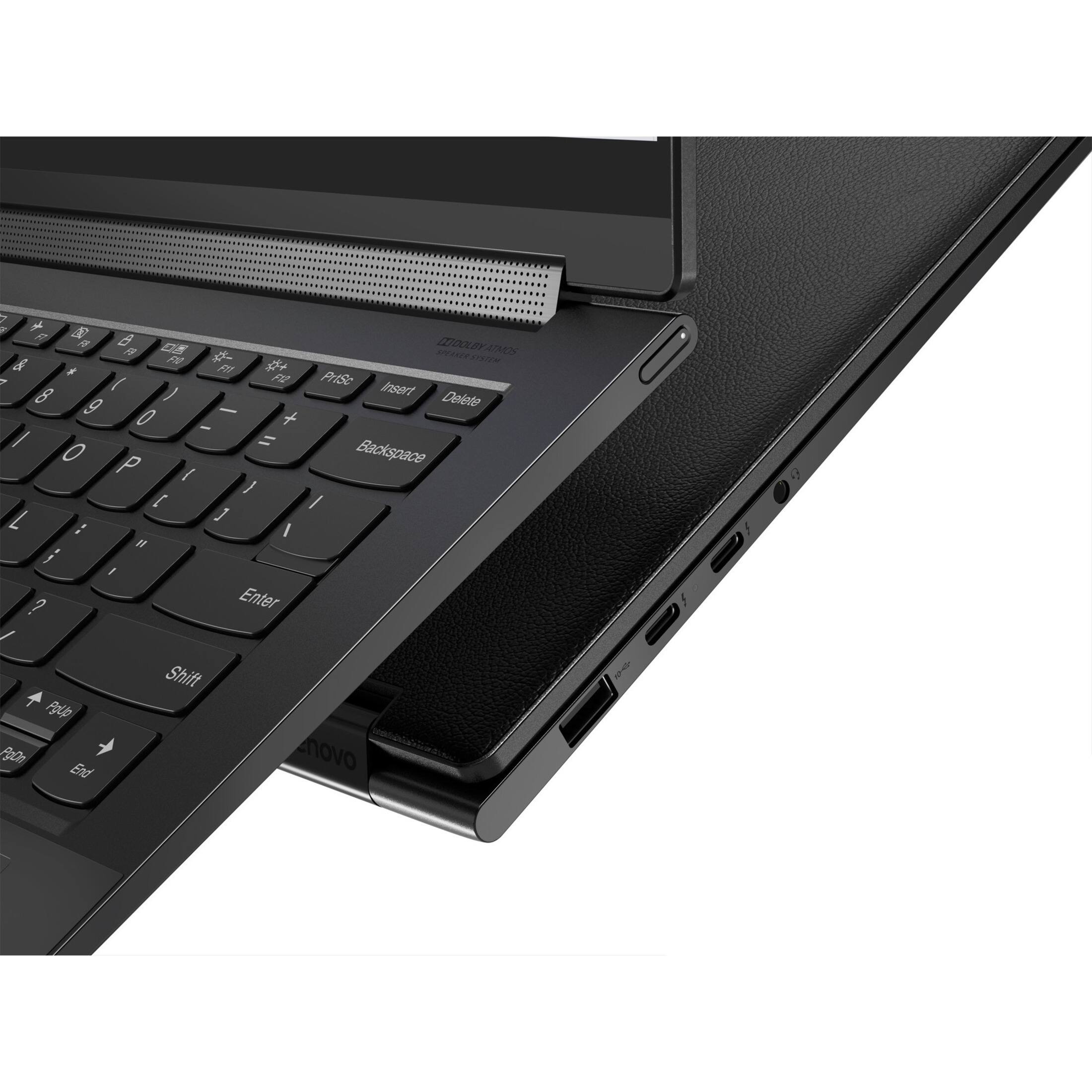



- Model:
- 82BG0091US
- SKU:
- 6479683
Rating by feature
- Battery Life
Rating 4.2 out of 5 stars
- Speed
Rating 4.6 out of 5 stars
- Display
Rating 4.6 out of 5 stars
Customers are saying
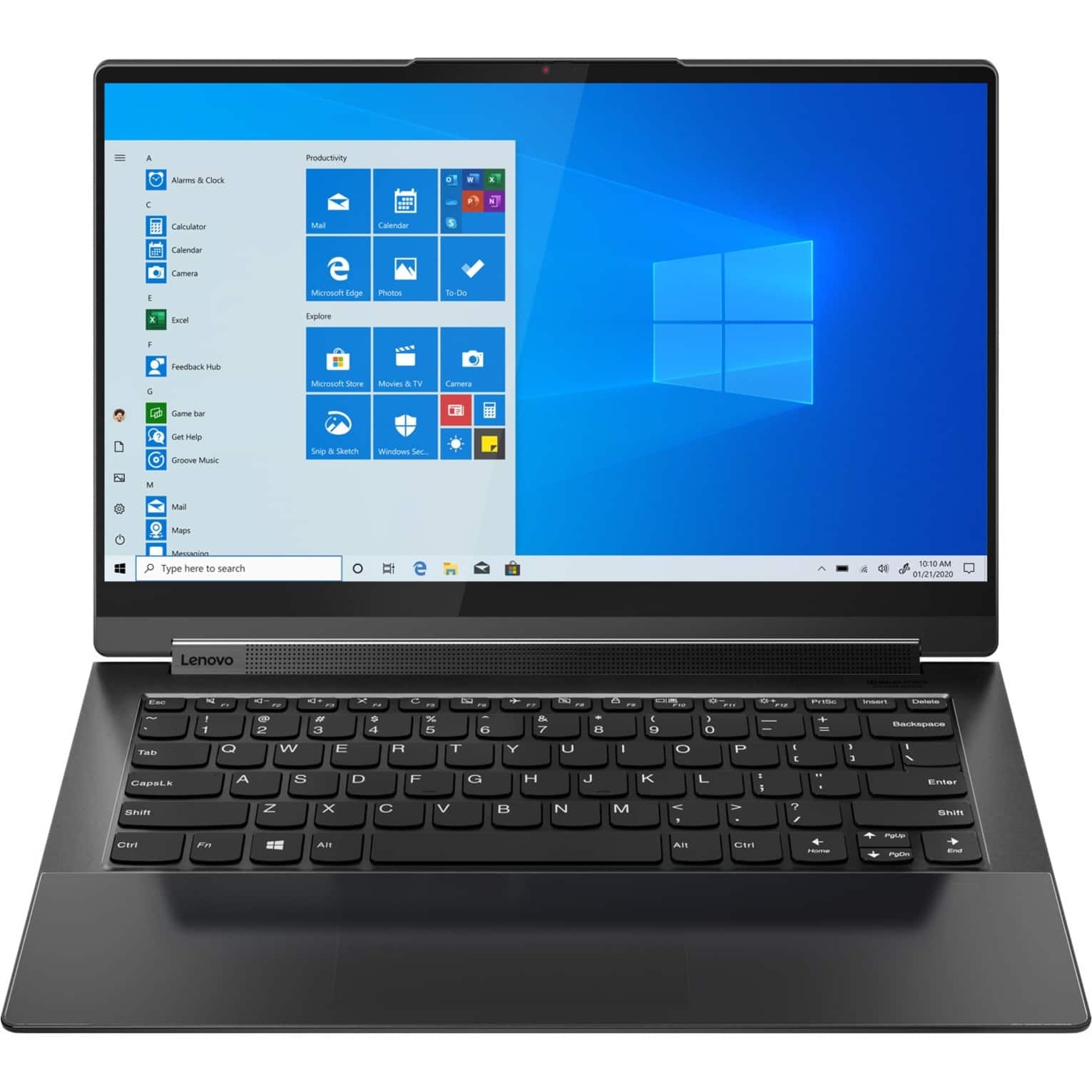
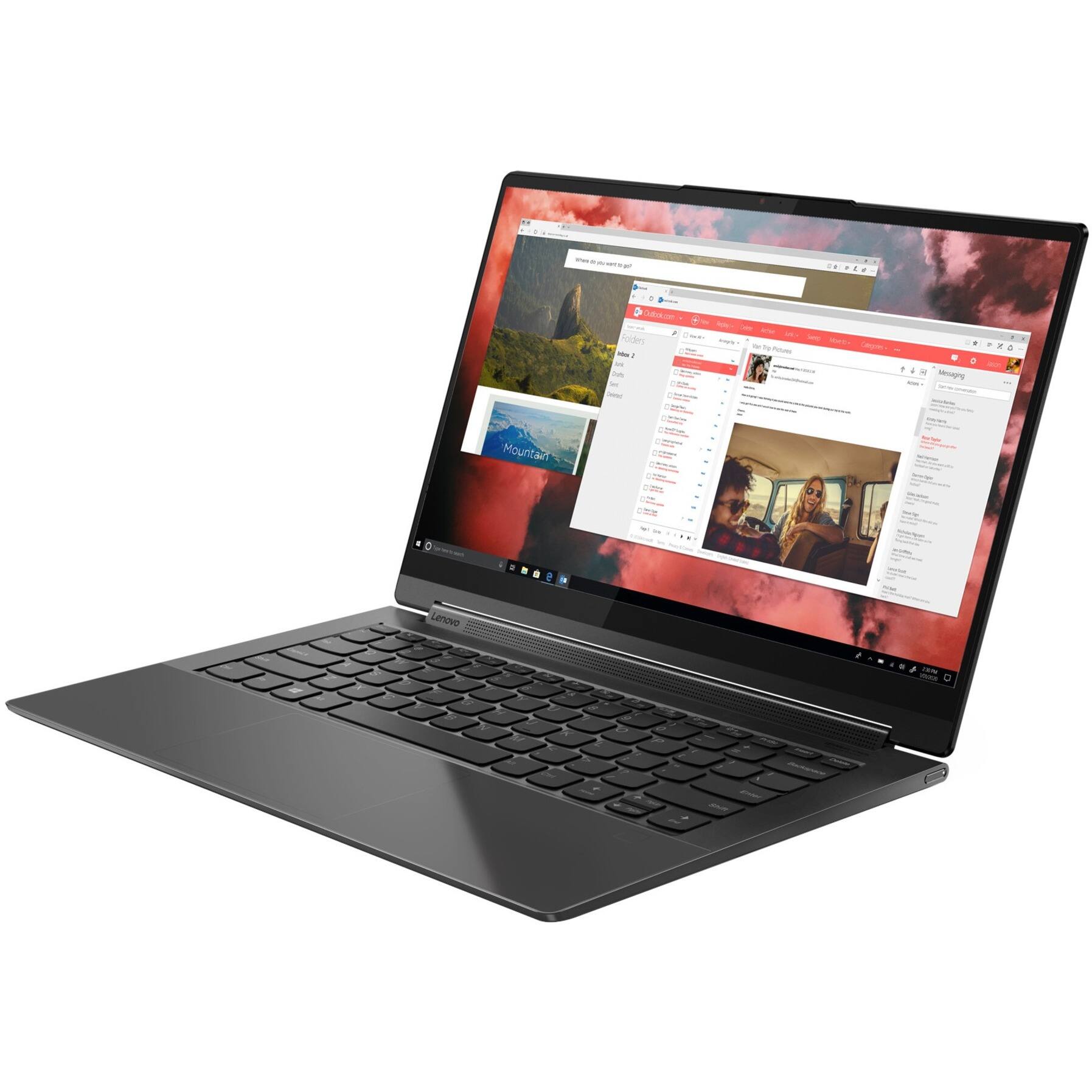
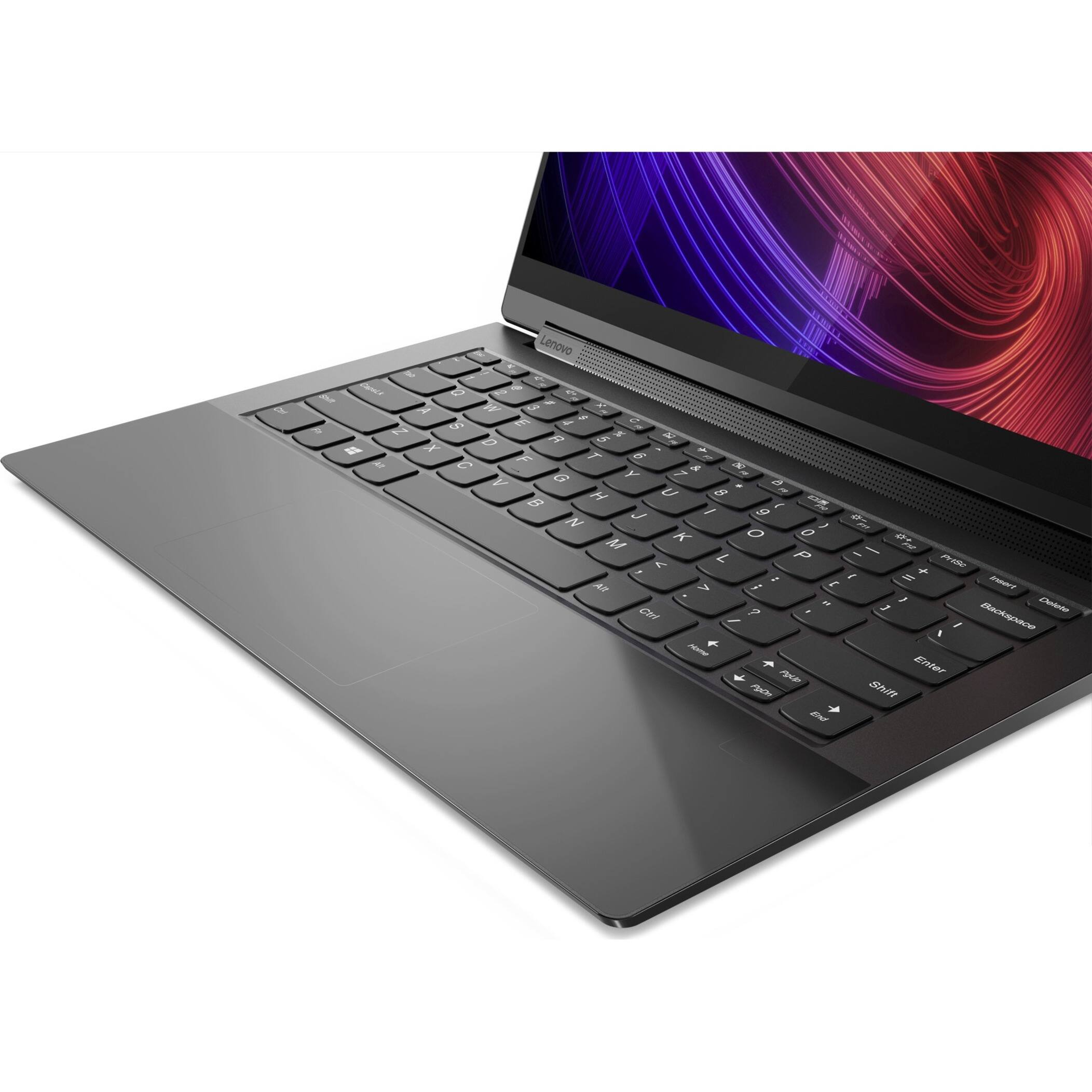
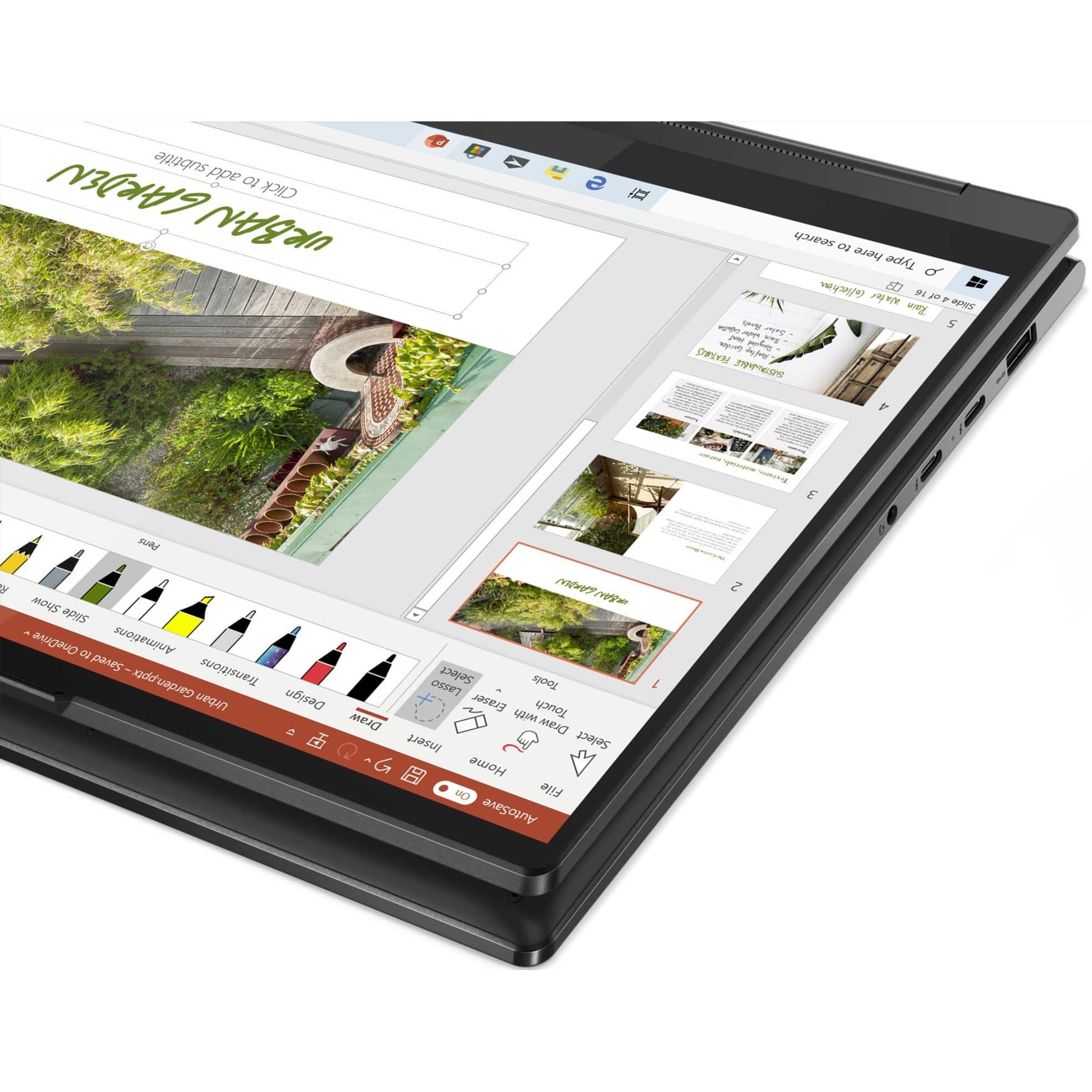
Customers enjoy the responsive touch screen, impressive sound quality, and lightweight design of the Yoga 9 14ITL5 laptop. Many appreciate its compact size and ease of use. However, some users report that the battery life could be improved and that the device may get warm during intensive use. The fast processing speed and ample RAM are also frequently praised.
This summary was generated by AI based on customer reviews.
- Pros mentioned:Speed
Excellent Tech
||Posted . Owned for more than 2 years when reviewed.This reviewer received promo considerations or sweepstakes entry for writing a review.Great laptop at a great price! Works well and the speed is fast.
I would recommend this to a friend Lenovo
||Posted .This reviewer received promo considerations or sweepstakes entry for writing a review.Good enough for basic stuff and school work. Small so good for transport.
I would recommend this to a friendMostly great
||Posted . Owned for 1.5 years when reviewed.This reviewer received promo considerations or sweepstakes entry for writing a review.Touch pad is so sensitive and I easily click on things while typing or barely hovering over the pad. It honestly makes using the computer a pain. The pen is also so small that it makes it difficult to use for longer then 15 minutes. The computer itself work well and love the speakers.
I would recommend this to a friend- Cons mentioned:Heat
Be looking at something else next time
||Posted . Owned for 1 year when reviewed.This reviewer received promo considerations or sweepstakes entry for writing a review.So I bought this 1 year ago, nicely spec'd laptop and good looking however........ the touchpad is stupidly sensitive, I accidently drag stuff unintentionally. Sensitivity is set to low in windows. Touch pad has a haptic motor that buzzes all the time, Lenovo does not explain the reasoning for that and no option to turn it off that I can find. When scrolling with touch pad the screen will get glitchy for a few seconds then straighten out.... When charging the computer gets stupidly hot and the fan runs constantly..... little concerning because it gets that hot. Wife has a Yoga 7 her only issue is touch pad sensitivity...... Had an Asus before and it was rock solid except I couldn't iupgrade to Windows 11.
No, I would not recommend this to a friend - Pros mentioned:Sound quality, Speed, Weight
Great Laptop!
||Posted . Owned for 1 month when reviewed.This reviewer received promo considerations or sweepstakes entry for writing a review.Great value - very fast and light weight. Screen and graphics quality is outstanding
I would recommend this to a friend - Pros mentioned:Speed
Father
||Posted . Owned for 1.5 years when reviewed.This reviewer received promo considerations or sweepstakes entry for writing a review.Has lasted my son longer than most laptops. Fast and reliable.
I would recommend this to a friend - Pros mentioned:Sound quality, Speed, Touch screen
Awesome laptop
||Posted . Owned for 1 month when reviewed.This reviewer received promo considerations or sweepstakes entry for writing a review.10/10 would recommend. Nice sound, visuals, speed and the touch screen is a bonus.
I would recommend this to a friendBrand response from Lenovo Product Expert
Posted .Thank you for choosing the Intel Evo-Certified, Lenovo Yoga 9i 14. We are pleased to hear that the features and performance of the Yoga 9i 14 meets your computing needs so well.

- Pros mentioned:Touch screen
Very good
||Posted . Owned for 1 year when reviewed.This reviewer received promo considerations or sweepstakes entry for writing a review.Awesome product with lots of configs and techs . Touch and usability is very good
I would recommend this to a friend - Pros mentioned:Touch screenCons mentioned:Battery life
Great screen and sound
||Posted . Owned for 2 weeks when reviewed.This reviewer received promo considerations or sweepstakes entry for writing a review.Fantastic quality of display and really impressive for a laptop this size, it is a little bulky and large to use as a tablet, and the battery life is less than you would expect.
I would recommend this to a friendBrand response from Lenovo Product Expert
Posted .Thank you for choosing the Intel Evo-Certified, Lenovo Yoga 9i 14, model number 82BG0091US. This convertible, 2 in 1 configuration provides the functionality of a Laptop and a Tablet in one device that weighs approximately 1.44 kg (3.17 lbs). The Yoga 9i 14 also ships with Intel Evo-Certified, All-Day-Battery-Life, thanks to its Integrated 60Wh, Lithium-Polymer Battery, which within this model configuration, has a battery life of up to 10 hours. If you are getting substantially less battery life first, set your screen brightness at less than 100-percent - try 80-percent to start with. Then, be sure Battery Charge Threshold is turned off. This power management setting should only be used when the laptop is plugged in all the time. It will prolong overall battery life by only charging the battery to 60-percent of capacity. You can turn off Battery Charge Threshold within the Lenovo Vantage APP installed on this computer. In Vantage select Battery Settings and turn off Battery Charge Threshold, if turned on. Also check what programs are running in the background on the computer. Be sure only the programs you want running in the background are. These programs will drain the battery. Here is a link to information about how to find out what programs are running in the background on your Windows 11 computer and how to manage them for better system performance: https://websiteforstudents.com/how-to-find-what-is-running-in-windows-11/. Then, finally, be sure any software you installed is compatible with Windows 11. Incompatible software will drain the battery at a faster rate. There is no need to install Microsoft Office software. The software is already part of the operating system, you just need to activate the software with a purchased product key. If you have installed a copy of Microsoft Office, this is conflicting with the existing copy on the system and this will slow your system down. If you have installed a 3rd party anti-virus program, be sure that Windows Defender is turned off and that the trial version of McAfee Anti-Virus software is uninstalled. There can only be one anti-virus program on the system. You may need to restore your system to original factory default settings if any of the programming errors have occurred. You can do that by typing "restore" in the Cortana search window. Just click on the magnifying glass icon at the bottom of your Windows 11 Desktop. Click on "Reset This PC" Then click on "Get Started" and follow the on screen directions to restore to factory defaults. If you have questions about your Lenovo Yoga 9i 14, we recommend you contact Lenovo Premium Care for additional information at: 888-278-9707.
- Pros mentioned:Speed, Touch screen
Splurge a little
||Posted . Owned for 3 weeks when reviewed.This reviewer received promo considerations or sweepstakes entry for writing a review.After spending time adjusting the touchpad, mousepad, and keyboard settings this is the best Laptop I have ever had. I only buy what most would consider higher-end laptops too. The speed is out of this world, the display is amazing, and the speakers are unbelievable for a notebook.
I would recommend this to a friendBrand response from Lenovo Product Expert
Posted .Thank you for choosing the Intel Evo-Certified, lenovo Yoga 9i 14. We are pleased to hear that the features and performance of the Yoga 9i 14 meets your computing needs so well.
- Pros mentioned:Sound quality
Excellent
||Posted . Owned for 1 year when reviewed.This reviewer received promo considerations or sweepstakes entry for writing a review.Best laptop i ever had, excellent quality, display, sound, and materials.
I would recommend this to a friend - Pros mentioned:Touch screen
Great little laptop!
||Posted . Owned for 10 months when reviewed.This reviewer received promo considerations or sweepstakes entry for writing a review.Love this little guy! Quick, great battery life. Beautiful screen. Just wish it had a bit more RAM.
I would recommend this to a friend - Pros mentioned:Speed
Lenovo Yoga 9i 14 4k Shadow Black
||Posted . Owned for 3 weeks when reviewed.This reviewer received promo considerations or sweepstakes entry for writing a review.14" 4K Lenovo Yoga 9i 11th gen Intel i7 1195 processor 16gb ram. Winner All around, Shadow Black, Leather Cover, Total "Mack" Status, Quickest Quad Core-Hyperstreading. Yeah!!!
I would recommend this to a friend - Cons mentioned:Battery life
I do like it, but I have some qualifiers.
||Posted . Owned for 1 month when reviewed.This reviewer received promo considerations or sweepstakes entry for writing a review.It's good, not great. Three complaints: 1. For a high end laptop, it doesn't have an infrared camera which means facial recognition for Windows Hello doesn't work (Lenovo's and BB's tech support didn't figure that, but Microsoft's did). 2. The fingerprint reader is spotty at best. 3. The battery doesn't last that long. I think 3 hours. I like it and works well and is speedy. My last laptop stayed with me for almost 5 years. I doubt I will keep this one that long.
I would recommend this to a friendBrand response from Lenovo Product Expert
Posted .Thank you for choosing the Intel Evo-Certified, Lenovo Yoga 9i 14, model number 82BG0091US. This Yoga 9i 14 ships with a Touch Style Ultrasonic fingerprint reader on the palm rest for Windows Hello Biometric security login in. Here's a tip for making your fingerprint reader work every time: Try lightly sliding your finger over the fingerprint reader. No need to press hard on the reader, in fact pressing hard on the fingerprint reader will distort your fingerprint and cause read errors. This Yoga 9i 14 ships with Intel Evo-Certified, All-Day Battery Life, thanks to its Integrated 60Wh, Lithium-Polymer Battery, which within this model configuration, has a battery life of up to 10 hours, depending on the work the device is performing. If you are getting substantially less battery life, first, set your screen brightness at less than 100-percent - try 80-percent to start with. Then, be sure Battery Charge Threshold is turned off. This power management setting should only be used when the laptop is plugged in all the time. It will prolong overall battery life by only charging the battery to 60-percent of capacity. You can turn off Battery Charge Threshold within the Lenovo Vantage APP installed on this computer. In Vantage select Battery Settings and turn off Battery Charge Threshold, if turned on. Also check what programs are running in the background on the computer. Be sure only the programs you want running in the background are. These programs will drain the battery. Here is a link to information about how to find out what programs are running in the background on your Windows 11 computer and how to manage them for better system performance: https://websiteforstudents.com/how-to-find-what-is-running-in-windows-11/. Then, finally, be sure any software you installed is compatible with Windows 11. Incompatible software will drain the battery at a faster rate. There is no need to install Microsoft Office software. The software is already part of the operating system, you just need to activate the software with a purchased product key. If you have installed a copy of Microsoft Office, this is conflicting with the existing copy on the system and this will slow your system down. If you have installed a 3rd party anti-virus program, be sure that Windows Defender is turned off and that the trial version of McAfee Anti-Virus software is uninstalled. There can only be one anti-virus program on the system. You may need to restore your system to original factory default settings if any of the programming errors have occurred. You can do that by typing "restore" in the Cortana search window. Just click on the magnifying glass icon at the bottom of your Windows 11 Desktop. Click on "Reset This PC" Then click on "Get Started" and follow the on screen directions to restore to factory defaults. If the problem persists, we recommend you contact Lenovo Premium Care for additional help at: 888-278-9707.
Great computer
||Posted . Owned for 8 months when reviewed.This reviewer received promo considerations or sweepstakes entry for writing a review.Love it, super fast, pen included, lots of ram, and large hard drive
I would recommend this to a friendLenovo
||Posted . Owned for more than 2 years when reviewed.This reviewer received promo considerations or sweepstakes entry for writing a review.I really liked it, besides being beautiful it is the fastest computer I have ever had. BestBuy delivered it to me quickly. Thanks to BestBuy.
I would recommend this to a friendGood laptop
||Posted . Owned for more than 2 years when reviewed.This reviewer received promo considerations or sweepstakes entry for writing a review.Loved the laptop. I have been using it for a year. Wondered if it gets outdated but no it works like a charm
I would recommend this to a friend- Pros mentioned:SpeedCons mentioned:Battery life
One of the best.
||Posted . Owned for 1 month when reviewed.This reviewer received promo considerations or sweepstakes entry for writing a review.Perfect notebook. The battery should last for a longer period but it’s not a problem. It’s fast and awesome.
I would recommend this to a friendBrand response from Lenovo Product Expert
Posted .Thank you for choosing the Intel Evo-Certified, Lenovo Yoga 9i 14, model number 82BG0091US. This model configuration ships with a Integrated 60Wh, Lithium-Polymer Battery, which within this configuration, has a battery life of up to 10 hours, depending on the work the device is performing. If you are getting substantially less battery life, first, set your screen brightness at less than 100-percent - try 80-percent to start with. Then, be sure Battery conservation Mode is turned off. This power management setting should only be used when the laptop is plugged in all the time. It will prolong overall battery life by only charging the battery to 60-percent of capacity. Here is a link to instructions for turning off Battery Conservation Mode: https://support.lenovo.com/us/en/solutions/ht103159. Also check what programs are running in the background on the computer. Be sure only the programs you want running in the background are. These programs will drain the battery. Here is a link to information about how to find out what programs are running in the background on your Windows 11 computer and how to manage them for better system performance: https://websiteforstudents.com/how-to-find-what-is-running-in-windows-11/. Then, finally, be sure any software you installed is compatible with Windows 11. Incompatible software will drain the battery at a faster rate. There is no need to install Microsoft Office software. The software is already part of the operating system, you just need to activate the software with a purchased product key. If you have installed a copy of Microsoft Office, this is conflicting with the existing copy on the system and this will slow your system down. If you have installed a 3rd party anti-virus program, be sure that Windows Defender is turned off and that the trial version of McAfee Anti-Virus software is uninstalled. There can only be one anti-virus program on the system. You may need to restore your system to original factory default settings if any of the programming errors have occurred. You can do that by typing "restore" in the Cortana search window. Just click on the magnifying glass icon at the bottom of your Windows 11 Desktop. Click on "Reset This PC" Then click on "Get Started" and follow the on screen directions to restore to factory defaults. If the problem persists, we recommend you contact Lenovo Premium Care at: 888-278-9707.
Great with one caveat..
||Posted . Owned for 1 year when reviewed.This reviewer received promo considerations or sweepstakes entry for writing a review.Great laptop with the exception of the track pad. If the trackpad was not slipery and glassy, it'd earn 5 stars
I would recommend this to a friend- Pros mentioned:Size, Weight
Well-engineered product
||Posted . Owned for 1 month when reviewed.This reviewer received promo considerations or sweepstakes entry for writing a review.Well-engineered product. Lightweight, compact & easy to set up. I like the slot for the stylus. I do wish it had more ports, so it was helpful to purchase a USB hub.
I would recommend this to a friendBrand response from Lenovo Product Expert
Posted .Thank you for choosing the Intel Evo-Certified, Lenovo Yoga 9i 14. We are pleased to hear that the easy setup, features and performance of the Yoga 9i 14 meets your computing needs so well.