Customer Ratings & Reviews
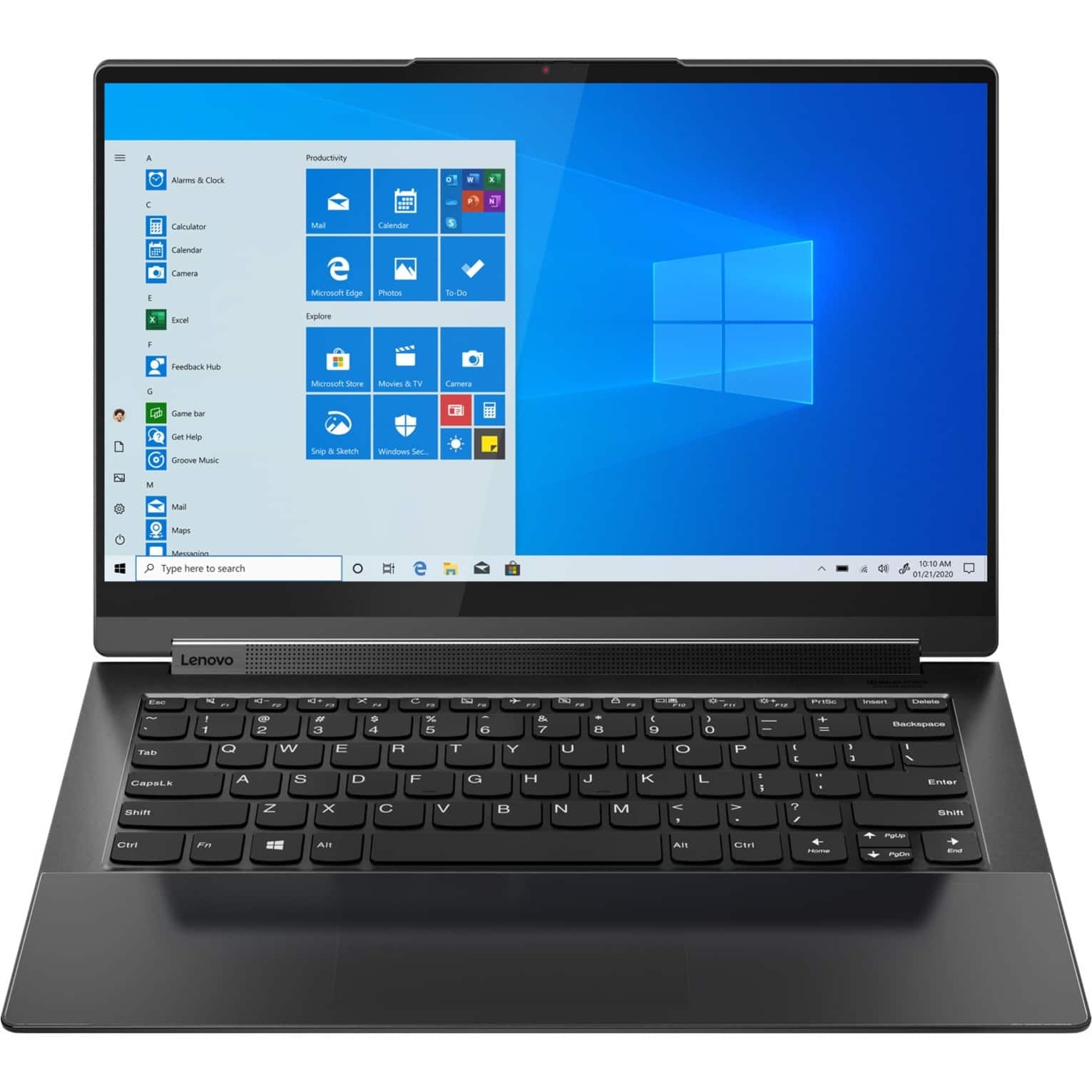
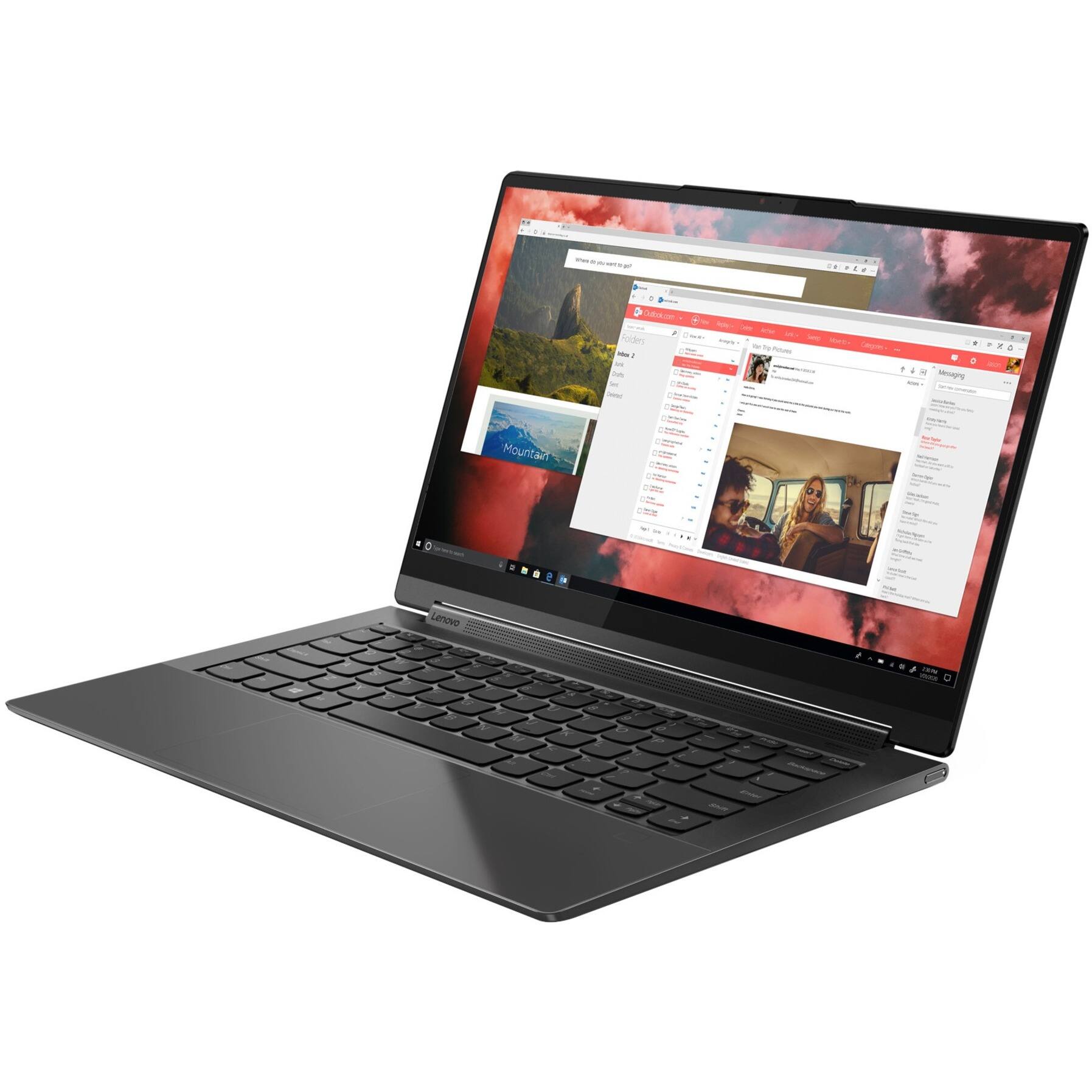
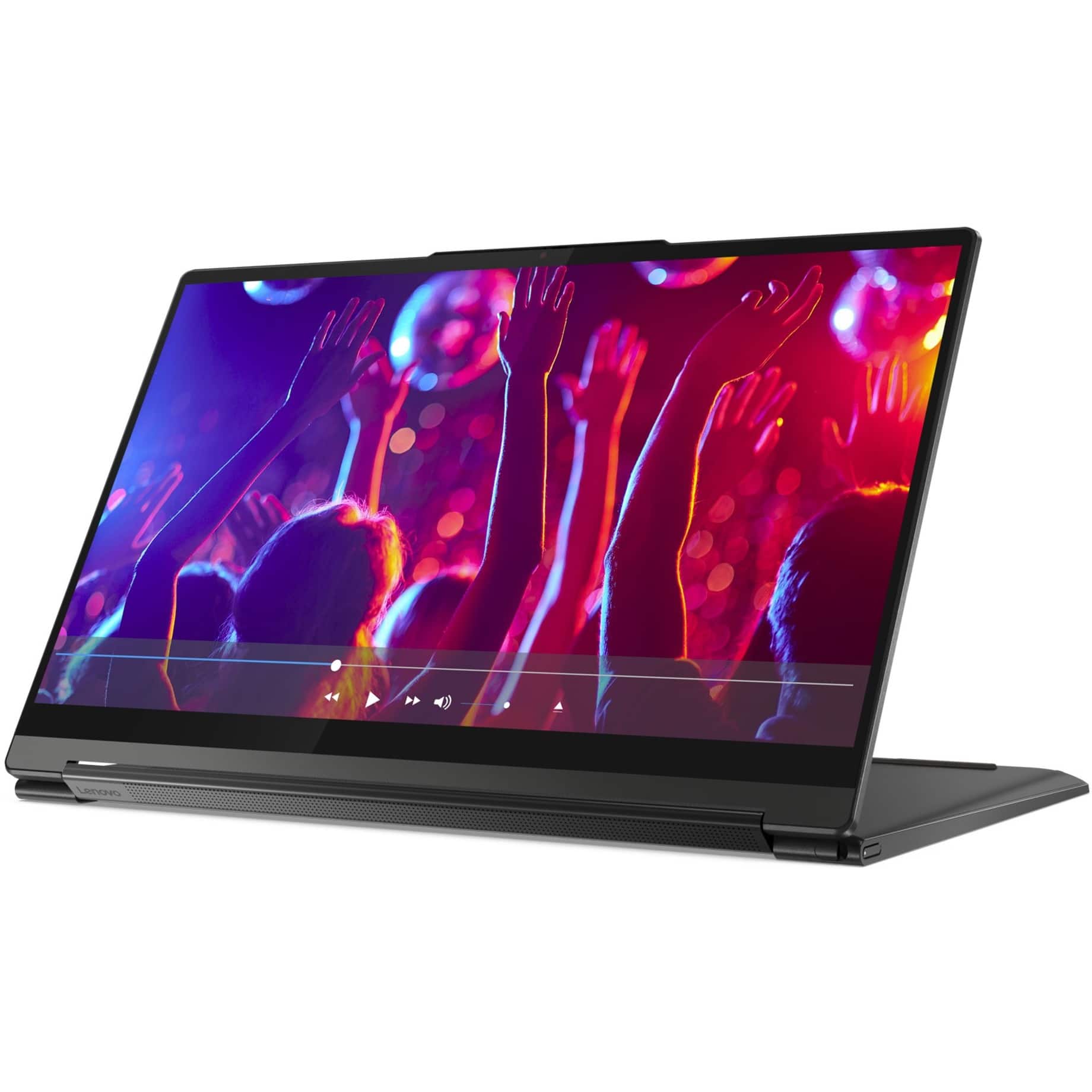
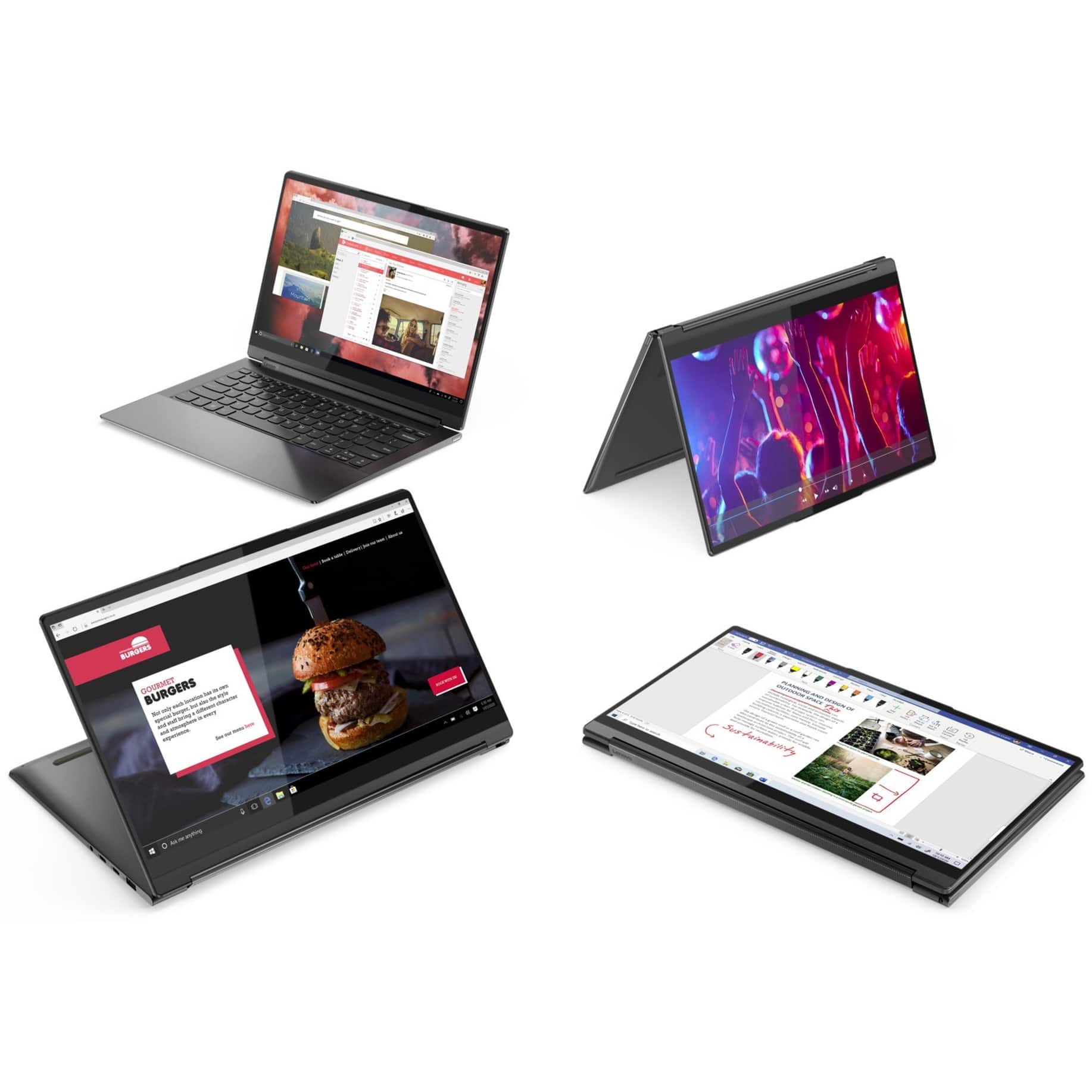
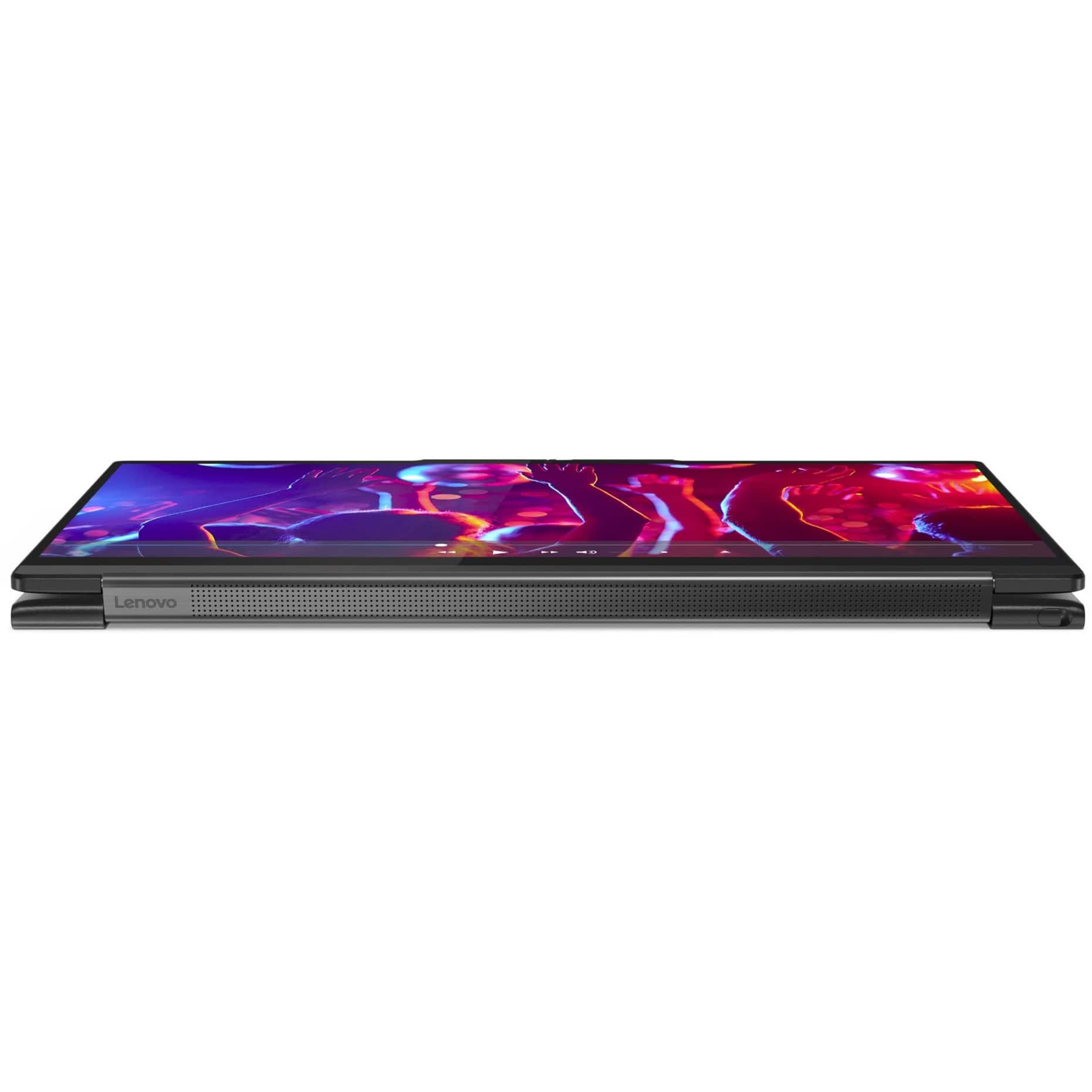
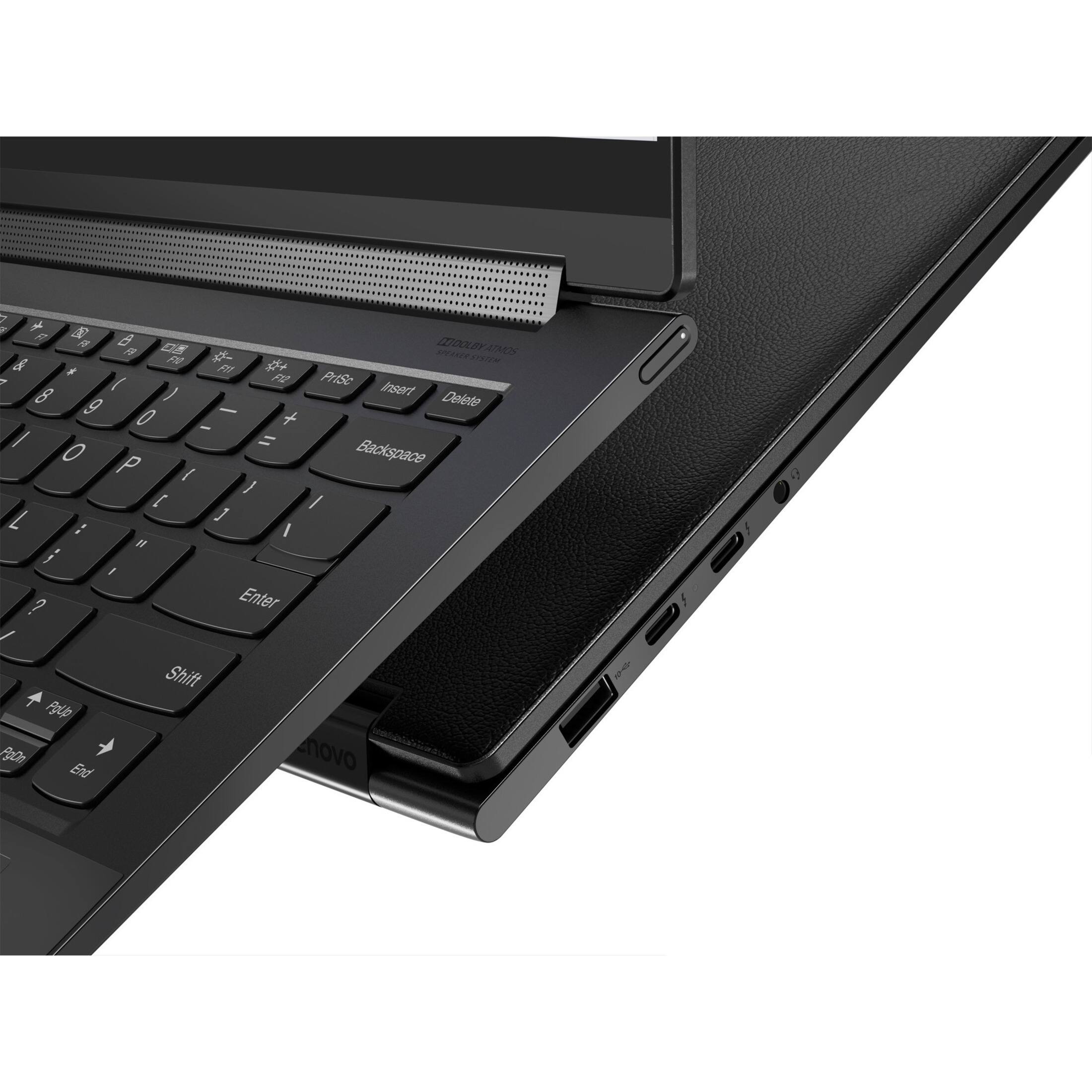



- Model:
- 82BG0091US
- SKU:
- 6479683
Rating by feature
- Battery Life
Rating 4.2 out of 5 stars
- Speed
Rating 4.6 out of 5 stars
- Display
Rating 4.6 out of 5 stars
Customers are saying
Customers enjoy the responsive touch screen, impressive sound quality, and lightweight design of the Yoga 9 14ITL5 laptop. Many appreciate its compact size and ease of use. However, some users report that the battery life could be improved and that the device may get warm during intensive use. The fast processing speed and ample RAM are also frequently praised.
This summary was generated by AI based on customer reviews.
Good quality
||Posted .This reviewer received promo considerations or sweepstakes entry for writing a review.Quality is good. Got with the discounted price
I would recommend this to a friendBrand response from Lenovo Product Expert
Posted .Thank you for choosing the Lenovo Yoga 9i 2-in-1 14in. Touch Screen Laptop with Intel Evo Core i7. We are very pleased to hear that the specifications and features of the Lenovo Yoga 9i 2-in-1 14in. Touch Screen Laptop with Intel Evo Core i7 meet your computing needs so well.

works decent for basic tasks
||Posted . Owned for 1 month when reviewed.This reviewer received promo considerations or sweepstakes entry for writing a review.works well just a little slow since only 8gb of ram is installed, other 8 is virtual.
No, I would not recommend this to a friendBrand response from Lenovo Product Expert
Posted .This Intel Evo-Certified, Lenovo Yoga 9i 14, model number 82BG0091US, ships with 16GB Soldered LPDDR4x-4266MHz RAM Memory soldered to systemboard, no slots, dual-channel. If you are getting less than expected performance, be sure any software you installed is compatible with Windows 11. There is no need to install Microsoft Office software. The software is already part of the operating system, you just need to activate the software with a purchased product key. If you have installed a copy of Microsoft Office, this is conflicting with the existing copy on the system and this will slow your system down. If you have installed a 3rd party anti-virus program, be sure that Windows Defender is turned off and that the trial version of McAfee Anti-Virus software is uninstalled. There can only be one anti-virus program on the system. Here is a link to instructions for uninstalling McAfee from a Windows computer: https://service.mcafee.com/?articleId=TS101331&page=shell&shell=article-view You may need to restore your system to original factory default settings if any of the programming errors have occurred. You can do that by typing "restore" in the Cortana search window. Just click on the magnifying glass icon at the bottom left of your Windows 10 Desktop. Click on "Reset This PC" Then click on "Get Started" and follow the on screen directions to restore to factory defaults. If you have questions about your Lenovo Yoga 9i 14 we recommend you contact Lenovo Premium Care for additional help at: 888-278-9707.
- Pros mentioned:Touch screen
Failed hardware on one of Lenovo’s best laptops
||Posted . Owned for 2 weeks when reviewed.This reviewer received promo considerations or sweepstakes entry for writing a review.The 4K screen and responsiveness were great but from the start, the fingerprint sensor failed. After 2 failed repair efforts, I returned the laptop.
No, I would not recommend this to a friend Mr
||Posted . Owned for 2 weeks when reviewed.This reviewer received promo considerations or sweepstakes entry for writing a review.Overall laptop is good. But touch pad is not at all good.
I would recommend this to a friendScreen blurry
||Posted . Owned for 2 months when reviewed.This reviewer received promo considerations or sweepstakes entry for writing a review.It’s good but after 2 month of purchases,screen start blurry and space tab start working like tough screen .I got appointment with bestbuy let’s see if they can exchange or fix things ,even don’t know they going to charge me anything lol horrible feeling
No, I would not recommend this to a friendBrand response from Lenovo Product Expert
Posted .We are sorry to hear that you are having issues with the screen image of your Intel Evo-Certified, Lenovo Yoga 9i 14, model number 82BG0091US. Check to be sure that your screen image resolution is set to the recommended 3840x2160 setting. Here is a link to instructions for checking screen resolution within Windows 11: You can access the corresponding settings under Windows 11 as follows: Right-click on a free space on the desktop > "Display Settings" > "Scale & Layout" > "Display Resolution". The option with "... (recommended)" at the end should always be the native screen resolution. Set the native resolution of the screen. If your computer is already set to the recommended screen resolution, but the issue continues, here is a link to some additional tips for correcting a blurry screen image within Windows 11: https://gearupwindows.com/how-to-fix-blurry-apps-on-windows-11-or-10/. If the issue still continues, we recommend you contact Lenovo Premium Care for additional help at: 888-278-9707.
Disappointed
||Posted . Owned for 1 month when reviewed.This reviewer received promo considerations or sweepstakes entry for writing a review.I bought the laptop for my college daughter. She had it for less than a month and it stop working. I have the Geek Squad insurance so I brought it in to see what was wrong. It has been in the shop for almost 3 weeks. Still no laptop for my daughter ugh. Not happy at all. It should have been replaced I feel if I bought it new and it is not fixed after 3 weeks just about.
No, I would not recommend this to a friend- Cons mentioned:Battery life
Laptop does not last
||Posted . Owned for 6 months when reviewed.This reviewer received promo considerations or sweepstakes entry for writing a review.Laptop won’t turn on after 6 months of buying. Brand new and not used daily and now no good. Too expensive to do this
No, I would not recommend this to a friend Lenovo
||Posted . Owned for 1 month when reviewed.This reviewer received promo considerations or sweepstakes entry for writing a review.All is well except battery performance It does charge all the way and when I charge it It only charges up 60% and won’t charge after that
I would recommend this to a friendBrand response from Lenovo Product Expert
Posted .We are sorry to hear that you are having issues charging your Intel Evo-Certified, lenovo Yoga 9i 14, model number 82BG0091US. If after a full charge of the battery, your battery level only reaches 60 Percent of the battery capacity, be sure the Battery Charge Threshold APP is turned off. This power management setting should only be used when the laptop is plugged in all the time. It will prolong overall battery life by only charging the battery to 60-percent of capacity. You can turn off Battery Charge Threshold within the Lenovo Vantage APP installed on this computer. In Vantage select Battery Settings and turn off the Battery Charge Threshold APP, if it is turned on. If the issue continues and Battery Charge Threshold APP is not turned on, we recommend you contact Lenovo Premium Care for additional help at: 888-278-9707.
Touchpad
||Posted . Owned for 3 weeks when reviewed.This reviewer received promo considerations or sweepstakes entry for writing a review.Touchpad tap function does not work. If you donot want this function it cannot be removed.
No, I would not recommend this to a friendBrand response from Lenovo Product Expert
Posted .This Intel Evo-Certified, Lenovo Yoga 9i 14, model number 82BG0091US, ships with a Buttonless glass surface multi-touch touchpad, which supports Precision TouchPad (PTP) functionality. Here is a link to a YouTube Video that demonstrates how to setup, adjust the settings and describes the capabilities of a Precision Touchpad like the one on this Yoga 9i 14. The video is made showing Windows 10, but the features and functions and locations of the settings are the same for Windows 11: https://www.youtube.com/watch?v=vKT_lfudIqU. If you have questions about your Lenovo Yoga 9i 14, we recommend you contact Lenovo Premium Care for additional information at: 888-278-9707.
Not a huge fan
||Posted . Owned for less than 1 week when reviewed.This reviewer received promo considerations or sweepstakes entry for writing a review.Not a huge fan of the trackpad. Computer looks beautiful but for this price I’d try something else
No, I would not recommend this to a friendBrand response from Lenovo Product Expert
Posted .We are sorry to hear that the Intel Evo-Certified, Lenovo Yoga 9i 14, model number 82BG0091US, does not meet your computing needs. This Yoga 9i 14 ships with a integrated, buttonless glass surface multi-touch touchpad, supports Precision TouchPad (PTP) integrated within an edge-to-edge glass palm rest that feels smooth to the touch.
Empty box with no LAPTOP
||Posted . Owned for less than 1 week when reviewed.This reviewer received promo considerations or sweepstakes entry for writing a review.I got the delivery. Very nice package from the outside. The package was empty with no computer. I left with Lenovo leaflet only. The delivery also came with delay of 4 days. Now I need to deal with getting it back. also money. Thanks BestBuy.
No, I would not recommend this to a friend- Pros mentioned:Speed, Touch screen
Nice computer
Posted .This reviewer received promo considerations or sweepstakes entry for writing a review.It's a great fast computer. Screen resolution, brightness and sharpness is excellent. Battery lasting power is okay, about 5 hours of my normal use in my screen setting brightness I like. One star taking away for crappy online tech service. Problem with dolby atmos speaker system finding driver. No help from tech... Fixed it myself with optional driver I found. Touch finger pad is "way" to sensitive even on the lowest sensitivity setting. Takes awhile to adjust my finger. Backlight keyboard doesn't have a setting to boot on when powering up.
I would recommend this to a friendBrand response from Lenovo Product Expert
Posted .Thank you for choosing the Intel Evo-Certified, Lenovo Yoga 9i 14, model number 82BG0091US. This model configuration ships with Evo-Certified, all-day battery life, thanks to the Integrated 60Wh, Lithium-Polymer Battery this model configuration ships with. This battery within this model configuration, has a battery life of up to 10 hours, depending on the work the device is performing. Regarding updating drivers for your Yoga 9i 14, you can easily accomplish this by scanning the computer with the Lenovo Utility software available on this computer. This system has Lenovo utilities installed to help maintain the health of the device and keep the operating system software up to date. Type "Lenovo Vantage" in the Cortana Search window (if Lenovo Vantage is not installed on your device, you can download the APP and install it now). Select Lenovo Vantage from the list. In the window that opens, click on "Health and Support". In the expanded menu, select "Hardware Scan" In the window that opens, select "Run Quick Tests". This will scan your entire system for errors. Follow any directions that may pop up. If the problem continues after this scan, now click on "System Update". First select Windows update from the menu. Scan your system to be sure you have the latest version of Windows 11. Once that scan is complete, select "Additional Updates". This will scan your device to be sure there are no new BIOS/Driver updates needed. You can adjust the touchpad in your system settings. You can get there by clicking on the magnifying glass at the bottom of your Windows 11 screen. Type "touchpad" in the search window. Select "Mouse & touchpad settings" from the list of choices. You can make general adjustments to the touchpad there. You can also select "Additional mouse options" for more detailed adjustments to the touchpad sensitivity by increasing the delay of the touchpad. If you have questions about your Lenovo Yoga 9i 14, we recommend you contact Lenovo Premium Care for additional information at: 888-278-9707.
- Pros mentioned:Sound quality, Speed
Love it!
Posted .This reviewer received promo considerations or sweepstakes entry for writing a review.it's a fast great computer with exceptional screen picture quality. I'm hoping there will be a touch pad driver update soon. I's too sensitive even on the lowest sensitivity setting. Also would be nice if the computer would boot up with the backlight keyboard already on in a setting. Love the dolby atmos video and sound! I can finally see the screen outside in sunlight.
I would recommend this to a friend - Pros mentioned:Sound quality
Excellent
Posted .This reviewer received promo considerations or sweepstakes entry for writing a review.Great performance, good battery, great sound quality, Good leather.
I would recommend this to a friendBrand response from Lenovo Product Expert
Posted .Thank you for choosing the Lenovo Yoga 9i 14 2-in-1 14in. 4K HDR Touch-Screen Laptop with Intel Evo Platform Core i7. We are extremely pleased to hear that the performance, features, and specifications of the Lenovo Yoga 9i with Intel Evo Core i7 meet your computing needs so well.
Very Dissatisfied - No Microphone
Posted .This reviewer received promo considerations or sweepstakes entry for writing a review.This laptop came without a microphone automatically installed, which is ridiculous this day in age. I ended up buying a separate mic and it still wouldn't work properly. I am returning this laptop and buying a different brand. Very dissatisfied.
No, I would not recommend this to a friendBrand response from Lenovo Product Expert
Posted .We are sorry to hear that you are having issues with the Dual Array Microphone installed within your Intel Evo-Certified, Lenovo Yoga 9i 14, model number 82BG0091US. You can test your built in microphone by accessing the Audio Recording APP installed as part of the Windows 11 Operating System. Click on the Magnifying Glass Icon at the bottom of your Windows 11 Desktop Screen. Type Voice Recorder into the search window that appears, then select the Voice Recorder App link that appears. Click on the microphone icon that appears in the center of the APP screen to start the recorder. Just start talking to make a recording. Record for at least 10 seconds, then click on the Stop Icon. You will see your recording listed. Tap the Arrowhead Icon to listen to your recording. If there is no sound, check to be sure the volume is turned up. Place your cursor over the Speaker Icon at the bottom right of your Windows 11 Desktop and check the volume level. Tap the Speaker Icon to increase volume level. You may need to make a new recording if the volume level was too low. Repeat the above steps if necessary. If the Dual Array Microphone still does not work, now check to be sure you have the latest version of Windows 11 on the computer. Then update all BIOS files and drivers up to that latest version of Windows 11. You can easily accomplish this by scanning the computer with the Lenovo Utility software available on this computer. This system has Lenovo utilities installed to help maintain the health of the device and keep the operating system software up to date. Type "Lenovo Vantage" in the Cortana Search window (if Lenovo Vantage is not installed on your device, you can download the APP and install it now). Select Lenovo Vantage from the list. In the window that opens, click on "Health and Support". In the expanded menu, select "Hardware Scan" In the window that opens, select "Run Quick Tests". This will scan your entire system for errors. Follow any directions that may pop up. If the problem continues after this scan, now click on "System Update". First select Windows update from the menu. Scan your system to be sure you have the latest version of Windows 11. Once that scan is complete, select "Additional Updates". This will scan your device to be sure there are no new BIOS/Driver updates needed. Follow any instructions that may pop up. If the issue continues after these updates, we recommend you call Lenovo Premium Care for additional help at: 888-278-9707.
Extremely unsatisfied
Posted .This reviewer received promo considerations or sweepstakes entry for writing a review.Ther is a known issue with the laptop screen. I have contacted Lenova and they have sent me a work order and I am shipping my laptop in for repair.
No, I would not recommend this to a friend