Customer Ratings & Reviews





- Model:
- 80VF002JUS
- SKU:
- 5579131
to a friend
Customers are saying
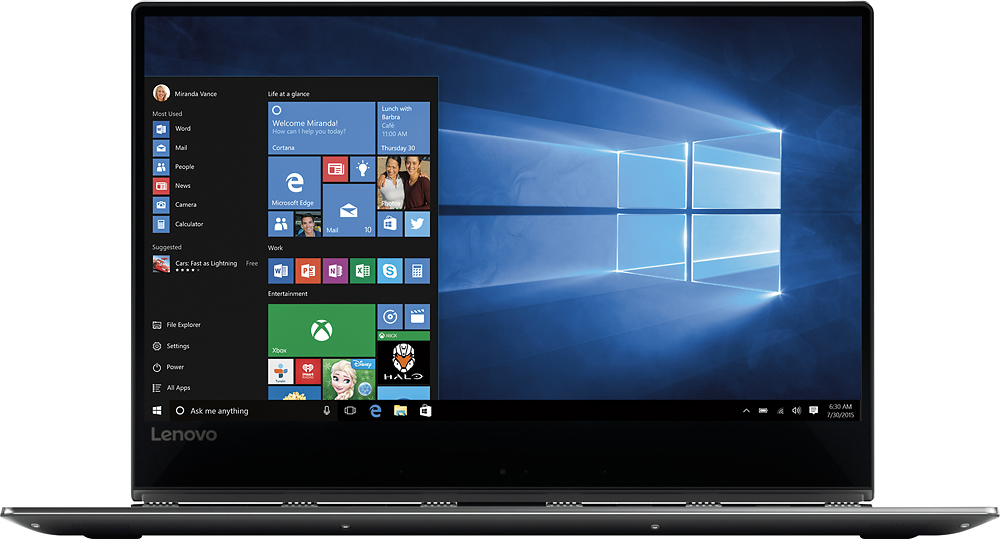
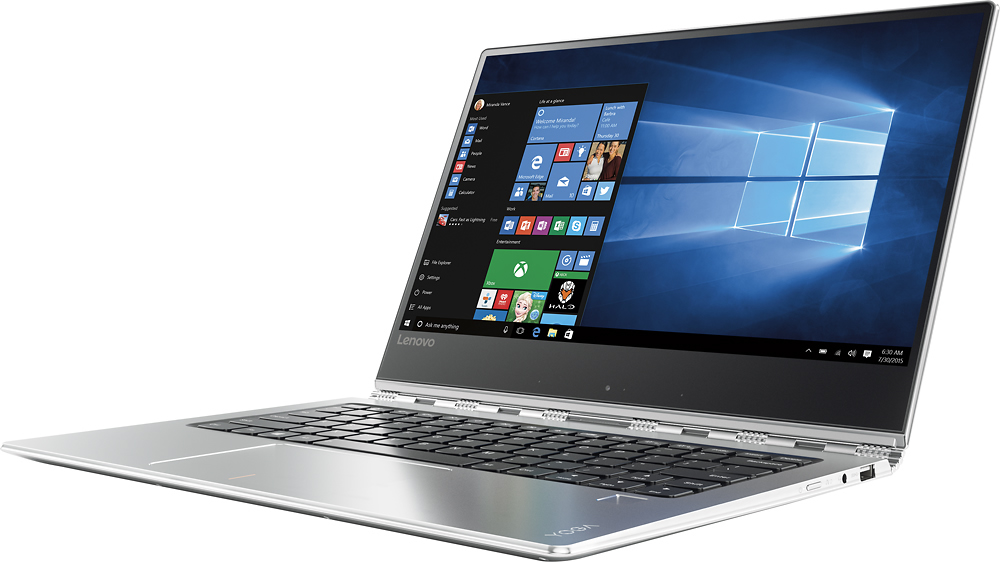
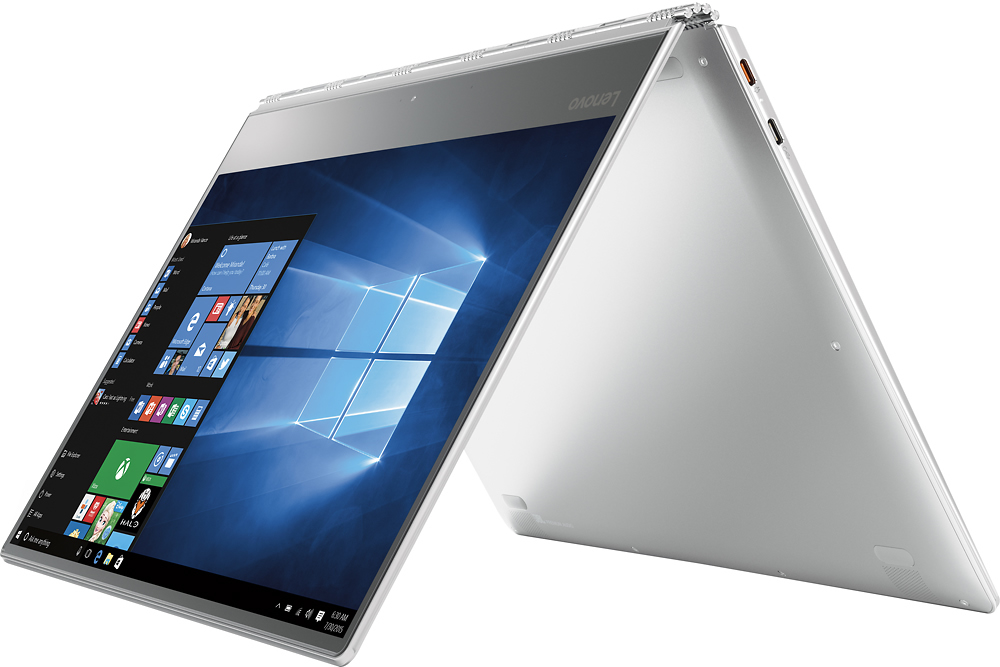
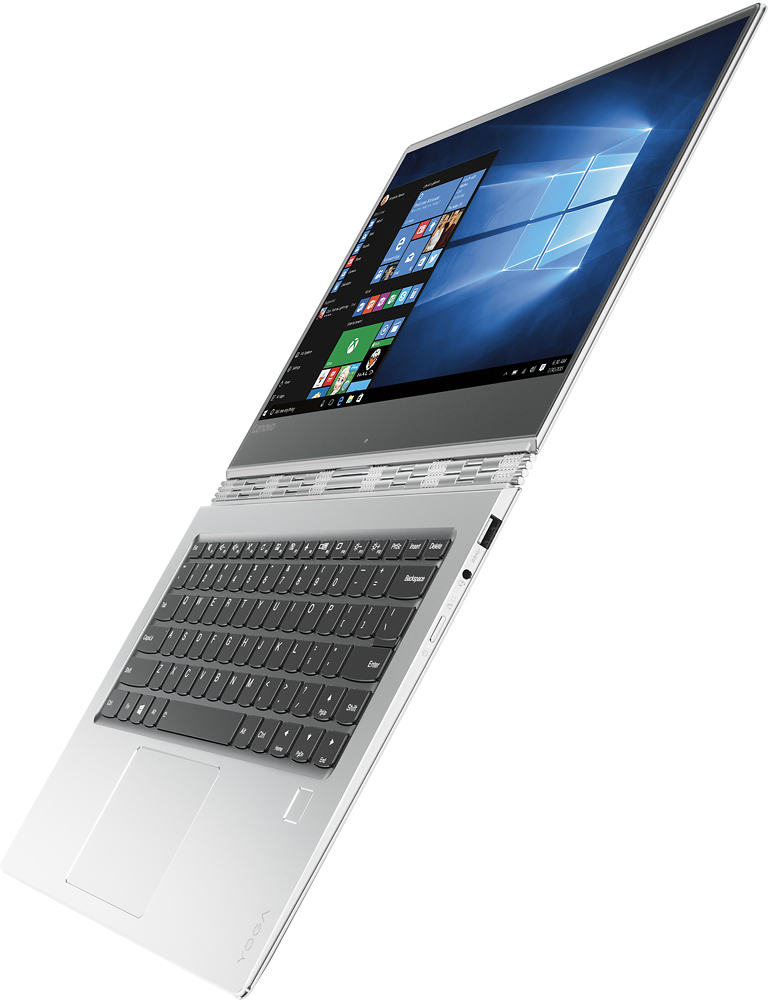
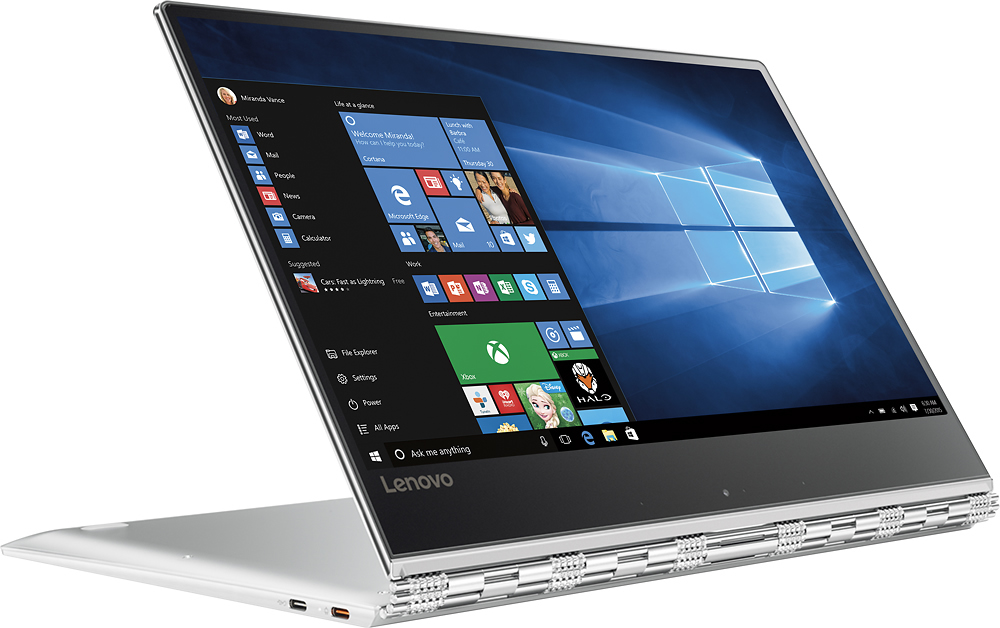
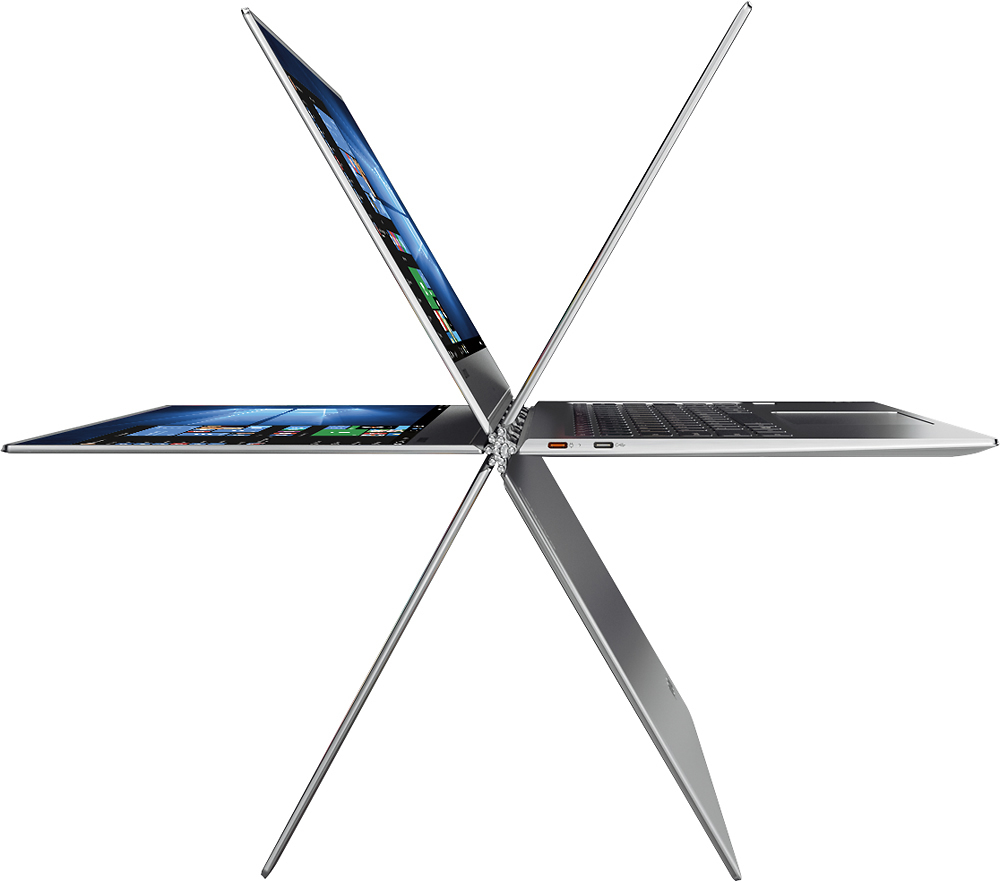
Customers are satisfied with the Yoga 910's lightweight design, long battery life, and ease of use. Many appreciate its compact size and stylish appearance, though some users noted concerns regarding the keyboard, fan noise, and limited USB ports. The hinge mechanism received positive feedback. A few customers expressed a desire for more RAM.
This summary was generated by AI based on customer reviews.
- Pros mentioned:Battery life, Processor speedCons mentioned:Keyboard quality
Excellent high end laptop.
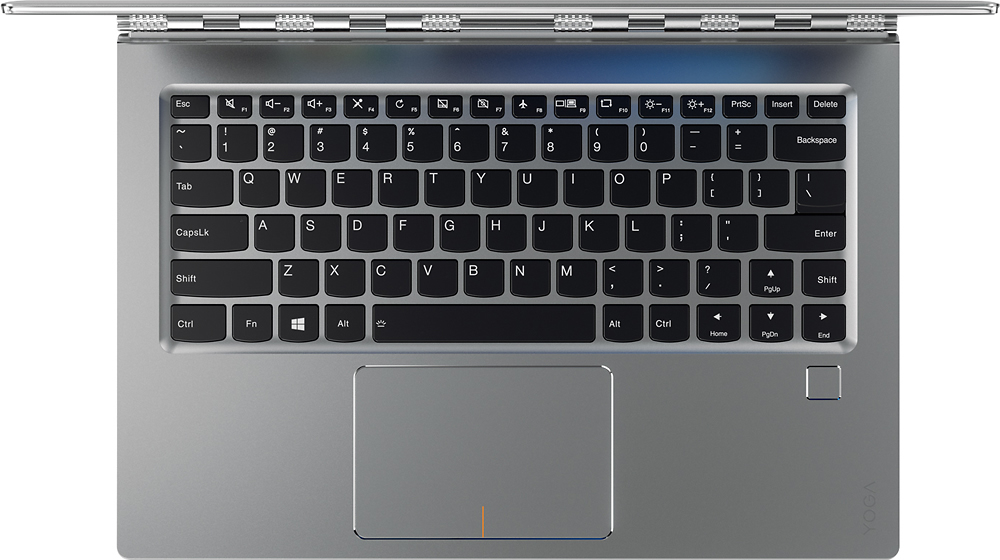
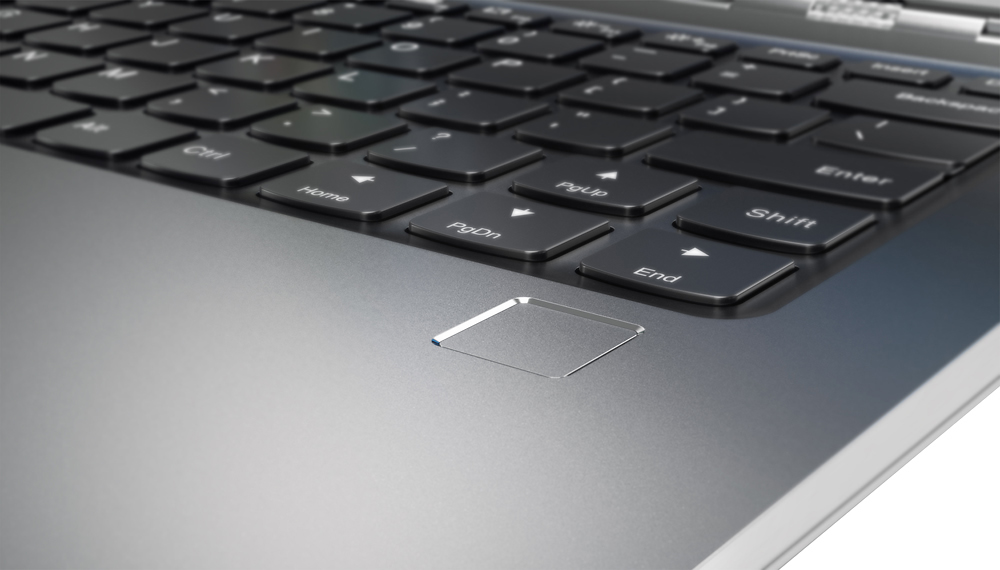
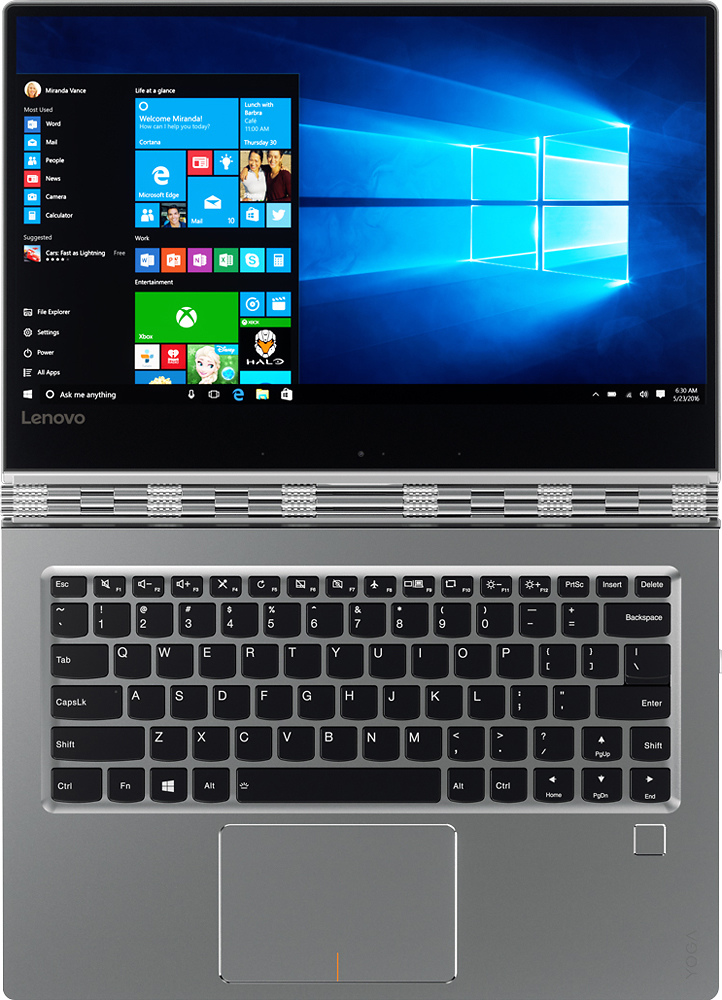
||Posted .This reviewer received promo considerations or sweepstakes entry for writing a review.I bought the Lenovo Yoga as a replacement for a conventional laptop. This computer is amazingly fast with the i7 processor and solid state memory. The most amazing aspect is the battery life. Running 50% screen brightness, I'm getting an honest 12 hours of battery life. The only negative is the positioning of the right shift key. I actually downloaded a program to swap the shift key with the up arrow key. Made all of the difference. All in all, this is an awesome bang for the buck.
I would recommend this to a friendBrand response from Lenovo Product Expert
Posted .Thank you for choosing the Lenovo Yoga 910-14. With regard to the right shift key issue you mention, there is a free software APP called KeyTweak that may help you. You can switch the key functions of specific keys on your keyboard with this software, so you could change the right shift key with the key you hit in its place. Just Google search "KeyTweak" and you will find articles about what the software does and you will find the download location for this free APP.

- Pros mentioned:Battery life, Processor speed, Size
Great laptop
||Posted .This reviewer received promo considerations or sweepstakes entry for writing a review.The Yoga 910 does not disappoint. It starts up fast and runs fast. The wide screen is great and so is the resolution. It is light weight and the battery life is very good. It comes with 2 USB (3.0 and 3.1) ports only due to its compact size, otherwise, all is good.
I would recommend this to a friendBrand response from Lenovo Product Expert
Posted .Thank you for choosing the Lenovo Yoga 910-14. We are pleased to hear that the features and performance of the Yoga 910-14 meets your computing needs so well.
- Pros mentioned:Processor speedCons mentioned:Fan noise, Keyboard quality
Great Laptop with a few minor problems
||Posted .This reviewer received promo considerations or sweepstakes entry for writing a review.This laptop is an extremely fast, powerful, and versatile machine. However, it does have a few little quirks that are annoying. The right shift key is to the right of the up arrow key, and both are on the same row in the keyboard. Initially I found myself accidentally hitting the up arrow key every time I tried to capitalize a word. Which got really annoying really fast. This problem was easily fixed by getting some key remapping software. The other main issue that I have with this laptop is that the fans are a little annoying. When they kick on, they make a fair bit of noise. Nothing that you can't tune out after getting used to it. But it takes a little getting used to.
I would recommend this to a friend - Pros mentioned:Size, WeightCons mentioned:Fan noise
I am in love!
||Posted .This reviewer received promo considerations or sweepstakes entry for writing a review.My previous laptop was also a Lenovo, and having had that laptop for a little over 5 years and never having a problem with it, I decided to buy another Lenovo. Before deciding on purchasing this laptop I have read several people expressing their concerns over the fan noise...but, to be honest, I haven't experienced annoyance with the fan noise. Its not as loud as people portray it to be. Then again, I'm probably used to my 5-year old laptop fan noise. However, compared to that one, this laptop rarely has the fan on; unless you are opening a big application, such as an android emulator. But then after the application opens the fan stops being loud. Overall, I love her!! She is light, compact, love the display quality and size. Well be perfect when I go traveling soon !
I would recommend this to a friendBrand response from Lenovo Product Expert
Posted .Thank you for choosing the Lenovo Yoga 910-14. We are pleased to hear that the features and performance of the Yoga 910-14 meets your computing needs so well. We appreciate your loyalty to the Lenovo Brand.
- Pros mentioned:Ease of use, Processor speed
Great product
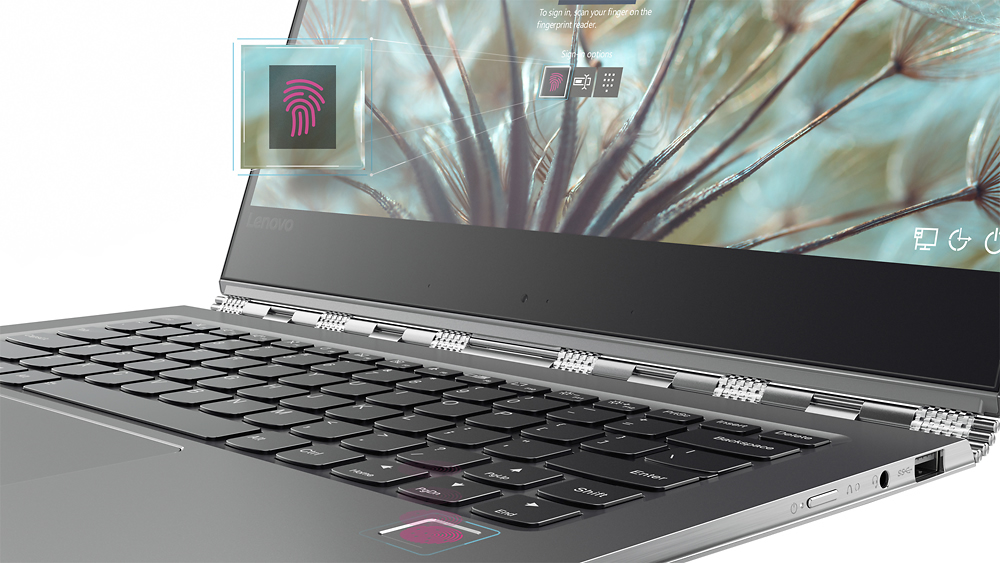
||Posted .This reviewer received promo considerations or sweepstakes entry for writing a review.I love this computer. Fast, easy to use. However, sometimes the fingerprint reader won’t read my fingerprint correctly. The camera is at the bottom of the screen which is very awkward and unattractive and it is very pixelated. But it’s slim, sexy, and does the job
I would recommend this to a friend - Pros mentioned:Ease of use, Processor speedCons mentioned:Keyboard quality
Great Lightweight Laptop
||Posted .This reviewer received promo considerations or sweepstakes entry for writing a review.Very fast, thin, easy portability, light-weight. Sleek design. The only issue I've had is the right Shift key is in a slightly different location, which takes a little getting used to, but otherwise a great machine.
I would recommend this to a friendBrand response from Lenovo Product Expert
Posted .Thank you for choosing the Lenovo Yoga 910-14. With regard to the right shift key issue you mention, there is a free software APP called KeyTweak that may help you. You can switch the key functions of specific keys on your keyboard with this software, so you could change the right shift key with the key you hit in its place. Just Google search "KeyTweak" and you will find articles about what the software does and you will find the download location for this free APP.
- Cons mentioned:Fan noise, Keyboard quality
So much potential
Posted .This reviewer received promo considerations or sweepstakes entry for writing a review.I'm writing this review on my old Macbook air laptop because my lenova is packed and ready to go back. I'm really bummed about it. So, here's why. Overall, it's a nice looking laptop. The hinges are awesome and would have helped slow the wear and tear from switching between touch and standard modes. The bad. Let's start with something as simple as the keyboard. It's horrible. The arrow keys are mixed in with the shift key causing many typos. The right shift is substantially smaller while the left shift is normal. Not sure what they were thinking. The fan is really loud, and most complain about it, but i was able to tune it out. I do wonder long term if it's a sign of something bigger. The straw that pushed me over the edge was that the battery would not charge, even though the laptop is plugged in. You actually receive a message that says plugged in but not charging. I've attached a couple of examples. I only notice this because I was working on it for a couple of hours and it was down to 10 percent. Considering it was plugged in all day something was definitely off. I plugged in and checked on it about an hour or 2 later and it was down from 10 to 8 percent (while plugged in). I still wasn't connecting the dots, so i closed and decided to check in the morning 8 hours later. The updated charge was now 96 percent after being plugged in all night. So, it seems to be sporatic charging, since at some point during the night it must have turned back on. At any rate, the computer is a little over a month old and should not be doing any of this. Cutting my losses while I still can. Buyer beware.
No, I would not recommend this to a friendBrand response from Lenovo Product Expert
Posted .With regard to the battery charging, check your power management settings. The battery will not charge if there is a minimum charge left in the battery. You can change this system setting. It is meant to help lengthen battery life. you can also check for power management driver updates if adjusting your battery/power management settings don't work. Follow the link below to look for new driver updates for your specific system. You can also run diagnostics from the Lenovo site as well. As always, be sure to create a restore point on your system before you make any changes. You can do this by just typing "restore point" in the search window within Cortana and follow the link to create a restore point. Here is the link:
http://support.lenovo.com/us/en/products/Laptops-and-netbooks/Yoga-Series/yoga-910-13ikb/80VF/002JUS?linkTrack=Caps%253ABody_SearchProduct&tabName=downloads&beta=false
Finally, with regard to the right shift key issue you mention, there is a free software APP called KeyTweak that may help you. You can switch the key functions of specific keys on your keyboard with this software, so you could change the right shift key with the key you hit in its place. Just Google search "KeyTweak" and you will find articles about what the software does and you will find the download location for this free APP.
- Pros mentioned:Size, Weight
So fast!
||Posted .This reviewer received promo considerations or sweepstakes entry for writing a review.I needed a small laptop for work. I saw this little beauty in the return section, still in the box, still brand new. Got it for under 900$ and couldn't be happier. It's so fast and lightweight. Great computer.
I would recommend this to a friend - Pros mentioned:SizeCons mentioned:Ram
Lightweight, Powerful, Fast, Aluminum
||Posted .This reviewer received promo considerations or sweepstakes entry for writing a review.Great solid state 2 in 1 system. I love the watchband hinge! I get looks whenever I take it out. Nice bright touchscreen makes text on a 14 inch screen easy to read. I wish I could add more RAM. I would probably buy a 16GIG model if I could do it all over again.
I would recommend this to a friend - Pros mentioned:Ease of use, Processor speed, Size
Great laptop
||Posted .This reviewer received promo considerations or sweepstakes entry for writing a review.This laptop was highly recommended to me and has lived up to its expectations. It is fast.. user friendly.. lightweight.. great size... very happily with my purchase!
I would recommend this to a friendBrand response from Lenovo Product Expert
Posted .Thank you for choosing the Lenovo Yoga 910-14. We are pleased to hear that the Yoga 910-14 meets your expectations and your computing needs so well.
- Pros mentioned:Processor speed, SizeCons mentioned:Keyboard quality
Better than surface
||Posted .This reviewer received promo considerations or sweepstakes entry for writing a review.I purchased this as a Christmas gift for my daughter who is really happy with it. She has an older Surface but this computer beats the pants off the Surface. The size and speed is much better than what the surface has to offer. The ONLY drawback is the position of the arrow keys in relation to where the Shift key is (and only reason for 4 stars). It bugs me but my daughter isn't having any problem. I am happy (and so is daughter) with the decision.
I would recommend this to a friend - Pros mentioned:Ease of useCons mentioned:Fan noise
Outstanding computer!
||Posted .This reviewer received promo considerations or sweepstakes entry for writing a review.I am very selective when it comes to choosing a computer since I used to build processors and servers for a living at Intel. Anyway, the previous model of Yoga (the 900) was not good. But, I loved the hinge. The 900 had a fan grinding sound when I pushed the 1 key, and that had to go back. Because I liked a lot about the 900, I went ahead and tried the 910. And, what an amazing computer! I'm super-happy with my purchase, and I recommend this one as a great ultra-portable notebook. Keep up the great work Lenovo!
I would recommend this to a friendBrand response from Lenovo Product Expert
Posted .Thank you for choosing the Lenovo Yoga 910-14. We are pleased to hear that the performance of the Yoga 910-14 meets your computing needs so well.
- Pros mentioned:Processor speed, WeightCons mentioned:Keyboard quality
Great Laptop so Far
||Posted .This reviewer received promo considerations or sweepstakes entry for writing a review.Bought this laptop for my boyfriend and he seems to really like it. It's super light, flexible, and fast. Fingerprint log in is pretty cool. Touch screen is a must. Had all necessary requirements, i7 and what not. Only other laptop I was considering was the Mac or HP Spectre, but Mac immediately failed without a touch screen. I would recommend this to others. Only thing I dislike is the keyboard is a little odd with the placement of the right shift key. Find myself typing incorrectly whenever I use it.
I would recommend this to a friendBrand response from Lenovo Product Expert
Posted .Thank you for choosing the Lenovo Yoga 910-14. With regard to the right shift key issue you mention, there is a free software APP called KeyTweak that may help you. You can switch the key functions of specific keys on your keyboard with this software, so you could change the right shift key with the key you hit in its place. Just Google search "KeyTweak" and you will find articles about what the software does and you will find the download location for this free APP.
- Pros mentioned:Ease of use, Processor speed, Size
good style and function
||Posted .This reviewer received promo considerations or sweepstakes entry for writing a review.good style and function easy to use and very fast plus light and slim.
I would recommend this to a friendBrand response from Lenovo Product Expert
Posted .Thank you for choosing the Lenovo Yoga 910-14. We are pleased to hear that the features and performance of the Yoga 910-14 meets your computing needs so well.
- Pros mentioned:Processor speed, WeightCons mentioned:Fan noise
Lenovo Yoga
||Posted .This reviewer received promo considerations or sweepstakes entry for writing a review.Got this computer because I'm going back to graduate school and travel a ton. So far, so good. It's super light and easy to travel with. Also very fast and runs statistics with no problem. It is a little loud when charging, but other than that, I haven't noticed anything that I would consider a complaint.
I would recommend this to a friendBrand response from Lenovo Product Expert
Posted .Thank you for choosing the Lenovo Yoga 910-14. We are pleased to hear that the features and performance of the Yoga 910-14 meets your computing needs so well.
- Pros mentioned:Processor speed, WeightCons mentioned:Keyboard quality
Great laptop for anyone
||Posted .This reviewer received promo considerations or sweepstakes entry for writing a review.After being a Dell customer for many, many years and sometimes HP, this was my first Lenovo. I love it! Light and thin, the processor works quickly and the touch screen is a delight! Setup was a breeze and I have encountered no problems. If I could change one thing, it would be the location of the shift key. A little more to the right of what I am used to, but I am adapting.
I would recommend this to a friendBrand response from Lenovo Product Expert
Posted .Thank you for choosing the Lenovo Yoga 910-14. With regard to the right shift key issue you mention, there is a free software APP called KeyTweak that may help you. You can switch the key functions of specific keys on your keyboard with this software, so you could change the right shift key with the key you hit in its place. Just Google search "KeyTweak" and you will find articles about what the software does and you will find the download location for this free APP.
- Pros mentioned:Processor speed
FINALLY in LOVE with a laptop!
||Posted .This reviewer received promo considerations or sweepstakes entry for writing a review.I was hesitant to get a 2-in-1 and I was reluctant to get the smaller version of the yoga because I like a bigger monitor. I was fortunate enough to find this machine on an open box deal and got an AMAZING price but it has been WONDERFUL! The speed is phenomenal! The only small complaint I have is the size of the track pad in relation to it's proximity to the keyboard. They're very close so it's hard to type without touching the track pad and making a mistake. If that is the only problem I'll ever have with this, I'm pleased as punch!
I would recommend this to a friend - Cons mentioned:Keyboard quality
Still learning
||Posted .This reviewer received promo considerations or sweepstakes entry for writing a review.I love the Yoga but I do have a few issues with it .. mostly due to me and not the Yoga. For one, as I type, things keep jumping around. I know this is due to the sensitive touch pad but it's annoying. I haven't really used the tablet feature much yet but I plan to, especially for reading on a plane. The Yoga is a great worktool (I travel a lot) as well as for down time.
I would recommend this to a friend - Pros mentioned:Battery life, Processor speed, Weight
Can't Say Enough about the quality of this Laptop
||Posted .This reviewer received promo considerations or sweepstakes entry for writing a review.This Lenovo Yoga 910 has been one of the best purchases of a computer system I have made in decades. The system is extremely durable, light, fast, and incredible battery life, making it an excellent system for someone who travels. Battery life on economy mode has been averaging around 7-8 hours.
I would recommend this to a friendBrand response from Lenovo Product Expert
Posted .Thank you for choosing the Lenovo Yoga 910-14. We are pleased to hear the features and performance of the Yoga 910-14 meets your computing needs so well.
- Pros mentioned:Battery lifeCons mentioned:Fan noise
Excellent PC
||Posted .This reviewer received promo considerations or sweepstakes entry for writing a review.I am about 3 months into using the Lenovo Yoga 910 - Intel i7, 8GB RAM, 256GB SSD. I upgraded from the 2012 MacBook Air - ya I know, Mac to PC, the big switch. I'm pretty well versed with Apple products but the company I now work for uses PC and I felt like I needed a laptop for home that would get me more familiar with Windows 10. This is a light, versatile laptop that packs the power and battery life you need to multitask and get stuff done. And OH the keyboard- so fantastic. Typically I'll have multiple Chrome browser tabs open(and many extensions running), mail app, sticky notes, spotify, and huge excel files - not a problem with this beast. Only cons I would say is at first the fan sounds like a jet engine when it gets going, but you get used to it and its usually only when you are really pushing it with updates or games. And the Microsoft App store is still lacking - so that's a bummer. But overall it has been a great experience for me switching from Mac to PC!
I would recommend this to a friendBrand response from Lenovo Product Expert
Posted .Thank you for choosing the Lenovo Yoga 910-14. With regard to the fan noise issue you mention, there is a BIOS update that might help this. Here is the link: http://support.lenovo.com/us/en/products/Laptops-and-netbooks/Yoga-Series/yoga-910-13ikb/80VF/002JUS/downloads/DS119202