Customer Ratings & Reviews

- Model:
- 81C40005US
- SKU:
- 6301727
to a friend
- Pros mentioned:Gaming, Screen, SoundCons mentioned:Battery, Pen
Top notch sound/Specs
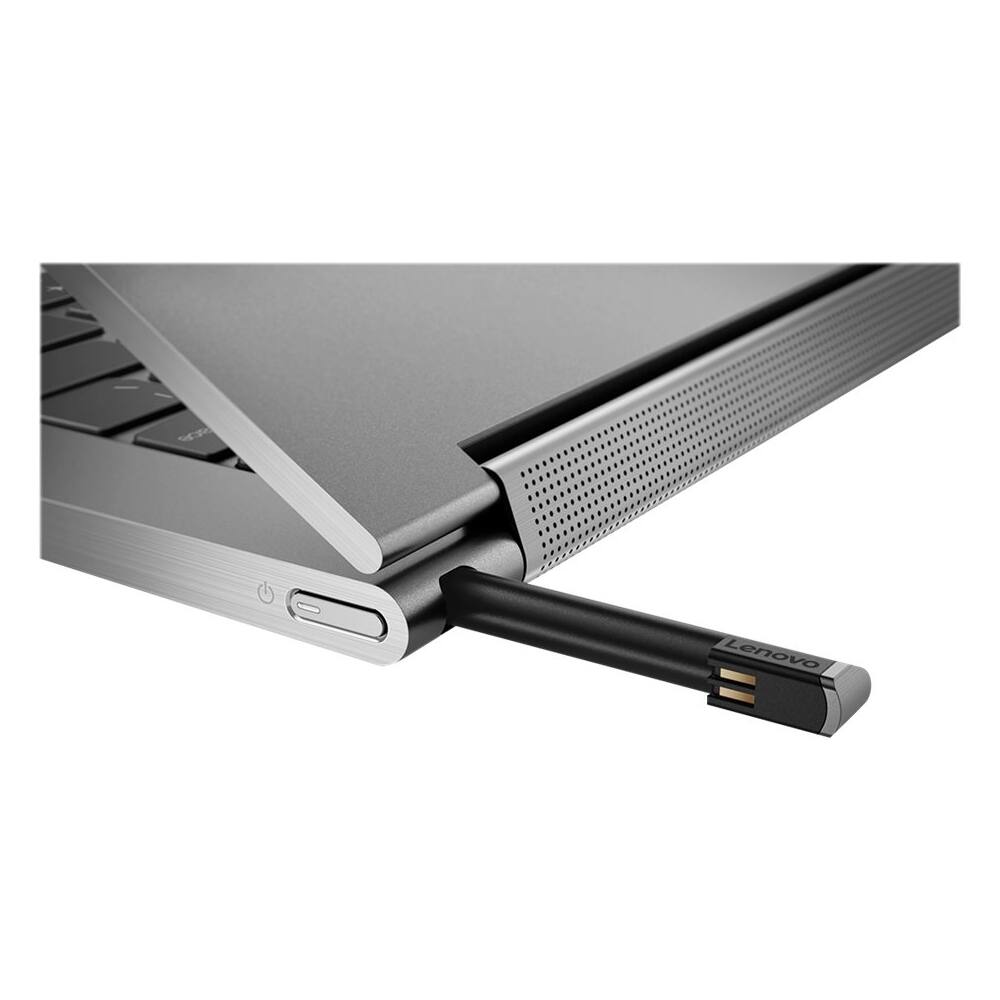
||Posted .This reviewer received promo considerations or sweepstakes entry for writing a review.Love this laptop, The screen is beautiful, keyboard is great, sound is the best I have ever heard on a laptop! The pen is ok, not a very good tablet. You can do some light gaming. A couple of problems with the bestbuy website. The information stated on the website is so wrong it makes choosing laptops so much harder. 0.512 gb of storage? Also the only difference between this one and the 100.00 cheaper mica one is the color. So if you want iron grey its 100.00 more. Unfortunately my battery decreased about 1% every couple of days. So I'm not sure if mine was a lemon but there is my two cents.
I would recommend this to a friendBrand response from Lenovo Product Expert
Posted .Thank you for choosing the lenovo Yoga C930-14. This model ships with a 4CELL_60WH, Lithium Polymer battery, with a battery life of up to 10 hours, depending on the work that the device is performing. To maximize battery life, be sure there are no unwanted programs running in the background, draining the battery. Here is a link to some tips for finding out what is draining your battery:
https://www.laptopmag.com/articles/battery-saver-windows-10. Then, to maximize battery life, try changing your power management setting to a more conservative one. You can do this in the control panel, in the power management category on your system. Select a more conservative power management setting to extend battery life. Finally, if battery life does not improve, a battery reset may be helpful. Here is a link to instructions for resetting a non-removable battery. If you need further assistance, we recommend you call Lenovo Tech Support at: 877-453-6686. Here is the link: https://www.techwalla.com/articles/how-to-reset-a-laptop-battery
















