Customer Ratings & Reviews
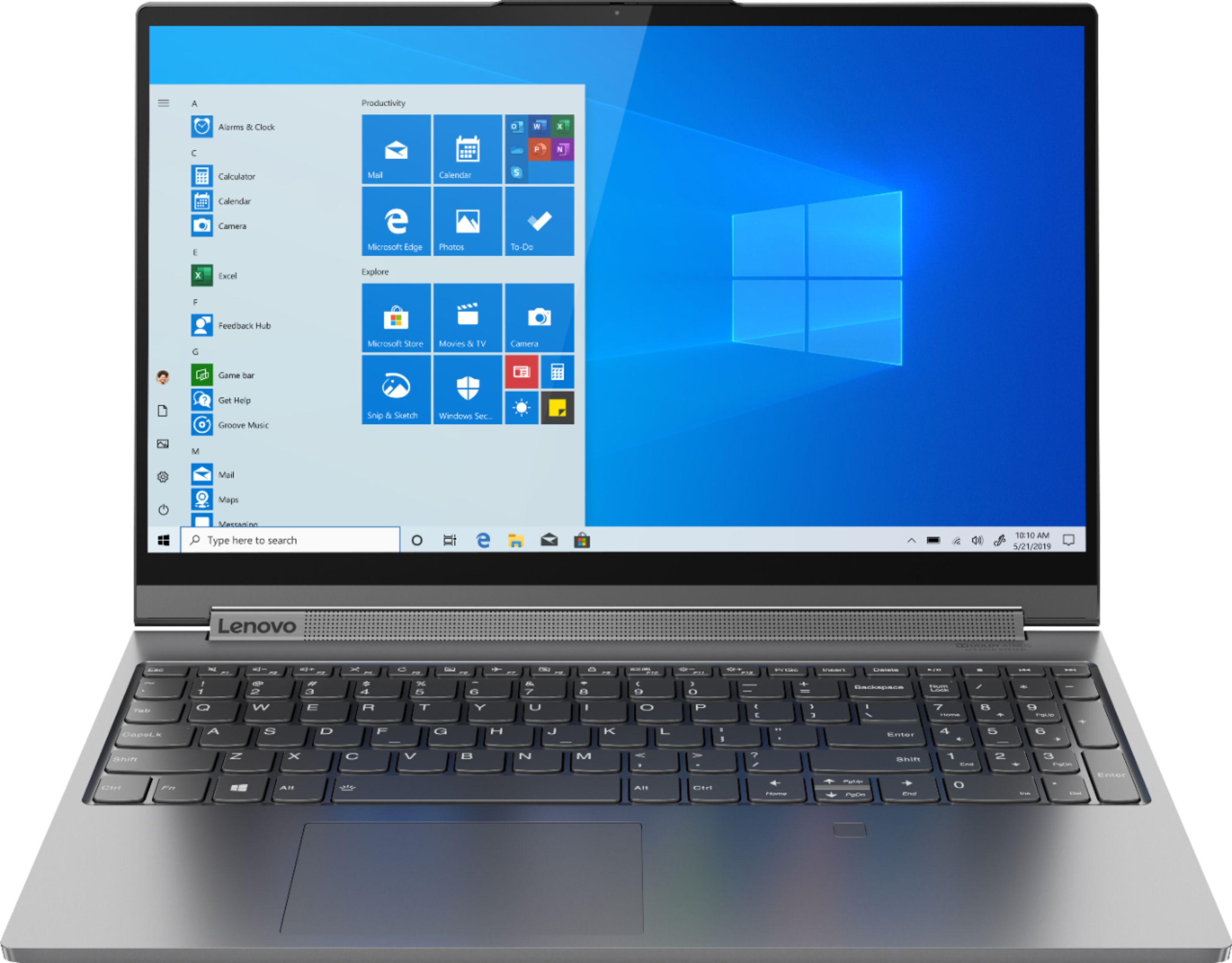

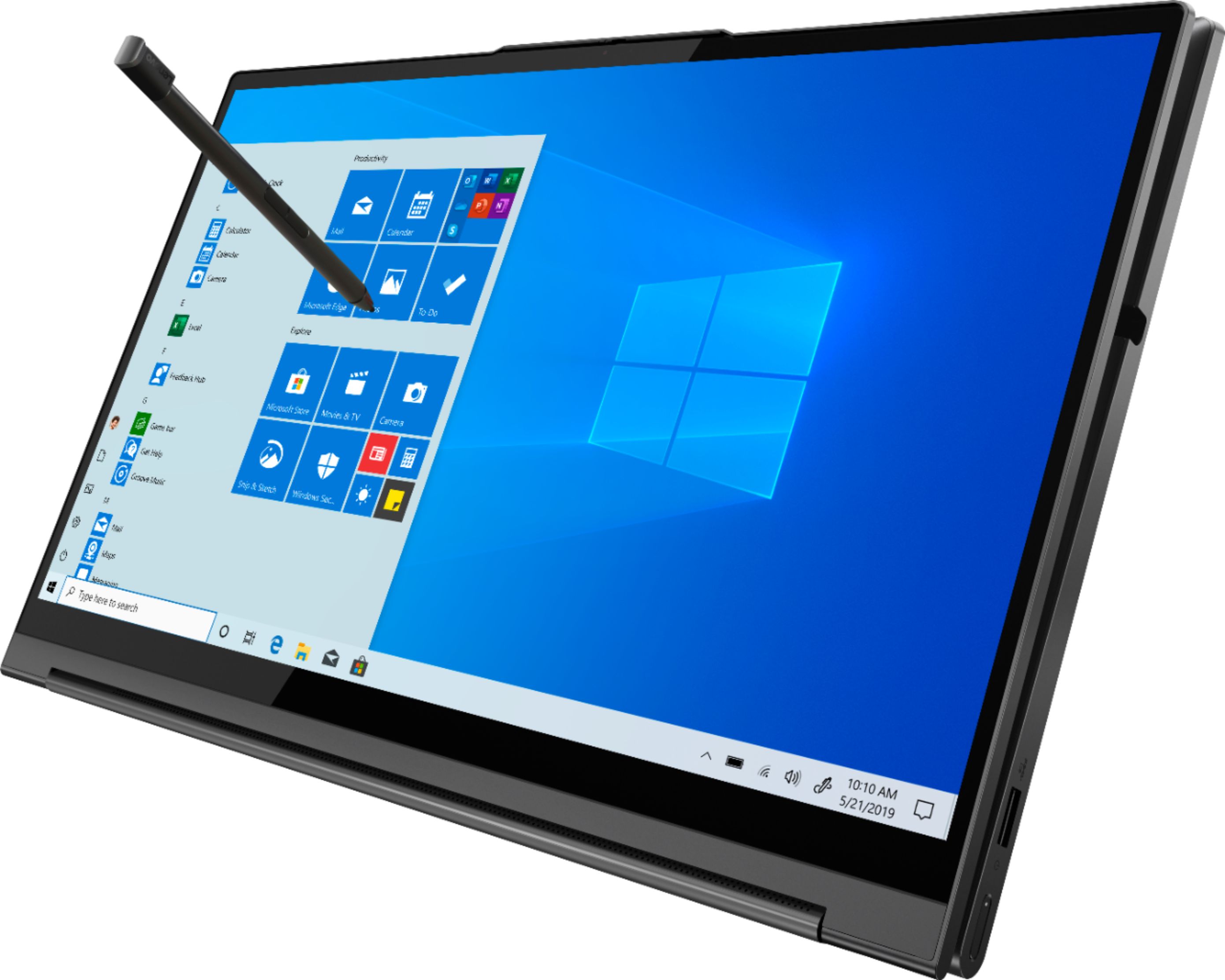

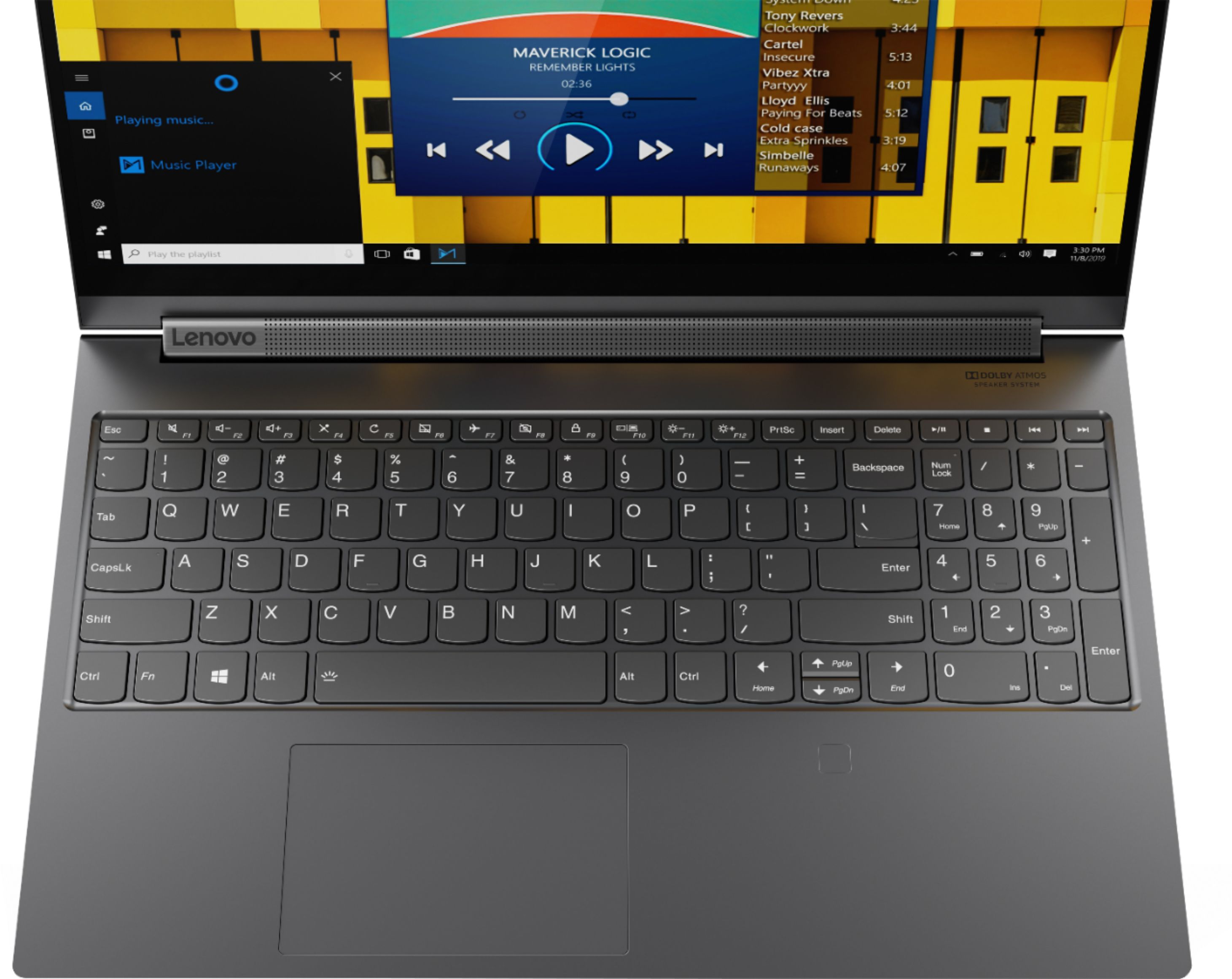
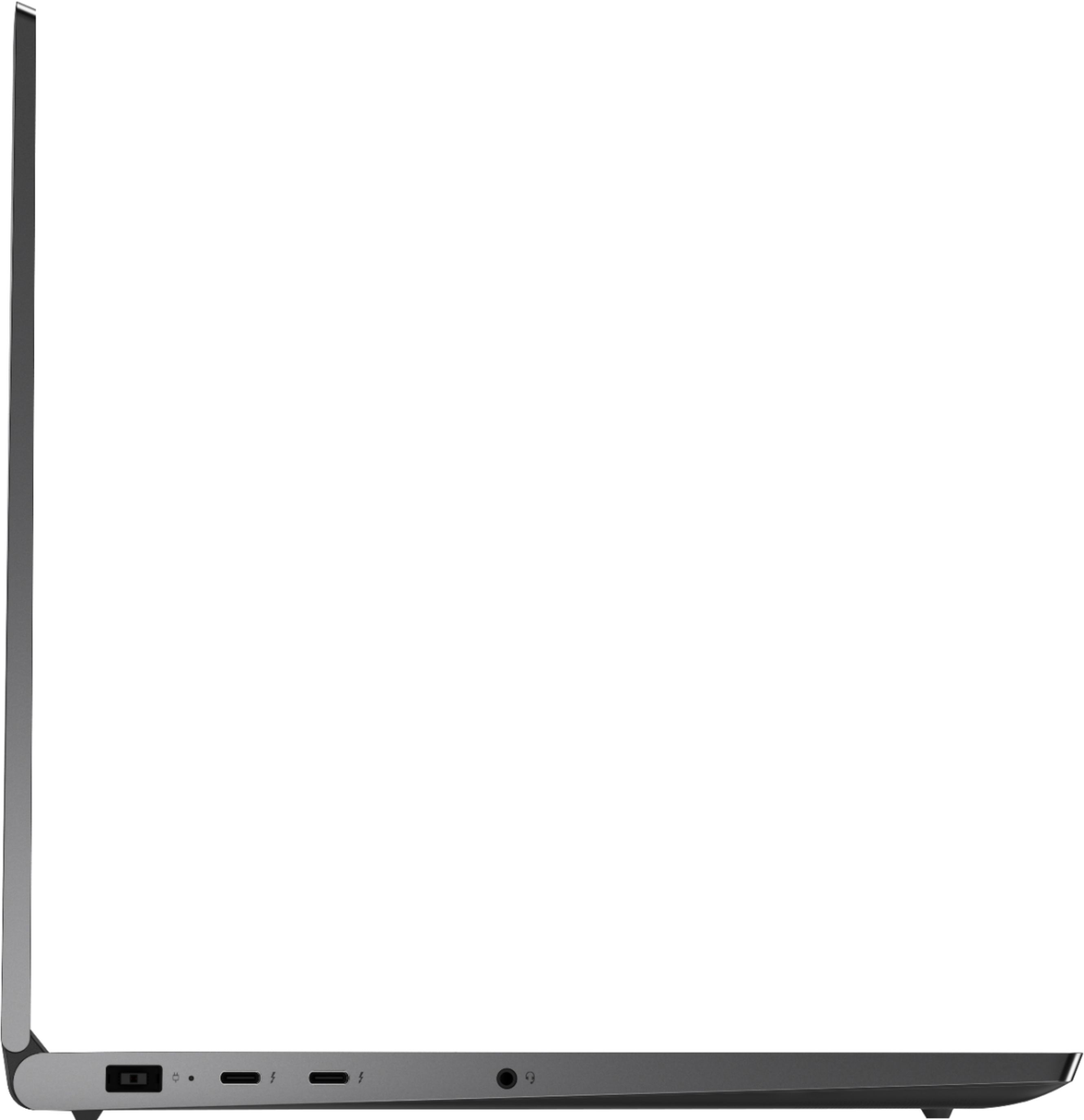






- Model:
- 81TE0000US
- SKU:
- 6367793
Rating by feature
- Battery Life
Rating 3.7 out of 5 stars
- Speed
Rating 4.3 out of 5 stars
- Display
Rating 4.3 out of 5 stars
Customers are saying
Customers consistently note the Yoga C940's powerful performance, excellent build quality, and responsive touch screen. Many users also appreciate its great price, easy-to-use interface, and impressive multitasking capabilities. However, some users have expressed concerns about its short battery life, loud fan noise, and tendency to overheat.
This summary was generated by AI based on customer reviews.
New laptop issues
||Posted . Owned for 1 month when reviewed.This reviewer received promo considerations or sweepstakes entry for writing a review.I absolutely love the design but my computer crashed within six weeks of receiving it. Its with Geek Squad right now but wanted to make sure others are aware that there may be an issue with your laptop.
No, I would not recommend this to a friendBrand response from Lenovo Product Expert
Posted .We are sorry to hear that you are having issues with your Lenovo Yoga C940-15. This model ships with Windows 10 Home 64-bit Operating System and should not crash. Be sure any software you installed is compatible with Windows 10. There is no need to install Microsoft Office software. The software is already part of the operating system, you just need to activate the software with a purchased product key. If you have installed a copy of Microsoft Office, this is conflicting with the existing copy on the system and this will slow your system down. If you have installed a 3rd party anti-virus program, be sure that Windows Defender is turned off and that the trial version of McAfee Anti-Virus software is uninstalled. There can only be one anti-virus program on the system. You may need to restore your system to original factory default settings if any of the programming errors have occurred. You can do that by typing "restore" in the Cortana search window. Just click on the magnifying glass icon at the bottom left of your Windows 10 Desktop. Click on "Reset This PC" Then click on "Get Started" and follow the on screen directions to restore to factory defaults. If the problem persists, we recommend you contact Lenovo Tech Support at: 877-453-6686.

Best buy is horrible.
||Posted . Owned for 2 months when reviewed.This reviewer received promo considerations or sweepstakes entry for writing a review.I love this laptop. Levono is a great product. I purchased the laptop being open box. After three days the trackpad no longer works. I have to constantly uninstall the driver. It works one day and not the other. My bluetooth mouse also is not registering. I would never buy anything from Best Buy being open box.
No, I would not recommend this to a friendBrand response from Lenovo Product Expert
Posted .We are sorry to hear that you are having issues with the Touchpad on your Lenovo Yoga C940-14. First be sure that the Touchpad is turned on. Try tapping the HotKey in the F6 position on your keyboard. This HotKey toggles the Touchpad on/off. If this is not the issue, then be sure you have the latest version of Windows 10 on the computer, then update all of the BIOS files and drivers up to the latest version of Windows 10. You can easily accomplish this by scanning the computer with the Lenovo Utility software available on this computer. This system has Lenovo utilities installed to help maintain the health of the device and keep the operating system software up to date. Type "Lenovo Vantage" in the Cortana Search window (if Lenovo Vantage is not installed on your device, you can download the APP and install it now). Select Lenovo Vantage from the list. In the window that opens, click on "Health and Support". In the expanded menu, select "Hardware Scan" In the window that opens, select "Run Quick Tests". This will scan your entire system for errors. Follow any directions that may pop up. If the problem continues after this scan, now click on "System Update". First select Windows update from the menu. Scan your system to be sure you have the latest version of Windows 10. Once that scan is complete, select "Additional Updates". This will scan your device to be sure there are no new BIOS/Driver updates needed. Follow any instructions that may pop up. If the issue still continues after these updates, we recommend you call Lenovo Tech Support at: 877-453-6686 for additional help.
drops signal ALL. THE. TIME.
||Posted . Owned for 2 weeks when reviewed.This reviewer received promo considerations or sweepstakes entry for writing a review.This is my THIRD laptop from this Best Buy. My first was sold to me as new but had a profile on it. My second worked for a few days and then the windows started flickering and became see through. When I updated to this one I was told that it would be reliable and fast. I teach 3rd grade virtually and I am dropping signal every few moments, unable to maintain a meet with my kids. My work laptop sits beside me and is fine. None of the other computers in the house have issues
No, I would not recommend this to a friendBrand response from Lenovo Product Expert
Posted .We are sorry to hear that you are having issues with WiFi connectivity with your Lenovo Yoga C940-15, model number 81TE0000US. This model ships with the latest, 6G, Wide-Range/High-Speed 2x2 802.11AX WiFi. This WiFi frequency is also backward compatible with older b/g/n/ac frequencies as well. Be sure you have the latest version of Windows 10 on your computer, then up date all of the BIOS files and drivers up to that latest version of Windows 10.
Computer arrived unable to connect to the internet
||Posted . Owned for 1 month when reviewed.This reviewer received promo considerations or sweepstakes entry for writing a review.Unfortunately despite City computer being a certified open box item that was supposed to be functional it arrived without the ability to connect to the internet
No, I would not recommend this to a friendBrand response from Lenovo Product Expert
Posted .We are sorry to hear that you are having issues connecting your lenovo Toga C940-15 to your WiFi network. If is possible that resetting the computer back to original factory settings may reset the WiFi receiver as well. Here is a link to instructions for resetting your Windows 10 computer back to original factory settings: https://support.microsoft.com/en-us/help/12415/windows-10-recovery-options. If you can not boot the computer for some reason, this system is equipped with OneKey Recovery System. There is a very small pin hole on the bottom right side of the device, right near the top right corner of the cooling vent on the bottom of the device. You will need a pin to push this reset button. Plug the device in. Let the battery charge for about 15 minutes. Push the reset button. The system should boot to a choice screen where you can choose "Restore To Factory Default". Select this. It will delete everything from the hard drive except the original factory install of the operating system. You will need to reinstall all programs and files after the reset. If you don't have copies of the files, try to make one before you restore by selecting "Boot to desktop" and trying to back up your files. If the problem persists after the factory reset, we recommend you contact Lenovo Tech Support at: 877-453-6686.
Very Disappointed
||Posted . Owned for 1 month when reviewed.This reviewer received promo considerations or sweepstakes entry for writing a review.This is my first experience with a Lenovo product. I rarely write reviews, but my experience with this laptop has been awful. I have had problems with playing videos, sound, microphone, and the keyboard. Also, the fingerprint sensor doesn't work well. Issues began in week one of ownership. I would NOT buy a Lenovi product. My previous laptop (different brand) never had any issues. This laptop has been nothing but a hassle. Overpriced junk.
No, I would not recommend this to a friendBrand response from Lenovo Product Expert
Posted .We are sorry to hear that you are having issues with your Lenovo Yoga C940-15. First, be sure any software you installed is compatible with Windows 10. There is no need to install Microsoft Office software. The software is already part of the operating system, you just need to activate the software with a purchased product key. If you have installed a copy of Microsoft Office, this is conflicting with the existing copy on the system and this will slow your system down. If you have installed a 3rd party anti-virus program, be sure that Windows Defender is turned off and that the trial version of McAfee Anti-Virus software is uninstalled. There can only be one anti-virus program on the system. You may need to restore your system to original factory default settings if any of the programming errors have occurred. You can do that by typing "restore" in the Cortana search window. Just click on the magnifying glass icon at the bottom left of your Windows 10 Desktop. Click on "Reset This PC" Then click on "Get Started" and follow the on screen directions to restore to factory defaults. If the problem persists, we recommend you contact Lenovo Tech Support at: 877-453-6686.
Won’t charge
||Posted . Owned for less than 1 week when reviewed.This reviewer received promo considerations or sweepstakes entry for writing a review.I have had this computer for less than a week I have used it twice and it says that it is plugged in but it won’t charge. After doing some research I have found that this is a common occurrence on many Lenovo models of computers. There are solutions, but this sucks. I paid about $2000 for a computer and within a week it won’t charge.
No, I would not recommend this to a friendBrand response from Lenovo Product Expert
Posted .We are sorry to hear that you are having issues with your Lenovo Yoga C940-15 model number 81TE0000US. The charging mode you describe, Charged In, Not Charging. Most likely the battery level is above 80-percent on your computer. To get the battery to charge to 100-percent, unplug the computer, let the battery level drop below 50-percent. Plug the computer back in and the battery will charge to 100-percent. This is battery management software within Windows 10. It is meant to maximize the battery life. Just allow the battery to discharge below 50-percent, then charge it for a full 100-percent charge. If the issue continues, we recommend you call Lenovo Tech Support at: 877-453-6686.
- Cons mentioned:Overheating
Don’t buy
||Posted . Owned for 10 months when reviewed.This reviewer received promo considerations or sweepstakes entry for writing a review.Over heat won’t stay on. Computer needs to be recalled.
No, I would not recommend this to a friend Not good for Zooming
||Posted . Owned for 2 months when reviewed.This reviewer received promo considerations or sweepstakes entry for writing a review.If you need to zoom a lot the microphoone and speakers are totally unreliable. I have been a faithful Lenovo user for many years but no longer. Totally undependable and I brought it in to Geek Squad and they kept updating the drivers but it never lasted. Don't recommend it because of this issue.
No, I would not recommend this to a friendBrand response from Lenovo Product Expert
Posted .We are sorry to hear that you are having issues with the webcam and microphone built in to your Lenovo Yoga C940-15, model number 81TE0000US. Try recording some audio/video offline by using the Windows 10 Camera APP. Here is a link to instructions for doing this: https://www.digitalcitizen.life/how-use-camera-app-windows-10-your-webcam/. If you are able to recorder video and audio that is clear and clean of any issues offline, the problem may be with the settings within the conferencing APP you are using. Check your audio/video settings once you login in to the conferencing APP you use to be sure they are set properly. You should be able to access the conferencing APPs settings before or after a live conference call to make your adjustments prior to a meeting. If the issue continues, we recommend you contact Lenovo Tech Support for additional help at: 877-453-6686.
Hardware was bad
||Posted .This reviewer received promo considerations or sweepstakes entry for writing a review.Got it home and set up. The next day it wouldn't connect to wifi.....not only wouldn't connect wouldn't even recognize it. Ran the troubleshooting and it said it was the wireless card. Did a driver up date and that still didn't work. It would only connect randomly. Returned it and got a different brand
No, I would not recommend this to a friendBrand response from Lenovo Product Expert
Posted .Hello we are sorry to hear you are experiencing this issue with your Lenovo Yoga C940 15" laptop model # 81TE0000US. Please ensure you are running the most current version of Windows 10. Here is a link with instructions https://support.microsoft.com/en-us/windows/update-windows-10-3c5ae7fc-9fb6-9af1-1984-b5e0412c556a#:~:text=In%20Windows%2010%2C%20you%20decide,Update%20%26%20Security%20%3E%20Windows%20Update%20. Next please ensure the System Device Drivers/ BIOS is up to date with the Lenovo Vantage App.
Lenovo Vantage: You can easily accomplish this by scanning the computer with the Lenovo Utility software available on this computer. This system has Lenovo utilities installed to help maintain the health of the device and keep the operating system software up to date. Type "Lenovo Vantage" in the Cortana Search window (if Lenovo Vantage is not installed on your device, you can download the APP and install it now). Select Lenovo Vantage from the list. In the window that opens, click on "Health and Support". In the expanded menu, select "Hardware Scan” In the window that opens, select "Run Quick Tests". This will scan your entire system for errors. Follow any directions that may pop up. If the problem continues after this scan, now click on "System Update". First select Windows update from the menu. Scan your system to be sure you have the latest version of Windows 10. Once that scan is complete, select "Additional Updates". This will scan your device to be sure there are no new BIOS/Driver updates needed. Follow any instructions that may pop up. If the issue continues after these updates, we recommend you call Lenovo Tech Support at: 877-453-6686 for additional help.
Broken Refurbished
||Posted . Owned for 11 months when reviewed.This reviewer received promo considerations or sweepstakes entry for writing a review.Excellent design and feel but hardware either came broken or was broken by previous owner. Yoga purchased inproperly refurbished but noticed outside the 1 year window due to covid. Yogas are having hardware problems which may cause you money in the long run.
No, I would not recommend this to a friendNot the best
||Posted . Owned for 11 months when reviewed.This reviewer received promo considerations or sweepstakes entry for writing a review.I am not a fan of this laptop I have had a lot of issues with windows. I purchased this laptop for work. Charging of the device takes awhile and sometimes when my battery life is at 20% the PC dies and needs to be charged.
No, I would not recommend this to a friendHardware issues
||Posted . Owned for 3 weeks when reviewed.This reviewer received promo considerations or sweepstakes entry for writing a review.The computer’s keyboard stop functioning 3 weeks after purchasing on the first day of my daughter’s College classes 300 miles away from home. She spent 2 hours in the school’s IT department and they could not help her.
No, I would not recommend this to a friendBrand response from Lenovo Product Expert
Posted .We are sorry to hear that your daughter is having issues with her Lenovo Yoga C940-15, model number 81TE0000US. It is possible that resetting the computer back to original factory settings may fix the issue with the keyboard. Using the touchscreen, here is a link to instructions for resetting the computer back to original factory settings: https://www.laptopmag.com/articles/reset-windows-10-pc. If for some reason your daughter can not reset the computer this way, this system is equipped with OneKey Recovery System. There is a very small pin hole on the bottom, right side of the device, right near the top right corner of the cooling vent on the bottom of the device. You will need a pin to push this reset button. Plug the device in. Let the battery charge for about 15 minutes. Push the reset button. The system should boot to a choice screen where you can choose "Restore To Factory Default". Select this. It will delete everything from the hard drive except the original factory install of the operating system. You will need to reinstall all programs and files after the reset. If you don't have copies of the files, try to make one before you restore by selecting "Boot to desktop" and trying to back up your files. Once the computer is reset, be sure any software your daughter installed is compatible with Windows 10. There is no need to install Microsoft Office software. The software is already part of the operating system, you just need to activate the software with a purchased product key. If you have installed a copy of Microsoft Office, this is conflicting with the existing copy on the system and this will slow your system down. If you have installed a 3rd party anti-virus program, be sure that Windows Defender is turned off and that the trial version of McAfee Anti-Virus software is uninstalled. There can only be one anti-virus program on the system. You may need to restore your system to original factory default settings if any of the programming errors have occurred. You can do that by typing "restore" in the Cortana search window. Just click on the magnifying glass icon at the bottom left of your Windows 10 Desktop. Click on "Reset This PC" Then click on "Get Started" and follow the on screen directions to restore to factory defaults. If the problem persists, we recommend your daughter contact Lenovo Tech Support for additional help at: 877-453-6686.
Did not turn on
||Posted . Owned for 3 weeks when reviewed.This reviewer received promo considerations or sweepstakes entry for writing a review.We bought this for my son for college. We opened the box and it would not power. There was not even a light on where the power cord plugs into the comp. My wife has had the 920 for 2 years and it has worked well.
No, I would not recommend this to a friendBrand response from Lenovo Product Expert
Posted .We are sorry to hear that you are having issues with your Lenovo Yoga C940-15. First be sure that the issue is not with the AC adapter itself. When plugged in, there should be a white charging light on near the power port plug in. If there is no light, the AC adapter may be defective. We recommend you call Lenovo Tech Support at: 877-453-6686.
faulty screen
||Posted .This reviewer received promo considerations or sweepstakes entry for writing a review.Item ordered and delivered promptly. Within one day of use screen began having issues with flickering, progressed to half screen white or green. Note that item returned to store and full refund received.
No, I would not recommend this to a friendBrand response from Lenovo Product Expert
Posted .Hello, we are sorry to hear you experienced this issue with your Lenovo Yoga C940. We appreciate your feedback and patience regarding this matter.
The screen died 4 weeks. Need i say more?
||Posted . Owned for 1 month when reviewed.This reviewer received promo considerations or sweepstakes entry for writing a review.This machine is not reliable. The screen dies after 4 weeks and made the machine unusable. Do not buy Lenova regardless of what price they offer
No, I would not recommend this to a friendBrand response from Lenovo Product Expert
Posted .We are sorry to hear that you are having issue with your Lenovo Yoga C940-15. It is possible that resetting the computer back to original factory settings may fix the issue you describe. This system is equipped with OneKey Recovery System. There is a very small pin hole on the bottom of the computer, at the top right side of the cooling vent on the bottom device as you look at the bottom of the device. You will need a pin to push this reset button. Plug the device in. Let the battery charge for about 15 minutes. Push the reset button. The system should boot to a choice screen where you can choose "Restore To Factory Default". Select this. It will delete everything from the hard drive except the original factory install of the operating system. You will need to reinstall all programs and files after the reset. If you don't have copies of the files, try to make one before you restore by selecting "Boot to desktop" and trying to back up your files. Once you have the computer restored,
be sure any software you installed is compatible with Windows 10. There is no need to install Microsoft Office software. The software is already part of the operating system, you just need to activate the software with a purchased product key. If you have installed a copy of Microsoft Office, this is conflicting with the existing copy on the system and this will slow your system down. If you have installed a 3rd party anti-virus program, be sure that Windows Defender is turned off and that the trial version of McAfee Anti-Virus software is uninstalled. There can only be one anti-virus program on the system. You may need to restore your system to original factory default settings if any of the programming errors have occurred. You can do that by typing "restore" in the Cortana search window. Just click on the magnifying glass icon at the bottom left of your Windows 10 Desktop. Click on "Reset This PC" Then click on "Get Started" and follow the on screen directions to restore to factory defaults. If the problem persists, we recommend you contact Lenovo Tech Support at: 877-453-6686.
Do not buy!
||Posted . Owned for 9 months when reviewed.This reviewer received promo considerations or sweepstakes entry for writing a review.It is a terrible laptop. In less than 10 months, the laptop has had 2 critical issues, where the second one is a hard-disc failure.
No, I would not recommend this to a friendPoor Laptop!!!!!!
||Posted . Owned for 3 weeks when reviewed.This reviewer received promo considerations or sweepstakes entry for writing a review.Two later the wifi Intel adapter fells. I have to go customer service to complain about the problem.
No, I would not recommend this to a friendThe worst laptop
||Posted . Owned for 1 year when reviewed.This reviewer received promo considerations or sweepstakes entry for writing a review.too much noise - less battery charging, the performance is low
No, I would not recommend this to a friendDisappointed
||Posted . Owned for 1 month when reviewed.This reviewer received promo considerations or sweepstakes entry for writing a review.Nothing installed and it only froze so returned it.
No, I would not recommend this to a friendBrand response from Lenovo Product Expert
Posted .We are sorry to hear that you are having issues with your Lenovo Yoga C940-15, model number 81TE0000US. It is possible that restoring the computer back to original factory settings may fix the issue you describe. Since you can not boot the computer normally, this system is equipped with OneKey Recovery System. There is a very small pin hole on the bottom right side of the device, right near the top right corner of the cooling vent on the bottom of the device. You will need a pin to push this reset button. Plug the device in. Let the battery charge for about 15 minutes. Push the reset button. The system should boot to a choice screen where you can choose "Restore To Factory Default". Select this. It will delete everything from the hard drive except the original factory install of the operating system. You will need to reinstall all programs and files after the reset. If you don't have copies of the files, try to make one before you restore by selecting "Boot to desktop" and trying to back up your files. If the problem persists after the factory reset, we recommend you contact Lenovo Tech Support at: 877-453-6686.
- Cons mentioned:Battery life
Great computer
Posted .This reviewer received promo considerations or sweepstakes entry for writing a review.Awesome computer battery is ehhhh. Other than that it’s very smooth
I would recommend this to a friend