Customer Ratings & Reviews
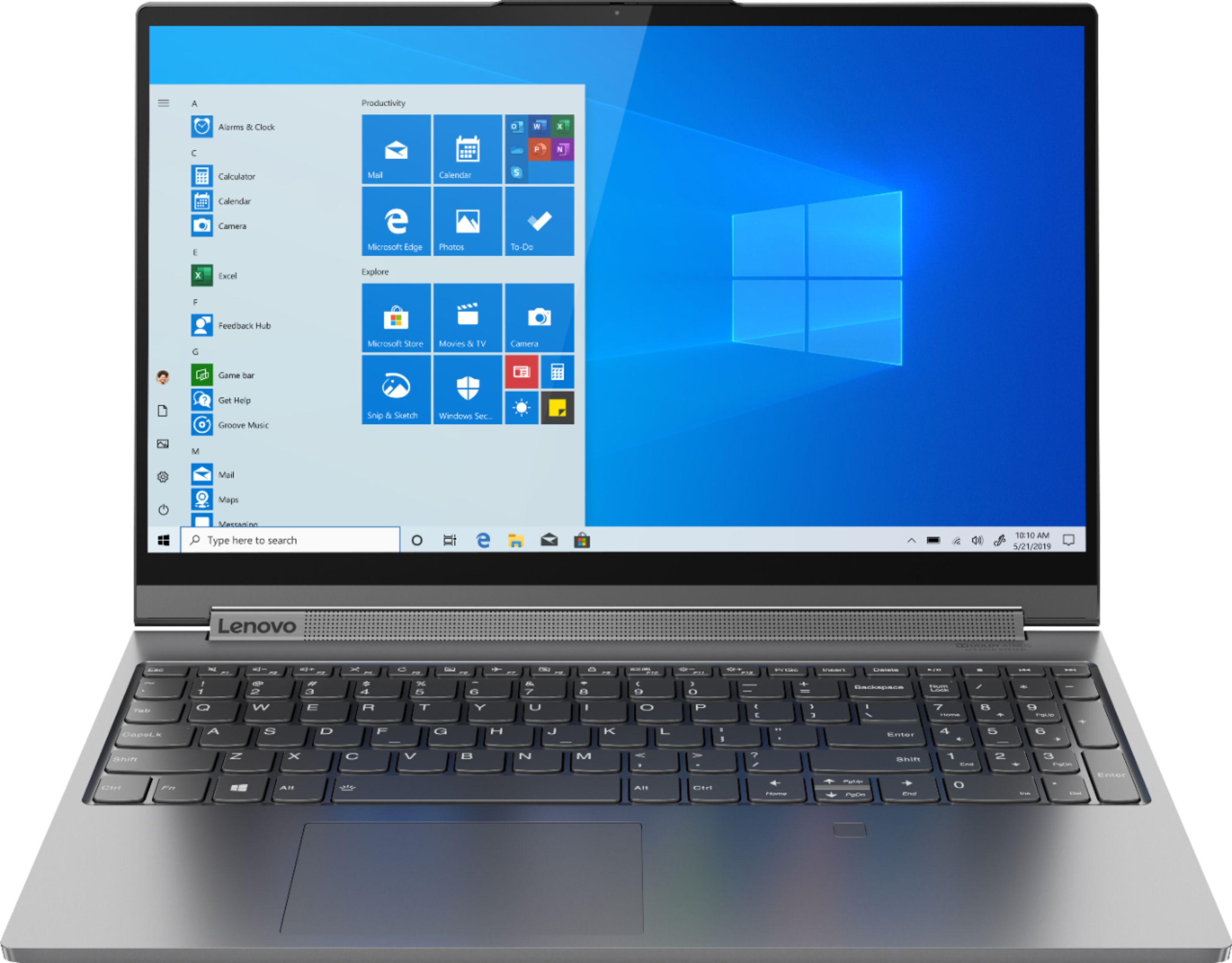

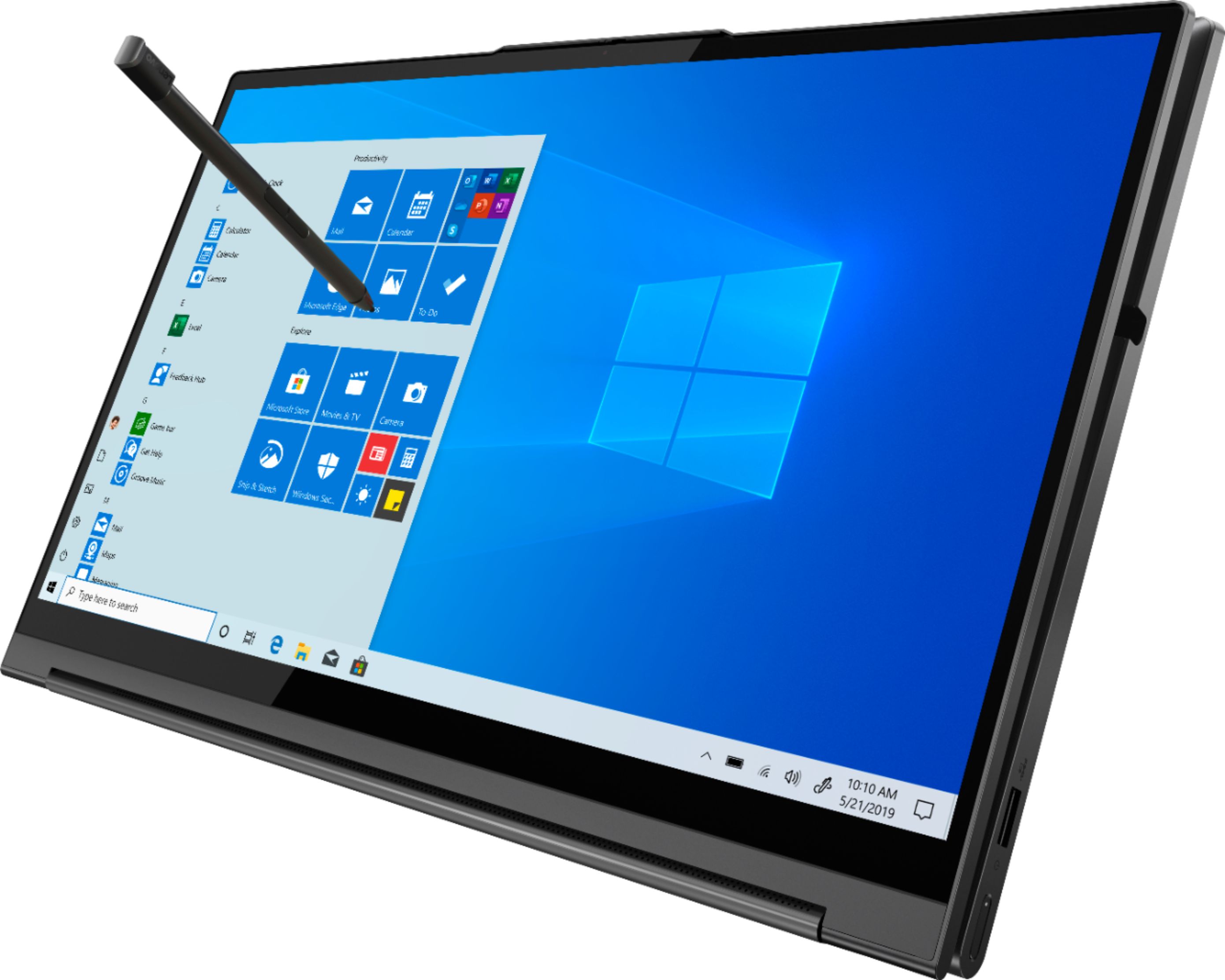

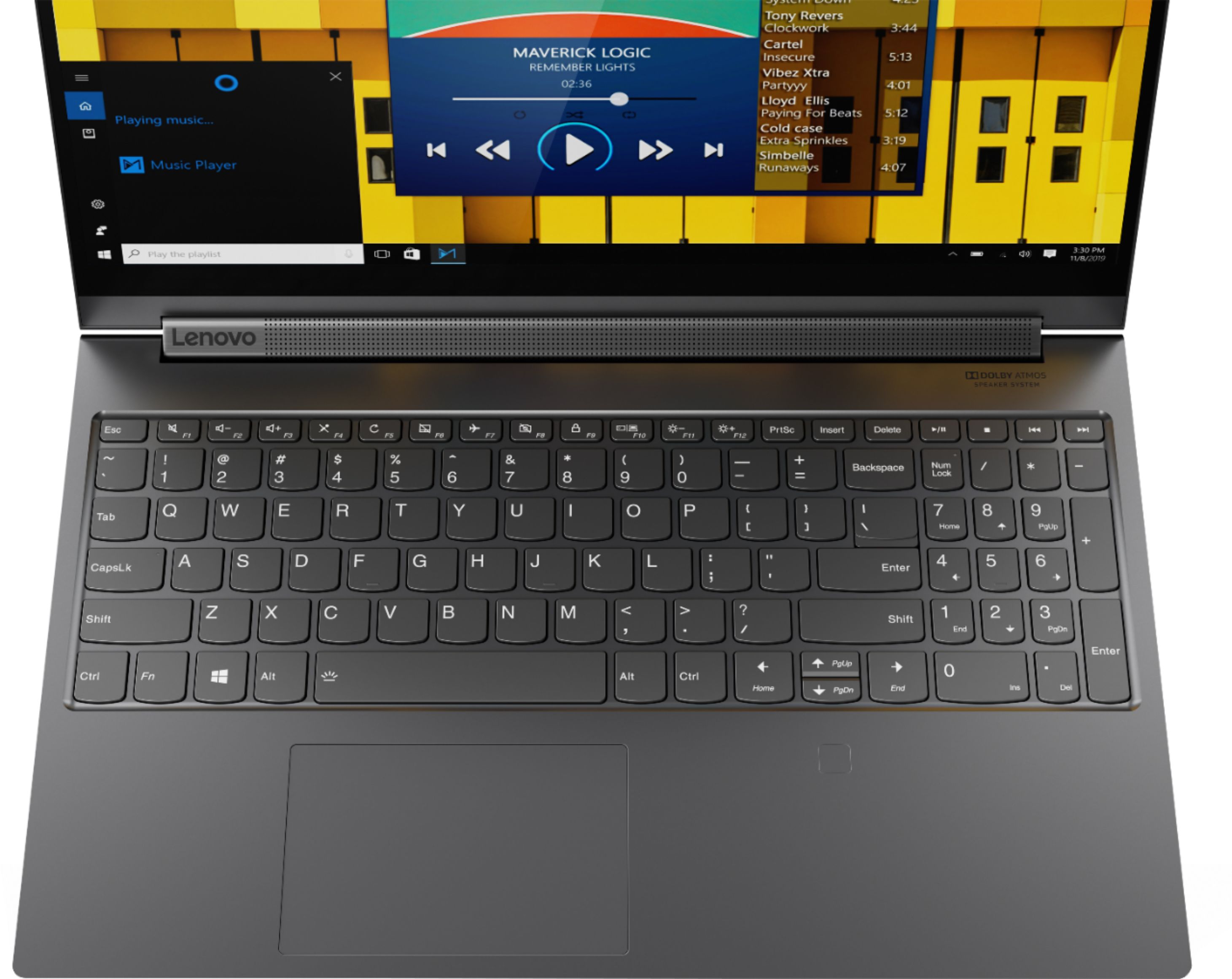
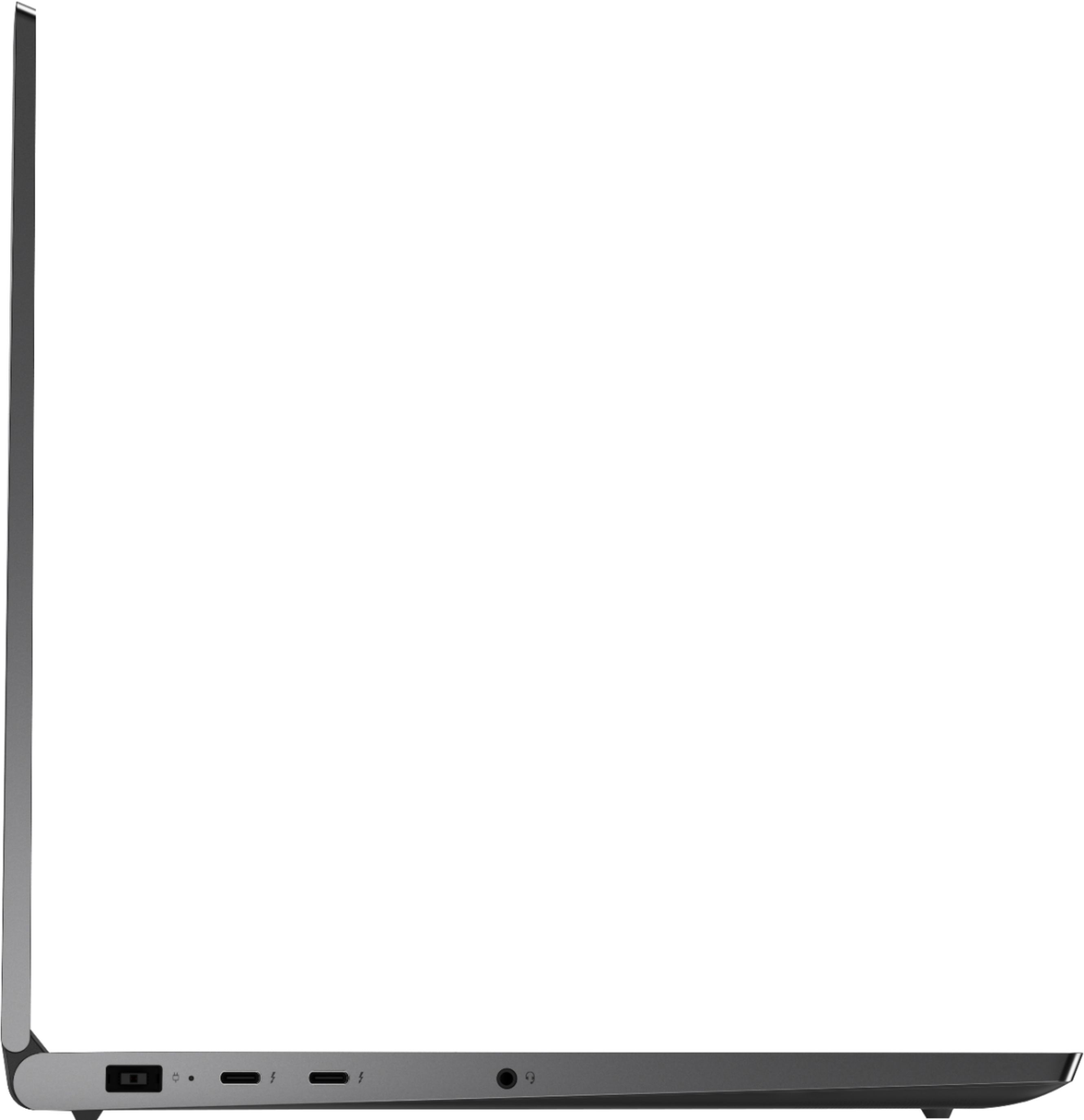
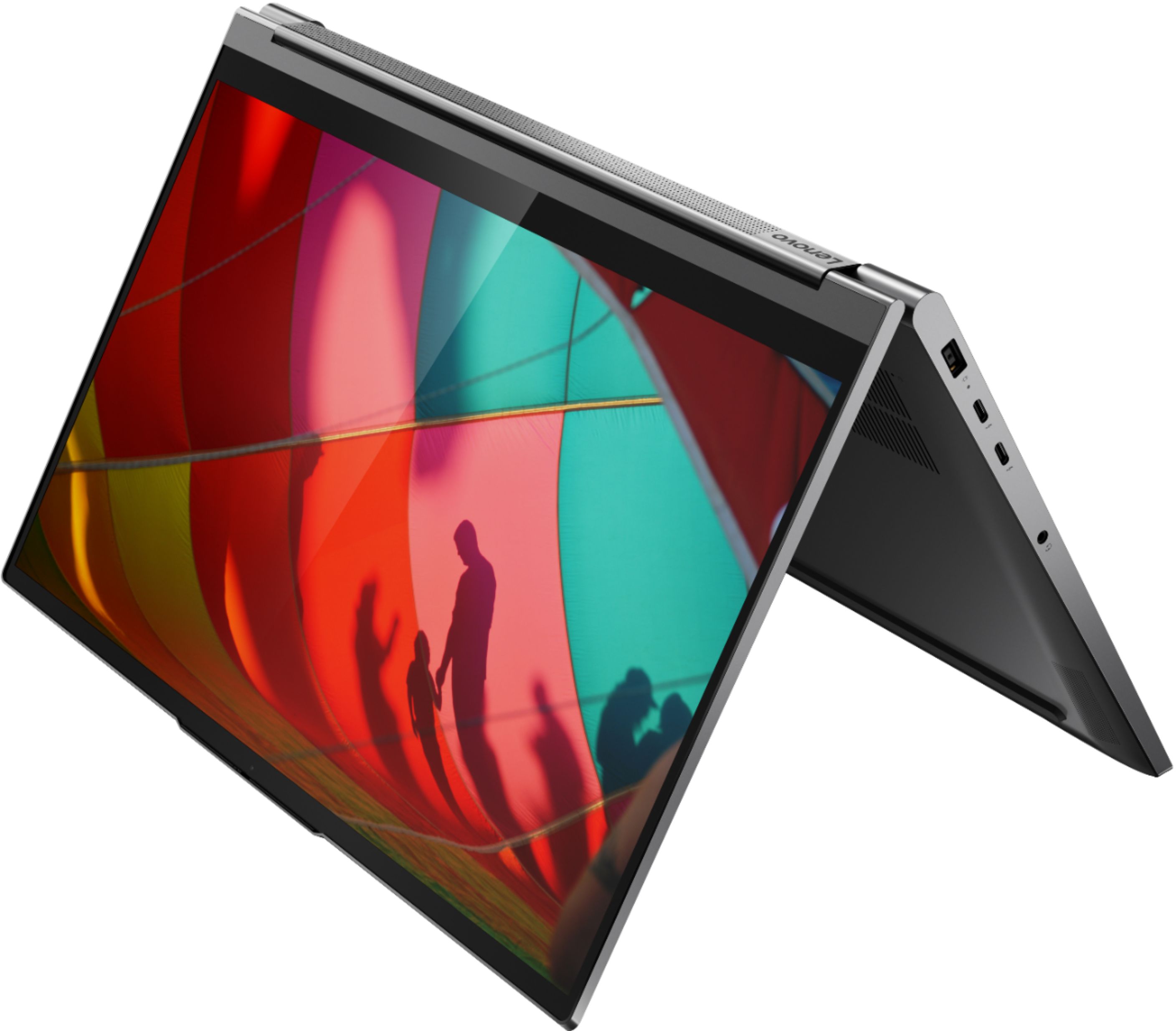


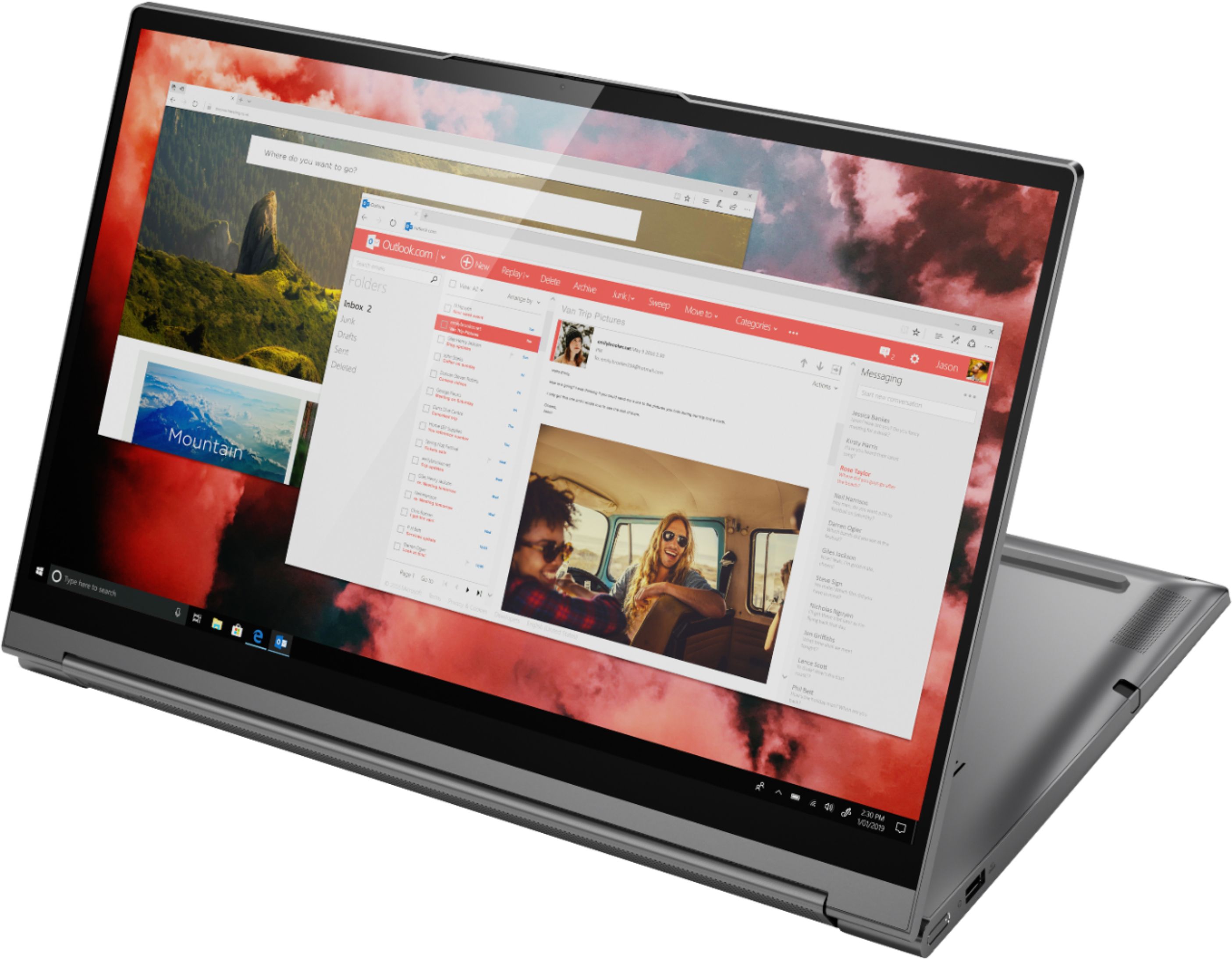

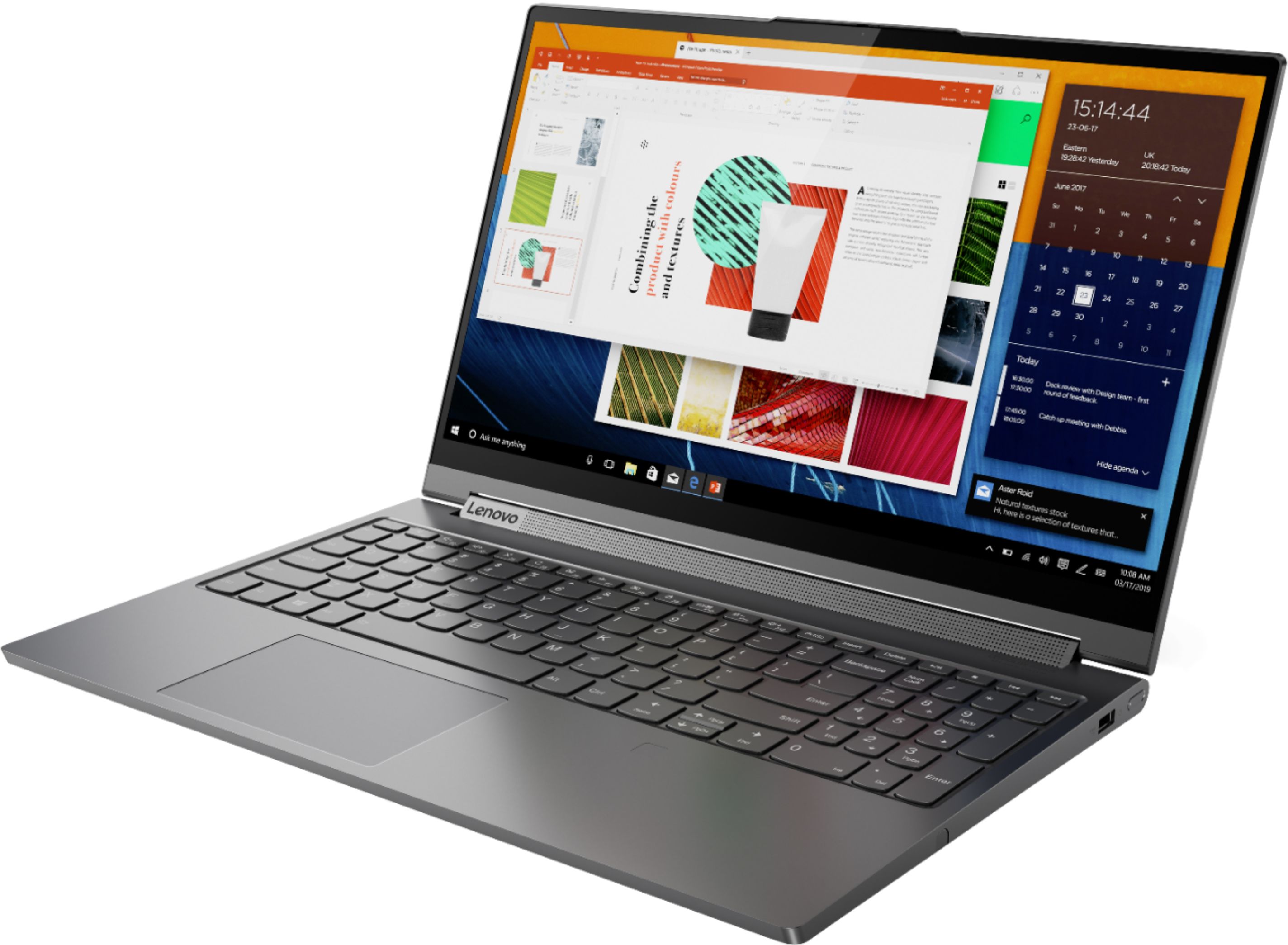



- Model:
- 81TE0000US
- SKU:
- 6367793
Rating by feature
- Battery Life
Rating 3.7 out of 5 stars
- Speed
Rating 4.3 out of 5 stars
- Display
Rating 4.3 out of 5 stars
Customers are saying
Customers consistently note the Yoga C940's powerful performance, excellent build quality, and responsive touch screen. Many users also appreciate its great price, easy-to-use interface, and impressive multitasking capabilities. However, some users have expressed concerns about its short battery life, loud fan noise, and tendency to overheat.
This summary was generated by AI based on customer reviews.
- Cons mentioned:Loud fan
Best. Convertible. Ever. (IMHO)
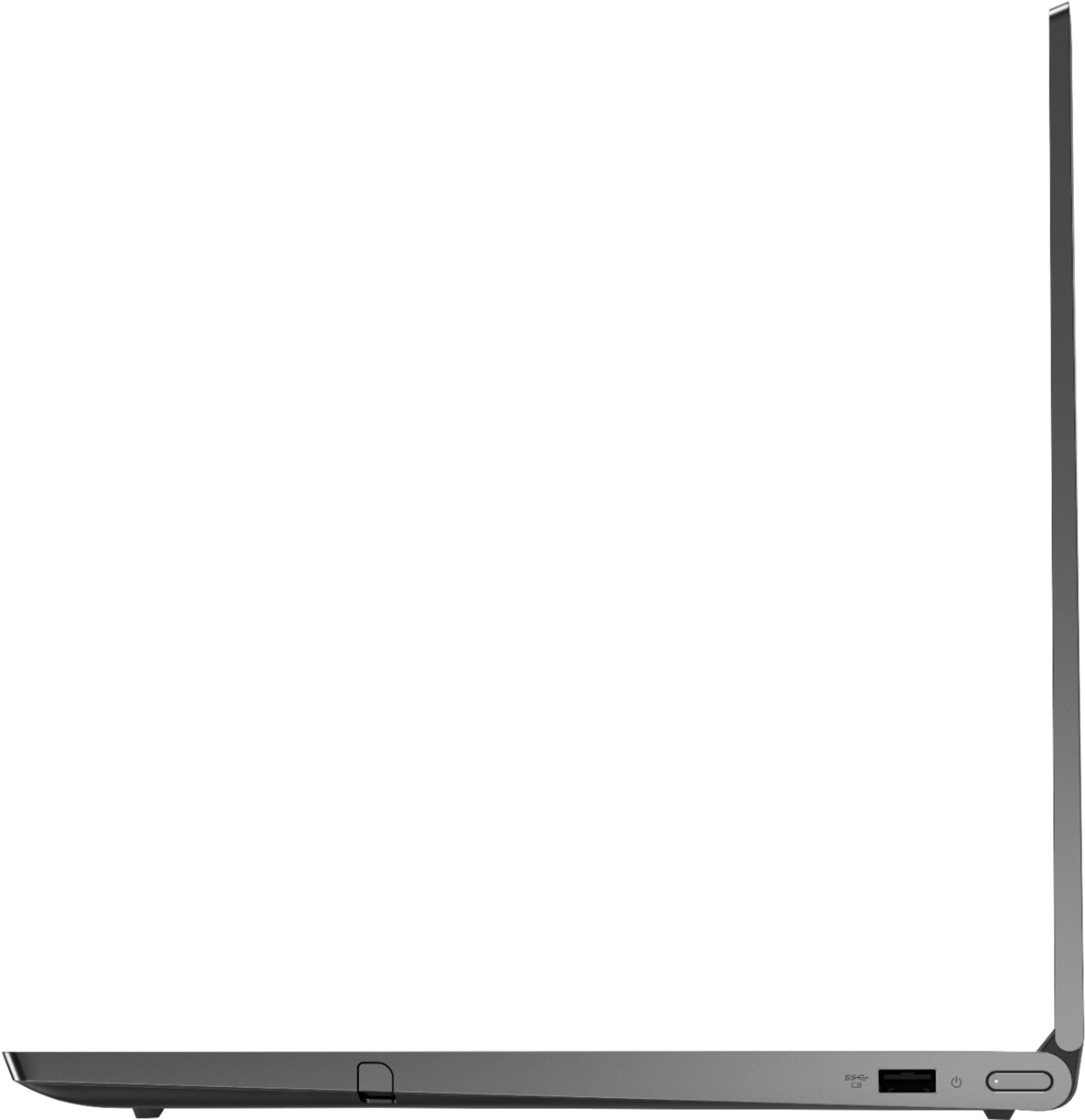
Posted .This reviewer received promo considerations or sweepstakes entry for writing a review.This machine is a thing of beauty, and dollar for dollar it's not a bad value. Fit and finish is amazing. I use it for CAD, office software, and many tab web browsing (often simultaneously), and I've played Apex Legends and CS:GO. Not a videophile, but to my eyes, the screen is bright and beautiful. Not an audiophile, but to my ears, the sound is sufficient for my small office environment (no external speakers required). And I love the cleverness of the sound bar design. The pen is a little scrawny, but the garage is a thoughtful design feature, and I think it's a reasonable trade-off. One quibble: fan does get pretty raucous when the processor is under heavy load (this has been reported elsewhere). I'm not docking the review score though because I'm an early adopter of a new model, so I'll give them a minute to tweak before I pass final judgment on this. Now I just need to find a good thunderbolt docking solution that doesn't cost a fortune!
I would recommend this to a friendBrand response from Lenovo Product Expert
Posted .Thank you for choosing the Lenovo Yoga C940-15, model number 81TE0000US. We are pleased to hear that the features and performance of the Yoga C940-15 meets your computing needs so well. Every component of Yoga C940 was engineered with your experience in mind. That’s why the Yoga C940 offers the brilliant color and clarity edged with ultra-narrow bezels. With 500 nits brightness, it’s 50% brighter than standard SDR displays. You’ll enjoy amazing realism that's vivid, nuanced, and powerful. Capture your ideas the moment inspiration hits with a garaged digital pen. Featuring an in-body charging compartment, the Yoga C940 ensures you’ll never lose a thought—or your digital pen—again. The convertible hinge hides a powerful Dolby Atmos Speaker System that immerses you in 3D sound in every mode. Combined with two sets of speakers featuring powerful subwoofers, custom tweeters, and unique vibration buffers that reduce unwanted noise, your audio will sound bigger, deeper, and more accurate. Experience how the Yoga C940 embodies world-class craftsmanship, innovative solutions, and elevated design. Log into your Yoga C940 in less than two seconds with an integrated fingerprint reader. That’s three times faster than the average time it takes to type a password. Forget your password. Yoga is committed to protecting your privacy. Slide the Yoga C940’s TrueBlock Privacy Shutter closed for true peace of mind when you’re not using your webcam.

- Pros mentioned:Touch screen
good so far
Posted .This reviewer received promo considerations or sweepstakes entry for writing a review.Have had it for a month now and still getting to know it. Love the touch screen, but haven't used the pen yet. visuals is very clear and crisp, light, good for students and general use. A couple things that would make it better I think: 1. more usb ports (only 1 regular usb and then 2 thunderbolt ports on here, but most of my peripherals have regular usb plugs so 1 port isn't enough for me) and 2. the keys on the keyboard don't have that bounce to them that I'm used to (my prior laptop was a Lenovoa Thinkpad and the keyboard was great for heavy duty typing). I use the Yoga mainly for surfing the web, word processing, streaming videos, checking email, so it's sufficient for my purposes. The only other thing, which is quite small but sometimes bothers me, is the power button is really very small and lies flush with the laptop, so if you have thick fingers, it's easy to miss the button and even when you have found the button, sometimes you can't tell if you have pushed it in enough to turn on the laptop. Other than these things, I've been pretty happy with it. Now let's see how sturdy this is.
I would recommend this to a friendBrand response from Lenovo Product Expert
Posted .Thank you for choosing the Lenovo Yoga C940-15. Every component of Yoga C940 was engineered with your experience in mind. That’s why the Yoga C940 offers the brilliant color and clarity with ultra-narrow bezels, with 500 nits brightness, it’s 50-percent brighter than standard SDR displays. You’ll enjoy amazing realism that's vivid, nuanced, and powerful. Capture your ideas the moment inspiration hits with a garaged digital pen. Featuring an in-body charging compartment, the Yoga C940 ensures you’ll never lose a thought—or your digital pen—again. The convertible hinge hides a powerful Dolby Atmos Speaker System that immerses you in 3D sound in every mode. Combined with two sets of speakers featuring powerful subwoofers, custom tweeters, and unique vibration buffers that reduce unwanted noise, your audio will sound bigger, deeper, and more accurate. Experience how the Yoga C940 embodies world-class craftsmanship, innovative solutions, and elevated design. Log into your Yoga C940 in less than two seconds with an integrated fingerprint reader. That’s three times faster than the average time it takes to type a password. Forget your password.
Smart Purchase
Posted .This reviewer received promo considerations or sweepstakes entry for writing a review.Purchased 2020. Great price and Excellent laptop!!
I would recommend this to a friend- Cons mentioned:Battery life
Great laptop look great but bad performance
Posted .This reviewer received promo considerations or sweepstakes entry for writing a review.Handle great for everyday school and business needs. But poor battery life, the bottom of the laptop heat up quick. You might want to use it somewhere cool or sorta cold to avoid heating on your desk or lap.
No, I would not recommend this to a friend This 2in1 is the best deal and has it all!
Posted .This reviewer received promo considerations or sweepstakes entry for writing a review.A 2 in 1 laptop, some will say isn't worth it. I beg to differ on this one. This laptop has the power, and ease of use to do multiple things, whether you're using it as a tablet or a laptop. Gaming, no problem! High end video editing, a breeze! Used it on the plane multiple times for various projects or just for fun, this 2in1 has it all!
I would recommend this to a friendLove it
Posted .This reviewer received promo considerations or sweepstakes entry for writing a review.i love this laptop. bought it years ago and it still works perfectly
I would recommend this to a friendCamera concerns?
Posted .This reviewer received promo considerations or sweepstakes entry for writing a review.I do not yet own this laptop, but am writing this to ask if anyone has had trouble with the camera? I currently have a Lenovo Ideapad and the camera has been glitchy and now no longer works. I have been happy with the Lenovo Ideapad up until now since having the camera not work is unacceptable. I have tried all the suggested troubleshooting so not looking for help at this point. Basically, just want to know if anyone has had camera issues with this Yoga since I'm liking the specs on this and want to buy it but not if there are camera problems. Thank you!
I would recommend this to a friend- Pros mentioned:Touch screen
Great for engineers
Posted .This reviewer received promo considerations or sweepstakes entry for writing a review.The audio & visual performance of this laptop is unmatched. For such beefy specs, this laptop isn't as heavy as other gaming laptops. The added touchscreen 2-in-1 features makes it great for artists.
I would recommend this to a friendBrand response from Lenovo Product Expert
Posted .Thank you for choosing the Lenovo Yoga C940-15. This ultra portable 2 in 1 system weighs just 4.18 lbs. but delivers a full size 15.6-inch screen. Every component of Yoga C940 was engineered with your experience in mind. That’s why the Yoga C940 offers the brilliant color and clarity with ultra-narrow bezels, with 500 nits brightness, it’s 50% brighter than standard SDR displays. You’ll enjoy amazing realism that's vivid, nuanced, and powerful. Capture your ideas the moment inspiration hits with a garaged digital pen. Featuring an in-body charging compartment, the Yoga C940 ensures you’ll never lose a thought—or your digital pen—again. The convertible hinge hides a powerful Dolby Atmos® Speaker System that immerses you in 3D sound in every mode. Combined with two sets of speakers featuring powerful subwoofers, custom tweeters, and unique vibration buffers that reduce unwanted noise, your audio will sound bigger, deeper, and more accurate. Experience how the Yoga C940 embodies world-class craftsmanship, innovative solutions, and elevated design. Log into your Yoga C940 in less than two seconds with an integrated fingerprint reader. That’s three times faster than the average time it takes to type a password. Forget your password.
Don't waste your money on this!
Posted .This reviewer received promo considerations or sweepstakes entry for writing a review.I wish I could give this 0 stars. Purchased this online from Best Buy in 2020. The first one I received was defective, and after lengthy phone calls I was able to get it exchanged for the same model. A few months after I received the 2nd one, I began getting blue screens of death. I've taken it in multiple times, had multiple repairs done, and as of today, this computer has completely died. The repair staff at best buy stated their best guess is that I had a bad graphics card, which they can't replace because the Lenovo folks decided to weld it to the computer. This is the probably the biggest purchase mistake I have ever made. I've since seen a lot of reviews with similar issues. Seems really hit or miss on whether you're going to get a quality product from this company. Terrible for Lenovo and Best Buy to sell a product this expensive to have it be such poor quality.
No, I would not recommend this to a friendGood laptop! Regret buying!
Posted .This reviewer received promo considerations or sweepstakes entry for writing a review.This has been a phenomenal laptop as of today. The only drawback is the fact that it can not be upgraded l! Because Lenovo solders their RAM i will never buy their laptops again.
No, I would not recommend this to a friendDecent build quality but the display is not great.
Posted .This reviewer received promo considerations or sweepstakes entry for writing a review.I was going to use this for photo/video editing and maybe some gaming; I really wanted to like this new machine. The build quality is great and the sound is not bad for a laptop. The most important thing to me however is the display and it falls short in that category. The display is 500 nit and one of the brightest that I've seen specs on. I discovered that the brightness is achieved by the usage of a highly focused Fresnel panel. Sitting directly in front of it, you can see it's brighter in the center and vignettes the corners and edges. The lack of uniformity is not ideal for photo editing. Lastly, the display is only 60hz; at this price point I would expect to see 144hz. I've seen enough after using it for 2 hours; it will be returned.
No, I would not recommend this to a friendBrand response from Lenovo Product Expert
Posted .The Lenovo Yoga C940-15, model number 81TE0000US, ships with a IPS LCD w/LED Backlight screen, with a resolution of 1920 x 1080 (FHD) and a brightness level of 500 nits. The color space covers approximately 93 percent and 59 percent of the sRGB and AdobeRGB standards, respectively. The refresh rate is 60Hz.
Really bad
Posted .This reviewer received promo considerations or sweepstakes entry for writing a review.Very bad quality, I bought it in Feb 2020, until February 2023, I send it back 3 times for fixing.
No, I would not recommend this to a friendI bought a Piece of garbage for $1600
Posted .This reviewer received promo considerations or sweepstakes entry for writing a review.I would give a negative 100 stars rating for this piece of junk. I used this laptop for literally 3 hours. WITHOUT realizing that the charging area does not work, now the lab top is dead. I can not even turn on to delete the set up so I can return this. REALLY!! a $1600 that is defective. how can Lenovo allowed this garbage to pass inspection at the manufacturer. Called Best Buy, there is nothing they can do to help. With the limited scheduled due to covid-19, Geek Squad don't have any appointment until next week. I installed a $200 quick book software and started working on files. I've been a Mac user for 15+ years, never had problem Only reason I have to get PC is because of the Quickbook software. I'm stuck to wait till geek squad can restart so I can reset and clear up the system before I can return. Covid already limit our access to shop. Now I have to deal with this nonsense because this manufacturer can not make product that works. Who is paying me back the time I spent to select this product, go pick it up and to set up the software!!!!!
No, I would not recommend this to a friendBrand response from Lenovo Product Expert
Posted .We are sorry to hear that you are having issues charging your Lenovo Yoga C940-14 4K model. We recommend you call Lenovo Tech Support for help with your issue at: 877-453-6686.
The Worst Computer, the worst service!
Posted .This reviewer received promo considerations or sweepstakes entry for writing a review.The worst computer I've ever owned! Less than a year old and the touchpad isn't working. I bought complete Geek Squad protection and took the computer in. They tell me it will take a month to fix! Terrible service, terrible computer, terrible experience! I'm distraught. Geek Squad even had the nerve to suggest that I buy another one and I have 14-15 days to return it. Use and return it, does that make sense to anyone. I have been a customer of Best Buy for years, bought every computer there for years. Probably 10-20 of them for me and my family. NEVER AGAIN!
No, I would not recommend this to a friendBrand response from Lenovo Product Expert
Posted .We are sorry to hear that you are having issues with the touchpad on your Lenovo Yoga C940-15, model number 81TE0000US. First, tap the HotKey in the F6 position on your keyboard. This toggles the touchpad on/off. If the issue with the touchpad continues, then be sure you have the latest version of Windows 10 on the computer. Then update all of the BIOS files and drivers up to that latest version of Windows 10. You can easily accomplish this by scanning the computer with the Lenovo Utility software available on this computer. This system has Lenovo utilities installed to help maintain the health of the device and keep the operating system software up to date. Type "Lenovo Vantage" in the Cortana Search window (if Lenovo Vantage is not installed on your device, you can download the APP and install it now). Select Lenovo Vantage from the list. In the window that opens, click on "Health and Support". In the expanded menu, select "Hardware Scan" In the window that opens, select "Run Quick Tests". This will scan your entire system for errors. Follow any directions that may pop up. If the problem continues after this scan, now click on "System Update". First select Windows update from the menu. Scan your system to be sure you have the latest version of Windows 10. Once that scan is complete, select "Additional Updates". This will scan your device to be sure there are no new BIOS/Driver updates needed. Follow any instructions that may pop up. Once you have updated the software, or have confirmed you have the latest version of the operating software on the computer, be sure any software you installed is compatible with Windows 10. There is no need to install Microsoft Office software. The software is already part of the operating system, you just need to activate the software with a purchased product key. If you have installed a copy of Microsoft Office, this is conflicting with the existing copy on the system and this will slow your system down. If you have installed a 3rd party anti-virus program, be sure that Windows Defender is turned off and that the trial version of McAfee Anti-Virus software is uninstalled. There can only be one anti-virus program on the system. You may need to restore your system to original factory default settings if any of the programming errors have occurred. You can do that by typing "restore" in the Cortana search window. Just click on the magnifying glass icon at the bottom left of your Windows 10 Desktop. Click on "Reset This PC" Then click on "Get Started" and follow the on screen directions to restore to factory defaults. If the problem persists, we recommend you contact Lenovo Tech Support at: 877-453-6686.
AWFUL DONT GET
Posted .This reviewer received promo considerations or sweepstakes entry for writing a review.Got my Lenovo yoga 3 years ago for architecture school, now it died on me. Wouldn’t turn on and nobody is helping. Lost all my files because my SSD card is shot too. Don’t buy this laptop currently crying right now.
No, I would not recommend this to a friendBrand response from Lenovo Product Expert
Posted .The Lenovo Yoga C940-15, model number 81TE0000US, was first available for sale, September, 2019.
Buy it from Lenovo
Posted .This reviewer received promo considerations or sweepstakes entry for writing a review.Best Buy lies about price matching. It is still cheaper to buy the exact computer straight from Lenovo. You can even get 1TB of memory and it's still cheaper.
No, I would not recommend this to a friend