Customer Ratings & Reviews
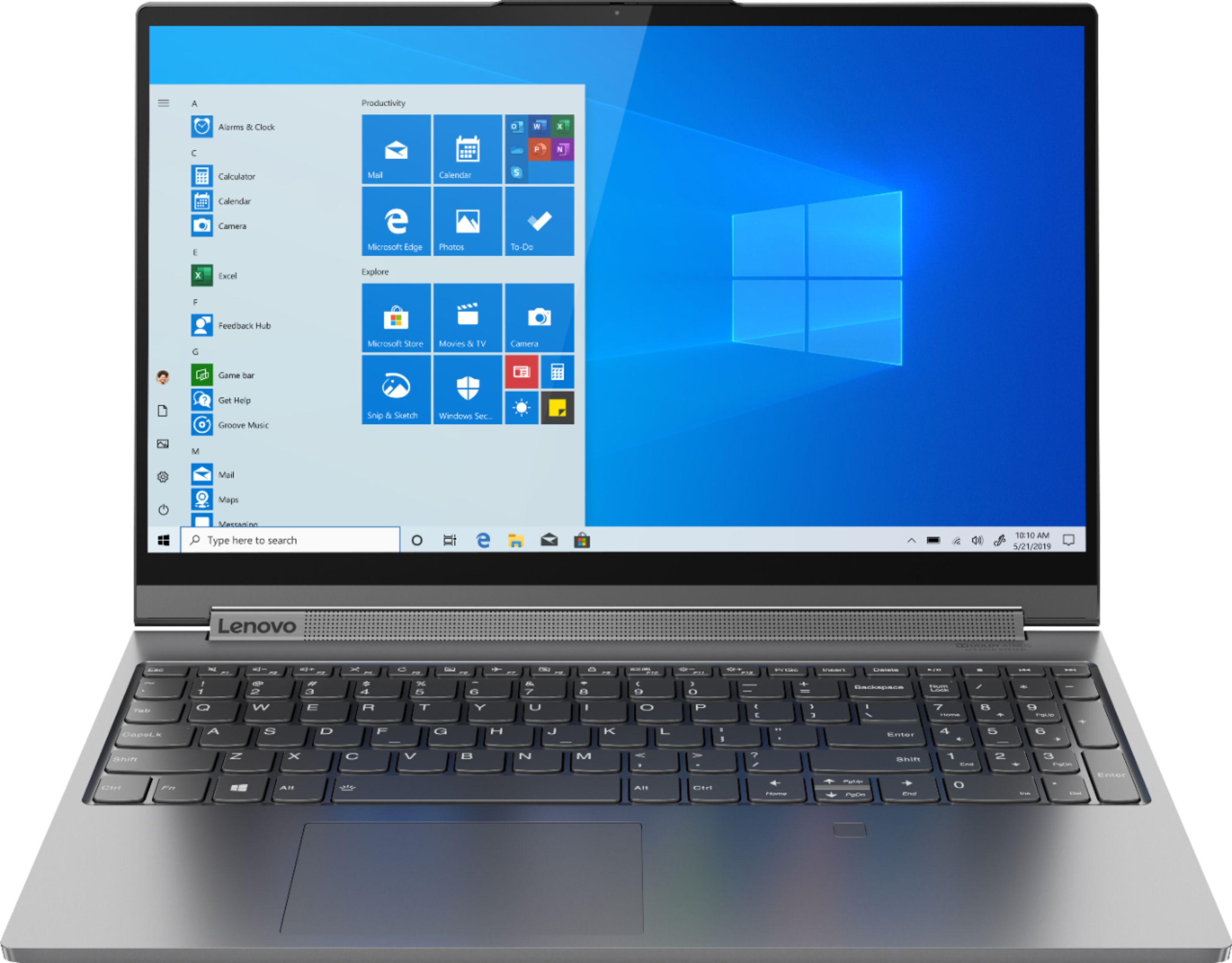

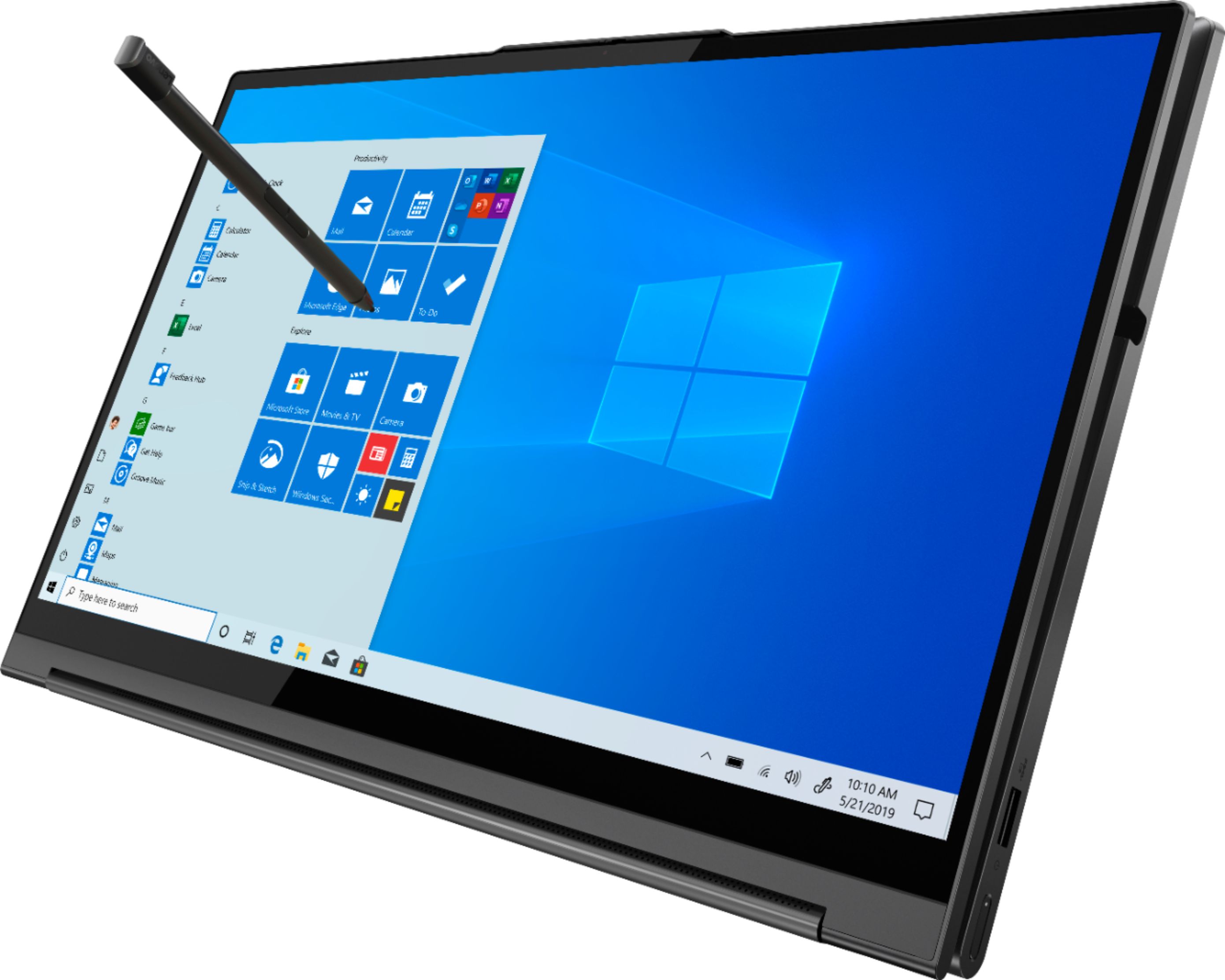

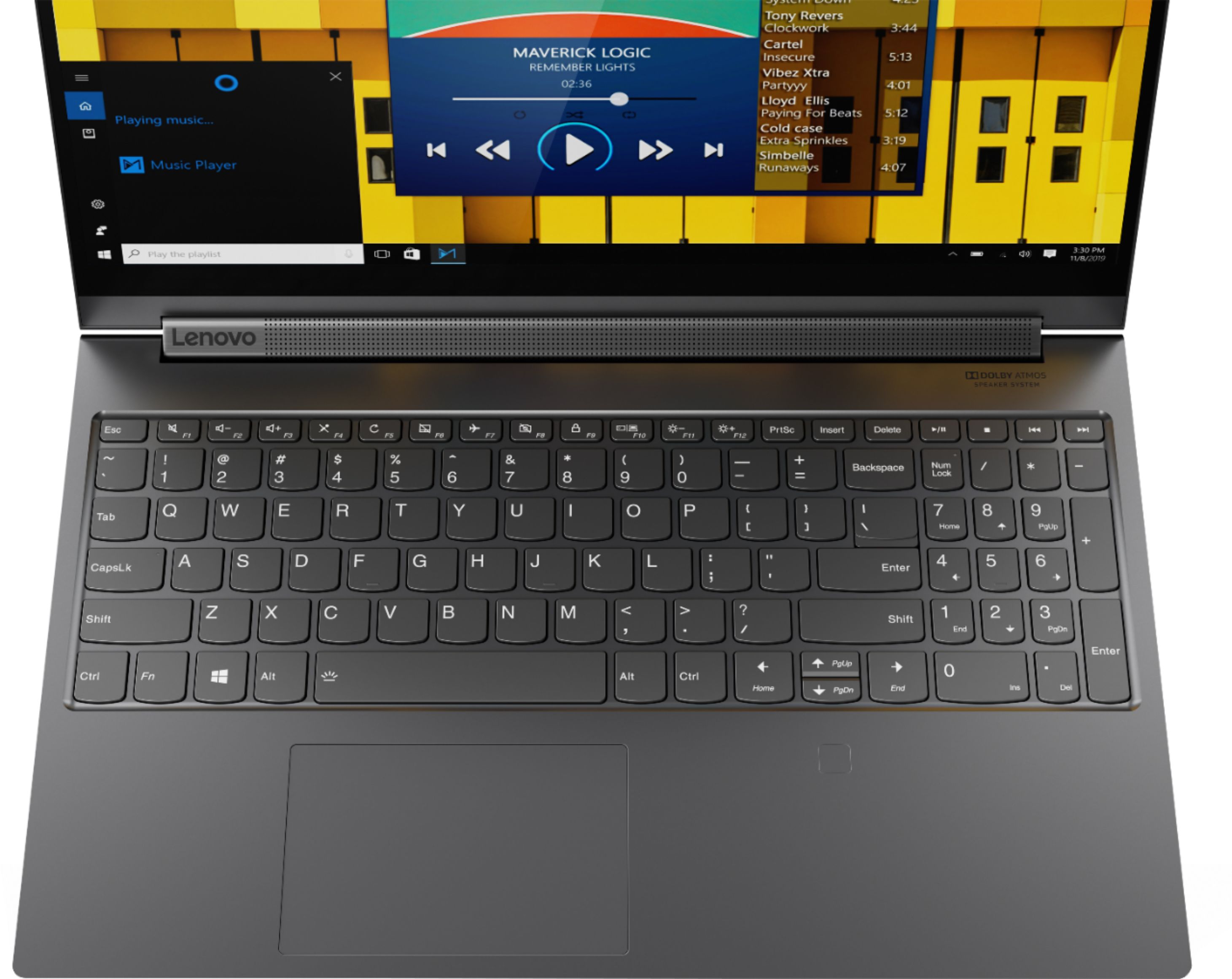
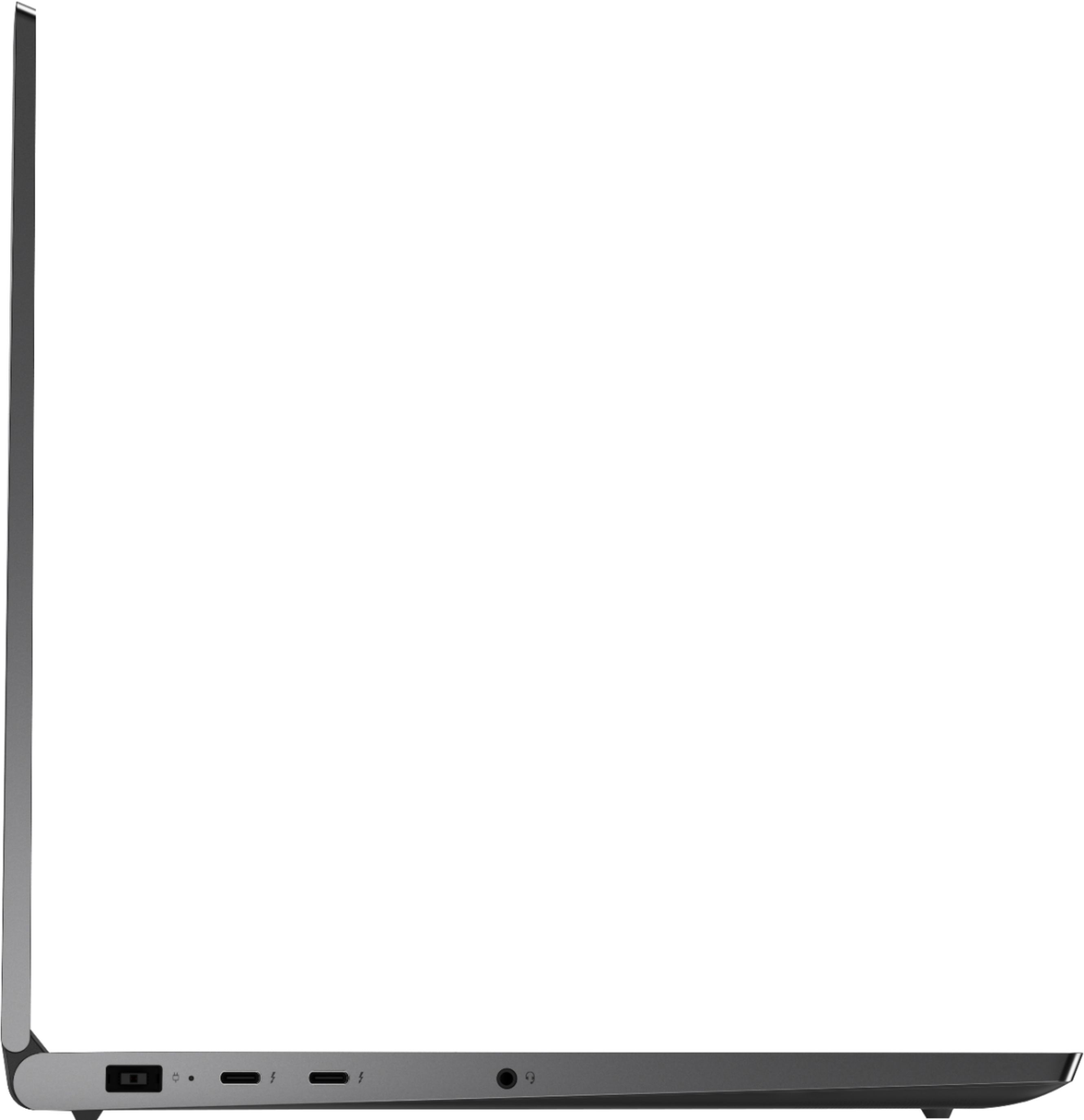






- Model:
- 81TE0000US
- SKU:
- 6367793
Rating by feature
- Battery Life
Rating 3.7 out of 5 stars
- Speed
Rating 4.3 out of 5 stars
- Display
Rating 4.3 out of 5 stars
Customers are saying
Customers consistently note the Yoga C940's powerful performance, excellent build quality, and responsive touch screen. Many users also appreciate its great price, easy-to-use interface, and impressive multitasking capabilities. However, some users have expressed concerns about its short battery life, loud fan noise, and tendency to overheat.
This summary was generated by AI based on customer reviews.
Certified condition is a joke
Posted .This reviewer received promo considerations or sweepstakes entry for writing a review.Bought the open box one, which they told me is in certified excellent condition and it turns out just a joke! First of all, when I turn it on, previous owner's files and apps was still in there. Should this be restored to factory setting at least? Second, I don't know if it is only me or the common issue, when I close the lid or put it into sleep mode, it will shut down automatically within 5 mins. I tried several ways to set up the power management, but it doesn't work. I just left 10 mins to grab some food and... Rip my unsaved work. Finally, today, the third day from purchase, the screen gave up its job and start to flash and flicker. Disappointed. Going to return this tomorrow.
No, I would not recommend this to a friend- Pros mentioned:Graphics, Speed
Great mid/high range laptop
||Posted . Owned for 1 month when reviewed.This reviewer received promo considerations or sweepstakes entry for writing a review.Very fast laptop with SSD and 16gb RAM. Graphics looks great, even in photoshop. Only downside is I have yet to find a charger that works other than the included one.
I would recommend this to a friendBrand response from Lenovo Product Expert
Posted .Thank you for choosing the Lenovo Yoga C940-15. This is a high performance configuration, that requires a 135W external power supply. Here is a link to the replacement AC adapter/Charger for the Yoga C940-15 from one of Best Buy's advertised partners: https://www.pcadapteronline.com/lenovo-ac-adapters-c-122_74/135w-lenovo-yoga-c94015irh-81te-adapter-charger-original-cord-p-345964.html?gclid=EAIaIQobChMIi-Hzi7WH6wIViLLICh1ORAnvEAYYASABEgKYn_D_BwE

- Pros mentioned:Speed, Touch screen
Lenovo
||Posted . Owned for 9 months when reviewed.This reviewer received promo considerations or sweepstakes entry for writing a review.Love the touch screen and very fast form my needs.
I would recommend this to a friend - Pros mentioned:Touch screen
Great Laptop for the Multitasker
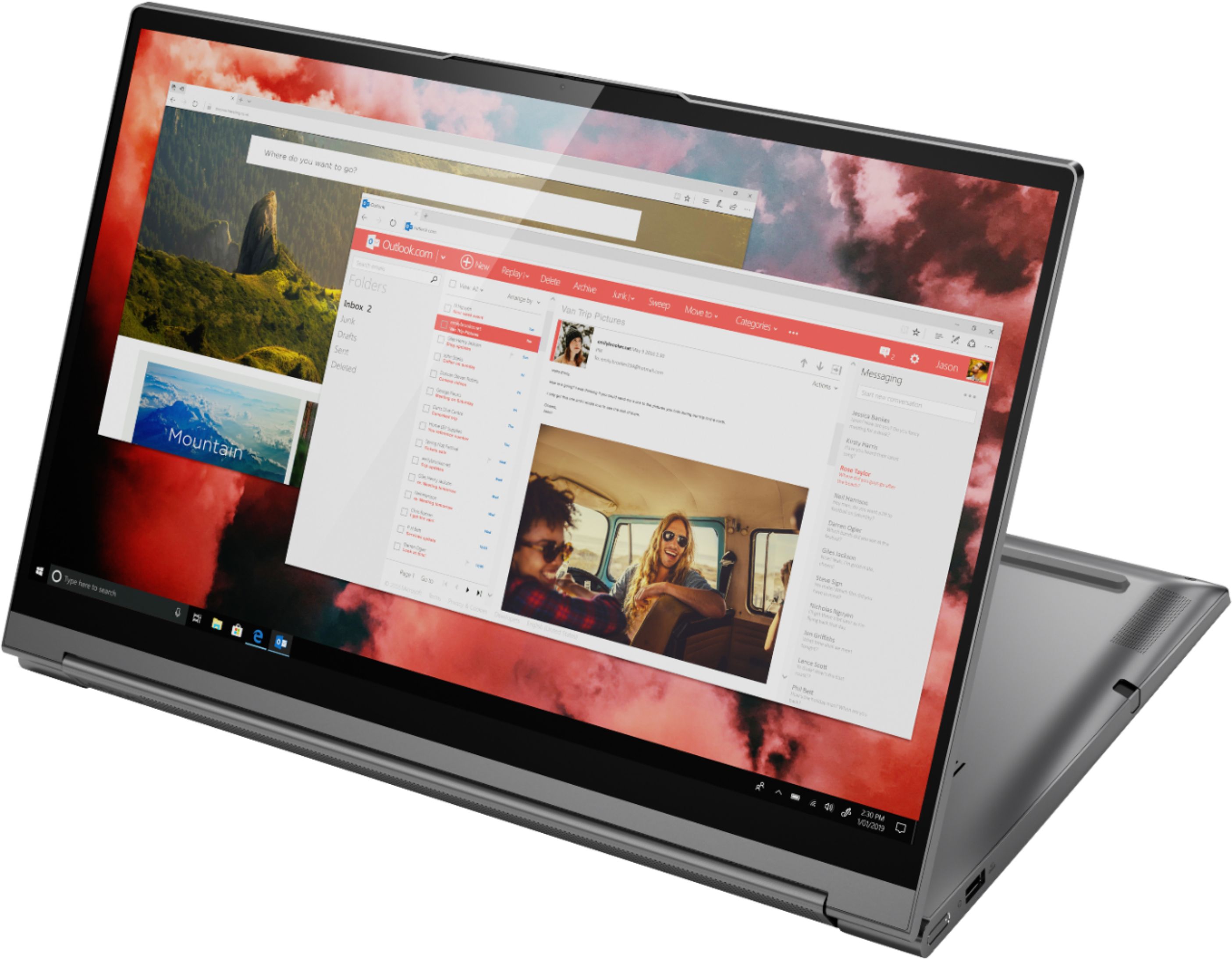
||Posted . Owned for 1 month when reviewed.This reviewer received promo considerations or sweepstakes entry for writing a review.I have a Samsung note and I am spoiled with the functionality of this phone and wanted the same ability with my new laptop. If you need to be organized and need flexibility when you are working or playing. I would highly recommend this laptop. It's quick and it switches easily from a laptop to a tablet and it has a touchscreen, Which I love because my previous laptop was a touchscreen and this laptop comes with a stylus. All points to productivity. It's light weight and there's no wasted space on the screen. My 15.6 inch. has as much room as my Toshiba 17 inch. A lot of bang for the buck.
I would recommend this to a friendBrand response from Lenovo Product Expert
Posted .Thank you for choosing the Lenovo Yoga C940-15. We are pleased to hear that the features and performance of the Yoga C940-15 meets your computing needs so well. Every component of Yoga C940 was engineered with your experience in mind. That’s why the Yoga C940 offers the brilliant color and clarity with ultra-narrow bezels, with 500 nits brightness, it’s 50-percent brighter than standard SDR displays. You’ll enjoy amazing realism that's vivid, nuanced, and powerful. Capture your ideas the moment inspiration hits with a garaged digital pen. Featuring an in-body charging compartment, the Yoga C940 ensures you’ll never lose a thought—or your digital pen—again. The convertible hinge hides a powerful Dolby Atmos Speaker System that immerses you in 3D sound in every mode. Combined with two sets of speakers featuring powerful subwoofers, custom tweeters, and unique vibration buffers that reduce unwanted noise, your audio will sound bigger, deeper, and more accurate. Experience how the Yoga C940 embodies world-class craftsmanship, innovative solutions, and elevated design. Log into your Yoga C940 in less than two seconds with an integrated fingerprint reader. That’s three times faster than the average time it takes to type a password. Forget your password.
- Pros mentioned:Speed, Touch screen
Easy to use - startup was simply accomplished
||Posted . Owned for 1 month when reviewed.This reviewer received promo considerations or sweepstakes entry for writing a review.This laptop also can function as a tablet and has a great touch screen while using that way. Very flexible and quick with great speed and storage capacities.
I would recommend this to a friendBrand response from Lenovo Product Expert
Posted .Thank you for choosing the Lenovo Yoga C940-15. We are pleased to hear that the features and performance of the Yoga C940-15 meets your computing needs so well. Every component of Yoga C940 was engineered with your experience in mind. That’s why the Yoga C940 offers the brilliant color and clarity with ultra-narrow bezels, with 500 nits brightness, it’s 50-percent brighter than standard SDR displays. You’ll enjoy amazing realism that's vivid, nuanced, and powerful. Capture your ideas the moment inspiration hits with a garaged digital pen. Featuring an in-body charging compartment, the Yoga C940 ensures you’ll never lose a thought—or your digital pen—again. The convertible hinge hides a powerful Dolby Atmos Speaker System that immerses you in 3D sound in every mode. Combined with two sets of speakers featuring powerful subwoofers, custom tweeters, and unique vibration buffers that reduce unwanted noise, your audio will sound bigger, deeper, and more accurate. Experience how the Yoga C940 embodies world-class craftsmanship, innovative solutions, and elevated design. Log into your Yoga C940 in less than two seconds with an integrated fingerprint reader. That’s three times faster than the average time it takes to type a password. Forget your password.
- Pros mentioned:Speed
Fast and top of the line!
||Posted . Owned for 1 month when reviewed.This reviewer received promo considerations or sweepstakes entry for writing a review.Fast and responsive. I would definitely purchase a Lenovo Yoga laptop again. I wish it were a little lighter, but this model has the NVIDIA GPU so the tradeoff was a little more weight for excellent graphics performance. If you do not need the heavy-duty dedicated GPU, then there is a lighter weight model. All in all, starts up fast, super responsive launching apps, and tackles large spreadsheets and presentation with ease.
I would recommend this to a friend good laptop
||Posted .This reviewer received promo considerations or sweepstakes entry for writing a review.Good specification for my personal and professional needs. So far there were issues except for a couple of times when the touchpad and mouse driver required restarting (close and then open the lid). Also, the fingerprint sensor gets it right 3/5 times. Nice speakers and screen. A little heavy.
I would recommend this to a friendBrand response from Lenovo Product Expert
Posted .Thank you for choosing the Lenovo Yoga C940-15. You can keep your Yoga C940-15 by regularly checking for and installing any new updates to BIOS files and drivers. The ultra portable 2 in 1 Yoga C940-15 weighs just 4.41 lbs. You can easily keep the operating software within the Yoga C940-15 up to date, by scanning the computer with the Lenovo Utility software available on this computer. This system has Lenovo utilities installed to help maintain the health of the device and keep the operating system software up to date. Type "Lenovo Vantage" in the Cortana Search window (if Lenovo Vantage is not installed on your device, you can download the APP and install it now). Select Lenovo Vantage from the list. In the window that opens, click on "Health and Support". In the expanded menu, select "Hardware Scan" In the window that opens, select "Run Quick Tests". This will scan your entire system for errors. Follow any directions that may pop up. If the problem continues after this scan, now click on "System Update". First select Windows update from the menu. Scan your system to be sure you have the latest version of Windows 10. Once that scan is complete, select "Additional Updates". This will scan your device to be sure there are no new BIOS/Driver updates needed. Follow any instructions that may pop up. If you have any questions about your Yoga C940-15, we recommend you call Lenovo Tech Support at: 877-453-6686 for additional help.
- Pros mentioned:Build quality
excellent laptop
||Posted . Owned for 6 months when reviewed.This reviewer received promo considerations or sweepstakes entry for writing a review.best overall value for a laptop. very good balance between performance and productivity. the sound and build quality is excellent.
I would recommend this to a friend - Cons mentioned:Battery life
Good laptop
||Posted . Owned for 10 months when reviewed.This reviewer received promo considerations or sweepstakes entry for writing a review.I like the laptop. My only complaint is the battery life seems to be a little shorter than I am used to. I know part of this is the “battery saver” function that only charges to 60%. If I know I am going to need it longer, I turn off this feature so it charges to 100%.
I would recommend this to a friend - Pros mentioned:Powerful
I bought this a gift and it doesn't disappoint
||Posted . Owned for 1 month when reviewed.This reviewer received promo considerations or sweepstakes entry for writing a review.I bought this for my husband because he is a music producer and animator. I was using a laptop that made in the early 2000s so an upgrade was a must. Being a computer programmer and builder myself I wanted something that was simple but powerful pretty but useful and this doesn't disappoint. He also uses this for gaming and his business and it handles both. No overheating no lag very clean and easy to use.
I would recommend this to a friendBrand response from Lenovo Product Expert
Posted .Thank you for choosing the Lenovo Yoga C940-15. We are pleased to hear that the features and performance of the Yoga C940-15 meets the computing need of both you and your husband so well. Every component of Yoga C940 was engineered with your experience in mind. That’s why the Yoga C940 offers the brilliant color and clarity with ultra-narrow bezels, with 500 nits brightness, it’s 50-percent brighter than standard SDR displays. You’ll enjoy amazing realism that's vivid, nuanced, and powerful. Capture your ideas the moment inspiration hits with a garaged digital pen. Featuring an in-body charging compartment, the Yoga C940 ensures you’ll never lose a thought—or your digital pen—again. The convertible hinge hides a powerful Dolby Atmos Speaker System that immerses you in 3D sound in every mode. Combined with two sets of speakers featuring powerful subwoofers, custom tweeters, and unique vibration buffers that reduce unwanted noise, your audio will sound bigger, deeper, and more accurate. Experience how the Yoga C940 embodies world-class craftsmanship, innovative solutions, and elevated design. Log into your Yoga C940 in less than two seconds with an integrated fingerprint reader. That’s three times faster than the average time it takes to type a password. Forget your password.
- Pros mentioned:Touch screen
Take Note regarding Ports
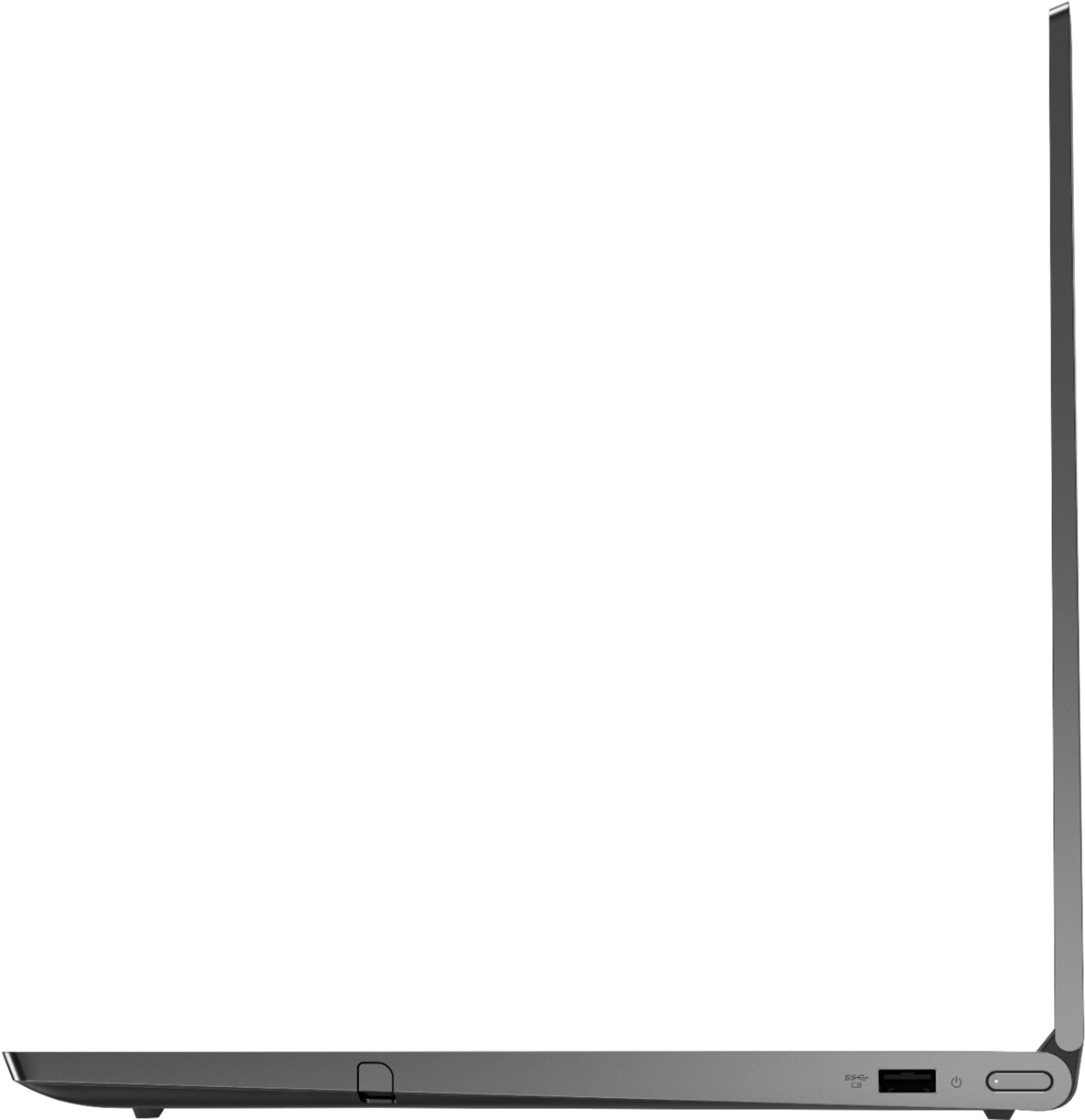
||Posted . Owned for 2 months when reviewed.This reviewer received promo considerations or sweepstakes entry for writing a review.Drawbacks are it only has one USB a port and no HDMI port. If you use an adapter for the USB c port, make sure it does not block the power cord as the USB c port is too close together to the power cord. Everything else seems to be ok. Love the flexibility and the touchscreen.
I would recommend this to a friendBrand response from Lenovo Product Expert
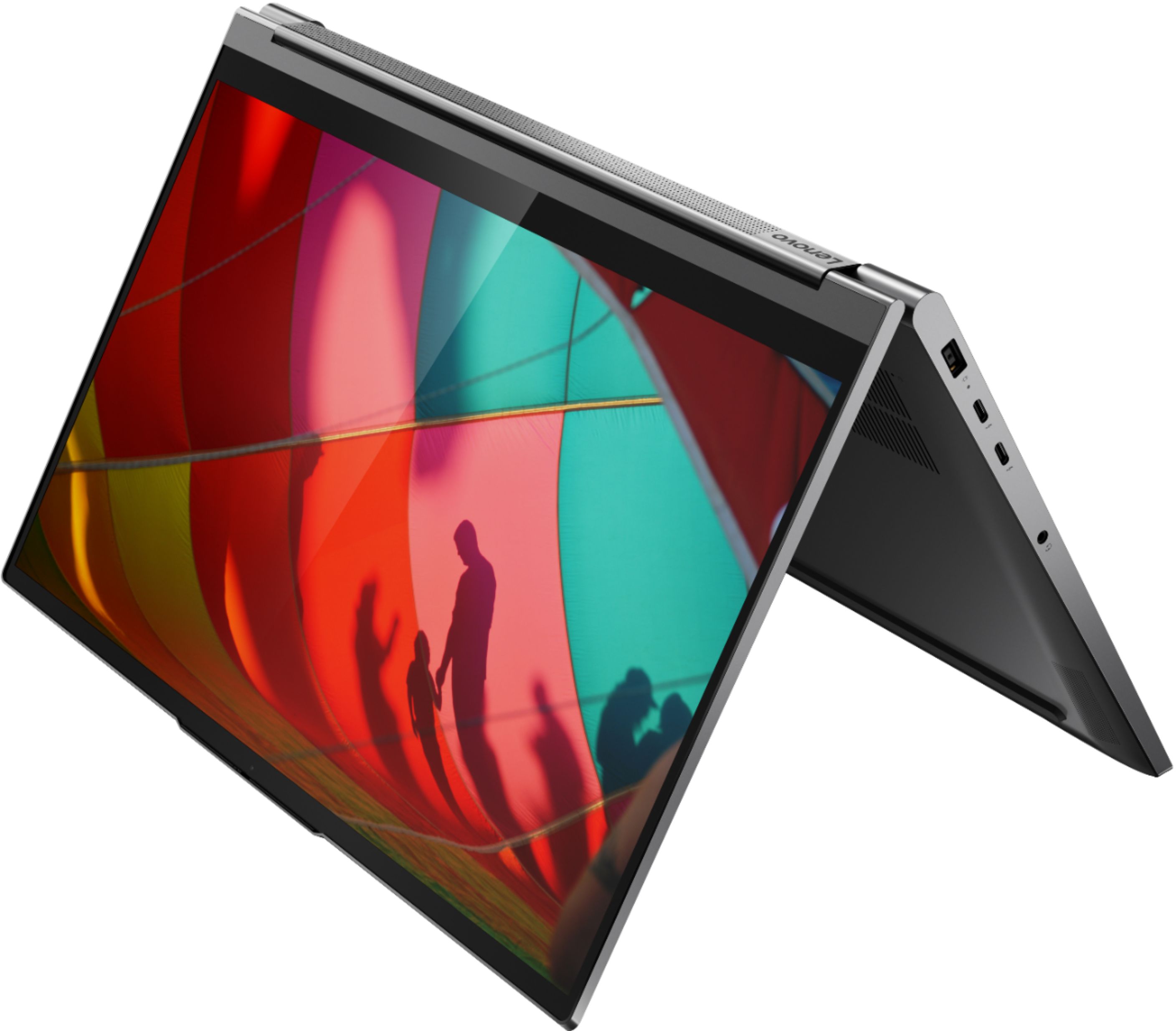
Posted .The Lenovo Yoga C940-15 model number 81TE0000US, ships with one standard USB Type A 3.1 version port and two Thunderbolt 3.0 version ports with video out capability. You can connect an HDMI monitor to this laptop by using a Thunderbolt to HDMI adapter. There is a dedicated power port for the 135W AC adapter/charger required for this high performance configuration.
- Cons mentioned:Battery life, Heavy, Loud fan
Heavy. Fan is very loud.
||Posted . Owned for 3 weeks when reviewed.This reviewer received promo considerations or sweepstakes entry for writing a review.This is a very heavy laptop with a low battery life. The fan runs very frequently and it is very loud.
No, I would not recommend this to a friendBrand response from Lenovo Product Expert
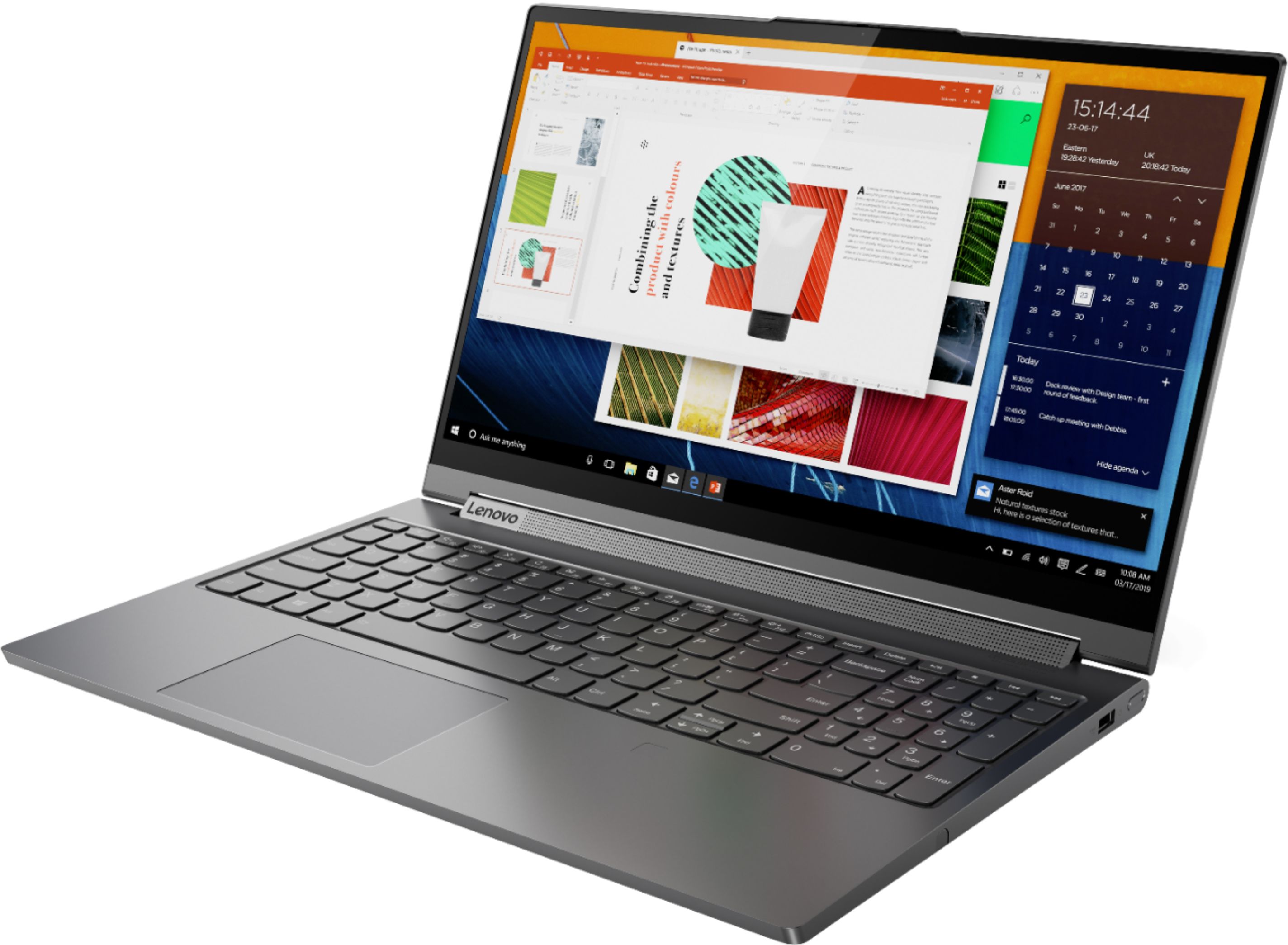
Posted .The powerful Lenovo Yoga C940-15 model number 81TE0000US, ships with a full-size 15.6-inch screen (screen size measured diagonally), but only measures 13.98 x 9.39 x 0.78 inches and weighs just 4.18 lbs. This configuration ships with a 4CELL_68WH_INTERNAL, Lithium Polymer Battery, with a battery life of up to 12 hours, depending on the work this device is performing. You can use Lenovo Q-Control to manually control fan performance: ( Fn + Q ) option to change the fan. If the issue continues, we recommend you call Lenovo Tech Support at: 877-453-6686.
- Cons mentioned:Heavy
Fast and good
||Posted . Owned for 9 months when reviewed.This reviewer received promo considerations or sweepstakes entry for writing a review.It was quick but felt like a brick with its design. Not a fan of touch screen on laptop either. Bought this and Mac Book Pro and returned the Yoga. If you’re not an Apple fan then the speed and OS of this computer assuming you want touchscreen would be great for you!
I would recommend this to a friend - Pros mentioned:Speed
Working well for college student
||Posted . Owned for 3 weeks when reviewed.This reviewer received promo considerations or sweepstakes entry for writing a review.Fast machine. Good for college student working with several documents at the same time and excel spreadsheets.
I would recommend this to a friend - Cons mentioned:Battery life
Good for coding and game design
||Posted . Owned for 6 months when reviewed.This reviewer received promo considerations or sweepstakes entry for writing a review.I spent some time looking for a laptop that I could use for my game design classes and this one was the best I could find for around 1500USD. I can run Unity, Unreal Engine Editor and VS Code with no problems at all. I don't know if there are any cheaper alternatives, but I am very happy with the performance of this laptop. The one problem I have with it is battery life. I can get maybe 4-5 hours out of it. But I use it mostly at home so I keep it plugged in.
I would recommend this to a friendBrand response from Lenovo Product Expert
Posted .Thank you for choosing the Lenovo Yoga C940-15, model number 81TE0000US. This model ships with a 4CELL_68WH_INTERNAL, Lithium Polymer Battery, with a battery life of up to 12 hours, depending on the work the device is performing. If you are getting substantially less battery life, be sure Battery conservation Mode is turned off. This power management setting should only be used when the laptop is plugged in all the time. It will prolong overall battery life by only charging the battery to 60-percent of capacity. Here is a link to instructions for turning off Battery Conservation Mode: https://support.lenovo.com/us/en/solutions/ht103159. Also check what programs are running in the background on the computer. Be sure only the programs you want running in the background are. These programs will drain the battery. Here is a link to information about how to find out what programs are running in the background on your Windows 10 computer and how to manage them for better system performance: https://www.windowscentral.com/how-prevent-apps-running-background-windows-10. Then, finally, be sure any software you installed is compatible with Windows 10. Incompatible software will drain the battery at a faster rate. There is no need to install Microsoft Office software. The software is already part of the operating system, you just need to activate the software with a purchased product key. If you have installed a copy of Microsoft Office, this is conflicting with the existing copy on the system and this will slow your system down. If you have installed a 3rd party anti-virus program, be sure that Windows Defender is turned off and that the trial version of McAfee Anti-Virus software is uninstalled. There can only be one anti-virus program on the system. You may need to restore your system to original factory default settings if any of the programming errors have occurred. You can do that by typing "restore" in the Cortana search window. Just click on the magnifying glass icon at the bottom left of your Windows 10 Desktop. Click on "Reset This PC" Then click on "Get Started" and follow the on screen directions to restore to factory defaults. If the problem persists, we recommend you contact Lenovo Tech Support at: 877-453-6686.
Nice, but the pen needs refinement
||Posted . Owned for 1 month when reviewed.This reviewer received promo considerations or sweepstakes entry for writing a review.I really like the sleek slim design. It barely even got warm while running the most stressful tasks. I was a little disappointed by it as a drawing pad. I expected the pen to be the only thing that would interact with the screen but supporting my hand with a finger or the side of my palm would result in unwanted marks in my art. I also didnt like how the pen was designed, as I felt like it was too thin and didnt have standard features like an eraser on the back. Trying to hold or find the buttons on it was cumbersome. The bloatware by lenovo also kept coming up on top of whatever I was doing even though I had been through the welcome screens when it started up, they kept coming up again and again.
No, I would not recommend this to a friendBrand response from Lenovo Product Expert
Posted .Thank you for choosing the Lenovo Yoga C940-15. The Lenovo Integrated Pen garaged within the Yoga C940-15 has up to 4096 levels of pressure sensitivity, provides a natural pencil-like and paper experience when you sketch and jot down notes. Users will also enjoy easy access to short-cut functions through two built-in customizable buttons on the base of the pen. This pen can also be conveniently stored and charged in the notebook’s pen slot. To match the Yoga C940-15. Here is a link to a YouTube Video with tips for customizing the settings on your Yoga C94-15 prn: https://www.youtube.com/watch?v=uK71R4NXoBA. The Lenovo Yoga C940-15 model ships with just two adware programs, a 30-day trial of Microsoft Office 365 (as part of Windows 10 operating system) and a 30-day trial of McAfee virus protection. Lenovo computers ship with one of the cleanest factory software installs within the consumer computer industry. If you are receiving pop-up messages, your McAfee Trial has expired. You can delete McAfee if you are not interested in keeping the software. Here is a link to information on uninstalling McAfee from Windows 10: https://service.mcafee.com/webcenter/portal/oracle/webcenter/page/scopedMD/s55728c97_466d_4ddb_952d_05484ea932c6/Page29.jspx?wc.contextURL=%2Fspaces%2Fcp&articleId=TS101331&_afrLoop=1355161020222084&leftWidth=0%25&showFooter=false&showHeader=false&rightWidth=0%25¢erWidth=100%25#!%40%40%3FshowFooter%3Dfalse%26_afrLoop%3D1355161020222084%26articleId%3DTS101331%26leftWidth%3D0%2525%26showHeader%3Dfalse%26wc.contextURL%3D%252Fspaces%252Fcp%26rightWidth%3D0%2525%26centerWidth%3D100%2525%26_adf.ctrl-state%3Dx25crirbo_9
- Pros mentioned:PowerfulCons mentioned:Battery life
Thumbs up
||Posted . Owned for 4 months when reviewed.This reviewer received promo considerations or sweepstakes entry for writing a review.Great laptop! Excellent graphics card and speed. Very slim. Battery life could be better.
I would recommend this to a friend - Cons mentioned:Battery life
Very pleased with it.
||Posted . Owned for 3 weeks when reviewed.This reviewer received promo considerations or sweepstakes entry for writing a review.Very pleased with this laptop. Battery seems to discharge more quickly than I expected but I think this could be due to me using it for photographs so far. Generally very happy with it.
I would recommend this to a friend - Pros mentioned:Speed, Touch screen
Computer
||Posted . Owned for 6 months when reviewed.This reviewer received promo considerations or sweepstakes entry for writing a review.I really love this computer it’s works very well and is fast! And the touch screen is cool too.
I would recommend this to a friend - Cons mentioned:Loud fan
Way Too Noisy
||Posted . Owned for 3 weeks when reviewed.This reviewer received promo considerations or sweepstakes entry for writing a review.I started working snuggled under a blanket with the laptop on my lap. Shortly after, the fan started humming and the air was literally whistling through gap between the vent and the blanket. The fan continued to be insufferably loud. The webcam quality was okay and the track pad felt cheap when clicking. The screen also had a weird sheen, especially when looking at a white background. The ONLY things I really liked about this computer were the low price for all the features, the sturdy charging port, and the LOUD speaker - full volume could easily fill an entire living room. I ended up returning this laptop for the HP Spectre 360x and am much more satisfied with the laptop.
No, I would not recommend this to a friendBrand response from Lenovo Product Expert
Posted .We are sorry to hear that you had issues with your Lenovo Yoga C940-15. You can use Lenovo Q-Control to manually control fan performance: ( Fn + Q ) option to change the fan by undervolting the processor.