Customer Ratings & Reviews
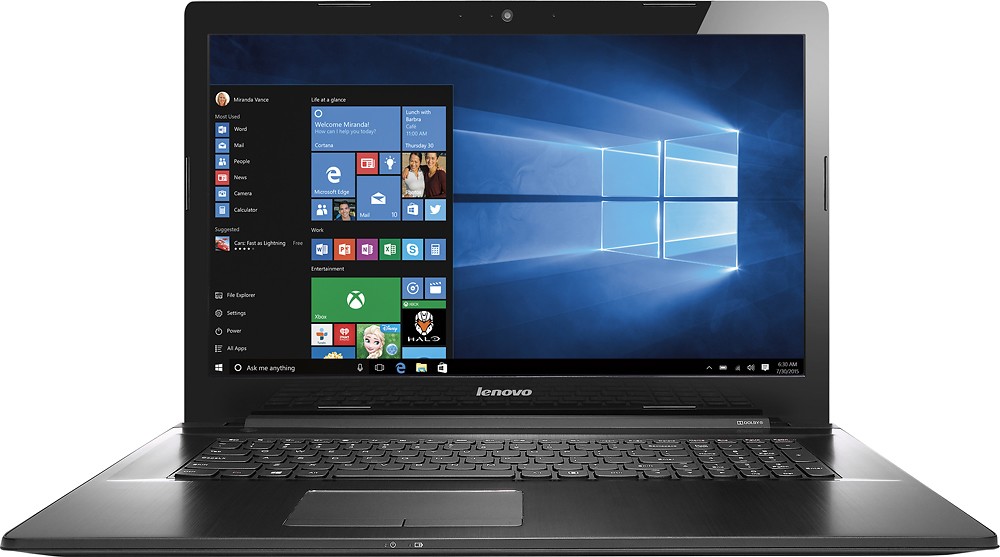
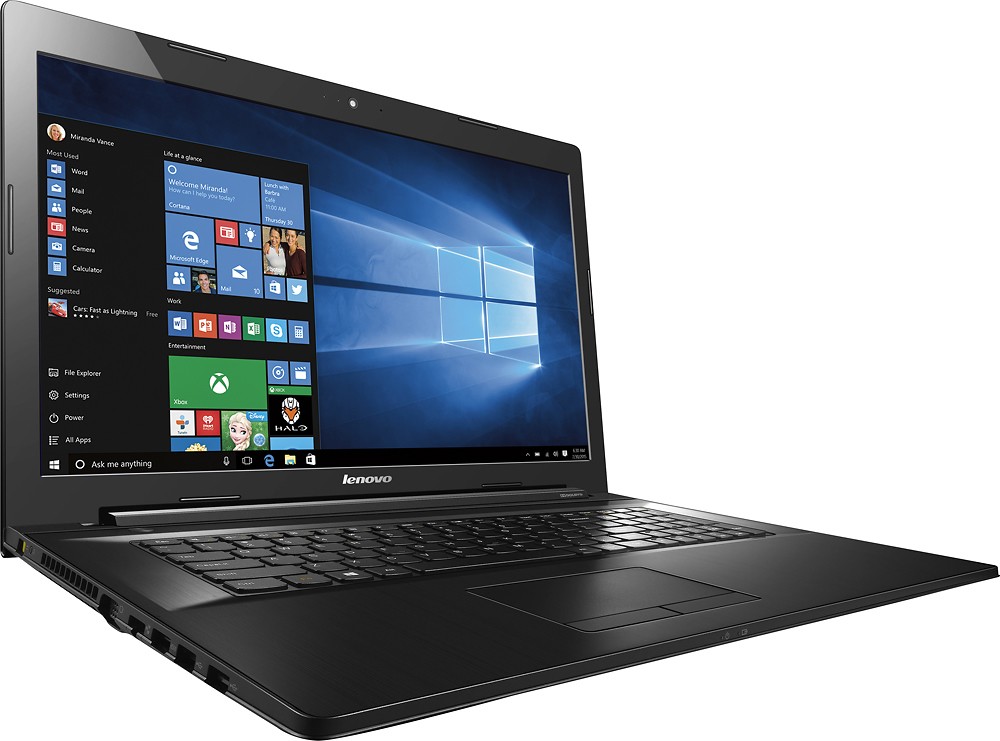
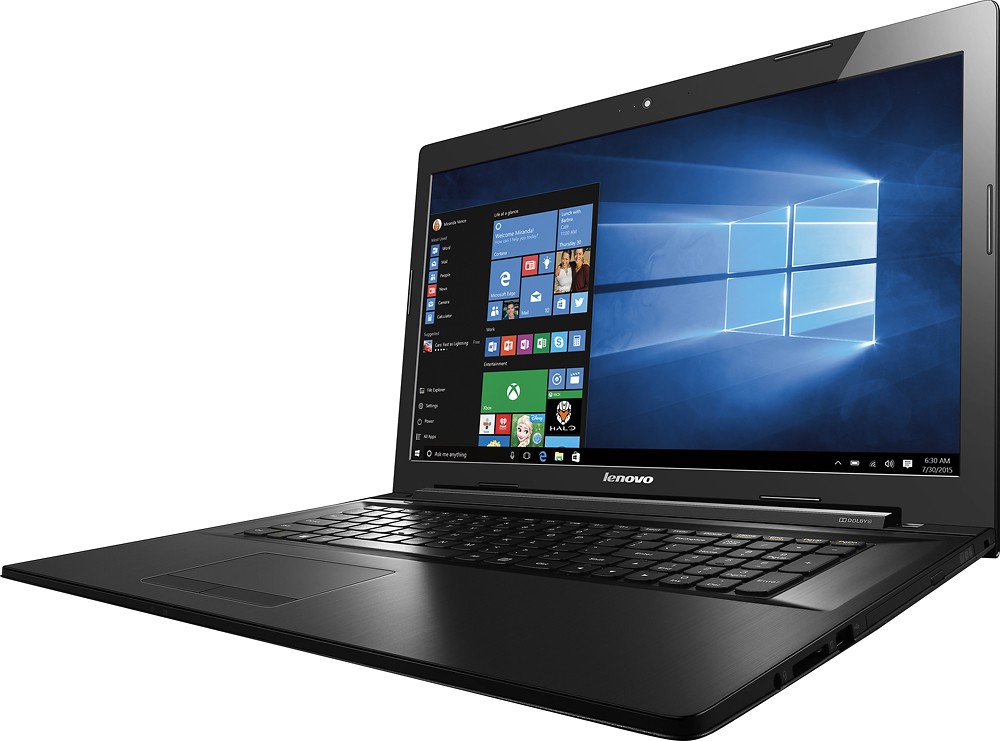

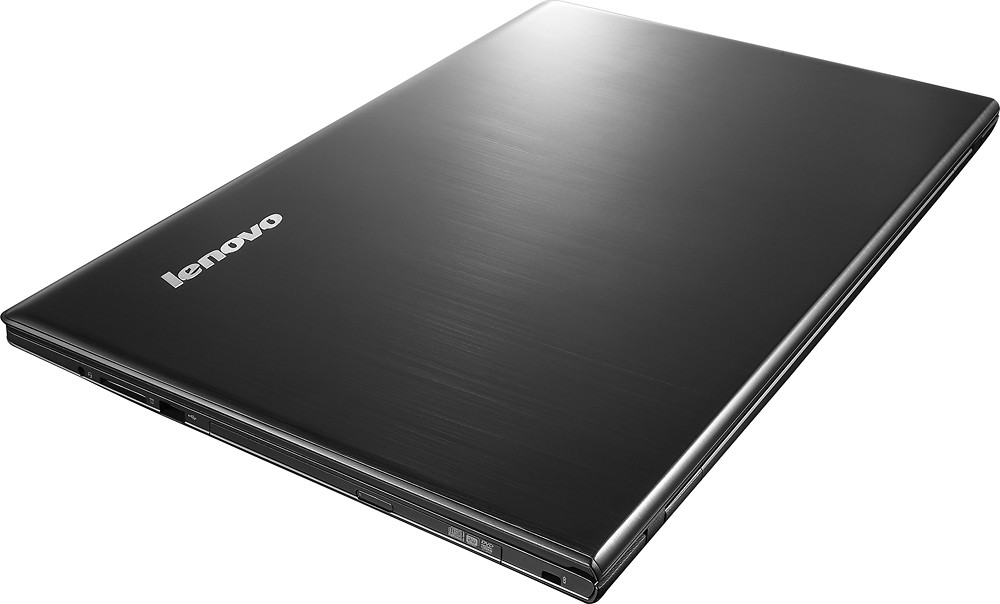


- Model:
- 80FG00DBUS
- SKU:
- 4577102
to a friend
Customers are saying
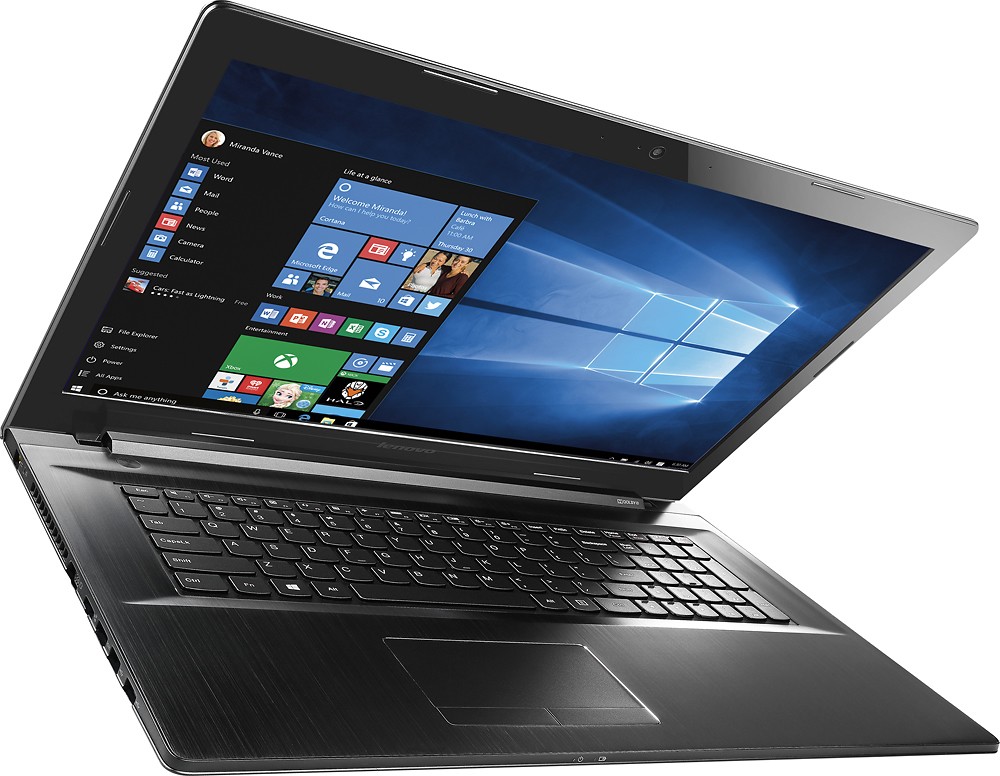
Customers are positive about the Z70-80 17.3" Laptop. Many appreciate its large screen size, finding it enjoyable and beneficial for their needs. The laptop's performance is also praised for its speed and ability to handle multiple tasks efficiently. No negative feedback was provided.
This summary was generated by AI based on customer reviews.
Overall great laptop
||Posted .This reviewer received promo considerations or sweepstakes entry for writing a review.My last computer was 7 years old, so getting a brand new laptop was incredible. So much faster! My only issue so far is with the keyboard...it is very stiff and you have to type VERY hard. Other than that, I have been very pleased.
I would recommend this to a friendBrand response from Lenovo Product Expert
Posted .Thank you for choosing the Lenovo IdeaPad Z70-80 laptop. We are pleased to hear that the Z70 is meeting your computing needs so well.

Very nice, bigger screen, missing the red mouse bu
||Posted .This reviewer received promo considerations or sweepstakes entry for writing a review.We love this laptop, the screen seems huge. feels sturdy and is quiet and fast. I wish it had the little red button that older lenovo laptops had that controls the cursor. The touch pad seems extra sensitive.
I would recommend this to a friendBrand response from Lenovo Product Expert
Posted .Thank you for choosing the Lenovo IdeaPad Z70. We are pleased to hear that the Z70 is working out for you. With regard to the signature Lenovo Track Point, it is only found on Lenovo ThinkPad models.
Great Laptop!
||Posted .This reviewer received promo considerations or sweepstakes entry for writing a review.Astonished by how wonderfully smooth and responsive this laptop is, snagged it for the deal of the day, and I'm currently having 0 regrets.
I would recommend this to a friendBrand response from Lenovo Product Expert
Posted .Thank you for choosing the Lenovo IdeaPad Z70-80. We are pleased to hear that the value and performance of this system are meeting your expectations so well.
Excellent for intended purposes
||Posted .This reviewer received promo considerations or sweepstakes entry for writing a review.Bought this lap top for work when on the road and it full fills those needs without a problem for documentation, browsing, videos and simple games. gb lan and wireless ac
I would recommend this to a friendBrand response from Lenovo Product Expert
Posted .Thank you for choosing the Lenovo Z70-80 laptop. We are pleased to hear that the performance of the Z70 meets your computing needs so well.
Great price for great laptop
||Posted .This reviewer received promo considerations or sweepstakes entry for writing a review.Haven't had any issues so far. I noticed an issue with the touch pad that others have mentioned, but it's not that big a deal and only occurs occasionally.
I would recommend this to a friendGood Laptop for play
||Posted .This reviewer received promo considerations or sweepstakes entry for writing a review.the laptop serves my purpose for searching the Web. the only downfall us they are no longer equipped with Microsoft Office.
I would recommend this to a friendGreat product
||Posted .This reviewer received promo considerations or sweepstakes entry for writing a review.Great laptop at a great price . Bestbuy delivered on time and I would highly recommend this laptop and Best Buy made the whole process very easy !!
I would recommend this to a friendBrand response from Lenovo Product Expert
Posted .Thank you for choosing the Lenovo IdeaPad Z70 laptop. We are pleased to hear that the Z70 is meeting your computing needs so well.
perfect for small business
||Posted .This reviewer received promo considerations or sweepstakes entry for writing a review.the keyboard isn't very comfortable still love it.
I would recommend this to a friendGood for College Students
||Posted .This reviewer received promo considerations or sweepstakes entry for writing a review.It took a little adjusting for the screen size but he loves it now and will probably never get anything smaller. It has everything on it for a first year student.
I would recommend this to a friendhas issues
||Posted .This reviewer received promo considerations or sweepstakes entry for writing a review.To many small problems, won't fully charge the battery
No, I would not recommend this to a friendBrand response from Lenovo Product Expert
Posted .With regard to your battery not charging all the way, check your power management settings in the control panel. Be sure that they are set for performance and not economy or battery saver. If the power settings are correct, then it may be that you power management driver needs to be updated. You can follow the link below to Lenovo.com support-drivers and look for new driver updates for power management for your specific system. Be sure to create a restore point on your system before you make any changes then create a new restore point once the issue is fixed. Here's the link:
http://support.lenovo.com/us/en/products/Laptops-and-netbooks/Lenovo-Z-Series-laptops/Z70-80/80FG/00DBUS?linkTrack=Caps%253ABody_SearchProduct&tabName=downloads&beta=false
nice laptop
||Posted .This reviewer received promo considerations or sweepstakes entry for writing a review.didn't have everything I wanted would have liked backlit keys
I would recommend this to a friend- Pros mentioned:Performance
You can't play with my Lenovo
Posted .This reviewer received promo considerations or sweepstakes entry for writing a review.This is a great example of artistry. Great product, fast. This is a great entertainment device able to plug into tv. And did I mention that it was fast. Got it in a flash sale. I have a thinkpad Lenovo and its great, this one manages to meet and exceed my expectations as far as performance goes.
I would recommend this to a friendBrand response from Lenovo Product Expert
Posted .Thank you for choosing the Lenovo Z70-80 laptop. We are pleased to hear that the value and performance of the Z70-80 meet your computing needs so well.
its a purty good laptop
Posted .This reviewer received promo considerations or sweepstakes entry for writing a review.laptops great,works fine fast and its huge im glad i got it when it was on sale the only thing is battery life is shorter than i expected with a full charge it calculates at 5 hours and 30 minutes and that at 80% brightness but i have it stationed anyways so it doesn't really bother me
I would recommend this to a friendBrand response from Lenovo Product Expert
Posted .Thank you for choosing the Lenovo IdeaPad Z70-80 laptop. We are pleased to hear that the Z70 is meeting your computing needs so well.
Great for the average user
Posted .This reviewer received promo considerations or sweepstakes entry for writing a review.Bought this computer for my husband who has the computer skill set of the average middle age person. He loves this computer for it's ease of use. He has a lot of fun with the Cortana feature.
I would recommend this to a friendBrand response from Lenovo Product Expert
Posted .Thank you for choosing the Lenovo Z70-80. We are pleased that the Z70-80 is meeting the computing needs of your husband so well.
This really tested me to the limit.
Posted .This reviewer received promo considerations or sweepstakes entry for writing a review.purchased computer in March at great price from Best Buy. Worked quite well until I installed Kaspersky security. System slowed down significantly but I felt that good security was most important. Windows 10 did an update and system started failing miserably. I had Mozilla Firefox and the system didn't like that at all. Kept freezing. Had to uninstall it. Of course, I was past 2 week warranty period. I also figured, this should be an easy fix as this was a good computer and it has Windows 10, right? It might still be a good computer as it might just be totally Windows 10 fault. Ran every command prompt, restore, install and uninstall program, etc, etc. that was feasible trying to fix issues over a few weeks period. I kept notes and there are pages and pages. Task manager, deleting temp files, search, were totally locked out. Right click didn't work for most programs. When I tried to start in safe mode to determine where issues were, system locked me out as it didn't recognize my password ( it hadn't changed) It was one problem after another. Could have possibly taken it to be repaired ( at what cost??) and I would still have a computer that didn't work correctly. Probably needed a re-install of Windows 10. I didn't have a disc to install because computer came with it installed. Can't afford the loss but can't deal with it any more either. It's in the garbage.
No, I would not recommend this to a friendBrand response from Lenovo Product Expert
Posted .This system is equipped with OneKey Recovery System. There is a very small button near the power plug. You will need to use a pen or pencil to push it. This OneKey Recovery System will allow the system to boot up even it will not turn on. The system will boot to a screen where you can choose whether to normal boot to desktop or to restore to factory default. Because of the problems with the Windows update and the install of Kaspersky, you should probably restore to factory default. This will uninstall all software except the Windows 10 operating system. Once you are back to factory defaults, create a restore point on your system before you make any changes or download/install software. Before you install Kaspersky be sure there is no trial version of a virus protection software already installed on the system. You can only have one virus protection software running. You may also want to turn off automatic Windows 10 updates. This way, when you get a notification that there is an update for your system available, you can create a restore point on the system before you allow the update. Hope this helps you get back to normal with your system. Create restore points before you make any changes or download new software to your system.