Customer Ratings & Reviews
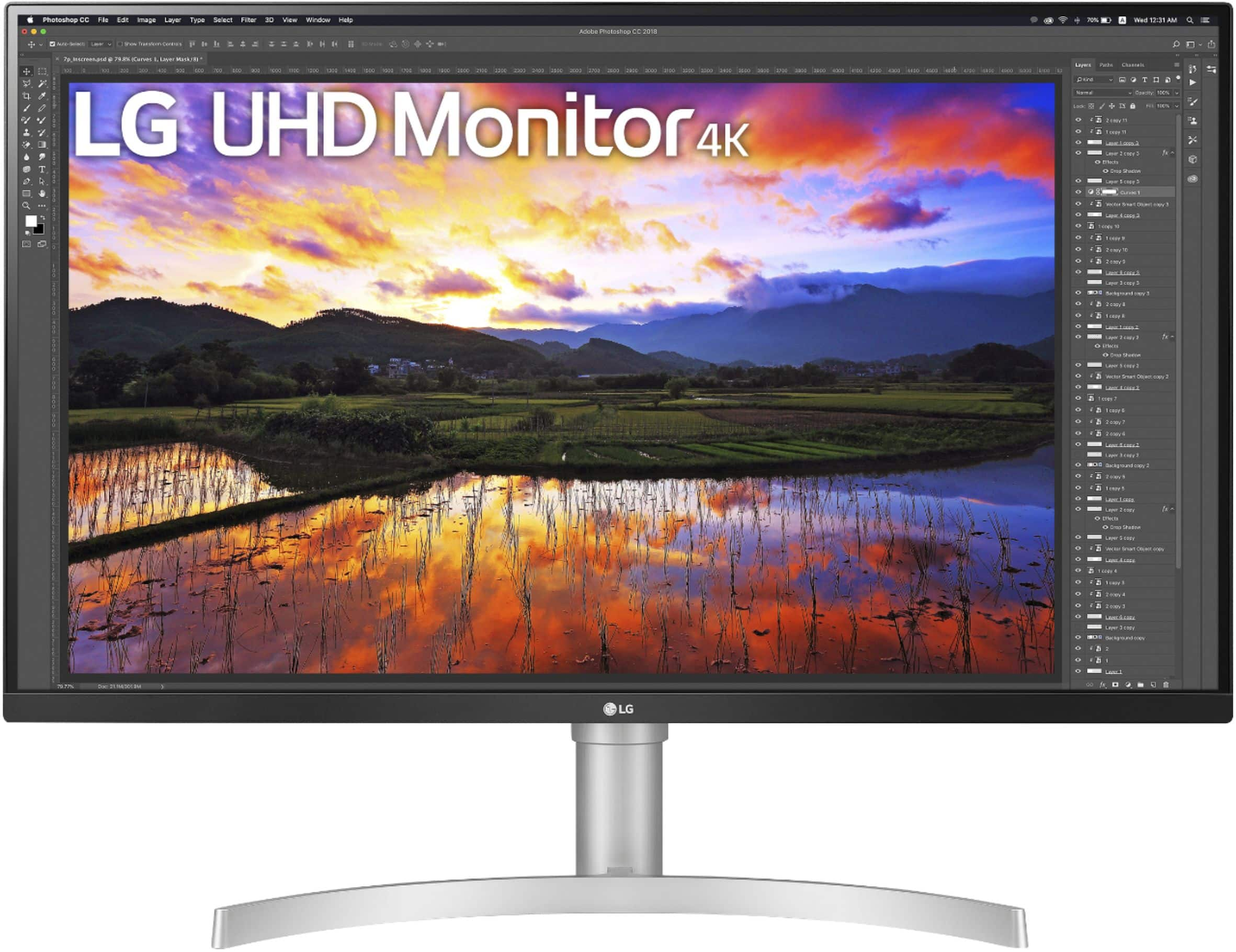
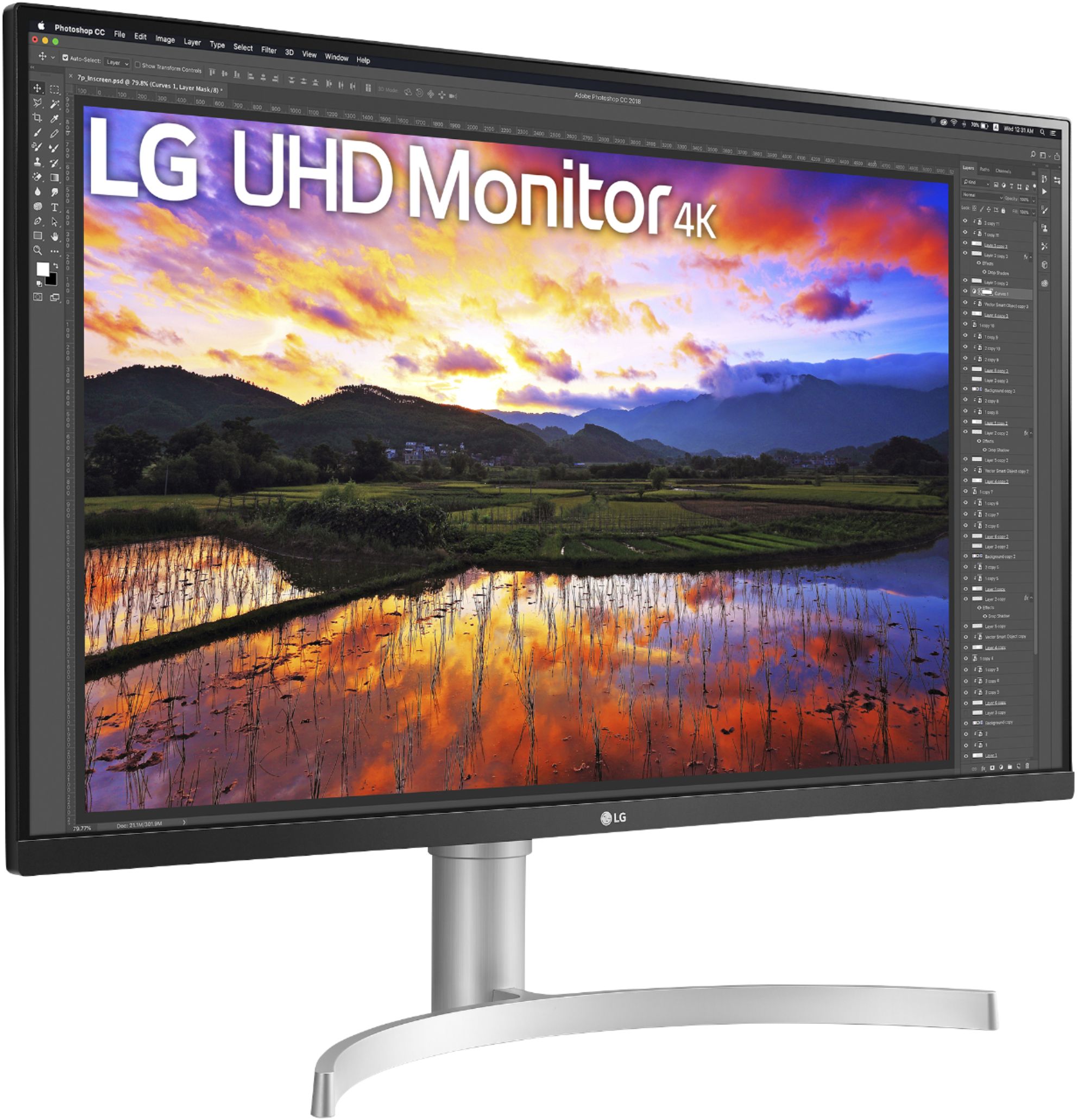
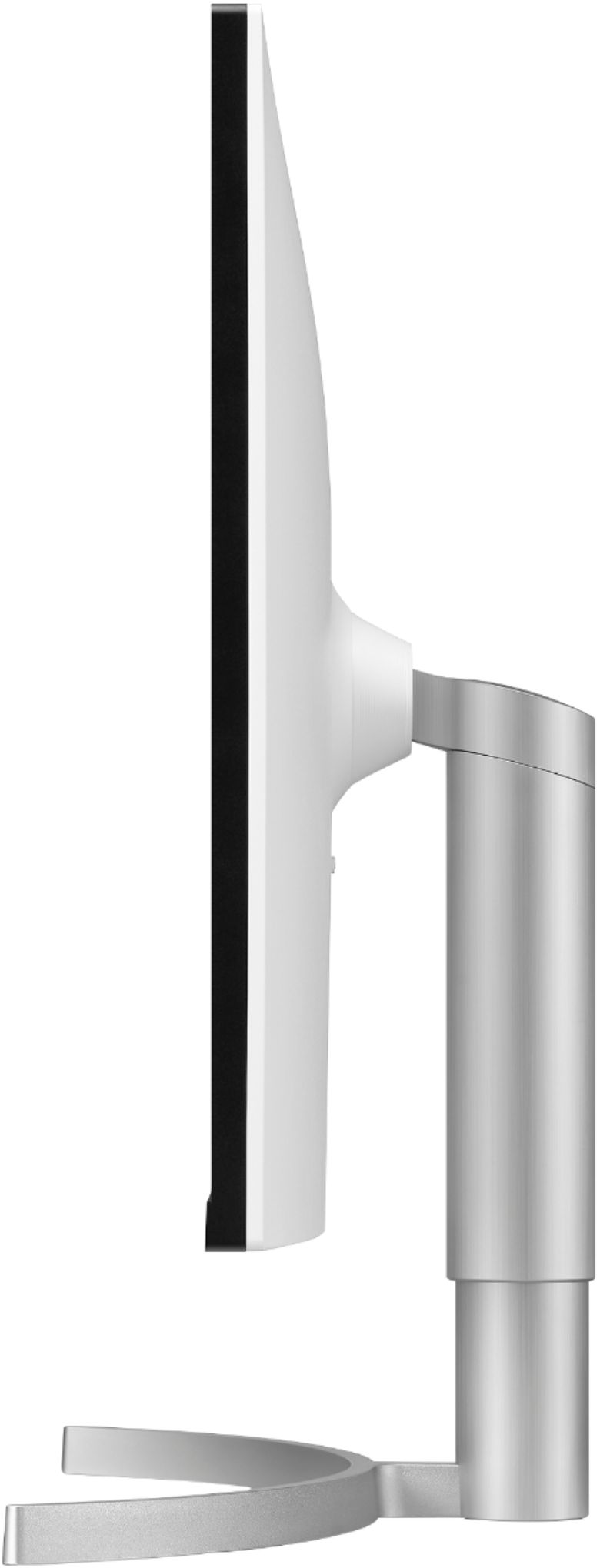
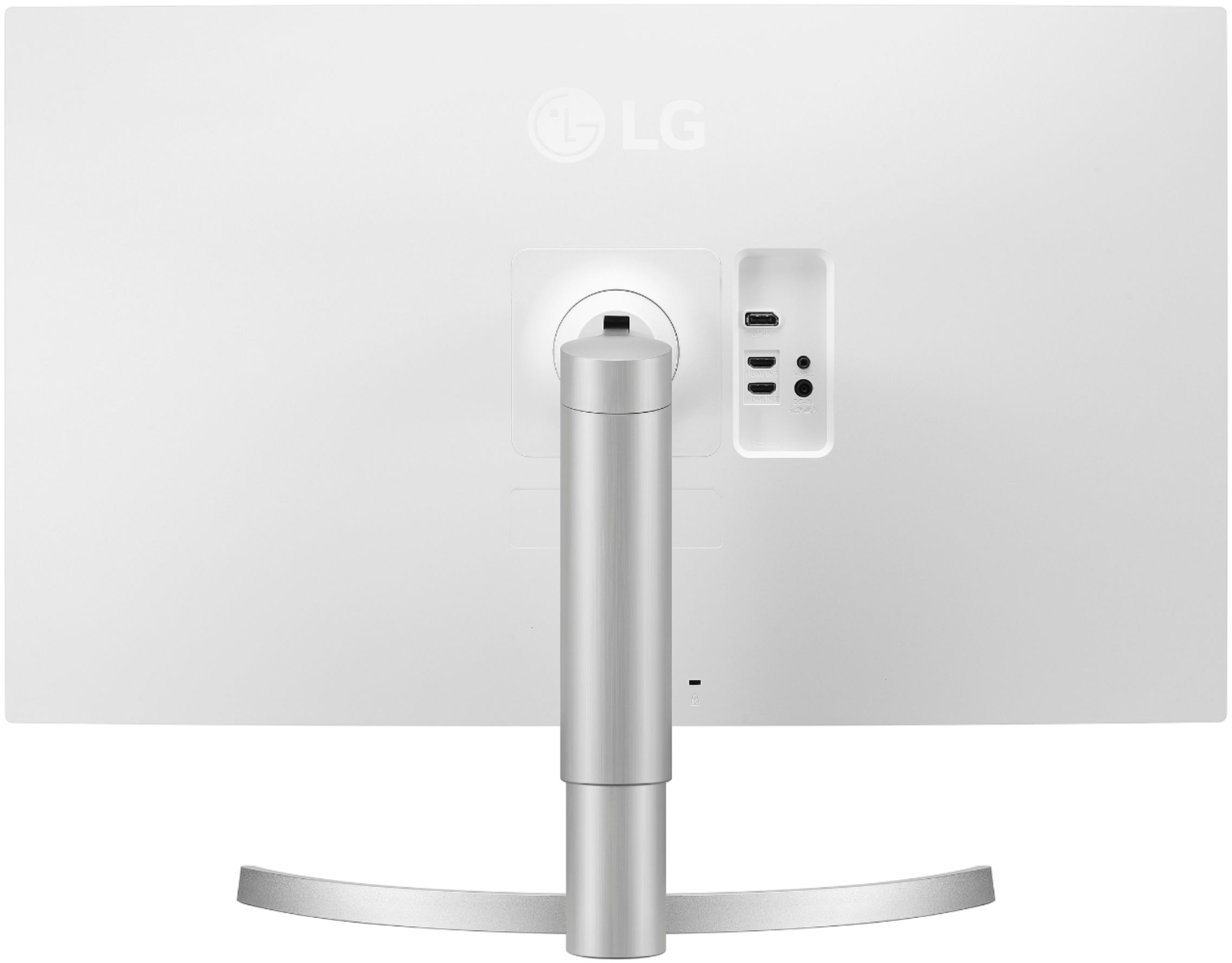
- Model:
- 32UN650-W
- SKU:
- 6437472
Rating by feature
- Display Quality
Rating 4.5 out of 5 stars
- Ease of Use
Rating 4.7 out of 5 stars
- Features
Rating 4.4 out of 5 stars
Customers are saying
Customers express satisfaction with the 32" UltraFine IPS UHD 60Hz FreeSync Monitor's screen size, resolution, and built-in speakers, frequently praising the image quality and ease of setup. Many appreciate the monitor's stand adjustability and consider it good value for the price. While some users wish for a higher refresh rate, others find the 60Hz refresh rate sufficient for their needs.
This summary was generated by AI based on customer reviews.
One of the Few 31.5" 2160p IPS Monitors Out There
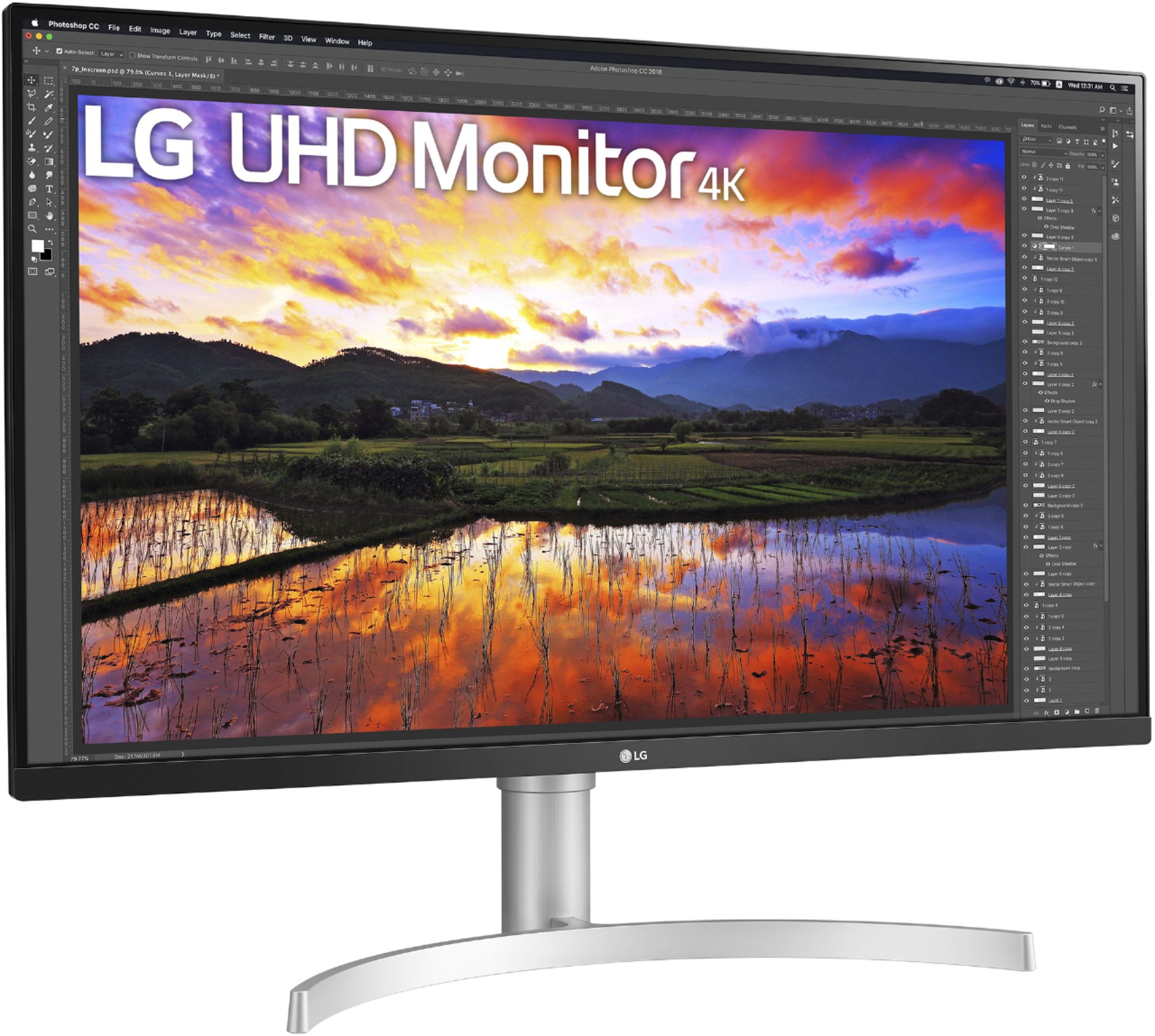
||Posted . Owned for less than 1 week when reviewed.This reviewer received promo considerations or sweepstakes entry for writing a review.This is one of the few 31.5" 2160p 60 Hz IPS monitors on the market right now. There are several 144 Hz versions available, at double the price, but 60 Hz is plenty for casual gamers. Only serious twitch gamers need more - you know who you are. This monitor is aimed more at productivity work and casual use, but is quite fine for casual gaming. The main advantage to 2160p is text quality. At 140 pixel per inch, text is much sharper and clearer versus text on a 1440p monitor, but unless you have the eyes of an eagle, you'll want to use 125% or 150% scaling. Modern programs work well with scaling, but some older programs may give you trouble. The BOE panel in this monitor is an IPS panel. That means that colors are more saturated and vivid, and that those colors don't shift when viewed off-angle, such as when viewing content at the edges of the screen. VA panels technically have more contrast, but that only means that they have blacker blacks. It doesn't mean that the picture will actually look more "contrast-y". Contrast on this panel is excellent in a normally lit room. The black levels on IPS panels aren't as good as they are on VA panels, and that means that this monitor isn't well suited for viewing darker content in a dark room. Keep the lights on, and you won't notice the poorer black levels. You will, however, notice the better picture quality. The color reproduction on this monitor exceeds sRGB, which means that colors are a little more saturated. Unless you are doing professional color grading work, you'll enjoy the extra "pop" in the colors. If you need a color-perfect monitor, buy one, at double the cost. You know who you are. The first monitor I ordered had a flaw, causing a small area on the screen to have a magenta tint. When you buy a new monitor, you should always check the screen in a darkened room with a "deal pixel tester" program that fills the screen with black, then white, then red, green, and blue. Check each color for dead pixels, and also check an all-black screen for backlight bleed at the edges. I ordered a replacement monitor, and it has a nice, even black background. In the dark, there was no backlight bleed, but there was some IPS glow. With the room lights on, the IPS glow is not visible. This monitor does do Freesync from 40 Hz to 60 Hz, and yes, it does work. You just have to turn it on in the settings. Few graphics cards can game at 2160p, but the monitor scales up lower resolutions in games just fine. Do your homework on IPS versus VA versus TN panels, and decide for yourself if this monitor is for you. For the money, I'm quite satisfied with it, and I'm a perfectionist. The only compromises are the lack of 144 Hz, and the slightly oversaturated, but otherwise very accurate colors, and at this price, those are acceptable compromises.
I would recommend this to a friend- Pros mentioned:Screen size, Stand
Perfect monitor
||Posted . Owned for 1 month when reviewed.This reviewer received promo considerations or sweepstakes entry for writing a review.I have been using this monitor for almost 1.5 months now and I am loving it. It has great size and is very bright. The stand is height adjustable and very sturdy. The monitor controls on the bottom are awesome. I am using it with a mac and a PC with usb switching.
I would recommend this to a friend - Pros mentioned:Screen size
Great monitor at a great price
||Posted . Owned for 2 months when reviewed.This reviewer received promo considerations or sweepstakes entry for writing a review.I bought this to go with my new Mac mini and I have to say I was pleasantly surprised with the quality from LG. LG is a brand I usually do not purchase for anything, but the price could not be beat. So far it has been great with a great clear picture, easy menu to navigate and it is large enough I can have two browser tabs open next to or on top of each other for a flowing work environment. The LG monitor Apple sells for the Mac mini is 5K with Thunderbolt plugs and sells for over $1,200, this one is 4K and only 1 mill slower for to much less, it was an easy choice for myself. Will update if anything changes, but so far I am glad I made this purchase.
I would recommend this to a friend - Pros mentioned:Screen size
Big and crisp with a couple of thoughts
||Posted . Owned for 1 month when reviewed.This reviewer received promo considerations or sweepstakes entry for writing a review.The monitor is big, crisp and attractive and makes 2 macbook airs happy. 2 things i find annoying - the monitor beeps when it goes to sleep or wakes up and you cant disable it. 2 - every so often it flicks from crisp whites to an off white. It may be a warranty issue/just mine but its so friggin random.
I would recommend this to a friend - Pros mentioned:Screen size, Speakers
Worth the money
||Posted .This reviewer received promo considerations or sweepstakes entry for writing a review.This is a large, colorful screen that makes you feel good about getting 4k. Also, it has built-in speakers. I missed that in the product description so it was an excellent surprise. They're not loud enough for true entertainment, but adequate for an office environment. The ability to adjust height and tilt was the major reason I bought this particular monitor, and those abilities do not disappoint.
I would recommend this to a friend - Pros mentioned:Screen size
WOW! Nice, Bright, Sharp Display
||Posted . Owned for 3 weeks when reviewed.This reviewer received promo considerations or sweepstakes entry for writing a review.Purchased along with a new PC. Replaced a 32 inch TV set I was using previously. What a difference! I can actually read this thing. Stuff on the old display was quite fuzzy. One little problem I had with this item was a lack of instruction manual with it. The CD was just warranty information; no manual. Took me a while to find the control for this monitor which are found on the bottom of the screen in the middle. It is a joystick. You push the joystick to the side to activate and then select the menu you need by moving the joystick in its direction and then pushing up on the joystick, This information would have been nice to have somewhere!! Other than that, it is an excellent monitor that has a beautiful picture. It was pricey, but you get what you pay for!
I would recommend this to a friend - Pros mentioned:Screen size, Speakers
Good Monitor
||Posted . Owned for 11 months when reviewed.This reviewer received promo considerations or sweepstakes entry for writing a review.This looks great in 4K, you really can tell the difference between 1080p and this. I use this to edit photos and video with good accuracy. I recommend you calibrate your screen for best results. The speakers are pretty decent too.
I would recommend this to a friend Great monitor, but stand can be a bit wobbly
||Posted . Owned for 3 weeks when reviewed.This reviewer received promo considerations or sweepstakes entry for writing a review.Overall this is an excellent monitor, with the only flaw being a stand that is a little wobbly. But for the price you pay, it's hard to hold that against it. I purchased this for photo editing, work, and general use. I'm not a gamer, so I can't speak to that aspect. For photos I find it does what I need. Colors are represented well, the display contrast is good, and the brightness has enough range that I can dim it down for use in a dark room at night or brighten it up to use in a sunlit room during the day without any issues. I did calibrate the monitor with a third party tool, but out of the box it looked pretty good. At 32" and with 4K resolution I was able to ditch my second monitor and free up some desk space. The stand is ... okay. It adjusts smoothly to whatever height and tilt you want, but I've found that it can be a bit wobbly when typing. I have a fairly sturdy desk but even so it tends to wobble a bit when I get to typing fast and hard. I'm assuming this was an engineering tradeoff LG made to reach the price they did and I'm fine with that, but something to be aware of if you're going to use this on a lightweight desk. Your experience will likely vary depending on the desk you use and how you type. I almost gave this four stars, but it's hard to complain about a budget monitor providing budget performance, especially when it's just the issue with the stand. The screen really is quite good, so I'm giving it five stars.
I would recommend this to a friend- Pros mentioned:Ease of use, Screen size
Great monitor!
||Posted . Owned for 1 month when reviewed.This reviewer received promo considerations or sweepstakes entry for writing a review.The images are sharp and clear. it was easy to set up and use. After reviewing many different monitors, I made the right choice in selecting this LG monitor.
I would recommend this to a friend - Pros mentioned:Ease of use, Screen size
5 star 4 K
||Posted . Owned for 1 month when reviewed.This reviewer received promo considerations or sweepstakes entry for writing a review.I enjoy this monitor. I use it with a monitor mount and enjoy the flexibility. Super easy set up and picture is beautiful. Worked fine for casual gaming and perfect for work, good size without it being too stretched. Would buy again.
I would recommend this to a friend - Pros mentioned:Screen size
Awesome 4K monitor and value priced
||Posted . Owned for 1 month when reviewed.This reviewer received promo considerations or sweepstakes entry for writing a review.Great monitor, so glad i don't have to work looking at my employers crappy laptop screen anymore going blind trying to read the print. Can have 3 full documents up side by side. Great value too
I would recommend this to a friend Excellent quality, easy setup, great value.
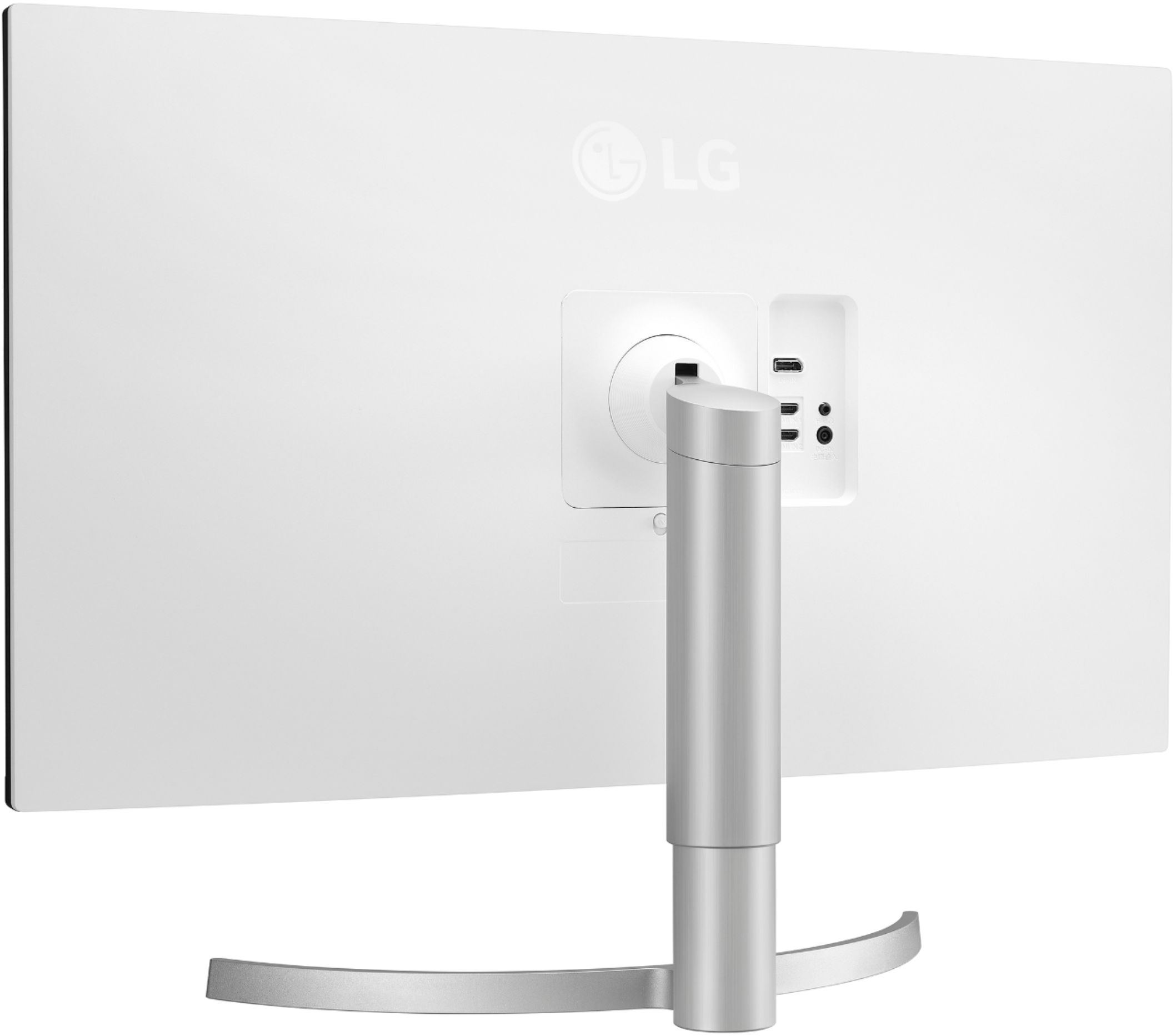
||Posted .This reviewer received promo considerations or sweepstakes entry for writing a review.I just picked up my monitor at Best Buy curbside delivery and couldn't wait to get it home and set it up. Unpacking it was very easy. It's just a monitor, the stand, cables, and packing material. I opened the pamphlet to see if there was anything to know ahead of time. There are pictures, not words, of how to set up. Set up was really easy. the square part of the stand snaps into place on the back of the monitor. There is a little pull clip that you slide to remove the stand from the back. That sits on top of the pole part of the stand, which sits on the curved part of the stand. It took me a minute to figure out that you have to unscrew the little black scren from the stand before you install the pole part onto the curved part, and then reinstall the screw from the bottom of the stand. It's small and screws into place to hold the two parts of the stand in place. No problem there. The power buttom is on the bottom on the monitor. So you just reach your hand under the monitor to push the power button. This same button is the settings button where you can customize everything. I set the volume, brightness, etc. which was easy. I'm not a tech savvy person at all, but it was easy to figure out which cable to plug into the monitor and my laptop in the USB plug. What I really liked is that you can slide the monitor up and down easily on the stand to reach your preferred height. I'm tall, like my office chair high, and there was plenty of room to move the monitor up and down. The built-in sound system is pretty good quality. I tried out listening to music videos, audio files, and so on and the quality is good. Picture quality is great. It looks beautiful. Vibrant colors, no distortion, etc. My HP laptop is small and it was really hurting my eyes to use it all day for work. And my neck and shoulders were hurting all the time from looking downward. With my new monitor those problems will soon disappear. As I sit and type my review it's so comfortable. The screen settings have my text and screen larger than normal and it's such a breeze to look up at the monitor and SEE everything. My laptop screen flips under my laptop so i just folded it out of the way. I can flip it back up since the external monitor does not have a built in camera. I didn't care about that. Finally, this 32" monitor is big! But I don't regret buying this size. It makes such a huge difference in my ability to see all of my detailed powerpoint and excel file details without having to zoom in. Very nice monitor, beautiful screen quality, easy to set up and use, and alleviates eye, neck, shoulder pain. What could be better?
I would recommend this to a friendGreat monitor, but would prefer the ultrawide
||Posted . Owned for 2 weeks when reviewed.This reviewer received promo considerations or sweepstakes entry for writing a review.I originally had an LG ultrawide 34" QHD monitor (WN750) that I had to return due to a couple of issues (dead/stuck pixel and the right half of the screen having a different color temp than the left). At that point I was afraid to try another of the same model so decided to get a 4K resolution monitor. I settled on this UN650 when Best Buy gave me a 10% off coupon for my birthday. The monitor is great. Very uniform screen, no dead/stuck pixels and it's amazing how much better text looks with the 4K resolution. The 60 Hz refresh rate is plenty for me as I don't game on a computer. I did have to work on adjusting the color some when I first set it up to get it where I liked it. All that being said, I wish I had took a chance and got another 34" ultrawide monitor. When it comes to working on things such as Word and Excel documents you simply cannot beat the ultrawide monitors. The QHD resolution was plenty sufficient as well. To give you an idea on the difference, on the 34" ultrawide 21:9 ratio monitor a blank Excel spreadsheet showed out to column BA and down to row 56. On this 32" 4K monitor with a 16:9 ratio it shows out to column AM and down to row 59. Bottom line is if you plan to do a lot of photo/video editing along with working on Word/Excel documents then the UN650 is a terrific 4K monitor. If you work mostly with Word/Excel documents and do occasional photo/video editing then go with the ultrawide QHD monitor and don't look back.
I would recommend this to a friend- Pros mentioned:Screen size
Excellent
||Posted . Owned for 1 week when reviewed.This reviewer received promo considerations or sweepstakes entry for writing a review.Excellent monitor with vivid colors! I am using this while working from home. I have the older model (27" I believe) and loved it but it stayed at my office. Now that I am working from home, I knew I wanted to same model but something better and this was it! I wanted to get a big monitor with IPS to connect to my laptop. This is bigger than I had imagined. My store did not have in stock so I had to order online. I was surprised when I opened the box- it's big and exactly what I was looking for. Love the sleek look. Buy this monitor now!
I would recommend this to a friend - Pros mentioned:Screen size
Exactly what I need for a 3D imaging studio
||Posted . Owned for 1 month when reviewed.This reviewer received promo considerations or sweepstakes entry for writing a review.I only had a while to test it because I haven't built my new system yet, but it's beautiful! Very crisp image, perfect colors, amazing to me. Never had this type of monitor before, nor this large, so I'm especially impressed. I see I'm going to have to increase font sizes, because everything is microscopic. And my collection of 3D art from tutorials and forums online do not look so "hi-rez" anymore with this amazing monitor. No complaints! I'm hoping to use this monitor in my little 3D studio once I get it together, and it looks like it will be perfect for the job.
I would recommend this to a friend - Pros mentioned:Ease of use, Screen size
Beautiful monitor - Love it
||Posted . Owned for 1 month when reviewed.This reviewer received promo considerations or sweepstakes entry for writing a review.Beautiful monitor with extremely user-friendly controls. Very pleasant colors on cinema settings for everyday usage.
I would recommend this to a friend - Pros mentioned:Screen size
Great quality at a good price.
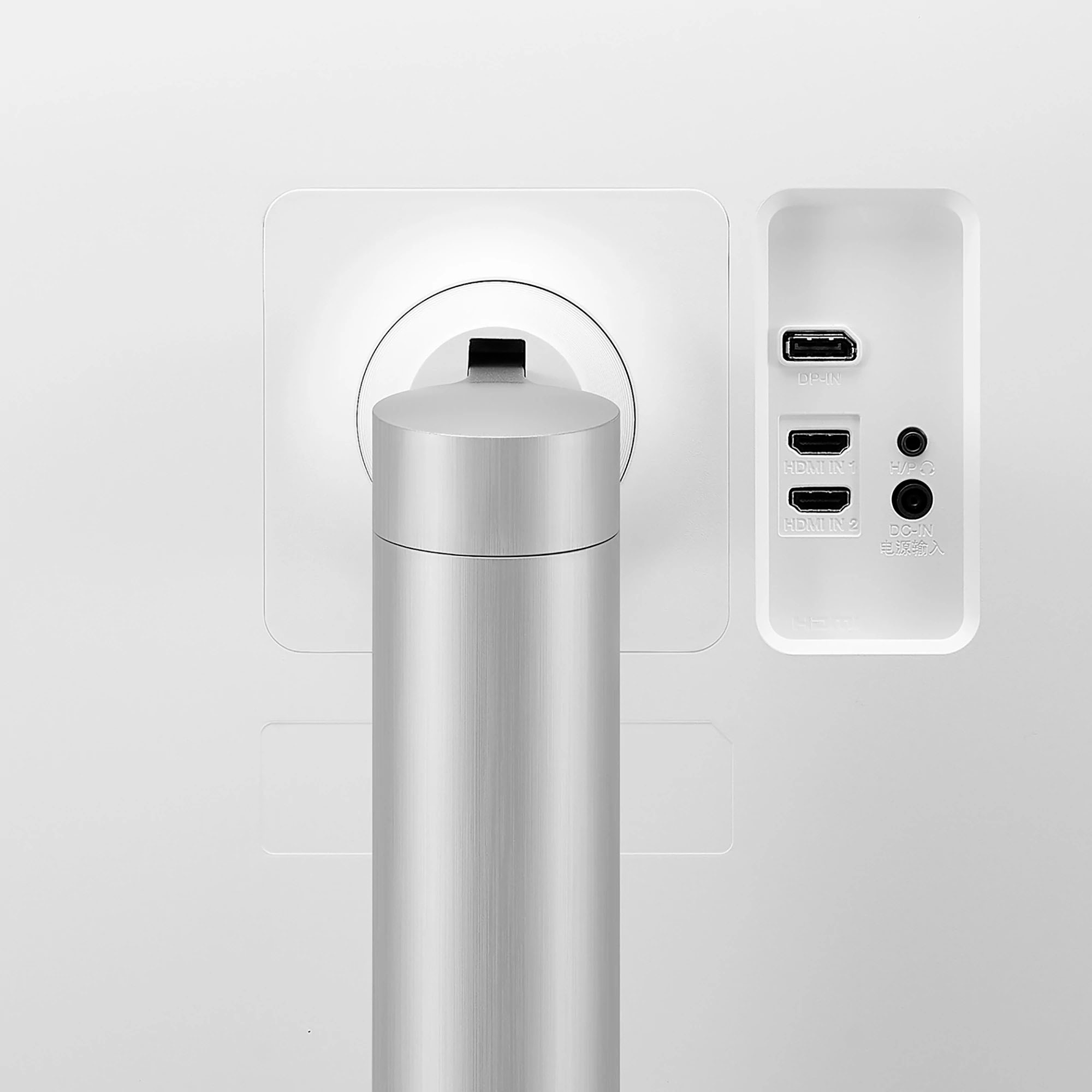
||Posted . Owned for 3 months when reviewed.This reviewer received promo considerations or sweepstakes entry for writing a review.This monitor has a slim profile, and I LOVE the wide screen. My fault for not double checking the USB C ports in the back - there are none. I bought an HDMI adapter to be able to plug into my MBP (which also that I need to keep it plugged in separately - lots of cables). The picture quality is terrific - super crisp and detailed. However, I work in Illustrator a lot, and the screen renders black edges around the text. This may be because of sharpness; I might be able to troubleshoot, but it is annoying when typesetting. Overall a great purchase for the price. In addition, the speakers are decent quality for virtual meetings and music at my desk, if I choose.
I would recommend this to a friend - Pros mentioned:Screen sizeCons mentioned:Refresh rate
Great size and colors
||Posted . Owned for 10 months when reviewed.This reviewer received promo considerations or sweepstakes entry for writing a review.Awesome monitor for a great price. Colors out of the box are great. Only wish it was higher than 60fps.
I would recommend this to a friend Great for programing and reading
||Posted . Owned for 2 weeks when reviewed.This reviewer received promo considerations or sweepstakes entry for writing a review.This LG monitor is incredibly good. I replaced two monitors with this LG and don't regret it, the 4K resolution makes it easy to view two screens at a time. The speakers aren't very loud and quality is mediocre so plan on having other speakers. I use this monitor for programing and reading, and the Read picture mode is perfect.
I would recommend this to a friendBrand response from LGAnswers
Posted .Hello there. Thank you for reaching out. We are excited to hear that your are enjoying your new LG Monitor. If you have any questions in the future please don't hesitate to contact our Support Team on Facebook or Twitter. They will be glad to assist you. Thank you. `Jai.

- Pros mentioned:Ease of use
Awesome gaming monitor!
||Posted . Owned for 3 weeks when reviewed.This reviewer received promo considerations or sweepstakes entry for writing a review.Great monitor, awesome value, easy to assemble, incredible value!
I would recommend this to a friend