Customer Ratings & Reviews




- Model:
- 34WK95U-W
- SKU:
- 6280602
to a friend
Customers are saying
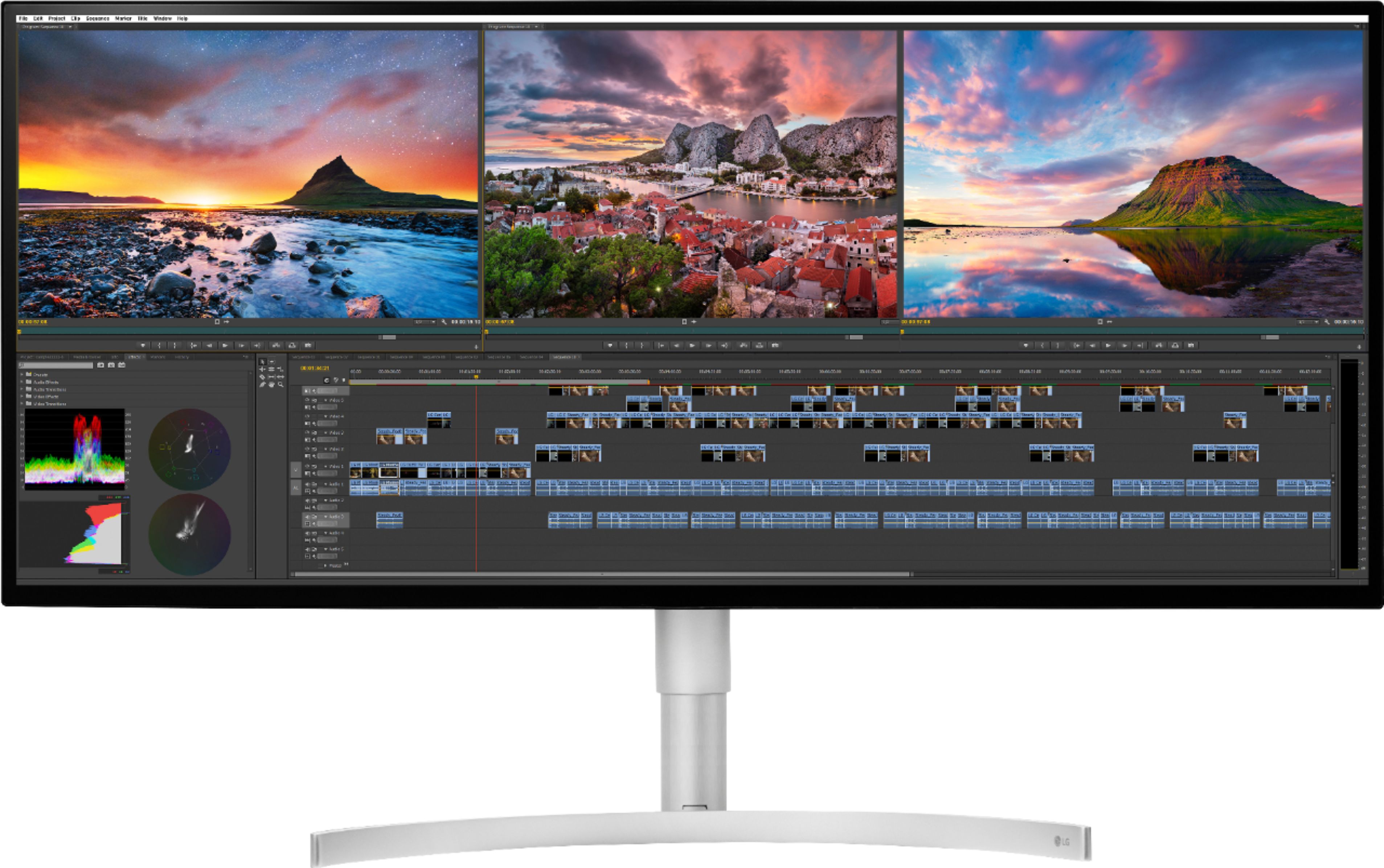
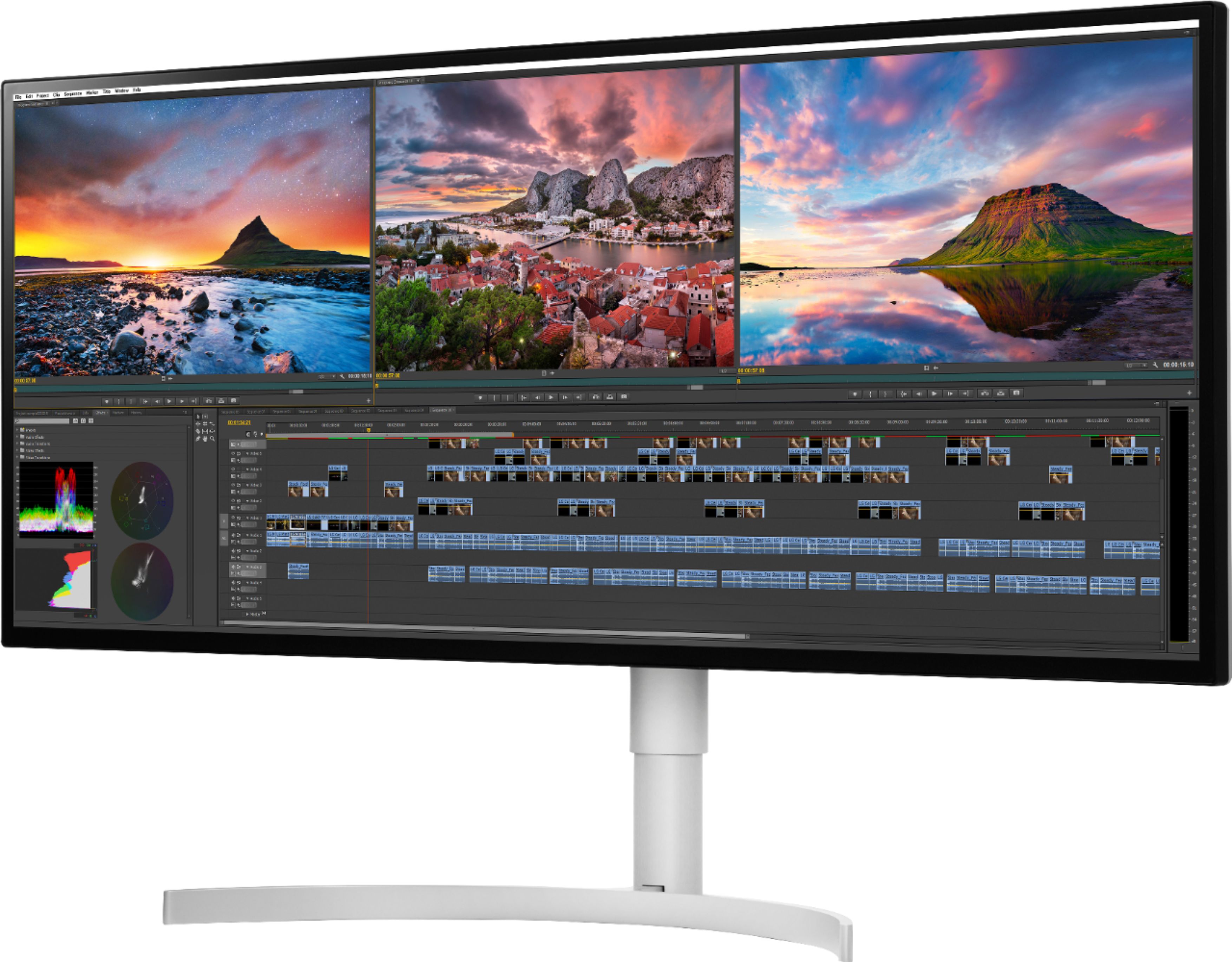
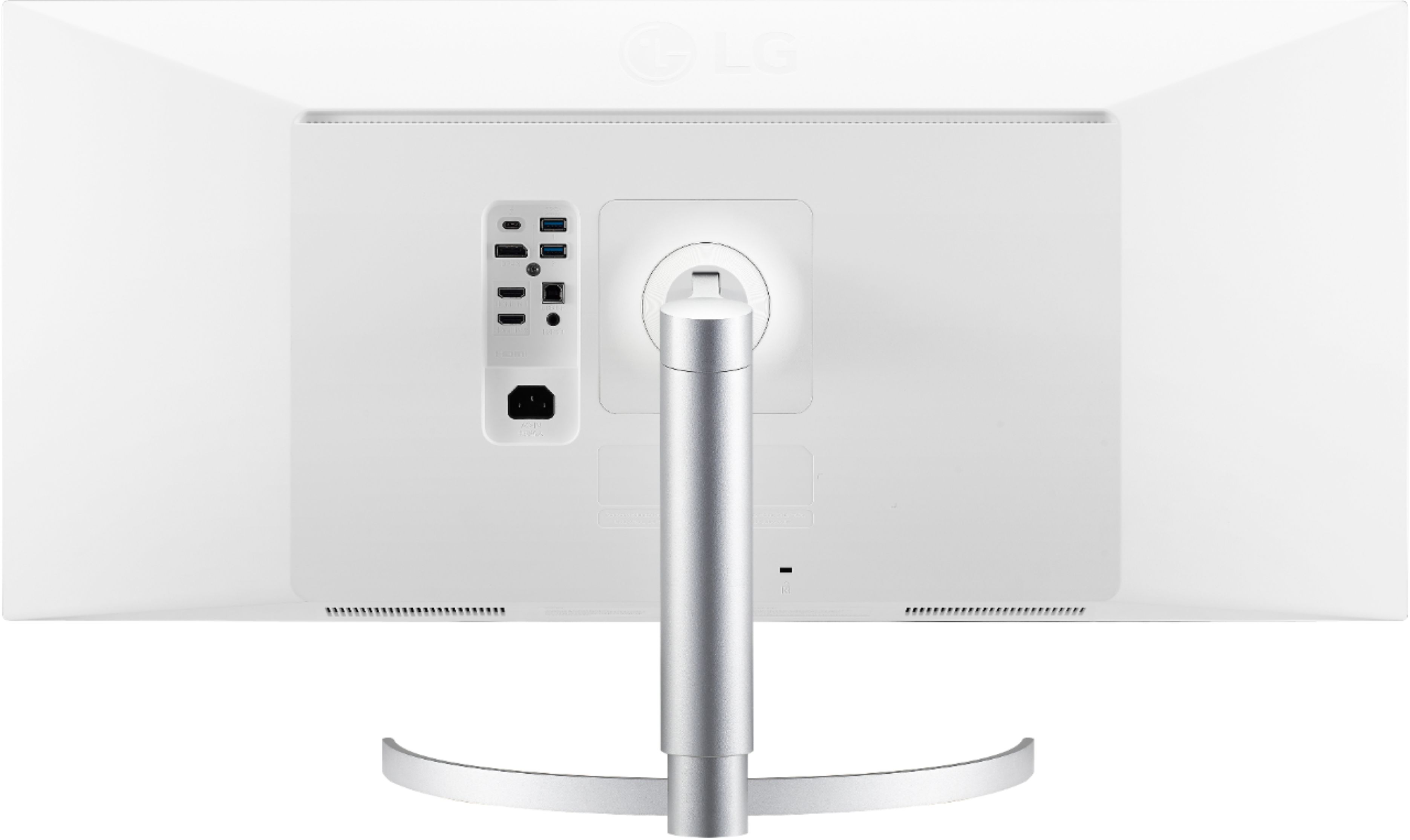
Customers find value in the large screen size of the 34WK95U-W monitor, praising its ability to accommodate multiple applications and providing a visually appealing display. The USB-C functionality is also appreciated for its convenience in connecting and powering laptops. However, some customers reported issues with screen quality, including visible imperfections and backlight bleed.
This summary was generated by AI based on customer reviews.
- Pros mentioned:Usb-cCons mentioned:Screen quality
Works with 2018 MacBook Pro.. however
||Posted .This reviewer received promo considerations or sweepstakes entry for writing a review.2018 MacBook Pro 560x. Latest Mojave. Using Apple 0.8m USB-C thunderbolt 3 cable, hooked to left rear port. Looks awesome...except for the dirt that is behind the screen. At first I thought dead pixels? Really? Then I thought I dinged the front of the screen when I unboxed it today, even though I took my watch and ring off. Well nope ....running my finger gently over it I don’t feel anything. Even getting my microfiber gently over it and nothing… It’s smooth there ....there was nothing there on the screen. This is behind it. It’s almost the shape of a bug, but no appendages and it doesn’t move. It’s dirt from manufacturing. You have to be kidding me on a monitor this much. Now I have to box the whole dang thing up after I just opened it today and lug it down to the store.... been waiting a month to open this!
I would recommend this to a friendBrand response from LGAnswers
Posted .Thank you for your feedback, it is very important to us. I hate to hear you had a defect on your monitor and I would be more than happy to assist. If you would, please reach out to us via phone at 1-800-243-0000 or online on Facebook https://www.facebook.com/LGUSSupport or Twitter @LGUSSupport so I can gather the necessary information from you. ^AB

Piece of junk
||Posted . Owned for 6 months when reviewed.This reviewer received promo considerations or sweepstakes entry for writing a review.Does not work on any 2017-2020 MacBook Pro using USB-C (Thunderbolt 3). The cable it comes with isn’t recognized by the MacBook Pro and it’s just useless. Will return.
No, I would not recommend this to a friendBrand response from LGAnswers
Posted .We are sorry to hear you are having trouble using your new monitor. For assistance, please give our computer specialists a call at 800-243-0000. ^CP
- Pros mentioned:Usb-c
Excellent picture quality.
||Posted . Owned for 1 month when reviewed.This reviewer received promo considerations or sweepstakes entry for writing a review.Very good color accuracy and the USH C functionality to pair with my Macbook Pro is awesome!
I would recommend this to a friend - Pros mentioned:Screen sizeCons mentioned:Screen quality
Beautiful
||Posted .This reviewer received promo considerations or sweepstakes entry for writing a review.It's a beautiful display but expensive. Wish they used less plastic for the price that you pay. Brightness is fantastic and the work space area is great for time line based applications. For Mac users it is a Little disappointing since when using it in 5k2k mode, everything becomes too small in detail putting strain on you eyes.
I would recommend this to a friend Persistent mac connection issues hold it back
||Posted . Owned for 3 weeks when reviewed.This reviewer received promo considerations or sweepstakes entry for writing a review.I really wanted to give this monitor a 5 star review but simply cannot. I did a lot of research and knew about the reported issues with the 2018 mac laptops but thought I would be safe since I have a 2019 macbook pro. Unfortunately, I am disappointed. Even on my mid-2019 macbook pro, the thunderbolt 3 connection DOES NOT display video. Monitor does charge the laptop but no video signal on TB3 connection on a 2019 MBP with Catalina 10.15.6 Also, could not get through to LG support mid-day on a Saturday. Totally unacceptable for a monitor this price, company this big, and issue this persistent. Why isn't this fixed yet?? I would urge extreme caution when decidiing on this monitor. I will plan to use displayport through my Caldigit TS3 dock which works well, but there is no excuse for why TB3 STILL doesn't work on new macbook pros.
No, I would not recommend this to a friendBest monitor ever
||Posted . Owned for 1 year when reviewed.This reviewer received promo considerations or sweepstakes entry for writing a review.This is the best monitor I have ever used. It works great with mac and other THunberbolt laptops. it is also good on pc using displyport. It has no latency and amazing color.
I would recommend this to a friendFreakin LG! Too many Issues!
Posted .This reviewer received promo considerations or sweepstakes entry for writing a review.USB-C is NOT compatible with the NEW 2018 MacBook Pro 15.4 i7. Mac won't detect the monitor. And when I use an cdmi cable. It will only show 3440x1440 resolution. using "default" or "scaled". This is so frustrating! And the DP cable that comes with the monitor. You can't even use it because the NEW 2018 MacBook Pro does NOT have a DP port. Unless you want to buy another accessories just to plug in the DP cable. Check the forums and you will be surprised how many people are spending their time rating to figure out why the Thunderbolt 3 cable/port isn't working on the NEW 2018 MacBook Pro. Just imagine, why would LG make a NEW 5K MONITOR that won;'t be fully compatible with the NEW 2018 MacBook Pro??? FORUM: https://www.reddit.com/r/ultrawidemasterrace/comments/9p4vx8/help_lg_34wk95u_macbook_pro_2018/#bottom-comments
No, I would not recommend this to a friendBrand response from LGAnswers
Posted .Thanks to your feedback and the feedback of others, the compatibility issue has been fixed in macOS 10.14.2 beta2 which was released for beta testers on 11/7/2018. We expect the upcoming official version will include the solution. Until the new OS is released, it is possible to connect the 2018 15” Macbook Pro with the 34WK95U using a USB-C to DisplayPort cable. ^CP
Awesome!
||Posted .This reviewer received promo considerations or sweepstakes entry for writing a review.Using with MacBook Pro 2016 maxed specs. Plug and play with thunderbolt 3. Looks amazing. Using the usb’s On back 1 with Ethernet adaptor and the other for speakers. Everything works like I hoped it would. Some reviews I read had me worried but no issues here!
I would recommend this to a friend- Pros mentioned:Usb-c
It's a 5k monitor, docking station, and charger!
||Posted . Owned for 3 weeks when reviewed.This reviewer received promo considerations or sweepstakes entry for writing a review.Using on a 2019 16" MacBook Pro, I find it works very well. One USB C cable from the monitor to the laptop gives me the screen, charging, and access to the USB ports on the back to connect peripherals. Also note that there is no power brick or 'wall wart' as the power supply is integrated into the monitor. At 5120 *2160, I have room to edit 4k video with a bit to spare on one side. The color range is excellent. Others have complained about it not waking up properly, but that has not been my experience in Catalina. It is a bit pricy, but if you need 5k, it's not too bad. If you don't, there are 3440 * 1440 versions that will save you quite a bit.
I would recommend this to a friend - Pros mentioned:Screen size
Great Monitor but with compatibility problems
||Posted .This reviewer received promo considerations or sweepstakes entry for writing a review.This screen is wonderful, but it still doesn't work very well with the new MacBook Pro 2018 Vega 20. I hope to have a solution soon.
I would recommend this to a friend Very good for media editor / developer
||Posted .This reviewer received promo considerations or sweepstakes entry for writing a review.Very good morning but not for MacBook Pro 2018 13 inch. It has some issue with usb c. Otherwise everything is great
I would recommend this to a friend- Pros mentioned:Screen size
Great Monitor for improving effencicy
||Posted . Owned for 2 months when reviewed.This reviewer received promo considerations or sweepstakes entry for writing a review.I needed a monitor to allow me to see multiple applications on one screen so I could be more productive as a work-at-home employee. This monitor is perfect for just that. I can expand an excel spreadsheet to see multiple columns, or I can have 6 applications or more on one screen in a smaller view so I can maximize performance.
I would recommend this to a friend Beautiful Ultrawide for Video & Photo Editing
||Posted .This reviewer received promo considerations or sweepstakes entry for writing a review.I bought this 'top-of-the-line' 5k2k LG to go with a high-end, custom-built (Puget Systems) video editing workstation with Nvidia RTX 2070. Couldn't be more pleased. It's perfect for a NLE like DaVinci Resolve. Although Best Buy wasn't the cheapest price, you can't afford to be without their great insurance plans on high-ticket items. Thank you, Best Buy.
I would recommend this to a friend- Cons mentioned:Screen quality
Returned because it had a huge green line
||Posted . Owned for 1 year when reviewed.This reviewer received promo considerations or sweepstakes entry for writing a review.I was so excited for this monitor because of reviews, but behold, it had a long green line in the screen upon unboxing :(. Returned and bought an iMac instead
No, I would not recommend this to a friend Incredible Ultrawide Monitor
||Posted .This reviewer received promo considerations or sweepstakes entry for writing a review.Flawless plug and play with 2017 MBP 15 inch (Radeon Pro 560)
I would recommend this to a friendgreat picture
||Posted . Owned for 10 months when reviewed.This reviewer received promo considerations or sweepstakes entry for writing a review.great picture. I am very happy with purchase. Some burn in.
I would recommend this to a friendSuper high end monitor
||Posted .This reviewer received promo considerations or sweepstakes entry for writing a review.This is one great monitor. The resolution is incredible. Make sure and have video card to support 5k resolution. Colors are great. Really good for color work using Photoshop.
I would recommend this to a friendGets the job done, but very expensive!
||Posted .This reviewer received promo considerations or sweepstakes entry for writing a review.Gets the job done, but very expensive! Gets the job done, but very expensive!
No, I would not recommend this to a friendBrand response from LGAnswers
Posted .We appreciate your review for the 34WK95U-W! If you need assistance with your monitor, please give our computer specialists a call at 800-243-0000. ^CP
- Cons mentioned:Screen quality
HDR Sounds Great, but Buyer Beware
Posted .This reviewer received promo considerations or sweepstakes entry for writing a review.Pros: One of the few high DPI monitors on the market with HDR. Cons: The main thing that everyone buys a monitor at this prices tends to buy them for: Image quality Don't be fooled by the Linus TechTips video, the reviews listed, the 5x2K, the HDR, or anything of the sort. This monitor is trash if you like having good contrast and high image quality. Even as I type this review on this monitor, I can see the backlighting around the edges in the mid-range darks. And when I say the edges, I mean it's more of a reverse vignette effect - as in every corner of the screen ranging to the middle of the screen you can see shimmering from the backlight. Additionally even though LG will say this monitor is "flickerless", it is not. The strobe from the backlight is easy to detect with a cellphone camera. Sure it offers HDR and DCI-P3, but with HDR your expectation is that the blacks are deep, and the contrast is high. You will see mid to light gray blacks, and not even middling contrast performance resulting in me returning this monitor. This is a hard pass for anyone purchasing this monitor with the expectation that it's remotely worth the $1400 price tag it's currently offered for.
No, I would not recommend this to a friendBrand response from LGAnswers
Posted .Hello and thank you for your review, it is extremely important to us. It is terrible to hear that the monitor you purchased did not meet your expectations. I can understand how frustrating this situation may be for you and I would love to help out. If there is anything we can do to assist in the near future feel free to reach out to us directly at 1(800)243-0000 via Facebook https://www.facebook.com/LGUSSupport or Twitter @LGUSSupport. ^TH
Fabulous
Posted .This reviewer received promo considerations or sweepstakes entry for writing a review.I bought this elsewhere, because it wasn't in stock here. There's a lot of misinformation about this monitor. You can't use the wrong cables, ports, etc and expect it to work. I have an MSI GT75 8RG (1080 card with thunderbolt 3, mini DP, and an i9. It worked with both the mini DP (i used a mini DP to DP cable $15.) and the thunderbolt 3 it came with. I haven't tried a USB C port, but i believe that won't work at full resolution. 34" at this resolution is pure beauty. I don't game, this is all about color accuracy and screen real estate. Do your homework and you won't be disappointed. I was so distrusting I went to the store with my laptop to make sure it worked. One note, the DP cable i am using is rated only to 4K. My laptop should be DP 1.4 with my card, but the specs say 1.2, so didn't expect it to work, but it does fine.
I would recommend this to a friend